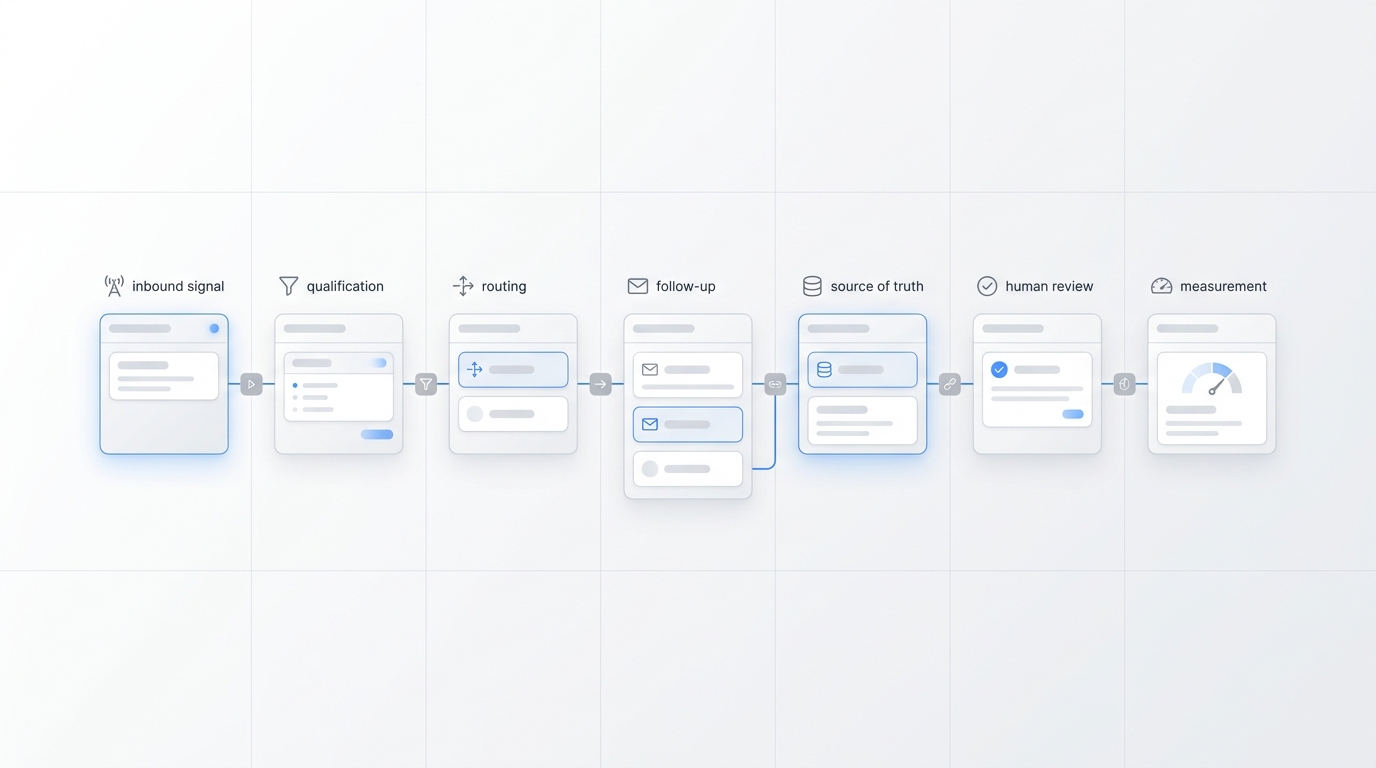
GTM automation becomes confusing when every tool promises to automate everything. A better starting point is narrower: identify the one repeated customer journey where a faster, more consistent next step would improve a business outcome.
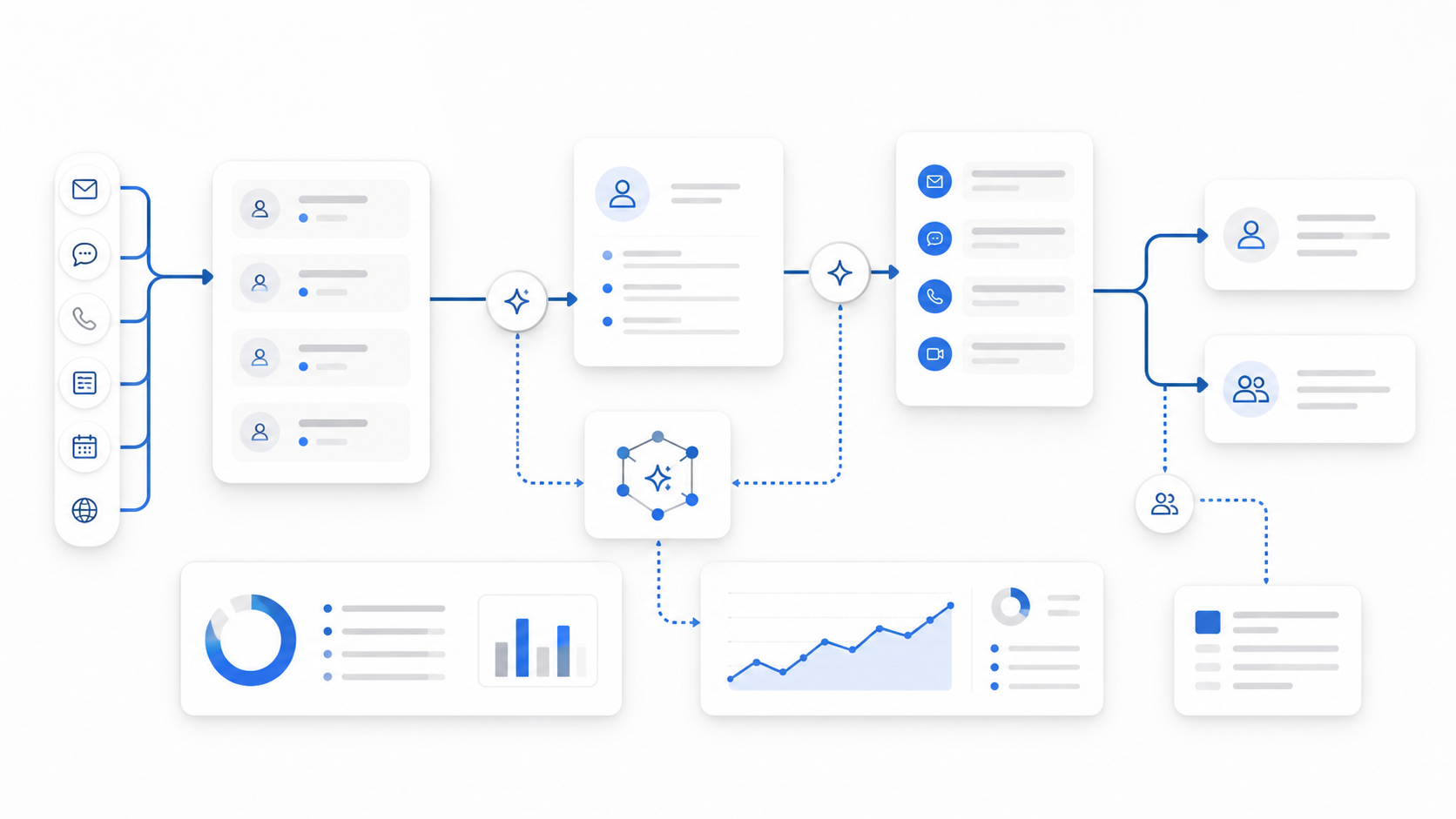
For a service business, that journey often begins with an inbound call, text, chat, or form. The customer wants an answer. The business needs enough information to decide whether to book, route, follow up, or escalate. A useful first automation connects those steps without removing human judgment where it matters.
This GTM automation beginner guide gives you a practical scorecard for choosing that first workflow. It also explains which workflows are usually beginner-friendly, which ones should stay human-led, how to compare tools, and how to run a small pilot before expanding your stack.
If you still need the fundamentals, start with the introductory GTM automation guide. This article focuses on the next decision: what should you automate first?
What should a beginner automate first?
The best first GTM automation is usually a workflow that is:
- frequent enough to matter;
- repetitive enough to standardize;
- simple enough to explain as rules;
- measurable from trigger to outcome;
- reversible when something goes wrong;
- easy to hand to a person when the situation changes.
That is why a practical GTM automation beginner guide usually starts with inbound response, basic lead qualification, appointment booking, reminders, and internal handoff. These workflows occur often, follow recognizable patterns, and can produce visible operational outcomes.
The worst first workflow is usually the opposite: rare, ambiguous, high-risk, dependent on several disconnected systems, or impossible to measure. Automating a complicated exception process before the basic customer path works reliably adds software without reducing friction.
Use this GTM automation beginner scorecard
Score each candidate workflow from 1 to 5 across the six criteria below. A score of 1 means poor fit for a first automation. A score of 5 means strong fit.
| Criterion | Question to ask | Strong beginner fit |
|---|---|---|
| Frequency | How often does this happen? | Daily or several times per week |
| Repeatability | Does the same basic sequence occur each time? | Clear, consistent steps |
| Rule clarity | Can the team explain the decision rules? | Rules fit on one page |
| Outcome visibility | Can you tell whether it worked? | A booking, qualified lead, response, or completed handoff |
| Exception safety | Can unusual cases be escalated? | Clear human handoff path |
| System readiness | Are the required data and tools available? | Few dependable integrations |
Add the six scores. The total gives you a simple priority signal:
- 25–30: strong first-workflow candidate;
- 19–24: promising, but simplify the scope before launch;
- 13–18: fix the process or data before automating;
- 6–12: keep it manual for now.
The number is not a universal benchmark. In this GTM automation beginner guide, it is a decision aid that forces the team to compare workflows using the same questions.
Example: missed-call follow-up
Imagine a local service company where calls sometimes go unanswered while employees are serving customers.
| Criterion | Score | Why |
|---|---|---|
| Frequency | 5 | Missed calls occur regularly |
| Repeatability | 5 | The first response follows a consistent pattern |
| Rule clarity | 4 | Ask service, location, timing, and contact details |
| Outcome visibility | 5 | Track conversations, qualified requests, and bookings |
| Exception safety | 4 | Urgent or unusual requests can alert a person |
| System readiness | 4 | Requires phone, messaging, booking, and a record system |
| Total | 27 | Strong first-workflow candidate |
The automation does not need to sell the service by itself. It needs to acknowledge the inquiry, collect the minimum useful context, offer the right next step, and escalate exceptions.
Five GTM workflows beginners should evaluate
Not every business should choose the same first workflow. Use this GTM automation beginner guide scorecard on these five common candidates.
1. Immediate inbound response
Trigger: A prospect calls, texts, starts a chat, or submits a form.
Automated action: Respond immediately, confirm the inquiry was received, and begin the appropriate intake path.
Why it works as a first project: The trigger is obvious, the response can be standardized, and the team can measure whether the conversation continued.
Keep human: Sensitive requests, complaints, unusual circumstances, or questions outside the approved knowledge base.
For businesses where the phone is a major demand channel, an AI receptionist can become the response layer across calls and messages while preserving a human escalation path.
2. Basic lead qualification
Trigger: A new inquiry enters the response workflow.
Automated action: Ask a short, approved set of questions about service needed, location, timing, budget range when appropriate, and preferred next step.
Why it works as a first project: The business already asks these questions manually. Automation improves consistency and captures structured context before handoff.
Keep human: Complex eligibility decisions, negotiations, high-value opportunities, or any question that requires professional judgment.
The beginner mistake is turning qualification into an interrogation. Ask only for information that changes routing, booking, or follow-up.
3. Appointment booking
Trigger: A qualified prospect is ready to schedule.
Automated action: Show valid appointment options, collect required details, confirm the booking, and send reminders.
Why it works as a first project: The desired outcome is concrete and easy to track.
Keep human: Scheduling conflicts, special accommodations, multi-party appointments, or requests that do not fit standard availability.
If booking is your main conversion event, use the deeper guide to appointment booking automation for service businesses to map the workflow boundaries.
4. Follow-up after no response
Trigger: A prospect starts but does not complete the next step.
Automated action: Send a limited sequence of relevant reminders, preserve the prior context, and stop when the prospect replies, books, opts out, or reaches the sequence limit.
Why it works as a first project: The rules can be explicit and the workflow can prevent leads from disappearing because a team member forgot a task.
Keep human: Personalized outreach for high-value opportunities, sensitive conversations, or situations where a standard reminder would feel inappropriate.
Good follow-up automation has clear stopping rules. More messages are not automatically better.
5. Internal handoff and summary
Trigger: The workflow reaches a decision point that needs a person.
Automated action: Send the right teammate a concise summary with contact details, customer need, completed questions, urgency, source, and recommended next action.
Why it works as a first project: It reduces repeated questions and makes ownership visible.
Keep human: The actual decision, advice, negotiation, exception handling, or relationship management.
This workflow is valuable even when customer-facing automation is limited. A reliable summary and alert can improve the transition from automated intake to human action.
What should stay human-led?
A responsible GTM automation beginner guide should be clear about boundaries. Keep a step human-led when it requires one or more of the following:
- nuanced judgment with incomplete information;
- legal, medical, financial, or safety-sensitive decisions;
- negotiation or custom pricing approval;
- emotional awareness during complaints or difficult situations;
- strategic account planning;
- exceptions that occur too rarely to define reliably;
- irreversible actions with significant consequences.
You can still automate the preparation around these moments. The system can gather context, create a summary, identify urgency, and notify the right person. The human remains responsible for the decision.
How to define the minimum viable workflow
Once you choose a candidate, resist the urge to automate the entire funnel. The GTM automation beginner guide approach is to define the smallest complete path that produces a measurable result.
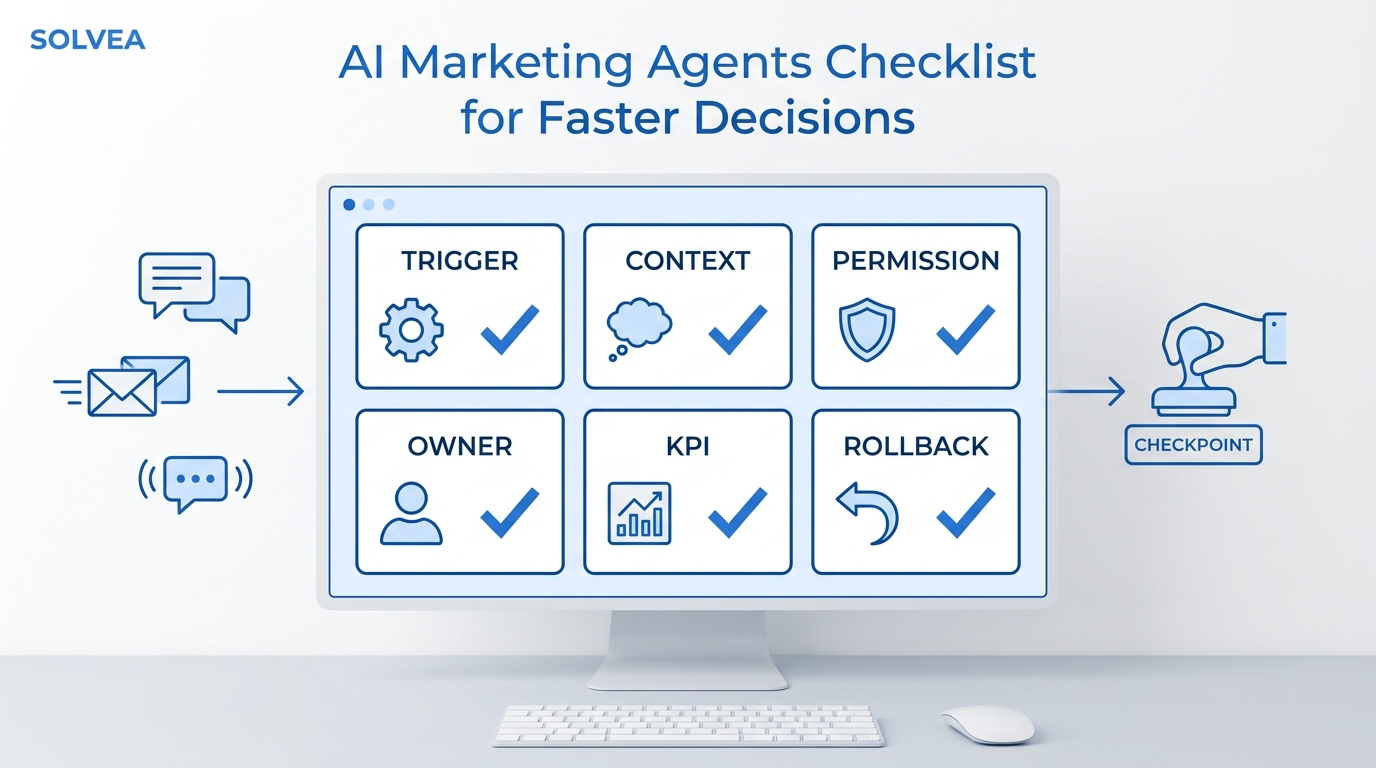
Use this one-page workflow specification:
- Trigger: What exact event starts the workflow?
- Customer: Who enters it, and who should not?
- Inputs: What minimum information is required?
- Rules: Which conditions change the next step?
- Actions: What can the system safely do?
- Handoff: When and how does a person take over?
- Record: Where is the conversation and outcome stored?
- Success: What observable event counts as completion?
- Failure: What should happen if a tool, integration, or response fails?
Here is a compact example:
When a new customer calls after hours, answer the call, collect the requested service and ZIP code, offer an appointment if the request is in scope, send urgent cases to the on-call person, write the conversation summary to the customer record, and count a confirmed appointment as success.
If the team cannot explain the workflow this clearly, the process is not ready for automation.
How to evaluate GTM automation tools
Do not begin with the longest feature list. Begin with the workflow you just defined and evaluate whether a tool can run it dependably.
| Evaluation area | Beginner question |
|---|---|
| Channel coverage | Does it work where customers actually contact us? |
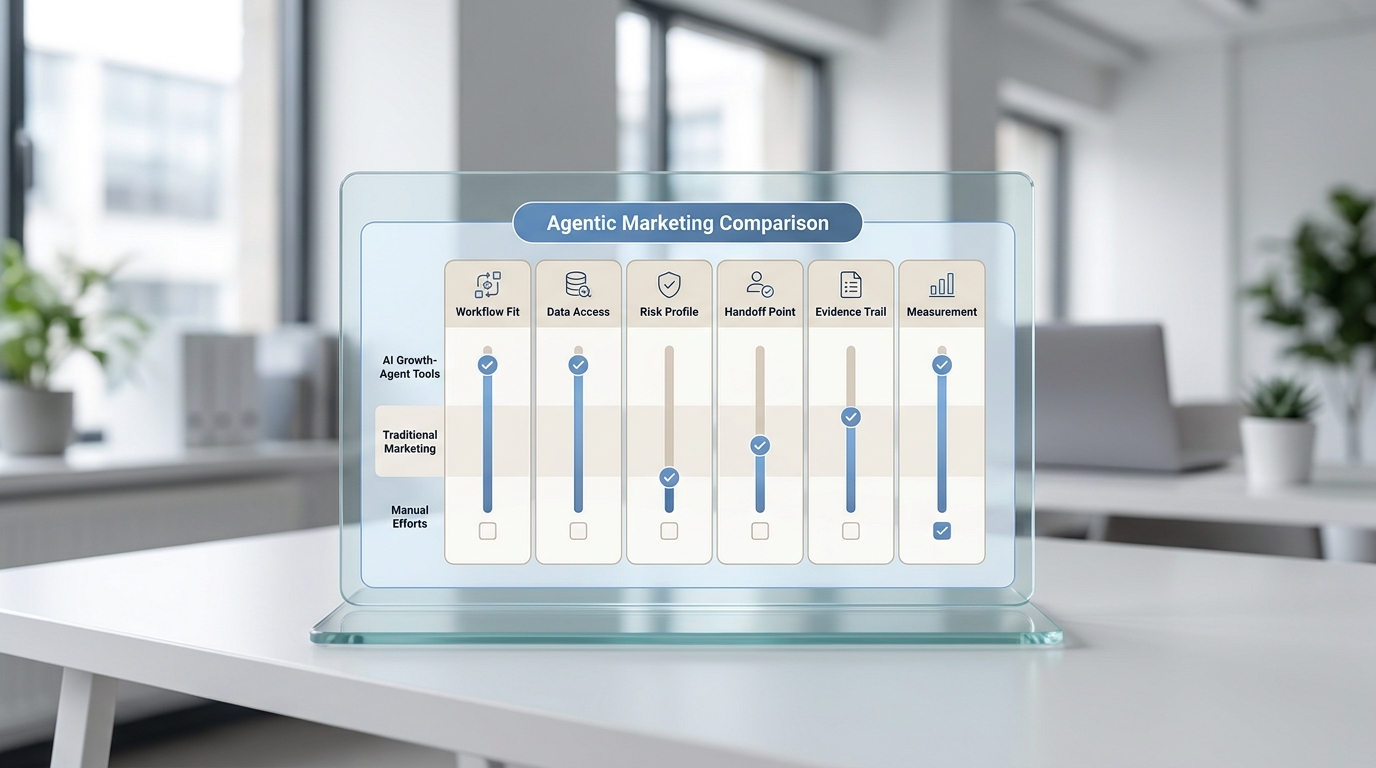
| Workflow fit | Can it support our trigger, rules, actions, and handoff? |
| Knowledge control | Can we define what it may say and when it must escalate? |
| Integrations | Can it connect to the calendar, CRM, inbox, or record system we use? |
| Visibility | Can we review conversations, outcomes, errors, and ownership? |
| Administration | Can a non-technical operator update hours, rules, and content? |
| Reliability | What happens when an integration or downstream system is unavailable? |
| Expansion | Can we add a second workflow without rebuilding the first? |
For beginners, ease of control is more important than theoretical flexibility. Any GTM automation beginner guide that ignores day-to-day administration misses a major risk: a powerful platform that only a specialist can safely update may create a new bottleneck.
Also distinguish between workflow orchestration and customer interaction. An orchestration tool moves data and triggers actions between systems. A customer interaction layer handles calls, texts, chats, and answers. Some businesses need one; many need both.
If you are comparing the operating cost of managing multiple automated workflows, the agent workflow management cost and ROI guide provides a useful next step.
A 14-day beginner pilot
A short pilot should prove that one workflow can operate safely before you add more channels or branches. This GTM automation beginner guide uses 14 days as a practical sequence, not a guaranteed implementation timeline.
Days 1–2: Baseline the manual process
Record how the workflow works today. Note the number of inquiries, common questions, average handoff pattern, failure points, and the final outcome you want to improve.
Days 3–4: Write rules and boundaries
List approved questions, answers, routing conditions, escalation reasons, business hours, and stopping rules. Identify anything the automation must never decide.
Days 5–6: Connect the minimum systems
Connect only what the first workflow requires. That may be one communication channel, one calendar, and one system of record.
Days 7–8: Test normal and failure paths
Test successful bookings, out-of-area inquiries, urgent requests, unavailable appointment slots, repeat customers, unclear answers, integration failures, and requests for a person.
Days 9–11: Launch to a narrow audience
Start with one location, one service line, one channel, or one time window. Review the workflow daily and correct rules before expanding.
Days 12–14: Compare outcomes
Compare the pilot with the manual baseline. Look at response completion, qualified conversations, bookings, handoff completion, errors, and the amount of staff work required.
At the end of the pilot, make one of three decisions:
- Expand: The workflow is reliable and produces the intended outcome.
- Revise: The concept works, but rules, knowledge, or integrations need improvement.
- Stop: The workflow is too ambiguous, risky, or operationally weak to automate now.
Stopping a weak automation is a successful decision. It prevents a flawed process from spreading.
Beginner metrics that matter
The measurement rule for this GTM automation beginner guide is simple: measure the workflow, not the amount of software activity.
| Metric | What it tells you |
|---|---|
| Response completion | Whether the system acknowledged and continued the inquiry |
| Qualification completion | Whether required information was collected |
| Booking or next-step rate | Whether the workflow advanced the customer |
| Human handoff completion | Whether the right person received usable context |
| Error rate | How often integrations, rules, or responses failed |
| Override rate | How often staff had to correct or replace the automated action |
| Time to outcome | How long it took to reach booking, routing, or resolution |
Avoid judging a workflow by messages sent, tasks created, or automations triggered. Those are activity counts. A beginner GTM automation should be tied to a customer or revenue outcome.
Common first-workflow mistakes
Choosing the most impressive workflow
The first automation should be the clearest valuable workflow, not the most advanced demonstration.
Automating a broken process
If employees use different rules, collect different information, or disagree about ownership, automation will reproduce the confusion faster.
Connecting too many tools
Every integration adds another dependency. Start with the minimum stack required to complete the workflow.
Hiding the human handoff
Customers and employees should know how exceptions reach a person. A handoff is part of the designed workflow, not evidence that automation failed.
Launching without failure tests
A happy-path demo is not enough. Test unavailable calendars, missing data, unclear requests, duplicate contacts, and disconnected systems before launch.
Expanding before reviewing outcomes
Do not add more workflows because the first one is technically running. Expand because it is producing a useful outcome reliably.
Your AI Receptionist, Live in Minutes.
Scale your front desk with an AI that never sleeps. Solvea handles unlimited multi-channel inquiries, books appointments into your calendar automatically, and ensures zero missed opportunities around the clock.
Frequently asked questions
What is the easiest GTM automation for beginners?
Immediate acknowledgment and routing is often the easiest place to start because the trigger is clear and the next action can be simple. Use the scorecard rather than assuming it is right for every business.
Do I need a CRM before I automate?
You need a dependable system of record, but it does not have to be a complex CRM. The important requirement is that customer context, ownership, and outcomes are stored somewhere the team can use.
Should I automate calls, texts, or forms first?
Start with the channel that creates the most valuable repeated workload and has the clearest success event. A service business that depends on phone inquiries may start with calls; another may begin with web forms or SMS.
How many tools should a beginner use?
Use the fewest tools that can complete the workflow safely. A typical first setup needs a customer interaction channel, a workflow or routing layer, a calendar or destination system, and a record of the outcome. Some platforms combine several of these functions.
When should I add a second workflow?
Add the next workflow after the first has stable rules, visible outcomes, a working handoff, and an acceptable error rate. Expansion should build on a dependable foundation.
Choose one workflow, then earn the right to expand
A useful GTM automation beginner guide does not begin with a giant software stack. It begins with a repeated customer journey, a clear next action, and a measurable outcome.
Use the scorecard to compare your candidates. Choose one workflow that is frequent, repeatable, measurable, safe to escalate, and supported by the systems you already have. Define its boundaries, run a narrow pilot, and review the result before adding more complexity.
That approach gives beginners something more valuable than a collection of automations: a dependable operating system for moving customer intent toward the right next step.