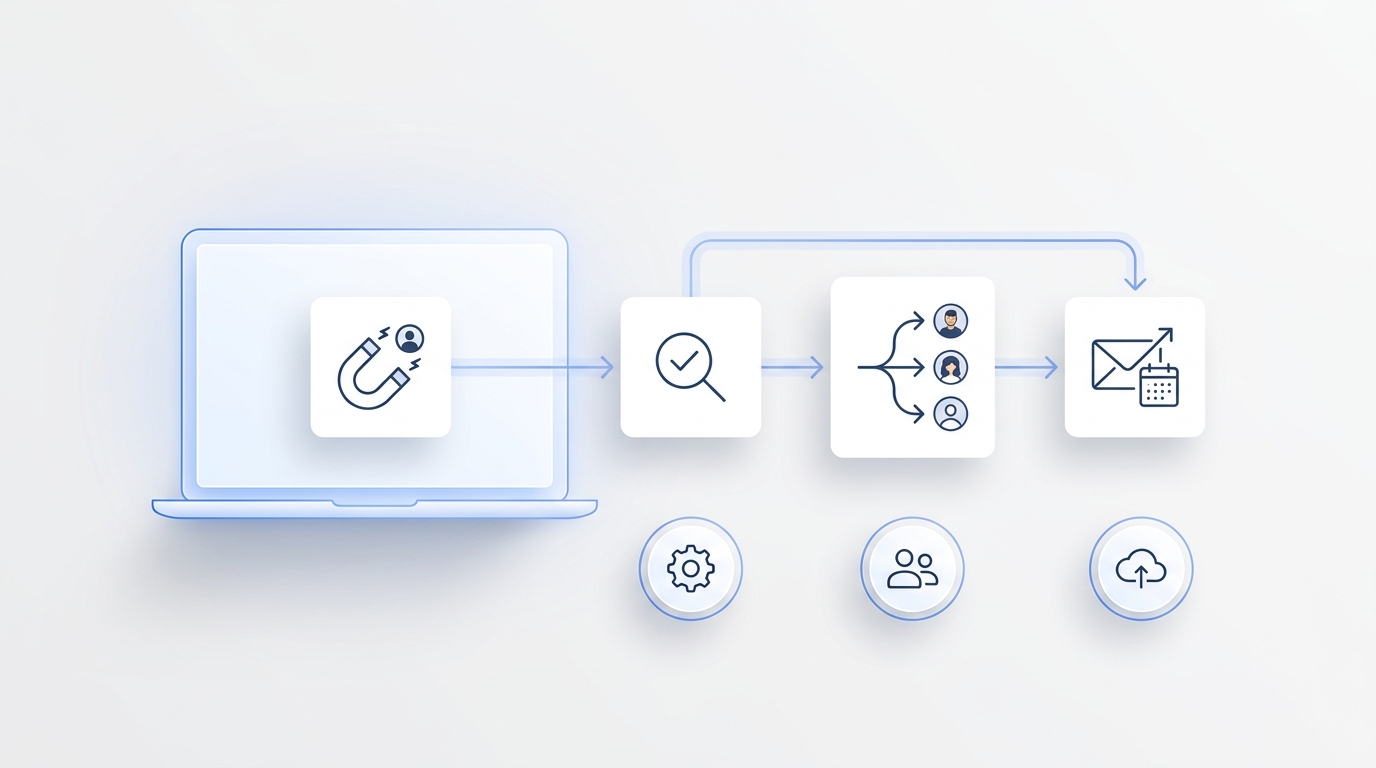
AI GTM agents are useful only when they are tied to a real go-to-market motion. A generic agent that can "help with sales" sounds impressive in a demo, but growth teams need something narrower: an agent that catches a signal, pulls the right context, takes the next allowed action, records the outcome, and hands off when judgment is required.
That is the difference between experimenting with AI and building an AI GTM agents strategy.
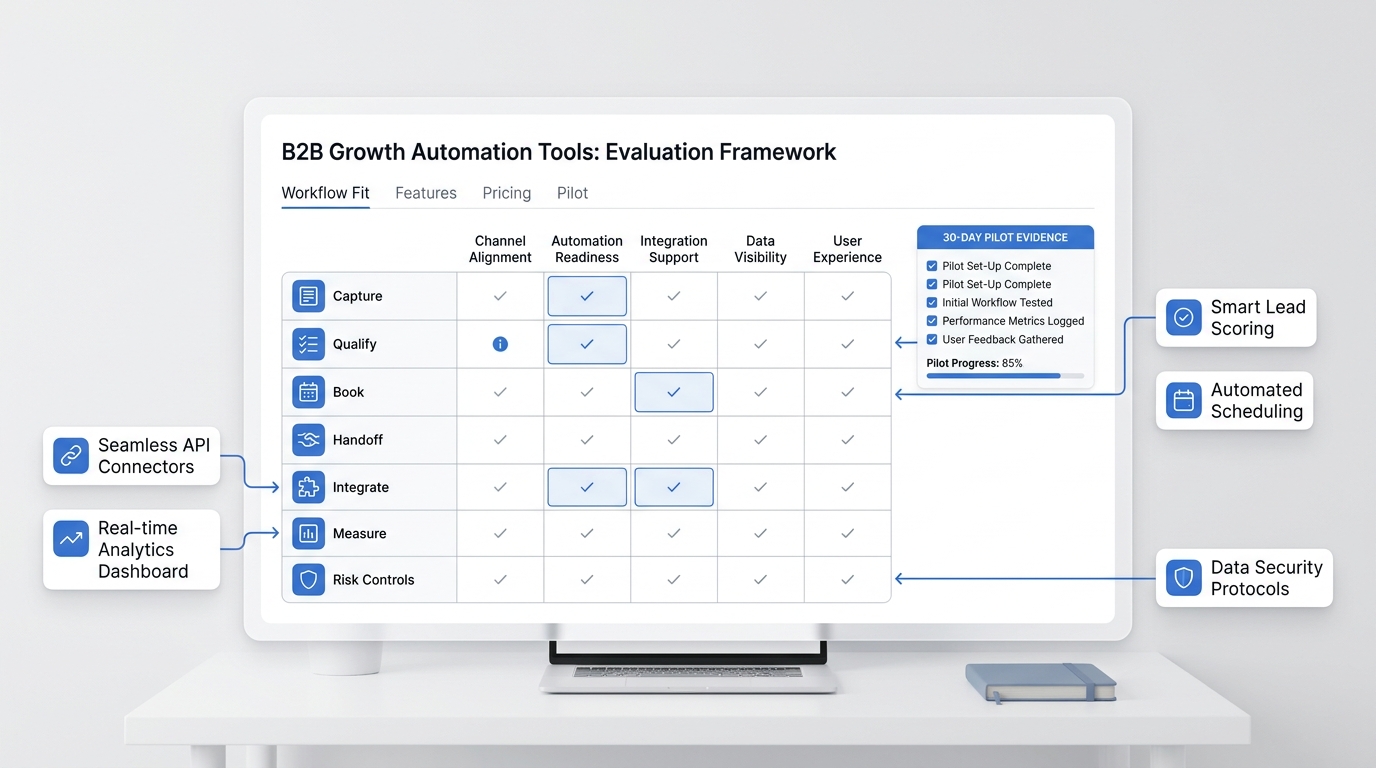
This guide gives growth teams a practical operating model: which workflows to automate first, what data each agent needs, where human approval belongs, and how to measure whether AI GTM agents are creating qualified pipeline instead of just producing more activity.
What an AI GTM agents strategy should decide
An AI GTM agents strategy is the ruleset for how agents support acquisition, conversion, retention, and follow-up. It should answer five questions before anyone buys tools or builds workflows:
- What signal starts the workflow?
- What source of truth does the agent use?
- What action can the agent take without approval?
- Where does the human handoff happen?
- What business outcome proves the agent worked?
Without those answers, AI GTM agents become disconnected helpers. One drafts emails. Another enriches contacts. Another summarizes meetings. The work may look busy, but the growth team still has to stitch everything together manually.
The better approach is to design agents around GTM bottlenecks. Start with the point where opportunities leak: missed inbound requests, slow qualification, unclear ownership, no-show demos, stale CRM records, inconsistent follow-up, or reporting that arrives too late to change behavior.
The growth team map: agent, trigger, action, owner
Use this table to decide where AI GTM agents belong in your growth motion.
| Growth motion | Trigger | Agent job | Human owner | Outcome to measure |
|---|---|---|---|---|
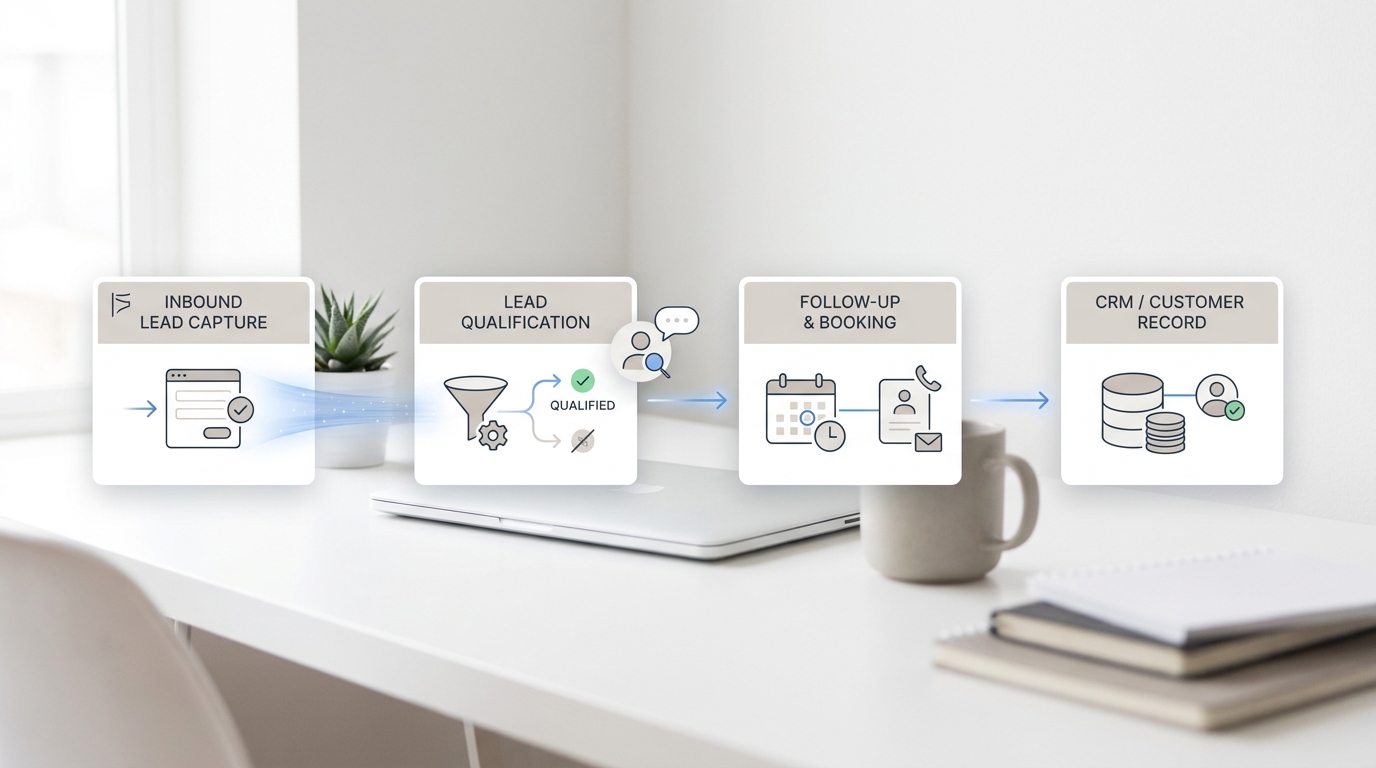
| Inbound capture | Form fill, chat, missed call, SMS, demo request | Capture context, summarize intent, create or update the record | SDR, owner-operator, front desk, growth lead | Speed to first response, qualified conversations, booked meetings |
| Lead qualification | High-intent question, reply, call transcript, intake request | Ask clarifying questions, score fit, route by urgency or segment | Sales, intake, service manager | Qualified lead rate, routing accuracy, lost-lead reduction |
| Scheduling | Booking intent, appointment request, meeting request | Check availability, propose times, confirm details, handle reminders | Sales rep, service team, calendar owner | Booked rate, no-show rate, reschedule completion |
| Follow-up | No reply, missed appointment, unresolved request | Send the next touch, change channel, escalate when needed | Account owner, operations lead | Follow-up completion, reactivation rate, assisted conversion |
| CRM and inbox hygiene | Call ends, conversation closes, task changes status | Summarize, tag, update fields, create next step | Revenue operations, team lead | Field completeness, task accuracy, auditability |
| Reporting | Daily or weekly review window | Summarize activity, blockers, quality issues, and next actions | Growth lead, founder, manager | Assisted conversions, cycle time, agent error rate |
The goal is not to automate every row at once. The goal is to pick the one row where delay or inconsistency costs the most.
If you need workflow-by-workflow examples after this strategy pass, read Solvea's guide to AI GTM agents workflows and examples. If the broader question is what to automate first, start with the GTM automation beginner guide.
Start with one source of truth
AI GTM agents fail when every tool has a different version of the customer. Before you add more automation, decide where the agent should read from and where it should write back.
For many growth teams, the source of truth is a CRM. For service businesses, it might be a shared inbox, call history, calendar, ticket queue, or customer conversation thread. The exact system matters less than the rule: every agent needs one reliable place to check context and one reliable place to log the result.
This is why the current market is moving toward connected agent systems rather than isolated prompts. HubSpot Agent Hub positions agents around CRM data. Clay focuses on revenue workflows and enrichment. Lindy frames its product as AI teammates. Relevance AI describes specialist agents across sales, customer success, marketing, and other functions. The labels differ, but the strategic requirement is the same: AI GTM agents need tool access, boundaries, and a record of work.
For service SMBs, Solvea applies the same principle to customer conversations. The product combines a business phone, AI answering, SMS, live chat, email, call summaries, transcripts, owners, statuses, integrations, and analytics so customer context does not disappear after the first touch. That makes AI GTM agents more useful because the handoff is attached to the conversation, not buried in a separate note.
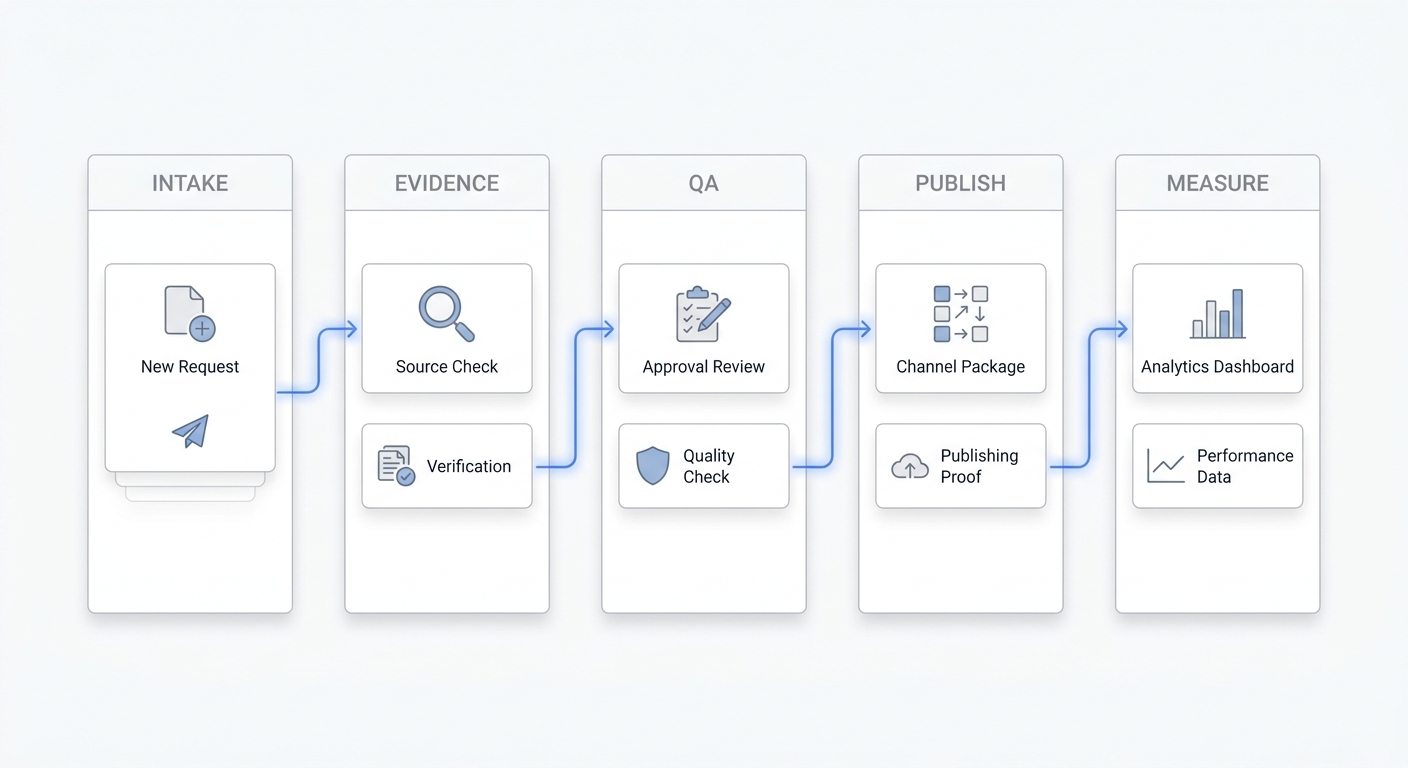
The operating model for AI GTM agents
Think of AI GTM agents as a managed workflow system, not a set of independent assistants. Each agent should have a narrow job description.
1. Signal agent
The signal agent watches for the events that matter: a missed call, form fill, inbound SMS, demo request, pricing-page question, abandoned booking, product inquiry, or reactivation trigger.
Its job is not to close the deal. Its job is to make sure the signal is captured quickly and consistently. The output should be a clean event record with the source, timestamp, contact details, intent, urgency, and next recommended step.
For service businesses, this is where an AI receptionist or AI phone answering workflow can create leverage. If a call arrives while the team is busy, the agent can answer first, ask what matters, summarize the request, and preserve the next step for follow-up.
2. Context agent
The context agent pulls what the team already knows. That may include CRM fields, prior conversations, appointment history, website source, campaign tag, order status, calendar availability, lead score, or account notes.
This is where teams should be careful. More context is not always better. The agent should use the minimum useful data needed to take the next step. If the workflow does not require billing data, private notes, or sensitive customer information, do not expose those fields. For a related measurement lens, see agentic marketing metrics.
3. Decision agent
The decision agent applies routing logic. It decides whether the request is urgent, qualified, unqualified, needs a human, needs a booking link, needs a callback, or should be parked for nurturing.
This is the point where many teams over-automate. If the decision affects pricing, legal terms, refunds, medical advice, financial advice, hiring, or contract commitments, human review should be mandatory. AI GTM agents should handle repeatable triage and next-step preparation. They should not invent policy.
4. Action agent
The action agent executes the approved next step. It might send a response, book a meeting, create a task, update a CRM field, assign an owner, send a reminder, or trigger a follow-up sequence.
Good action agents are boring. They do a limited set of things reliably. They do not need broad authority. They need clear permissions, clear fallback behavior, and clear logging.
5. Measurement agent
The measurement agent turns agent activity into a weekly operating review. It should answer:
- How many signals came in?
- How many were handled by AI GTM agents?
- How many needed human intervention?
- How many became qualified conversations?
- How many became booked appointments or demos?
- Where did customers drop off?
- Which agent actions were corrected by humans?
This is the difference between an automation project and a growth system. The team should be able to see whether AI GTM agents are reducing lag, improving handoffs, and assisting conversions.
A 30-day rollout plan
Use this sequence when you want AI GTM agents in production without creating operational sprawl.
Days 1-7: choose the workflow
Pick one workflow with visible leakage. Good candidates include missed inbound calls, demo request qualification, appointment reminders, abandoned booking follow-up, or weekly CRM cleanup.
Write a one-page workflow spec:
- Trigger
- Source system
- Required context
- Allowed actions
- Required human approvals
- Fallback path
- Success metric
- Owner
If you cannot write the workflow clearly, do not automate it yet.
Days 8-14: build the narrow version
Build the smallest useful version of the agent. Avoid multi-step autonomy at first. The agent should capture context, suggest the next action, and log the result.
For example, a first version of an AI GTM agents workflow might answer missed calls, capture the caller's intent, summarize urgency, and create a callback task. It does not need to negotiate price, promise availability, or decide whether to discount.
Days 15-21: add handoffs and review
Add human approval where the risk is real. A growth lead might approve outbound copy before send. A service manager might approve urgent routing rules. A founder might approve qualification criteria before agents disqualify leads.
Also define what happens when the agent is unsure. The fallback should be simple: ask for clarification, route to a human, or create a task with the uncertainty clearly labeled.
Days 22-30: measure and expand
Measure the workflow before expanding. Do not judge only activity volume. More messages, more records, or more tasks are not enough.
Track the operational outcome:
- Faster response time
- More complete records
- More booked calls
- Fewer missed follow-ups
- Lower no-show rate
- Fewer manual corrections
- More qualified signups or assisted conversions
If the workflow improves the outcome and the correction rate is acceptable, expand to the adjacent step. If not, fix the context, permissions, or handoff before adding another agent. Teams comparing tool categories can also use the AI growth agents comparison and alternatives as a buying lens.
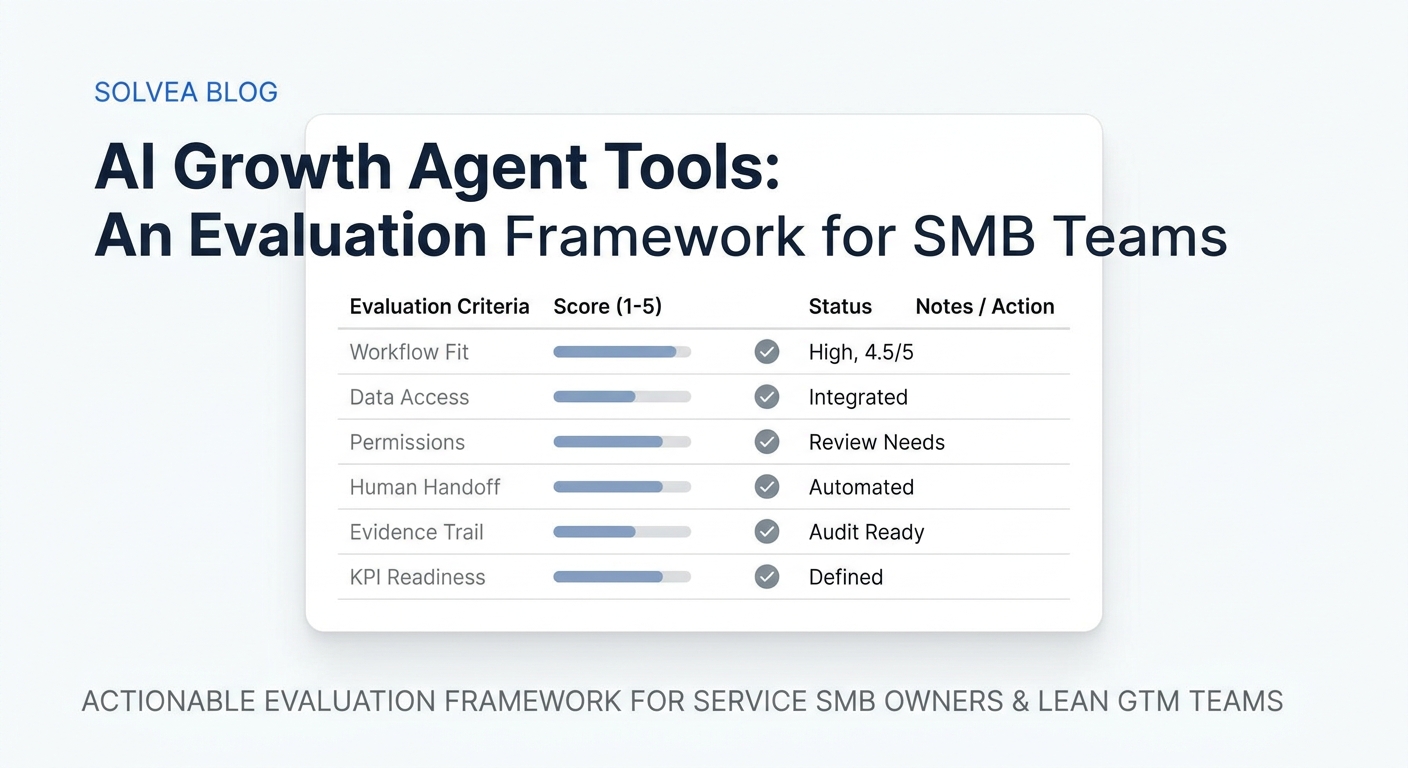
The AI GTM agents scorecard
Use this scorecard before you deploy or buy AI GTM agents tools.
| Question | Good answer | Risk signal |
|---|---|---|
| What workflow does the agent own? | A named workflow with a clear trigger and output | "It helps sales and marketing" |
| What system does it read from? | One source of truth with current data | Screenshots, copied notes, or stale exports |
| What can it change? | A short list of approved actions | Broad write access across many tools |
| Where is the handoff? | Human owner and escalation rule are defined | Nobody knows who reviews exceptions |
| How is work logged? | Every action is visible in the CRM, inbox, ticket, or report | The agent acts but leaves no audit trail |
| What metric proves value? | Response time, qualified conversations, bookings, assisted conversions, or correction rate | Token usage, task count, or vanity activity |
The best AI GTM agents strategy is not the one with the most agents. It is the one where each agent has a job the team can trust.
Where Solvea fits in an AI GTM agents strategy
Solvea is not a generic GTM agent platform for every sales motion. It is most relevant when customer conversations are a major part of growth: phone calls, SMS, live chat, email, bookings, follow-up, and customer history.
For a service SMB, that makes the first AI GTM agents workflow straightforward:
- A customer calls, texts, chats, or emails.
- AI answers first or captures the request.
- The conversation is summarized with intent and next step.
- The team sees the customer history, owner, status, transcript, and follow-up context.
- Integrations can connect calendars, CRMs, Shopify, Google Sheets, WhatsApp, LINE, Zendesk, Freshdesk, and other tools depending on the workflow.
- Analytics help the team review resolution, response time, drop-offs, escalations, and improvement opportunities.
Solvea's AI Agent Builder is designed for non-technical teams: describe the business, use industry templates, preview the agent, define tone and escalation behavior, and deploy without a developer. For growth teams that depend on fast customer response, that is a practical starting point for AI GTM agents because it ties automation to the conversation layer where demand appears.
Common mistakes to avoid
The first mistake is building too many agents before the team has one clean workflow. Start narrow.
The second mistake is letting agents operate without a source of truth. If customer history, calendar availability, owner, and status are scattered, the agent will create more cleanup work.
The third mistake is measuring output instead of outcomes. AI GTM agents should be judged by response speed, qualified conversations, booked meetings, conversion assists, correction rate, and customer handoff quality.
The fourth mistake is hiding human review. Human approval is not a sign that the strategy is weak. It is how growth teams keep trust while automation expands.
Your AI Receptionist, Live in Minutes.
Scale your front desk with an AI that never sleeps. Solvea handles unlimited multi-channel inquiries, books appointments into your calendar automatically, and ensures zero missed opportunities around the clock.
FAQ
What are AI GTM agents?
AI GTM agents are AI-powered workflow agents that support go-to-market tasks such as lead capture, qualification, routing, scheduling, follow-up, CRM updates, and reporting. They are most useful when each agent owns a clear trigger, action, handoff, and metric.
How are AI GTM agents different from GTM automation?
Traditional GTM automation usually follows fixed rules. AI GTM agents can interpret messy inputs, summarize context, suggest next actions, and interact with tools. They still need permissions, source-of-truth rules, and human review for risky decisions.
What should growth teams automate first?
Start with the workflow where delay costs the most. For many teams, that is inbound response, missed-call follow-up, demo qualification, appointment scheduling, no-response follow-up, or CRM cleanup.
What metrics should we track?
Track speed to first response, qualified conversation rate, booking rate, assisted conversions, no-show rate, human correction rate, escalation rate, and record completeness. Avoid judging AI GTM agents only by task volume.
Can small businesses use AI GTM agents?
Yes, if the first workflow is narrow and tied to real customer demand. A service business can start with AI answering, missed-call capture, booking follow-up, or customer conversation summaries before moving into more complex GTM workflows.
Conclusion
AI GTM agents should make growth work easier to trust, not harder to manage. The strategy is simple: pick one leaking workflow, connect it to a source of truth, define the allowed actions, keep humans in the right review points, and measure outcomes every week.
For service teams where calls, texts, chats, emails, and bookings drive revenue, Solvea gives you a practical place to start: AI answering, shared customer context, integrations, analytics, and simple pricing in one workflow. Start with the first customer signal you cannot afford to miss, then expand only when the handoff and measurement are working.