Appointment Booking Automation for Service Businesses: Where to Start
If your team is exploring appointment booking automation, the first question is not which scheduling tool has the longest feature list. The better question is where bookings are currently getting delayed, dropped, or forced into manual follow-up.
That is why appointment booking automation matters so much for service businesses. A medspa consult request, salon booking, home-services estimate, or law-firm intake call can look small in the moment, but each missed or delayed reply is revenue that quietly leaks out of the funnel.
The strongest rollout is not "automate everything at once." It is to start with the booking path that already costs you time or money, then extend from there.
This guide explains where to begin with appointment booking automation, what to automate first, what still needs human review, and how Solvea fits teams that want booking capture connected to real follow-up instead of another disconnected scheduler.
The article uses the local planning snapshot for appointment booking automation, which recorded 50 monthly US searches on July 14, 2026, plus current first-party Solvea pages checked on July 19, 2026.
What appointment booking automation actually means
At a basic level, appointment booking automation is the process of capturing booking intent, collecting the right details, and moving that request to the next step without forcing staff to rebuild the conversation manually.
For service businesses, that usually means the system can:
- respond when staff cannot answer immediately
- capture booking details while the customer is still engaged
- confirm or route the request to the right calendar or queue
- handle common follow-up steps such as confirmations or reschedules
- keep the conversation visible if the customer switches from call to text, email, or chat
That is an important distinction. Many businesses think about automation as a scheduling widget alone. In practice, appointment booking automation is a workflow problem, not just a calendar problem.
Why service businesses should start here
Booking is often the first monetizable workflow in a service SMB.
That is why appointment booking automation creates faster time-to-value than many other automation projects. You are not optimizing an abstract internal process. You are protecting the moment where demand turns into a booked consult, reservation, appointment, or estimate.
The pain usually shows up in familiar ways:
- calls go to voicemail during busy periods
- staff answer basic questions but forget to finish the booking
- after-hours inquiries wait until the next day
- customers ask to reschedule, but the request gets buried
- a lead switches channels and the team loses context
Solvea's approved positioning maps well to this problem because the product is already framed around missed-call coverage, booking capture, and customer conversations in one place rather than phone handling alone.
Start with the highest-leak booking path
The best first project in appointment booking automation is usually not your most complex workflow. It is your highest-leak workflow.
For most service businesses, that is one of these:
| Workflow | Why start here |
|---|---|
| New appointment requests | Direct revenue path with high urgency |
| After-hours booking inquiries | Easy place to recover missed demand |
| Reschedules and cancellations | Frequent front-desk load that clogs staff time |
| Estimate or consult requests | High-value intake that needs quick follow-up |
| Repeat FAQs before booking | Removes friction before the customer commits |
If you try to automate every booking edge case on day one, the project drags. If you start with the path that already leaks demand, appointment booking automation becomes easier to measure and easier for the team to trust.
Define the minimum intake before you automate anything
The system should collect enough information to move the booking forward without turning the interaction into a long form.
For most teams, the minimum useful intake for appointment booking automation includes:
- customer name
- phone number or preferred channel
- service requested
- preferred date or time window
- location or branch if relevant
- urgency or special note when needed
This is where automation starts to outperform voicemail or generic message-taking. Instead of leaving the team with "please call me back," the workflow captures usable booking context right away.
Separate booking capture from booking confirmation
Many teams try to automate everything in one step. That often creates unnecessary complexity.
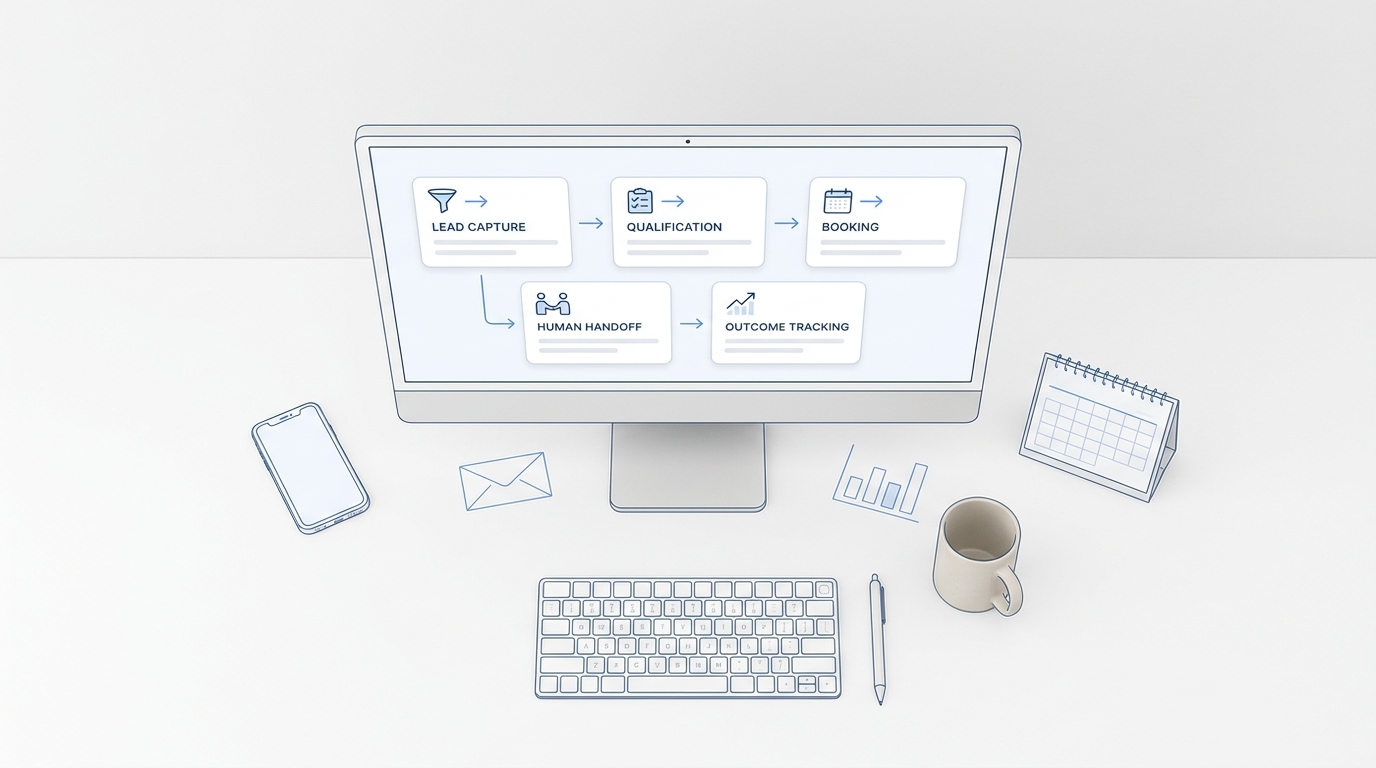
A better model for appointment booking automation is to separate two jobs:
- Capture the request accurately.
- Confirm or assign the next step cleanly.
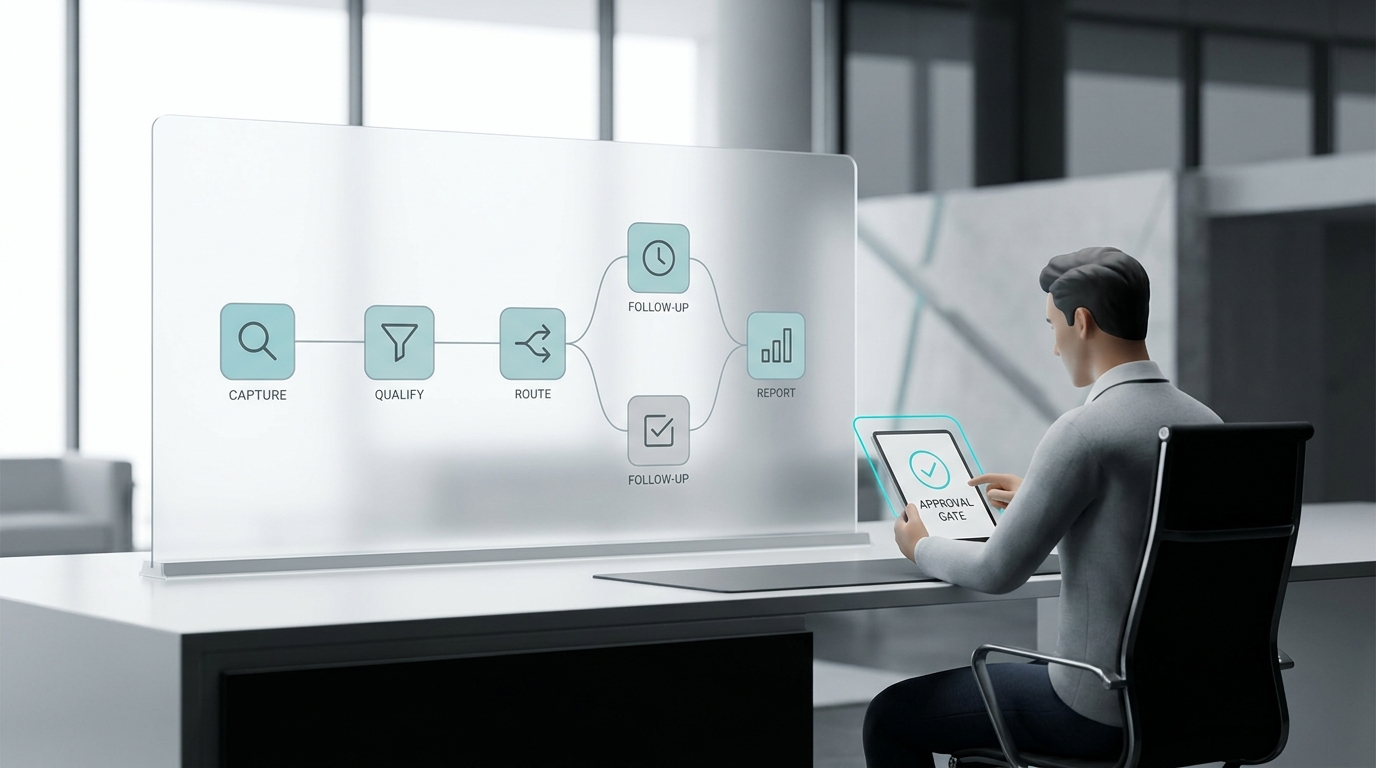
That distinction matters because some businesses can confirm automatically, while others still need a human to verify availability, prep requirements, location fit, or staff assignment.
For example:
| Stage | What the automation should do |
|---|---|
| Capture | gather intent, contact details, preferred timing, and context |
| Qualification | check service fit, urgency, or branch rules |
| Confirmation | send the confirmed slot or hand to staff for approval |
| Follow-up | trigger reminders, reschedule handling, or missed-call recovery |
When teams skip this separation, they often blame the software when the real issue is unclear workflow design.
Add missed-call coverage before you add complexity
One of the highest-return uses of appointment booking automation is missed-call recovery.
That is especially true for appointment-driven businesses where staff are busy serving customers when the phone rings. If the booking path begins with a missed call, the rest of the workflow never gets a chance to work.
Solvea's current first-party positioning around AI receptionist coverage is relevant here. The booking workflow becomes stronger when the business can respond to inbound calls even during overflow or after hours, then continue the next step through a shared conversation workflow instead of a dead-end voicemail box.
Make confirmations and reminders part of the same workflow
A lot of teams think of appointment booking automation as lead capture only. That is too narrow.
Real booking operations usually need follow-through on:
- confirmations
- reminders
- reschedules
- cancellations
- no-show prevention
If those steps live outside the same workflow, staff still have to patch the system manually. That is why the best automation path connects booking capture to downstream follow-up rather than stopping at the first response.
Keep the conversation visible across channels
Customers do not stay on one channel just because your software stack prefers it.
Someone might:
- call first
- text later
- reply by email for confirmation
- use chat before finalizing
If that context disappears between steps, appointment booking automation creates activity without creating clarity.
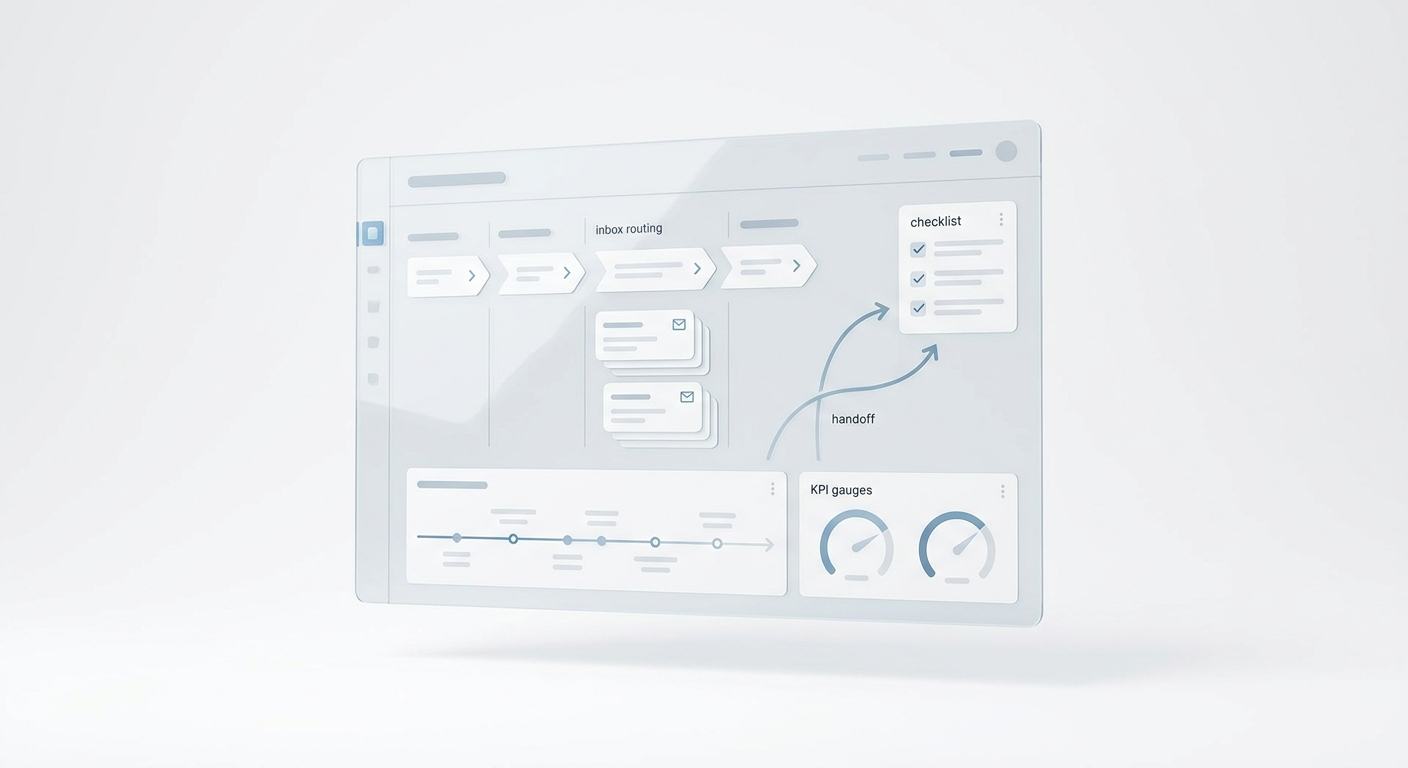
This is one of Solvea's stronger first-party workflow angles. The product is positioned around one shared place for customer conversations in one place, which matters when the booking path crosses voice, text, email, and follow-up instead of staying inside one scheduling form.
Connect automation to the tools your team already uses
Automation only works if the team can act on it without extra copy-paste.
That means appointment booking automation should connect cleanly to the tools where work already happens:
- calendars
- CRM or lead records
- team notifications
- support or inbox workflows
- spreadsheets or lightweight operating tools if the business is still manual
Solvea's current positioning around integrations and service-business workflow fit makes that connection easier to frame. The operational value is not just that a request gets captured. It is that the next step is visible and easier for staff to complete.
Decide what should stay with humans
Good appointment booking automation removes repeatable work. It does not force risky or judgment-heavy situations into a script.
Good automation candidates:
- new booking requests
- hours and location questions
- routine confirmations
- simple reschedules
- policy FAQs
- after-hours first response
Better human-handoff candidates:
- custom pricing questions
- sensitive complaints
- legal, medical, or compliance-heavy issues
- unusual scheduling exceptions
- VIP or high-value edge cases
That boundary keeps the workflow trustworthy. Automation should make the team faster, not create clean-up work from bad handoffs.
A simple rollout plan for appointment booking automation
If you want a practical way to start, use this sequence:
| Step | Action | Outcome |
|---|---|---|
| 1 | Pick one high-leak booking workflow | Fastest measurable value |
| 2 | Define minimum intake fields | Better handoff quality |
| 3 | Add missed-call and after-hours coverage | More captured demand |
| 4 | Connect confirmations and reminders | Fewer dropped follow-ups |
| 5 | Add reschedule and cancellation handling | Less repetitive front-desk work |
| 6 | Expand to other channels and vertical cases | One stronger operating workflow |
This is why appointment booking automation should start narrow. A focused workflow that staff actually use is more valuable than a broad automation map nobody trusts.
Where Solvea fits
For teams comparing options, Solvea fits best when appointment booking automation is part of a larger front-desk workflow rather than a standalone scheduler purchase.
Current first-party positioning supports that angle through:
- AI appointment setter messaging focused on automatic booking capture
- AI receptionist coverage for missed calls and first response
- integrations for downstream workflow handoff
- a shared view of customer conversations in one place
- adjacent workflow support such as an automated scheduler and knowledge-base-driven answers
That matters because many service businesses do not need another isolated booking app. They need appointment booking automation that fits the real way customers reach them and the real way staff follow through.
Final takeaway
The best place to start with appointment booking automation is the booking path already creating visible friction: missed calls, after-hours inquiries, repetitive reschedules, or slow consult follow-up.
Start with one workflow. Define the minimum intake. Separate capture from confirmation. Connect the booking path to reminders and follow-up. Keep the conversation visible across channels. Then expand once the first workflow is stable.
That is how service businesses get real value from appointment booking automation without adding another disconnected tool to the stack.
If your team wants booking capture tied to missed-call recovery, shared follow-up, and workflow visibility, Solvea is a strong fit to evaluate.
Your AI Receptionist, Live in Minutes.
Scale your front desk with an AI that never sleeps. Solvea handles unlimited multi-channel inquiries, books appointments into your calendar automatically, and ensures zero missed opportunities around the clock.
FAQ
What is appointment booking automation?
Appointment booking automation is the workflow that captures booking intent, collects the right details, and moves the request toward confirmation or staff follow-up without relying on manual message handling.
What should a service business automate first?
Start with the highest-leak workflow, usually new booking requests, after-hours inquiries, or reschedules and cancellations that already consume front-desk time.
Is appointment booking automation the same as scheduling software?
No. Scheduling software is one piece of the process. Appointment booking automation also covers intake, missed-call recovery, confirmations, reminders, and cross-channel follow-up.
When should a human stay in the loop?
Humans should stay involved for custom pricing, sensitive complaints, legal or medical nuance, unusual exceptions, and any booking situation that depends on judgment.