It’s 8 PM on a Friday. Your office closed two hours ago, but your phone keeps ringing. A potential customer calls, has a quick question about pricing, and ends up leaving a voicemail. On Monday, you return the call—but by then, they’ve already booked with a competitor.
Now imagine the same Friday evening. The phone rings. A friendly, helpful voice answers instantly, answers the pricing question in seconds, and books a consultation before the caller hangs up. No voicemail. No lost opportunity.
That is contact center automation in action. More specifically, that is what an AI front desk does for your business.
In this guide, we’ll walk through what contact center automation really means, the types of automation that power modern customer service, the benefits for your business, and how an AI front desk like Solvea can automate your phone reception—without losing the human touch.
Contact Center Automation Definition
Contact center automation refers to the use of technology—including AI, machine learning, natural language processing (NLP), and automated workflows—to handle customer interactions with minimal or no human intervention.
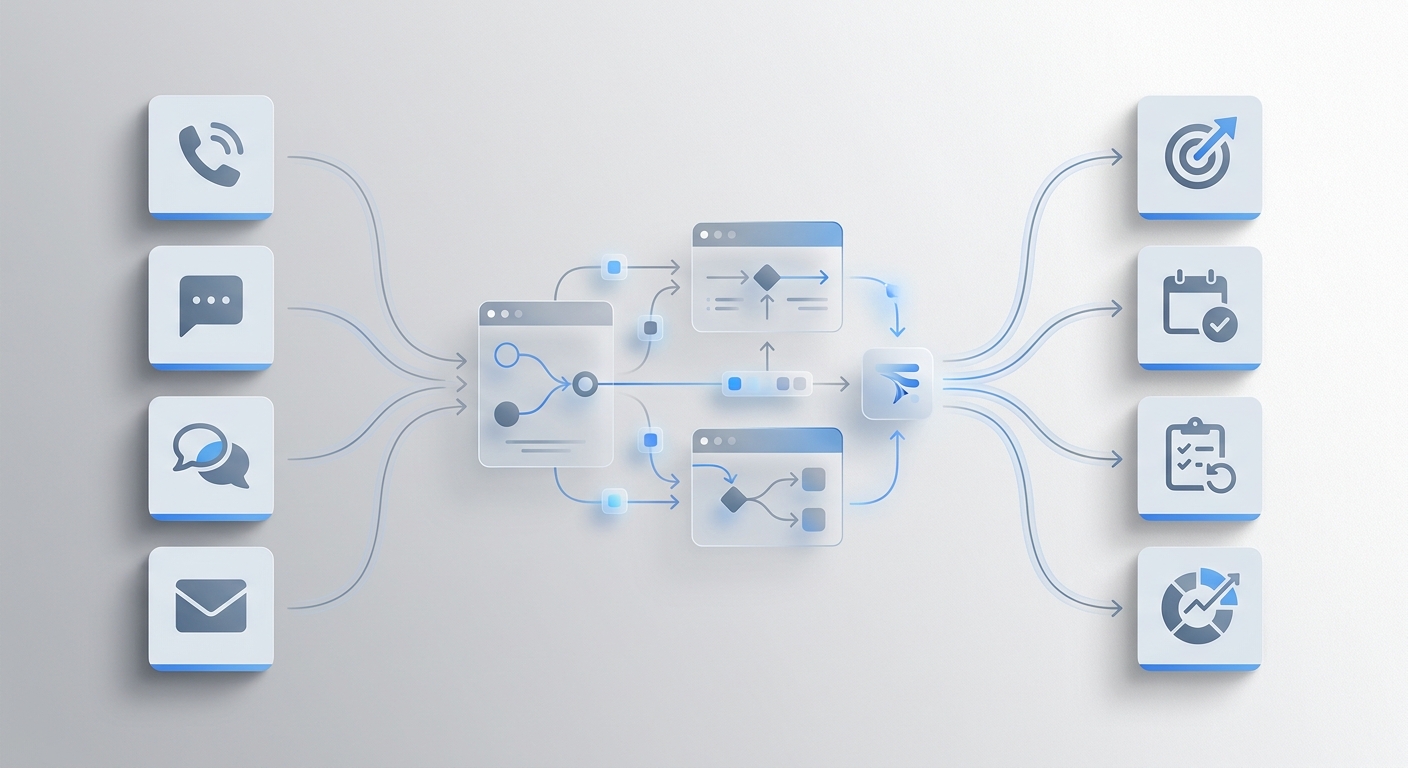
Rather than having human agents answer every call, reply to every email, or respond to every chat message, automation takes care of the routine. This includes answering frequently asked questions, scheduling appointments, routing calls to the right department, logging customer information, and even qualifying sales leads.
The key difference between automation and a traditional phone system is intelligence. Older systems forced callers to “press 1 for sales, press 2 for support”—a rigid menu that frustrates 98% of customers. Modern contact center automation understands natural language. A caller can simply say “I need to reschedule my appointment,” and the AI knows exactly what to do.
This is where an AI front desk comes in. Solvea is a cross-industry AI receptionist that handles customer inquiries across channels like live chat, email, and phone. It doesn’t just reply—it understands intent, executes actions, and resolves requests end to end, just like a human, only faster and available 24/7.
But before we dive deeper into Solvea, let’s break down the different types of contact center automation and how they apply to your front desk.
Types of Contact Center Automation
Contact center automation isn’t one monolithic thing. Different types of automation handle different parts of the customer service workflow.
Contact Center AI Automation
This is the brain behind modern automation. Using AI and machine learning, the system understands what customers are asking for, detects their intent, and decides what to do next—whether that’s pulling information from a knowledge base, executing an action (like booking), or escalating to a human. AI automation makes interactions feel natural, not robotic.
Contact Center Assisted Automation
In this model, automation supports a live agent rather than replacing them. The AI might surface relevant customer information during a call, suggest responses, or transcribe the conversation in real time. The human stays in control, but repetitive steps are handled automatically.
Contact Center Self‑Service Automation
This is where the customer interacts entirely with an automated system—no human involved. The AI front desk handles the full conversation, from greeting to resolution. For phone calls, this means the AI answers, understands the request, completes the task, and ends the call without ever transferring to a person.
Solvea excels at all three types, but its core strength lies in self‑service automation for phone calls, acting as an always‑on AI front desk that replaces outdated voicemail and missed-call logs.
Contact Center Automation Use Cases
Automation isn’t theoretical. Here are the most common scenarios where businesses use it every day.
Contact Center Automation Use Case: Phone Reception
This is the biggest one for most small and medium businesses. Every incoming call needs to be answered—whether it’s a sales inquiry, a support question, or a scheduling request. But hiring a full-time receptionist is expensive, and voicemail just loses you business. An AI front desk answers every call on the first ring, 24/7, and handles the conversation exactly like a trained human receptionist would.
Healthcare Contact Center Automation
Patients call to book appointments, ask about treatment options, request prescription refills, or check office hours. An AI front desk can handle 80% of these calls instantly, reducing no-show rates and freeing clinical staff for patient care. Medical practices using Solvea report that it “paid for itself within the first week.”
Contact Center Automation for Appointment Scheduling
Whether you run a dental office, a salon, a law firm, or a repair shop, appointment booking eats up hours of staff time. An AI front desk integrates directly with your calendar (Google Calendar, Calendly, etc.), checks real‑time availability, books appointments, sends confirmations, and even sends reminders via SMS. The caller never waits on hold, and your team never has to play phone tag.
Contact Center Automation for Lead Qualification
Inbound sales calls can be screened automatically. The AI asks qualifying questions—what are you looking for? what’s your budget? what’s your timeline?—and then forwards the hottest leads to your sales team with full conversation context.
After‑Hours Support
Your office closes at 5 PM, but your customers are still awake. An AI front desk works 24/7, answering questions, taking messages, and booking appointments even when your human team is asleep. No more Monday morning voicemail pile‑ups.
Benefits of Contact Center Automation
Why should you automate your front desk? The benefits are concrete and measurable.
Instant Response, Zero Wait Time
Phones are answered on the first ring. No callers hang up in frustration. No opportunities go to voicemail. The AI front desk is always ready.
Lower Operational Costs
A full-time human receptionist costs salary, benefits, training, and time off. An AI front desk works 24/7/365 for a fraction of the cost. Many businesses using Solvea find that the AI pays for itself within the first week.
Consistent Customer Experience
The AI never has an off day. It follows your business rules, speaks in your brand voice, and never forgets to ask for the caller’s name. Every customer gets the same high-quality experience.
24/7 Availability
Customer expectations don’t stop at 5 PM. An AI front desk means your phone line becomes a self-service channel, available whenever your customers need you—holidays, weekends, and the middle of the night included.
Human Agents Focus on High‑Value Work
Instead of answering “What are your hours?” fifty times a day, your team handles complex issues, escalations, and relationship‑building. They get their time back for work that actually requires human judgement and empathy.
Scalability Without Hiring
When call volume spikes—after a marketing campaign, during open enrollment season, or ahead of the holidays—the AI scales instantly. No recruiting, no training, no overtime. One AI agent can work like an entire front desk team.
Implementing Contact Center Automation in Four Steps
Rolling out automation doesn’t have to be complicated. Here’s a four‑step framework.
Step 1: Audit Your Current Calls
Record and categorize your incoming calls for two weeks. What are people calling about? Appointments? Pricing? Support? Directions? Make a list of the most common request types. These are your automation candidates.
Step 2: Define Your Goals
Set clear metrics. How many calls do you want the AI to handle without human intervention? What’s your target for average speed of answer? A realistic first goal: automate 50‑70% of routine calls.
Step 3: Choose Your Contact Center Automation Tools
You need three things:
- A voice AI engine that understands natural language
- Integrations with your calendar, CRM, or booking system
- An analytics dashboard to track performance and improve over time
Solvea provides all three in one platform. You can describe your business needs in plain language, and Solvea builds your AI receptionist in minutes—no coding required.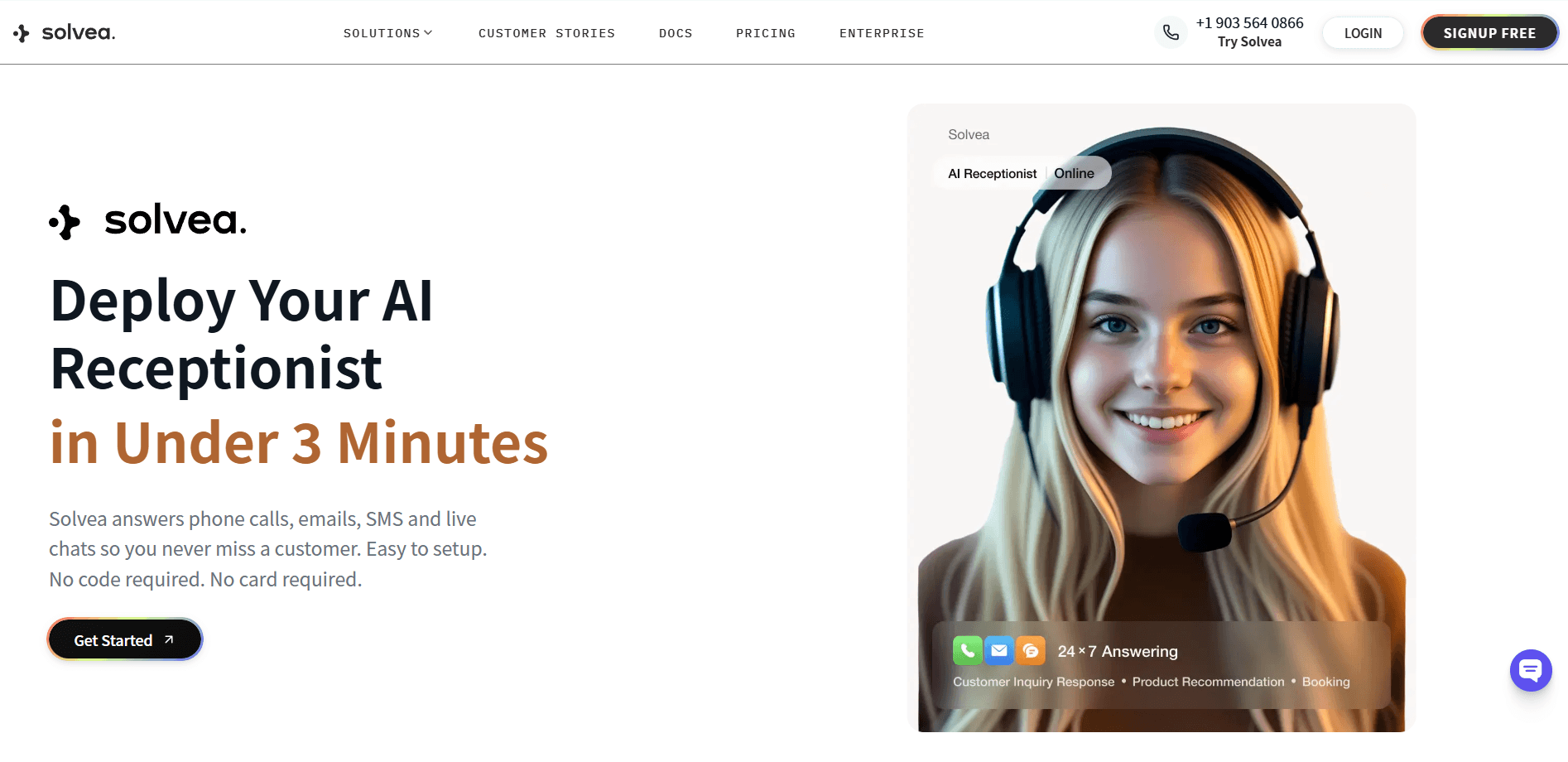
Step 4: Train, Test, and Iterate
Start small. Set up the AI to handle the one or two most common call types first. Test with internal calls, then roll out to a small group of real customers. Monitor where the AI succeeds and where it struggles. Adjust the knowledge base and conversation flow, then gradually add more use cases.
The AI continuously learns from interactions. The more it runs, the smarter it becomes.
How to Choose the Right Contact Center Automation Software
Not all automation software is created equal. Here’s what to look for.
What to Look For
- Natural language understanding – Callers should be able to speak naturally, not navigate menus or use specific keywords.
- Omnichannel coverage – Your AI should handle phone calls, but also email and live chat from the same platform.
- Tool integrations – The software must connect to your calendar, CRM, and other tools. With one‑click integrations, your AI should be able to update systems, trigger workflows, and pass information across your stack automatically.
- Human handoff – When the AI can’t handle a request, it must transfer smoothly to a human with full conversation context.
- Easy setup – Look for platforms that let you build and deploy in minutes, without coding. Solvea offers 10+ pre‑built agent templates for various industries.
- Continuous improvement – You need analytics to track performance and see where the AI can do better.
Beyond Phone Calls: What Else Can Your AI Front Desk Do?
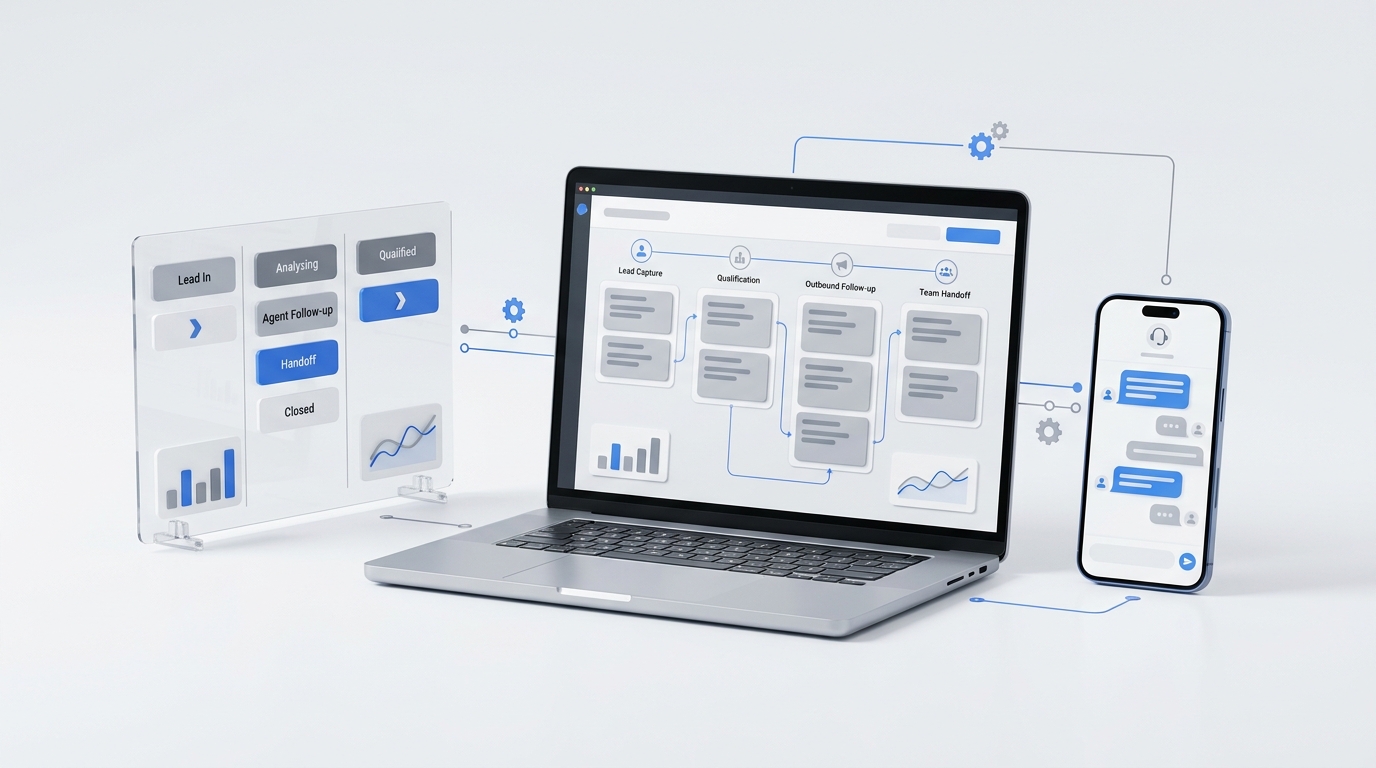
A good AI front desk isn’t limited to phone calls. Solvea handles phone, live chat, email, and SMS from a single agent setup. It can:
- Make outbound calls – Point your AI agent at a contact list, and it will automatically reach out for sales outreach, appointment reminders, and re‑engagement.
- Answer emails automatically – Your Solvea agent can receive and respond to incoming emails without manual intervention.
- Handle live chat on your website – Embed an AI chat widget for real‑time customer conversations.
- Integrate with your e‑commerce platform – For Shopify and similar platforms, Solvea can access live order data and handle inquiries without manual lookups.
But for the purpose of this guide, we’re focusing on the most immediate channel: incoming phone calls. And that’s exactly where Solvea shines brightest.
Why Choose Solvea for AI Front‑Desk Phone Automation
Many automation tools target digital channels—chatbots for websites, automated email responses, social media bots. But phone calls are different. When a customer picks up the phone to call you, they expect to speak to someone. They also hate waiting on hold.
Solvea bridges that gap. It is an AI receptionist that:
- Answers every call on the first ring, 24/7
- Understands natural speech – no “press 1 for sales” menus
- Takes real actions – books appointments, answers questions, forwards to humans, takes messages
- Integrates with your existing tools – Google Calendar, HubSpot, Slack, and more, with one‑click integrations
- Deploys in under 3 minutes – no coding, no complex setup
- Works across channels – phone, live chat, email, and SMS, all from a single AI agent
Solvea is built for businesses that want to automate their front desk without losing the customer experience. It handles unlimited multi‑channel inquiries, books appointments into your calendar automatically, and ensures zero missed opportunities around the clock.
With Solvea, your phone line transforms from a source of missed calls and voicemail into a 24/7 customer‑acquisition engine.
Negative Impacts of Automation (And How to Mitigate Them)
Automation brings incredible benefits, but it also comes with risks. Here’s what to watch out for and how to address it.
Loss of Human Touch
Some customers want to talk to a real person, especially for complex or sensitive issues. AI cannot fully replicate human empathy or understanding.
How to mitigate: Always offer an immediate “speak to a human” option. Use automation for routine, low‑complexity tasks—scheduling, FAQs, directions—and reserve human agents for escalations. Solvea includes seamless human takeover via its Inbox feature, so nothing slips through the cracks.
Fewer Entry‑Level Jobs
Automation reduces the need for some front‑desk roles. This is a legitimate concern.
How to mitigate: Reframe automation as a tool for augmentation, not replacement. Use the AI to handle repetitive work so your human team can focus on higher‑value tasks—relationship management, complex problem‑solving, and strategic work. Many Solvea customers report that their teams become more engaged when they’re no longer answering the same basic questions 50 times a day.
Upfront Costs
Implementing automation software requires an initial investment.
How to mitigate: Calculate the ROI. An AI front desk can replace 2‑3 routine front‑desk tasks at a fraction of the cost. Many Solvea customers find that the software pays for itself within the first week. Solvea also offers flexible, outcome‑based pricing—you only pay for what aligns with your goals.
Technical Failures
Voice recognition errors, integration bugs, or downtime can disrupt service.
How to mitigate: Choose a reliable provider with redundant infrastructure and enterprise‑grade security. Solvea is ISO 27001:2022 certified and offers 100% enterprise‑grade security. Always have a fallback plan—for example, forward calls to a human queue if the AI fails.
Conclusion: Why Contact Center Automation Is the Future of Customer Service
Customer expectations have changed. People no longer tolerate long hold times, endless phone menus, or missed calls that go to voicemail. They expect answers immediately—and they expect those answers to be accurate.
Contact center automation meets that demand head‑on. By using AI to handle routine calls, appointments, and inquiries, businesses can answer every call on the first ring, 24/7, without hiring a round‑the‑clock front desk team.
But automation isn’t just about speed. It’s about giving your human team back their time—so they can focus on the complex, high‑value conversations that actually require human judgement. It’s about turning your phone line from a cost centre into a growth engine.
Solvea is your partner in that future. As an AI receptionist that works across phone, live chat, and email, Solvea handles unlimited inquiries, books appointments automatically, and ensures you never miss another opportunity. You can build, test, and deploy your AI front desk in minutes—no coding required.
Your customers are calling right now. With Solvea, you’ll be ready to answer.
Your AI Receptionist, Live in Minutes.
Scale your front desk with an AI that never sleeps. Solvea handles unlimited multi-channel inquiries, books appointments into your calendar automatically, and ensures zero missed opportunities around the clock.
FAQ
What is contact center automation definition?
Contact center automation is the use of AI, machine learning, NLP, and automated workflows to handle customer interactions with minimal human intervention. It includes answering repetitive questions, scheduling appointments, routing calls, and logging customer data.
What are contact center automation tools?
Contact center automation tools include AI voice bots, intelligent IVR systems, chatbots, robotic process automation (RPA) software, predictive dialers, agent assist tools, and analytics dashboards. These tools automate call routing, appointment scheduling, FAQs, and data entry. Solvea provides an all‑in‑one AI receptionist that handles phone, chat, and email from a single platform.
What are contact center automation solutions?
A contact center automation solution is a complete software package that combines multiple automation tools—such as voice AI, workflow automation, CRM integrations, and analytics—into one system. Solutions help businesses automate customer interactions across phone, email, chat, and social media. Solvea is an AI receptionist solution that automates front‑desk phone calls, live chat, and email without coding.
What is contact center ai automation?
Contact center AI automation uses artificial intelligence (natural language understanding, machine learning) to understand customer intent from natural speech or text, decide what action to take, and complete tasks—without human scripts or button menus. This is also referred to as AI contact center automation. It powers smart IVR, voice bots, and agent assist tools.
What is contact center assisted automation?
Contact center assisted automation supports live agents during calls by surfacing customer information, suggesting responses, or transcribing conversations in real time. The human stays in control, but repetitive steps are automated.
What are contact center automation use cases?
Common use cases include front‑desk phone reception, healthcare appointment scheduling, lead qualification, after‑hours support, FAQ handling, and sales outreach. An AI front desk like Solvea can handle all of these over the phone.
What is healthcare contact center automation?
Healthcare contact center automation applies automation to patient calls—appointment booking, prescription refills, insurance verification, and after‑hours triage. Medical practices using Solvea report that it “paid for itself within the first week” by reducing no‑shows and freeing clinical staff.
What is saas contact center test automation?
SaaS contact center test automation refers to cloud‑based tools that automatically test IVR flows, voice bots, and call routing logic to ensure changes don’t break existing call handling.
What is the best contact center ai automation software?
The best contact center AI automation software depends on your needs, but top features include natural language understanding, omnichannel support (phone, chat, email), one‑click CRM/calendar integrations, human handoff, and easy setup without coding. Solvea is an excellent choice for businesses that want to automate their front‑desk phone reception first, with the added ability to handle live chat and email from the same AI agent.
What are contact center automation trends for 2026?
Key trends include generative AI for agent assistance, conversational AI handling 95% of customer chats, predictive analytics for call volume planning, and AI burnout detection for agent well‑being. By 2026, Gartner predicts conversational AI deployments will reduce contact center agent labor costs by $80 billion.
How does automation in contact center improve customer satisfaction?
It eliminates hold times, provides instant answers, avoids forcing customers to repeat information, and offers 24/7 availability. Customers get faster resolutions, and when they do need a human, they’re transferred with full context.