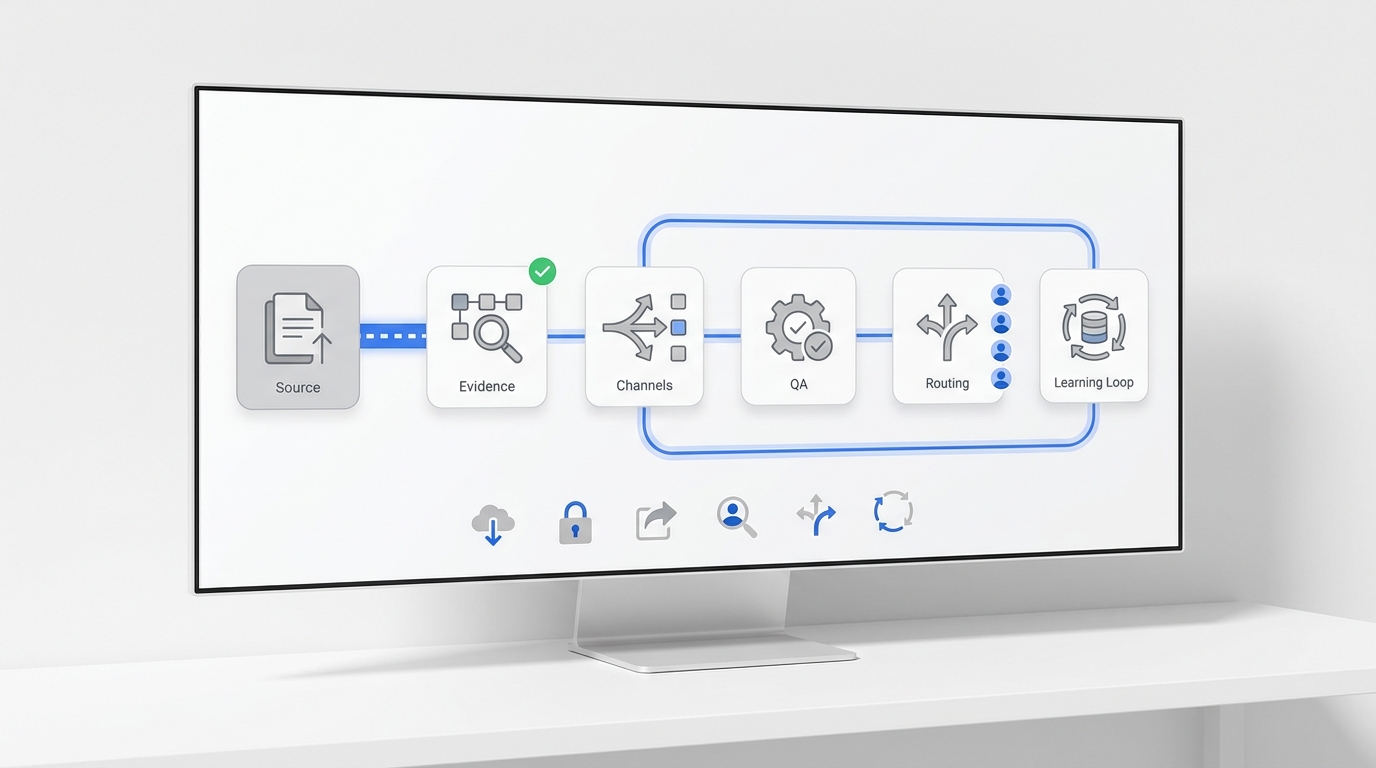
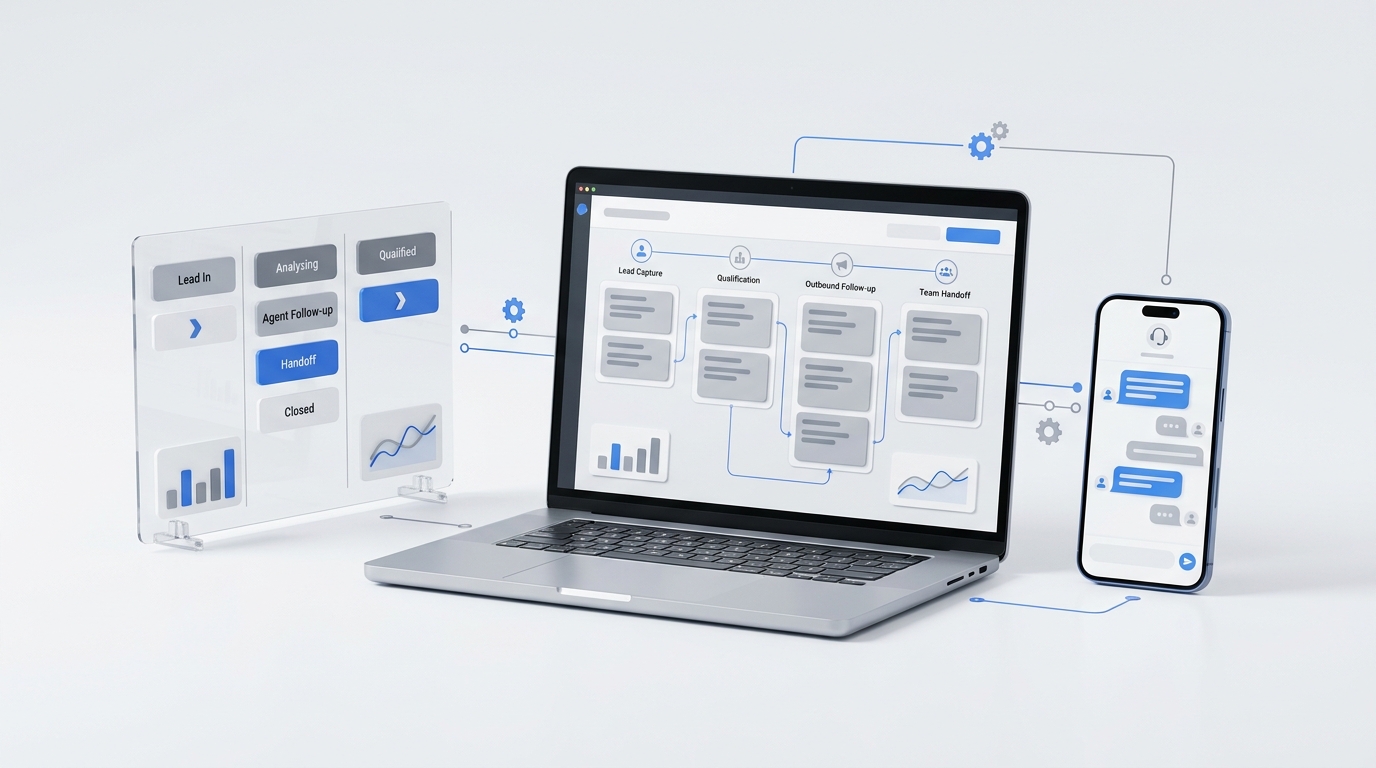
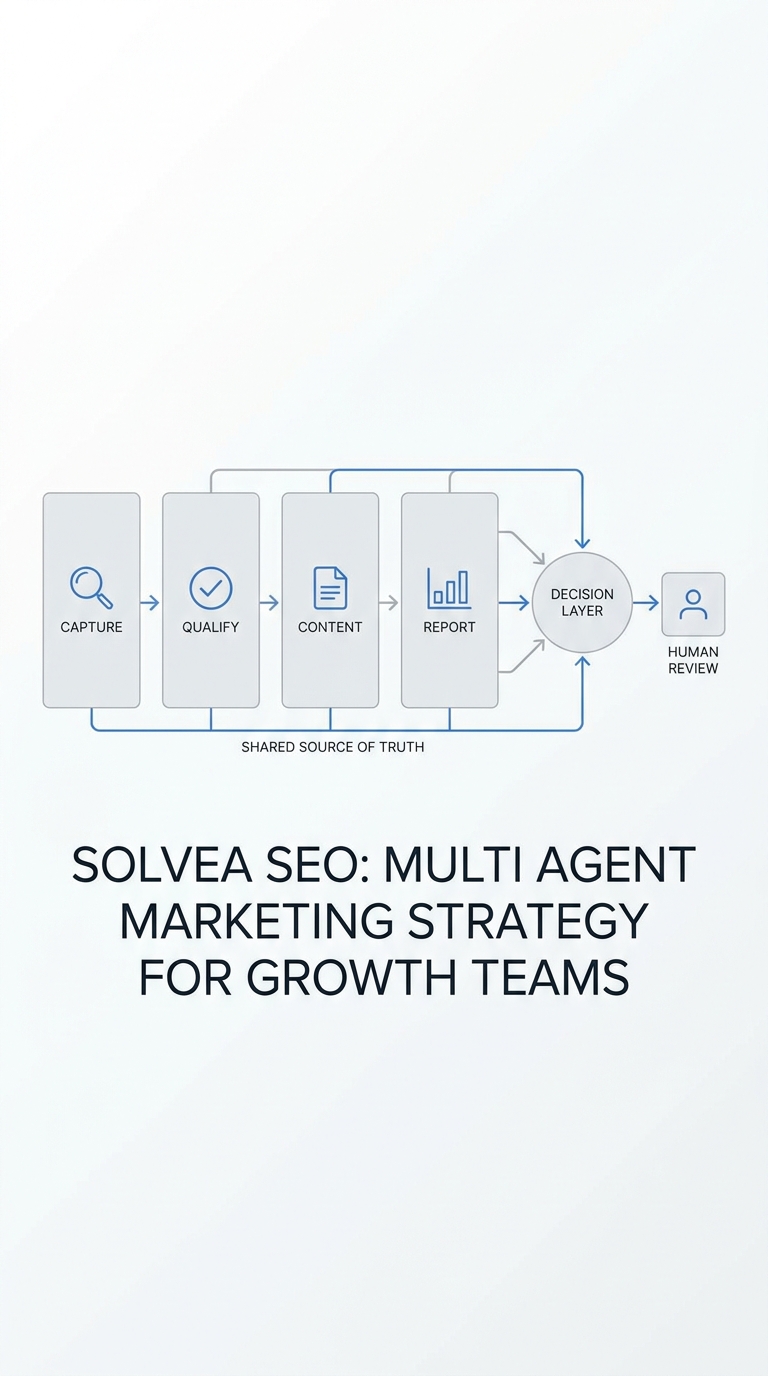
A multi-channel content operations workflow playbook becomes useful only when the team can turn it into repeatable documents, fields, and decisions.
This template pack gives lean marketing teams nine copy-and-use tools for coordinating a canonical asset across website, email, social, messaging, sales follow-up, and customer conversations. Instead of explaining another high-level operating model, it provides the actual briefs, tables, checklists, and scorecards needed to run one.
Use the templates together or start with the part of your process that currently breaks. If you need the operating principles first, read Multi-Channel Content Operations: A Practical Workflow Playbook. If you are still building the distribution foundation, use the content distribution system implementation checklist.
The nine-template system
| Template | Solves | Created by | Used when |
|---|---|---|---|
| 1. Campaign brief | Unclear goals and audiences | Campaign owner | Before production starts |
| 2. Source asset sheet | Conflicting versions and claims | Content owner | When the canonical asset is approved |
| 3. Channel adaptation matrix | Copy-paste publishing | Channel owners | Before channel production |
| 4. Responsibility map | Ambiguous ownership | Campaign owner | During campaign setup |
| 5. Channel manifest | Missing links, parameters, and evidence | Channel owners | Scheduling and publishing |
| 6. Approval checklist | Slow or inconsistent review | Approver | Before scheduling |
| 7. Response-routing matrix | Lost replies and leads | Customer or sales owner | Before content goes live |
| 8. Campaign scorecard | Disconnected platform metrics | Growth owner | During measurement |
| 9. Weekly decision log | Reporting without action | Campaign owner | Weekly review |
The templates use simple fields so they can live in a spreadsheet, project-management tool, shared document, or database. Do not add fields unless someone will use them to make a decision.
Template 1: One-page campaign brief
The campaign brief aligns the team before channel owners create separate interpretations of the same idea.
Copy this template:
Campaign ID:
Campaign name:
Campaign owner:
Start date:
Review date:

Audience:
Customer problem:
Canonical asset:
One-sentence promise:
Primary call to action:
Primary business outcome:
Primary KPI:
Measurement window:

Priority channels:
Required proof points:
Claims or topics requiring elevated review:
Response owner:
Escalation owner:
Then complete this positioning sentence:
We will use [canonical asset] to help [specific audience] solve or understand [problem], then invite them to [next action], measured by [primary KPI] during [time window].
Campaign brief quality check
- The audience describes a recognizable group, not “everyone” or “small businesses.”
- The primary outcome is a customer or business action, not merely “more content.”
- The campaign has one primary KPI, even if channels have supporting metrics.
- The response owner is named before distribution begins.
- The review date is specific.
Template 2: Canonical source asset sheet
The source asset sheet prevents channel owners from pulling claims, images, and calls to action from outdated documents.
| Field | Entry |
|---|---|
| Source asset title | |
| Canonical URL or master file | |
| Version | |
| Content owner | |
| Approved date | |
| Review or expiration date | |
| One-sentence promise | |
| Primary CTA | |
| Secondary CTA | |
| Approved proof points | |
| Prohibited or outdated claims | |
| Hero image | |
| Supporting assets | |
| Disclosure or compliance notes | |
| Internal-link targets |
For a search-led campaign, the published article is usually the canonical source. Channel placements should link to that source with normal crawlable links and descriptive anchor text. Google Search Central’s guidance on crawlable links explains how standard links and meaningful anchors help people and search engines understand the destination.
Keep proof points separate from channel copy. The proof remains controlled while the presentation changes by channel.
Template 3: Channel adaptation matrix
The adaptation matrix assigns a job to each channel. It stops the team from publishing identical copy everywhere and calling it a strategy.
| Channel | Audience state | Channel job | Opening hook | Content unit | CTA | Success signal |
|---|---|---|---|---|---|---|
| Website or blog | Actively researching | Explain and earn durable discovery | Search problem or direct question | Canonical guide | Read, compare, start, contact | Engaged visit or conversion |
| Already knows the brand | Activate or educate | Relevance to the subscriber | Short framing plus link | Visit or reply | Qualified click or reply | |
| Professional social | Browsing ideas and peers | Create discussion and credibility | Point of view or useful framework | Text post, carousel, or clip | Comment, save, visit | Meaningful engagement or visit |
| Short-form social | Low initial attention | Test hooks and simplify insight | Pain, surprise, or demonstration | Short video or visual | Watch, visit profile, message | Completion, profile visit, message |
| Community or messaging | Asking in context | Answer a live need | Direct answer | Excerpt, checklist, or example | Continue conversation | Helpful reply or qualified question |
| Sales follow-up | Known interest | Reduce uncertainty and advance a next step | Prospect-specific context | Personalized summary plus source link | Reply, evaluate, book | Handoff or meeting |
For each active channel, complete one row:
Channel:
Specific audience state:
Job of this placement:
Opening hook:
Three points to preserve:
Format:
Destination:
Call to action:
Supporting success signal:
Owner:
The promise, proof, and destination should remain consistent. The opening, length, format, and immediate action should fit the channel.
Template 4: Responsibility and handoff map
One person may hold several roles in a small team, but the responsibilities must still be visible.
Use one accountable owner for each decision:
| Decision or action | Accountable | Contributors | Informed | Backup |
|---|---|---|---|---|
| Campaign outcome and schedule | ||||
| Canonical asset accuracy | ||||
| Channel adaptation | ||||
| Standard approval | ||||
| Elevated approval | ||||
| Scheduling and publishing | ||||
| Reply monitoring | ||||
| Lead qualification | ||||
| Human escalation | ||||
| Analytics and reporting | ||||
| Repeat, revise, or retire decision |
Avoid assigning “marketing” or “the team” as the accountable owner. Use a person or a clearly staffed role.
Add a backup for actions that cannot wait for normal working hours, including scheduled publishing checks, urgent responses, and customer handoffs.
Template 5: Channel publishing manifest
The channel manifest is the control sheet for every live placement. Each row represents one publication event.
| Field | Example |
|---|---|
| Campaign ID | content_ops_templates_q3 |
| Channel | linkedin |
| Account | solvea_company |
| Asset version | v1.2 |
| Placement owner | name or role |
| Scheduled time | 2026-08-03 09:00 ET |
| Destination URL | Canonical article URL |
| UTM source | linkedin |
| UTM medium | organic_social |
| UTM campaign | content_ops_templates_q3 |
| UTM content | channel_manifest |
| Response owner | name or role |
| Status | approved, scheduled, published, or failed |
| Live URL or post ID | Publication evidence |
| QA checked at | Timestamp |
| Exception | Blank unless action is needed |
Use consistent campaign parameters on destination links. Google Analytics provides official campaign URL builder guidance for UTM parameters and campaign naming.
Keep naming rules simple:
- use lowercase values;
- use one spelling per channel and medium;
- use underscores or hyphens consistently;
- never put private customer information in parameters;
- document the campaign name before links are created.
The manifest should record the final live URL or post ID. “Published” without evidence is not a complete state.
Template 6: Two-level approval checklist
Use a standard review for ordinary assets and an elevated review only when the content creates additional risk.
Standard review
- [ ] Copy matches the approved source promise.
- [ ] Facts, product references, and offers match the source sheet.
- [ ] Destination URL is correct.
- [ ] Campaign parameters follow the naming convention.
- [ ] Image, video, and formatting display correctly.
- [ ] Call to action is clear.
- [ ] Channel account and publishing time are correct.
- [ ] Response owner is ready.
- [ ] No internal notes, placeholders, or review comments remain.
Elevated review triggers
Send the asset to the designated specialist or decision-maker when it includes:
- new pricing or product promises;
- customer names, logos, quotes, or private data;
- legal, medical, financial, safety, or compliance topics;
- competitive comparisons;
- performance claims without approved evidence;
- sensitive events or reputation risk;
- a new offer, guarantee, or contract term.
Record approval as a state with a person and timestamp:
Review level:
Approver:
Decision: approved / changes required / rejected
Decision time:
Required changes:
Approved version:
Template 7: Response-routing and service-level matrix
Content operations should define what happens after people respond. Otherwise distribution creates more inboxes but not a better customer experience.
| Response type | Destination | First owner | Target response | Qualification fields | Escalation trigger | Closed when |
|---|---|---|---|---|---|---|
| Public question | Topic, intent | Sensitive or account-specific | Answered or moved private | |||
| Direct message | Name, need, timing | Requests human or urgent help | Next step confirmed | |||
| Email reply | Contact, company, question | Sales, support, or complaint | Owner and next action recorded | |||
| Website form | Required form fields | High intent or unsupported need | Accepted, declined, or routed | |||
| Chat | Need, contact, urgency | Complex or sensitive request | Resolved or handed off | |||
| Phone call | Contact, reason, location, timing | Urgent, complex, or after hours | Booked, queued, or escalated |
Set target times your team can actually maintain. Differentiate between acknowledgement and resolution. A teammate may acknowledge a message quickly while a complete answer requires more time.
Every handoff should include:
Customer or prospect:
Source channel and campaign:
Reason for contact:
Information already collected:
What has already been promised:
Urgency:
Recommended next action:
New owner:
Follow-up deadline:
Lean teams should avoid manually copying partial conversations between disconnected inboxes. Solvea Desk is built to keep customer conversations in one place, helping teams preserve context when content creates calls, messages, and follow-up across touchpoints.
When response routing is part of a larger acquisition workflow, map the trigger, qualification rule, system of record, handoff, and completion event. This beginner’s guide to GTM automation provides a practical starting point.
Template 8: Multi-channel campaign scorecard
Do not force every platform into one engagement metric. Separate publication health, channel response, and business outcomes.
Publication health
| Check | Status | Owner | Exception |
|---|---|---|---|
| Source route returns successfully | |||
| Canonical is correct | |||
| Page is indexable | |||
| Internal links work | |||
| Channel links work | |||
| Campaign parameters are correct | |||
| Live placements are recorded |
Channel contribution
| Placement | Impressions or reach | Views or opens | Clicks | Replies or meaningful engagement | Qualified visits | Notes |
|---|---|---|---|---|---|---|
Business response
| Campaign | Engaged sessions | Contact or trial actions | Qualified conversations | Bookings or meetings | Median first response | Completed handoffs |
|---|---|---|---|---|---|---|
Use the canonical asset’s search impressions and clicks to understand discovery. Use analytics to understand engaged visits and conversions. Use your conversation or lead system to understand response quality and handoff completion.
At publication time, create a baseline row even when traffic data is not yet meaningful. This distinguishes “not collected yet” from “zero.”
Template 9: Weekly repeat, revise, or retire log
A weekly content operations meeting should end with decisions, not a tour of dashboards.
Use one row per campaign:
| Campaign | Operational issue | Strongest signal | Weakest stage | Decision | Next action | Owner | Due date |
|---|---|---|---|---|---|---|---|
| Repeat / revise / redistribute / consolidate / retire |
Apply these decision rules:
- Repeat: The asset creates the intended action and the workflow is reliable.
- Revise: The topic is useful, but the hook, audience, CTA, destination, or response path underperforms.
- Redistribute: The canonical asset works, but one or more relevant channels have not been tested well.
- Consolidate: Multiple assets compete for the same intent or provide substantially the same answer.
- Retire: The asset is outdated, unsupported, off-strategy, or consistently unhelpful.
Use this meeting order:
- Fix failed posts, broken links, unanswered messages, and overdue handoffs.
- Review business-response metrics before platform vanity metrics.
- Identify the strongest hook, format, proof point, and CTA.
- Make one decision per active campaign.
- Assign a person and due date to every next action.
Filled example: local service-business guide
Here is a compact example showing how the templates connect.
Campaign brief
Campaign: after-hours inquiry workflow guide
Audience: owner-operators of local service businesses
Problem: missed calls and messages outside office hours
Canonical asset: practical guide on after-hours response workflows
Primary CTA: explore a unified customer conversation setup
Primary KPI: qualified product-page visits
Measurement window: 30 days
Channel jobs
- Blog: Explain the complete problem and workflow.
- Email: Show why the issue affects existing leads and customers.
- Professional social: Share the after-hours handoff matrix.
- Short video: Demonstrate the difference between an unanswered inquiry and a routed next step.
- Sales follow-up: Send the relevant section to prospects who ask about coverage.
Response rule
If a person asks a general question, answer in channel.
If they share account or contact details, move to a private conversation.
If they request service, collect contact, need, location, and timing.
If the request is urgent or outside policy, escalate to the on-call owner.
Record the source campaign and next action in the system of record.
Weekly decision
If the guide earns engaged visits but few next actions, revise the CTA or destination. If social discussion is strong but visits are weak, test a more specific excerpt and link. If inquiries arrive but handoffs are slow, fix response operations before increasing distribution.
Implementation order for a lean team
Do not build all nine templates in isolation. Implement them around one real campaign:
- Complete the campaign brief and source asset sheet.
- Choose two priority channels and complete the adaptation matrix.
- Assign owners and backups.
- Create one manifest row per placement.
- Run the appropriate approval checklist.
- Confirm response routes before scheduling.
- Publish and record live evidence.
- Update the scorecard after data begins arriving.
- Make a documented decision at the weekly review.
Once the process works, save the completed campaign as the model for the next one. Templates should reduce repeated decision-making, not create a new layer of administration.
Your AI Receptionist, Live in Minutes.
Scale your front desk with an AI that never sleeps. Solvea handles unlimited multi-channel inquiries, books appointments into your calendar automatically, and ensures zero missed opportunities around the clock.
Frequently asked questions
Which template should a team create first?
Start with the campaign brief if goals change during production. Start with the response-routing matrix if replies and leads are being missed. Start with the channel manifest if publishing errors, broken links, or inconsistent tracking are the main problem.
Should these templates live in one tool?
Not necessarily. Use the fewest systems that allow owners to update their fields reliably. The important requirement is a clear relationship between the campaign, source asset, placements, responses, and results.
How detailed should the channel manifest be?
Include only fields required to publish correctly, prove the placement is live, route responses, and measure the result. If a field does not support one of those functions, remove it.
What is the most important multi-channel content operations metric?
Choose the customer or business action defined in the campaign brief. Channel metrics explain contribution, but the primary KPI should show whether the campaign moved people toward the intended next step.
How often should the templates be reviewed?
Review active campaign manifests and exceptions continuously. Review campaign decisions weekly. Review the template fields themselves monthly or after a recurring failure reveals missing information.
Turn the workflow into reusable operating memory
Multi-channel content operations improves when every campaign leaves behind more than published posts. It should leave a tested brief, reliable owner map, channel evidence, response pattern, performance record, and next decision.
Use these nine templates for one active campaign, remove fields your team does not use, and preserve the completed version as the starting point for the next cycle. The result is not simply faster publishing. It is a repeatable way to turn one source asset into coordinated customer experiences and measurable learning.