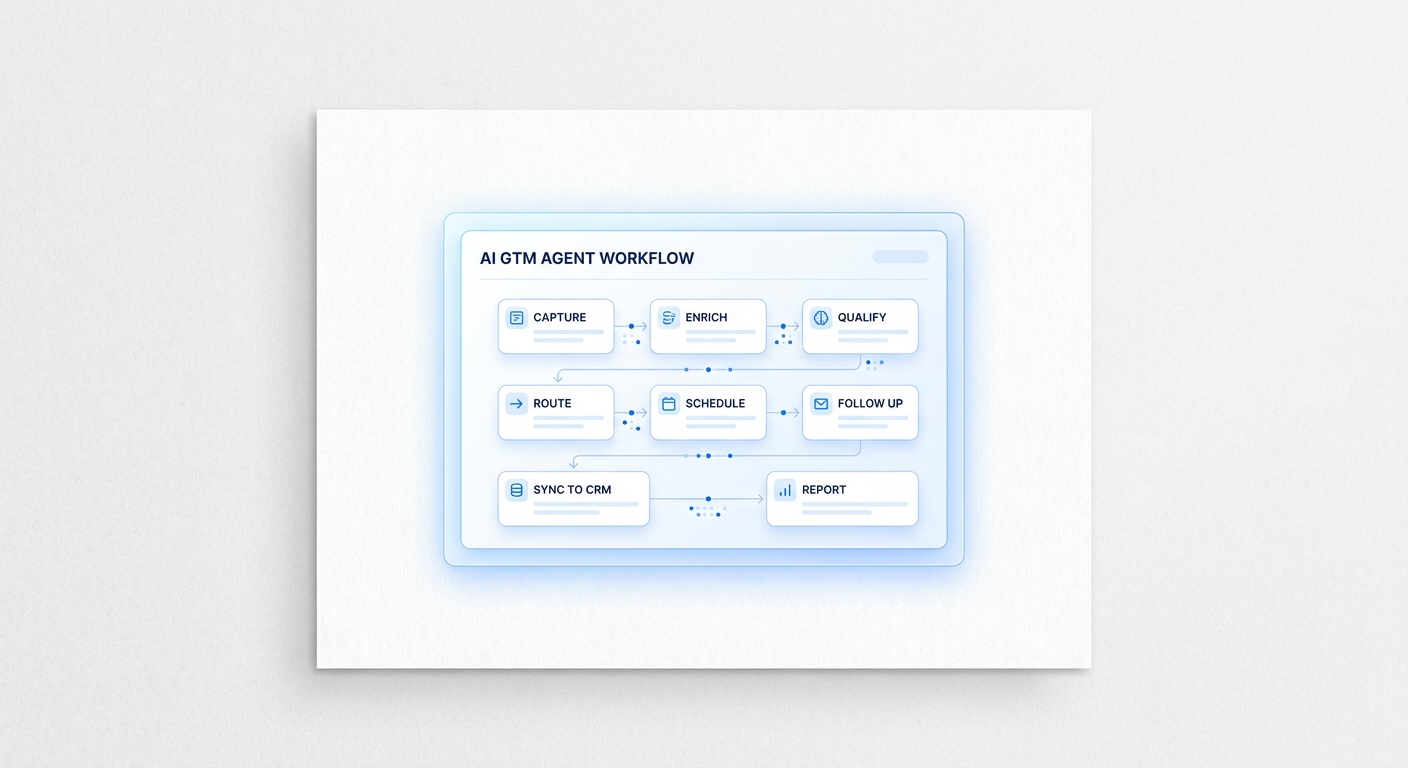
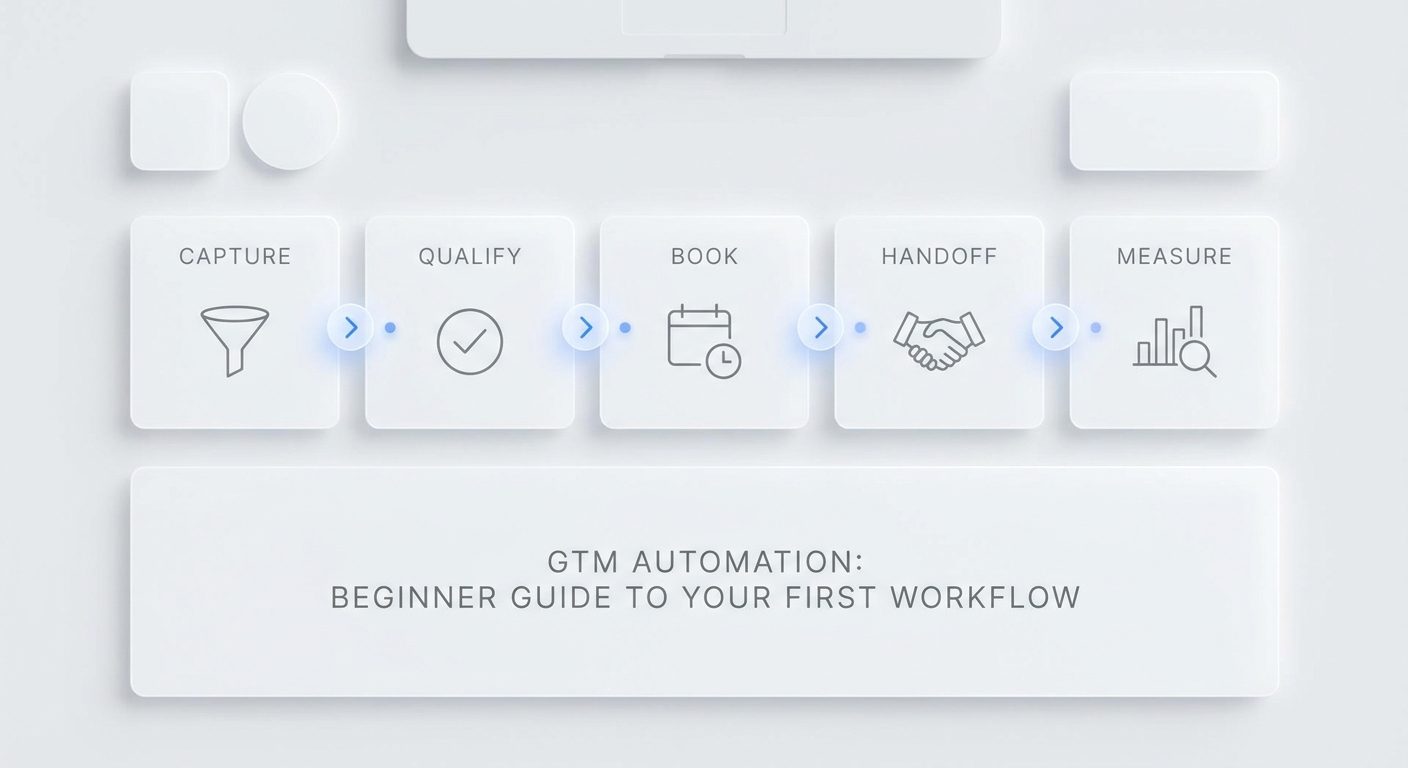
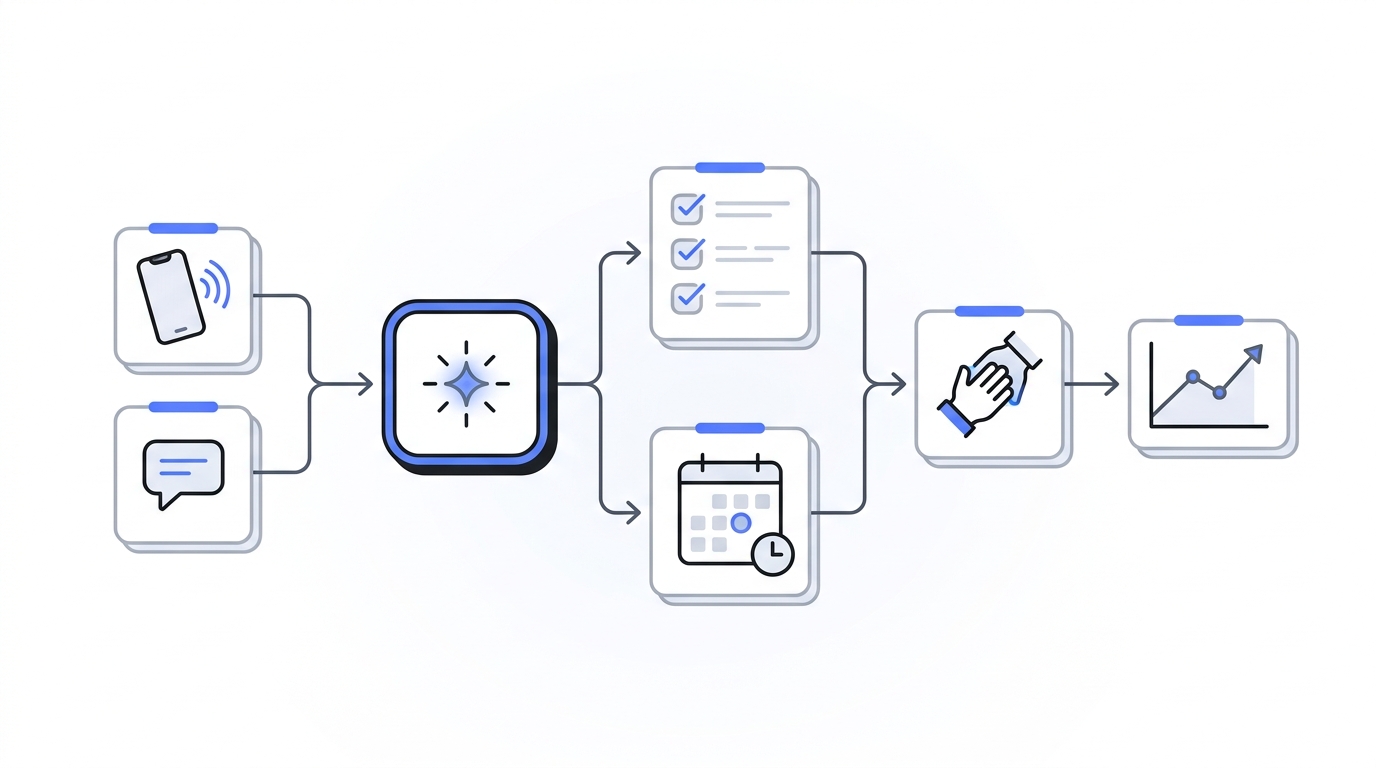
Most go to market automation searches return the same kind of result: tool roundups, platform pages, or broad "best of" posts. That helps buyers see the market, but it does not answer the real question: what should you check before you buy?
That is the gap this guide fills. A useful go to market automation comparison is not about picking the loudest platform. It is about matching the tool to the workflow, the owner, the handoff, and the metric that matters.
If your team wants better pipeline, faster response, or fewer dropped leads, start by comparing the job to be done. A marketing automation suite, a GTM workflow platform, a revenue data tool, and a conversation layer all solve different problems. Buyers who mix them together usually end up with more software and less clarity.
What the search results already do well
The current search landscape is useful, but narrow. Results usually fall into a few buckets:
- broad GTM tool roundups;
- marketing automation platform lists;
- workflow automation guides;
- revenue and intent stack pages;
- CRM and sales engagement comparisons.
That coverage is fine for orientation. It is not enough for purchase decisions. A buyer still has to answer three questions:
- What part of the GTM motion is this tool meant to run?
- What must the tool own versus hand off?
- What proof will tell us it is working?
That is why the best go to market automation comparison starts with a checklist, not a vendor list.
The buyer checklist
Use this table to compare platforms before you look at pricing.
| Check | What to ask | Good signal | Bad signal |
|---|---|---|---|
| Workflow fit | What exact motion does the platform run? | The tool maps to one repeatable workflow | It tries to cover every GTM job at once |
| Trigger coverage | What events can start the workflow? | Calls, forms, messages, intent, or CRM changes are covered | Only one channel is supported |
| Qualification logic | Can the system collect and route context? | Rules are explicit and editable | Routing depends on manual cleanup |
| Handoff control | When does a human take over? | Escalation rules are clear and logged | The tool hides exceptions or drops context |
| System of record | Where does the final record live? | One source of truth is obvious | Data is scattered across tools |
| Integrations | What systems must stay in sync? | CRM, calendar, inbox, and reporting connect cleanly | Every integration needs custom work |
| Reporting | What outcome is measured? | Response, booking, conversion, or revenue is visible | Only activity metrics are tracked |
| Time to launch | How long before the first useful workflow works? | Setup is fast enough to test in days | Deployment requires a long implementation |
| Ownership | Who maintains it after launch? | One owner can manage rules and exceptions | The workflow needs engineering for every change |
| Pricing model | How does cost scale with usage? | The model matches how you actually operate | Pricing gets hard to predict as volume grows |
If a vendor cannot answer these questions cleanly, keep looking.
Compare the platform layers, not just the brand
Most go to market automation stacks fall into a few layers. Comparing by layer is more useful than comparing by logo.
| Layer | Best for | Buyers should check | Common blind spot |
|---|---|---|---|
| Marketing automation suite | Nurture, campaigns, and lifecycle email | Audience segmentation, campaign logic, and reporting | Weak support for live handoff |
| GTM workflow platform | Cross-team routing and execution | Rules, owners, and record sync | Can be too generic for frontline conversations |
| Revenue data / intent tool | Enrichment, prioritization, and targeting | Data freshness, matching, and intent signals | Does not run the workflow itself |
| Conversation layer | Calls, SMS, chat, and fast response | Capture, summary, routing, and context | Not a full campaign system |
| Point tool | One narrow job | Whether it solves the single problem completely | Creates more manual stitching later |
A good go to market automation comparison tells buyers which layer they are actually shopping for. Many teams do not need a larger stack. They need a better first layer.
What top tools usually miss
Most tools are honest about what they do well. The miss is usually on the boundary:
- marketing automation is strong at nurture, but weak at live customer handoff;
- workflow tools are flexible, but can be too generic for frontline use;
- revenue data tools are strong at prioritization, but do not own execution;
- point tools are fast to adopt, but often stop at one task.
That is why buyers should not ask, "Which platform is best?" The better question is, "Which layer should own the next step?"
If your workflow starts with customer conversations
For phone-first or message-first teams, the first GTM automation layer is often the conversation itself.
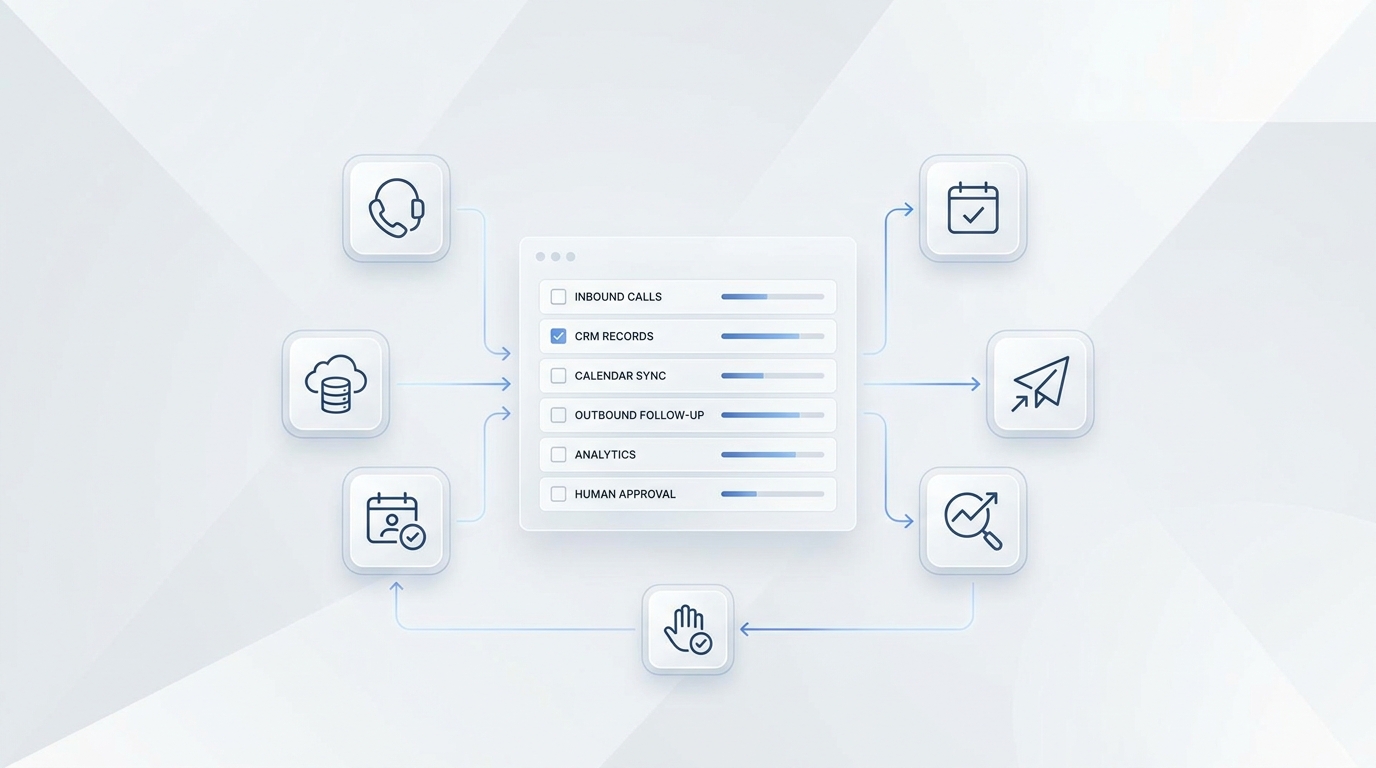
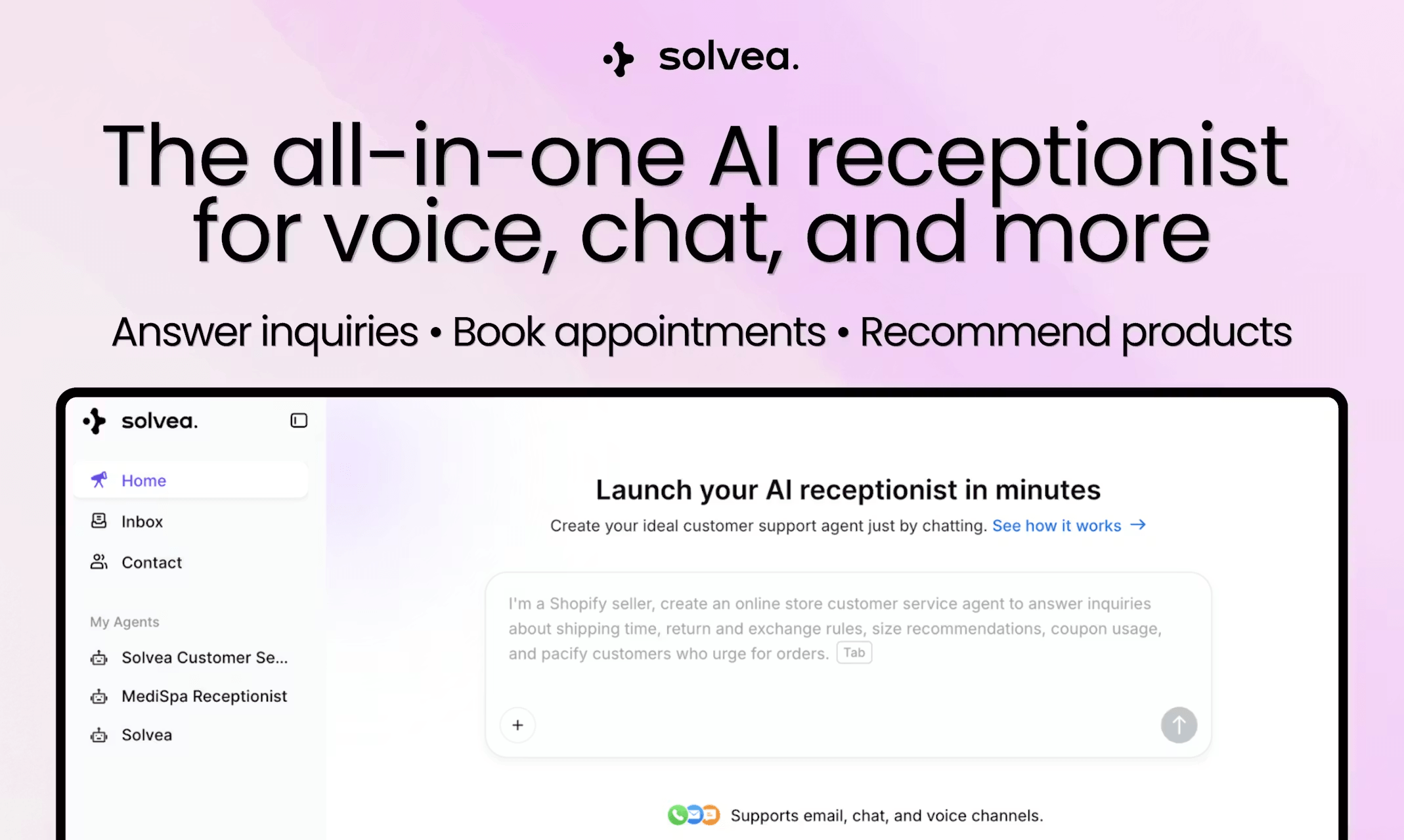
Solvea is built for that layer. The live site positions Solvea as an AI receptionist platform that keeps every customer conversation in one place, with phone, SMS, email, live chat, WhatsApp, AI lead qualification, AI appointment setting, analytics, and integrations available in the same product family.
That matters in a go to market automation comparison because many tools can send a follow-up email after the lead arrives. Far fewer can answer first, capture context, route the next step, and preserve that context in one shared inbox.
If the buyer problem is "we are losing leads before a human sees them," compare the conversation layer first, not last.
A simple decision tree
Use this before you commit to a platform:
- If your demand starts with calls or messages, prioritize the conversation layer.
- If your demand starts with campaign nurture, prioritize marketing automation.
- If your team mainly needs targeting and prioritization, prioritize revenue data and intent.
- If you need all three, check whether one system can own the record or whether a stack is unavoidable.
That logic keeps a go to market automation comparison grounded in the buyer's real workflow instead of a product category label.
What to ignore
Do not let these things drive the decision:
- the longest feature list;
- the most polished homepage;
- the most generic "AI" claim;
- the lowest sticker price without usage context;
- the most integrations if none of them match your actual flow.
Buyers should check whether the tool can do the one thing that removes the current bottleneck.
Go to market automation comparison: the quick read
If you only remember one thing, remember this:
- choose the layer first;
- choose the workflow second;
- choose the vendor third.
A strong go to market automation comparison makes the tradeoffs visible. It does not hide them behind a logo wall.
Your AI Receptionist, Live in Minutes.
Scale your front desk with an AI that never sleeps. Solvea handles unlimited multi-channel inquiries, books appointments into your calendar automatically, and ensures zero missed opportunities around the clock.
FAQ
Is go to market automation the same as marketing automation?
No. Marketing automation usually focuses on campaigns and nurture. Go to market automation is broader. It can include lead capture, qualification, routing, follow-up, reporting, and the handoff between teams.
Do buyers need one platform or a stack?
That depends on the workflow. If one tool can own the next step cleanly, a stack may be unnecessary. If the workflow spans marketing, sales, and customer response, buyers should check whether the tools connect without creating manual work.
What should phone-first teams check first?
They should check whether the platform can answer, summarize, route, and preserve context before the lead is lost. That is where a conversation layer like Solvea matters.
Final check
Before you buy, ask one last question: does this platform make the next step obvious?
If the answer is yes, you probably found the right layer for your go to market automation motion. If not, keep comparing.
For teams that start with inbound calls and messages, Solvea's AI receptionist and shared inbox are the practical place to begin.