Your front-desk coordinator spending the first three hours of every single day manually dialing a list of 50 patients to confirm tomorrow's appointments. Half of those calls go straight to voicemail, a quarter ring endlessly, and the few that do connect pull your staff away from greeting the clients standing right in front of them. This manual bottleneck drains operational efficiency, increases human error, and slows down business growth.
An automated voice message completely redefines this workflow. By instantly transmitting pre-recorded or text-to-speech (TTS) audio streams to an entire contact list simultaneously, businesses can eliminate repetitive manual dialing, optimize valuable staff resources, and ensure critical information hits the right ears at the perfect time.
What Is an Automated Voice Message?
To understand how to leverage this technology, we must look at what it means for modern enterprise operations. An automated voice message is a communication solution that allows organizations to deliver targeted audio content to a designated contact list without requiring a live agent to manually place the call.
Historically, recipients could only interact with these systems using basic keypad commands (DTMF) or rigid voice prompts via traditional Interactive Voice Response (IVR). Today, advanced cloud-based systems seamlessly support dynamic, two-way conversational flows where customers can interact naturally using simple voice or keypad commands to find product updates, confirm holiday hours, or track deliveries.
Key Features of Modern Voice Messaging Systems
- High-Quality Text-to-Speech: Converts written text into natural, spoken words instantly. This enables businesses to inject dynamic data—such as a customer’s specific name, appointment time, or account balance—into each individual call stream.
- Intelligent Scheduling: Allows operations managers to schedule important notifications at optimal times of day, drastically improving answer rates and client engagement.
- Answering Machine Detection: Smart systems can immediately distinguish between a live human answer and a digital voicemail box, adjusting their behavior to drop a clean, uninterrupted message.
- Performance Tracking and Analytics: Real-time dashboards monitor exact delivery rates, call durations, and recipient interactions, providing clear data to help teams continuously refine their outreach strategies.
How Do Modern Voice Systems Operate?
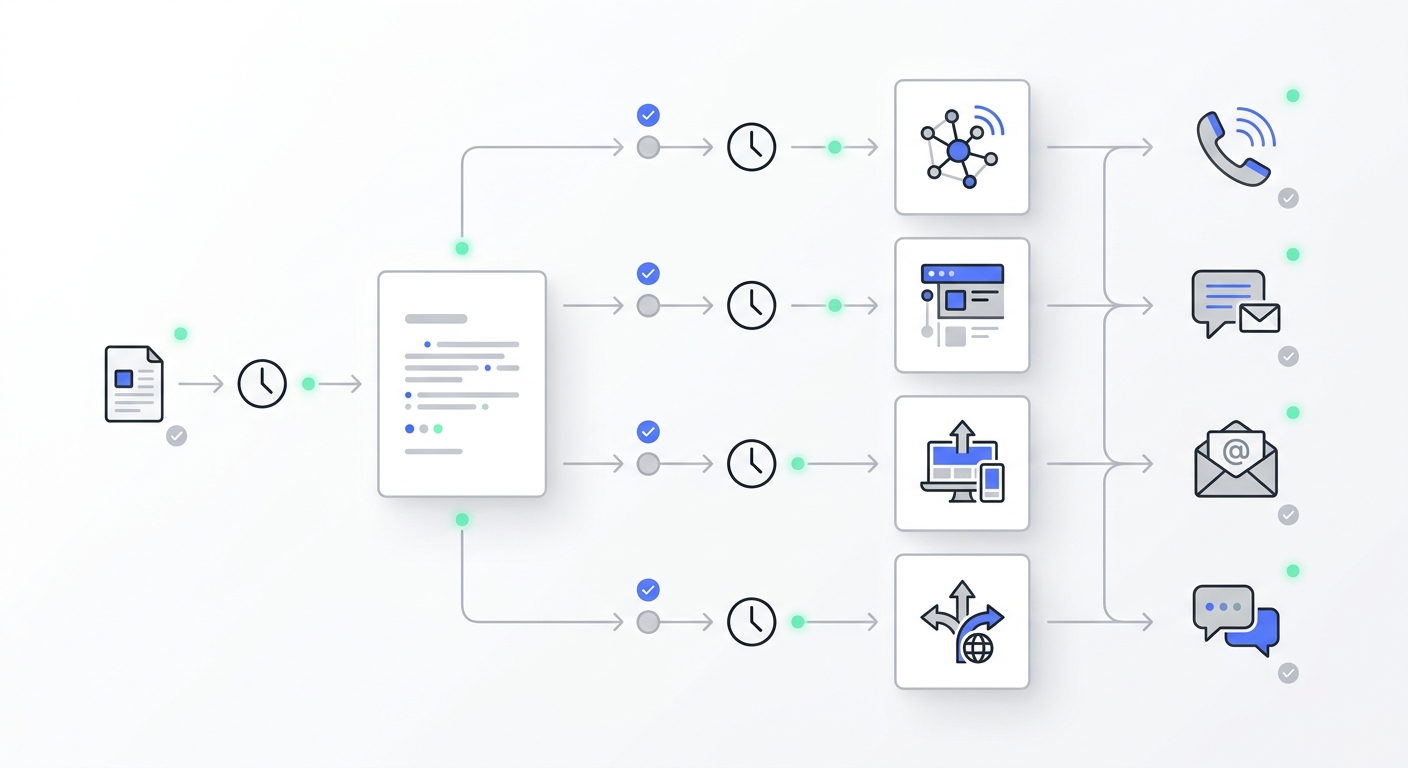
Deploying a high-impact automated campaign no longer requires an expensive recording studio or deep technical expertise. Cloud-based architectures have compressed the entire operational workflow into four highly efficient steps:
- Scripting and Content Preparation: The operations team determines the core talking points and drafts a clear script. This script is either pre-recorded or instantly converted into an audio file via an AI-powered text-to-speech generator to ensure accurate and consistent messaging.
- Automated Number Processing: The system utilizes an auto-dialer to reach the designated contact list simultaneously without manual data entry. This process bypasses busy signals and eliminates dialing errors, connecting with dozens or hundreds of contacts in seconds.
- Instant Message Delivery: The moment the recipient answers the call, the system plays the prepared audio message right away. This standard delivery model ensures the recipient receives identical, high-quality information without a live agent repeating the same script.
- Cloud Infrastructure Integration: Because next-generation solutions operate entirely in the cloud, businesses can scale call volumes up or down instantly based on real-time campaign demands, removing the need for physical hardware deployment.
How to Create an Automated Voice Message
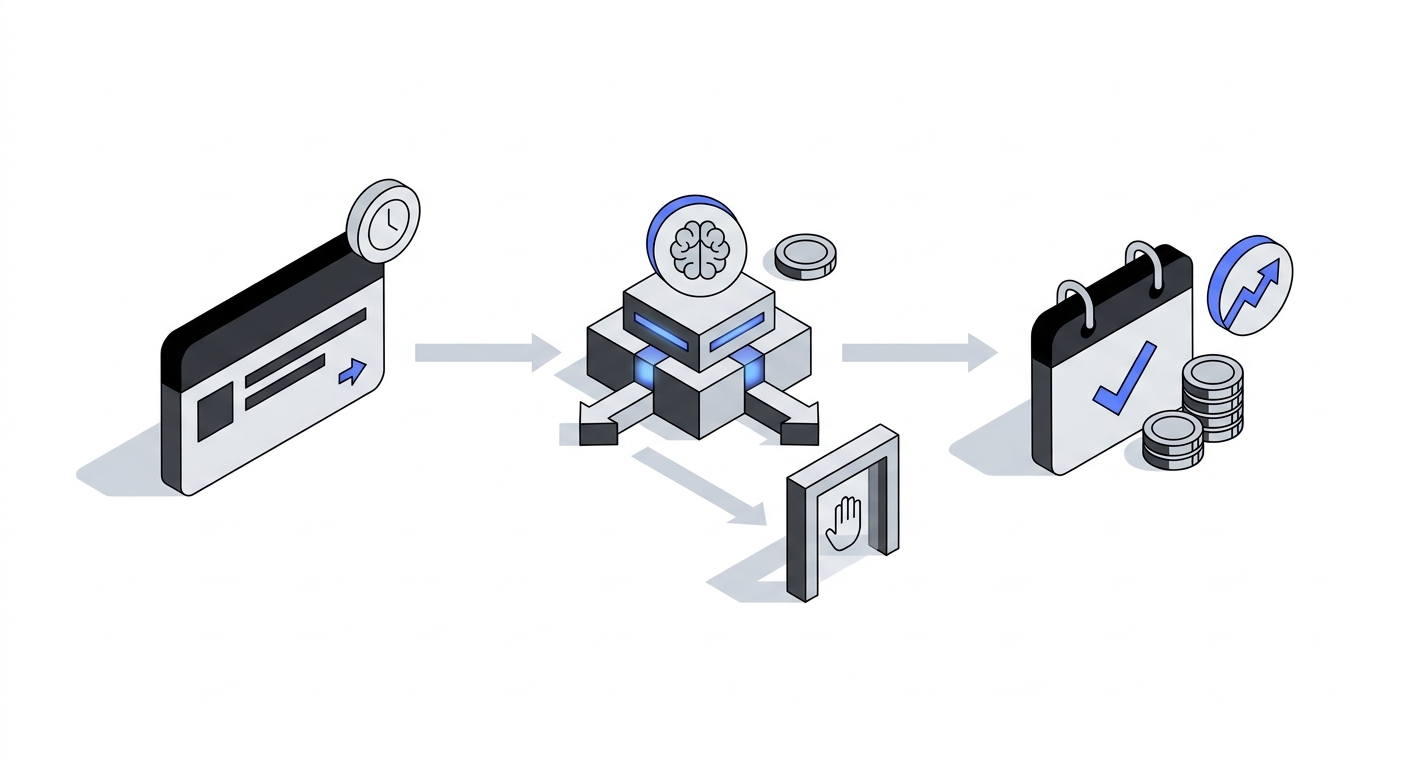
If you are wondering how to make an automated voice message from scratch, modern cloud communication platforms like Solvea have streamlined the entire setup into a fast, intuitive process that takes only a few minutes:
1. Define the Scenario and Upload Your List
Log into the platform dashboard, select your campaign objective, and upload your targeted contact database using a standard Excel or CSV file. The system automatically structures the data fields and preps the numbers for dialing.
2. Generate Your Custom Script
Type or paste your business script directly into the dashboard. Use the built-in Text-to-Speech (TTS) engine to convert your written text into an exceptionally natural, professional voice profile. You can preview the audio instantly in the platform and adjust the wording as needed.
3. Schedule the Launch
Set your desired time windows for the calls to go out and configure your custom retry rules for unanswered numbers. Once you click launch, Solvea’s automated scheduling engine takes over, executing the campaign and tracking live connection outcomes with zero manual supervision required.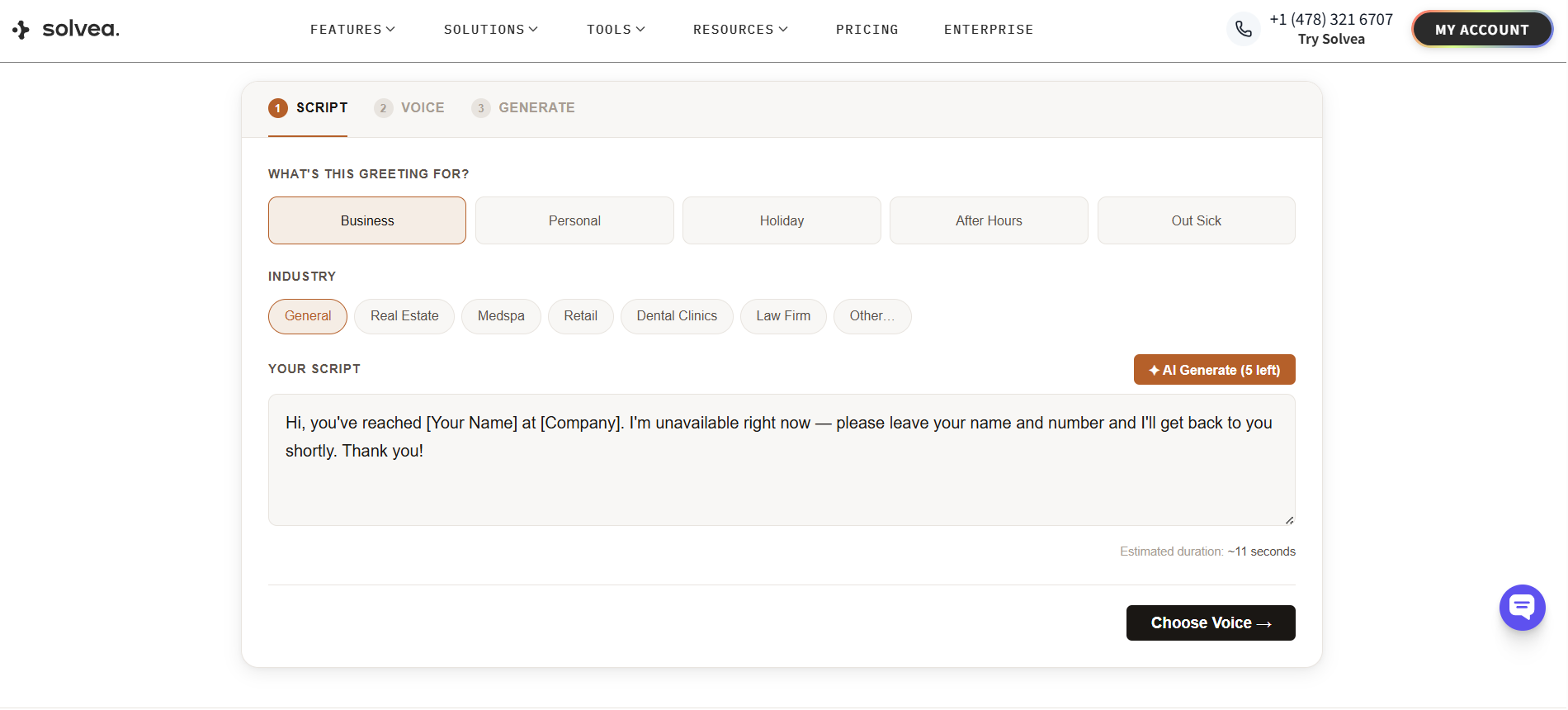
Core Business Applications
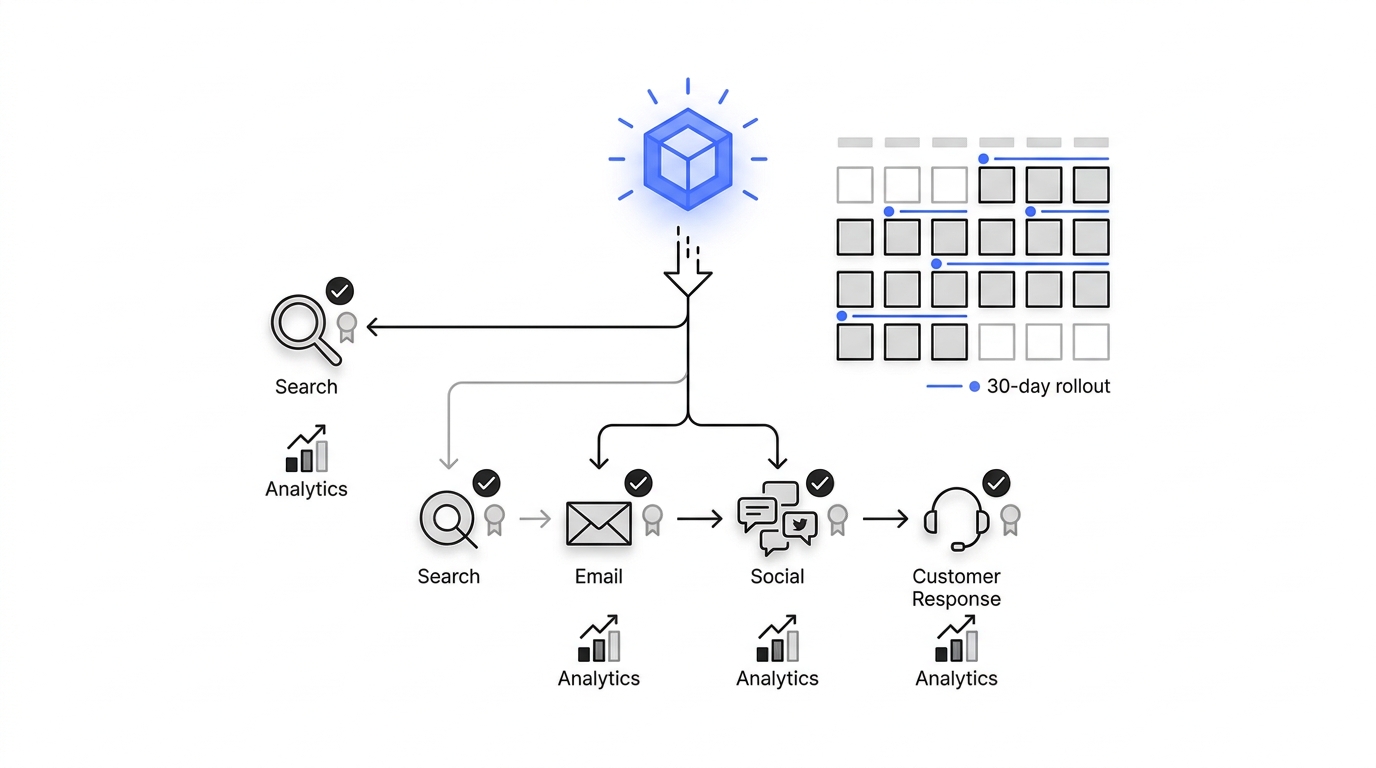
Automated messaging is highly versatile, driving rapid efficiency returns across a wide variety of customer-facing sectors:
- Voice Payment Reminders: Financial institutions and subscription-based service providers use automated voice alerts to manage accounts receivable efficiently. A concise, professional call detailing the balance and due date improves cash flow while maintaining positive customer relationships.
- Voice Appointment Confirmations: For service-driven businesses like medical clinics, dental practices, or medical spas, patient no-shows represent a massive drain on revenue. Automated confirmation calls remind clients of their upcoming slots and allow them to confirm, cancel, or reschedule in real-time, letting front-desk teams instantly reallocate open calendar blocks.
- Voice Satisfaction Surveys: Gathering immediate customer feedback is vital for long-term retention. Launching a short, automated voice survey right after a service interaction captures authentic client sentiment and isolates internal friction points before they turn into bad online reviews.
Best Practices for High-Impact Voice Campaigns
To maximize the impact of your automated voice messaging strategy and ensure your outreach stays professional and effective, always build your campaigns around these industry-proven best practices:
1. Optimize the Core Message Elements
- Lead with Your Identity: Always open the voice message by clearly stating your business or brand name within the first few seconds to establish immediate trust with the listener.
- Keep It Highly Concise: Value your recipient's time. Structure your script to deliver the core value or notice right away, preventing the user from losing interest and hanging up mid-call.
- Provide a Singular Actionable Directive: End your message with a crystal-clear next step, whether that involves directing the customer to a specific voicemail box, a website URL, or an alternative email contact method.
2. Safeguard Data and Delivery Quality
- Execute Thorough Internal Testing: Always run test calls to internal numbers before executing a large-scale public campaign to verify audio clarity, pacing, and flow.
- Clean and Update Lists Regularly: Routinely scrub and update your contact databases to eliminate inactive or incorrect numbers. This forms the absolute baseline for data accuracy and campaign compliance.
- Monitor and Iterate Based on Analytics: Keep a close eye on recipient response rates and call completion metrics within your dashboard, adjusting your script structures based on actual performance trends.
By partnering with an intelligent platform like Solvea, executing these best practices is effortless. The system provides real-time dashboards to track connection metrics alongside scalable call volume plans, ensuring your automated outreach remains highly targeted, efficient, and professional.
Conclusion
An automated voice message should never be a cold, mechanical, one-sided broadcast. In the modern business landscape, it serves as an agile, scalable bridge that connects your organization to your customer base instantly. By integrating Solvea's cloud telephony and voice generation technology into your daily workflows, you completely eliminate the operational friction of manual dialing, automate critical appointment and billing reminders, and deliver a polished, consistent client experience at an unprecedented scale.
Your AI Receptionist, Live in Minutes.
Scale your front desk with an AI that never sleeps. Solvea handles unlimited multi-channel inquiries, books appointments into your calendar automatically, and ensures zero missed opportunities around the clock.
FAQ
1. What does automated voice message mean for enterprise call centers?
For an enterprise customer center, deploying an automated voice message means moving away from manual agent dialing. It refers to using cloud telephony software to broadcast critical, standardized voice notifications or interactive audio scripts to thousands of clients at the same time. This handles high-volume, repetitive inquiries automatically, protecting human staff from burnout and allowing them to focus entirely on complicated, high-value client issues.
2. What are the key benefits when you make an automated voice message using Text-to-Speech?
Traditional pre-recorded voice systems require an employee or a voice actor to manually record new audio files every time a business detail changes. When you use Text-to-Speech (TTS) technology, you simply edit the text in your dashboard. The system instantly generates lifelike audio and dynamically blends personalized data—like a specific client’s name or numerical account balance—straight into the individual phone call.
3. How do automated voice messaging platforms handle unexpected busy signals or unanswered calls?
Modern cloud-based systems track the exact connection status of every outbound attempt. If the platform encounters a busy signal, a dropped call, or an unanswered ring, it logs the outcome immediately. Based on the custom retry rules established by your operations team during campaign creation, the system will automatically reschedule and re-dial that contact during an appropriate, compliant time window.
4. Can an automated messaging platform integrate directly with our existing CRM database?
Yes. Next-generation platforms like Solvea feature open API integration architectures that sync smoothly with standard enterprise CRM software and customer databases. This means your contact lists update automatically in real-time, and the specific results, call durations, and interaction metrics from every automated conversation are immediately written back to the customer’s profile with zero manual data entry.