Most customer calls don't respect business hours. A potential client calls at 7 PM. A patient needs to confirm an appointment on Saturday morning. A homeowner has a plumbing emergency at 11 PM on a Sunday. If no one picks up — or worse, if the call goes to a generic voicemail — that customer doesn't wait. They move on to whoever does answer.
An after-hours answering service solves this problem by handling inbound calls outside your normal operating hours, whether that's evenings, weekends, or around the clock. There are three fundamentally different types, each with distinct cost structures, resolution depths, and setup requirements. Choosing the wrong one means either overpaying for capacity you don't need or deploying something too limited to actually solve the problem.
TL;DR
Live Agent Service | Automated / IVR | AI-Powered | |
How it answers | Human agent follows your script | Pre-recorded menu, keypad input | Conversational AI, understands natural language |
Resolution depth | Messages, FAQ, appointment booking | Routes calls, collects basic info | Answers, books, resolves end-to-end |
Availability | Business hours or 24/7 | 24/7 | 24/7 |
Starting cost | $75–$500+/month | $20–$100/month | Free–$30/month |
Setup time | 1–3 days | Same day | Under 3 minutes |
Best for | Medical, legal, high-stakes industries | High volume, simple call types | SMBs wanting full resolution without staffing |
What Is an After-Hours Answering Service?
An after-hours answering service is a call handling solution that operates when your staff isn't available — evenings, weekends, holidays, or continuously if you configure it that way. Calls are either forwarded to the service automatically based on your schedule, or your main number routes through it at all times with business-hours calls going to your team and after-hours calls handled by the service.
The key distinction from a standard answering service is configuration: after-hours coverage is explicitly time-bound. You define when "after hours" starts and ends, and the service activates accordingly. Some businesses use it purely for overnight and weekend coverage; others run it 24/7 as a first-response layer that handles all calls before routing complex ones to staff.
What the service does with the call — take a message, answer a question, book an appointment, or resolve the issue entirely — depends entirely on which type you choose.
Why After-Hours Coverage Matters More Than Most Businesses Realize
Most businesses intuitively know they miss calls outside office hours. What they underestimate is how often those missed calls represent lost revenue rather than minor inconvenience.
Customers consistently rate immediate response as critical when they reach out for help — and immediacy means minutes, not hours or the following business day. A customer who hits voicemail at 8 PM and doesn't hear back until 10 AM the next morning has had twelve hours to book with a competitor.
The industries most exposed to after-hours revenue loss are exactly the ones where customers face time-sensitive decisions:
- Medical and dental practices: Patients booking appointments don't wait for callbacks. The practice that answers at 9 PM gets the booking.
- Home services (plumbing, HVAC, electricians): Emergency calls go to whoever picks up. The second call gets whatever business the first one left behind.
- Real estate: Buyers and renters search in the evenings. An agent who answers at 10 PM stands out from every office that closed at 5.
- Legal: Urgent consultations, bail inquiries, and time-sensitive filings happen outside business hours.
- Restaurants and hospitality: Reservations, event inquiries, and catering requests arrive around the clock.
Mobile searchers frequently use click-to-call to contact businesses directly from search results — and phone calls convert to revenue at a significantly higher rate than web form submissions. That traffic doesn't stop at 5 PM.
[SCREENSHOT: Example of missed call log showing after-hours call volume for a small service business]
The 3 Types of After-Hours Answering Services
Live Agent Services
Live answering services staff human agents who answer your calls using your business name, greeting, and script. For after-hours coverage, the model is typically shared: the same agent pool handles calls for dozens of different client businesses, working from the script each client provides.
What they do well:
- Sound human and professional to callers — important in industries where trust is the first impression
- Handle nuanced intake scripts for medical, legal, and emergency services
- Adapt to callers who don't follow a predictable flow
- Provide warm call transfers to on-call staff when a situation is urgent
Their ceiling:
- Agents follow your script; they can't access your systems
- Resolution is limited to message-taking, basic FAQ, and appointment booking via shared calendar access
- 24/7 staffing costs significantly more than business-hours coverage
- Response consistency varies by agent
Best fit: Medical practices (HIPAA-compliant intake), law firms (sensitive first contact), emergency services, any business where the first impression must sound explicitly human.
Cost: $75–$200/month for evenings-and-weekends coverage; $200–$500+/month for 24/7. Higher-volume plans and industry-specific compliance features add cost.
Automated / IVR Services
Interactive voice response (IVR) systems answer calls with pre-recorded audio, route callers through a menu using keypad input, and collect basic information without a live agent. At their most basic, they're the "Press 1 for sales, Press 2 for support" experience that most callers are familiar with.
What they do well:
- Handle high call volume at very low cost
- Work 24/7 without any staffing costs
- Collect consistent, structured information (name, callback number, reason for calling)
- Route urgent calls to an on-call number based on caller input
Their ceiling:
- Callers who speak naturally instead of pressing keys go unserved
- No resolution — only routing and message collection
- Poor caller experience for anything complex or emotionally sensitive
- "Press 0 to repeat this menu" is not a substitute for being heard
Best fit: High-volume businesses with simple, predictable call types — utilities, basic scheduling lines, overflow routing where callers understand and expect a menu system.
Cost: $20–$100/month for basic plans; custom integrations add cost.
AI-Powered Answering Services
AI-powered answering handles calls conversationally — understanding natural language, responding to what the caller actually says, and taking action without requiring them to navigate a menu. Unlike live agents, AI doesn't need scripts to handle variation; unlike IVR, it doesn't break when a caller says something unexpected.
Modern AI answering systems can book appointments, answer FAQ from your knowledge base, check order status, collect lead information, and escalate to a human when the situation genuinely requires it — passing full context so the caller doesn't have to repeat themselves.
What they do well:
- Answer and resolve, not just route — callers leave with a result, not a message
- Available 24/7 with no staffing or per-minute billing
- Handle volume spikes (holiday weekends, product launches) without wait times
- Consistent quality — every call gets the same professional experience
- Setup in minutes, not days
Where they fit:
- After-hours coverage for SMBs that want full resolution without call center costs
- Overflow handling during peak hours
- Front-line layer that resolves routine calls before routing complex ones
Cost: Free plans available; paid plans from $30/month. No per-minute pricing, no long-term contracts with modern AI providers.
What to Look for When Choosing an After-Hours Service
Not all services of the same type are equivalent. Before committing to a plan, evaluate these five factors:
1. Resolution depth vs. message-taking
The most important question: what happens after the call is answered? A service that professionally takes a message and sends you an email has done less than half the job — you still need to call back, and the customer still had to wait. Ask specifically what percentage of common call types the service can resolve without requiring a callback.
2. HIPAA / industry compliance
Medical, dental, and legal businesses cannot use just any answering service. Live agent services that handle medical intake must be HIPAA-compliant. AI services storing call transcripts must handle data to your industry's standard. Verify compliance certifications before signing.
3. Calendar and system integration
An after-hours service that can book appointments must connect to your actual calendar — not just collect a request and send you a message. Live agents need shared calendar access. AI services need native integration with your booking system. Without this, "I'll book an appointment for you" is a lie.
4. Escalation logic
When a caller says something outside the script — an emergency, a complaint, an urgent situation — what happens? Verify the escalation path: Who gets notified? By what method? Within what timeframe? A service with no clear escalation logic is a liability in high-stakes industries.
5. Transparency in pricing
Live agent services often charge per minute, with minimums that can surprise you. Understand whether you're paying for connection time, handle time, or both. AI services typically offer flat-rate plans — verify whether there are overage fees if call volume spikes.
Cost Breakdown by Type
Type | Entry-Level Plan | Mid-Range | Enterprise / High Volume |
Live agent (evenings + weekends) | $75–$150/month | $150–$300/month | $300–$500+/month |
Live agent (24/7) | $200–$350/month | $350–$600/month | $600–$1,000+/month |
Automated / IVR | $20–$50/month | $50–$100/month | Custom |
AI-powered | Free–$30/month | $30–$100/month | Custom |
The cost gap between live agent 24/7 and AI-powered coverage reflects the fundamental staffing economics. According to the U.S. Bureau of Labor Statistics, the median annual wage for a customer service representative is approximately $37,780 — and with employer taxes and benefits added, total employment costs run higher — meaning even a shared-agent model must price to cover that underlying labor cost.
For most small businesses, AI-powered after-hours answering represents significantly better value per resolved call than any live-agent option. The question is whether your callers and your industry require a human voice.
How to Set Up After-Hours Coverage
The setup process varies by type, but the basic sequence applies to all:
Step 1: Define your after-hours window
Decide exactly when calls should route to the service — evenings only (6 PM–8 AM), weekends, all non-business hours, or 24/7. Most businesses start with after-hours-only and expand from there.
Step 2: Configure call forwarding
Set your main business number to forward to the answering service during your defined off-hours window. This is typically done through your VoIP provider or carrier settings. Full call forwarding takes two minutes to configure on most platforms.
Step 3: Provide your script or knowledge base
For live agent services: write a script covering your greeting, common FAQ, and what the agent should do in each scenario (take a message, book an appointment, escalate to on-call). For AI-powered services: upload your FAQ document, connect your calendar, and configure escalation rules.
Step 4: Test the full call flow
Call your number from an external line during the after-hours window and run through the most common scenarios — general inquiry, appointment request, urgent issue. Verify that messages, bookings, and escalations all work as expected.
Step 5: Monitor and adjust
Review the first two weeks of call logs. Identify where callers are dropping off, what questions aren't being answered, and whether escalations are triggering appropriately. Refine the script or knowledge base based on real call patterns.
Solvea as Your After-Hours AI Receptionist
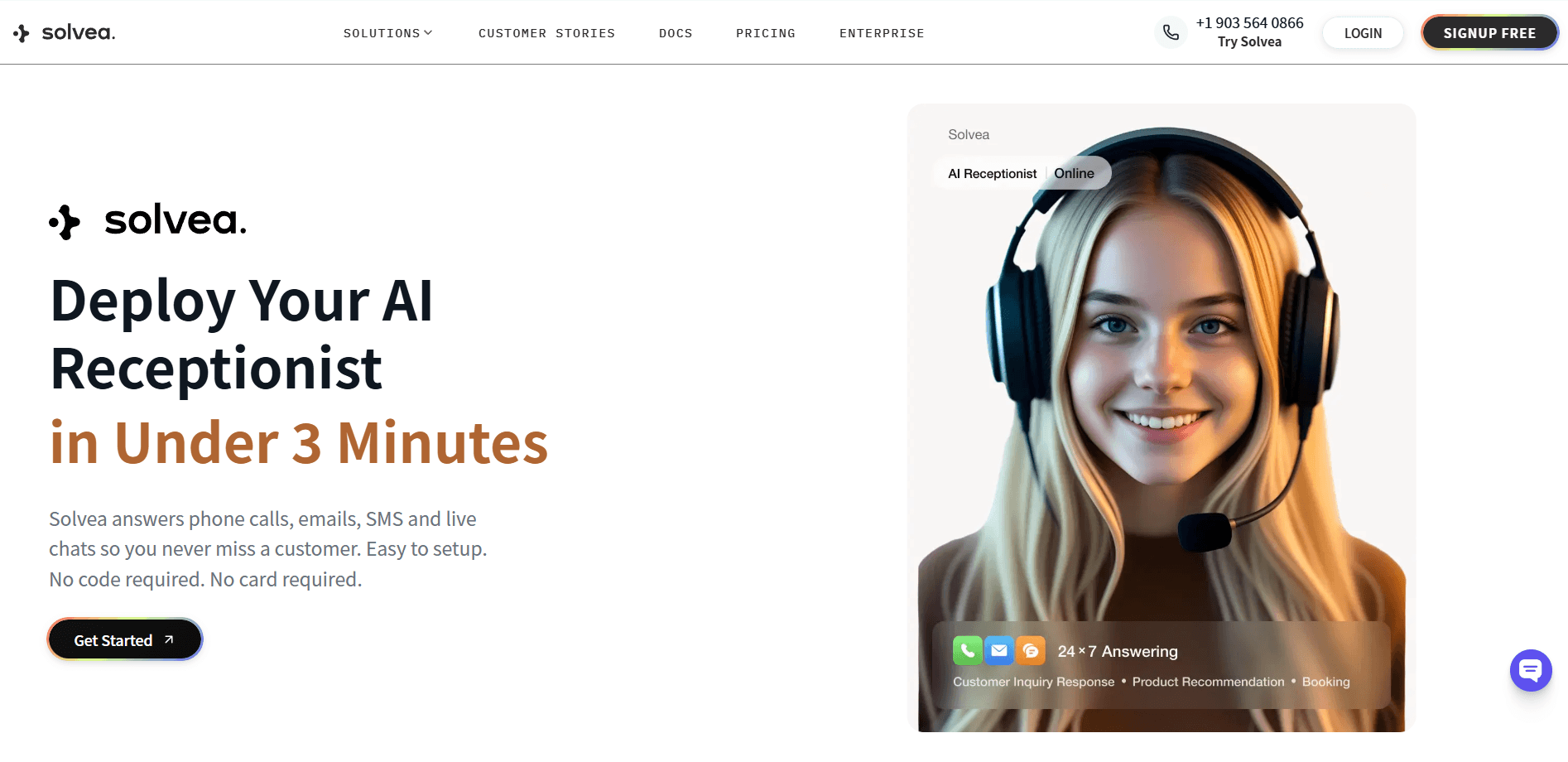
Solvea is an AI receptionist platform designed for small business. You can easily set up your own AI receptionist and automate your answering service, with a simple prompt or based on industry-sepecific templates (e.g. retail, real estate, medspa, software, and restaurant).
When the last team member logs off, Solvea keeps answering — picking up phone calls, responding to live chat messages, and handling email inquiries across all three channels from a single platform. Callers get a real answer, not a voicemail prompt and a callback window that starts at 9 AM the next morning.
The difference from a live answering service isn't just cost. It's resolution. Solvea doesn't take a message and pass it on — it books the appointment, answers the FAQ, and closes the inquiry the same way your best front desk employee would during business hours. When a call genuinely requires human judgment, it escalates immediately with full context so your team can follow up with everything they need.
Setup takes under 3 minutes. No staffing, no scripts to hand off to a live agent service, no per-minute billing surprises. Pricing starts free, including a 7-day trial phone number — no credit card required.
Your AI Receptionist, Live in Minutes.
Scale your front desk with an AI that never sleeps. Solvea handles unlimited multi-channel inquiries, books appointments into your calendar automatically, and ensures zero missed opportunities around the clock.
Frequently Asked Questions
What is an after-hours answering service?
An after-hours answering service handles inbound calls on behalf of your business when your staff is unavailable — evenings, weekends, holidays, or around the clock. Calls forward to the service based on a schedule you configure. Depending on the type, the service takes messages, answers FAQ, books appointments, or resolves the inquiry end-to-end.
How much does an after-hours answering service cost?
Live agent services typically cost $75–$500+/month depending on call volume and whether coverage is evening-only or 24/7. Automated IVR systems run $20–$100/month. AI-powered after-hours services start free, with paid plans from $30/month. The cost reflects the staffing model — live agents cost more because human labor costs more.
Do I need a separate phone number for an after-hours answering service?
No. Most services use call forwarding — you keep your existing business number and configure it to forward to the answering service during off-hours. Callers dial the same number they always have. The routing happens transparently on the back end.
What's the difference between an after-hours answering service and a 24/7 answering service?
An after-hours answering service handles only calls that fall outside your defined business hours. A 24/7 answering service handles all calls at all times, including during business hours. Many businesses start with after-hours-only coverage and expand to 24/7 if call volume justifies it.
Can an after-hours answering service book appointments?
Yes, but only if it integrates with your actual calendar. Live agent services need shared calendar access; AI-powered services need native integration with your booking platform (Google Calendar, Calendly, or similar). A service that only collects a "request to book" and sends you a message is not the same as one that confirms the appointment in real time.
Which industries benefit most from after-hours answering?
Medical and dental practices, legal offices, home service businesses (plumbing, HVAC, electricians), real estate agents, and restaurants see the highest ROI from after-hours coverage. These are industries where callers are making time-sensitive decisions and will move to a competitor if their first call goes unanswered.
Is AI good enough to replace a live after-hours answering service?
For most standard call types — appointment booking, FAQ, lead intake, order status — yes. AI-powered answering resolves these end-to-end without the per-minute costs or consistency variability of a shared-agent service. The cases where live agents retain an advantage are high-stakes first impressions (legal intake, medical triage) or calls that require human empathy and judgment in unpredictable situations.