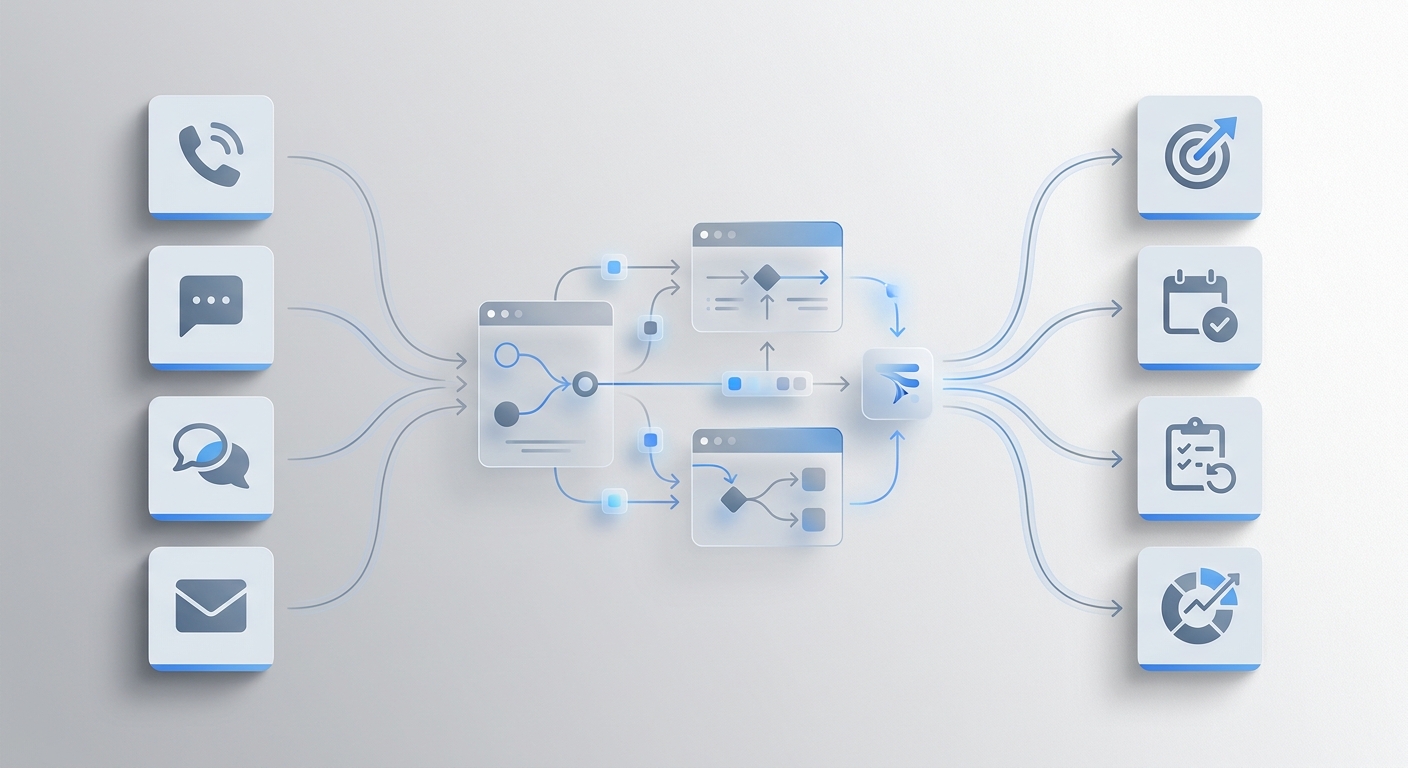
Call forwarding is a phone feature that redirects incoming calls from one number to another before the call is answered. You set a destination — a cell phone, another office line, or a voicemail box — and calls route there automatically, without the caller doing anything differently.
For individuals, it's a convenience. For small businesses, it's often a band-aid: a way to stay technically reachable while still missing what matters most — an actual answer. Understanding what call forwarding does (and doesn't do) is the first step to building a call handling strategy that actually works.
TL;DR
Details | |
What it does | Redirects incoming calls to a different number or device |
How you activate it | Via your phone carrier, VoIP dashboard, or keypad codes |
Types | Unconditional, busy, no-answer, unavailable, selective |
Who it's for | Anyone needing basic call redirection when unavailable |
What it doesn't do | Answer calls, take messages, book appointments, or handle multiple callers |
Better alternative for SMBs | AI receptionist that answers, qualifies, and resolves calls 24/7 |
What Is Call Forwarding?
Call forwarding — also called call divert — is a telecom feature that automatically routes an incoming call to a different phone number based on rules you configure in advance. Those rules can be simple (always forward every call) or conditional (only forward when the line is busy, or after three rings, or only between 6 PM and 9 AM).
Think of it like a postal redirect: your address stays the same, but deliveries show up somewhere else. The person sending mail doesn't need to update anything — the redirect handles it invisibly.
The feature has been part of telephone networks since the 1970s on traditional landlines. Today it's available on every major mobile carrier, every VoIP business phone platform, and most desk phone systems. On a smartphone, you activate it through settings or by dialing a short code (*72 + destination number on most U.S. carriers). On a business VoIP platform, it's typically a toggle in your admin dashboard with conditional logic built in — forward to a specific person during business hours, forward to a shared queue after hours, and so on.
What call forwarding does not do: it doesn't answer the call, take a message, qualify the caller, or book an appointment. It moves where the phone rings. Whether anyone picks up at the other end is a separate question.
Image placeholder: Screenshot of iPhone Call Forwarding settings (Settings → Phone → Call Forwarding)
How Does Call Forwarding Work?
The mechanics differ slightly depending on whether you're on a traditional phone network or a VoIP system, but the core sequence is the same.
When a call is placed to your number, your carrier's network checks for active forwarding rules before routing the call to your device:
- Caller dials your number — the call enters the carrier's switching network
- The network checks for forwarding rules — if a rule is active and its conditions are met, the call is redirected
- The call routes to the destination number — either immediately (unconditional) or after a set number of rings (conditional)
- The destination device rings — the caller connects to whoever answers there
On traditional landlines (PSTN), forwarding is handled entirely at the carrier switch level. Your physical handset is bypassed; the carrier intercepts the call before it reaches your line. This means forwarding works even if your phone is unplugged.
On VoIP systems (such as RingCentral, Nextiva, or Google Voice), call forwarding is managed through software rules configured in a cloud dashboard. This gives you significantly more flexibility — you can build conditional logic, set time-of-day schedules, route different callers to different destinations, and change rules instantly without calling your carrier.
The FCC's consumer telephone guide confirms that call forwarding is a standard feature on virtually all U.S. telephone services, though international forwarding rules and charges vary by carrier and destination country.
The 5 Types of Call Forwarding
Not all call forwarding works the same way. The type you choose determines when your calls redirect and to where — which matters a lot for businesses trying to build a reliable inbound call strategy.
Type | When It Activates | Best For |
Unconditional | Always — every incoming call | When you're fully unavailable (vacation, out of office) |
Busy | When the line is already in use | Single-line setups with high call volume |
No-Answer | After a set number of rings | Anyone who wants a fallback if they can't pick up in time |
Unavailable | When phone is off or out of coverage | Mobile users in areas with poor signal |
Selective | Based on caller ID, time, or schedule | Businesses routing VIP clients or after-hours calls differently |
Unconditional forwarding is the bluntest instrument — every call goes to the destination, no exceptions. Useful when you're completely offline, but if you forget to turn it off, calls bypass you permanently.
Busy and no-answer forwarding work as fallback layers. Many businesses stack them: ring the desk for four seconds, if busy forward to mobile, if no answer forward to a shared voicemail. This mimics a simple call queue without VoIP infrastructure.
Selective forwarding is the most powerful option for businesses. You can route calls from specific numbers (VIP clients, vendors) to dedicated lines, send all after-hours calls to a backup team, or route calls differently by day of week. Most VoIP platforms support selective forwarding through visual rule editors — no technical knowledge required.
How to Set Up Call Forwarding
On iPhone
- Go to Settings → Phone → Call Forwarding
- Toggle on Call Forwarding
- Enter the destination number
- Your carrier activates the rule immediately — no restart required
Note: iPhone's native settings only support unconditional forwarding. For conditional rules (busy, no-answer), you'll need to use carrier-specific keypad codes or switch to a VoIP solution.
On Android
- Open the Phone app → Tap the three-dot menu → Settings
- Select Calls → Call Forwarding
- Choose the forwarding type (Always Forward, Forward When Busy, Forward When Unanswered, Forward When Unreachable)
- Enter the destination number and tap Turn On
Android's dialer settings expose all four conditional types natively, though the exact menu path varies slightly by manufacturer (Samsung, Google Pixel, OnePlus each label it slightly differently).
Via Carrier Codes (U.S.)
Action | Code |
Activate unconditional forwarding |
|
Deactivate unconditional forwarding |
|
Activate no-answer forwarding |
|
Deactivate no-answer forwarding |
|
Codes are standardized across most U.S. carriers but can vary — confirm with AT&T, Verizon, or T-Mobile if the code doesn't connect.
On a Business VoIP System
Log into your admin dashboard, navigate to Call Routing or Call Handling, and build forwarding rules by user, ring group, or time window. Most platforms (RingCentral, Nextiva, Dialpad, Google Voice for Business) let you create conditional chains with drag-and-drop editors. Changes take effect instantly, no carrier call required.
This is where business call forwarding diverges most sharply from consumer phone forwarding — VoIP platforms let you build routing logic that would require hardware PBX systems to replicate on a traditional landline.
Image placeholder: Screenshot of a VoIP admin dashboard showing call routing rules panel
Call Forwarding vs. Alternatives: What Actually Handles Calls
Call forwarding is one tool in a broader set of call handling options. How it compares to alternatives depends on what you actually need — redirection, or resolution.
Feature | Call Forwarding | Voicemail | Virtual Receptionist | AI Receptionist |
Answers the call | ❌ redirects only | ❌ | ✅ human | ✅ automated |
24/7 availability | ✅ | ✅ | ❌ | ✅ |
Books appointments | ❌ | ❌ | ✅ | ✅ |
Handles simultaneous calls | ❌ | ✅ | ❌ | ✅ |
Monthly cost | Free–$5 | Free | $100–$500+ | $0–$30 |
Best for | Basic redirection | Call logging | High-touch, lower volume | SMBs needing 24/7 coverage |
Voicemail handles overflow but loses most callers — studies consistently show that the majority of callers who reach voicemail don't leave a message and don't call back. Virtual receptionists (human answering services) solve the answer problem but cost $100–$500+/month, scale poorly with volume, and aren't available 24/7. AI receptionists combine 24/7 availability, simultaneous call handling, and automated resolution at a fraction of the cost.
When Call Forwarding Isn't Enough
Call forwarding moves a problem — it doesn't solve it.
If calls forward to your cell phone, you still have to answer every one, qualify the caller, handle the question, and manage the interruption. If they forward to voicemail, you lose the caller. According to Salesforce's 2024 State of Service report, 88% of customers say good service makes them more likely to purchase again — a standard that requires someone or something to actually respond, not just redirect.
The numbers behind a missed call are starker than most business owners realize. A full-time receptionist to answer those calls costs over $37,200 annually in base salary alone, according to the U.S. Bureau of Labor Statistics — before benefits, training, or coverage during breaks and vacation. Call forwarding to a human costs that much. Call forwarding to voicemail costs nothing and recovers almost no one.
For small businesses, the gap between "call forwarded" and "call answered" is exactly where revenue slips out.
Where call forwarding consistently falls short:
- Doesn't answer — just moves where the phone rings
- Can't handle simultaneous inbound calls (one call at a time on standard carrier forwarding)
- No appointment booking, FAQ handling, or caller qualification
- No call log — you have no record of who called, what they needed, or when they gave up
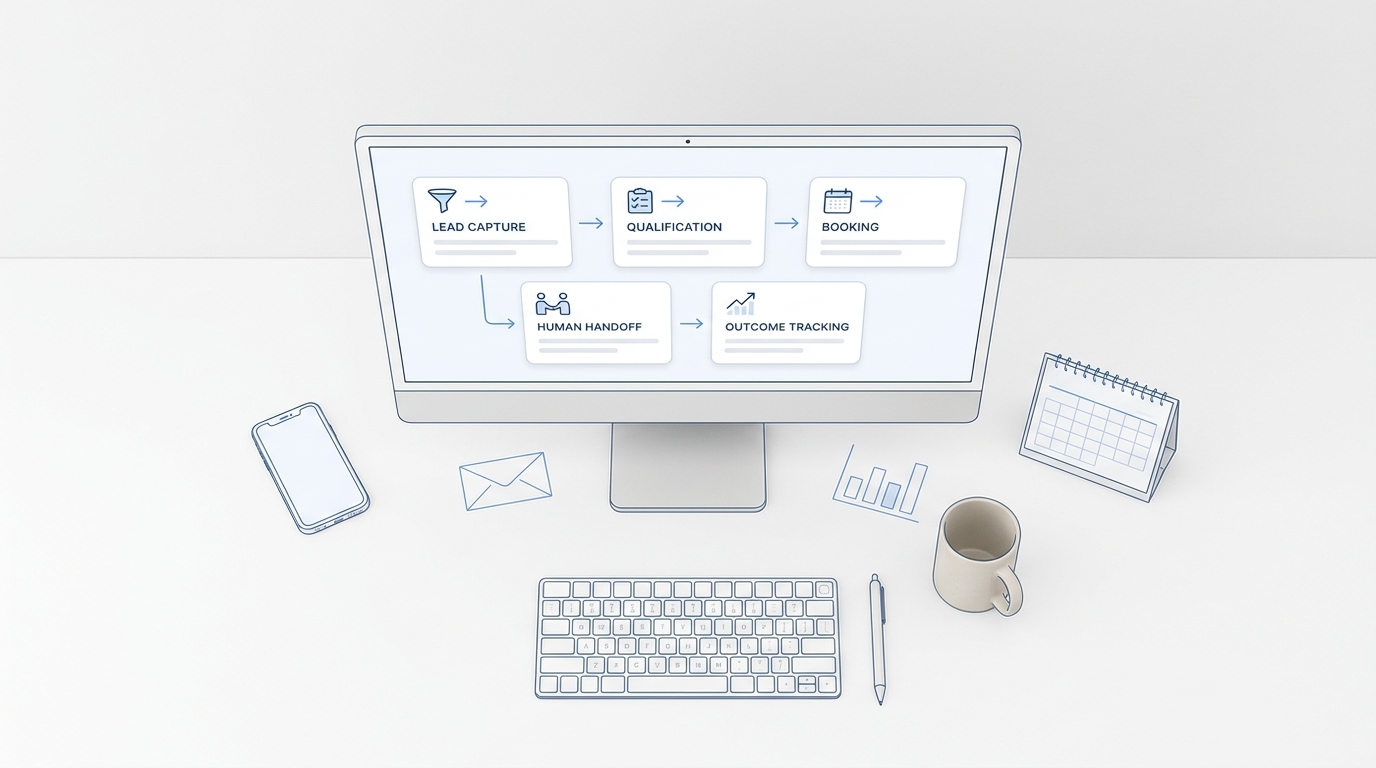
An AI receptionist closes that gap. It answers every call, handles common questions from your knowledge base, books appointments through calendar integrations, and escalates complex issues to a human — all without anyone manually picking up. It runs 24/7, handles multiple calls at once, and costs a fraction of a part-time hire.
Dr. Julian Chen, founder of Radiance Medspa, put the core problem plainly: "Clients looking for aesthetic treatments expect immediate responses. If we don't answer, they book with the medspa down the street." His practice switched to an AI receptionist and went live in under a day — no forwarding chains, no missed consultations. "It paid for itself within the first week."
Putting It Together
Call forwarding is a practical tool for simple redirection — when you're in a meeting, traveling, or temporarily unavailable. It's free, activates in seconds, and works on every phone and carrier. For individuals who occasionally need calls to reach a different number, it's often all you need.
For businesses, the calculus is different. A missed call isn't a minor inconvenience — it's a potential customer who moved on. Forwarding to your personal cell creates constant interruptions. Forwarding to voicemail loses the majority of callers before they leave a message. Forwarding to a human answering service adds cost and introduces availability gaps.
The question worth asking isn't "where should my calls forward?" It's "what actually happens when a customer calls and I can't pick up?" If the honest answer is "usually nothing good," call forwarding alone isn't the fix.
The businesses that stop missing calls aren't the ones with smarter forwarding rules. They're the ones that replaced the forwarding chain with something that actually picks up and helps.
Your AI Receptionist, Live in Minutes.
Scale your front desk with an AI that never sleeps. Solvea handles unlimited multi-channel inquiries, books appointments into your calendar automatically, and ensures zero missed opportunities around the clock.
Frequently Asked Questions
Is call forwarding free?
Basic call forwarding is included with most U.S. mobile plans at no extra charge. Some carriers charge for international forwarding or calls forwarded to premium numbers. Business VoIP platforms universally include call forwarding in all plan tiers — including free tiers.
Does call forwarding work when my phone is off?
Yes. "Unavailable" call forwarding activates when your phone is powered off or out of network coverage. Your carrier intercepts the call at the switching level before it ever reaches your device, so the destination number rings regardless of whether your handset is on.
What's the difference between call forwarding and call transfer?
Call forwarding redirects a call before it's answered, based on a pre-configured rule — no one has to do anything when it happens. Call transfer moves an active call you've already answered to another person or number — it requires manual action mid-conversation. Forwarding is automatic and invisible; transferring is intentional and real-time.
Does the caller know their call was forwarded?
Typically not. Forwarding happens at the carrier network level and is transparent to the caller. The only visible sign would be if the destination number's voicemail greeting names a different business, or if the caller has an app that displays routing information.
Can I forward calls to an international number?
Yes, but international forwarding incurs per-minute charges based on the destination country, billed to the forwarding account (yours, not the caller's). Rates vary significantly by carrier and destination — confirm the per-minute cost with your carrier before activating, especially for high-call-volume situations.
Is there a limit to how many calls I can forward at once?
Standard carrier-level call forwarding routes one call at a time. If you're already on a forwarded call, a second incoming caller receives a busy signal or goes to voicemail. VoIP platforms with ring groups, parallel routing, or call queues can handle multiple simultaneous calls — but that's a different feature from basic call forwarding.
How do I turn off call forwarding?
On most U.S. carriers, dial *73 to deactivate unconditional forwarding. On iPhone, go to Settings → Phone → Call Forwarding and toggle it off. On VoIP platforms, disable the forwarding rule in your admin dashboard. Changes take effect immediately.