As business communication becomes more centralized, many teams end up evaluating whether their phone system can do more than simply ring the next available device. That is where a Zoom Phone AI receptionist becomes relevant. For businesses already running meetings, internal chat, and external communications inside Zoom, the promise is straightforward: let callers speak naturally, reduce manual transfers, and make the first contact experience feel cleaner without immediately hiring more front-desk staff.
That matters because most small and midsize teams do not actually have a “phone problem” in isolation. They usually have a workflow problem. Calls arrive when nobody is free, reception tasks compete with sales or service work, and the same routing questions get answered over and over again. A conversational AI receptionist is appealing because it shifts the first layer of call handling from reactive interruption to structured intake.
TL;DR
The Zoom Phone AI receptionist is most useful for businesses that already live in the Zoom ecosystem and want to replace rigid phone trees with more natural caller interactions. It can help with intent capture, basic question handling, and routing, but the real value depends on whether the team designs clean escalation paths and realistic handoff logic.
What a Zoom Phone AI Receptionist Actually Does
In practical terms, the AI receptionist sits at the front of the phone workflow and interprets caller intent. Instead of forcing someone through a classic “press 1 for sales, press 2 for support” menu, the system can let the caller describe what they need and then map that request into a routing action. This is a major improvement over static IVR because natural requests are often faster and less frustrating for callers.
For example, a patient might say they need to reschedule an appointment, a prospect might ask for pricing, or a customer might want to reach a billing contact. A well-configured AI layer can recognize those categories, answer basic questions, and transfer only when needed. That reduces the number of interruptions human staff need to handle manually.
Because Zoom already offers business telephony through Zoom Phone, businesses that already use it are naturally interested in adding intelligence at the routing layer instead of rebuilding their communications stack from scratch.
Where It Helps Most
The biggest benefit usually shows up in environments where the same call patterns repeat daily. Clinics, legal offices, real estate teams, and home service businesses often receive a large share of calls that are predictable: book, reschedule, ask for hours, confirm location, request pricing guidance, or check whether a department is available. These are exactly the types of interactions where structured AI intake can reduce staff fatigue.
It also helps when the team wants to sound more responsive outside business hours. Instead of forcing callers to leave a voicemail immediately, the system can gather context, explain next steps, and route urgent issues differently from routine ones. That kind of distinction matters much more than simply “answering the phone.”
If you are comparing this shift more broadly, our guide on AI phone answering vs IVR is useful because it frames why many businesses are moving away from rigid button-based routing.
What Teams Should Compare Before Enabling It
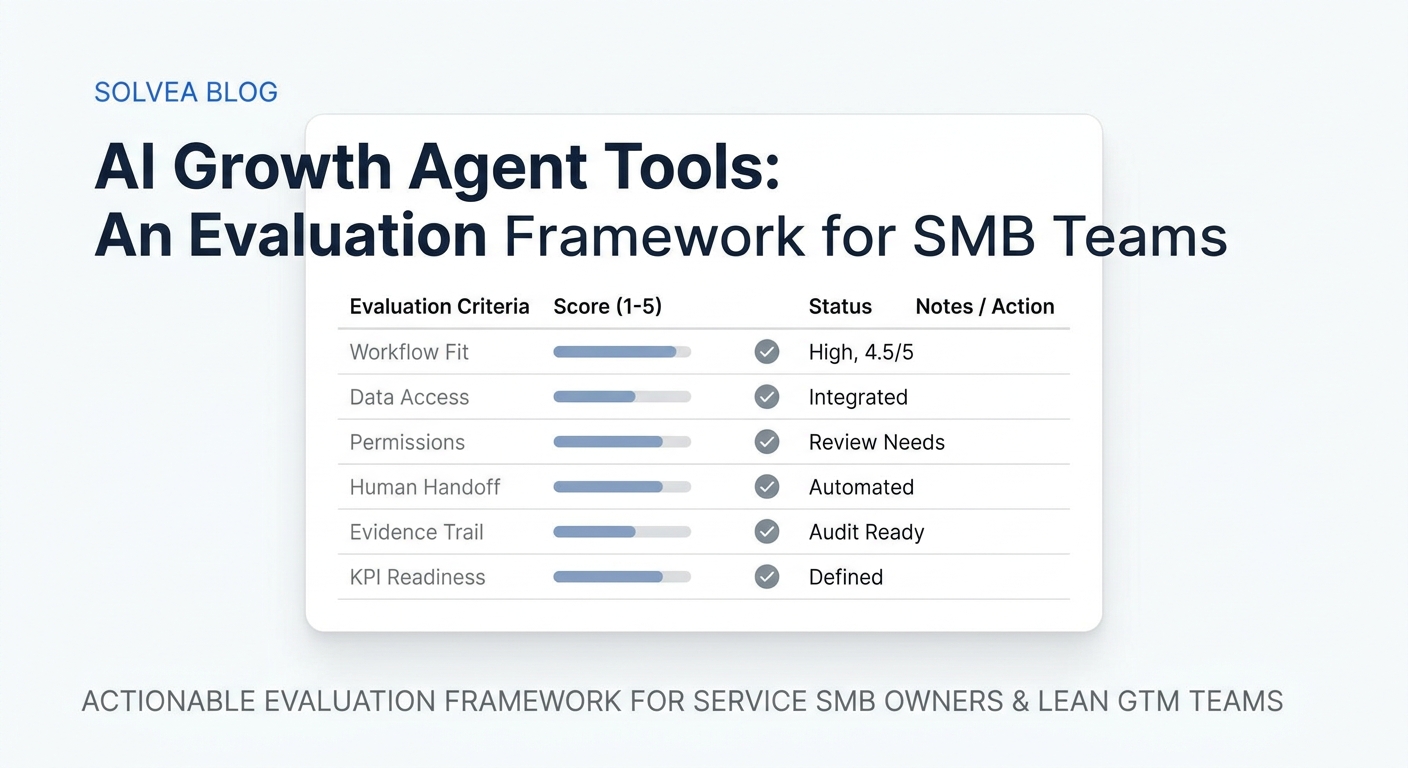
The safest place to start is not the demo voice quality. It is the workflow design behind the experience. Can the AI reliably separate routine requests from urgent ones? Does it route to the correct people based on business hours and team availability? Can it fail gracefully when the caller says something unexpected?
These questions matter because a system that sounds impressive in a short demo may still generate cleanup work if it captures too little context or transfers calls too late. A good AI receptionist does not just sound modern. It leaves the next human with something usable.
That is why teams should also think through fallback logic. If the AI cannot confidently understand the request, should it offer a general mailbox, a live operator path, or a callback workflow? According to the HubSpot State of Customer Service & CX report, speed and low-friction resolution remain central to customer satisfaction. The AI experience only helps if the handoff remains clean.
Potential Limitations
A Zoom Phone AI receptionist is strongest when the business already wants a Zoom-centered communications workflow. If your business relies on deep custom routing tied to a highly specialized CRM, niche scheduling platform, or unusual multi-location rules, you may still need an additional automation layer or a more customized communications stack.
It is also important not to confuse “conversational” with “fully autonomous.” Most businesses still need a live person or clearly defined fallback in edge cases. The goal is not to eliminate humans from communication. The goal is to make first contact cleaner and more scalable.
How It Compares Operationally
Compared with a legacy auto-attendant, the Zoom Phone AI receptionist feels more natural. Compared with a fully manual receptionist model, it is cheaper to scale and easier to keep consistent after hours. Compared with a heavily customized enterprise voice stack, it is usually simpler to deploy if the business already trusts Zoom as the main phone layer.
If the team is still working through overall call handling design, it is also worth reviewing broader call workflow planning. Our glossary guide on call flow design for small business is relevant because even strong AI routing depends on having a strong underlying call structure.
Looking for an AI receptionist that goes beyond simple routing?
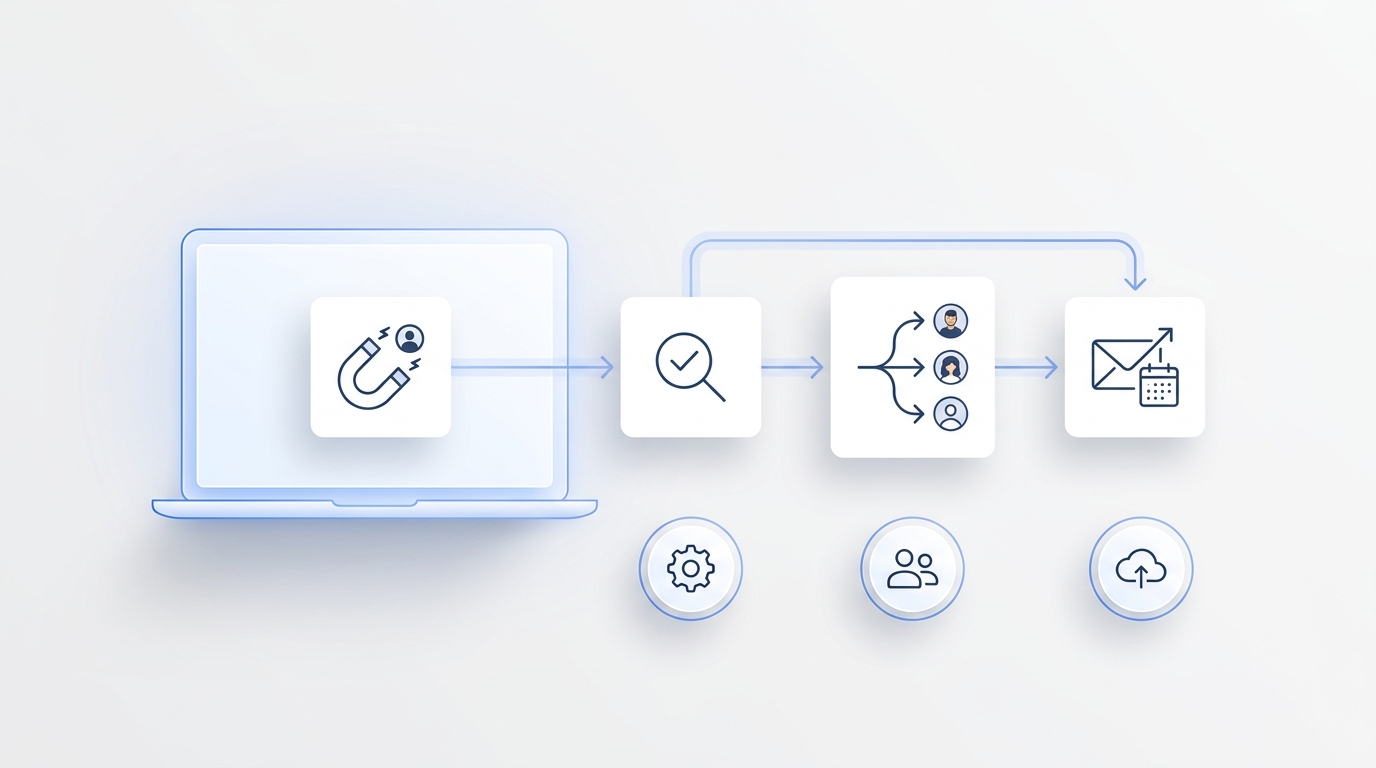
Solvea helps businesses capture call intent, answer common questions, route intelligently, and keep follow-up cleaner across the whole intake workflow.
Your AI Receptionist, Live in Minutes.
Scale your front desk with an AI that never sleeps. Solvea handles unlimited multi-channel inquiries, books appointments into your calendar automatically, and ensures zero missed opportunities around the clock.
Frequently Asked Questions
Is the Zoom Phone AI receptionist included in every Zoom Phone plan?
Not necessarily. Zoom often packages advanced AI functionality through specific tiers or add-ons, so businesses should confirm their plan details before assuming AI receptionist features are already included.
Can it answer business questions before transferring the call?
Yes, in many setups it can provide basic responses such as hours, location details, department information, or other structured FAQs before deciding whether a transfer is necessary.
Should a business still keep a live fallback option?
Usually yes. Even a strong AI receptionist should have a clear human handoff path for urgent, sensitive, or ambiguous requests. That protects the caller experience when the conversation falls outside expected patterns.
Conclusion
The Zoom Phone AI receptionist makes the most sense when a business already wants Zoom to be its communications backbone and needs better first-contact handling without expanding headcount immediately. The real test is not whether the AI sounds modern. It is whether the workflow becomes cleaner, faster, and easier for both callers and staff after deployment.