If your business misses calls, repeats the same front-desk questions all day, or struggles to route inquiries cleanly, building a virtual receptionist can look very attractive. The appeal is obvious: faster first contact, more consistent intake, and less time spent on repetitive work.
But how to build a virtual receptionist is not mainly a voice-tech problem. It is a workflow problem first. A useful virtual receptionist needs to understand common caller needs, collect the right information, follow business rules, and know when to hand the interaction to a human.
By the end of this guide, you will know how to design and build a practical virtual receptionist, what tools you need, what mistakes to avoid, and when it may be smarter to use a ready-made platform instead of building everything yourself.
TL;DR
What you need to build | Why it matters |
Call workflow and routing rules | The receptionist can only help if it knows what should happen next. |
Voice and telephony layer | This handles the phone number, greeting, and live interaction. |
AI and knowledge layer | This lets the system answer, collect details, and route based on context. |
Fallback and escalation | Complex or sensitive calls still need a safe path to a person. |
The best virtual receptionist builds start with workflow design, not with a script. If the call logic is clear, the technical stack becomes much easier to assemble and improve.
Before You Start: What You'll Need
Before you build anything, you need a clear picture of what the receptionist is supposed to handle. Most businesses do not need a system that can answer every possible question. They need a front-door layer that can handle the most common, repetitive, and structured requests well enough to save time and reduce missed opportunities.
That means you should define your most common call types first. New leads, appointment requests, service questions, location queries, after-hours messages, and billing follow-up are common examples. If you cannot clearly describe the main inbound scenarios, the build usually gets messy fast.
It also helps to decide how much you want to build yourself. Some teams want total control over telephony, prompts, knowledge, and integrations. Others mainly want a working system without a large setup burden.
Step 1 — Define Your Call Workflow
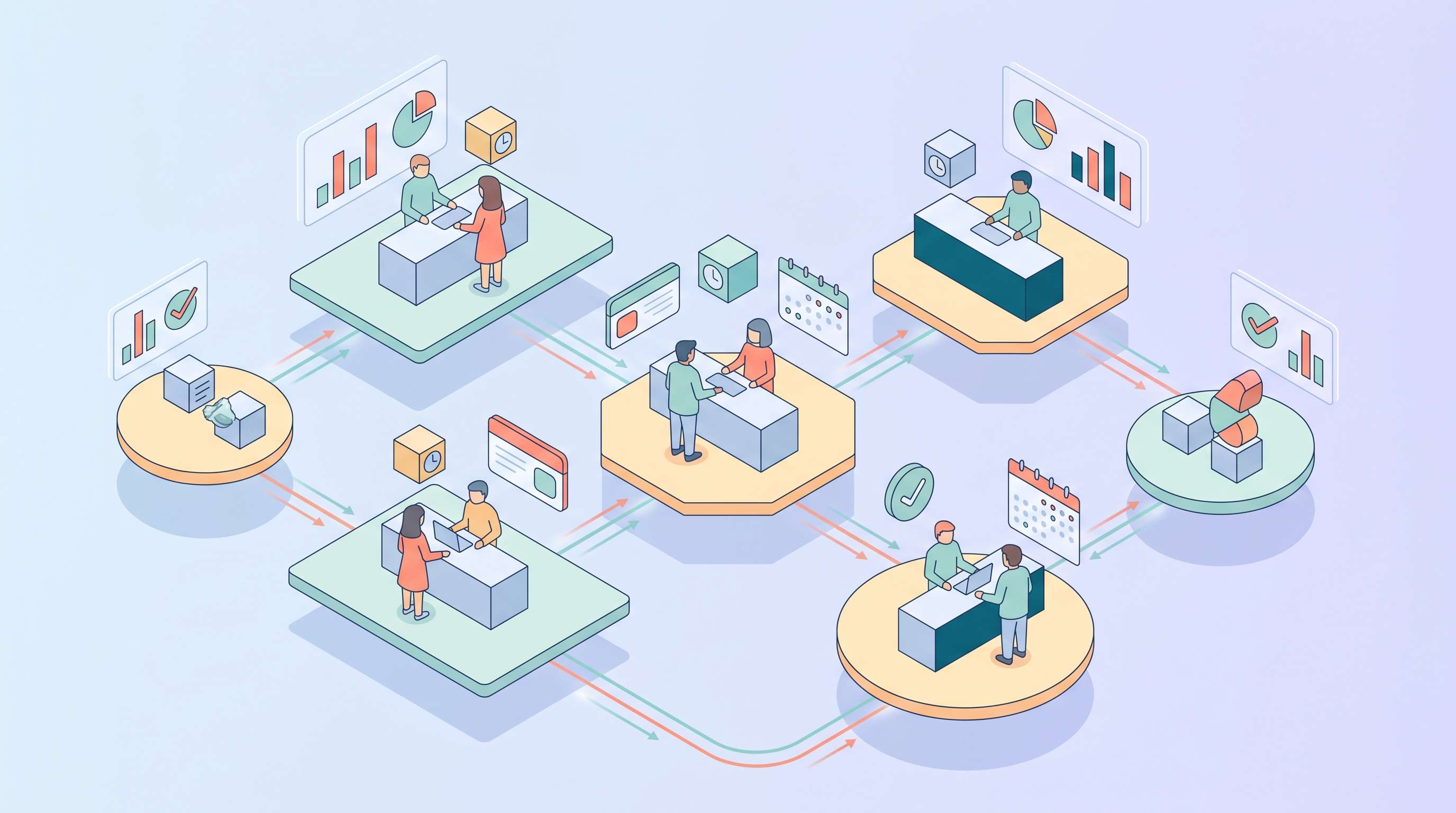
A virtual receptionist is really a workflow wrapped in a phone experience. That is why the first step is to decide what the system should do when different callers arrive. Start with the top reasons people contact your business. Then map the right next action for each one.
For example, a new lead may need contact capture and qualification. A booking request may need availability checks and calendar routing. A support question may need a direct answer, message intake, or escalation depending on complexity. Urgent matters may need to bypass most of the automation entirely.
If you are already thinking in AI terms, this step is closely related to how to set up an AI receptionist. The underlying logic comes first. Prompts and tools only make sense after that logic is clear.
Step 2 — Choose Your Tools and Platform
Once the workflow is clear, you can choose the technical pieces. In most builds, you need three layers: a telephony layer, an AI layer, and whatever systems the receptionist needs to connect to, such as calendars, CRMs, or helpdesk tools.
The telephony layer handles phone numbers, call sessions, greetings, and voice input. Twilio’s IVR overview is useful here because it shows the baseline mechanics of automated phone handling. Even if you plan to add AI, the system still needs sensible routing and input handling underneath.
The AI layer handles intent recognition, answer generation, form-like intake, and handoff logic. Some businesses build this from lower-level APIs and custom prompts. Others use no-code or managed platforms to reduce engineering overhead.
Step 3 — Set Up the Voice Interface
At this stage, you connect the phone number, configure a greeting, and decide how callers will interact. Some systems begin with an open-ended prompt such as “How can I help you today?” Others still use lightweight menu logic as a fallback for more predictable flows.
The biggest mistake here is overcomplicating the entry point. A virtual receptionist should make it easier to start the interaction, not harder. That is why many strong systems begin with one clear prompt and a small number of routing outcomes instead of a deep phone tree.
If you expect a lot of natural-language variation from callers, it also helps to understand how an AI receptionist works as more than a voice bot. The useful part is not just speech. It is what happens after the system interprets intent.
Step 4 — Configure the AI Layer
Now you define what the receptionist should know and how it should behave. This usually includes role instructions, allowed topics, must-collect fields, escalation triggers, and access to a curated knowledge source. A receptionist that sounds smooth but uses weak source material will still underperform in real use.
That is why the build stage should include a proper knowledge layer. Clear business facts, policy rules, hours, services, and booking logic all need to be organized in a way the system can use reliably. Zendesk’s knowledge base guide supports the same operational principle: accurate answers depend on information being structured clearly enough to retrieve and reuse consistently.
If you are refining the instruction layer directly, that is also where topics like AI receptionist prompting become relevant. The clearer the receptionist’s role and limits are, the safer the build usually becomes.
Step 5 — Build Routing and Escalation
A strong virtual receptionist is not measured only by what it answers directly. It is also measured by what it routes well. Once the system identifies what the caller needs, it should either resolve the request, capture the right information, or send the conversation to the correct person with enough context to continue smoothly.
This is why escalation design matters as much as answer quality. If the system hesitates too long, routes to the wrong place, or passes too little information, the business ends up doing cleanup work instead of saving time. Handoff quality is part of the build, not an optional add-on.
That is also where structured workflows like how AI receptionists book appointments are useful to study. Booking flows are a good example of how collection, routing, and confirmation should work together.
Step 6 — Test and Improve Before Expanding
The most common build mistake is trying to make the receptionist do too much too early. A better approach is to test one narrow but valuable path, review how it performs, and expand only after the system is stable.
Test with realistic call scenarios, including vague requests, edge cases, interruptions, and situations that should escalate immediately. Look for weak spots such as unclear intake questions, incomplete summaries, false confidence, or routing mistakes.
Salesforce’s State of Service report reflects the broader environment behind this work: businesses are under pressure to improve service speed while using more AI. That makes controlled rollout more important, not less. A virtual receptionist only helps if it makes first contact clearer and more reliable.
Common Mistakes to Avoid
- starting with tools before defining the workflow
- trying to automate every call type at once
- using weak or inconsistent source information
- failing to define when escalation must happen
- judging quality only by tone instead of outcomes
Your AI Receptionist, Live in Minutes.
Scale your front desk with an AI that never sleeps. Solvea handles unlimited multi-channel inquiries, books appointments into your calendar automatically, and ensures zero missed opportunities around the clock.
Frequently Asked Questions
What do I need to build a virtual receptionist?
You usually need a clear call workflow, a phone or telephony layer, an AI layer, a knowledge source, and a routing or escalation path to human staff when the request cannot be handled safely by automation.
How much does it cost to build a virtual receptionist?
It depends on whether you build from lower-level tools or use a managed platform. Costs usually come from phone infrastructure, AI usage, integrations, and the time needed to design, test, and maintain the workflow.
Can I build a virtual receptionist without coding?
Yes. Many businesses now use no-code or low-code tools to build simpler receptionist workflows. The tradeoff is usually less flexibility than a fully custom build, but a much faster path to deployment.
Conclusion
Building a virtual receptionist is less about writing a clever greeting and more about designing a reliable front-door workflow. If the call paths are clear, the source information is accurate, and the handoff rules are strong, the system can save real time and reduce missed opportunities.
The smartest build is usually not the most complex one. It is the one that handles the most important first-contact tasks well and improves steadily from real use.