The first thing most people evaluate is how the voice sounds. Does it have a natural cadence? Does it pause in the right places? Does it sound warm or robotic? These are reasonable starting points — a voice that immediately puts callers off is a real problem. But in practice, the businesses that struggle most with AI receptionists don't fail on voice quality. They fail on everything that comes after the hello.
A receptionist that sounds human but routes callers to the wrong department, drops context when transferring, or can't handle a mid-sentence interruption without resetting the conversation is a liability regardless of how good it sounds. Voice is the first impression. What the system does with the call after that impression is what determines whether it actually works.
This guide covers what "voice technology" means across the full AI receptionist stack, what real calls test that demos don't, and how to distinguish systems that consistently resolve calls from those that only perform well in controlled scenarios.
TL;DR
What it covers | The full stack: speech recognition, natural language understanding, dialogue management, TTS synthesis, routing logic, escalation handling |
The key insight | A system that sounds natural but routes incorrectly fails worse than one with a less polished voice but accurate call handling |
What to test | Turn-taking, barge-in handling, intent detection accuracy, routing precision, context handoff to human agents |
Who it's for | SMBs with inbound call volume: law firms, clinics, home services, e-commerce, hospitality |
What "Voice Technology" Actually Means
Most people use "voice technology" to describe text-to-speech quality — does it sound human? But a complete AI virtual receptionist voice stack has six components, and TTS is only the last one in the chain.
Speech recognition (ASR): Converts what the caller says into text the system can process. Poor ASR fails on accents, background noise, and dropped syllables — and errors here cascade through every downstream decision.
Natural language understanding (NLU): Interprets what the recognized text means. "I need to move my appointment" and "can we reschedule for Thursday?" express the same intent. Systems with shallow NLU treat them as different requests and either guess wrong or escalate unnecessarily.
Dialogue management: Controls turn-taking and conversation flow — how the system handles multi-turn exchanges, corrections mid-call, and callers who provide information in an unexpected order.
Decision logic: The rule system that decides what the AI does after understanding intent — answer the question, collect information, route to a specific destination, book an appointment, or escalate. This is where most real-world failures happen, not in the voice layer.
Text-to-speech (TTS): Converts the system's response back into audio. The quality here — naturalness, pacing, intonation — is what most evaluations focus on, but it operates entirely downstream of the components above.
Escalation and handoff: The process of passing a call — with full conversation context — to a human agent when the AI reaches the limit of what it can handle. How well this works determines the experience for the 20% of calls that genuinely need a person.
A system that excels at TTS but has shallow decision logic will consistently frustrate callers. Voice quality buys you the first 10 seconds. Everything that follows determines whether the call ends in the right place.
What a Real Call Actually Tests
Vendor demos use clean audio, cooperative prompts, and scripted flows. Real callers don't. The gap between demo performance and production performance almost always comes down to four things.
Turn-taking and barge-in handling. Can a caller interrupt the AI mid-sentence without the system ignoring the interruption, restarting from the beginning, or producing garbled audio? Natural conversation has overlaps — callers who know what they want often start talking before a greeting finishes. Systems that can't handle barge-in feel robotic regardless of how good the TTS sounds.
Intent detection under varied phrasing. Callers rarely phrase requests the way a system was trained to expect. "I'm trying to get some information about my bill" covers payment history, current balance, upcoming charges, and billing disputes — all different intents. The AI needs to disambiguate with a follow-up question, not guess and proceed or escalate at the first sign of ambiguity.
Routing accuracy. According to Salesforce's State of Service research, 80% of customers say the experience a company provides is as important as its products or services. Routing failures — sending a billing question to the scheduling line, or routing a complex complaint to a first-tier agent — undercut that experience immediately, regardless of how natural the voice sounds.
Context handoff. When escalation happens, does the human agent receive the complete conversation context — caller name, what was asked, what the AI said, information already collected — or does the caller have to restart from the beginning? Systems that lose context on handoff compound the cost of the escalation. The caller is already past the point the AI could handle. Making them repeat themselves adds frustration at exactly the wrong moment.
How to Evaluate AI Virtual Receptionist Voice Technology
Before committing to any platform, run each of these tests with real-world scenarios from your specific industry. A dental clinic, a law firm intake line, and an HVAC company have different failure modes — and a system that handles one well may struggle with another.
What to test | What good looks like | What to watch for | Most critical for |
Barge-in handling | Caller interrupts mid-greeting; system pauses and processes the new input | System ignores interruption or restarts from the beginning | Any business with decisive callers |
Intent under varied phrasing | NLU correctly handles informal or fragmented requests | Narrow keyword matching causes wrong routing | Law firms, medical intake, e-commerce |
Routing accuracy | Call consistently reaches the right destination by intent | Wrong department transfers on first attempt | Multi-department businesses |
Multi-turn memory | System retains corrections given mid-conversation | System reverts to original input after two exchanges | Appointment booking, intake flows |
Context on handoff | Human agent sees full call summary before greeting caller | Agent opens with "what can I help you with?" after 3 minutes of AI interaction | Any business with human escalation |
After-hours behavior | Correct hours provided; callback capture or voicemail offered | System loops, provides wrong hours, or attempts to book when staff unavailable | Businesses with defined operating hours |
Test each of these with at least three call scenarios: a straightforward request that should resolve without escalation, an ambiguous request requiring clarification, and a request that should escalate. Record what happens in each case.
Common Mistakes When Comparing Voice Technology
Prioritizing demo quality over production accuracy. The most frequent evaluation mistake is testing scripted scenarios in clean audio environments. Vendors know how to build demos that sound impressive. Ask for data on intent detection accuracy and successful routing rates in production deployments — not demo statistics.
Conflating voice quality with system reliability. Major TTS providers have made near-human voice synthesis widely accessible. Many systems now sound nearly indistinguishable from a live person within the first few seconds. But the routing logic, NLU depth, and integration capabilities underneath that voice can still be shallow. Don't let a convincing voice substitute for a call routing and escalation test.
Skipping the AI phone answering vs IVR comparison. For simple, consistent call flows — "press 1 for hours, press 2 for appointments" — IVR may be the better choice. AI voice systems handle natural language but introduce new failure modes that IVR doesn't have. Evaluate based on your actual call mix before defaulting to the more complex system.
Not testing the escalation path. Vendors lead with resolution rates. Spend equal time testing what happens when a call goes outside the system's scope. Does the AI escalate cleanly with full context, loop the caller, stall, or give a generic "I'll transfer you now" with no information passed? The escalation path is not an edge case. For businesses with complex inquiries, it's a primary use case.
Solvea: Built for How Calls Actually Work
Most AI receptionist platforms are designed to perform well in demos. Solvea is designed to handle the calls that don't go according to script.
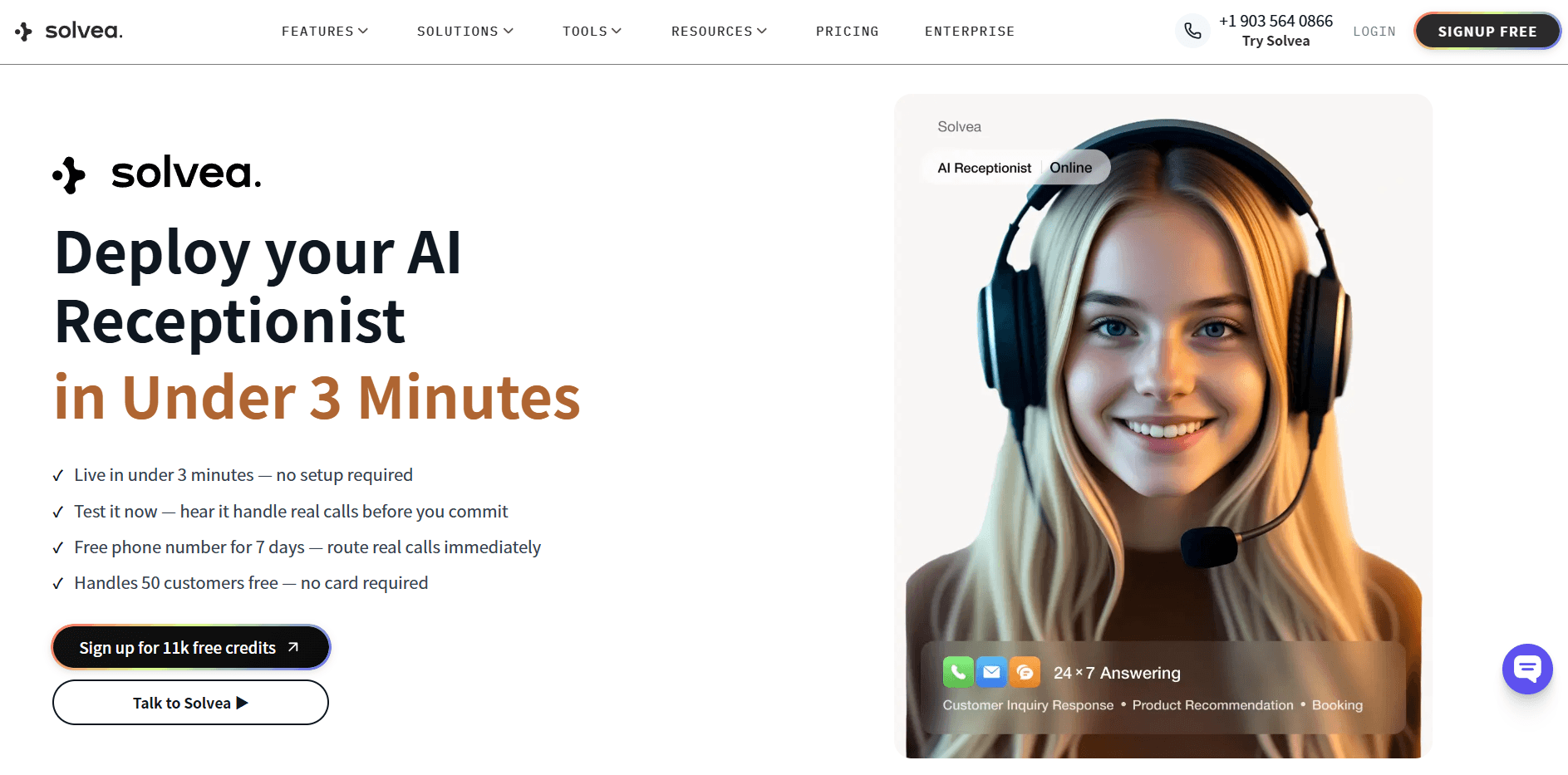
Solvea's AI receptionist handles inbound phone calls, live chat, and email from a single platform. The voice stack is built around the failure points above: it handles barge-in, detects intent from natural phrasing, routes based on configurable logic, and passes complete context to human agents in the Inbox when escalation happens.
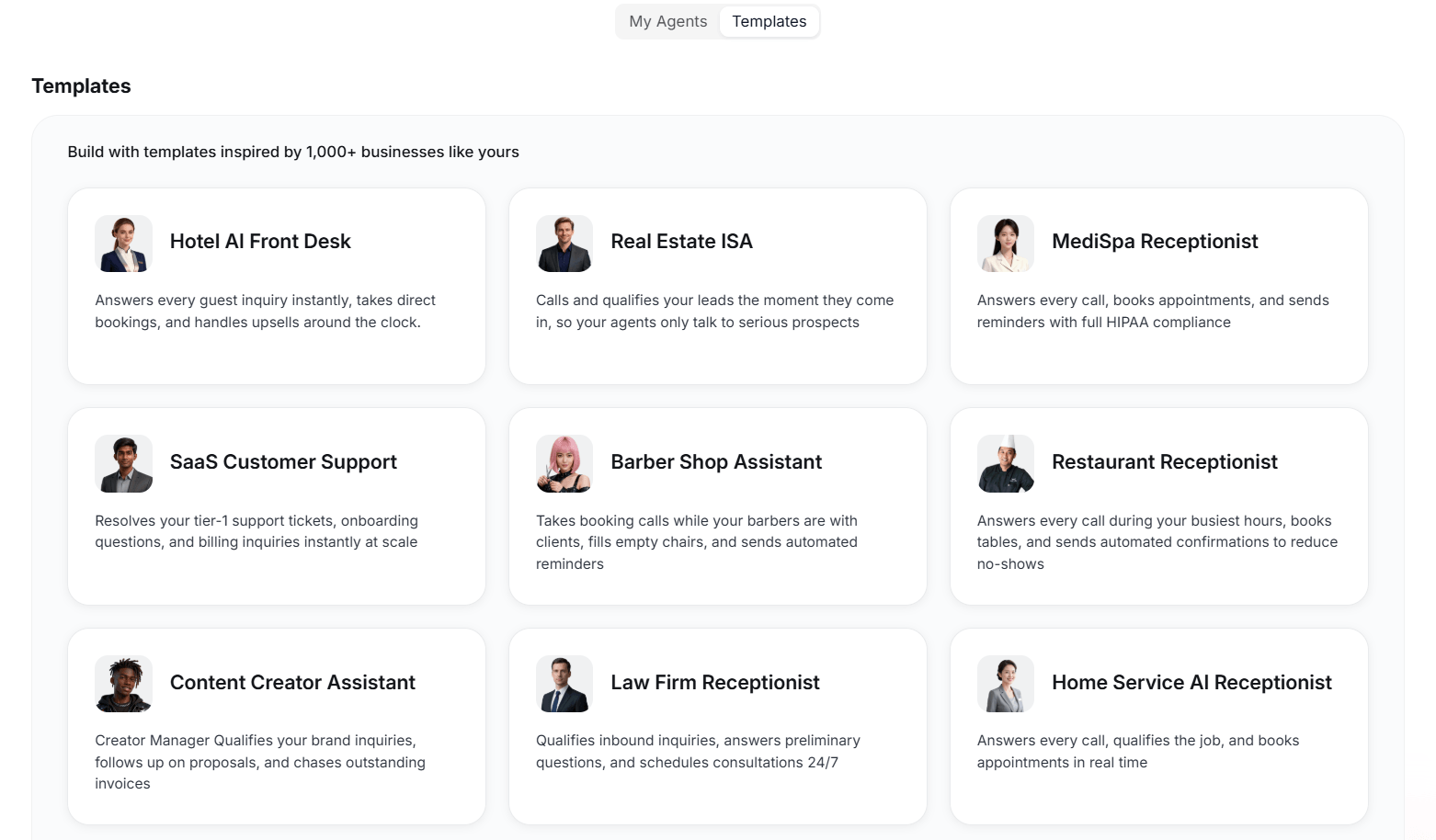
Ten industry-specific templates are included — dental clinics, law firms, home services, e-commerce, medspas, and more — each pre-configured with routing logic and escalation rules relevant to that vertical. A new account can be live in under 3 minutes without writing routing rules from scratch.
What Solvea handles on a call:
- Greets callers using the agent's configured voice and persona
- Detects intent across booking, rescheduling, pricing, support, and billing in natural language
- Routes to the right outcome: books via Google Calendar, answers from the knowledge base, escalates to a human in the Inbox
- Handles after-hours AI answering automatically — correct hours, callback capture, or voicemail depending on configuration
80% resolution rate. Eight in ten calls get fully resolved by the AI without a human agent involved. The calls that escalate do so with the full conversation summary intact.
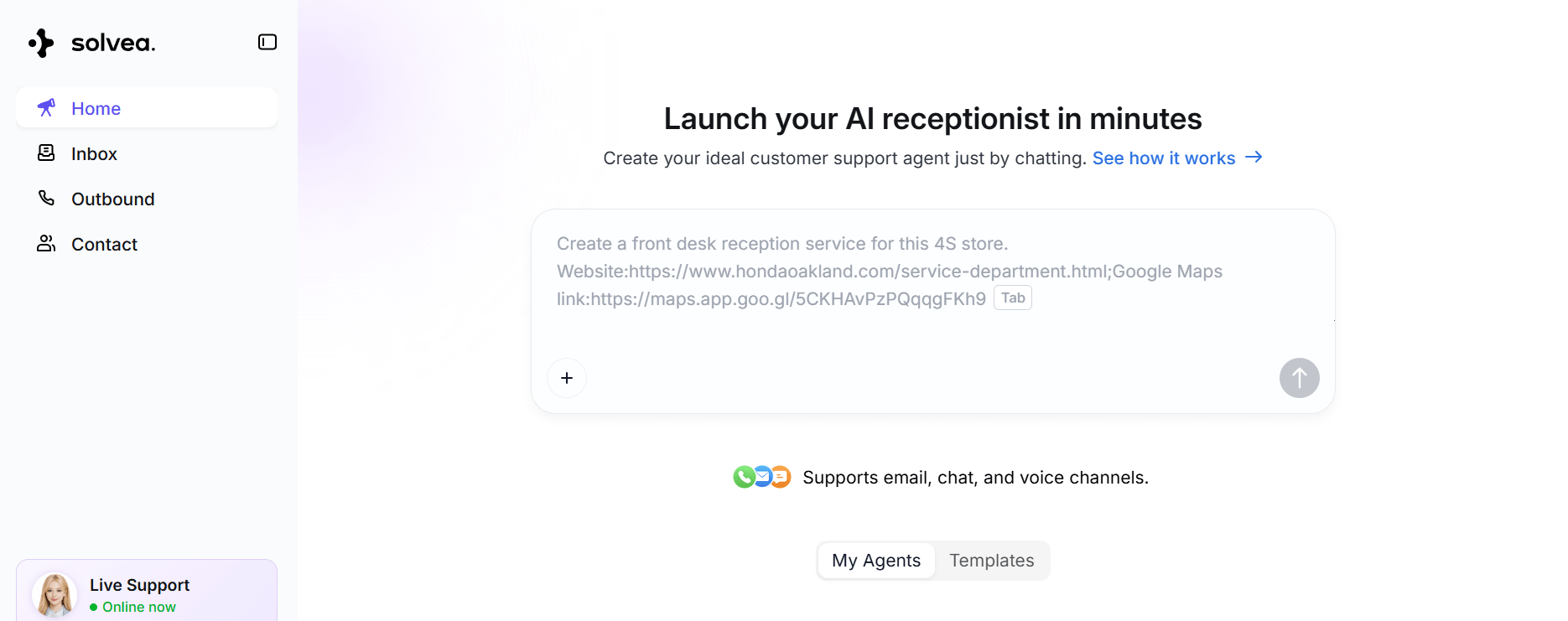
The free plan includes 1K credits/month, 3 agents, and a 7-day trial phone number — enough to run real calls against your actual scenarios before committing. Paid plans start at $30/month (Solvea pricing).
Your AI Receptionist, Live in Minutes.
Scale your front desk with an AI that never sleeps. Solvea handles unlimited multi-channel inquiries, books appointments into your calendar automatically, and ensures zero missed opportunities around the clock.
Frequently Asked Questions
What is the most important component of AI virtual receptionist voice technology?
Routing and escalation logic matter more than voice quality. A system that sounds natural but routes calls incorrectly or loses context during handoff produces worse outcomes than one with a less polished voice but accurate call handling. Voice quality determines first impression; routing determines whether the call ends in the right place.
How do I test an AI virtual receptionist before committing?
Run unscripted scenarios, not vendor-guided demos. Call the system with background noise, use informal phrasing instead of formal requests, interrupt mid-greeting, and ask to be transferred. Then check whether the human agent receiving the transfer has the full call context. The performance gap between a demo and production use usually becomes visible within 10 minutes of unscripted testing.
What's the difference between AI phone answering and IVR?
IVR uses keypresses or constrained voice commands and follows rigid decision trees. AI phone answering understands natural language — full sentences, varied phrasing, and multi-turn conversations. AI systems handle a broader range of requests but introduce failure modes that IVR doesn't have. IVR is more predictable for simple, consistent call flows; AI performs better when callers phrase the same request a dozen different ways.
Can AI receptionists handle after-hours calls correctly?
Yes, when properly configured. After-hours behavior is a specific call flow — the AI should recognize it's outside business hours, provide accurate hours, offer callback capture or voicemail, and not attempt to book appointments when staff aren't available. Systems without configurable after-hours logic often give incorrect information or loop callers. Test this specifically: call outside your configured business hours and verify exactly what the caller hears.
How long does it take to set up an AI receptionist with working voice?
For platforms like Solvea, under 3 minutes for a functional setup — select a template, upload knowledge base content, and configure routing rules. A production-ready configuration with custom routing and integrations typically takes 1–2 hours. The more precisely you define your call flows during setup, the more accurately the system handles real calls from the start.
What should callers experience when an AI receptionist transfers them to a human?
The human agent should receive: caller name if collected, the reason for the call, a summary of what the AI discussed, and any information already captured. Callers should not need to repeat information they already gave the AI. Systems that reset context on handoff — requiring callers to re-explain from the beginning — eliminate much of the efficiency the AI receptionist was meant to create.