When businesses face a constant stream of incoming customer inquiries, it can be difficult to respond to every request in a timely manner. Even when they do, handling repetitive questions places a significant burden on teams. That's why AI receptionists are becoming increasingly widely adopted across industries. According to McKinsey, some organizations are already on track to automate up to 70% of customer interactions using AI, significantly reducing the need for human involvement in front-desk and support workflows.
But this raises an important question: for those new to the concept, what exactly is an AI receptionist? In summary, an AI receptionist is a digital front-desk assistant that can answer calls or messages, respond to routine questions, collect customer details, route requests, and hand complex situations to a human. In other words, it is not just a chatbot with a nicer label. It is a workflow layer for first contact.
That distinction matters. Businesses do not buy receptionist software because they want "AI" in the abstract. They want fewer missed leads, faster replies, cleaner intake, and less front-desk overload. This guide explains what an AI receptionist is, how it works, where it helps, what it cannot do well, and how to tell whether your business actually needs one.
TL;DR
Definition: An AI receptionist is a digital front-desk system that manages first-contact customer conversations across phone, chat, SMS, and email.
What it does: It answers questions, captures leads, routes requests, and escalates complex issues to human staff.
Why it matters: It reduces missed inquiries, improves response speed, and standardizes customer intake.
Where it works best: AI receptionists perform best in structured, repetitive workflows such as booking, FAQs, and lead qualification.
What is an AI receptionist, exactly?
An AI receptionist is software that handles first-contact customer conversations by answering routine questions, collecting customer details, routing requests, and escalating complex cases to a human. It can greet visitors, answer common business questions, collect structured details, qualify leads, route conversations to the right person, and sometimes help with simple scheduling or follow-up.
The easiest way to think about it is this: an AI receptionist is the digital version of front-desk triage. It does the opening work so your team does not have to start every interaction from zero.
That means it usually sits between your customer and your team. Instead of every inquiry going straight to a person, the AI receptionist handles the first layer. If the request is simple, it may finish the interaction. If the request is sensitive, unusual, or high-stakes, it passes the conversation on with context.
This is why an AI receptionist is broader than a basic chatbot. A basic bot often just answers one set of FAQs. A receptionist workflow is more operational. It is designed around intake, routing, and handoff.
How does an AI receptionist work?
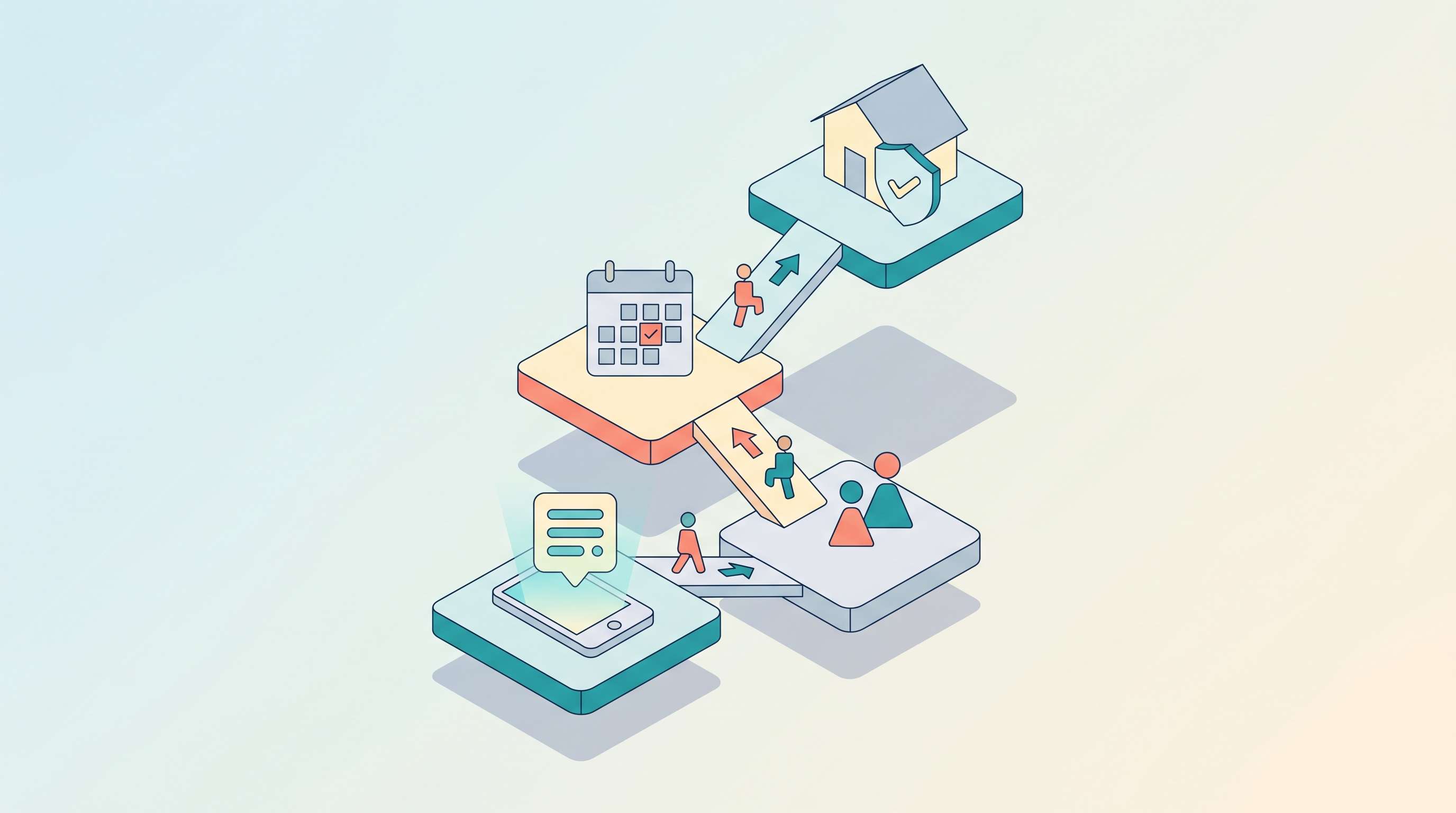
Most AI receptionist systems follow the same general flow, even if the tooling looks different on the surface. The core stack usually includes speech or text input, language understanding, business rules, knowledge retrieval, and a handoff path.
- Input: A customer calls, messages, or starts a web chat.
- Interpretation: The system identifies what the person wants, such as booking, pricing, support, or general information.
- Response: It replies using approved business information, not random guesswork.
- Collection: It gathers details like name, phone number, company, issue type, or preferred time.
- Routing: It sends the conversation to the right person, team, or queue if needed.
- Escalation: It hands off when confidence is low or when the request should not be automated.
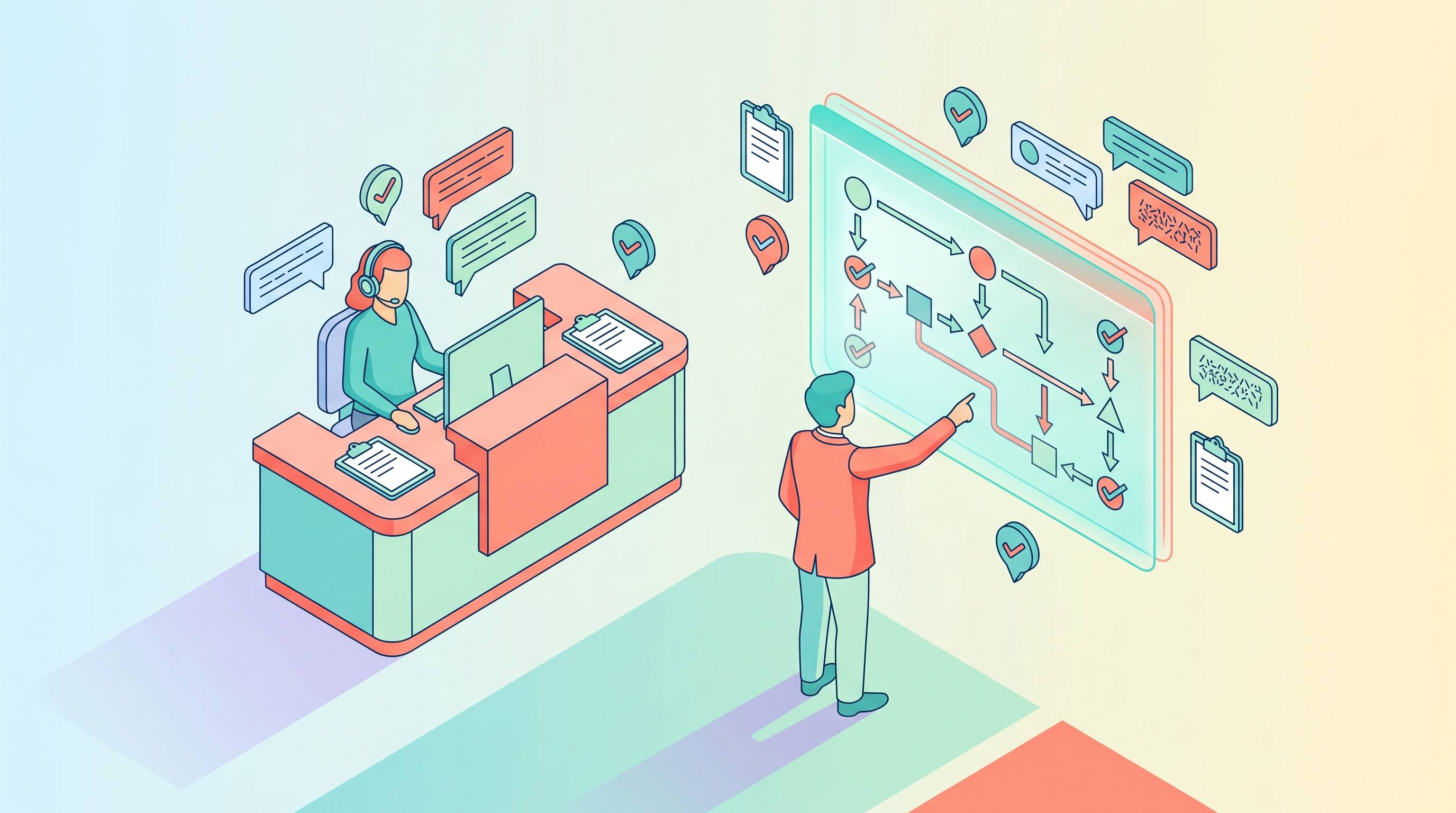
The exact technology behind that flow can vary. Some systems are text-first. Others are voice-first. Some rely on rigid rules. Others use larger language models plus business logic. But the safe version of the architecture is usually the same: understand the request, check allowed knowledge, follow workflow rules, then either resolve or escalate.
What does an AI receptionist actually do day to day?
The most useful answer is not "it talks to customers". Plenty of software talks to customers. The better answer is that an AI receptionist handles repetitive opening tasks that normally eat staff time.
- Greeting incoming customers: An AI receptionist is usually the first point of contact, responding instantly to calls, website chats, or messages. It replaces waiting time with immediate engagement and ensures every inquiry is acknowledged.
- Answering routine questions: With knowledge base, it handles repetitive FAQs such as business hours, location, pricing, services offered, and basic process guidance, reducing the need for staff to repeatedly answer the same questions.
- Capturing lead information: It collects structured data from potential customers, including name, contact details, intent, and service requirements, ensuring no lead is lost or left unrecorded.
- Screening and qualifying requests: It evaluates incoming inquiries to determine priority, relevance, or intent, helping separate simple requests from complex ones that need human attention.
- Pre-collecting context for follow-ups: Before passing a case to a human, it gathers key background information so staff can continue the conversation without asking the same questions again.
- Handling after-hours inquiries: It continues working outside business hours by responding to messages, capturing leads, and ensuring no potential customer is missed overnight or during busy periods.
For urgent, emotional, or complex cases, it passes the conversation to a human team member with full context, ensuring smooth and efficient handoff.
What are the business benefits of an AI receptionist?
The appeal is usually operational before it is technical. Businesses want more consistency and less front-desk drag.
First, an AI receptionist can improve response speed. Customers do not like waiting just to ask a basic question. Immediate first contact often matters more than a perfect first answer especially for industries like e-commerce, insurance and gyms.
Second, it can reduce missed opportunities. A small business may miss calls after hours, during lunch, or when the front desk is busy. A receptionist workflow can still capture intent and contact details even when nobody is free.
Third, it can standardize intake. Instead of each staff member collecting different details, the system follows the same structure every time. In practical terms, it becomes part of your front-desk workflow, not just a chat widget.
There is also a bigger market signal behind this trend. On its public State of Service page, Salesforce says AI case resolution is expected to rise from 30% in 2025 to 50% by 2027. That does not mean every business should hand everything to AI. It does mean companies are clearly becoming more willing to let AI handle the routine first layer of service work.
Which industries are best suited for an AI receptionist?
AI receptionists work best for SMBs and service-driven industries where incoming requests are frequent, repetitive, and time-sensitive. For these businesses, the biggest value comes from capturing every lead and responding instantly, rather than handling complex problem-solving.
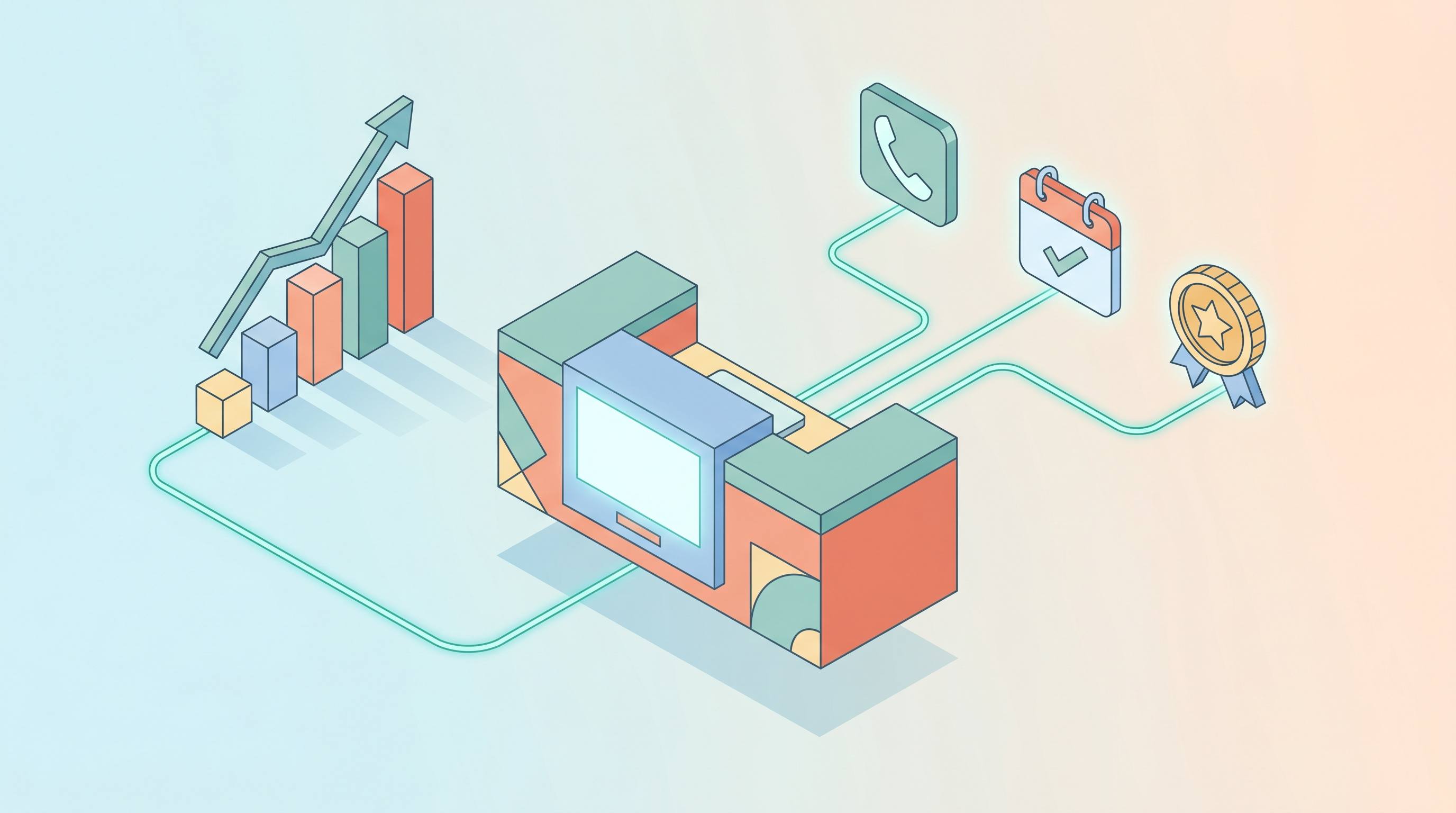
A simple way to evaluate impact is to track metrics like missed call rate, response time, lead capture rate, and booking rate. If these improve, the AI receptionist is doing its job.
High-Impact Use Cases
For SMB service businesses like plumbing, HVAC, or cleaning, every missed call is a lost job. An AI receptionist answers instantly, collects key details (location, issue, urgency), and either books a job or routes the request to the right person.
Outcome: More captured leads, faster response, less manual coordination
Clinics often handle large volumes of routine calls that don’t require medical expertise. An AI receptionist can manage appointment booking, basic inquiries, and after-hours messages.
Outcome: Reduced front-desk workload, better patient access
3. Real Estate
Speed is critical when responding to property inquiries. An AI receptionist can instantly reply, capture buyer intent, and schedule showings.
Outcome: Faster follow-up, fewer missed opportunities
4. SaaS & B2B
Inbound leads and support requests often need quick routing. AI can book demos, qualify leads, and direct requests to the right team.
Outcome: Improved conversion and response efficiency
Conversely, AI receptionists are less effective in scenarios that require nuanced judgment, policy interpretation, or emotional sensitivity—such as handling complaints, giving regulated advice, or resolving complex disputes without human oversight.
What can an AI receptionist get wrong?
This is where many product pages oversimplify things. An AI receptionist can be extremely helpful—but it’s not flawless.
At a practical level, it can misunderstand user intent, give overly confident answers without full context, or respond when it should be asking follow-up questions. If the workflow is poorly designed, it may also trap customers in frustrating loops that feel efficient in theory but fail in real interactions.
The bigger risk isn't dramatic failure—it's the accumulation of smaller issues:
- Poor routing that sends inquiries to the wrong place
- Weak escalation logic that delays human intervention
- Outdated or incomplete business information
Over time, these problems can quietly damage customer experience and lead quality.
That's why implementation matters more than surface-level intelligence. Frameworks like those from the NIST emphasize trustworthiness, reliability, and risk management—especially when AI systems interact directly with customers.
A useful way to think about it: If you treat an AI receptionist as a full human replacement, you'll likely overextend it. But if you treat it as a disciplined first-contact layer, it becomes far more reliable—and far more valuable.
Representative AI Receptionist Product: Solvea
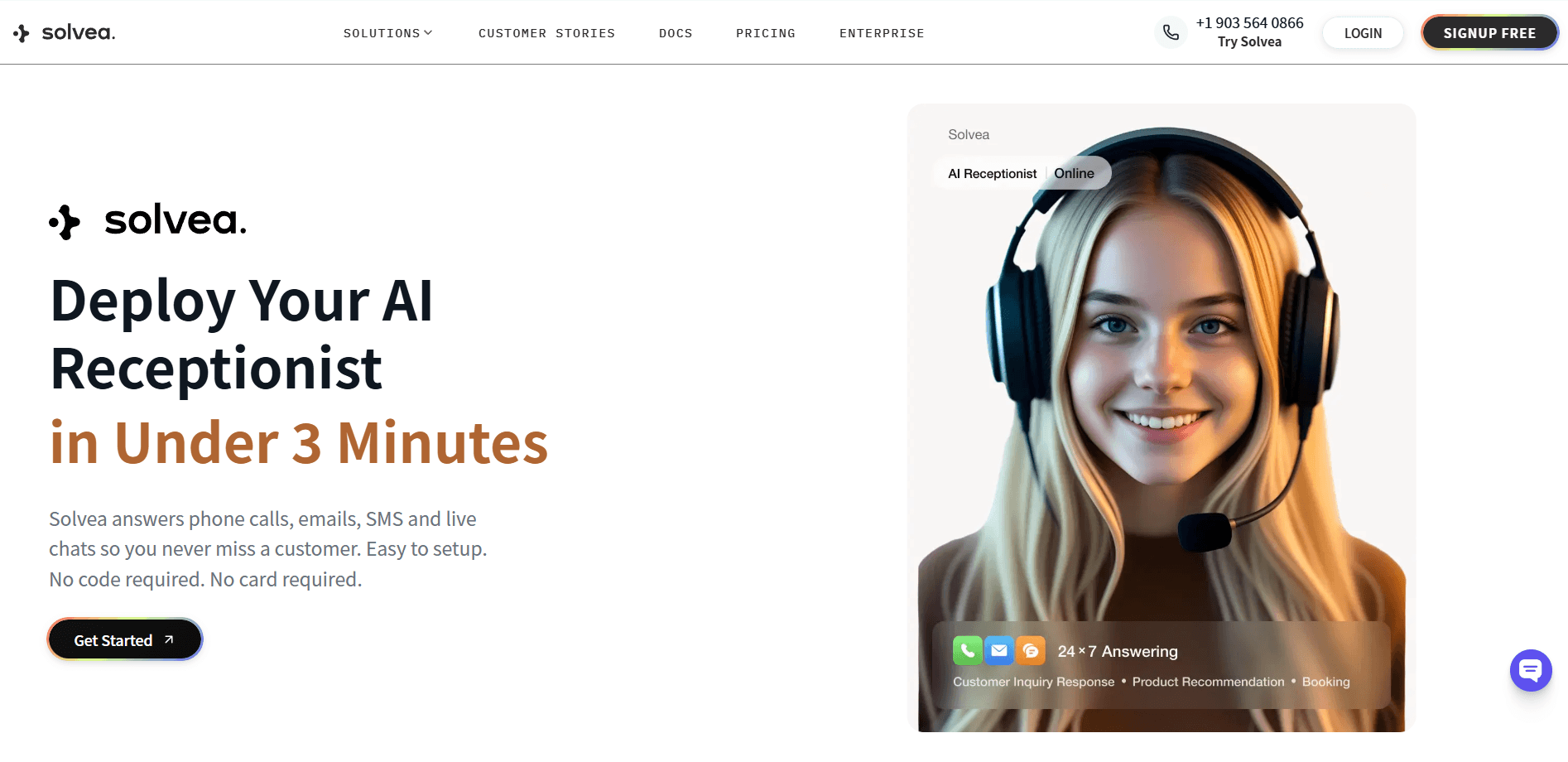
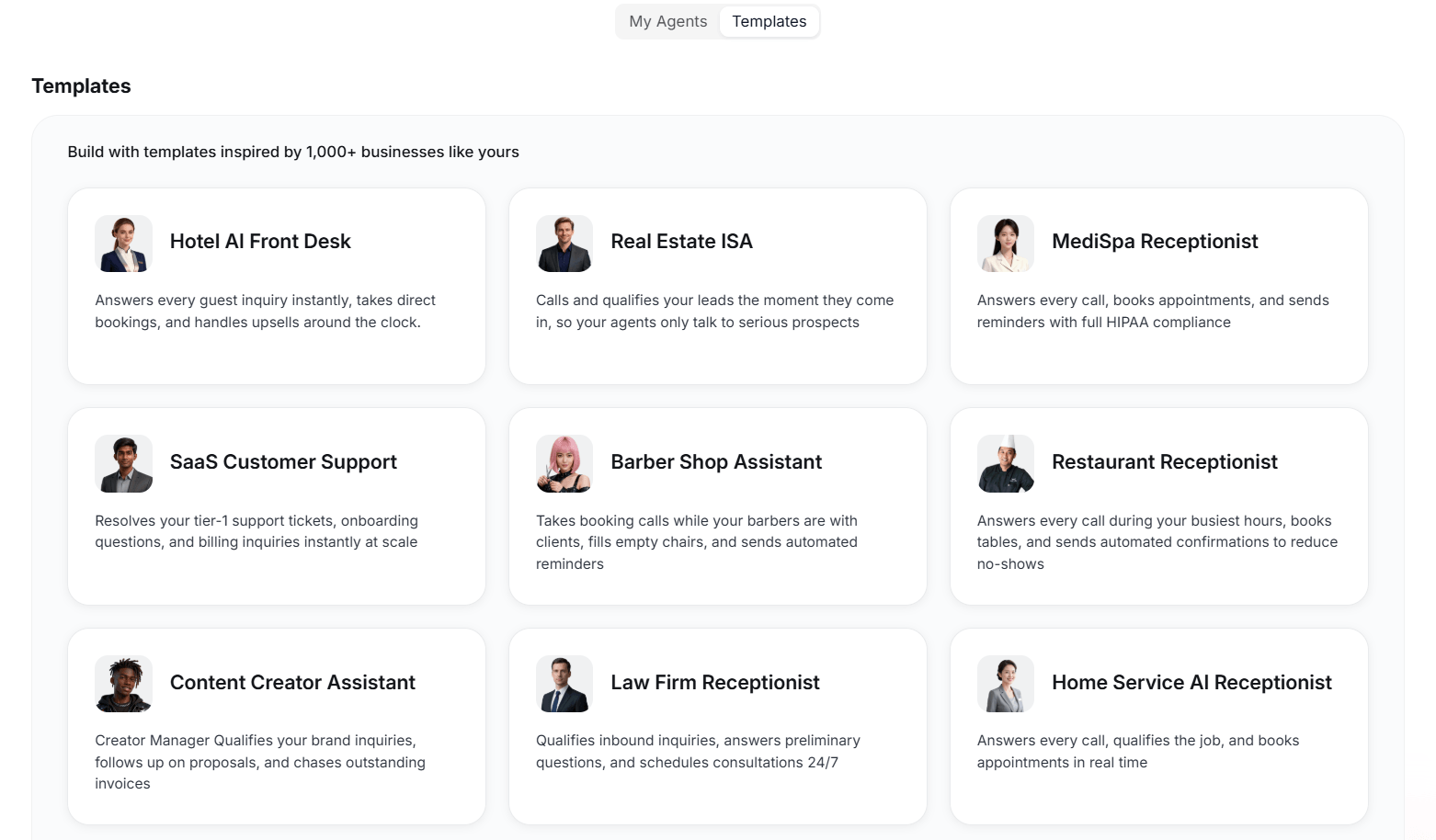
Solvea is an ai receptionist platform designed for small business owners that needs an ai answering service to be set up in minutes without worries about code. Based on its real use cases, Solvea also has many templates filling the sepecific need of different industries like retail, real estate, and software.
Best for:
- Small and mid-sized businesses that need to capture every lead at a low cost and boost conversion rates
- Service provider (medspas, hotels, real estate, law firms, home services) that need a single, intelligent agent to handle bookings and support across phone, email, and web chat.
- Companies that want an AI tool with integrations like calendars and CRM to automate internal workflows
Why it stands out:
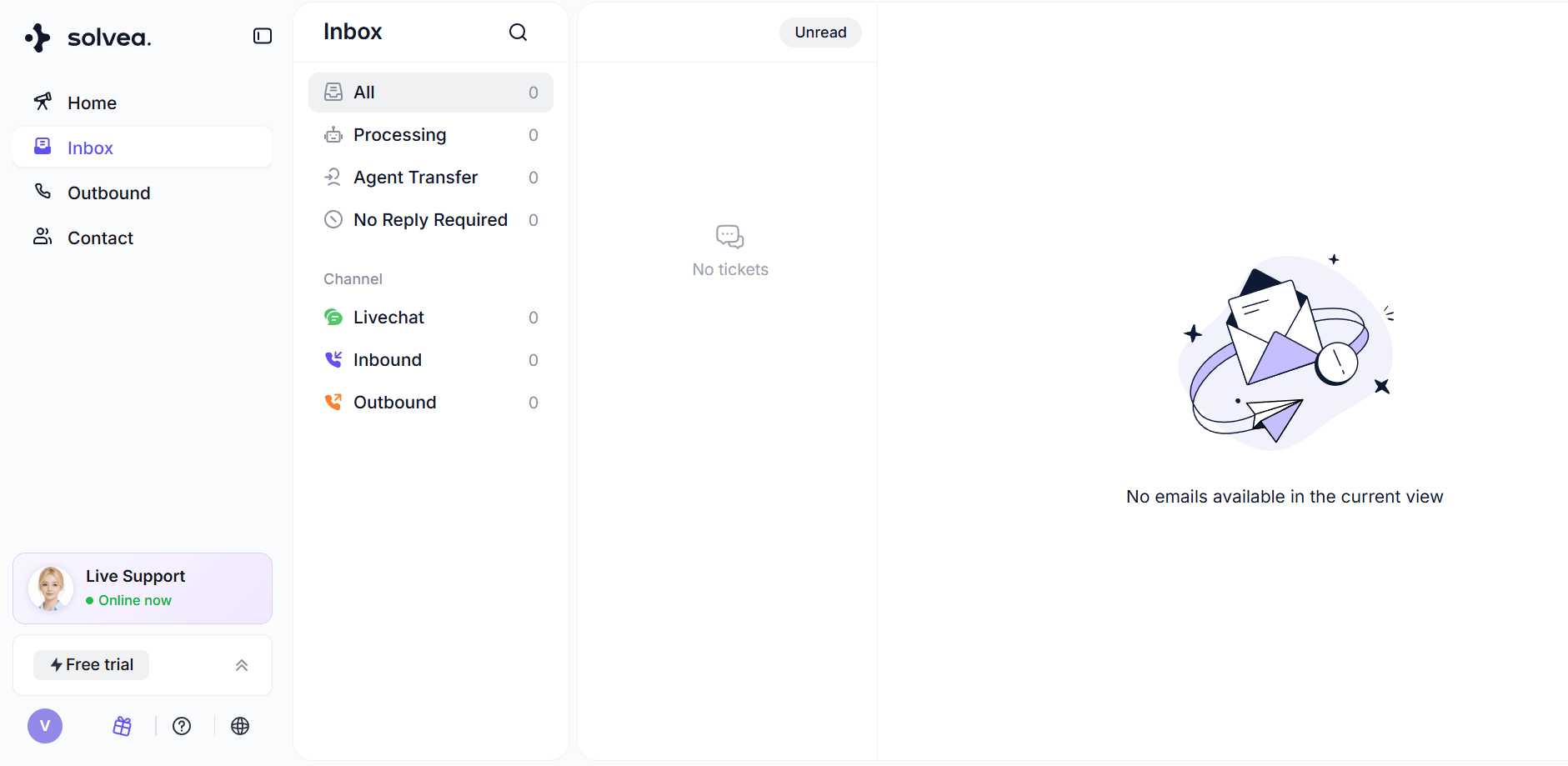
24/7 Multi‑channel AI receptionist: With Solvea, your AI receptionist can connect with customers by voice, chat, SMS, and email, creating better customer service.
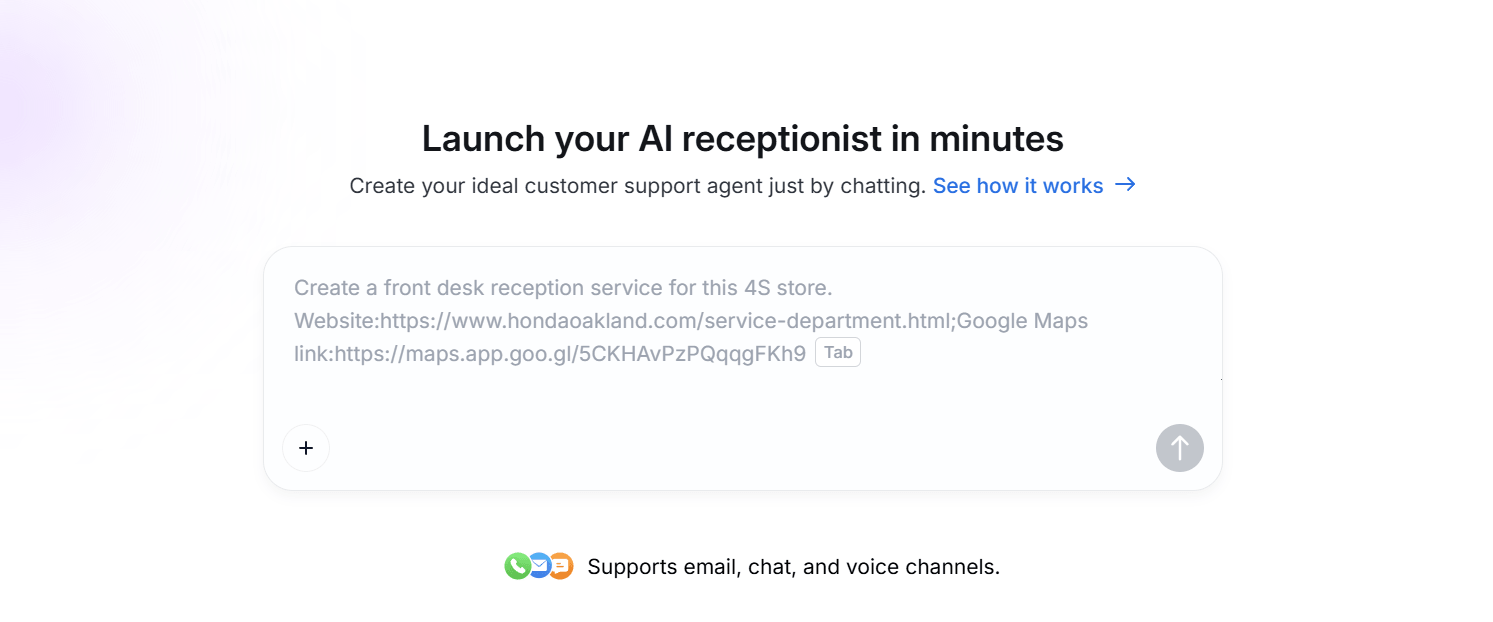
No-code setup with templates and "vibe coding": Use ready‑made flows or describe how you work in plain language to go live in minutes.
Or choose the templates designed for real scenarios, then custom your own AI receptionist.
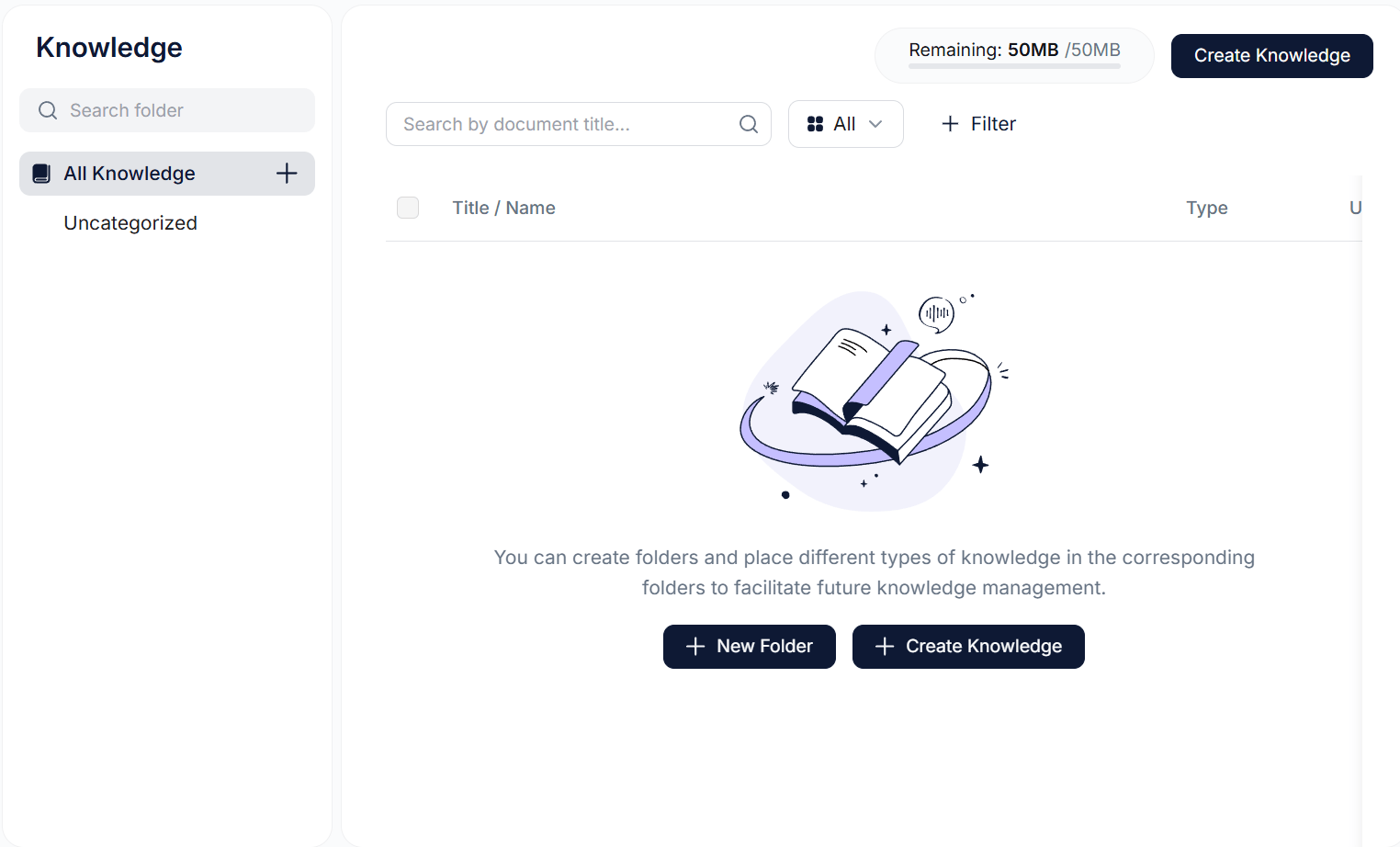
Custom knowledge base: Add FAQs, policies, and scripts so the AI receptionist reflects your brand and handles edge cases, not just simple queries.
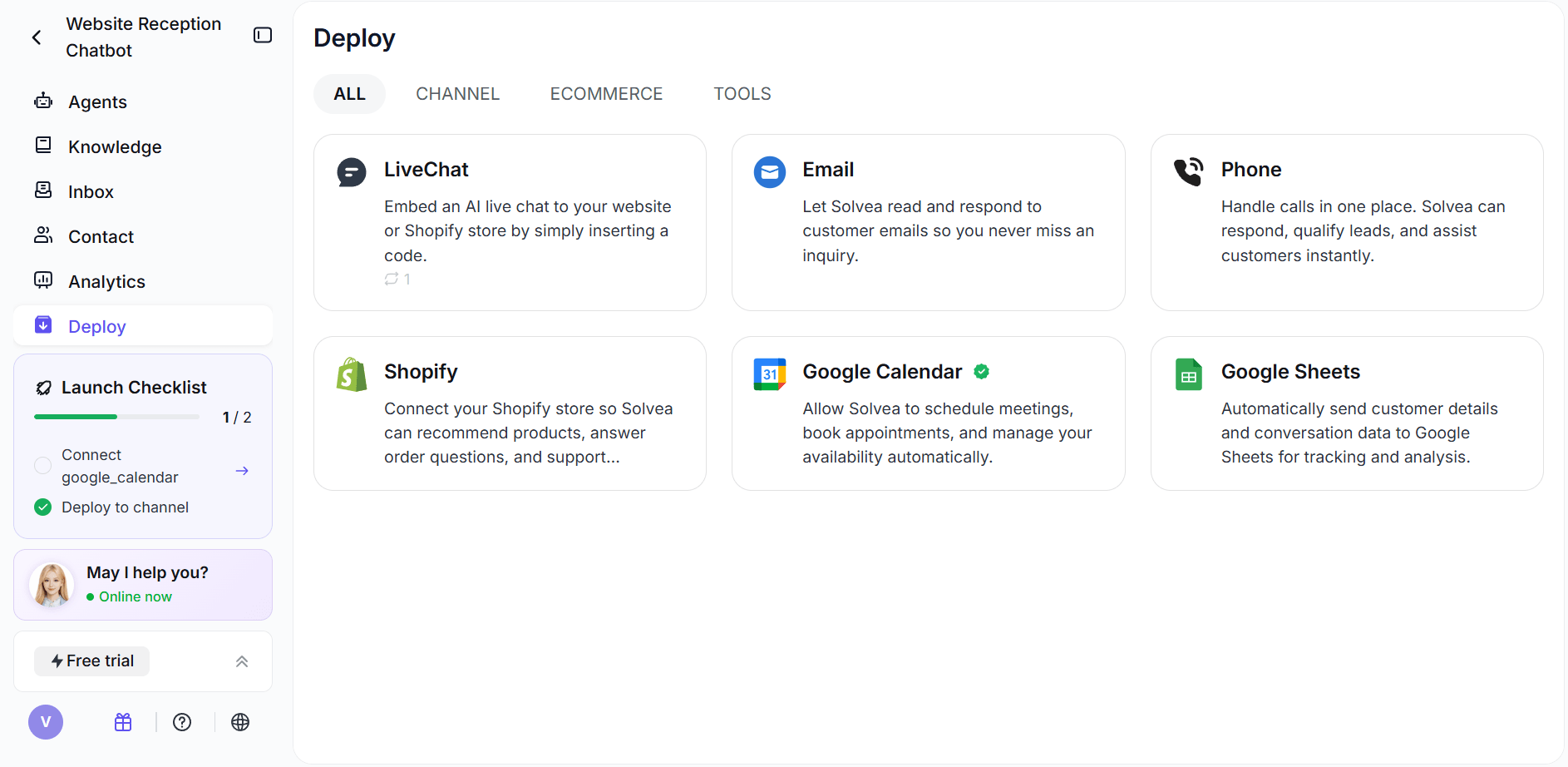
Calendar and CRM sync: Solvea can integrate with Google Calendar and Google Sheets. Bookings, reminders, and notes are written back to your tools, so your team stays in sync.
Pricing:
- Free: $0/month — 1,000 credits/month, 3 agents, voice + chat + SMS + email, 7-day trial phone number
- Basic: $30/month — 30,000 credits/month, 10 agents, all channels included
- Annual billing available at 20% discount
If you're curious how quickly an AI receptionist can be set up, this example shows the process in action.
AI Receptionist VS. Other Automation Tools
It’s easy to confuse an AI receptionist with tools like chatbots, voice bots, or help desk platforms. While they overlap in technology, they serve different roles in the workflow.
Key Differences
- Chatbots → Typically handle messages on a single channel (e.g., website chat)
- Voice bots → Focus only on phone interactions
- Help desk tools → Manage tickets after issues are already categorized
- AI receptionists → Sit at the very beginning, handling first contact, intake, and routing
In short, an AI receptionist owns the entry point—not just a channel or a task. That is why most businesses should compare an AI receptionist with the operating model behind it, not just the chatbot interface.
And which one suits your business better? The key point is “Does it reliably handle the first 30 seconds of customer contact better than our current process?” You will get answers in practice.
Final Verdict
What is an AI receptionist? It is a front-desk automation layer for customer conversations. A good one greets, answers, collects, routes, and escalates without pretending it should replace your whole team.
The best AI receptionist setups are not the most futuristic ones. They are the ones with clear scope, accurate business information, and a clean human handoff path. If your business loses time to repetitive intake and missed first contact, an AI receptionist can be a practical upgrade. If your workflow is messy or your escalation rules are weak, it can also expose those problems fast.
That is the real answer: an AI receptionist is useful when it is designed like an operations tool, not sold like a magic trick. Tools like Solvea follow this approach, making it easier to put into practice.
Your AI Receptionist, Live in Minutes.
Scale your front desk with an AI that never sleeps. Solvea handles unlimited multi-channel inquiries, books appointments into your calendar automatically, and ensures zero missed opportunities around the clock.
FAQ
What is the best AI receptionist for SMBs?
The best AI receptionist for SMBs is the one that can handle repetitive front-desk tasks efficiently, such as answering inquiries, capturing leads, and streamlining workflows, without requiring complex setup.
How much does an AI receptionist cost?
AI receptionist cost varies depending on features and usage, but generally it is a much lower monthly software cost compared to a human receptionist. Take Solvea as an example: you can set up your own AI receptionist with 1,000 free credits per month, and get 30,000 credits per month for $30.
Is AI receptionist worth it?
Yes, if your business deals with repetitive inquiries and wants to reduce missed leads and front-desk workload. It helps automate routine tasks, improve response speed, and increase efficiency.