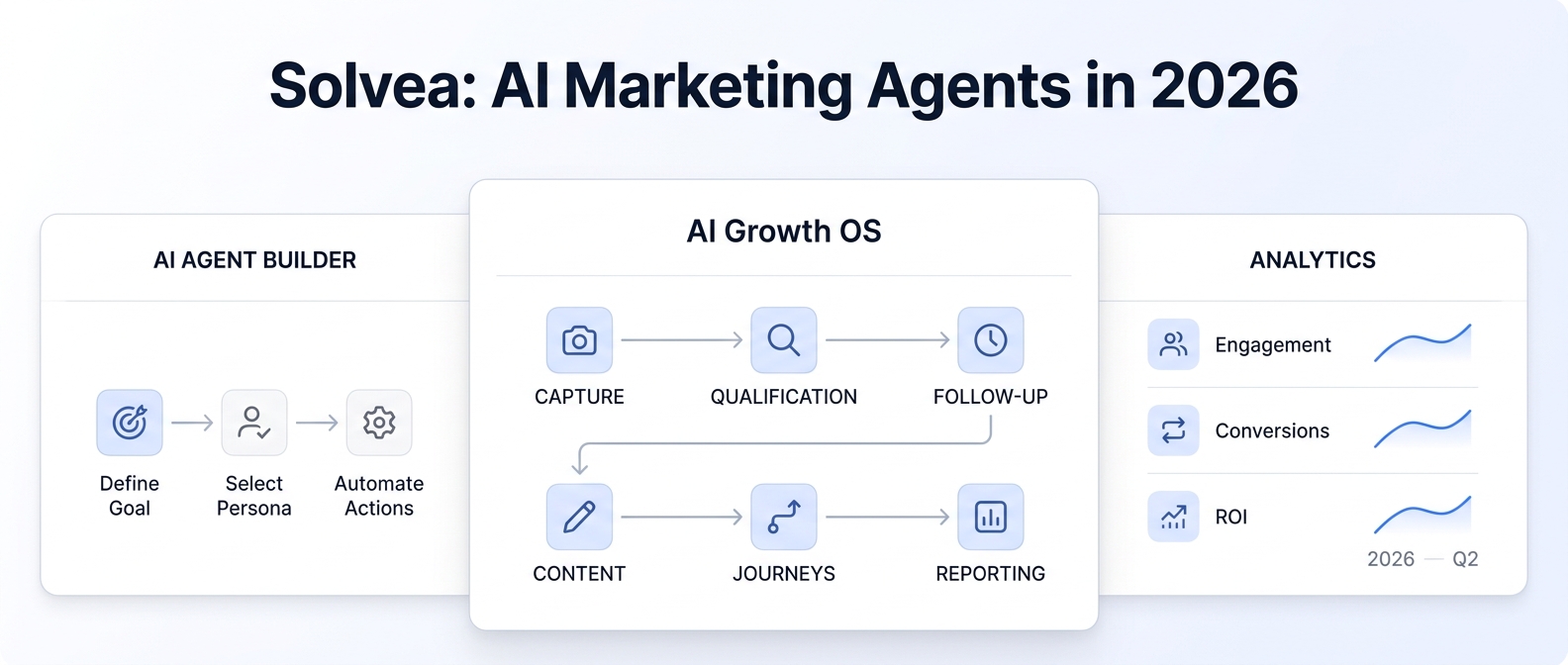
A patient books an appointment, then life happens. Without a nudge, that slot disappears — and your revenue goes with it. No-show rates range from 5–30% across healthcare and service businesses — and the fix is straightforward: a well-timed reminder text message.
This guide gives you 25+ copy-and-paste reminder text message templates for every business type — medical offices, dental practices, salons, spas, and more. You'll also learn when to send them, how to automate the process, and how an AI receptionist like Solvea can handle all of this without lifting a finger.
TL;DR
Field | Detail |
What it is | A short SMS sent before an appointment to remind clients of their booking |
Why it matters | Significantly reduces no-shows across multiple published clinical trials |
Best timing | 48–72 hours before, plus 24 hours before |
Who it's for | Medical offices, salons, spas, dental practices, any appointment-based business |
Fastest path | Let Solvea send automated reminder texts from your booking system |
What Is a Reminder Text Message?
A reminder text message is a short SMS notification sent to a client or patient before their upcoming appointment. Unlike email reminders — which often go unread — SMS messages have significantly higher open rates than email, making them the most reliable channel for appointment reminders.
Reminder texts typically include: - The appointment date and time - Business name and location - A prompt to confirm, reschedule, or cancel - A contact number or link for changes
They're distinct from booking confirmations (sent immediately after booking) in that reminders are sent closer to the appointment date as a memory jog.
25+ Reminder Text Message Templates
Medical & Healthcare Reminder Texts
Template 1 — Standard appointment reminder
Hi [First Name], this is a reminder that you have an appointment at [Practice Name] on [Date] at [Time]. Reply CONFIRM to confirm or call [Phone] to reschedule. See you soon!
Template 2 — 48-hour reminder with preparation note
[First Name], your appointment at [Practice Name] is in 2 days ([Date] at [Time]). Please remember to [bring insurance card / fast for 8 hours / arrive 10 min early]. Questions? Call [Phone].
Template 3 — Same-day reminder
Reminder: Your appointment at [Practice Name] is TODAY at [Time]. We're at [Address]. Reply STOP to opt out of reminders.
Template 4 — Telehealth/virtual visit
Hi [First Name], your telehealth visit with [Provider Name] is scheduled for [Date] at [Time]. Join here: [Link]. Need to reschedule? Call [Phone].
Template 5 — Annual checkup nudge
Hi [First Name], it's been 12 months since your last visit. Your annual checkup is on [Date] at [Time] at [Practice Name]. Confirm: [Link] | Reschedule: [Phone].
Dental Office Reminder Texts
Template 6 — Routine cleaning
Hi [Name], your dental cleaning at [Office Name] is scheduled for [Date] at [Time]. Brush and floss before you arrive 😄. Need to change? Call [Phone].
Template 7 — Specialty procedure
[Name], reminder: You have a [procedure type] appointment at [Office Name] on [Date] at [Time]. Please avoid eating for 2 hours prior. Questions? [Phone].
Template 8 — Follow-up appointment
Hi [Name], this is [Office Name] reminding you of your follow-up on [Date] at [Time]. Dr. [Name] is looking forward to seeing your progress!
Salon & Beauty Reminder Texts
Template 9 — Hair appointment
Hey [Name]! Your hair appointment with [Stylist] at [Salon Name] is [Date] at [Time]. Can't make it? Let us know 24 hrs ahead at [Phone] so we can rebook your slot.
Template 10 — Nail/spa service
[Name], your [service] at [Spa Name] is coming up on [Date] at [Time]. We recommend arriving 10 minutes early to relax. See you soon! [Phone]
Template 11 — Cancellation policy reminder
Hi [Name], your appointment at [Salon] is [Date] at [Time]. Our 24-hour cancellation policy applies. To reschedule, text or call [Phone].
Medical Spa & Aesthetics Reminder Texts
Template 12 — Pre-treatment reminder
[Name], your [treatment] session at [Med Spa Name] is [Date] at [Time]. Please avoid [sun exposure / retinol / alcohol] for 48 hrs beforehand. Questions? [Phone].
Template 13 — Series appointment
Hi [Name], this is your Session [#] of [treatment] at [Spa Name] — [Date] at [Time]. You're making great progress! See you soon. [Phone] to reschedule.
Template 14 — Post-treatment follow-up
[Name], your post-treatment check at [Spa Name] is [Date] at [Time]. Bring your aftercare notes and let us know how you've been feeling. [Phone]
General Service Business Templates
Template 15 — Consultation reminder
Hi [Name], your free consultation at [Business Name] is scheduled for [Date] at [Time]. We'll be reviewing [topic/goal]. See you then! [Phone]
Template 16 — Multi-step confirmation ask
[Name], this is [Business Name]. Your appointment is [Date] at [Time]. Please reply YES to confirm or NO to cancel, and we'll open the slot for other clients.
Template 17 — Reschedule prompt
Hi [Name], we noticed you haven't confirmed your appointment on [Date] at [Time]. Would you like to keep it? Reply KEEP or call [Phone] to reschedule.
Template 18 — Waitlist fill
Hi [Name], we have an opening this [Day] at [Time] at [Business Name]. Would you like to take it? Reply YES within the next hour to claim your spot!
Template 19 — Follow-up after missed
Hi [Name], we missed you today at [Business Name]. We'd love to get you rescheduled — call us at [Phone] or book online at [Link].
Template 20 — Annual service prompt
Hi [Name], it's been a year since your last [service] with [Business Name]. Ready to book again? [Link] or reply BOOK and we'll reach out!
Friendly/Informal Tone Templates
Template 21 — Casual tone
Hey [Name]! Just a heads-up — you're booked with us [Date] at [Time] 🎉 Can't make it? No worries, just text or call [Phone] 24 hrs ahead.
Template 22 — Emoji-enhanced
📅 Reminder: [Name], you're on the books at [Business] for [Date] @ [Time]. We're excited to see you! Questions? [Phone].
Template 23 — Short and punchy
[Name] — Appointment reminder: [Date] at [Time] at [Business]. Reply C to confirm. [Phone]
Automated Follow-Up Templates
Template 24 — No-response follow-up
Hi [Name], we haven't heard back yet about your [Date] appointment at [Time]. Please confirm by [Date - 1 day] at [Time]. [Phone] or reply CONFIRM.
Template 25 — Day-of final reminder
[Name], your appointment at [Business Name] is in 2 hours ([Time]). We're at [Address]. See you soon!
Real Questions Clients Actually Ask About Reminder Texts
From Reddit's r/smallbusiness and r/healthcareIT communities, here are the most common questions appointment-based businesses receive:
"What if I need to cancel — can I just reply to the text?" Best practice: make your reminder texts two-way whenever possible. Clients expect to be able to reply YES/NO directly. One-way SMS frustrates recipients and leads to no-shows from people who tried to cancel but couldn't get through.
"How many reminders is too many?" The evidence-based approach is 2–3 reminders: one at booking, one 48–72 hours before, and one same-day. A large-scale RCT found a 3-day + 1-day double-reminder sequence outperformed either single-reminder approach in primary care (Steiner et al., Am J Manag Care 2018). Beyond 3 contacts, clients may feel pestered.
"Do reminder texts actually reduce no-shows?" Yes — significantly. A 2026 systematic review and meta-analysis of 10 hospital outpatient RCTs found that SMS and phone reminders improved attendance by approximately 11% compared to no reminders, with SMS and phone performing equally well (Al-Turbag et al., J Hosp Manag Health Policy 2026). Reminder effects have been confirmed across primary care, dental, and outpatient settings.
"Should my reminder texts be HIPAA compliant?" For medical practices: yes. Avoid including diagnosis information, test results, or specific treatments in reminder texts. Stick to date, time, provider name, and location. Use a HIPAA-compliant platform for SMS delivery.
"Can I automate all of this?" Absolutely — and you should. Modern AI receptionists (like Solvea) and scheduling platforms can automatically send templated reminders based on your calendar without any manual work.
When to Send Reminder Text Messages
Timing matters as much as content. Here's the research-backed schedule:
Timing | Purpose | Recommended Action |
Immediately after booking | Confirmation + set expectations | Confirm booking details |
3–5 days before | Early heads-up | Allow buffer for reschedule requests |
48 hours before | Main reminder window | Ask for confirmation |
24 hours before | Final pre-appointment nudge | Policy reinforcement |
2 hours before | Same-day jog | Location + parking info |
After appointment | Follow-up / review request | Book next visit |
For high no-show industries (mental health, aesthetics, non-urgent medical), consider adding the 3–5 day reminder. For high-stakes procedures (surgical, specialty), send a reminder the week before as well.
How to Customize These Templates
Step 1: Identify your variables Every template uses placeholders in [brackets]. List the data fields your system provides: client first name, appointment date, appointment time, location, provider name, service type. Make sure your scheduling software or CRM exports these.
Step 2: Match tone to your brand A high-end med spa wants formal ("We look forward to welcoming you"); a neighborhood salon can be casual ("Can't wait to see you! 💇"). Choose 1–2 templates and stick with them for consistency.
Step 3: Add your cancellation policy Always include how to cancel (reply, call, or link) and by when (24-hour or 48-hour window). This reduces last-minute ghosting.
Step 4: Test before sending Send a test to yourself. Check that variables resolve correctly and that the message reads naturally at mobile width.
Step 5: Automate Manual texting doesn't scale. Use an AI receptionist or scheduling tool to trigger reminders automatically.
How to Use Reminder Text Messages in Your Platform
In Solvea
Solvea's AI receptionist automatically sends appointment reminders on your schedule. Once you connect your calendar and upload your reminder templates, Solvea handles the timing, personalization, and two-way replies — including rescheduling requests — without human involvement. Learn more at solvea.
In Google Calendar / Calendly
Both platforms offer native SMS or email reminder settings under appointment type settings. Navigate to your event type → "Reminders" → set timing. For two-way texting, connect via Zapier or an SMS platform like Twilio.
In Practice Management Software (Dentrix, Kareo, etc.)
Most healthcare PM systems have built-in reminder modules. Go to Settings → Patient Reminders → SMS, and configure timing and template content. Verify your template doesn't violate HIPAA by including PHI.
Let Your AI Receptionist Send Reminders Automatically
Manually sending text reminders is unsustainable past 20 clients/week. Worse, inconsistency — sometimes sending reminders, sometimes not — causes unpredictable no-show rates.
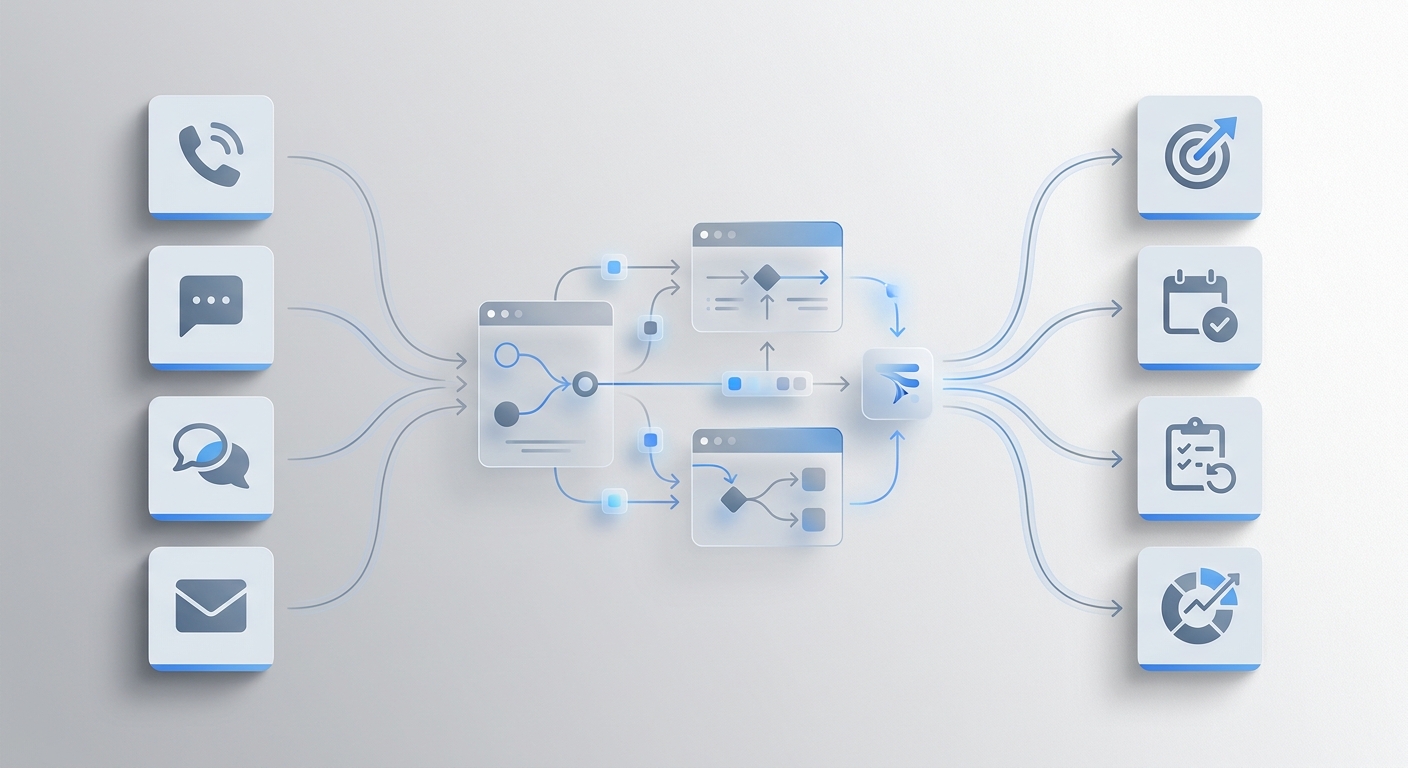
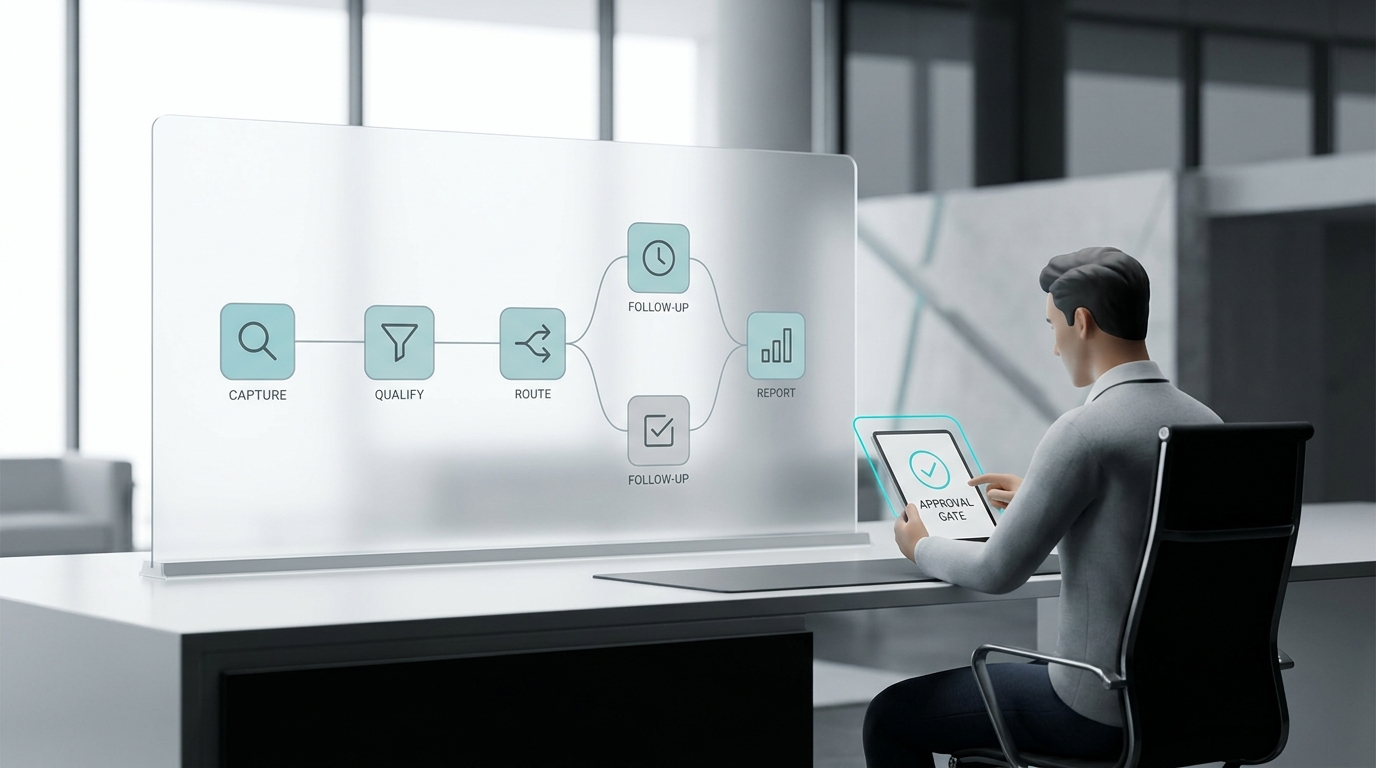
Solvea's AI receptionist integrates with your booking system to send personalized reminder texts at exactly the right times. When a client replies to reschedule, Solvea handles the booking change, updates your calendar, and notifies you — all without you touching your phone. It's like having a front desk that works 24/7.
Learn how Solvea reduces no-shows with automated reminders →
Your AI Receptionist, Live in Minutes.
Scale your front desk with an AI that never sleeps. Solvea handles unlimited multi-channel inquiries, books appointments into your calendar automatically, and ensures zero missed opportunities around the clock.
Frequently Asked Questions
What should a reminder text message include? At minimum: the client's name, appointment date and time, business name, and a way to reschedule or cancel. For medical settings, add location and any pre-appointment instructions (fasting, forms to bring).
How long should a reminder text be? Keep it under 160 characters if possible — that's a single SMS segment and avoids formatting issues on older phones. If you need to include a link or multiple details, up to 320 characters (2 segments) is acceptable.
What is the best time to send an appointment reminder text? Send during business hours: 9 AM–6 PM local time. Avoid weekends for formal businesses. For the 48-hour reminder, send during morning hours so clients have the day to act on reschedule needs.
Can I use reminder texts for HIPAA-covered services? Yes, with limitations. Do not include diagnosis, treatment details, or test results. Use only: appointment date/time, provider name, location, and general instruction (e.g., "please arrive 10 minutes early"). Use a HIPAA Business Associate Agreement (BAA) with your SMS vendor.
How do I reduce opt-outs from reminder texts? Keep messages short and clear, send at appropriate times (not early morning or late evening), limit to 2–3 reminders per appointment, and always include a clear opt-out path ("Reply STOP to unsubscribe").
Should reminder texts be personalized? Yes — using the client's first name significantly improves open and response rates. Personalized messages consistently outperform generic blasts — using the client's first name increases engagement and response rates.
What platform should I use to send reminder texts? For small businesses: an AI receptionist like Solvea, or scheduling tools like Acuity, Square, or Mindbody with built-in SMS. For medical practices: specialty tools like Weave, Solutionreach, or your EHR's built-in reminder module.