93%of people check their email every day, and 60% of them say email is their preferred channel. Email remains the backbone of business communication, yet crafting effective messages consistently drains hours from our workweek. That's why we need an AI email generator.
But with a sea of tools flooding the market, which one is truly the best AI email writer for your specific workflow? This blog curated the top 10 automated email solutions for different uses, from sales and outreach, creative marketing email to customer support. Let's start exploring.
What is an AI Email Generator
An AI email generator is a specialized tool that uses advanced language models to draft, refine, and optimize emails based on simple prompts or existing data. These tools analyze successful email patterns and apply natural language processing to create messages that sound human while achieving specific communication goals.
They are intelligent partners who handle:
- Sales Outreach: Scans LinkedIn or company data to write personalized "icebreakers" that get replies.
- Customer Support: Pulls from your knowledge base to provide instant, accurate answers to client queries.
- Marketing Emails: Generates high-conversion newsletters and promotional copies using proven marketing frameworks.
- Meeting/Scheduling: Acts as a virtual coordinator to manage your calendar and handle the back-and-forth of booking.
- Follow-up/Reminder: Automates the "nudge" emails, ensuring no lead falls through the cracks due to a busy schedule.
TL;DR: The 10 Best AI Email Generators Comparison Chart
The best AI email generator varies depending on different communication needs. A solo freelancer might prioritize a free, versatile email assistant, while a global sales team needs deep CRM integration and high-volume deliverability. There is no "one size fits all," but there is a "best for you." Here is a quick breakdown of my 10 tested picks:
Product | Best for | Key Standouts | Starting Price |
Automated Customer Support | 24/7 instant support with human accuracy | Custom price | |
All-in-One Sales Intelligence & Outreach | Massive B2B database + AI writing | $49/month/user (billed annually) | |
Real-time Sales Email Coaching | Live email scoring and coaching suggestions | $29/month | |
Hyper-Personalized Cold Emails | Auto-research prospects for personalization | $49/month | |
Complex Email Workflow Automation | Multi-step AI agent automation capabilities | $199.99/month | |
Free Versatile Email Writing | Most flexible general-purpose assistant | $20/month | |
Creative Marketing Emails | 90+ marketing-specific templates | $24/month (billed annually) | |
Brand-Consistent Campaigns | Brand voice training and style enforcement | $69/month/seat | |
Small Business Newsletter Marketing | Integrated email marketing platform | $18/month | |
Gmail & Calendar Integration | Native Gmail workflow integration | $4.32/month |
1. Solvea: Best for Automated Customer Support
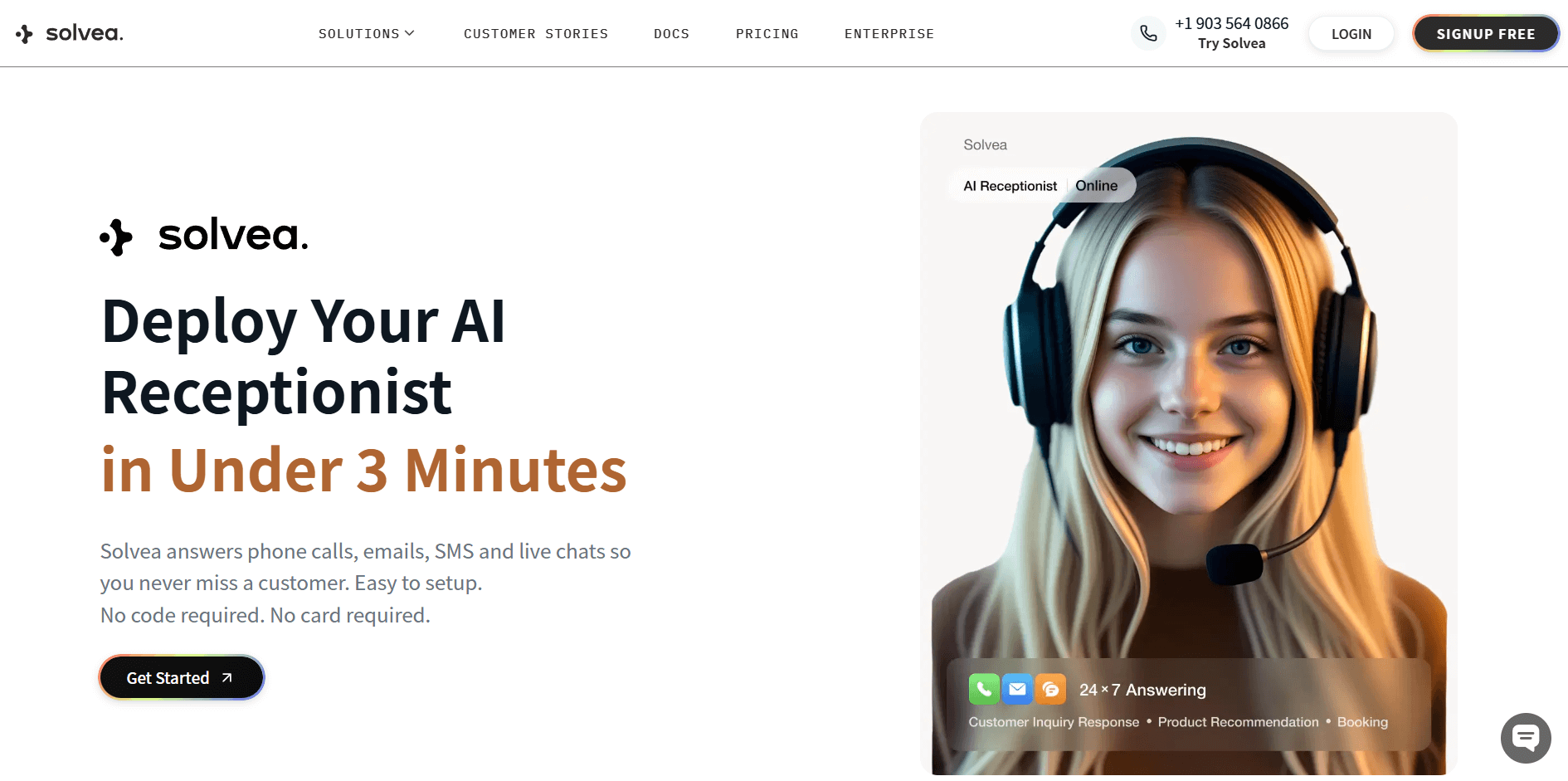
Why I Pick It? Customer support emails are usually a race against time. Solvea is a breakthrough because it doesn't just simply "talk"; it solves problems. It excels at email resolution, managing everything from complex refund requests to logistics troubleshooting with human-like accuracy.
A prime example of its power is seen with Anker Innovation. After deploying Solvea, they achieved a 70% AI resolution rate and assistance, saving over 150 hours per week and reducing return rates by 40% through intelligent sentiment analysis.
If the automation can't solve problems, it can also summarize the context for a human agent to step in. It's the ultimate tool for maintaining a "Zero Inbox" in customer support while ensuring your customers aren't stuck with generic, unhelpful bot answers.
Standout Features:
- Learn directly from your existing workflows and historical knowledge bases
- Specialized agents are pre-trained for specific business sectors.
- Sync with Shopify, Zendesk, and Intercom to pull real-time order and shipping data.
- Enterprise security certifications with U.S. laws.
Integrations: HelpDesk systems, e-commerce platforms, Gmail, Microsoft, Email, social media, Voice, etc.
Pros | Cons |
Massive reduction in manual workload. 24/7 support in multiple languages. Humans like accuracy (80%) and a high-resolution rate. | Need to book a demo for customized pricing plans |
2. Apollo.io: Best for All-in-One Sales Intelligence & Outreach
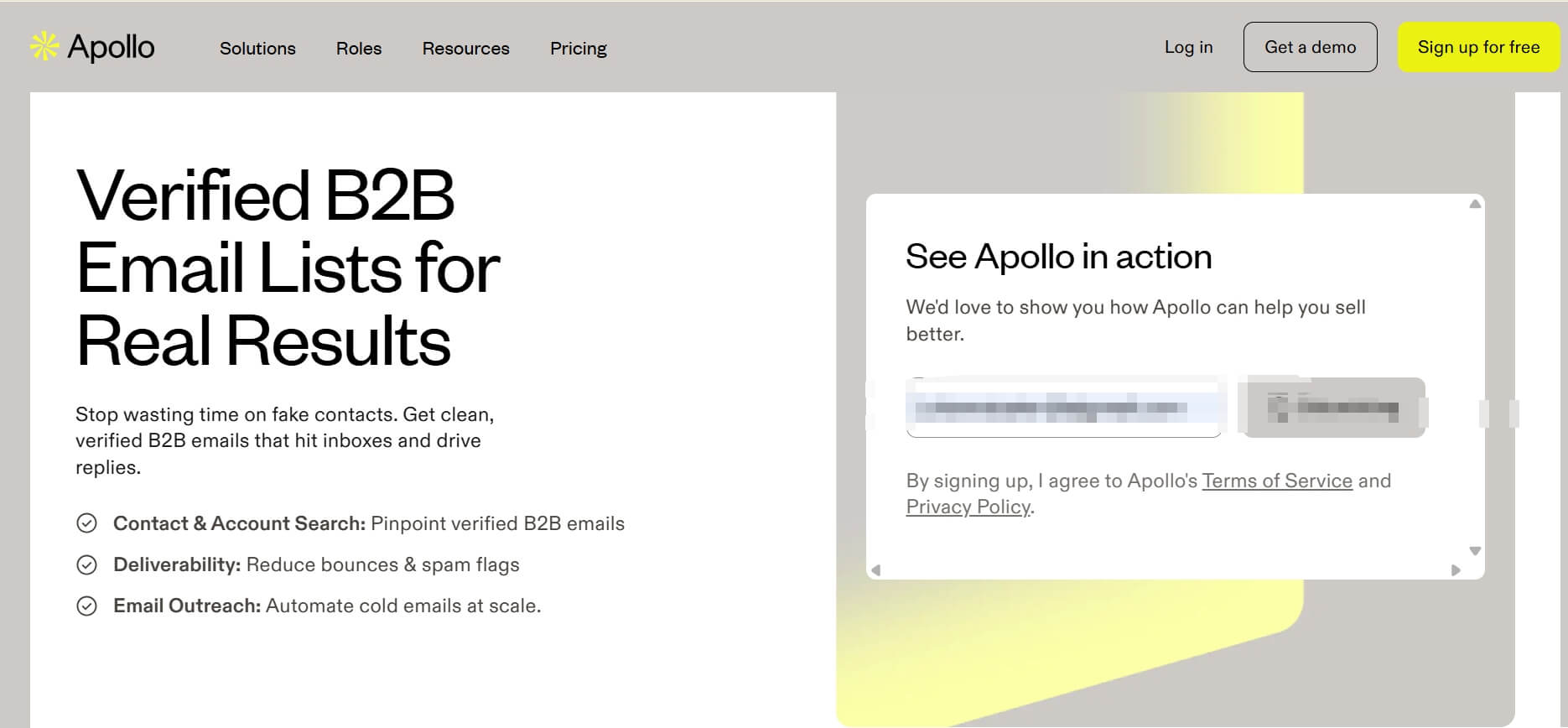
Why I Pick It? Apollo.io is one of the best AI email generators for sales and outreach. What sets it apart is the seamless marriage between a massive 275M+ B2B database and its AI writing engine.
In my experience, the biggest friction in cold outreach isn't writing—it's finding the person and then having something to say. Apollo solves both. It doesn't just generate generic text; it looks at "Signals" (like a company's recent funding or a prospect's job change) to suggest why you should reach out.
For example, I use it for a campaign targeting Tech HR leads, and the AI accurately referenced their recent expansion in the EMEA region without me prompting it. It supports 20+ languages, which is vital if you're prospecting globally.
Who's it for? Sales Development Reps (SDRs), B2B sales platforms, and founders who need to find leads and send high-volume, personalized sequences in one place.
Standout Features:
- 275M+, integrated B2B database with verified emails and direct calls.
- Built-in A/B testing and analytics dashboard tracking opens, clicks, and replies.
- Chrome extension that writes emails inside LinkedIn/Gmail.
- AI-generated "Personalization Signals" for every lead.
Integrations: Salesforce, HubSpot, Pipedrive, Outreach, SalesLoft, Slack, Zapier, LinkedIn.
Pros | Cons |
All-in-one platform eliminates the need for multiple prospecting tools. Email templates learn from your writing style over time. Highly accurate "dynamic tags" for personalization. | The interface can be overwhelming for beginners. Credits for verified emails can be used up quickly. |
3. Lavender: Best for Real-time Sales Email Coaching
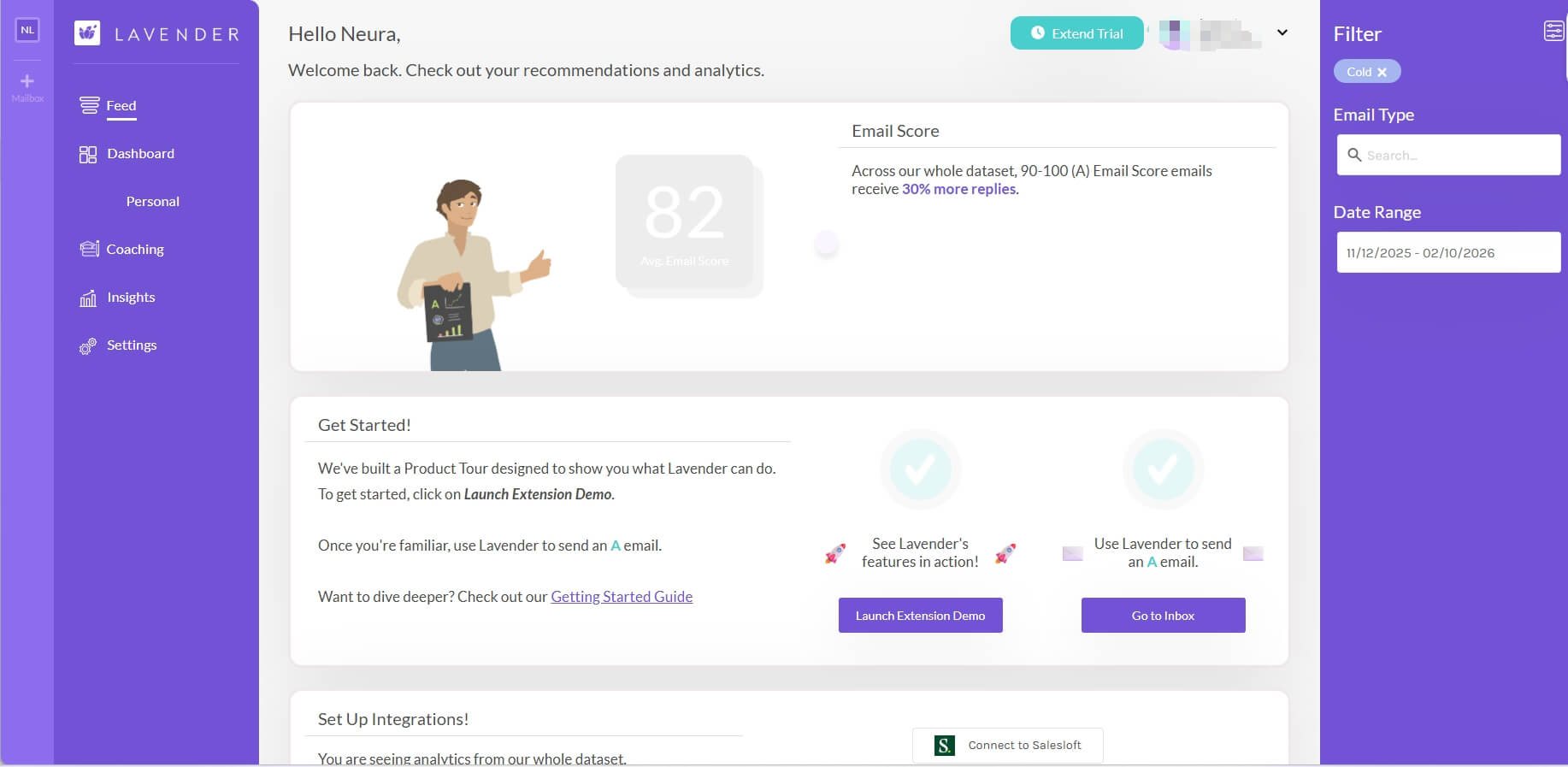
Why I Pick It? Lavender is the only tool on this list that actually makes you a better writer while you work. It's not a "generate and forget" tool; it's a real-time coach.
When you're drafting an email in Gmail or Outlook, Lavender sits in a side panel and gives you a score from 0 to 100. It flags if your email is too long, if your reading level is too high (it recommends a 5th-grade level for better replies), or if you sound too "corporate."
The "AI Personalizer" tool is also a highlight—it pulls a prospect's recent activity and suggests a "Hook." It's incredibly lightweight and fast. One thing I noticed is that it doesn't just give you a template; it explains why a certain phrase might hurt your response rate, which is invaluable for junior reps.
Who's it for? Individual sales professionals and teams who want to improve their email copywriting skills while getting immediate feedback.
Standout Features:
- Real-time "Email Grade" and feedback dashboard.
- Mobile preview showing how your email renders on different devices.
- AI-driven personalization is based on prospective social data.
- Detailed team analytics to see which "writing styles" are winning.
Integrations: Gmail, Outlook, Salesloft, Outreach, HubSpot, LinkedIn Sales Navigator.
Pros | Cons |
Teach you better email writing over time. The most focused and "clean" sales writing tool. Data-driven suggestions backed by analysis of millions of emails. | Subscription required for advanced features. Can feel overwhelmed with too many suggestions on complex emails |
4. Smartwriter.ai: Best for Hyper-Personalized Cold Emails
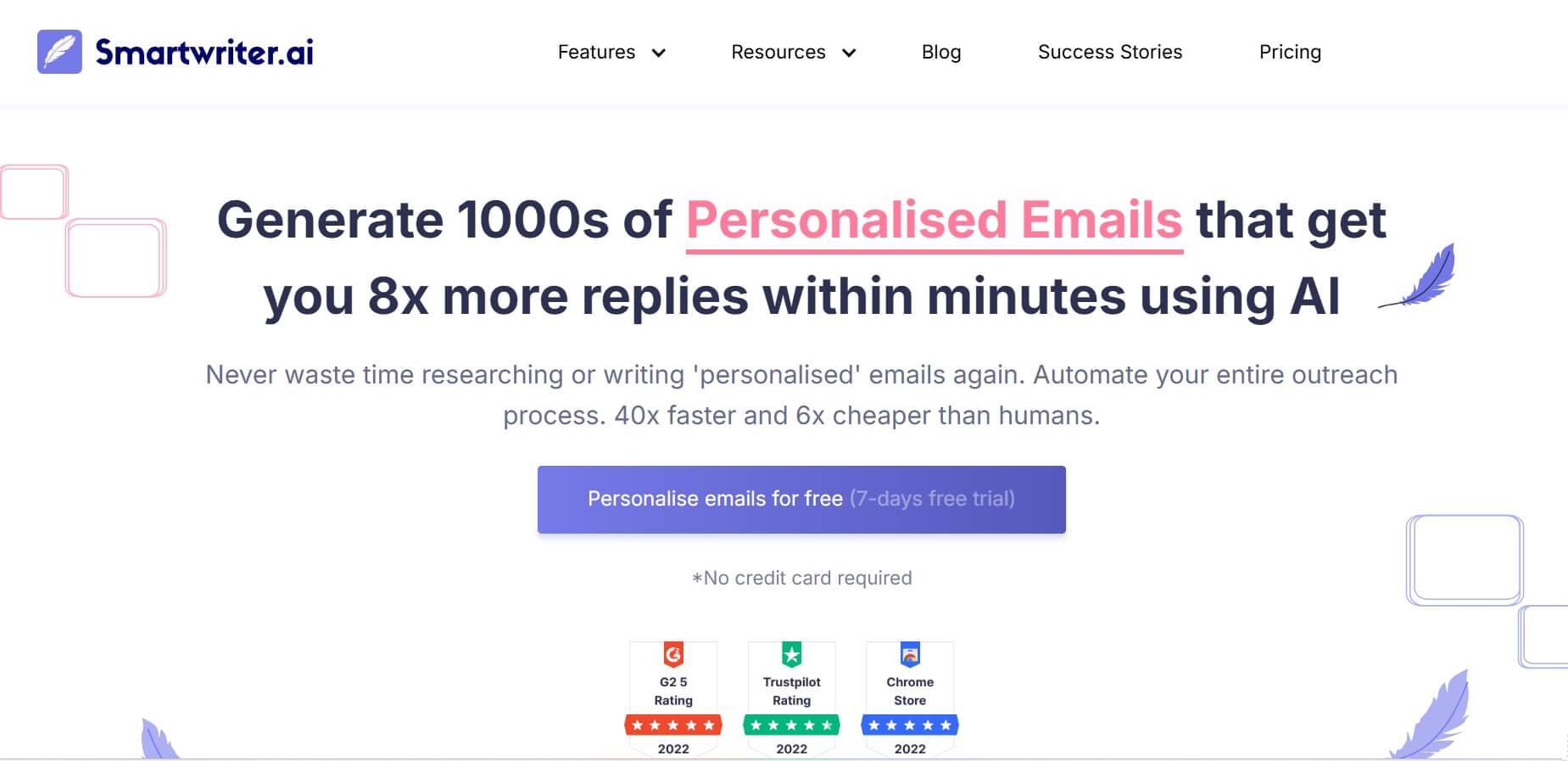
Why I Pick It? If you believe that "personalization is the only way to survive the AI era," Smartwriter is the top AI email creator for you. While other tools do a surface-level scrape, Smartwriter goes deep. It scans LinkedIn recommendations, Google reviews of a prospect's business, and even their appearances on podcasts.
The "backlink personalization" feature is clever: it identifies websites linking to your prospect's company, then creates talking points around shared connections or industry networks. This research-based personalization greatly improved my email response rate.
It also supports multiple languages and is particularly strong for SEO backlink outreach. It feels like having a virtual assistant who spends several minutes researching every prospect before crafting the email.
Who's it for? Growth hackers, SEO agencies, and anyone doing "cold" outreach who needs a high degree of personalization to avoid the spam folder.
Standout Features:
- LinkedIn "Recommendation-based" icebreaker generator.
- Backlink outreach personalization (mentions specific blog content).
- Automated Google Review-based sales copy.
- Bulk CSV upload for thousands of personalized lines.
Integrations: Lemlist, Reply.io, Mailshake, Woodpecker.
Pros | Cons |
High level of automated personalization in the market. Dramatically reduces time spent researching prospects before outreach. Excellent for avoiding the "spam" look of AI emails. | No built-in sending capability; must export and use with a separate email tool. Can struggle with prospects who have minimal online presence. |
5. Lindy AI: Best for Complex Email Workflow Automation
Why I Pick It? Lindy isn't just an email generator; it's an AI assistant. Most tools write an email and wait for you to click send. Lindy can actually manage the thread. For example, you can tell Lindy: "Whenever a prospect asks for a demo, check my calendar, offer them three times next week, and if they agree, send the invite and update my CRM."
If you frequently handle those endless "I'd like to learn more" emails, Lindy AI is a great choice. It automatically drafts the response, pulls info from your websites to answer their questions, and only pings you when a human needs to step in.
It's built on a no-code AI agent interface, so you don't need to be a developer to build these workflows. It also supports multiple languages and can switch between them automatically based on the incoming email language.
Who's it for? Operations managers, business owners, and anyone who wants to automate entire email-based processes (like scheduling or lead qualifying) rather than just drafting messages.
Standout Features:
- Autonomous AI Agents that follow multi-step instructions.
- Deep integration with your Calendar and CRM.
- "Summary" mode to get caught up on long threads instantly.
- Human-in-the-loop approval system.
Integrations: Google Workspace, HubSpot, Slack, Salesforce, Zapier (over 200+ apps).
Pros | Cons |
Highly customizable for unique business workflows. Saves massive time on repetitive email processes. Can manage multiple specialized agents for different email types or departments | Requires significant upfront setup time to configure workflows properly. More expensive than simple email writers if you only need basic drafting. |
6. ChatGPT: Best for Free Versatile Email Writing
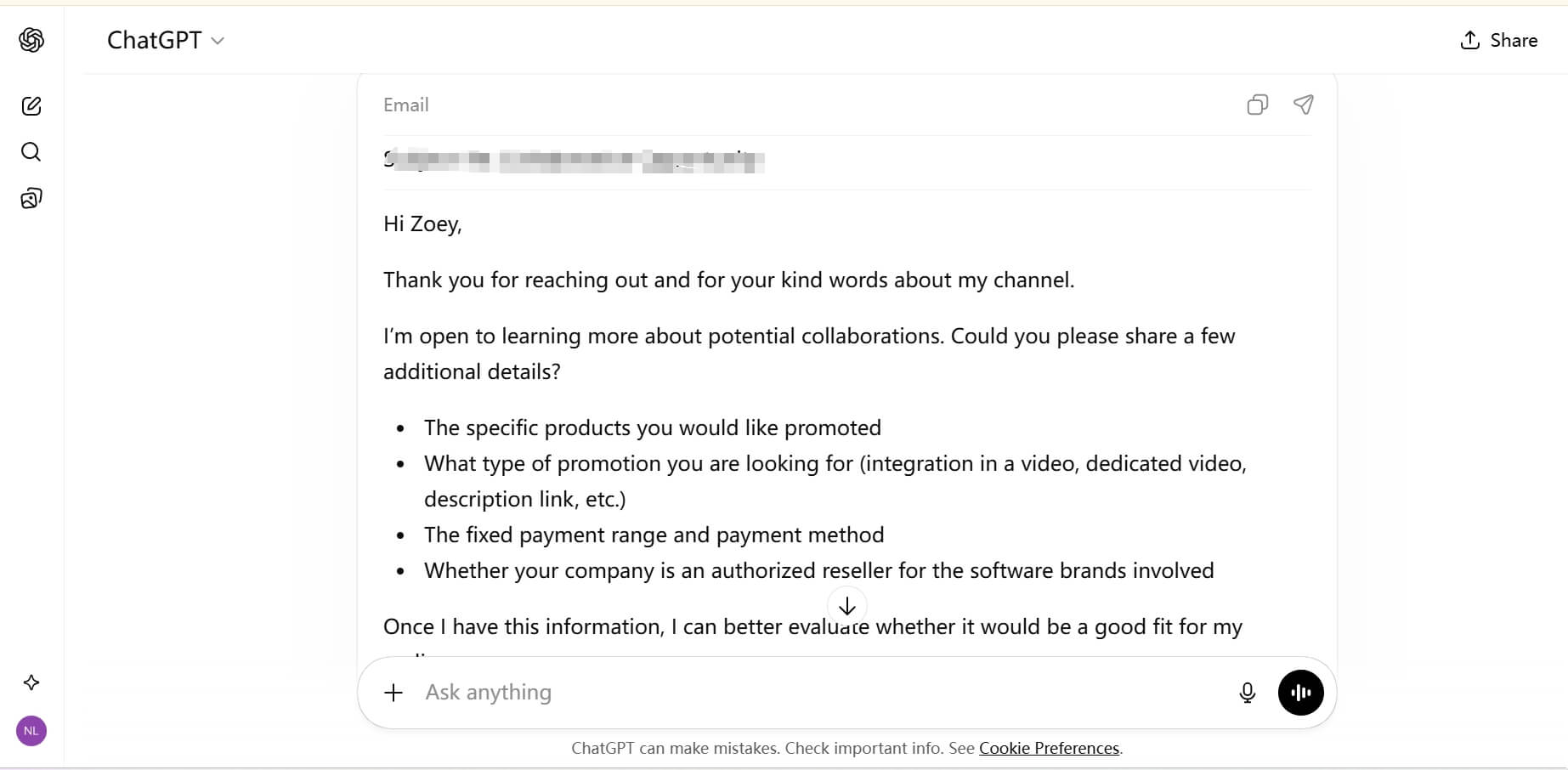
Why I Pick It? While specialized tools excel at specific tasks, ChatGPT remains my go-to for general-purpose email drafting. I frequently use ChatGPT to generate follow-up emails for my collaborations for free.
For example, when I am in the middle of negotiations with my YouTube Short sponsors, I use it to organize pricing structures and service details. I simply provide the raw data or my messy thoughts, and it crafts a polite, professional response that maintains the right balance of authority and courtesy.
Its real strength lies in its logical structuring. Whether I need to explain a project delay or come up with creative directions, it helps me organize my thoughts without sounding defensive. It's a free, versatile drafting board, ideal for summarizing long threads or adjusting the tone of a sensitive message in seconds.
Standout Features:
- Saves your background and writing style for consistent future drafts.
- Unlimited free tier access to GPT-4o mini for basic email writing needs.
- Context retention remembering earlier conversations for multi-email threads.
- Custom instructions feature to set default tone, style, and formatting preferences.
Integrations: Limited native inbox integration (mostly copy-paste) but supports thousands of apps via Zapier.
Pros | Cons |
Completely free tier that handles most email writing needs effectively. Unmatched flexibility for unique, non-standard email scenarios. No specialized training required. | No native email client integration requires a manual copy-paste workflow. Highly dependent on the quality of your initial input. |
7. Copy.ai: Best for Creative Marketing Email
Why I Pick It? For marketing teams, Copy.ai helps you create content fast and drive more conversions. It's built on marketing frameworks (like AIDA: Attention, Interest, Desire, Action), so the emails it generates aren't just polite—they're designed to sell.
With this powerful "Marketing AI Email Generator", all you do is enter your product URL and describe your target audience. It instantly creates 10 unique email variations—from urgent, high-impact messages to story-driven content.
It's also my go-to for Subject Line generation. If I'm stuck, I'll have it generate 20 subject lines and then pick the top 3 for an A/B test. It's incredibly intuitive and cuts my newsletter drafting time.
Who's it for? Marketers and business owners who need high-converting promotional emails, newsletters, and ad copy.
Standout Features:
- "Brand Voice" feature that clones your unique writing style.
- "Workflow" automation for repetitive marketing campaigns.
- Over 90+ specialized marketing templates.
- Built-in plagiarism checker.
Integrations: Shopify, HubSpot, Google Sheets, Slack.
Pros | Cons |
Incredibly fast for high-volume content creation. Consistently produces creative marketing emails that sound human and on brand. Template variety covers virtually every marketing email scenario. | No built-in sending or analytics—purely a copywriting tool. Can feel repetitive if using the same template frequently without customization. |
8. Jasper AI: Best for Brand-consistent Campaigns
Why I Pick It? Jasper is like a senior copywriter who has memorized your entire brand handbook. While other tools are great for quick drafts, Jasper is built for Enterprise-level consistency. It allows you to upload "Brand Assets", including your style guide, your mission statement, and even your competitive advantages.
When Jasper writes an email, it sounds like your brand. In my experience, Jasper is the best for larger teams where multiple people are writing brand-consistent campaigns. It ensures that the marketing team, the sales team, and the support team all speak with the same voice.
The "Campaign" feature is also a massive time-saver, which helps you generate an entire email sequence, social posts, and a blog article from a single brief.
Who's it for? Mid-to-large marketing companies and agencies that need to scale content while maintaining a strict, high-quality brand tone.
Standout Features:
- Brand voice training that analyzes your content and enforces consistent tone and style.
- "Campaign" mode for cross-channel content generation.
- Advanced collaborative tools for team editing.
- Native browser extension for use across the web.
Integrations: Surfer SEO, Grammarly, Google Docs, Copyscape, and exports to most email marketing platforms.
Pros | Cons |
The most "professional" and consistent output for brands. Excellent team management and workflow tools. Helpful for agencies managing multiple client brands simultaneously. | Higher price than most competitors. Requires substantial upfront investment in brand profile training. |
9. MailerLite: Best for Small Business Newsletter Marketing
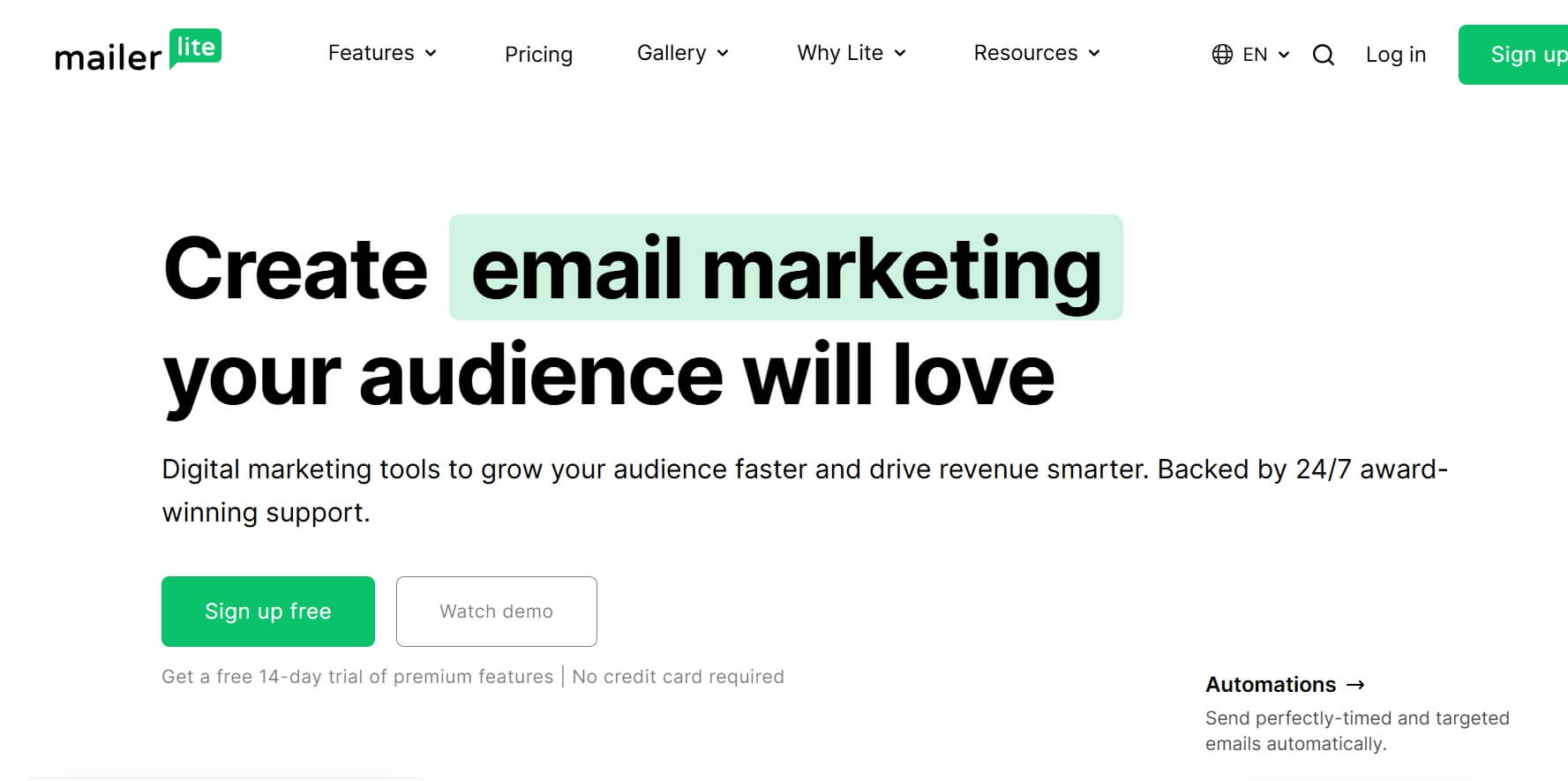
Why I Pick It? MailerLite proves that "simple" can often be "best." For small businesses and solo operators, tools like HubSpot might be too complex and expensive. MailerLite's AI writing assistant is built directly into their drag-and-drop email builder, making it the most seamless experience for newsletter creators.
If you're having "creator's block," you just click the AI icon, give it two sentences about your topic, and it'll instantly generate your email body, write a catchy subject line, and even suggest a ready-to-use CTA.
What I love most is their "Smart Sending" AI, which analyzes when each of your subscribers is most likely to open their mail and sends your message at that exact moment. It's the easiest way to send emails like a pro marketer—without the big budget.
Who's it for? Small business owners, bloggers, and creators who want an affordable, easy-to-use platform for newsletters and simple automations.
Standout Features:
- Built-in AI writing assistant in the drag-and-drop editor.
- "Smart Send" AI for personalized delivery timing.
- Generous free plan (up to 500 subscribers per month and 12,000 emails).
- Simple but effective automation builders for "Welcome" sequences.
Integrations: Shopify, WooCommerce, WordPress, Canva, Google Analytics, Zapier.
Pros | Cons |
Affordable pricing, especially free tires for small businesses. User-friendly interface requires minimal technical knowledge. AI assistance is specifically optimized for newsletter and campaign creation. | AI features are less "deep" than specialized sales tools. |
10. Google Gemini: Best for Gmail & Calendar Integration
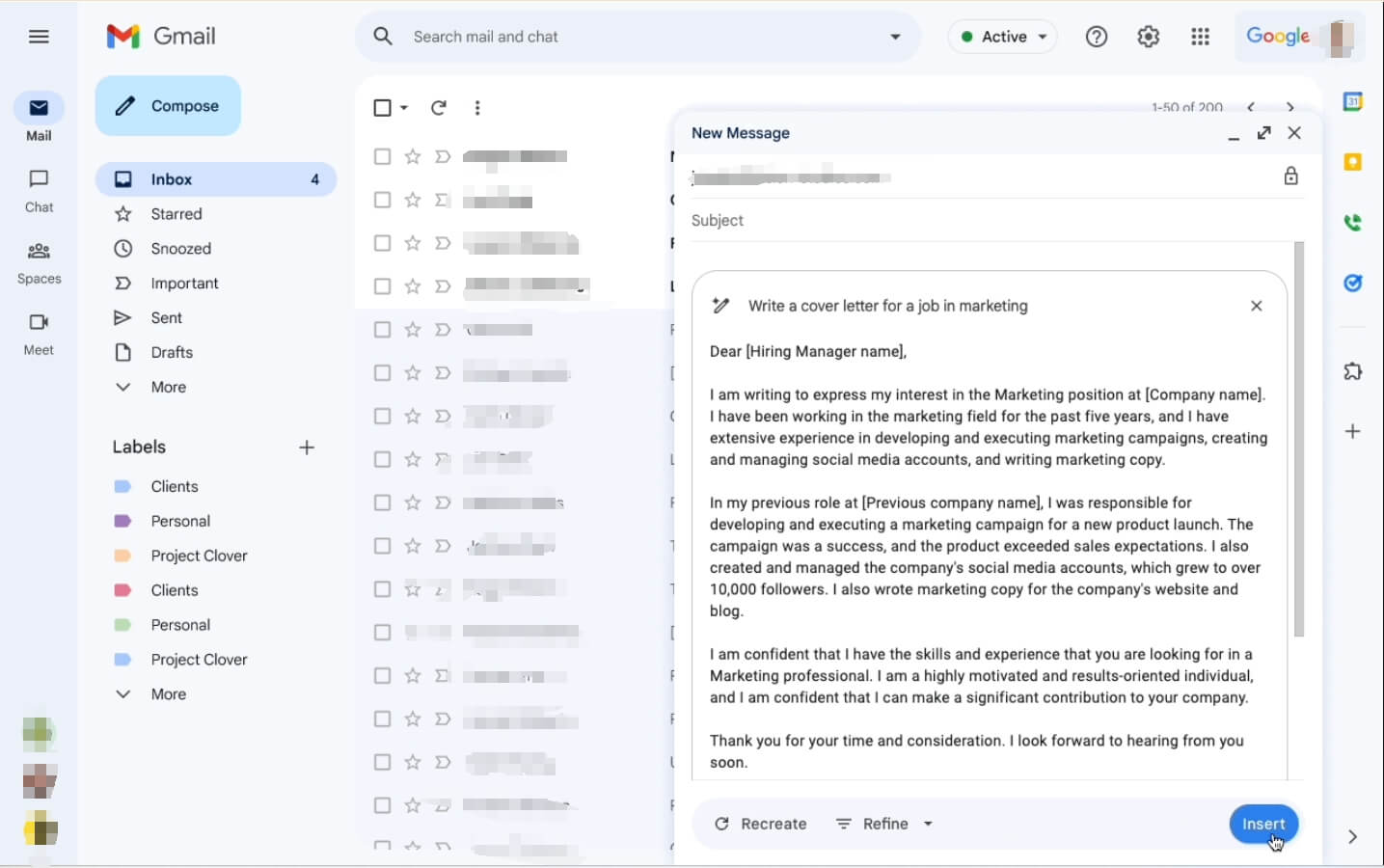
Why I Pick It? If your work revolves around Google Workspace, Gemini is the perfect choice. It lives in the side panel of your Gmail, meaning you never have to leave your inbox. The real power here is its contextual intelligence. For instance, you can ask Gemini: "Draft a response to this thread based on the 'Project X' notes in my Google Docs," and it will pull the info instantly.
I use Gemini mostly for "Inbox Triage". When I come back to a long thread with 50+ emails, I ask Gemini to "summarize the last three days of conversation," and it gives me a clear bullet list of who said what.
It also makes scheduling effortless. You can simply say, "Draft an email to 'Name' suggesting three times I'm free next week," and it will automatically cross‑check your Google Calendar and build the message.
Standout Features:
- "Help Me Write" button directly in the Gmail compose window.
- Instant summarization of long email threads.
- Direct access to your Google Drive files for context.
- Seamless calendar integration for automated scheduling.
Integrations: Native integration with all Google Workspace apps.
Pros | Cons |
Native Gmail integration with "Help me write" directly in compose window. Fastest way to draft replies based on existing docs or spreadsheets. Calendar integration eliminates scheduling back-and-forth. | Only works within Google ecosystem. Advanced features require Gemini subscription. |
Your AI Receptionist, Live in Minutes.
Scale your front desk with an AI that never sleeps. Solvea handles unlimited multi-channel inquiries, books appointments into your calendar automatically, and ensures zero missed opportunities around the clock.
FAQs
1.How does an AI email generator work?
Most AI email generators are built on Large Language Models (LLMs) that have been trained on billions of lines of high-quality human text. When you provide a prompt, the AI predicts the most effective and professional response based on the context, tone, and data you provide.
2.What are the benefits of using AI for email writing?
AI email tools dramatically reduce writing time and boost productivity. It eliminates writer's block and saves you hours spent drafting routine or complex messages from scratch. It also helps you keep a consistent, professional tone and makes your emails easy to read—resulting in higher open and reply rates.
3.Are there free AI email generators available?
Yes! ChatGPT and Google Gemini both offer free versions that are perfect for general email drafting. Many specialized tools like MailerLite and Apollo.io also offer "free trial" plans with limited features, allowing you to try them before upgrading.
4.What features should I look for in an AI email generator?
When looking for an AI email generator, you should focus on the three core things:
- Personalization – Can it use your prospect's data?
- Tone Control – Can it match your brand voice?
- Integrations – Does it work with tools you use daily, like Gmail or your CRM?
If you send lots of outreach emails, also check for deliverability tools like inbox warm-up to help your emails land properly.