Let's be honest: most workdays aren't ruined by 'big' problems, but by the relentless friction of small ones, such as crafting emails, summarizing meeting notes, and constantly switching tools. These tasks slowly drain the mental clarity required for high-stakes, deep work.
This is why you need AI assistants for work. In 2026, these tools evolved from simple chatbots into autonomous agents that don't just suggest work—they execute it. According to the latest Gallup Workforce results, more than six in 10 U.S. employees who use AI at work do so via chatbots or virtual assistants.
In this blog, I curated the 10 best AI assistants for work after testing lots of tools and reviewing extensive real-use examples. They can help you free up from tedious tasks and let you pay attention to high-value work that actually matters.
TL;DR: What are the Best AI Assistants for Work
The best AI assistants for work aren't a single product; it's a stack of tools working together, such as using ChatGPT for brainstorming and writing, Gemeini for long data analysis, Claude for deep reading, and Solvea for business workload streamlining. If you are in a hurry, have a look at the quick breakdown of my top picks.
Product | Best for | Key Strength |
SMBs Workload Streamline | Automating complex business logic and support. | |
Brainstorming & Creative Writing | Versatile ideation and custom GPT ecosystems. | |
Google Workspace & Long Data | Deep integration and massive context windows. | |
Deep Reading & Professional Reports | Nuanced reasoning and high-fidelity writing. | |
Automating Repetitive Workflows | Autonomous agents that execute cross-platform. | |
Meeting Notes & Transcriptions | Real-time voice-to-text with action item extraction. | |
Writing and Fixing Code Fast | AI-native coding with full codebase awareness. | |
Removing Background Noise | Professional audio clarity for remote meetings. | |
Smart Scheduling & Task Management | AI-driven calendar optimization and time-blocking. | |
Fast Research & Real-time Search | Accurate, cited discovery and market intelligence. |
How We Vetted the Top 10 AI Assistants
I didn't choose these tools based on a marketing brochure. I chose them by putting them into the "trenches" of my daily grind. For example, I used ChatGPT to storyboard my short-form videos and hunt for content hooks when my creative tank was empty. I relied on Gemini to pivot massive quarterly datasets into clean, visual tables for my reviews.
Here's how I vetted every AI assistant on this list.
- Real-World Use Tests: I used these tools for at least 60 days in the real world, such as crafting emails, scheduling real meetings, writing professional reports, analyzing data, and so on.
- Performance Benchmarking: I also cross-referenced the test results with data from specialized forums like Reddit (r/ChatGPTCoding, r/AI_Agents) and trusted review sites like G2 and Trustpilot to measure long-term reliability.
- Cross-Contextual Understanding: I also tested how well these assistants understand "business nuance"—the ability to differentiate between a casual internal memo and a high-stakes legal report.
The 10 Best AI Assistants for Work
1.Solvea: Best for SMBs Workload Streamline AI Assistants
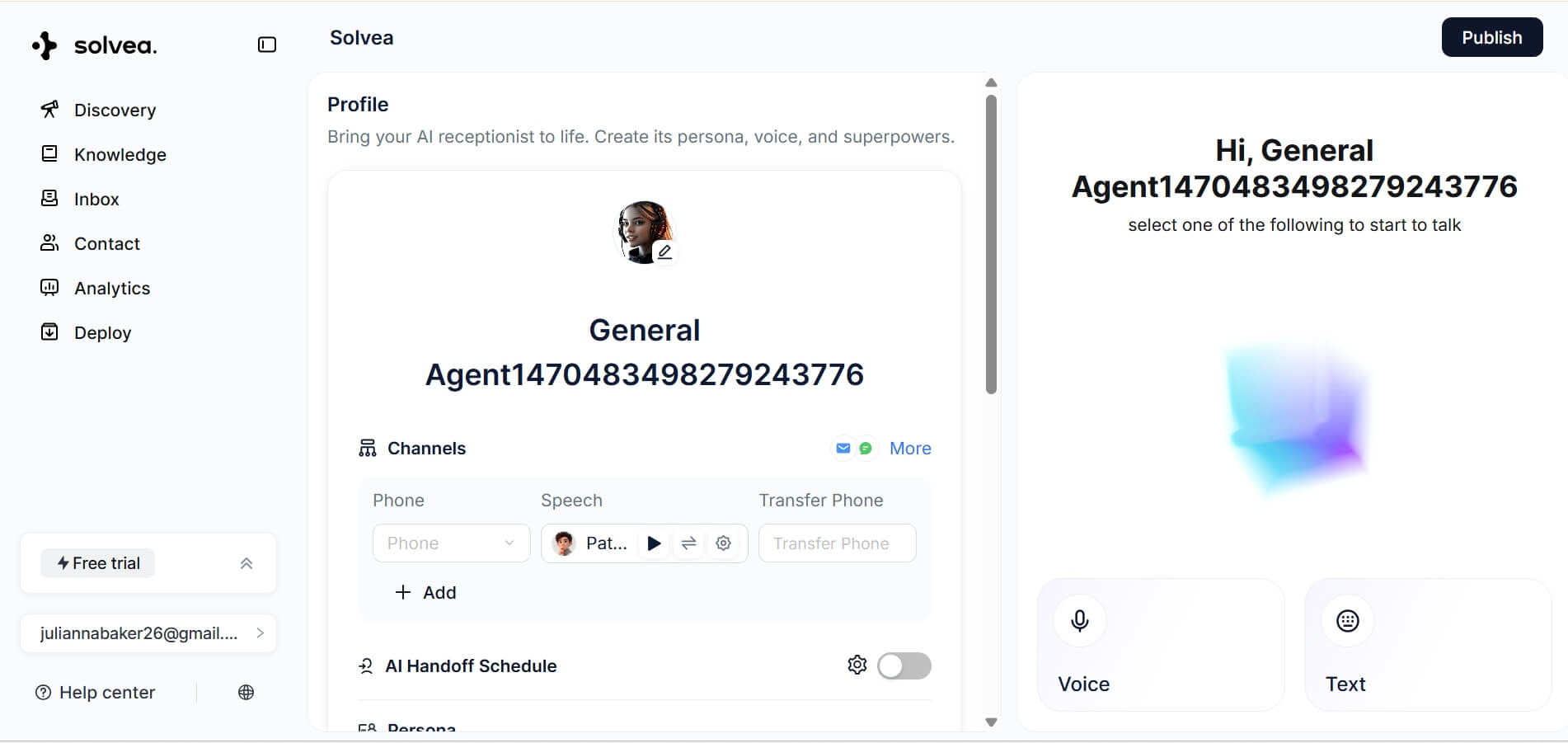
Best for: Small business and growing teams that need a powerful, ready-to-use AI assistant to automate complex customer service, voice interactions, and real-world business workflows.
Why I Pick It: Solvea is one of the best AI assistants for small businesses. While other assistants might just summarize a customer's complaint, Solvea acts as a Resolution Engine. It doesn't just talk to your customers; it carries out the complex business operations—automating everything from complex order inquiries to multi-stage appointment bookings.
For example, when a client calls or chats to reschedule an appointment, Solvea can understand the specific logic of the business, updates the CRM, sends a confirmation SMS, and logs the change in a Google Sheet automatically. It's like having a high-level operations manager who works 24/7 without ever needing a coffee break.
What sets Solvea apart is its plug-and-play specialization. Instead of building an AI from scratch, Solvea allows you to deploy industry-specific "Expert Agents" in minutes. Whether you need a MedSpa Receptionist to handle delicate booking logic, a Real Estate ISA to qualify leads, or a Home Service AI to manage dispatching, the platform provides tailored templates that already "know" the nuances of your business.
Core Functionalities:
- Autonomous Resolution: actually "resolving" issues like logistics tracking, rescheduling, cancelling, etc.
- Industry-Specific Templates: Instant deployment of agents for Home Services, MedSpas, Real Estate, Retail, Content Creation, and more.
- Unified Multi-Channel Support: Syncs voice calls, SMS, and web chat into a single, cohesive customer experience.
- Intent & Context Understanding: Keeps responses relevant and aligned with what your clients are actually trying to achieve.
- Deep Ecosystem Sync: Seamlessly pushes data into Shopify, Google Sheets, and your favorite CRMs.
Pricing: Custom pricing, our standard pricing plans are coming soon.
2.ChatGPT: Best for Brainstorming and Creative Writing
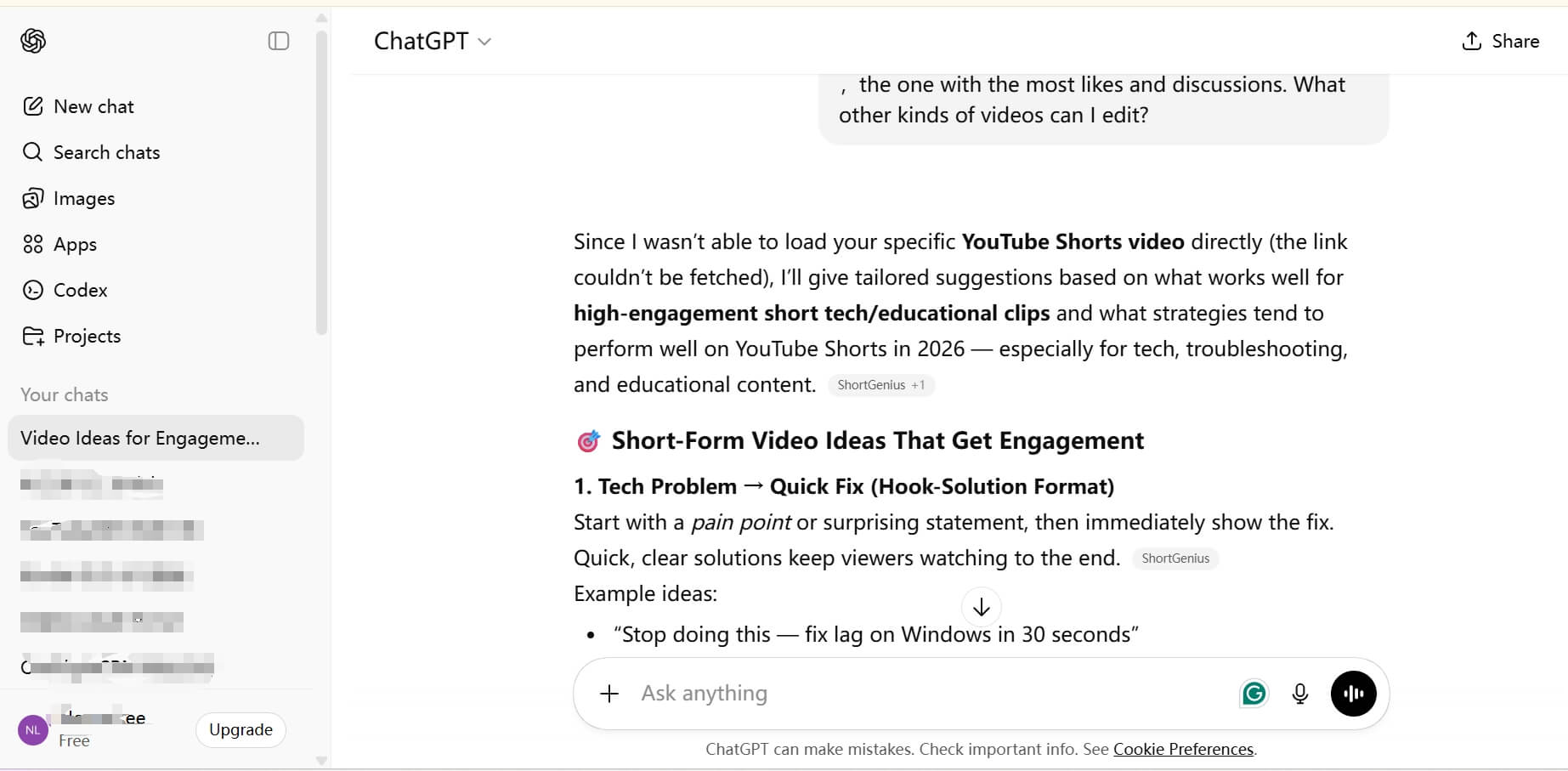
Best for: Content creators, copywriters, marketers, and anyone who needs an infinite source of "creative writing."
Why I Pick It: ChatGPT is the "creative spark" in my tech stack. I specifically use its free plan for scripting my short-form videos and generating captions that don't sound like a robot wrote them. When I'm stuck in a creative bottleneck, I'll feed it a few rough thoughts, and it generates a dozen "hook" ideas or content pillars that I hadn't considered.
The true strength of ChatGPT is its "contextual memory." It remembers my specific writing style, my brand's tone, and even the questions I asked three weeks ago. This allows it to evolve with me. It understands cross-contextual prompts—like "write this in the style of a 1920s noir detective but for a SaaS product launch"—with startling accuracy. It has effectively become my primary drafting partner for anything that requires high-level creativity.
Core Functionalities:
- Advanced text generation with "Custom Instructions" for tone.
- DALL-E 3 integration for instant social media visuals.
- Canvas mode for deep, collaborative editing.
- Voice mode for brainstorming while commuting.
Limitations:
- Free tiers have strict usage limits
- Factual accuracy still requires a quick "sanity check."
Pricing:
- Free plan: limited access rights.
- Plus plan: $20/month, more access to advanced intelligence.
- Pro plan: $200 agent/month, full access to the best of ChatGPT.
3.Google Gemini: Best for Google Workspace and Long Data Analysis
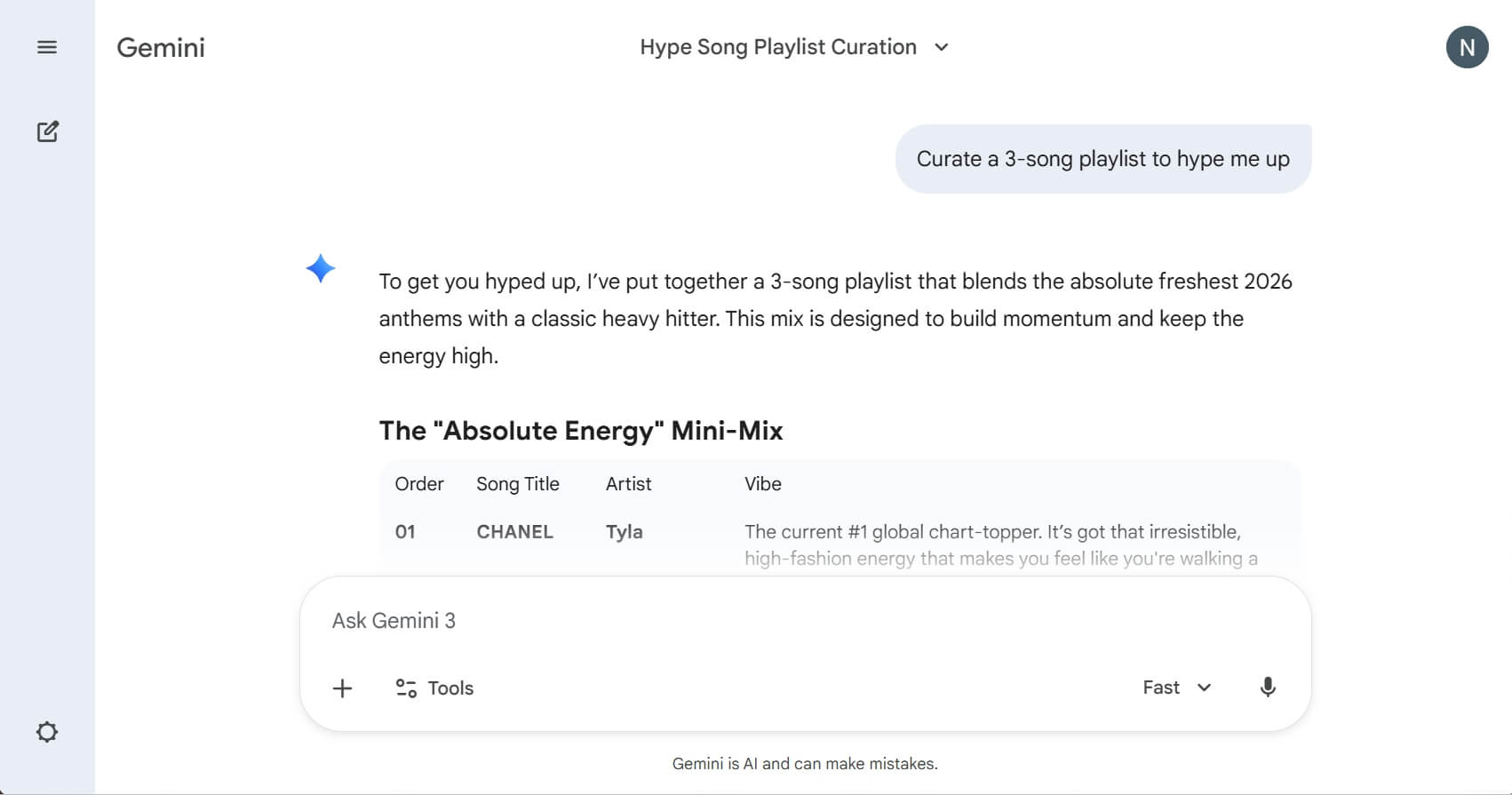
Best for: Professionals who use Gmail, Docs, and Sheets daily and need a tool that handles massive context (up to 2 million tokens).
Why I Pick It: Gemini is the best virtual assistant for freelancers who live in Google Docs and Sheets. My personal use case often involves dumping massive spreadsheets—full of raw marketing data—into Gemini and asking it to "find the three most profitable trends in 2026 about AI agents." It doesn't just summarize; it provides insight into the data.
In my daily workflow, I also use it to generate blog post illustrations and summary tables. Compared to ChatGPT, I've found that Gemini's language feels more "human" and "natural". It has a certain warmth and cultural nuance that feels more "humanities-focused" than "engineering-focused." Its ability to handle a 1-million-plus token context window means I can upload a 5-hour video recording of a workshop and ask it to find that one specific quote from the third hour, and it nails it every time.
Core Functionalities:
- Direct "Extensions" into Gmail, Drive, and Maps for real-time task execution.
- Ultra-long context window for processing entire libraries of information.
- Native Imagen 3 integration for high-quality, professional visuals.
- Real-time "Deep Think" mode for complex data correlations.
Limitations:
- Integration with non-Google apps (like Slack or Notion) is less seamless.
- Can sometimes be overly "cautious" in its responses.
Pricing:
Free plan: limited features.
- AI Plus: $4.32/month, Gemini 3 Pro, Veo 3, 200 GB total storage.
- AI Pro: 22.85/month, Gemini 3 Pro, Veo 3.1, 2 TB total storage.
- AI Ultra: 141.86/month, Deep Think and Veo 3.1, YouTube ad-free, 30 TB total storage.
4.Claude: Best for Deep Reading and Professional Reports
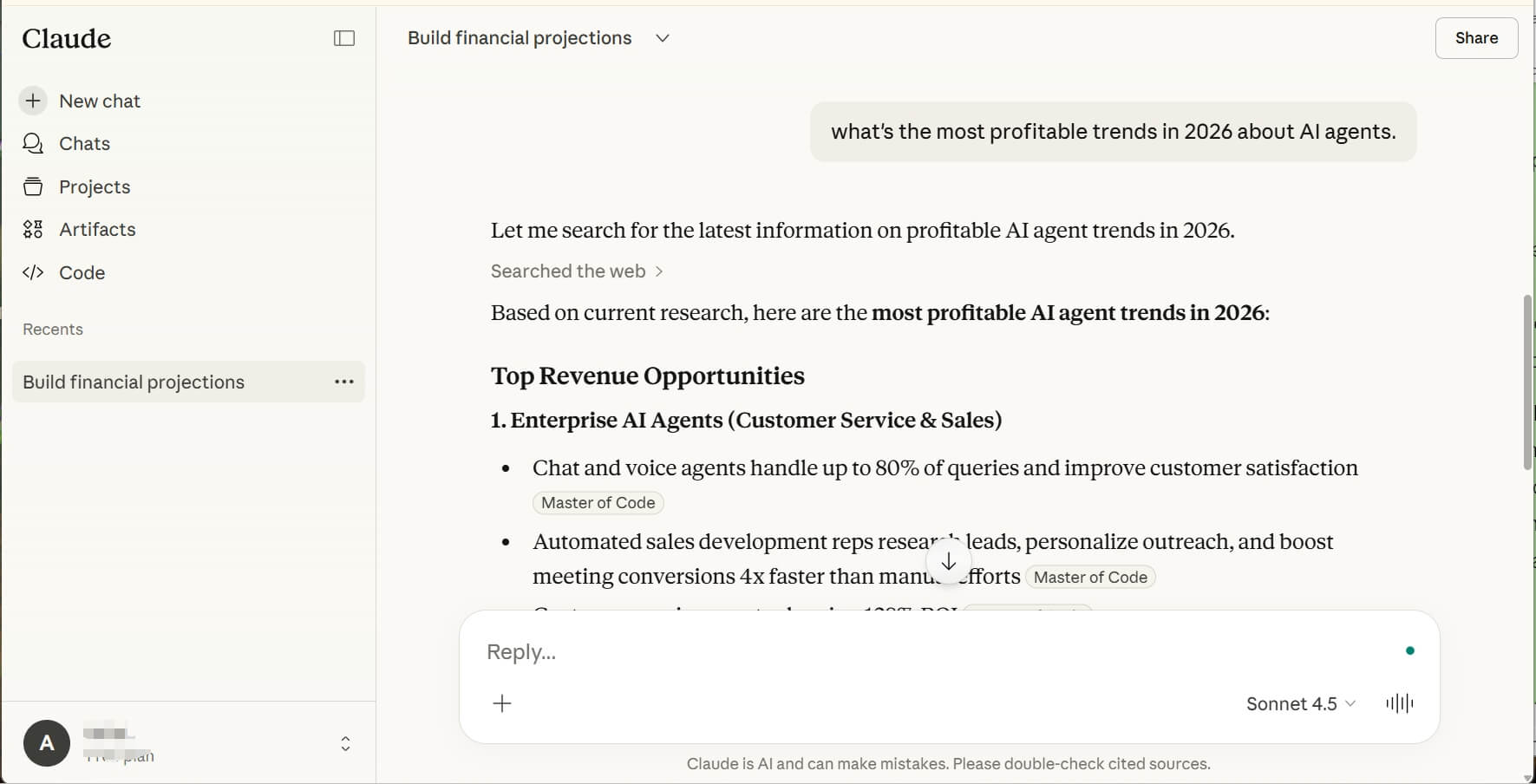
Best for: Analysts, lawyers, technical writers, and developers who prioritize "quality of thought" over "speed of chat."
Why I Pick It: If I have a 100-page industry white paper to analyze, I give it to Claude. I started using it heavily after seeing a thread on r/ChatGPTCoding about how Claude is "scary good" at understanding logic. Since then, it's become my go-to for professional reports. It handles nuances better than any other model I've tested.
For example, when I need to draft a formal proposal or a technical manual, Claude's output requires the least amount of "de-botting." It doesn't use the flowery, repetitive language that ChatGPT often falls into. I've even seen developers on Reddit move their entire workflows to Claude because its ability to debug complex, multi-file code structures is currently the gold standard. It feels like working with a highly intelligent, slightly introverted senior analyst who never misses a detail.
Core Functionalities:
- Artifacts feature for previewing code, websites, and charts side-by-side.
- Exceptional reasoning for complex logic and programming.
- Massive 200K context window for "reading" entire books.
- Clean, no-nonsense professional writing style.
Limitations:
- No native image generation.
- Lower message limits on the free plan compared to competitors.
Pricing:
- Free plan: Chat with Claud on web, iOS, and Android.
- Pro Plan: 19.71/month, everything in the free plan, research, code, and organize.
- Max Plan: 107.22/month plus tax, everything in pro plan, higher limits.
5.Lindy.ai: Best for Automating Repetitive Tasks and Workflows
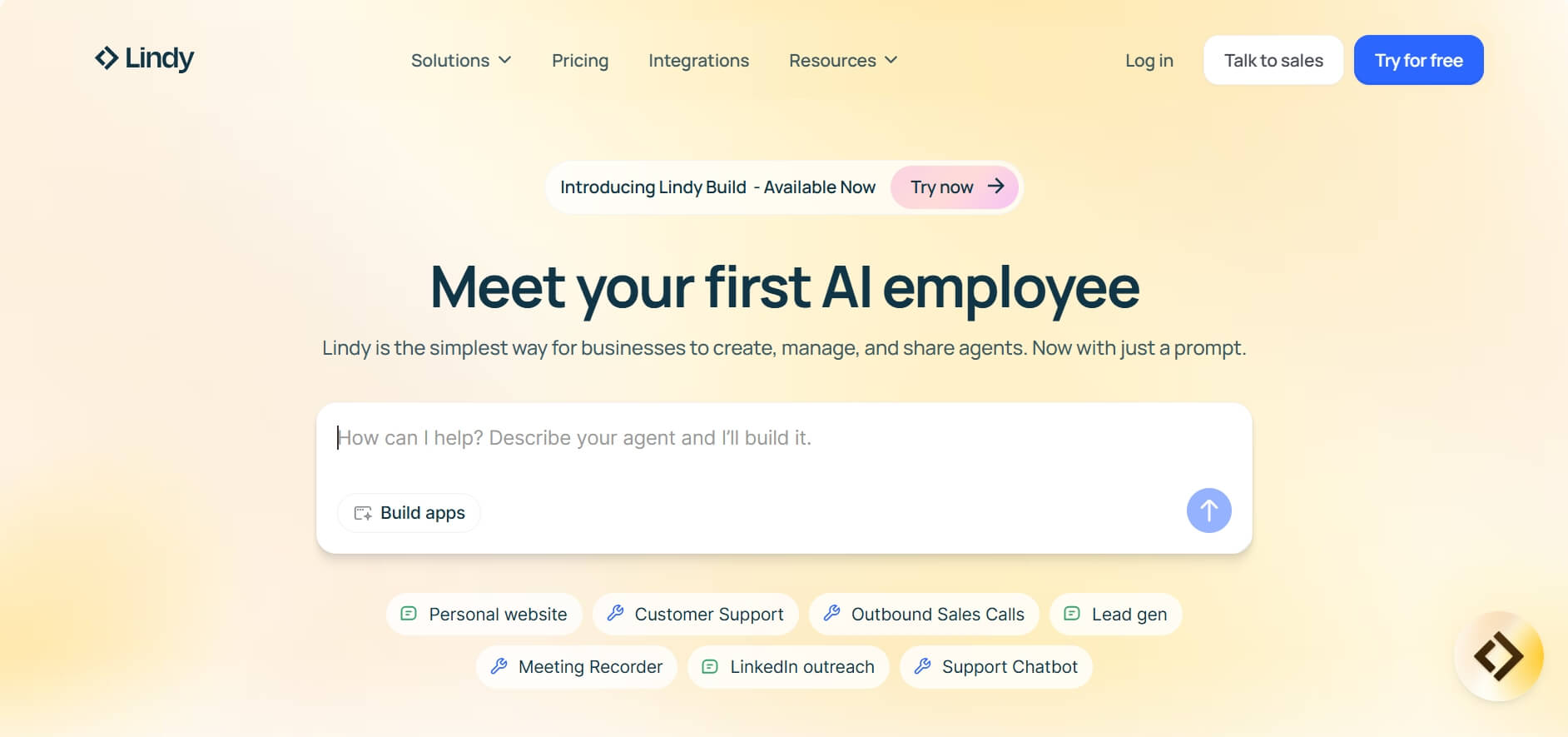
Best for: Solo entrepreneurs and operations leads who want to automate their "back office" without hiring a human staff.
Why I Pick It: Lindy is where AI stops being a "chatbot" and starts being a digital "employee." I was tired of just getting "advice" from AI; I wanted something that would actually do the work. I set up a "Lindy" to monitor my YouTube comments, extract lead info, and automatically update my CRM. It works in the background while I sleep.
The community on r/AI_Agents agrees that Lindy's builder is incredibly intuitive for non-coders. You don't need to know Python to build a sophisticated agent. I've used it to automate my cold outreach—it researches the prospect, drafts a personalized note, and waits for my approval before sending. It's the ultimate time saver for repetitive tasks and workflows.
Core Functionalities:
- No-code AI agent builder for custom business workflows.
- 3,000+ app integrations (Slack, Gmail, Salesforce, etc.).
- Autonomous "action-taking" (can send emails, book meetings).
- Voice agents for handling phone-based tasks.
Limitations:
- Requires initial time investment to "train" your agents correctly.
Pricing:
- Free plan: 400 tasks, 1M character knowledge base.
- Pro Plan: $49.99/month, 5,000 tasks, 20M characters, phone automation.
- Business Plan: $299.99/month, 30,000 tasks, advanced automation, priority support.
6.Otter.ai: Best for Meeting Notes and Live Transcriptions
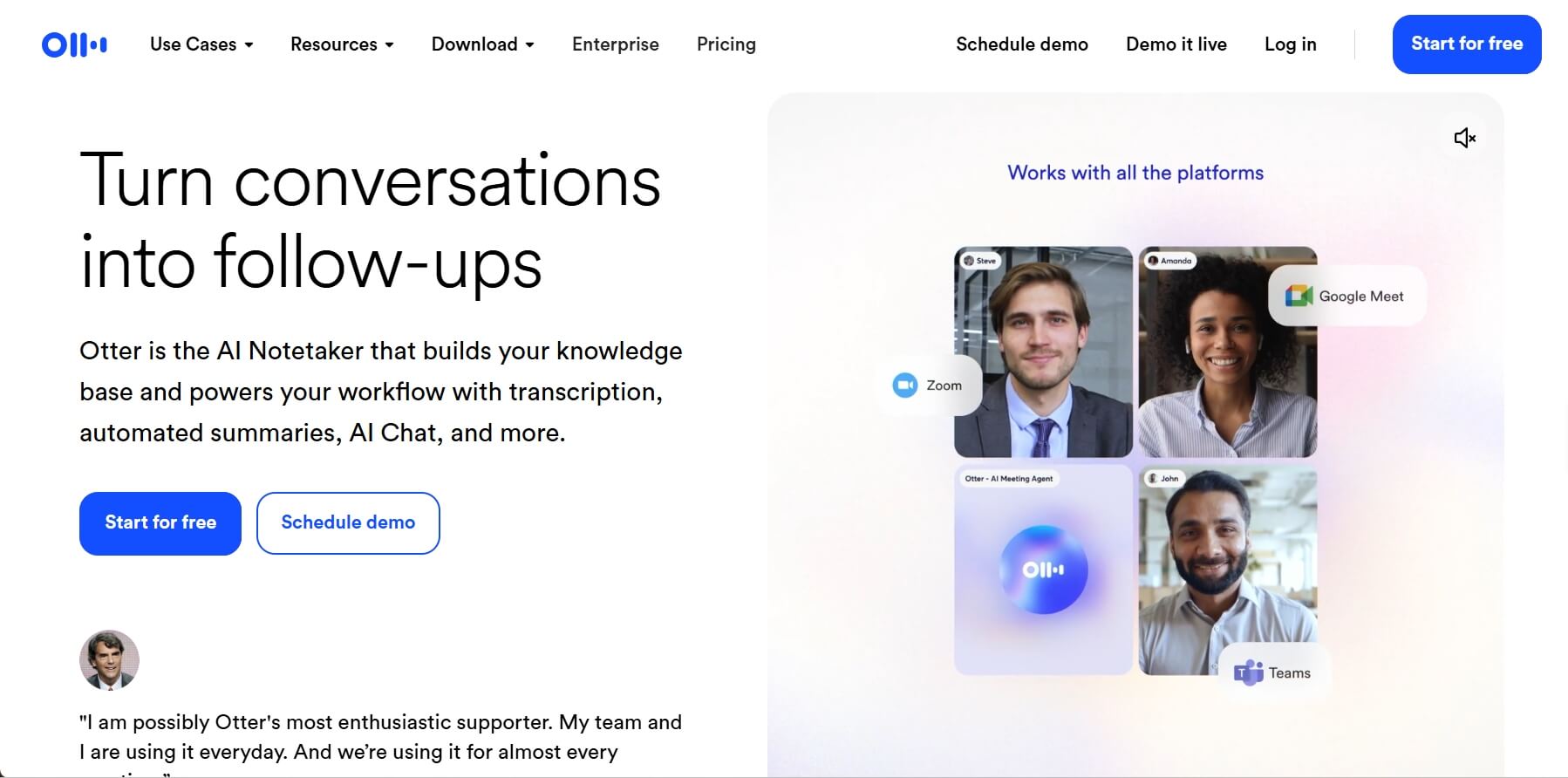
Best for: Project managers, journalists, and anyone who spends more than 5 hours a week in meetings.
Why I Pick It: I used to dread the "post-meeting lag" that spends my hours to try remembering who took which action item. Otter.ai solved that instantly. I let it join my Zoom and Google Meet calls, and it provides a live, rolling transcript that I can comment on during the call.
If I join a meeting 10 minutes late, I can privately ask Otter, "What have I missed so far?" and it gives me a concise summary. My favorite feature is the "Action Item" extraction; it highlights exactly what was promised by whom, which has cut my follow-up time significantly. For anyone in project management, this isn't just a luxury; it's a necessity for maintaining team accountability.
Core Functionalities:
- Real-time AI progress notes with speaker identification and "vocabulary training."
- AI-generated "Meeting Gems" and automated summary emails
- Direct integration with Slack and HubSpot to push meeting notes to the team.
- In-meeting AI chat for instant clarification on past points.
Limitations:
- Transcription accuracy drops significantly with technical jargon if not "trained" first.
- Can struggle with heavy background noise or multiple people talking at once.
Pricing:
- Basic Plan: 300 mins/month, 30 mins/meeting, 3 file imports.
- Pro Plan: $8.33/user/month, 1200 in-app recording minutes, 90 mins/meeting, 10 file imports.
- Business Plan: $19.99/user/month, unlimited in-app recording minutes, 4 hours/meeting, unlimited file imports.
7.Cursor: Best for Writing and Fixing Code Fast
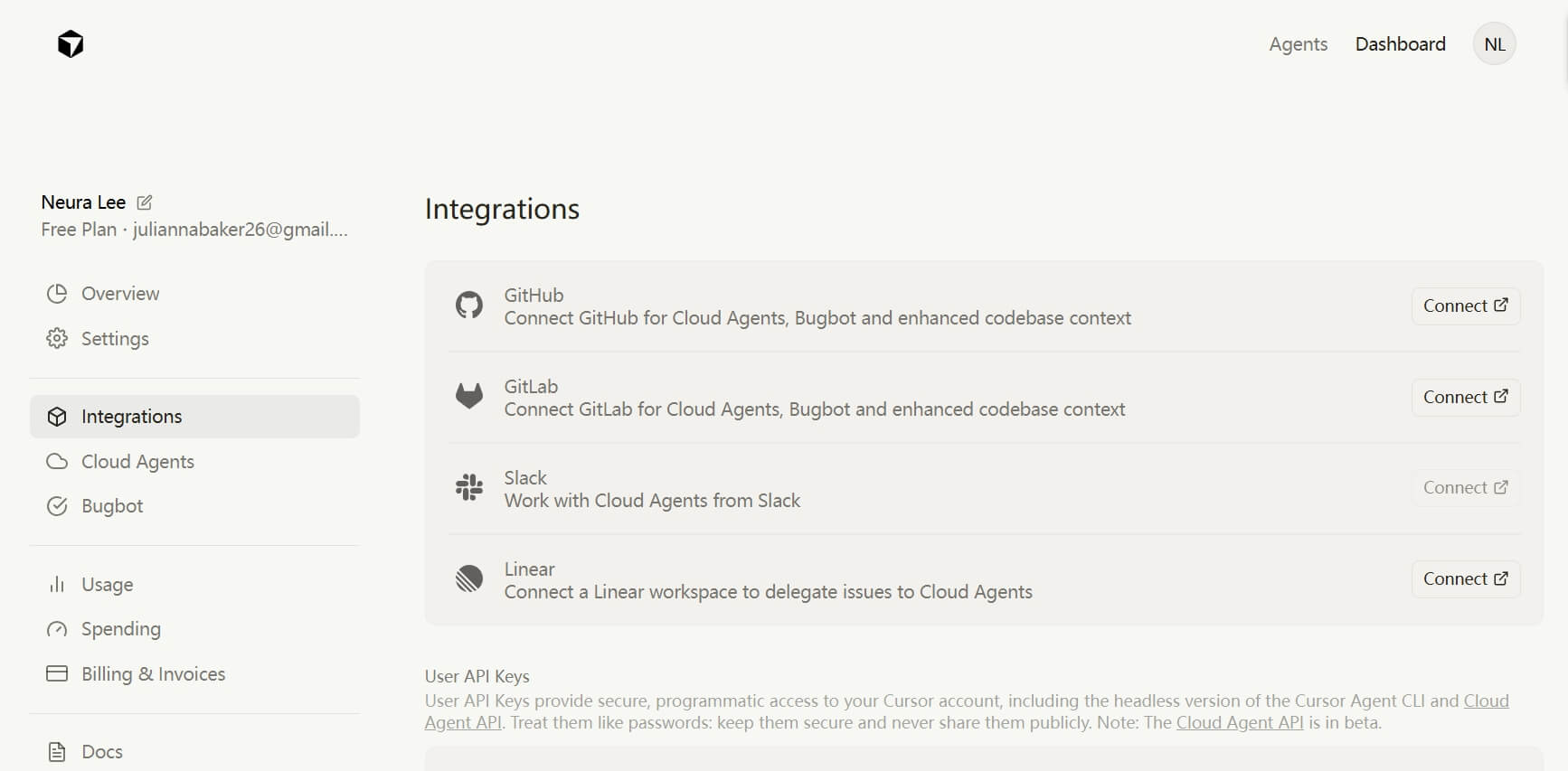
Best for: Developers, "low-code" founders, and technical managers who want to ship products at 10x speed.
Why I Pick It: Cursor is a "fork" of VS Code that has AI built into its DNA. I started using it after reading a viral Reddit post about how developers are "barely writing code anymore." As someone who isn't a professional coder but needs to build internal tools, Cursor is my secret weapon.
It doesn't just "autocompete"; it understands the context of my entire codebase. I can simply highlight a block of messy code and say, "Make this more efficient and add error handling," and it does it in seconds. The "Composer" feature allows me to describe a new feature, and Cursor will create the necessary files and write the code across multiple documents simultaneously. It has turned a task that used to take me a weekend into a 20-minute session.
Core Functionalities:
- "Full-codebase indexing" for project-wide AI assistance.
- "Composer" mode for generating complex features across multiple files.
- Predictive "Tab" completion that anticipates your next logical step.
- Built-in terminal with AI command generation.
Limitations:
- There is a learning curve if you aren't familiar with VS Code.
- The "Pro" version (using Claude/GPT-4o) is necessary for complex projects.
Pricing:
- Free: Limited agent requests.
- Pros: $20/month, extended limits on agent, unlimited tab, and maximum context windows.
- Pro Plus: $60/month, everything in Pro, 3x usage on all OpenAI, Claude, and Gemini models.
- Ultra: $200/month, everything in Pro Plus, Priority access to new features.
8.Krisp: Best for Removing Background Noise in Meetings
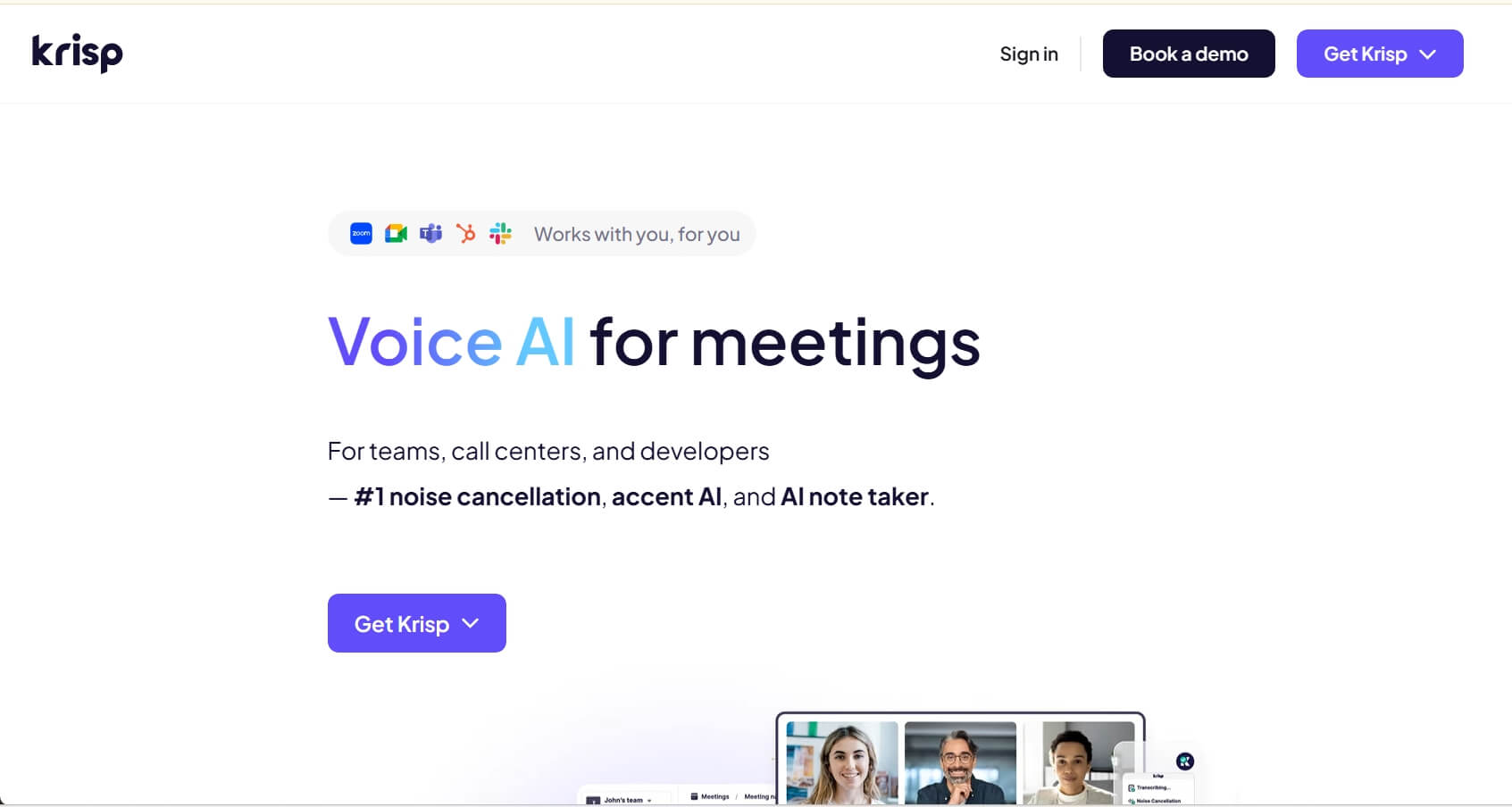
Best for: Remote workers, customer support agents, and anyone taking calls in non-quiet environments.
Why I Pick It: Krisp stands out as a specialized audio-cleansing AI assistant that addresses one of the most persistent challenges of remote work: environmental distractions. Unlike basic noise suppression built into communication apps, it uses deep-learning AI to create a "soundproof bubble" around the user. It is bi-directional, meaning it filters unwanted sounds from both the user's microphone (outgoing) and the other participants' speakers (incoming).
In professional settings, Krisp is particularly valued for its "bot-free" approach. While many AI assistants require a visible "bot" to join a call to provide features like transcription or summaries, the agent operates discreetly as a virtual audio device on the desktop. This ensures a more natural meeting experience without the intrusive presence of digital guests. Beyond noise removal, it has evolved into a comprehensive voice productivity platform, offering high-accuracy transcription and accent conversion to help global teams communicate more clearly.
Core Functionalities:
- Removes background noise from both ends of the call.
- Captures notes and summaries without an intrusive digital guest.
- Subtly adjusts accents in real-time to improve global team clarity.
- Ensures maximum privacy by filtering audio locally.
Limitations:
- Requires a desktop app.
- Can be heavy on CPU usage during very long calls.
Pricing:
- Free: 7 days of free trial, full access to all paid features.
- Pro: $8/month, In-person meeting support, 5 GB storage.
- Business: $15/month, 4 hours/day AI Accent Conversion, 30 GB storage, note-taking.
9.Motion: Best for Smart Scheduling and Task Management
Best for: Overwhelmed executives, founders, and anyone with ADHD who struggles with "time-blindness" and manual scheduling.
Why I Pick It: Motion is the only calendar that "fights" for my time. Most calendars are passive; they just let people book over your deep work. Motion is active. I put my tasks into Motion with a deadline and a priority level, and it automatically carves out time for them in my schedule.
If a meeting runs late, I don't have to spend 10 minutes dragging tasks around. Motion's AI automatically reshuffles my entire day to ensure I still meet my deadlines. It solves the "planning fallacy" that many professionals suffer from. Many users on r/productivity call it "the only AI calendar that actually works," and I agree—it has completely removed the "mental fatigue" of deciding what to work on next.
Core Functionalities:
- AI-driven "Time-blocking" that automatically fills gaps with high-priority tasks.
- Meeting booking links that prioritize your focus time over the guest's convenience.
- Project management view that syncs directly with your daily calendar.
- Automatic task reshuffling based on real-time availability.
Limitations:
- There is no free version, with a 7-day free trial.
- The mobile app is functional but not as powerful as the desktop experience.
Pricing:
- Pro AI: $29/month, 7,500 credits/seat/month, iOS, Android, Desktop apps.
- Business AI: $39/month, 15,000 credits/seat/month, Priority Support.
10. Perplexity AI: Best for Fast Research and Real-time Search
Best for: Analysts, researchers, writers, and anyone who needs factual, real-time data with verifiable sources.
Why I Pick It: When I need to research a new market trend or verify a technical fact, I go to Perplexity AI. It gives me a concise, professional summary with cited sources for every claim. This eliminates the "hallucination" fear that comes with other general-purpose AI agents.
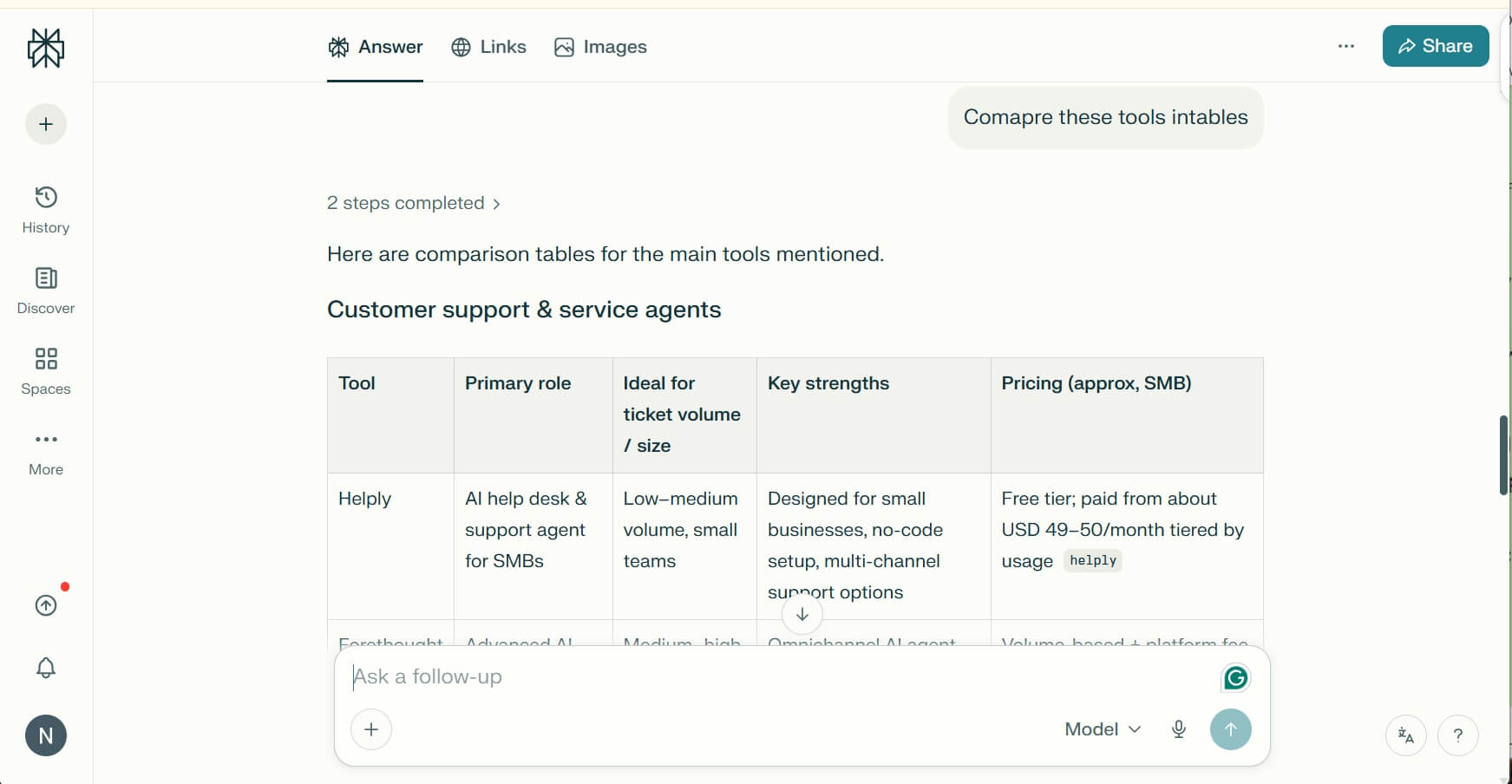
For example, I use it to do deep dives into competitor analysis. Instead of clicking through 20 different websites, I ask Perplexity to "Compare the pricing and feature sets of these AI tools," and it gives me a perfectly formatted table in seconds. On r/perplexity_ai, the consensus is that it has fundamentally replaced the traditional search engine for professional work.
Core Functionalities:
- Search-to-answer engine with live web access and citations.
- "Pages" feature to turn research into structured articles or reports.
- "Pro" mode allows switching between models like Claude 3.5 and GPT-4o.
- File upload for querying localized data against the live web.
Limitations:
- The "free" model can occasionally miss the depth found in the Pro version.
Pricing:
- Pro: $20/month, Unlimited Pro searches, 10x citations in answers.
- Enterprise Pro: $40/month, 2x file uploads, No training on your data.
- Enterprise Max: $3325/month, multi-model research mode, Comet Max assistant.
Your AI Receptionist, Live in Minutes.
Scale your front desk with an AI that never sleeps. Solvea handles unlimited multi-channel inquiries, books appointments into your calendar automatically, and ensures zero missed opportunities around the clock.
FAQ
1.How do AI assistants work?
AI assistants are powered by Large Language Models (LLMs) that have been trained on trillions of words. They work by predicting the most logical next "token" (part of a word) based on the context you provide. In 2026, many evolved into "Agents," that can interact with APIs and external tools to perform real-world actions like booking a flight or updating a CRM.
2.What are the best AI assistants for remote work?
For remote work, Krisp is for audio privacy, Otter.ai fits for meeting continuity, and Motion is best for managing a flexible schedule. These tools solve the primary challenges of remote work: noise, "Zoom fatigue," and the lack of a structured office environment.
3.What features should I look for in an AI assistant?
When it comes to looking for an AI assistant, you should consider Context Window (how much data can be processed at once?), Integration (does it work with your current tools?), and Privacy (is your data used for training?). For professional work, you should also look for the ability for the AI assistant to actually do tasks rather than just suggest them.
4.What is an AI assistant?
An AI assistant is a software program that can handle complex human tasks. Unlike traditional chatbots, AI assistants can understand natural language, learn from your preferences, and handle complex, unstructured tasks like summarizing a conversation or writing code from a vague description.
5.What are the differences between AI assistants?
The main difference lies in specialization. Generalists like ChatGPT are for creativity; Specialists like Cursor (for code) or Solvea (for business logic) are fine-tuned for high-performance in specific niches. Choosing the right one depends on whether your primary bottleneck is "thinking," "writing," or "doing."