Over the past few months, I have been researching and testing AI tools for various use cases and sizes of businesses, such as AI receptionists for dental clinics, AI agents for SMBs, and AI agents for customer service. AI progress note generators are the specific focus I'll dive into in this blog.
To curate the best AI platforms for notes, I compared over 20 tools and reviewed thousands of clinical comments across forums, like r/therapists/ and r/medicine, filtered out vendor promotional content, and verified all official pricing and security documentation. Below tools claim the top rankings for HIPAA compliance, speed, accuracy, and template depth. Let's start exploring.
TL;DR: Which is the Best AI Progress Note Tool for 2026
The best AI progress note tools for 2026 are no longer a one-size-fits-all solution but one that aligns with your specific clinical or educational workflow. For example, a solo practitioner may need the simplicity of Freed AI, a therapist requires the deep emotional insights of Upheal, and an educator manages IEPs with MagicSchool.ai.
Let's have a quick overview of the top 8 AI progress record tools that stand out in our testing.
Platform | Best For | Starting Price | Security | Free Trial |
One-click SOAP notes | $99/month/user | HIPAA, SOC2 | 7 days | |
Clinical workflows and training | $23/month/user | HIPAA, AES-256 encryption | 7 days | |
Custom therapy notes for therapists and private practice | $69/month (billed monthly) $49/month (billed annually at $588) | HIPAA, BAA | 7 days | |
Emotional tracking in therapy & Telehealth | $19/month (billed annually) | HIPAA, GDPR, SOC 2 | 14 days | |
Behavioral audit compliance | $14.99/month (billed annually) | HIPAA, BAA, SOC 2 | 14 days | |
Enterprise behavioral health insights | Custom pricing | HIPAA, SOC 2, HITRUST, ISO 27001, and 27799 certified | Not Available | |
Teachers & IEP reports | $12.99/month (billed monthly) | SOC 2, FERPA, COPPA | 14 days | |
Large Groups for Training & Lecture Transcription | $8.33/user/month | HIPAA, SOC 2 | 7 days |
What are the main applications of AI Progress Note Tools
AI progress notes are automated, AI-generated documentation for clinical, professional, and HIPAA-compliant summaries. These notes are primarily used by medical doctors, therapists, social workers, educators, and specialists relying on AI to save time, reduce burnout, and stay compliant with regulatory standards.
After reviewing dozens of platforms, we found that most AI progress note programs cluster around four major application areas:
Healthcare Industry: Many hospitals and clinics use AI tools to generate SOAP notes, visit summaries, and EHR-ready documentation in real time. They are commonly used by physicians, nurses, and physician assistants to stay focused on patient care.
Mental Health: Therapists and psychiatrists rely on AI to summarize sessions and track emotional trends. These tools can format notes into SOAP, DAP, or BIRP styles while identifying clinical themes like risk factors or therapeutic progress.
Behavioral Analysis and Rehabilitation: In fields like ABA (Applied Behavior Analysis), the AI process notes must be rigorous for insurance audits. The AI platform can help BCBAs and technicians maintain audit-ready records without manual data entry.
Education and Training: AI progress note takers also help teachers and instructional staff manage IEPs (Individualized Education Programs) and student progress reports, freeing them from hours of paperwork.
The 8 Best AI Progress Note Takers for 2026
Disclaimer: To avoid any legal risks, make sure to obtain client consent and check with your malpractice provider before documenting these notes. Additionally, the AI providers, features, pricing, and other details in this blog are subject to change over time. We strive for accurate, up-to-date content, yet advise consulting official sources or experts before key decisions.
1. Freed AI: Best for One-Click Medical SOAP Notes
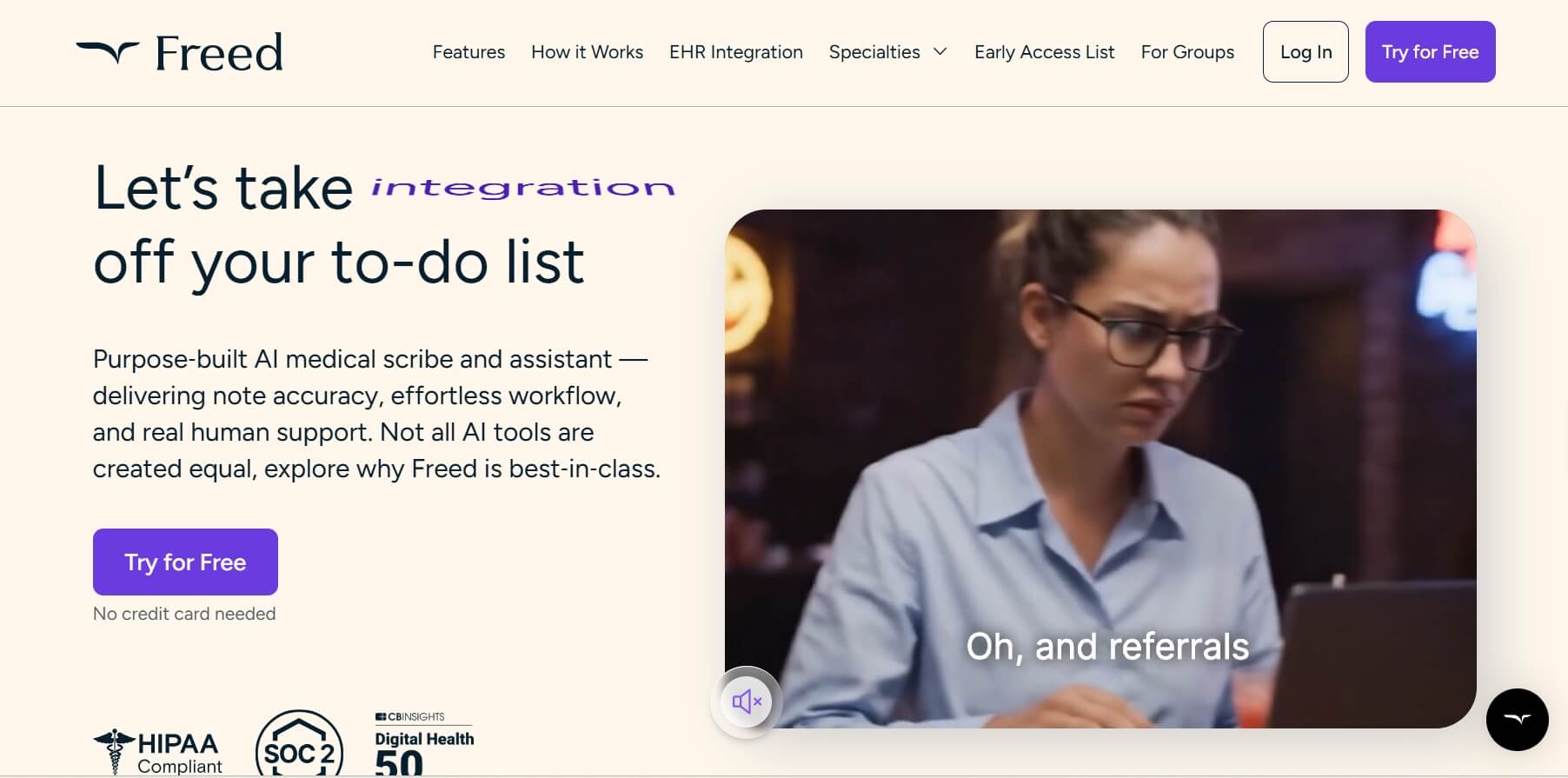
What does it offer? Freed AI is an all-in-one AI progress note taker that can listen to patient visits and generate a structured SOAP note in seconds. It was designed to learn your specific writing style over time, so the notes feel increasingly personal.
The consensus among clinicians widely considers Freed AI as the ultimate "time-saver." Some users even reported that it captures medical terminology with high accuracy, even in noisy environments, allowing them to document notes quickly before the next patient walks in.
Who's it for? Solo practitioners, nurse practitioners, and small clinics who want a simple, reliable AI progress note tool without a complex setup or enterprise-level price tag.
Real User Comments:
"Simple, intuitive, and great for SOAP notes. The mobile app is a nice bonus, and it's pretty accurate."-by doctorgreybc
Pros | Cons |
Unmatched simplicity with one-click SOAP note generation. Clinician-friendly interface. Fast processing speed, even for complex multi-issue visits. | Pricing is at a higher level for solo users. Limited to SOAP format, no custom templates. |
2. Scribe: Best for Clinical Workflows and Training Guides
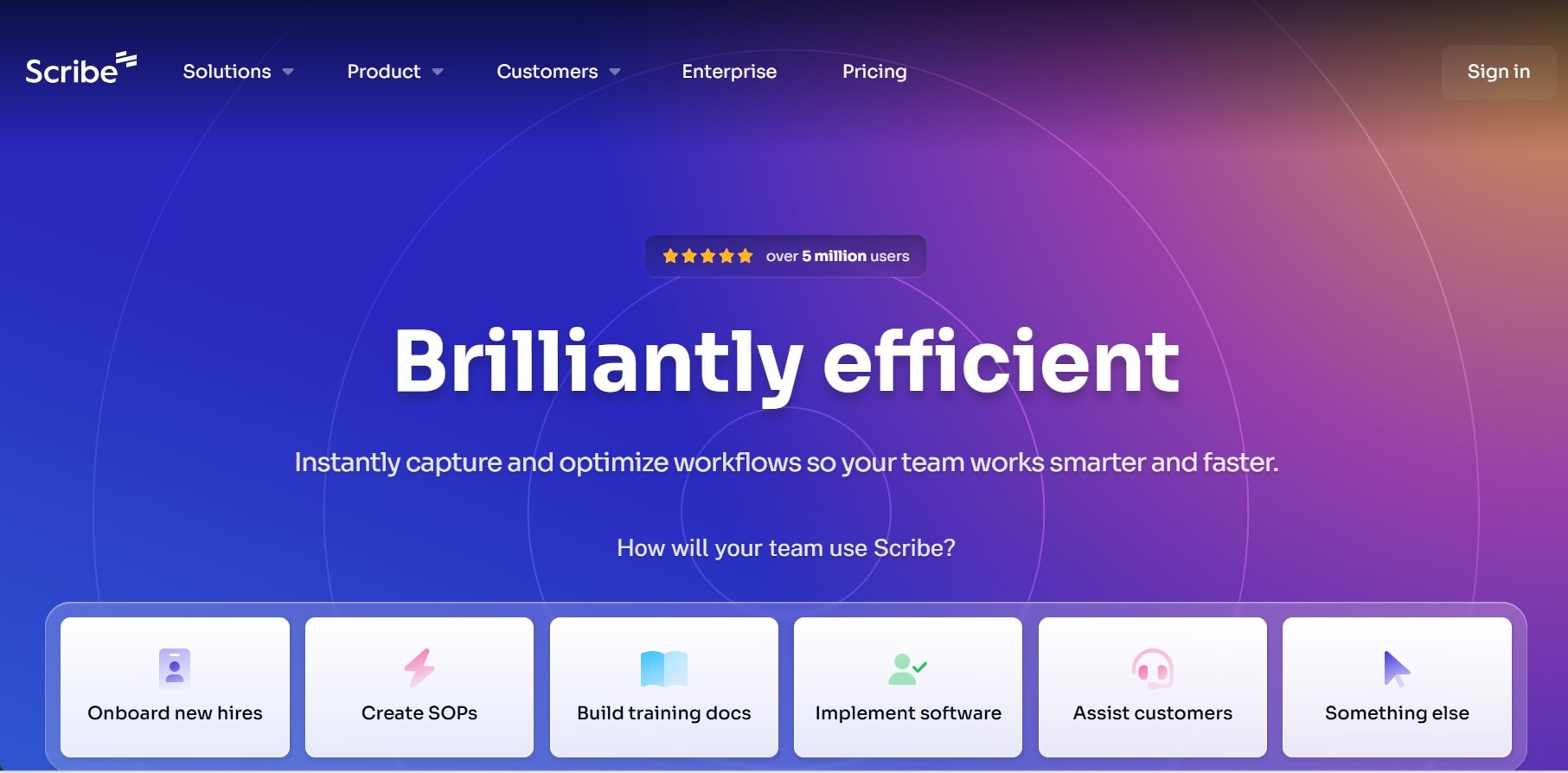
What does it offer? Scribe is a unique AI clinical note taker as it records your actions rather than your voice. It captures your screen as you navigate through complex EHR or administrative software and automatically turns those steps into a visual, step-by-step SOP (Standard Operating Procedure).
If you are looking for a "documentation-by-doing" tool for healthcare teams, Scribe AI is a great choice. It helps you streamline document workflow, train new staff, standardize procedures, and create internal documentation for EHR usage.
Who's it for? Clinic managers, lead therapists, and administrative staff who need to train others on software workflows or document internal processes.
Real User Comments:
Pros | Cons |
Instantly generates visual guides with automated screenshots. Greatly reduces training time for new clinic staff. Highly shareable via PDF or secure links. | Not a session recorder; purely for software workflows. Less effective for mobile-based work. |
3. Twofold Health: Best for Therapists Needing Customized Notes
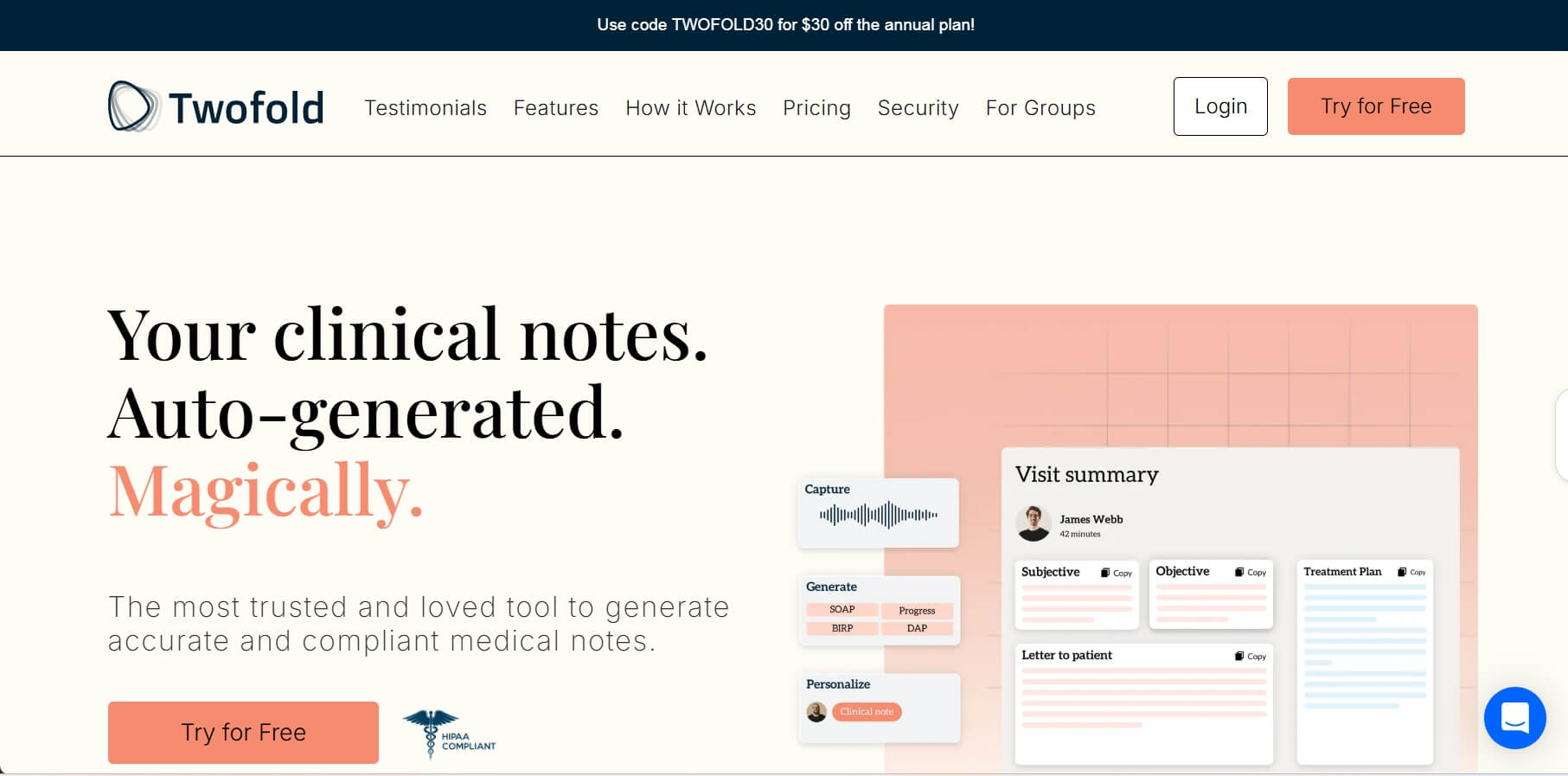
What does it offer? Twofold Health is one of the best AI progress notes for therapists as it offers a highly customizable therapy documentation tool. With this tool, you can create your own templates or modify existing ones (SOAP, DAP, Intake) to match your specific clinical voice and theoretical orientation.
Unlike generic AI scribes, Twofold understands the nuances of mental health sessions, ensuring that the generated notes reflect the complexity of the clinical treatments. It also learns from your writing style and improves it over time.
Who's it for? Private practice therapists, physicians, and nurses who are particular about their note structure and want high-quality, professional summaries.
Real User Comments:
"Twofold's accuracy was very good, especially since you can create your own templates. Their support team was super helpful with creating the templates."-Proper_Parking_2461.
"I have a really bad network, and it's one of the only websites that do charting that is still working and not losing data."-Snoo-9266.
Pros | Cons |
Superior customization allows users to build their own template. Affordable pricing compared to medical-only competitors. Stable: not losing any notes due to stability/connection/audio issues. | Lacks full direct EHR syncing. Setup learning curve. |
4. Upheal: Best for Mental Health Therapy and Emotional Tracking
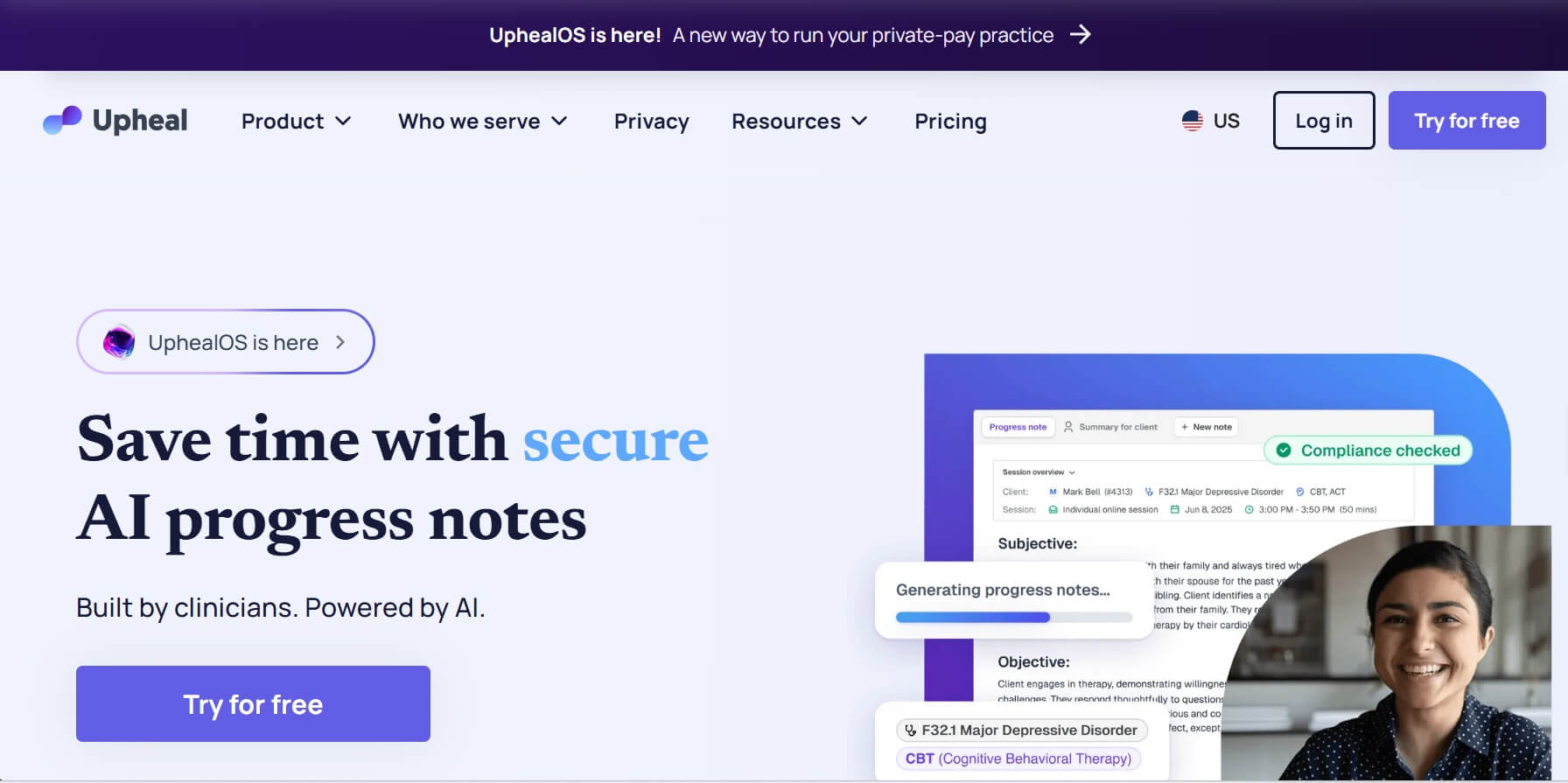
What does it offer? Upheal is an all-in-one AI process records taker for telehealth and in-person sessions. Beyond just transcribing, it provides "Session Analytics" and "Emotional Insights" for tracking things like the talk-to-listen ratio and even detecting emotional shifts in the client's voice.
During my research, I found that many users praised Upheal's "Therapeutic Insights" dashboard and visual summaries. It helps clinicians spot patterns over multiple sessions that they might have missed, making it both a documentation tool and a clinical supervisor.
Who's it for? Telehealth therapists, psychotherapists, and clinicians who want to obtain data-driven insights into their sessions and client progress.
Real User Comments:
"The program is reliable, and the notes it generates need little, if any editing. I've tried other platforms, but Upheal is superior."-Alyssa Martinez.
"Upheal is easy to use and very reliable. Allowing me to get bandwidth back (mentally and physically) to focus on my clients. Their transparency and privacy put clinical outcomes and ethical practice first."-Seung J.
Pros | Cons |
lNative telehealth integration with built-in video calls. lDeep clinical analytics on client emotion and session dynamics. lOffer free trial fortherapists just starting out. | lSome advanced features require video by default. |
5. Mentalyc: Best for Behavioral Health Audit Compliance
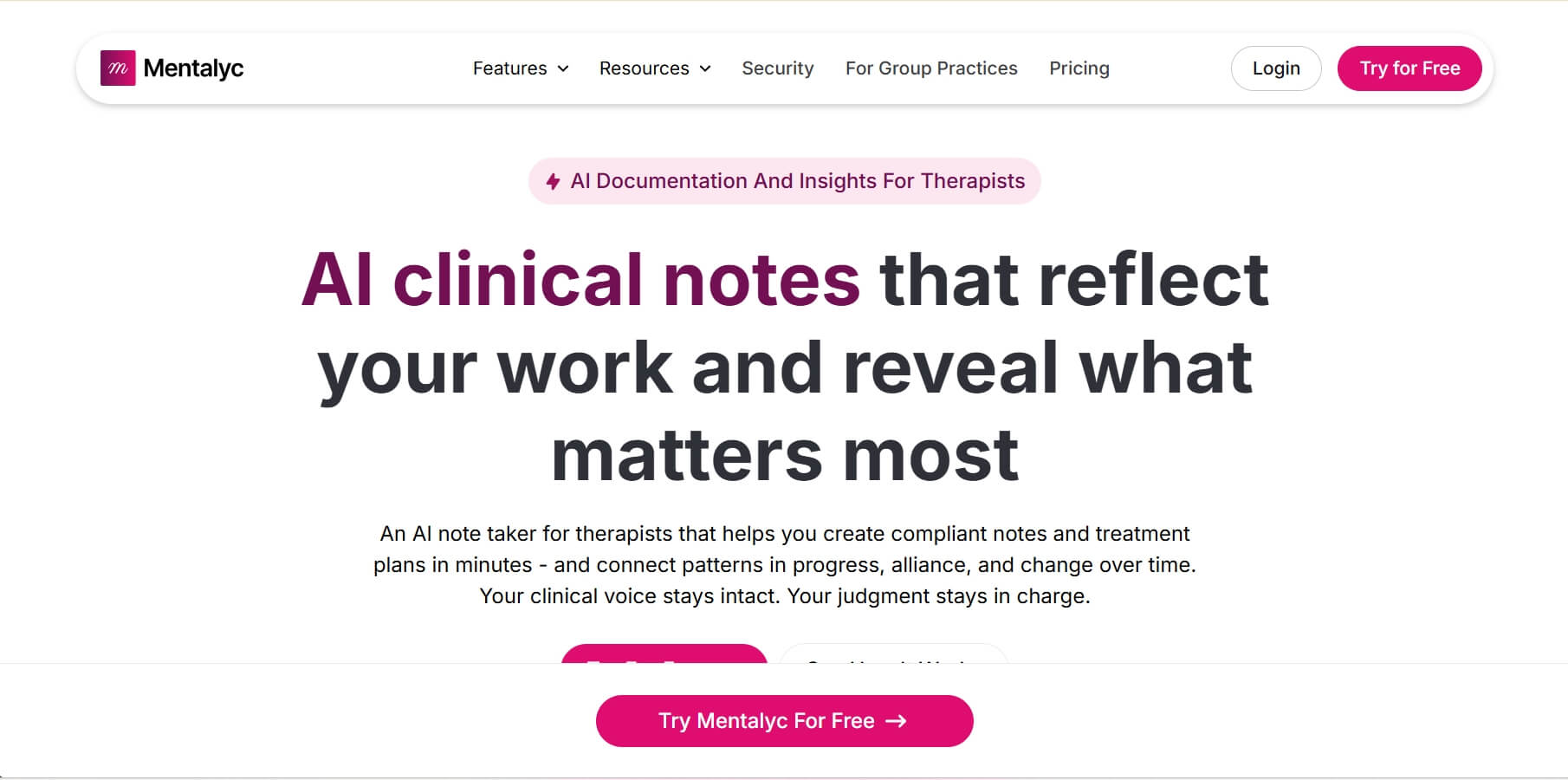
What does it offer? Mentalyc is an AI clinical documentation program that specializes in creating compliant notes and treatment plans. It aims to ensure that every progress note is logically linked to the client's treatment plan and diagnosis. This is critical for passing insurance audits in the behavioral health world.
Compared to Upheal, Mentalyc focuses on handling complex therapeutic cases and treatment plans. If you are a clinician who fears recoupment from insurance companies, the AI tool is a good choice as it provides audit-ready documentation.
Who's it for? Behavioral health clinics, BCBAs, and therapists who face frequent audits and need rigorous, compliant documentation.
Real User Comments:
"I use Mentalyc (approximately 8 months). It saves me time. I upload my sessions before I leave for the day and review and input them into our EPM program the next morning."-EveningPatient4895
"Mentalyc has shaved about two-thirds off my time writing notes and treatment plans. Its ability to capture the session accurately is phenomenal."-Robin M Mathy.
Pros | Cons |
Audit-safe document for clinicians. Zero audio storage policy provides industry-leading privacy. 100+ therapy templates, including BIRP and GIRP. | Onboarding is required to set up specific treatment goals. |
6. Eleos Health: Best for Enterprise Behavioral Health and Clinical Insights
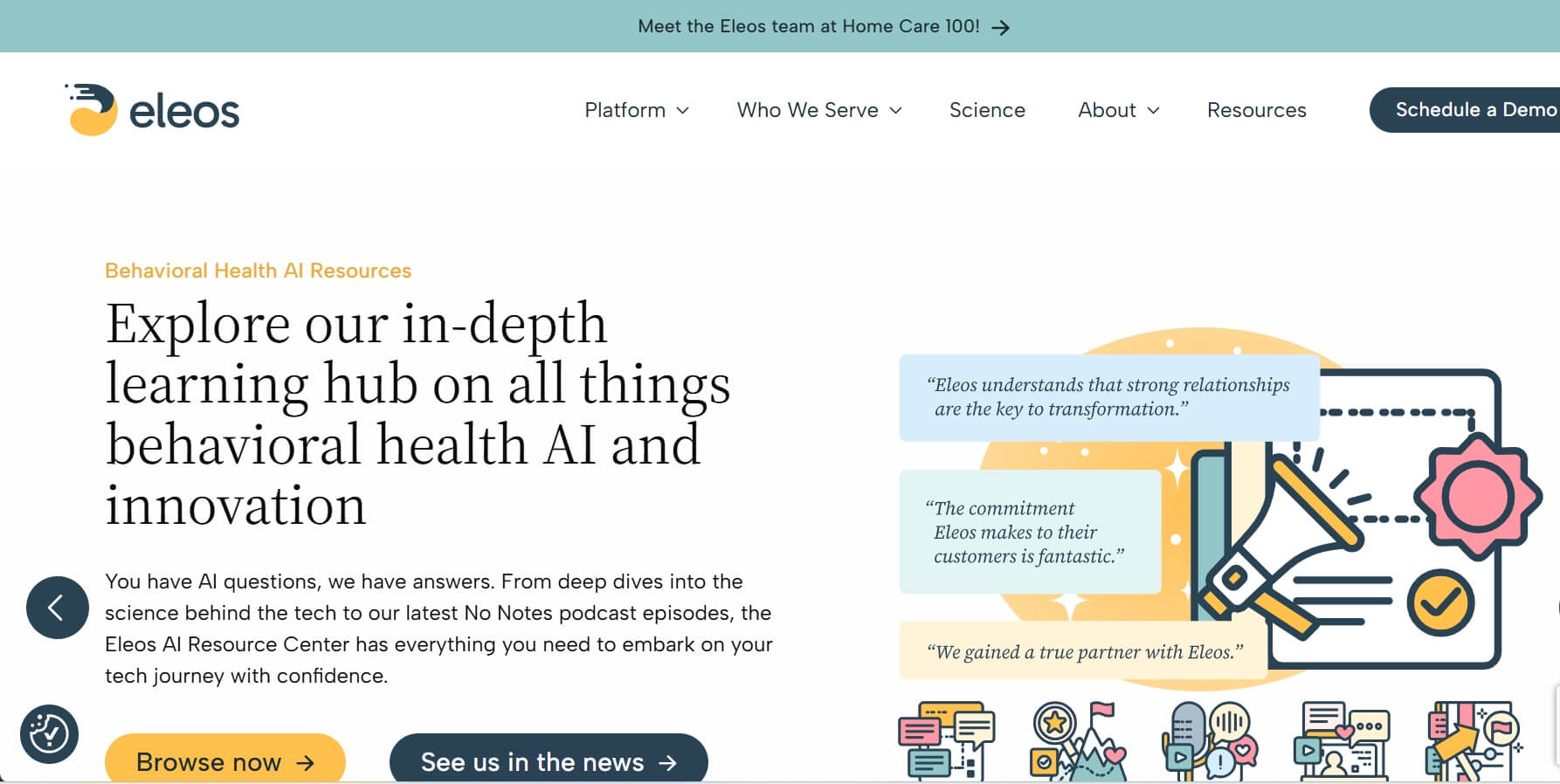
What does it offer? Eleos Health is the leading AI progress records tool of the industry as it offers an enterprise-grade "Voice-to-Insights" technology, which provide clinicians with real-time feedback on evidence-based practices (EBP) during their sessions.
This platform is the top choice of many large organizations because it scales documentation across hundreds of providers while maintaining a high standard of clinical care. It's less about simple notes and more about clinical intelligence for the entire organization.
Who's it for? Large behavioral health providers, rehabilitation centers, and community mental health organizations need to handle a high volume of cases.
Real User Comments:
"The most helpful is having the Eleos be web-based, and I can put it on my phone for quick notetaking."-Abagail B.
Pros | Cons |
Enterprise-grade security with HITRUS. Seamless large-scale integration with major enterprise EHRs. Web-based interface for phone users to take notes quickly. | Non-transparent pricing (requires sales negotiation). |
7. MagicSchool.ai: Best for Teachers Managing IEP and Student Progress
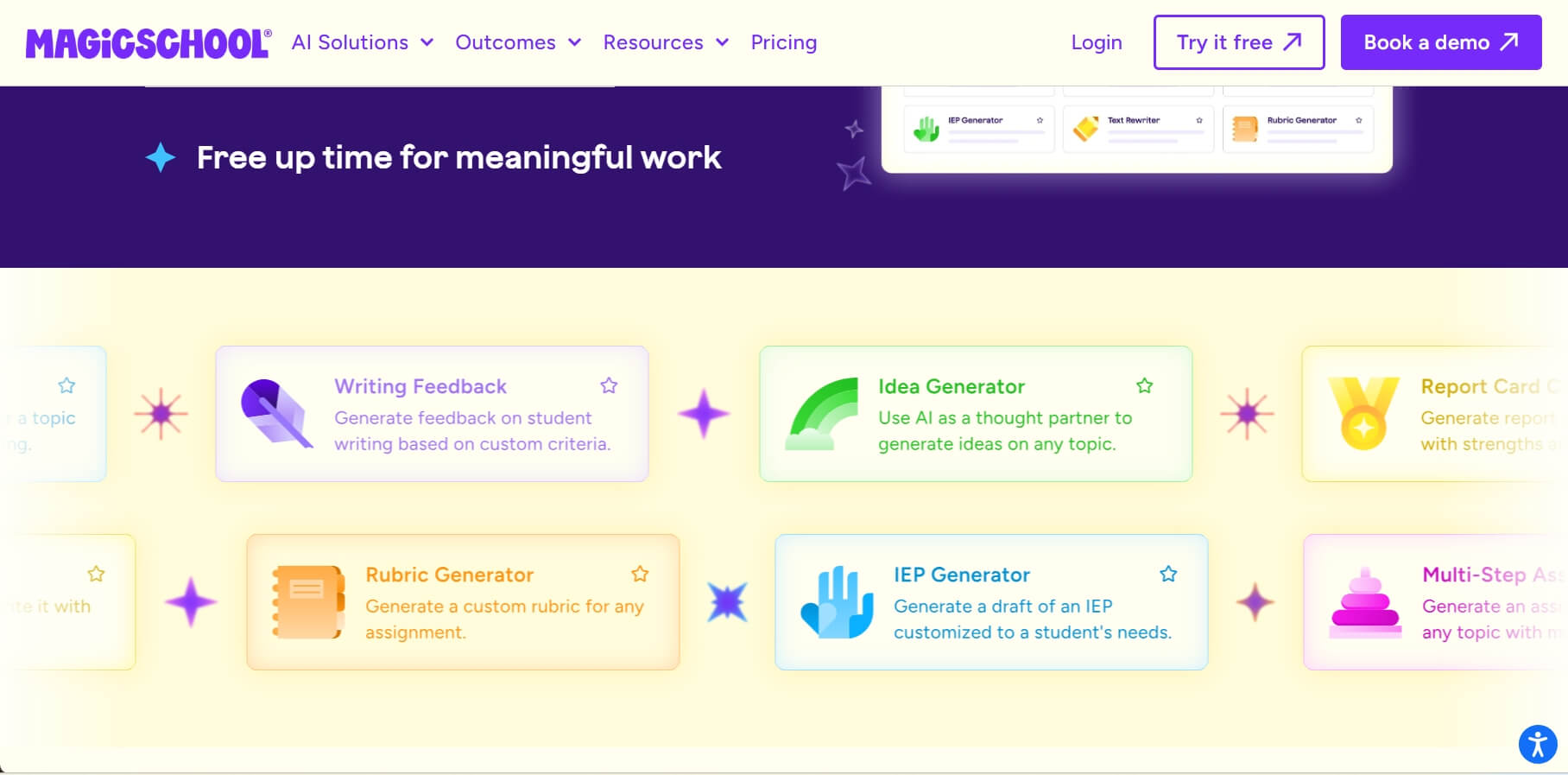
What does it offer? MagicSchool.ai is one of the few AI platforms built specifically for educators. For progress notes, its "IEP Progress Report" generator is a standout tool. It excels at taking raw classroom observations and turning them into professional IEP (Individualized Education Program) reports or behavioral tracking logs.
Within the special education (SPED) teacher community, MagicSchool AI is widely regarded as a lifesaver. It can handle the crushing weight of SPED (Special Education) documentation, allowing teachers to spend more time with their students and less on paperwork.
Who's it for? K-12 teachers, Special Education specialists, and school administrators who need to manage massive amounts of student documentation.
Real user comment:
"Magic school Ai is actually useful and helps cut down on some workload. I've used it for a couple of things."-r/historyteachers.
Pros | Cons |
60+ tools tailored for teachers, not just notes. Compliant with FERPA and COPPA standards. The free version is surprisingly robust. | Not for medical charting. Requires text input. |
8. Otter.ai: Best for Transcribing Group Trainings and Academic Lectures
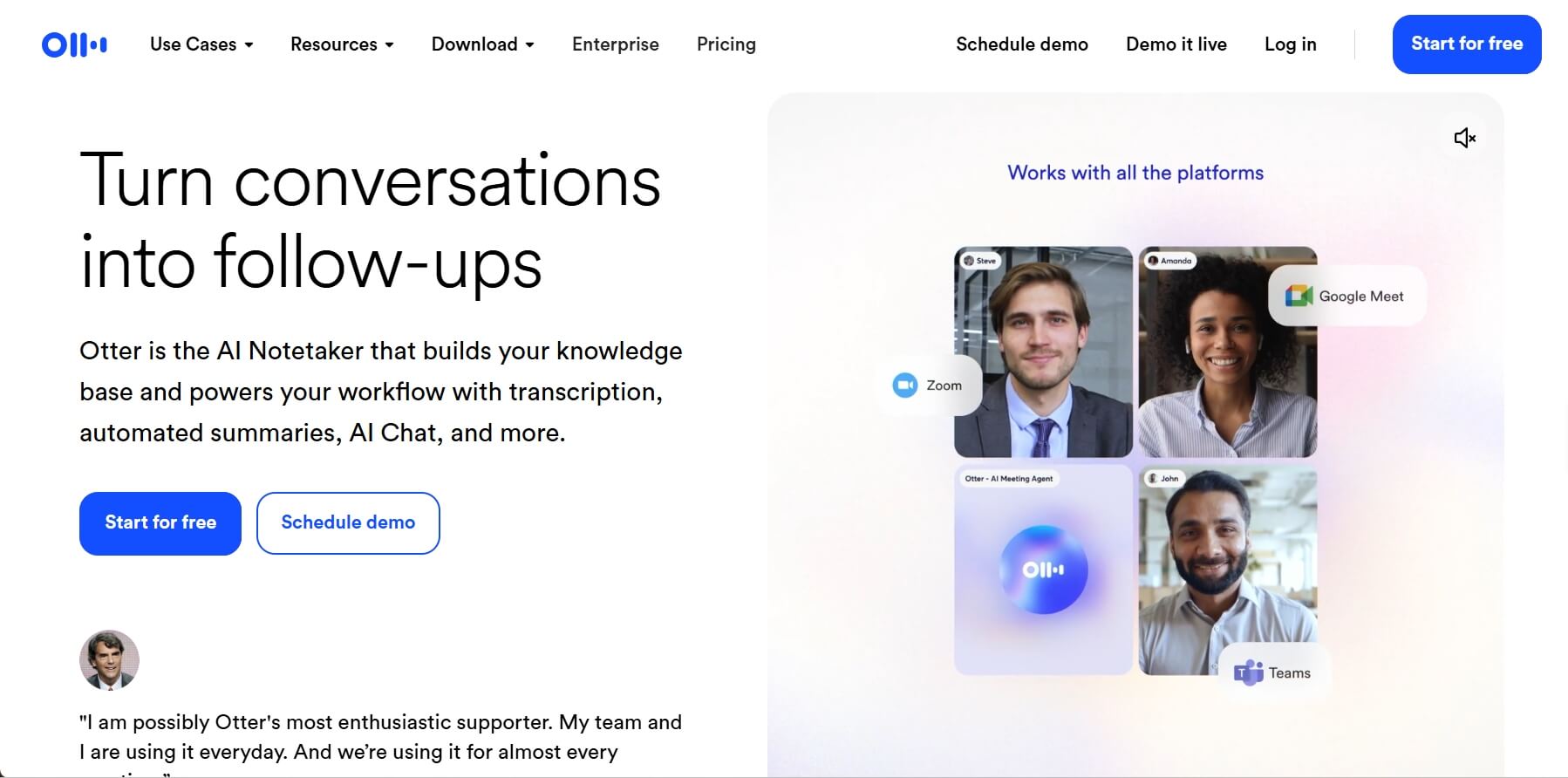
What does it offer? Otter.ai is leading AI platform in real-time transcription. It's skilled at identifying who is speaking in a room (Speaker ID) and generating a searchable, interactive transcript with an AI-generated summary that highlights key action items and takeaways.
Compared with other AI note takes, Otter.ai is preferred in training environments. Many users highlight its value in transcribing long academic lectures or multi-person training seminars, where keeping track of individual contributions is critical for progress tracking.
Who's it for? Academic researchers, clinical supervisors, and training coordinators who need to document group meetings or educational lectures.
Real user comment:
Pros | Cons |
Superior speaker identification for large group meetings. Generous free tier for general transcription. Live collaborative editing during the session. | Lacks clinical note templates like SOAP or BIRP. |
Potential Risks and Limitations of AI Progress Notes
While AI progress note generators save your time and improve productivity, they are not always a "set and forget" solution. The transition from manual to AI charting requires a shift in how we view clinical responsibility. It's critical to remain the primary author of your records, using AI as an assistant, not a replacement.
Here are some limitations of using AI note platforms:
- Privacy & Data Security: Not all tools are HIPAA-compliant, and data retention policies vary. Make sure you only use tools with a signed BAA (Business Associate Agreement) and favor those with "zero-retention" audio policies.
- Clinical Hallucinations: AI can occasionally "invent" details to make a note seem more complete or logical. You can perform a 60-second human review before signing every note to ensure clinical accuracy.
- Loss of Nuance: AI often misses non-verbal cues, sarcasm, or subtle therapeutic breakthroughs. So, it's necessary to manually supplement AI notes with a brief "Clinical Observations" section to capture what the AI missed.
- Ethics of Recording: Some clients or students may feel uncomfortable being recorded. Make sure to obtain explicit written consent and clearly explain how the AI processes and deletes their voice data.
Your AI Receptionist, Live in Minutes.
Scale your front desk with an AI that never sleeps. Solvea handles unlimited multi-channel inquiries, books appointments into your calendar automatically, and ensures zero missed opportunities around the clock.
FAQs
1. What are the benefits of AI progress notes?
The primary benefits of AI progress notes include massive time savings, enhanced documentation accuracy, and the prevention of clinician burnout. This is because AI notes are often more detailed than manual ones because they capture the session word by word.
2. What tools can help with AI progress notes?
As discussed above, specialized tools like Freed AI (General Medical), Twofold Health (Therapy), and Mentalyc (Behavioral Health) are the top choices for progress note generating. For educational progress, MagicSchool.ai or Otter.ai is worth trying.
3. How to write AI progress notes?
First of all, you need to choose a HIPAA-compliant tool. During the session, you can record the audio, and AI will generate a draft based on your selected template (e.g., SOAP). After that, review the draft for accuracy, make necessary edits to ensure it reflects your clinical judgment, and then sync it to your EHR.
4. Are AI progress notes reliable?
In most cases, AI progress notes are reliable for capturing facts and structure, often exceeding human accuracy in transcription. Sometimes, however, they can lack "clinical intuition." So, treat them as a high-quality "first draft" that requires a final human review.
1.What not to put in a progress note?
Never include irrelevant personal details about the patient's family that don't impact the treatment plan. In addition, avoid using overly subjective or judgmental language. Most importantly, do not let the AI include "hallucinated" data: if the patient didn't say it and you didn't observe it, it should be removed during your manual review.