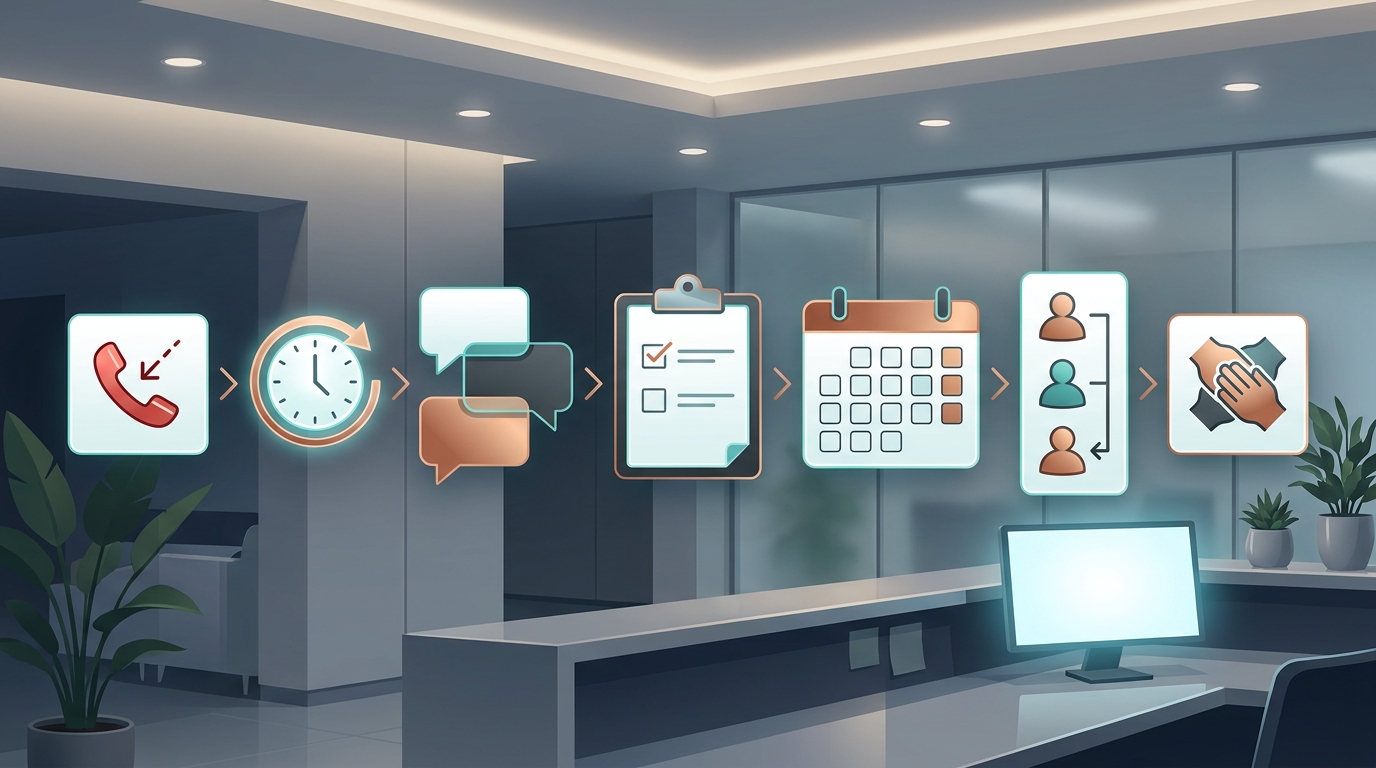
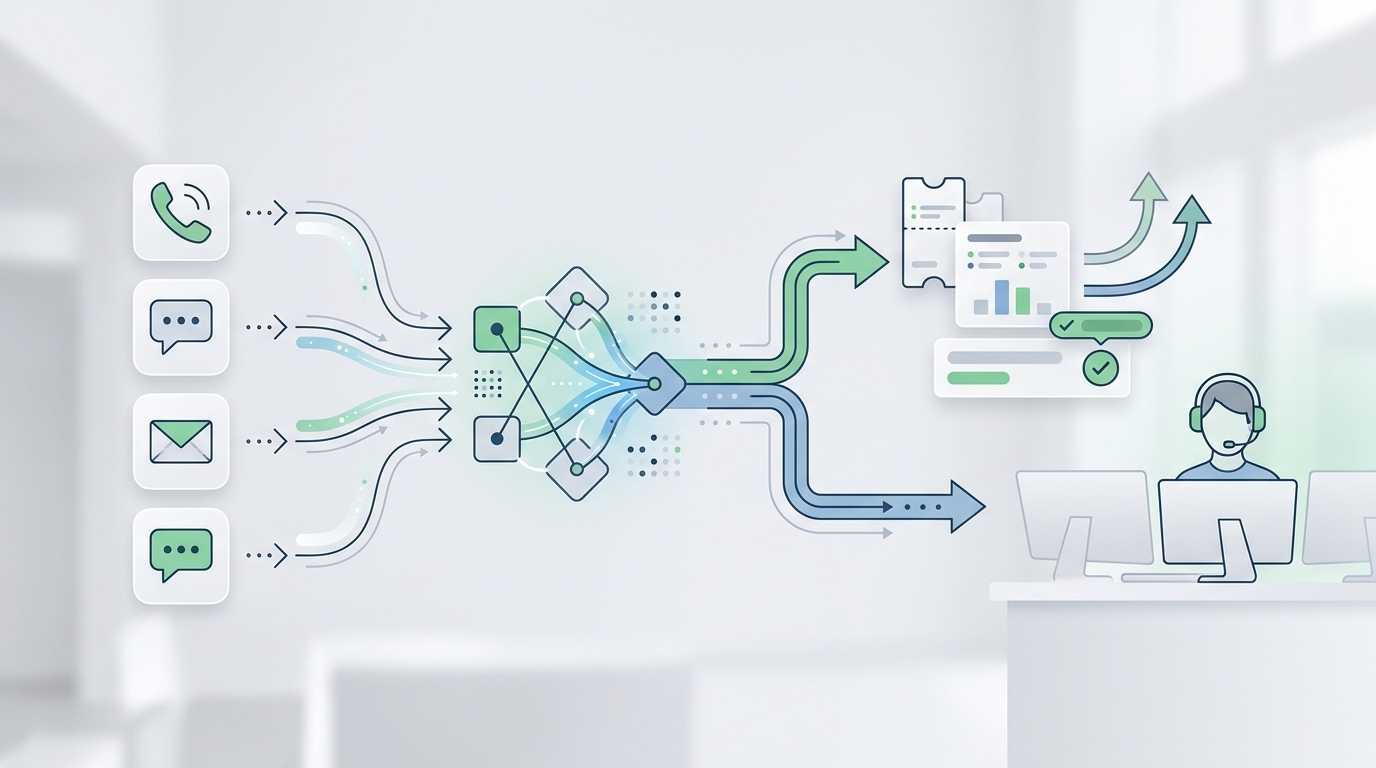
If you are searching for a Smith.ai alternative law firms can trust for intake, the real question is not "human answering service or AI?" It is which intake system can answer quickly, collect the right matter details, hand off sensitive calls, update your tools, and keep costs predictable as call volume changes.
Smith.ai is a strong option for firms that want AI plus North America-based live-agent backup. Its current legal page says it supports legal intake, 24/7 call handling, appointment scheduling, call summaries, payment collection, and integrations for law-firm workflows. Its current AI Receptionist pricing page uses per-call plans, with the Self-Service Starter plan listed at $95 per month for about two calls per day and overages listed at $2.40 per call.
An AI receptionist platform such as Solvea should be evaluated differently. Instead of buying an outsourced answering desk, you are configuring your own intake workflow across phone, SMS, email, WhatsApp, LINE, and live chat, then controlling the knowledge base, routing rules, calendar actions, and inbox follow-up yourself.
This checklist is built for law firm owners, managing attorneys, intake managers, and operations teams comparing Smith.ai with an AI receptionist for law firms before they commit to a new front-office workflow.
Quick Verdict
Choose Smith.ai when you want a managed answering service with live receptionist backup, per-call billing, and legal-specific intake positioning already packaged for law firms.
Choose an AI receptionist when your team wants direct control over scripts, knowledge updates, channel coverage, inbox review, scheduling logic, and intake data handoff. For a Smith.ai alternative law firms can test without turning intake into a custom engineering project, prioritize no-code setup, legal-intake templates, calendar integration, shared inbox review, and clear escalation rules.
The practical comparison is not "AI replaces people." For most firms, it is:
- Which calls should the AI handle end to end?
- Which calls require staff or attorney review?
- Which fields must be captured before anyone books a consultation?
- Which channels create intake records, not just phone messages?
- Which pricing model is predictable at your real call volume?
What Smith.ai Offers Law Firms Today
Smith.ai's current public legal page positions the service around legal answering and intake for attorneys. It describes support for calls and texts, lead screening, consultation booking, payment collection, call summaries, dashboard visibility, outbound follow-up for existing clients or leads, and legal-industry use cases such as intake and appointment scheduling.
Its current AI Receptionist pricing page positions the product as AI-first with live-agent backup. Public structured pricing on that page lists:
| Smith.ai AI Receptionist plan detail | Current public page claim |
|---|---|
| Entry self-service plan | Self-Service Starter at $95 per month |
| Entry call allowance framing | About two calls per day |
| Per-call entry rate | $1.90 per call on the listed starter tier |
| Month-to-month overage | $2.40 per call |
| Human backup | Live-agent transfer is available for complex calls |
| Billing model | Per-call, not per-minute |
| Contract note | Month-to-month for AI Receptionist self-service plans |
That gives law firms a clear buying frame: Smith.ai is useful when you want someone else to operate a hybrid answering layer and you are comfortable with per-call economics.
The tradeoff is control. A managed answering service can reduce day-to-day setup work, but your team still needs to validate what happens when practice-area rules, disqualifying criteria, fee language, conflict-screening prompts, or scheduling rules change. If those updates need to move quickly, a configurable AI receptionist may be easier to keep aligned with your intake policy.
Smith.ai vs AI Receptionist for Law Firms
| Decision area | Smith.ai | AI receptionist workflow to evaluate | What legal teams should ask |
|---|---|---|---|
| Intake speed | AI-first answering with live-agent backup. | Immediate AI response across phone and other connected channels. | Can every channel create a reviewable intake record, or only phone calls? |
| Human handoff | Built around live receptionist escalation. | Should support staff transfer, owner assignment, inbox review, and escalation rules. | Which calls must reach a human before scheduling? |
| Knowledge control | Managed instructions and call handling preferences. | Firm-controlled knowledge base, documents, FAQs, policies, and routing rules. | How fast can staff update case-type rules without a vendor ticket? |
| Scheduling | Public Smith.ai pages describe consultation booking and calendar/tool updates. | Must connect with the firm's approved calendar workflow and capture booking context. | Can the system prevent the wrong consultation type or office from being booked? |
| Channels | Smith.ai legal page emphasizes calls and texts, with web chat also offered elsewhere. | Solvea supports phone, SMS, email, WhatsApp, LINE, and live chat from one AI agent and inbox. | Where do email, chat, and messaging inquiries go after hours? |
| Integrations | Smith.ai markets CRM, calendar, and legal workflow integrations. | Solvea currently supports workflow tools such as Google Calendar and Google Sheets, plus a shared inbox and contact records. | Is a native legal practice-management integration required, or is structured handoff enough? |
| Cost model | Per-call plans, with overages on month-to-month AI plans. | Compare current Solvea pricing directly on the pricing page; avoid stale plan details. | What happens in a marketing spike, spam spike, or high-consultation month? |
| Compliance guardrails | Smith.ai states it is not HIPAA-compliant for PHI on its public legal FAQ. | AI receptionist scripts should include approved disclaimers, intake limits, and human review for sensitive matters. | Which matters must never be handled beyond intake without attorney review? |
Seven Areas to Compare Before Switching
1. Intake Questions and Disqualification Rules
A legal intake workflow is only useful if it asks the right questions in the right order. The first version should capture:
- Caller name and contact details.
- Practice area or issue type.
- Jurisdiction, location, or office preference.
- Urgency, deadlines, upcoming hearings, or time-sensitive facts.
- Opposing party names for conflict-screening handoff.
- Existing representation status.
- Preferred callback or consultation window.
- Source of lead when marketing attribution matters.
Do not ask an AI receptionist to make legal conclusions. The system can collect structured facts, route the inquiry, and flag disqualifying answers. Staff or attorneys should own conflict review, case acceptance, legal advice, and representation decisions.
2. Human Handoff Rules
Smith.ai's hybrid model is attractive when your firm wants live-agent backup built into the service. If you compare a Smith.ai alternative law firms can run themselves, the handoff rules need to be just as explicit.
Define the calls that should transfer or alert a person immediately:
- Active client with a court deadline.
- Caller mentions an arrest, protective order, eviction lockout, accident injury, or other urgent matter.
- Existing opposing party, prior consultation, or possible conflict.
- VIP referral source.
- Angry caller, complaint, or billing dispute.
- Caller refuses to provide enough information for intake.
The AI receptionist should not bury these calls in a generic transcript. It should create a clear record, summarize the issue, and route it to the right person or inbox queue.
3. Knowledge Base Control
Law firm intake changes often. You may open or close a practice area, pause new consultations, change fee-screening language, update office hours, add a referral partner, or revise the way staff triage urgent calls.
With a managed answering service, you need to understand how those changes are submitted, approved, and deployed. With Solvea, the knowledge base is part of the agent setup: teams can upload documents, import web content, and sync knowledge so the AI receptionist has the answers it is allowed to use.
The comparison question is simple: who controls the source of truth, and how quickly can it change?
4. Calendar and Consultation Booking
Booking is where many intake workflows break. A caller can be qualified, but the wrong slot, wrong attorney, wrong office, or wrong consultation type creates cleanup work later.
Before choosing Smith.ai or an AI receptionist, test booking with realistic scenarios:
| Scenario | What to verify |
|---|---|
| Qualified new lead | Correct consultation type and correct calendar are selected. |
| Existing client | Caller is routed to staff instead of a new-client sales slot. |
| Wrong practice area | AI gives approved referral or callback language instead of booking. |
| Urgent matter | Escalation beats ordinary scheduling. |
| After-hours inquiry | Intake record and next step are available when staff returns. |
Solvea supports Google Calendar workflows, so it is a fit when the firm wants simple calendar-based scheduling and a clear inbox record. If your firm needs deep native integration with a legal practice management system such as Clio, MyCase, PracticePanther, Lawmatics, or Filevine, validate that requirement directly before switching.
5. Channel Coverage Beyond the Phone
Many law-firm comparisons focus on phone answering because missed calls are visible. But buyers also submit forms, send emails, text the firm, open live chat, and respond from mobile.
That is where an AI receptionist can differ from a phone answering service. Solvea is built around a single AI agent and centralized inbox for phone, SMS, email, WhatsApp, LINE, and live chat. For law firms, this matters when the first inquiry does not happen by phone or when the follow-up after a call happens by email or text.
Ask whether each channel can:
- Capture the same intake fields.
- Keep conversation history in one place.
- Summarize the inquiry for staff review.
- Assign an owner, status, and next step.
- Trigger an approved calendar or spreadsheet workflow.
If not, your firm may still be operating multiple intake desks under different names.
6. Cost Model and Call Volume
Smith.ai's current AI Receptionist pricing is per call. That can be easier to forecast than per-minute billing, and it avoids long-call penalties. It also means your cost depends on call count, plan allowance, overage policy, spam treatment, and whether live-agent escalation changes the bill.
For any AI receptionist or Smith.ai alternative law firms are considering, calculate three scenarios:
| Scenario | What to calculate |
|---|---|
| Normal month | Expected qualified calls, unqualified calls, existing-client calls, and after-hours calls. |
| Marketing spike | Extra calls from a campaign, directory refresh, referral push, or local ad campaign. |
| Noise month | Spam, wrong-number calls, vendor calls, and low-fit inquiries. |
Do not compare only the lowest public monthly plan. Compare the actual workflow cost after routing, overages, escalations, user seats, channels, and integration needs. For Solvea, use the current pricing page rather than older credit or free-tier claims that may appear in cached snippets or older web pages.
7. Audit Trail, Summaries, and Staff Follow-Up
The most important intake artifact is not the call itself. It is the reviewable record your team can act on.
A useful AI receptionist workflow should produce:
- Conversation summary.
- Captured intake fields.
- Caller contact record.
- Transcript or message history when available.
- Owner, status, and next step.
- Calendar action or scheduling result.
- Clear reason for human escalation.
Solvea's shared inbox and contact-management model is built for this review step. That is useful when your team wants to inspect intake quality, reassign follow-up, and keep phone, chat, email, and messaging context together.
A Practical Pilot Plan
- Pick one practice area and one office.
- Write approved intake questions and disqualification rules.
- Define which calls the AI can answer, which calls it can schedule, and which calls it must hand off.
- Add your office hours, service area, consultation policy, attorney availability, and approved FAQ answers.
- Connect the calendar or review spreadsheet you already trust.
- Test ten realistic call and message scenarios.
- Review summaries with the attorney or intake manager who owns the outcome.
- Compare missed-call reduction, staff review time, booking quality, and total cost.
This is the safest way to compare Smith.ai with an AI receptionist. You will see whether the value comes from live human backup, direct workflow control, or a hybrid model where AI handles the repeatable front door and staff handles sensitive decisions.
When Solvea Is a Strong Smith.ai Alternative for Law Firms
Solvea is a strong fit when the firm wants to configure and operate its own AI receptionist workflow across channels instead of outsourcing the entire front desk. It is especially relevant when:
- You want one AI agent across phone, SMS, email, WhatsApp, LINE, and live chat.
- You want one inbox for follow-up, ownership, status, summaries, and conversation history.
- You want to update intake answers and policy knowledge without waiting on a vendor rewrite.
- You want Google Calendar or Google Sheets workflows for lightweight scheduling and intake logs.
- You want to test AI receptionist coverage before committing to a larger front-office change.
Smith.ai may still be the better fit when the firm strongly values live receptionist backup, wants a managed answering service, or needs Smith.ai's advertised legal integrations and receptionist network.
The decision should come from workflow evidence, not category labels. A Smith.ai alternative law firms choose should prove that it can collect better intake data, route sensitive matters cleanly, and give staff a reviewable record.
Your AI Receptionist, Live in Minutes.
Scale your front desk with an AI that never sleeps. Solvea handles unlimited multi-channel inquiries, books appointments into your calendar automatically, and ensures zero missed opportunities around the clock.
FAQ
What is the best Smith.ai alternative for law firms?
The best Smith.ai alternative for law firms depends on your intake model. If you want live receptionist backup inside the service, Smith.ai remains a relevant option. If you want more direct control over AI scripts, knowledge, inbox review, calendar actions, and channel coverage, evaluate an AI receptionist platform such as Solvea.
Can an AI receptionist handle legal intake?
An AI receptionist can collect intake facts, answer approved FAQs, schedule consultations, and route calls for human review. It should not decide whether a case is accepted, provide legal advice, or complete conflict analysis without attorney-approved review.
Does Smith.ai charge per call?
Smith.ai's current AI Receptionist pricing page presents per-call plans. At publication time, the Self-Service Starter plan is listed at $95 per month, with about two calls per day, $1.90 per call, and $2.40 per-call overages. Always verify the current Smith.ai pricing page before making a buying decision.
What should law firms test before switching from Smith.ai?
Test urgent calls, wrong-practice-area calls, existing-client calls, possible conflicts, Spanish or bilingual inquiries if relevant, after-hours booking, cancellation or rescheduling, payment-policy questions, and staff handoff. Review the transcript, summary, calendar result, and owner assignment for each scenario.
Should a law firm choose AI-only intake?
Usually no. Most firms should choose AI-assisted intake with clear human review. The best workflow uses AI for speed and structure, then escalates sensitive, urgent, unclear, or high-value calls to staff or attorneys.
Evaluate Legal Intake With Solvea
Use this comparison with Solvea's broader AI receptionist buyer's guide, the current pricing page, and related comparison guides for Bland AI alternatives, Synthflow alternatives, and a Ruby Receptionist alternative.
If your firm is looking for a Smith.ai alternative law firms can evaluate in a focused pilot, start with one practice area, one calendar workflow, and one inbox review process. Then compare the evidence: response speed, intake completeness, handoff quality, channel coverage, and total cost.
Ready to evaluate legal intake with Solvea? Start with your current intake script and test how an AI receptionist handles the next qualified caller, after-hours inquiry, and staff handoff.
Sources
- Smith.ai legal answering service for law firms: https://smith.ai/industries/legal-law-firms-answering-service
- Smith.ai AI Receptionist pricing: https://smith.ai/pricing/ai-receptionist
- Solvea law firm answering service: https://solvea.cx/industries/law-firm-answering-service
- Solvea pricing: https://solvea.cx/pricing
- Solvea AI receptionist buyer's guide: https://solvea.cx/blog/buyers-guide