A customer calls because they need a time on the calendar, not a software tour. They ask what is available, whether the service fits their situation, and if someone can confirm a slot before they hang up.
That is why the best scheduling apps are no longer just booking links. For appointment-heavy teams, the stronger workflow can handle live calls, answer simple questions, check availability, and create the appointment while the customer is still ready to book.
Why the Best Scheduling Apps Are Changing
Scheduling Starts Before the Calendar
Traditional scheduling apps usually begin with a link. A customer opens a booking page, chooses a time, fills in a form, and receives a confirmation.
That works well for straightforward meetings and appointments. But many bookings begin earlier, during a question. A caller may ask about availability, pricing, location, preparation, cancellation rules, or whether the service is the right fit. In those moments, scheduling is part of customer service.
This is why appointment booking is moving closer to the front desk. The best scheduling apps do not only display available times. They help convert intent into a booked appointment with less manual work.
Phone Booking Is Now Part of the Workflow
Phone calls still matter because they carry high intent. If someone calls to ask for availability, they are often close to booking. A missed call or delayed callback can turn that demand into lost revenue.
An AI receptionist can help by answering the call, understanding the request, collecting required information, and moving the booking forward. Solvea fits this role as an AI receptionist layer for phone, email, and live chat, making it relevant to scheduling workflows that start with real customer conversations.
McKinsey has discussed generative AI’s potential in customer care, including better service quality and higher agent productivity. That matters here because appointment scheduling is often a repeated customer care task with clear rules and immediate business value.
What the Best Appointment Scheduling Apps Need
Calendar Accuracy
A polished booking page does not help if the calendar is wrong. Customers care whether the slot is real, whether the appointment length is correct, and whether the right person or location is available.
A strong scheduling workflow should support:
- Real-time availability
- Appointment duration rules
- Staff or location matching
- Double-booking prevention
- Rescheduling and cancellation handling
- Notes attached to the appointment
For AI-based scheduling, accuracy matters even more. The NIST AI Risk Management Framework emphasizes trustworthy AI characteristics such as reliability, privacy, security, transparency, and accountability. In scheduling, that means the AI should follow defined booking rules, use real availability, and escalate when the request is uncertain.
Google Calendar Sync
Google Calendar remains a common scheduling backbone because many teams already use it every day. It is familiar, shared across devices, and easy to maintain.
But Google Calendar alone is not always a complete booking system. Teams often need intake questions, reminders, customer notes, cancellation rules, and a way to handle callers who never touch a booking page.
Solvea is relevant when a team wants to keep its existing calendar workflow while adding a conversational front layer. The goal is simple: reduce the manual gap between “Can I book?” and a confirmed calendar entry.
Customer Service Context
A booking is rarely just a time slot. It often includes customer intent, urgency, preferences, service type, location, and follow-up details.
A useful scheduling workflow should capture:
- What the customer needs
- Which appointment type applies
- Whether the request is urgent
- Which staff member or location is preferred
- What the customer has already been told
- Whether a human should review the request
This is where AI receptionists have a natural role. They can keep the conversation and scheduling action close together, so the calendar event does not become a vague placeholder that staff must decode later.
Human Handoff
Not every booking should be automated. Some appointment requests require judgment, approval, or a staff member’s review.
A good system should know when to stop and escalate. For example, it may hand off when the caller asks for an exception, requests a custom service, gives unclear information, or needs a sensitive policy decision.
The strongest scheduling workflows are not fully automated at all costs. They automate the routine steps and preserve human control where it matters.
Where AI Receptionists Fit
Call Handling
An AI receptionist can sit in front of the scheduling system and handle the first customer interaction. That is useful when bookings come from calls, not only from website forms.
A practical call handling flow might look like this:
A customer calls after hours and asks for the next available appointment.
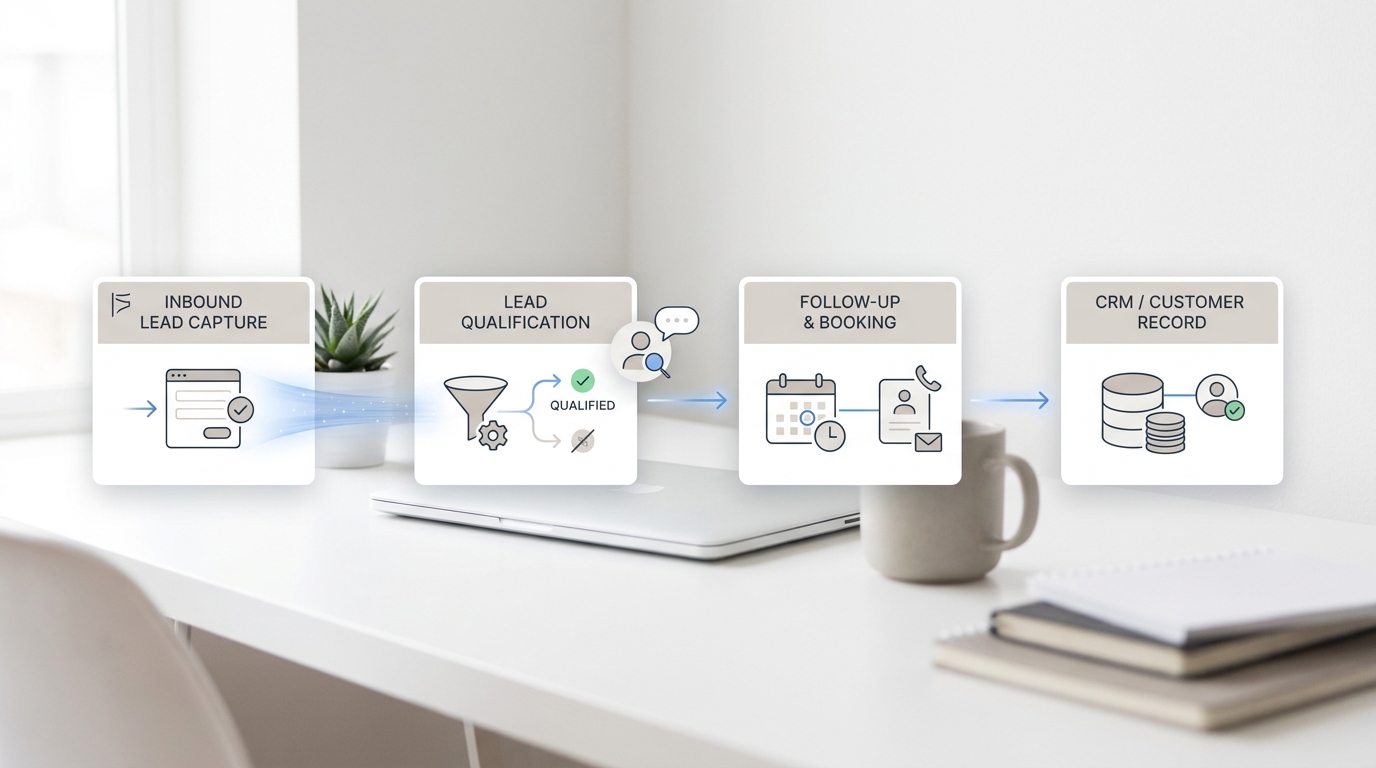
The AI receptionist answers, identifies the service type, collects contact details, checks availability, and books the slot if the request matches the business rules.
If the request is unusual, the conversation is routed to a human with context.
This workflow keeps the customer moving while protecting the business from unsupported automation.
Appointment Automation
Appointment automation works best when the rules are clear. Meeting length, staff availability, location, service type, and confirmation requirements should all be defined before automation goes live.
The FTC’s guidance on AI claims is a useful reminder: businesses should avoid exaggerating what AI can do. In scheduling, that means testing real appointment scenarios before promising customers a fully automated front desk.
Good test cases include:
- A normal booking request
- A rescheduling request
- A cancellation request
- A caller asking for the wrong service
- A caller asking for a special exception
- A caller giving incomplete details
Solvea in the Scheduling Workflow
Solvea belongs in the customer-facing layer of the scheduling stack. It helps with inbound conversations, front desk-style responses, appointment requests, and tool-connected workflows.
That makes it different from a calendar-only app. The value is not just showing open times. The value is helping a caller move from question to qualified appointment without waiting for a staff member to manually respond.
For teams that already use scheduling tools, Solvea can support the moments before the booking link would normally be used: answering, qualifying, routing, and collecting the details needed to schedule properly.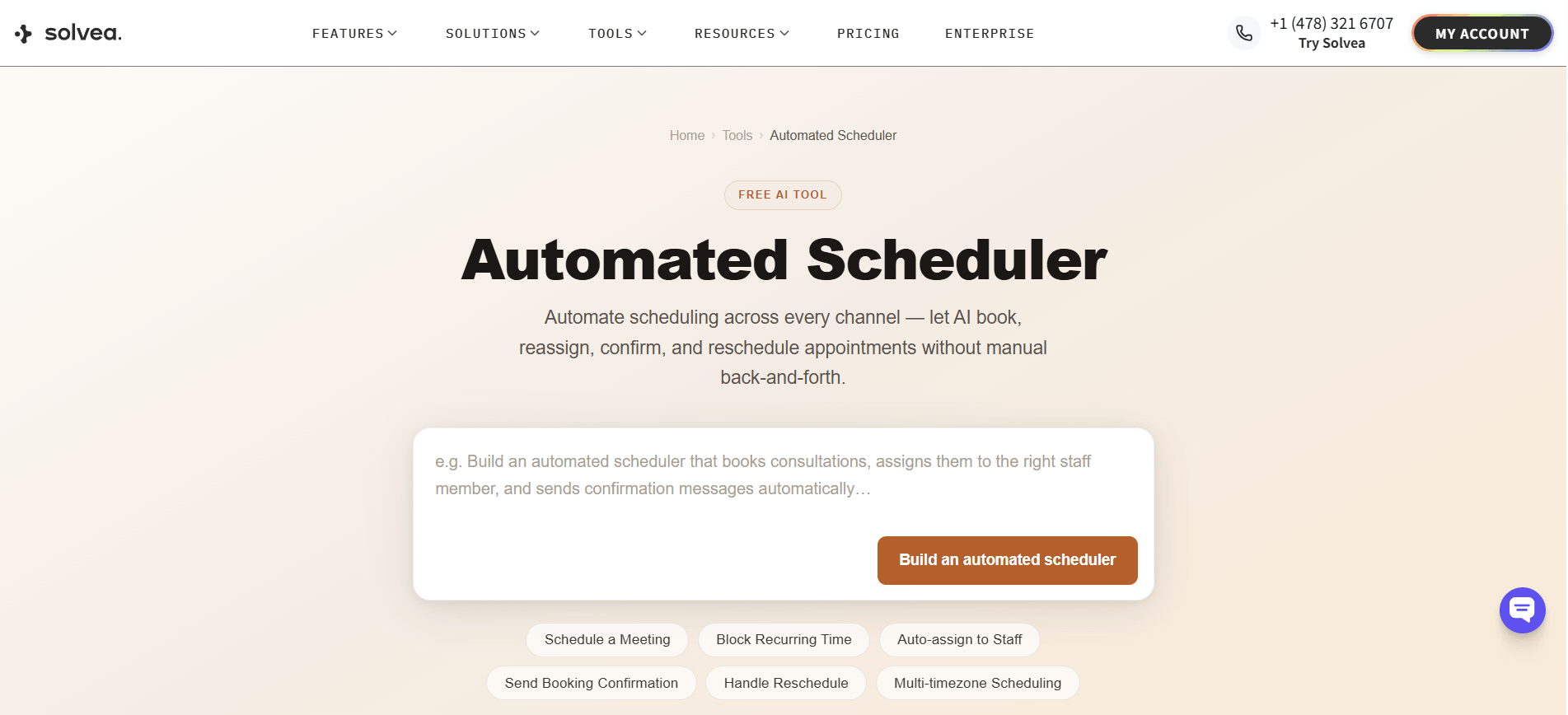
How to Compare Scheduling App Categories
Calendly-Style Meeting Scheduling
Calendly helped define modern meeting scheduling: send a link, let someone choose a time, and avoid back-and-forth emails. That model works well for sales calls, recruiting screens, consultations, internal meetings, and simple appointment flows.
The limitation is channel coverage. If a customer calls instead of clicking, the booking link may never enter the conversation. For teams with meaningful phone demand, a meeting scheduler and an AI receptionist can work together. The scheduler handles self-service booking. The receptionist handles live callers and questions.
Best Apps for Scheduling Customer Appointments
Customer appointment scheduling usually needs more structure than meeting scheduling. A customer-facing appointment may require service selection, staff assignment, location rules, deposits, preparation instructions, reminders, and follow-up notes.
When comparing the best apps for scheduling customer appointments, look beyond the booking page. Ask whether the tool can support the full booking path:
- How does the customer ask for the appointment?
- What information must be collected?
- Which calendar controls availability?
- What happens when the request is unclear?
- Who reviews exceptions?
- How are reminders handled?
The best choice is the one that matches the actual booking path, not the one with the longest feature list.
Best Employee Scheduling Apps
Best employee scheduling apps solve a different problem. They help organizations manage shifts, staff availability, labor coverage, and team coordination.
Appointment scheduling apps solve the customer booking problem. They help customers reserve time for a service, consultation, meeting, visit, or reservation.
Some organizations need both. A service business may first need staff scheduling to know who is available, then appointment scheduling to let customers book against that capacity. Solvea fits closer to the customer-facing side because it helps handle inbound requests and front desk interactions.
Free Scheduling Plans
Free scheduling plans are useful for testing, but they should not be judged only by price. A free plan may be enough for simple calendar links, but growing teams usually need to check limits carefully.
Important limits include:
- Number of users
- Number of calendars
- Appointment types
- Reminder options
- Integrations
- Branding controls
- Automation rules
- Support access
For AI receptionist workflows, the test should include real calls and edge cases. The question is not only whether the tool can book one ideal appointment. The question is whether it behaves reliably when the caller is unclear, rushed, or asking for something outside the rules.
How to Choose the Right Scheduling App
Match the Booking Channel
Start with where bookings actually come from.
If most people book from your website, prioritize booking pages, forms, reminders, and calendar sync.
If many people call first, prioritize voice handling, caller intent detection, and AI receptionist support.
If bookings come from sales conversations, prioritize CRM integration and meeting routing.
If bookings come from support requests, prioritize customer history, context capture, and escalation.
A scheduling app should fit the channel your customers already use.
Check the Calendar Rules
Before choosing a tool, list the rules that protect the calendar.
These may include appointment length, buffer time, staff assignment, location, required intake details, approval rules, cancellation windows, and after-hours behavior.
If the scheduling workflow includes AI, those rules become even more important. The AI should not guess when a rule is missing. It should ask a clarifying question or hand off.
Test Real Customer Scenarios
The best scheduling app is the one that performs well in realistic situations. Test more than a perfect booking.
Use scenarios such as:
- “Do you have anything tomorrow afternoon?”
- “Can I reschedule my appointment?”
- “Which service should I choose?”
- “Can I speak to someone before booking?”
- “Do you have the same person available again?”
- “Can I book outside normal hours?”
This kind of testing shows whether the workflow is ready for real customers, not just a product demo.
Your AI Receptionist, Live in Minutes.
Scale your front desk with an AI that never sleeps. Solvea handles unlimited multi-channel inquiries, books appointments into your calendar automatically, and ensures zero missed opportunities around the clock.
FAQ
What are the best scheduling apps?
The best scheduling apps are tools that match how people actually book time. For link-based workflows, a calendar scheduler may be enough. For phone-heavy appointment workflows, an AI receptionist like Solvea can help answer calls and move qualified requests toward a booked slot.
What are the best appointment scheduling apps?
The best appointment scheduling apps support availability, appointment types, reminders, rescheduling, cancellation rules, and customer details. Teams with inbound calls should also look for call handling and calendar integration.
Which apps are best for meeting scheduling?
Meeting scheduling apps are best when the workflow is simple: choose a time, add attendees, and send calendar invites. They are useful for sales calls, recruiting screens, consulting sessions, and internal meetings.
Is Google Calendar enough for booking?
Google Calendar is a strong calendar system, but it is not always a complete booking workflow. Many teams also need intake questions, reminders, customer notes, call handling, and rules for different appointment types.
How does an AI receptionist schedule appointments?
An AI receptionist can answer a call or message, identify the appointment request, collect required details, check connected calendar availability, and create or route the booking based on business rules.
Are best employee scheduling apps the same as booking apps?
No. Employee scheduling apps manage staff shifts and coverage. Booking apps manage customer or contact appointments. Some teams need both because staff availability affects which appointments can be accepted.
Do free scheduling plans work for growing teams?
Free scheduling plans can work for simple booking needs and early testing. Growing teams should check limits around users, calendars, appointment types, reminders, integrations, automation, and support before relying on a free plan long term.