Online dental appointment booking should not mean opening every chair, provider, and visit type to the public. A dental office has clinical constraints that a generic booking page cannot understand by itself: emergency pain, new patient intake, insurance questions, treatment follow-ups, hygiene recall, provider preferences, room availability, and timing rules.
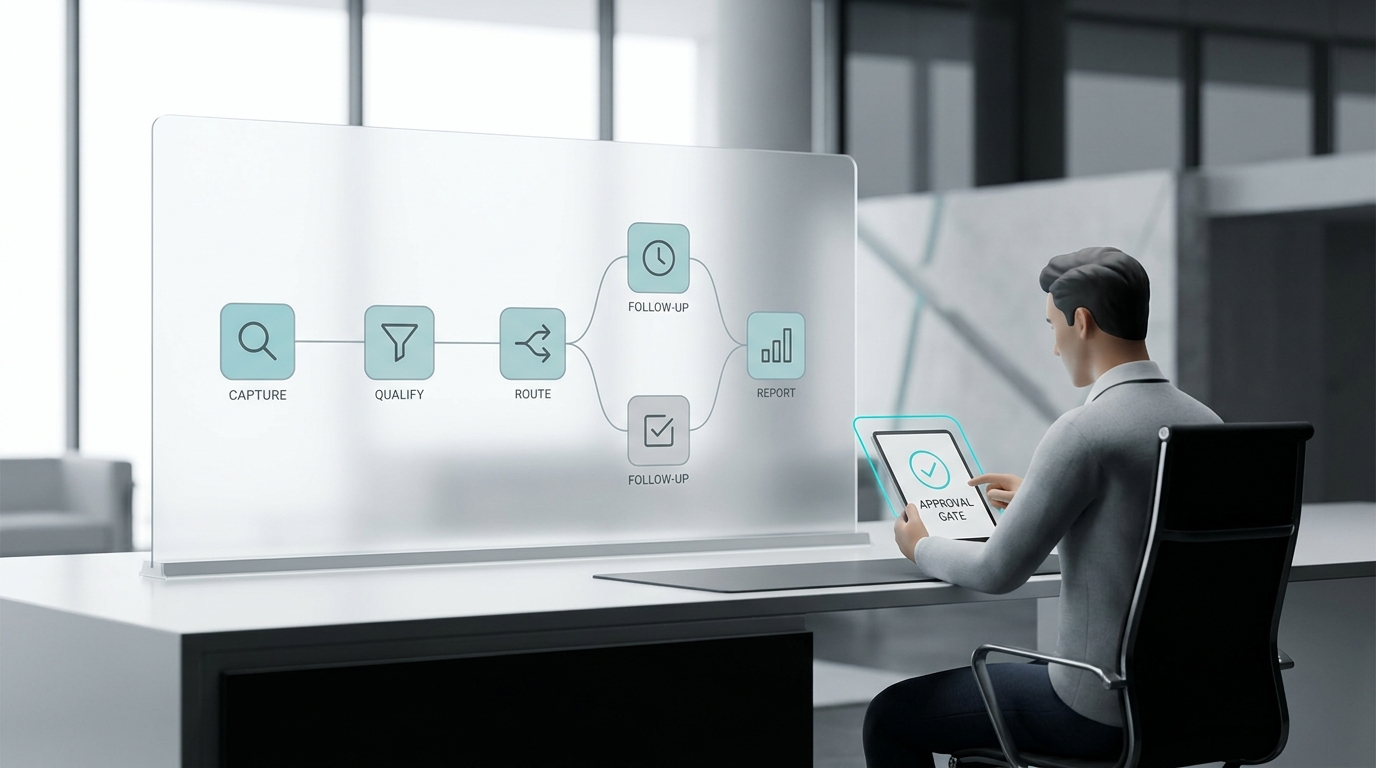
The better approach is to treat online booking as a front-desk workflow. Patients get a faster path to schedule routine visits, while the team keeps control over cases that need judgment. Solvea can sit around that workflow as an AI receptionist, answering calls from patients who still prefer the phone and routing exceptions that should not be booked blindly.
This matters because dental demand rarely arrives through one channel. Some patients click a booking link. Others call from a search result, reply to a reminder, or ask whether a toothache can be seen today. The scheduling system needs to connect all of those paths without forcing staff to clean up every calendar mistake later.
Start with visit types, not software
| Visit type | Direct-booking rule |
|---|---|
| Hygiene recall | Usually eligible when provider, chair, and interval rules are clear. |
| New patient exam | Eligible if intake requirements and first-visit length are defined. |
| Emergency or pain | Collect symptoms and route quickly; do not let a generic slot replace triage. |
| Cosmetic consultation | Often eligible with a short intake and approved consultation windows. |
| Treatment follow-up | Route by procedure, provider, and timing since last visit. |
The first setup decision is not which booking tool to buy. It is which dental visits are predictable enough to be scheduled without staff intervention. Hygiene recall is usually easier than a cracked tooth. A whitening consult is different from a crown follow-up. A pediatric visit may need guardian details that an adult exam does not.
Make a short list of appointment types and assign each one a booking path: book directly, request preferred windows, or route to staff review. Direct booking is for low-risk, repeatable cases. Window collection is for cases where the patient can express availability but staff should confirm. Staff review is for clinical, billing, provider, or access questions.
Solvea can ask the same front-desk classification questions by phone. Instead of letting the caller leave a vague voicemail, it can determine whether the patient wants a cleaning, a new patient appointment, an urgent dental issue, a cosmetic consult, or a follow-up. That classification is what keeps the online and phone workflows aligned.
Define what can be booked without review
Direct booking is safest when the visit type, duration, provider pool, and intake needs are consistent. For example, an existing patient booking a routine cleaning may only need preferred time, confirmation channel, and any provider preference. A new patient exam may need a longer slot, forms, insurance details, and a different provider assignment rule.
Write the rule in operational language. If an existing patient is due for hygiene and selects an approved hygiene window, confirm the appointment. If a new patient asks for an exam, collect contact details and offer only new-patient windows. If the caller mentions pain, swelling, trauma, fever, or same-day urgency, route the request to staff immediately.
These rules prevent the most common online booking failure: the calendar looks full, but the wrong kinds of appointments occupy the wrong places. A dental schedule needs the right work in the right chair with enough buffer for room turnover, imaging, provider checks, and front-desk follow-up.
Use Solvea for the calls that bypass the booking page
Even a strong online booking page will not remove dental phone demand. Patients call because they are anxious, unsure which appointment to choose, driving, asking about availability, or dealing with pain. If the phone path is weaker than the online path, the office still loses appointments and creates front-desk backlog.
Solvea helps by answering the phone and following the same approved decision tree. It can ask whether the caller is a new or existing patient, what type of visit they need, whether there is pain or urgency, which times work, and how the office should confirm. When the request fits a direct-booking rule, Solvea can help move it forward. When it does not, the team receives a structured summary.
This is especially useful after hours and during peak call windows. The patient hears a live response instead of waiting for a callback, and the front desk starts the next business window with categorized requests rather than a queue of unclear voicemails.
Collect enough intake detail without slowing patients down
Dental booking needs enough information to schedule safely, but too many fields can make patients abandon the process. The core fields are patient status, visit reason, preferred windows, contact path, insurance or payment notes when needed, provider preference, and any symptoms that change urgency.
For a new patient, the form or phone flow should collect basic contact details, reason for visit, and whether they need help with insurance or forms. For an emergency, it should capture symptoms and timing without trying to diagnose. For cosmetic consultations, it can ask which service area the patient is interested in and whether they prefer phone, video, or in-office consultation.
The intake should adapt. If a caller says they broke a tooth, Solvea should not keep asking routine hygiene questions. If a patient simply wants a cleaning, the workflow should not feel like a medical interview. Good appointment booking feels short because each question has a scheduling purpose.
Build calendar rules for chairs, providers, and buffers
Dental calendars are not just time grids. They depend on provider availability, chair availability, treatment length, turnover time, assistant coverage, hygiene intervals, and whether the appointment needs a dentist check. Online booking should reflect those constraints before patients see options.
Create separate windows for hygiene, new patient exams, emergency holds, consultations, and follow-ups. Protect same-day emergency capacity if the practice offers it. Add buffers around visits that often run long. Avoid letting a booking page offer a provider who cannot support the selected service or a chair that is not set up for the appointment.
Solvea should follow the same calendar rules. If a caller wants a same-day emergency slot and the schedule requires staff review, the AI receptionist can collect details and mark the request urgent. If the caller wants a routine appointment, it can offer the approved windows without exposing the whole office schedule.
Confirm appointments through the channel patients actually use
The confirmation message should state the appointment type, date, time, location, provider or team when relevant, forms or insurance reminders, and the reschedule path. For dental visits, clarity reduces no-shows and prevents patients from calling again to ask what they need to bring.
Replies matter as much as the original confirmation. Patients often respond with questions, changes, or cancellations. The workflow should decide what happens when a patient replies by text, email, or phone. A reschedule request should not sit in a general inbox while the original slot remains blocked.
Solvea can handle phone replies by recognizing whether the patient wants to confirm, reschedule, cancel, ask a billing question, or report a symptom. The AI receptionist can then route the call according to office rules instead of forcing the front desk to interpret every message manually.
Route clinical and billing exceptions clearly
Automation should never pretend to be clinical judgment. If a patient describes severe pain, swelling, trauma, medication concerns, post-procedure complications, sedation questions, or unclear treatment needs, the request should move to staff or clinical review. The same is true for complex insurance, financing, or records questions.
The handoff should be concise: patient status, visit reason, symptoms or question, preferred times, callback number, and urgency. A transcript can help, but the front desk needs the decision-ready summary first. This makes the AI receptionist useful without making it responsible for decisions outside its lane.
Dental teams should review exception categories weekly. If many callers ask the same question, update the approved script. If staff keep correcting the same appointment type, tighten the booking rule. The workflow improves by turning front-desk corrections into better rules.
Measure whether online booking is helping the front desk
The metric is not simply how many appointments were booked online. Track how many were booked correctly, how many required staff correction, how many were rescheduled, how many no-showed, and how many phone calls were captured outside business hours. Also review chair utilization by appointment type.
If online booking increases cleanup work, the rules are too loose. If staff still answer every basic scheduling call, the rules may be too restrictive or the phone path is disconnected. A healthy workflow gives patients more self-service while giving the front desk fewer ambiguous tasks.
The end state is a coordinated scheduling system: online booking for eligible visits, Solvea for phone coverage and triage, staff review for exceptions, and weekly measurement to keep the rules aligned with real dental operations.
Keep patients informed when a request needs review
A review path should still feel fast to the patient. If an appointment request cannot be confirmed immediately, the workflow should explain what was captured, who will review it, and when the patient should expect a response. Silence after a form submission or phone call creates the same frustration as a missed call.
For dental offices, this is especially important with urgent symptoms, insurance questions, or new patient requests. The patient may not know whether the office received the request or whether the problem is serious enough for a same-day call. Solvea can set expectations during the conversation while flagging the request for the front desk.
The message should be plain: the office has the request, the selected time is pending if review is required, and the team will confirm or offer the nearest safe option. That gives patients confidence without making the automation promise clinical or scheduling outcomes it cannot guarantee.
This also gives the dental team a cleaner service recovery path. If the patient calls again, Solvea can recognize the pending request and collect any new timing details instead of starting the scheduling conversation from zero.
Your AI Receptionist, Live in Minutes.
Scale your front desk with an AI that never sleeps. Solvea handles unlimited multi-channel inquiries, books appointments into your calendar automatically, and ensures zero missed opportunities around the clock.
Frequently asked questions
What is online dental appointment booking?
Online dental appointment booking lets patients request or schedule dental visits through a web flow, booking page, or connected calendar instead of relying only on phone calls.
Can every dental appointment be booked online?
No. Hygiene visits and routine follow-ups are often good candidates, while pain, emergencies, insurance uncertainty, sedation, complex treatment, or unclear symptoms usually need staff review.
How does Solvea support dental booking?
Solvea can answer phone calls, identify the appointment intent, ask approved front-desk questions, book eligible visits, and send dental staff structured summaries for exceptions.
What should a dental booking form collect?
Collect patient status, visit reason, preferred times, contact path, provider preference when relevant, insurance or payment notes, and any symptoms that should trigger review.
How do you prevent online booking from overloading the front desk?
Limit direct booking to clear visit types, use buffers and provider rules, route exceptions before confirmation, and review staff corrections weekly.