If you are searching for a Smith.ai alternative, you may not be dissatisfied with how Smith.ai answers calls. You may have outgrown a workflow where phone calls, texts, website chats, email threads, WhatsApp messages, and team follow-up live in different places.
That is the real comparison on this page.
Disclosure: Solvea publishes this comparison and is one of the products evaluated. Product details were checked against first-party vendor pages on July 27, 2026. Features and pricing can change, so confirm plan-specific requirements before buying.
Smith.ai is a credible option for businesses that want AI or human receptionists to answer calls, qualify leads, schedule appointments, and escalate selected conversations. Solvea is a stronger fit for businesses that want the receptionist function connected to a shared omnichannel inbox where the team can continue conversations across voice, SMS, email, WhatsApp, LINE, and live chat.
Solvea vs Smith.ai: the short answer
| If your priority is… | Better fit | Why |
|---|---|---|
| AI call answering with optional live-agent support | Smith.ai | Smith.ai offers both an AI Receptionist and North America-based virtual receptionists, with human escalation available. |
| One team inbox across voice and messaging channels | Solvea | Solvea centralizes voice, SMS, email, WhatsApp, LINE, and live chat in one conversation workspace. |
| A human receptionist service with per-call plans | Smith.ai | Live virtual receptionists are a core Smith.ai service. |
| Keeping customer history and ownership visible after the call | Solvea | Conversation threads, owners, statuses, summaries, and follow-up stay together for the team. |
| A separately managed website live-chat service | Smith.ai | Smith.ai sells staffed website chat as a distinct offering. |
| Mobile field staff and desktop office staff working from the same context | Solvea | Solvea combines a mobile business phone with PC Desk and shared customer history. |
| Building and tuning an AI agent without code | Solvea | Agent Builder and the knowledge base are part of the operating workspace. |
Bottom line: choose Smith.ai when your main requirement is outsourced or AI-assisted reception. Choose Solvea when your main requirement is one inbox across channels, with AI answering connected to the team's daily customer workflow.
Why businesses look for a Smith.ai alternative
The search for a Smith.ai alternative often starts after a business solves its first problem—missed calls—but discovers a second problem: fragmented follow-up.
A receptionist can capture a caller's name, need, and preferred appointment time. But the customer may text back later, send a photo through WhatsApp, reply by email, or start a website chat. If those interactions do not land in the same workspace, staff have to reconstruct the history manually.
That creates familiar operational gaps:
- two employees respond to the same customer;
- a text reply is missed because it sits outside the call workflow;
- a field employee cannot see what the office already promised;
- a website-chat lead is not connected to the phone conversation;
- nobody clearly owns the next step;
- managers cannot see a complete customer timeline.
For these teams, the best Smith.ai alternative is not simply another answering service. It is a customer-conversation system that keeps channels, context, and ownership together.
What Smith.ai does well
Smith.ai should be evaluated on its actual strengths, not reduced to a legacy answering service.
Its official product pages describe:
- an AI Receptionist for 24/7 inbound call handling;
- North America-based virtual receptionists;
- lead qualification and intake;
- appointment scheduling;
- warm transfer and escalation options;
- spam blocking;
- summaries and transcripts;
- bilingual English and Spanish support;
- CRM and business-tool integrations;
- outbound calling services; and
- staffed website live chat.
That combination makes Smith.ai attractive to law firms, home-service businesses, agencies, professional services teams, and other organizations that value a human-capable reception layer.
Smith.ai also supports post-call follow-up through text and email in its AI Receptionist product. Its web-chat service can capture and qualify website visitors. Buyers who mainly need phone coverage, appointment booking, or a live receptionist may find that this model fits well.
The important distinction is not whether Smith.ai can communicate beyond voice. It can. The distinction is whether your team needs those interactions organized as one shared cross-channel workspace.
The key difference: answering a call vs managing the whole conversation
Call answering is an event. Customer service is a sequence.
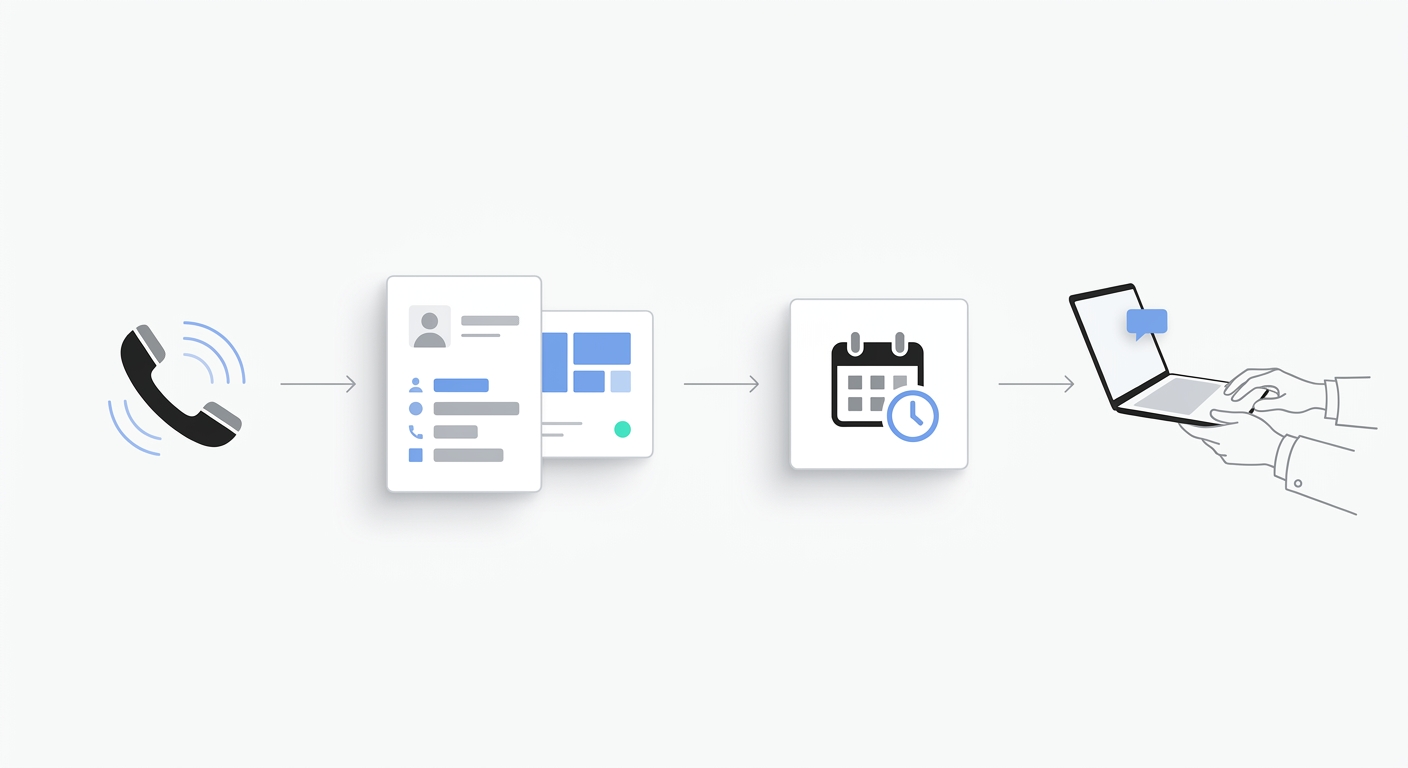
A new lead may:
- call after hours;
- receive an AI answer and appointment options;
- text a clarification the next morning;
- email a document;
- use WhatsApp while a technician is traveling;
- open live chat to ask whether the appointment is confirmed.
The operational question is not only, “Was the first call answered?” It is, “Can the next employee see the full story and move it forward?”
Solvea is designed around that second question. Its omnichannel inbox brings voice, SMS, email, WhatsApp, LINE, and live chat into one team workspace. Its PC Desk gives office staff a desktop view, while the mobile app keeps field teams connected to the business number and customer context.
The AI receptionist is part of that workflow rather than a separate handoff layer. Call recordings, transcripts, summaries, intent, requests, customer history, owners, and statuses can remain attached to the conversation the team continues.
Smith.ai vs Solvea channel comparison
The table below separates verified first-party positioning from buyer assumptions.
| Capability | Smith.ai | Solvea |
|---|---|---|
| Inbound phone answering | AI Receptionist and live virtual receptionists | AI receptionist plus team business phone |
| Human receptionist option | Yes | Human team members take over inside the business workspace; Solvea is not positioned as an outsourced live-receptionist service |
| SMS | Post-call follow-up and texting features are described in official materials | Native conversation channel in the shared inbox |
| Post-call follow-up and integrations are described | Native conversation channel in the shared inbox | |
| Website live chat | Staffed live-chat service sold separately | Live chat appears in the omnichannel inbox |
| No first-party shared-inbox claim verified during this review | Listed as an omnichannel inbox channel | |
| LINE | No first-party shared-inbox claim verified during this review | Listed as an omnichannel inbox channel |
| Shared cross-channel inbox | Official pages reviewed describe call dashboards and a distinct live-chat service; verify any required unified view during a demo | Core product positioning |
| Conversation ownership and status | Verify the exact workflow required | Owners, statuses, requests, and next steps are part of PC Desk |
| No-code AI configuration | Call-handling customization and integrations | Agent Builder and knowledge base inside the platform |
Important: “No first-party claim verified” does not mean a capability is impossible through an integration or custom workflow. It means buyers should ask Smith.ai to demonstrate that exact channel and shared-inbox requirement before signing.
When Smith.ai is the better choice
Solvea is not the right Smith.ai alternative for every buyer. Smith.ai may be the better fit when:
- you explicitly want outsourced human receptionists;
- your workflow is primarily inbound phone calls;
- you want calls answered in English and Spanish by a live receptionist service;
- you prefer per-call answering-service plans;
- your website chat can be managed as a separate service;
- your CRM already serves as the central customer record; or
- your highest-value requirement is human handling rather than channel consolidation.
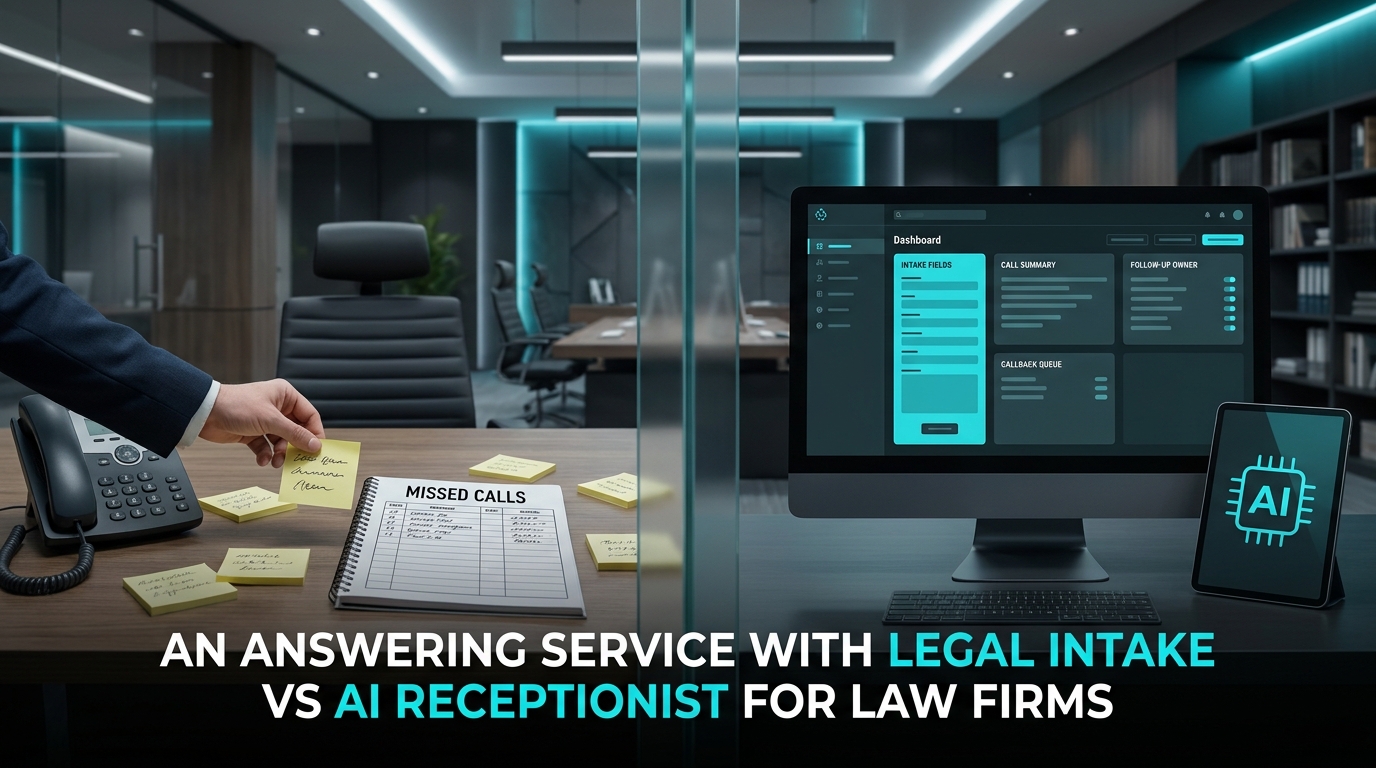
For a legal intake team, for example, live receptionists and warm transfers may matter more than bringing LINE or WhatsApp into the same inbox. For a small office with a mature CRM workflow, Smith.ai may also slot into the existing stack without forcing a broader communications change.
When Solvea is the better Smith.ai alternative
Solvea is a stronger Smith.ai alternative when the business wants to reduce the number of places staff check and give every teammate the same customer context.
That fit is strongest when:
- customers move between phone, SMS, email, WhatsApp, LINE, and live chat;
- field staff need mobile access while office staff need a desktop inbox;
- the business wants one number connected to AI and human follow-up;
- managers need visible ownership, status, and next steps;
- call summaries and transcripts should stay with later messages;
- the team wants to configure the AI agent and its knowledge without code;
- the business needs both inbound coverage and outbound follow-up; or
- the current answering service solves the first contact but not the ongoing conversation.
The practical benefit is continuity. A team member does not need to ask, “Who spoke to this person?” or “Where did they send the details?” The thread provides the operational context.
Pricing: compare the operating model, not only the starting number
Smith.ai's services use separate pricing structures. On July 27, 2026, its official pages advertised an AI Receptionist Pro plan starting at $150 per month for 75 calls, live virtual receptionist plans starting at $300 per month for 30 calls, and live-chat plans starting at $140 per month for 20 staffed chats. Smith.ai also displayed a free AI Receptionist tier with 25 calls.
These figures are useful for orientation, but a real comparison should model your mix of calls, chats, transfers, messages, team access, integrations, and overflow.
Solvea's published plans start at $29 per month for Solo and $79 per month for Pro, checked on the same date. Confirm included usage and any required channel or integration before purchase.
Do not compare these products by one headline price. They are built around different operating models:
- Smith.ai sells AI reception, live reception, outreach, and website chat services.
- Solvea sells a business communication workspace where AI reception and team follow-up share customer context.
The better financial question is: What will it cost to cover the complete workflow without adding another disconnected inbox or manual handoff?
A five-step Smith.ai alternative evaluation checklist
Use this checklist before selecting any Smith.ai alternative.
1. Map every channel customers actually use
List phone, SMS, email, website chat, WhatsApp, LINE, social messaging, and any industry-specific channel. Separate “supported through an integration” from “native in the shared inbox.”
2. Run one customer journey across channels
Ask each vendor to demonstrate this scenario live:
A customer calls after hours, texts a correction, emails a document, and returns through live chat. Show what the next employee sees, who owns the follow-up, and where the complete history lives.
3. Test the human handoff
Confirm how AI escalates, how a teammate takes over, whether context is preserved, and whether the customer has to repeat information.
4. Inspect the daily team workflow
Do not stop at the AI demo. Ask dispatchers, receptionists, office managers, and field staff to test the inbox, mobile app, desktop view, assignments, statuses, and search.
5. Model the total operating cost
Include usage charges, live-agent fees, chat plans, phone numbers, seats, integrations, implementation, and the labor required to reconcile disconnected tools.
How to switch without disrupting customer service
Changing from an answering service to a unified platform should be staged.
- Document current call flows. Record greetings, qualification questions, transfer rules, appointment logic, escalation contacts, and after-hours procedures.
- Build the knowledge base. Add approved answers, service areas, opening hours, pricing boundaries, emergency rules, and booking policies.
- Connect one high-value channel first. Start with the phone number or after-hours calls, then validate summaries, routing, and notifications.
- Add messaging channels. Bring SMS, email, WhatsApp, LINE, or live chat into the shared workflow based on customer demand.
- Assign owners and statuses. Define who handles new leads, bookings, support requests, urgent issues, and unresolved conversations.
- Run parallel coverage. Keep the existing service available during a short validation period when operational risk justifies it.
- Review real conversations weekly. Tune the AI receptionist, knowledge, routing, and escalation rules using actual customer language.
Final verdict
Smith.ai remains a strong choice for businesses that want AI call handling, professional live receptionists, appointment scheduling, intake, and warm transfers. Its value is clearest when the phone is the center of the workflow and outsourced human coverage is a priority.
Solvea is the better Smith.ai alternative for businesses whose problem extends beyond unanswered calls. It gives teams one place to manage voice, SMS, email, WhatsApp, LINE, and live chat, with customer history and AI-generated call context available for follow-up.
The buying decision comes down to a simple question:
Do you need someone to answer the phone, or do you need one workspace for the entire customer conversation?
If the second problem sounds familiar, compare the omnichannel inbox and test Solvea with a real cross-channel customer journey.
Your AI Receptionist, Live in Minutes.
Scale your front desk with an AI that never sleeps. Solvea handles unlimited multi-channel inquiries, books appointments into your calendar automatically, and ensures zero missed opportunities around the clock.
Frequently asked questions
What is the best Smith.ai alternative for an omnichannel inbox?
Solvea is a strong Smith.ai alternative for small businesses that want voice, SMS, email, WhatsApp, LINE, and live chat in one team inbox. The best choice still depends on whether you prioritize outsourced live receptionists, CRM integration, channel coverage, or internal team follow-up.
Is Smith.ai only a live answering service?
No. Smith.ai offers an AI Receptionist, live virtual receptionists, outbound calling, and staffed website live chat. Its AI product includes features such as call summaries, transcripts, scheduling, lead qualification, escalation, and post-call follow-up.
Does Smith.ai have a unified inbox for WhatsApp, LINE, email, SMS, chat, and voice?
The official Smith.ai pages reviewed on July 27, 2026 describe call dashboards, text and email follow-up, integrations, and a separate live-chat service. They did not provide a clear first-party claim for one native shared inbox spanning voice, SMS, email, WhatsApp, LINE, and live chat. Ask for a live demonstration of your exact channel workflow.
Can Solvea replace human receptionists?
Solvea can automate missed-call answering, qualification, FAQs, routing, booking, and follow-up, but businesses should keep human review and takeover for sensitive, unusual, high-value, or regulated conversations. Solvea is not positioned as an outsourced human receptionist staffing service.
What should I test during a Smith.ai vs Solvea demo?
Test a full customer journey rather than a single call. Have a customer call, text, email, and return through chat. Then inspect the customer history, handoff, assigned owner, status, next step, desktop experience, and mobile experience.
How much does a Smith.ai alternative cost?
Cost depends on calls, live-agent usage, chats, messages, seats, numbers, integrations, and implementation. Compare the monthly subscription plus usage and the staff time required to manage follow-up across separate systems. Recheck current vendor pricing before purchase.