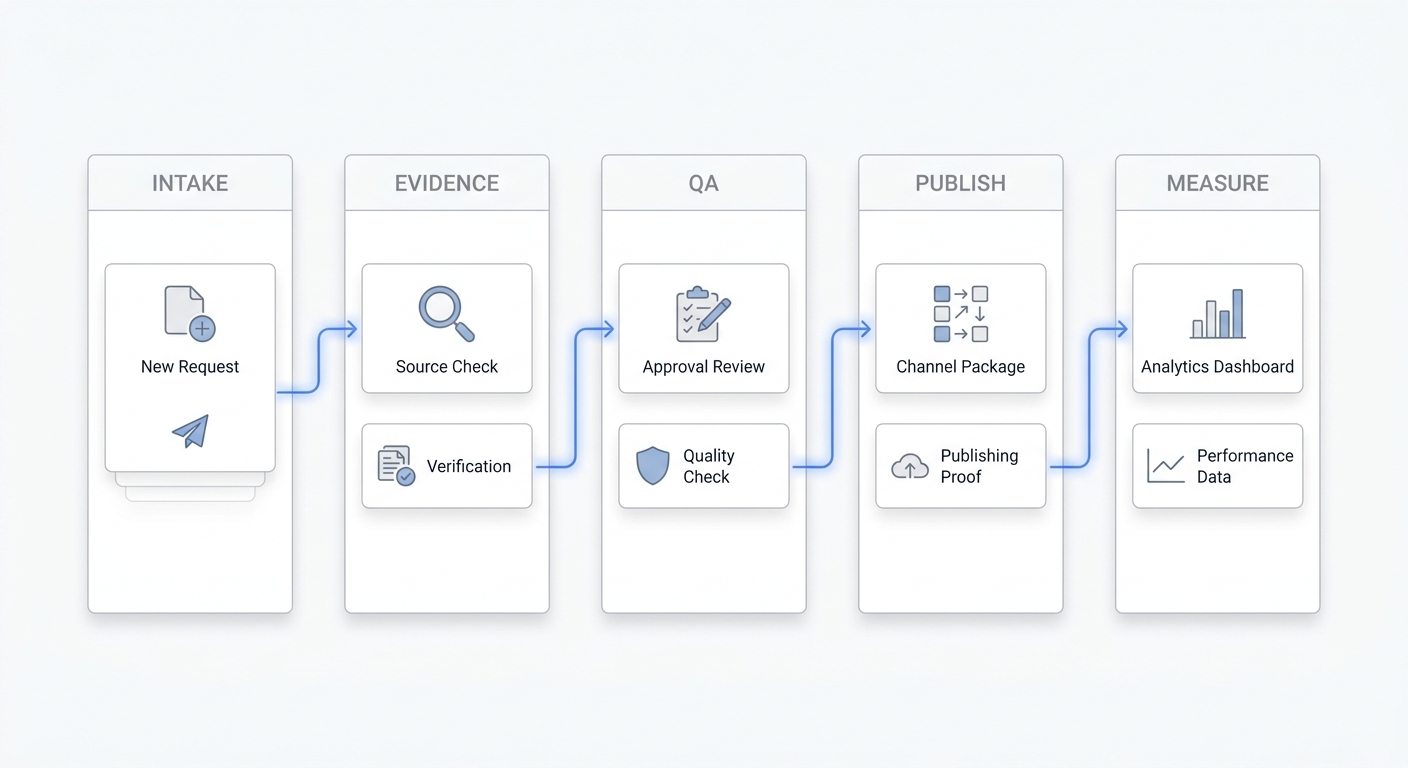
Multi agent marketing sounds powerful, but it only helps when each agent has a narrow job, a trusted data source, a clear handoff, and one decision it is supposed to improve.
That is the practical test. A multi agent marketing setup should not be a loose collection of AI tools that all create more content, more alerts, and more dashboards. It should be a controlled operating model where different agents move marketing work from signal to next step faster than a team could manage manually.
Use this checklist before you build a multi agent marketing workflow, compare tools, or ask an AI platform to "automate marketing."
Quick Answer: What Is Multi Agent Marketing?
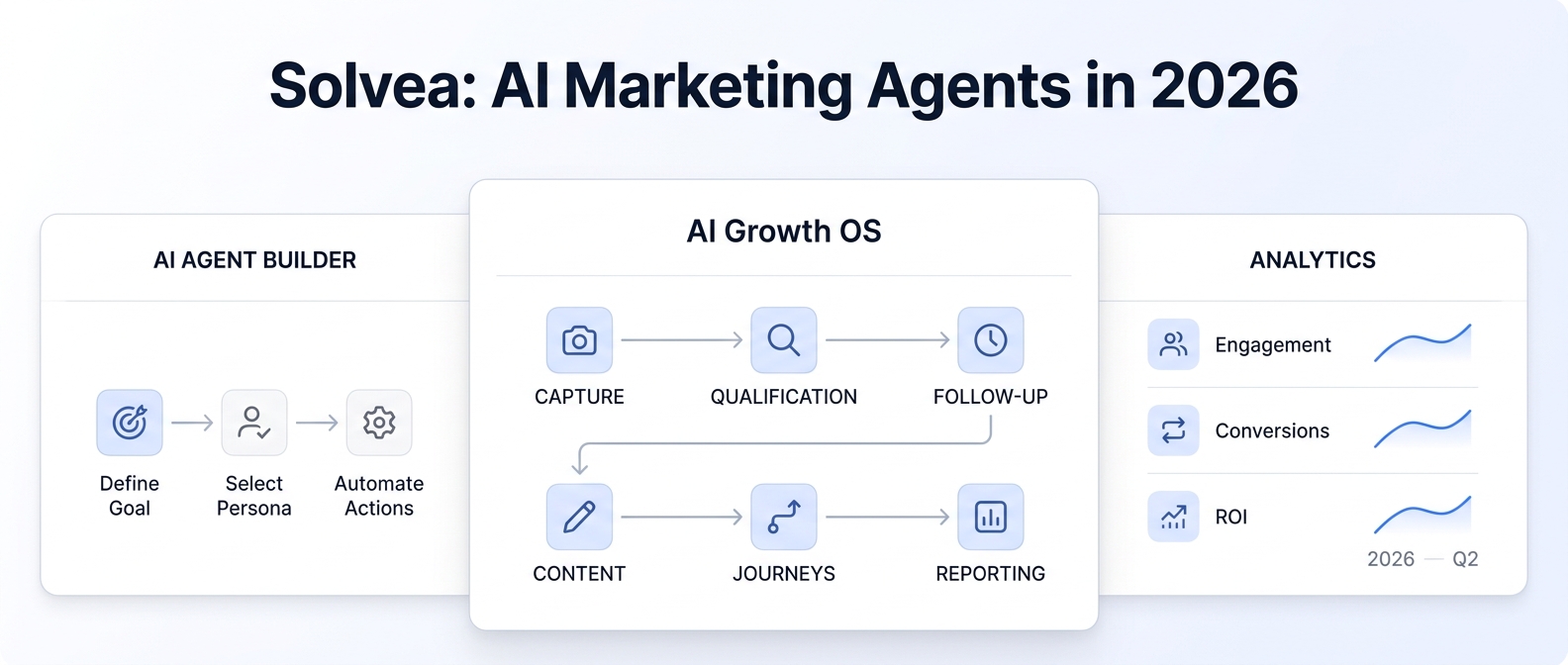
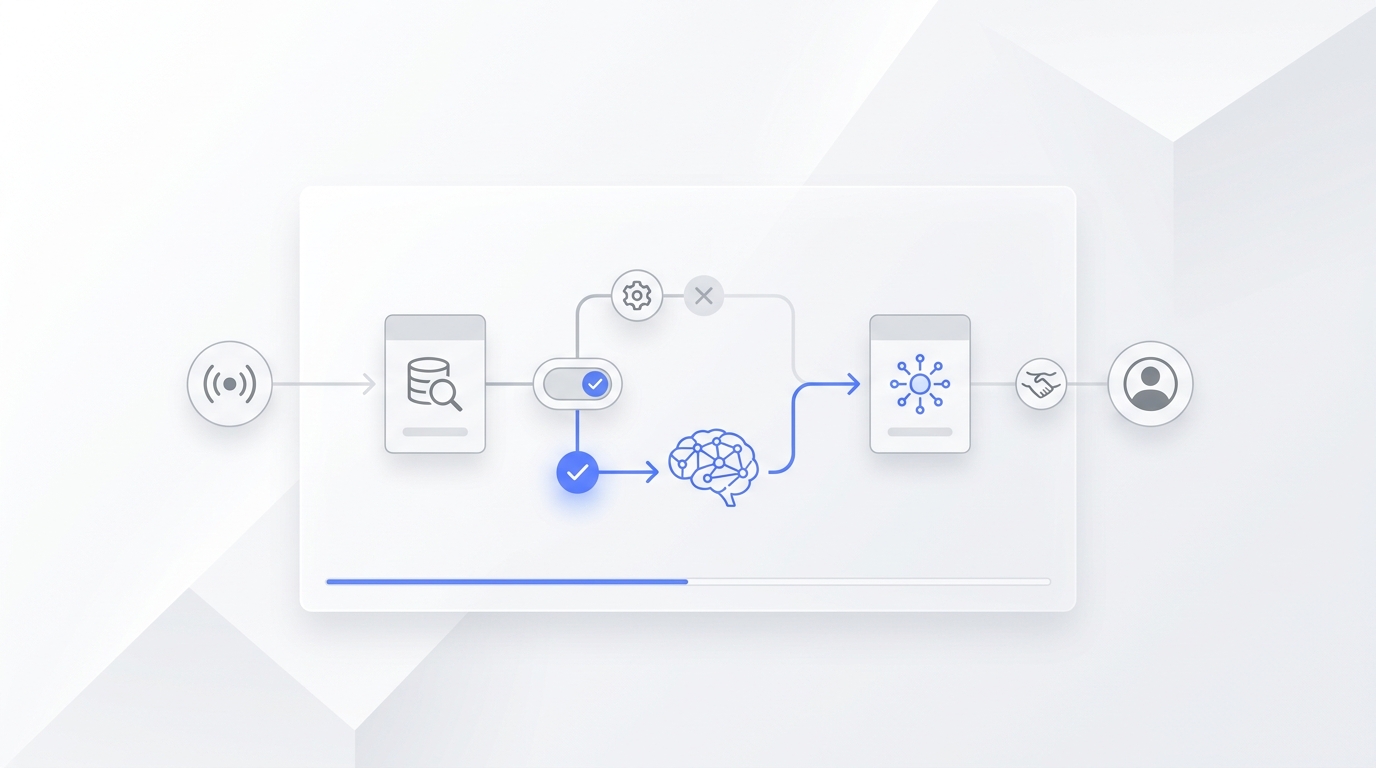
Multi agent marketing is a coordinated workflow where more than one AI agent handles connected marketing tasks, such as capturing demand, qualifying leads, drafting follow-up, routing work, updating records, distributing content, and reporting performance.
The important word is coordinated. A single AI assistant can write, summarize, or answer questions. A multi agent marketing system gives separate agents defined responsibilities and makes them pass context between steps.
For example:
- A capture agent watches calls, forms, chat, or email.
- A qualification agent decides whether the inquiry is useful.
- A scheduling or handoff agent creates the next step.
- A content or follow-up agent prepares a response.
- A reporting agent summarizes what happened and flags exceptions.
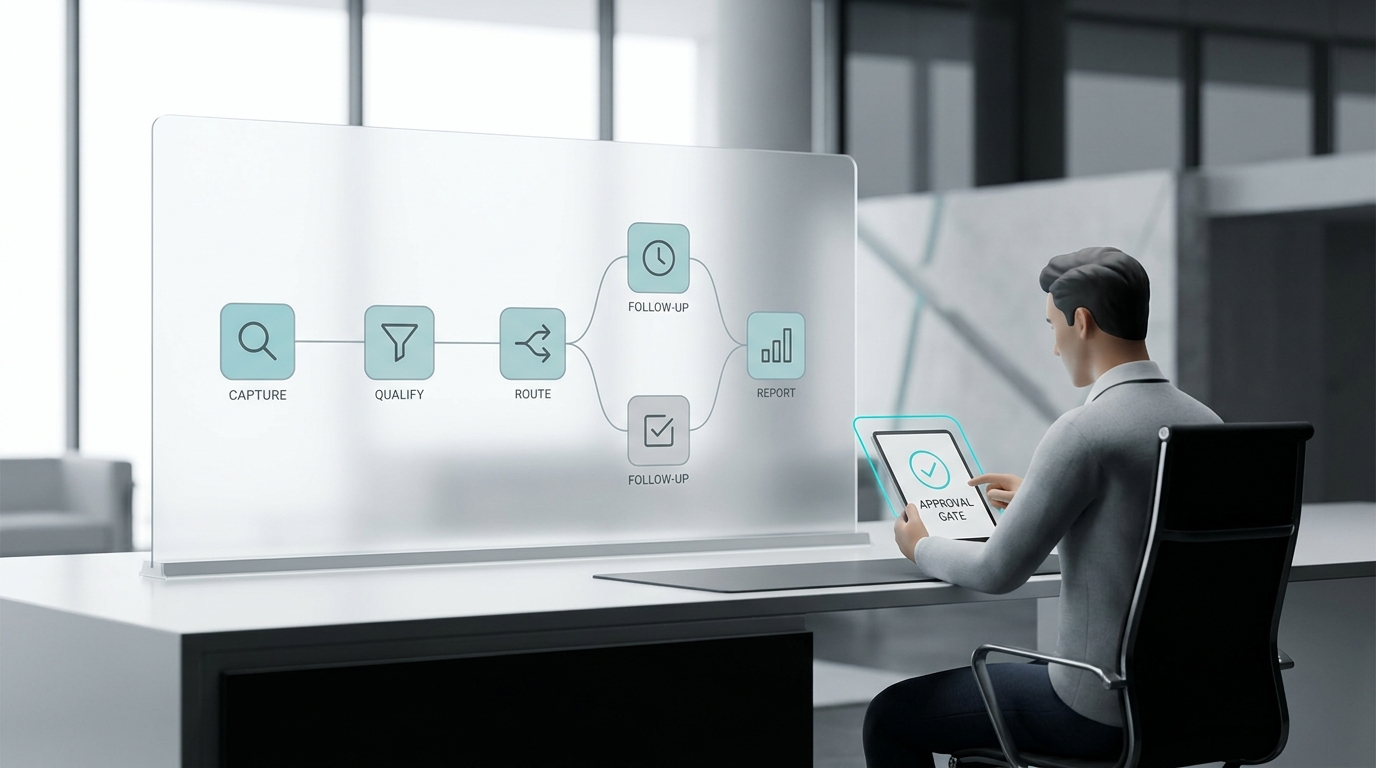
That workflow is useful only if the team can see what each agent did, approve risky actions, and measure whether the process created better business outcomes.
When Multi Agent Marketing Is Worth Considering
Multi agent marketing is worth considering when marketing work is stuck between systems, channels, or owners.
Good candidates include:
- leads arriving through calls, forms, chat, email, and social messages;
- qualified inquiries waiting too long for follow-up;
- appointment requests that need routing, reminders, or rescheduling;
- campaign tasks that repeat across content, email, CRM, and reporting;
- customer conversations that should become structured records;
- weekly reporting that produces activity summaries but not decisions.
It is usually not worth starting with a broad "AI runs marketing" project. Start where the handoff is already painful and the desired outcome is obvious.
For service businesses, the cleanest first use case is often inbound capture and follow-up: a potential customer calls, texts, or chats; the agent captures intent; the next step is routed or booked; and the team sees the full conversation history. That fits Solvea's product surface especially well because Solvea combines AI answering, customer conversations, an AI agent builder, integrations, and follow-up context across customer channels.
The Multi Agent Marketing Checklist
Use these checks before you let multiple agents touch customer, CRM, calendar, content, or campaign workflows.
1. Name The Decision The System Should Speed Up
Do not start with a tool list. Start with the decision.
Good decision targets sound like this:
| Decision | Example output |
|---|---|
| Should this inquiry be followed up today? | Qualified lead with urgency and owner |
| Is this prospect ready to book? | Appointment request, proposed time, and handoff notes |
| Which dormant lead should be reactivated? | Ranked follow-up list with reason |
| Is this campaign ready to ship? | QA pass/fail with required fixes |
| What changed this week? | Decision-ready report with anomalies and next actions |
Weak decision targets sound like this:
- create more marketing content;
- automate lead generation;
- improve conversion;
- use AI for growth;
- replace manual marketing work.
A multi agent marketing workflow should make one decision faster, cleaner, or more consistent. If you cannot name the decision, the system is not ready.
2. Split Agents By Job, Not By Department
Do not create one "marketing agent," one "sales agent," and one "support agent" just because your org chart looks that way.
Split agents by the work they actually perform:
| Agent role | Job | Output |
|---|---|---|
| Capture agent | Detect new signals from calls, forms, chat, email, or messages | Raw inquiry with source and timestamp |
| Qualification agent | Ask or infer the minimum fields needed for routing | Intent, fit, urgency, next step |
| Handoff agent | Send work to the right person or workflow | Owner, status, due time |
| Content agent | Draft replies, follow-ups, or campaign assets | Draft for approval or approved send |
| Distribution agent | Queue approved content or messages | Channel-ready task |
| Reporting agent | Summarize outcomes and exceptions | Decision report |
The point of multi agent marketing is not to maximize the number of agents. It is to make ownership visible. One agent should do one type of work well enough that you can test it, monitor it, and replace it if needed.
3. Define The Trigger For Every Agent
Every agent needs a trigger. If the trigger is vague, the workflow will be noisy.
Use specific triggers:
- missed business call;
- new website chat;
- demo form submission;
- appointment cancellation;
- inactive lead after 14 days;
- new customer conversation with buying intent;
- approved blog post ready for distribution;
- campaign performance anomaly.
Then define what should not trigger the workflow. This matters because multi agent marketing systems can create a lot of useless motion if every low-quality event starts another chain of tasks.
Ask:
- Which channel starts the workflow?
- Which customer or lead segments are included?
- Which signals are ignored?
- Can a human pause the trigger quickly?
- Where is the trigger logged?
4. Assign A System Of Record Before Writeback
Before an agent writes anything, decide which system owns the record.
For a service business, that could be the shared conversation inbox, calendar, CRM, helpdesk, or business phone record. For a larger GTM team, it could be a CRM, marketing automation platform, warehouse, content calendar, or project system.
The rule is simple: if nobody can name the source of truth, the agent should draft only.
Use this boundary:
| Permission | What the agent can do | When to allow it |
|---|---|---|
| Read | Review records, conversations, or campaign data | Safe early pilot |
| Draft | Prepare a summary, reply, follow-up, or report | Human approval required |
| Write | Update owner, status, notes, or fields | Low-risk structured data |
| Send | Contact a lead or customer | Approved script and narrow use case |
| Schedule | Book, reschedule, or cancel | Trusted rules and clear fallback |
| Escalate | Route to a person | Sensitive or uncertain cases |
Most teams should move from read to draft to write before allowing an agent to send or schedule.
5. Design The Handoff Before You Design The Prompt
Handoff quality determines whether multi agent marketing feels like leverage or cleanup.
A good handoff includes:
- who the customer or lead is;
- where the signal came from;
- what the person wants;
- why the agent ranked it as important;
- what the agent already asked or answered;
- what should happen next;
- who owns the next step;
- when the next step is due;
- where the transcript, summary, or source record lives.
For inbound workflows, this is where products like an AI receptionist, omnichannel inbox, and AI lead qualification tool matter. The value is not just that the AI answers. The value is that the next person sees context instead of starting over.
6. Keep Customer-Facing Actions More Supervised Than Internal Actions
Not every agent needs the same level of control.
Internal agents can often move faster because the cost of a mistake is lower. For example, a reporting agent can summarize performance and ask for review. A content agent can draft a post. A CRM hygiene agent can flag duplicate records.
Customer-facing agents need tighter boundaries because they affect trust. An agent that answers a call, confirms availability, qualifies a legal inquiry, or sends a follow-up should use approved language, accurate business context, and clear escalation rules.
Use this supervision ladder:
| Risk level | Example | Best starting mode |
|---|---|---|
| Low | Weekly performance summary | Read and report |
| Medium | Follow-up draft | Draft for approval |
| Medium-high | CRM field update | Write with audit trail |
| High | Customer text or email | Send only in narrow scenarios |
| High | Booking or cancellation | Schedule only with trusted rules |
Multi agent marketing should reduce decision delay, not hide decisions from the team.
7. Measure One Outcome, Not Agent Activity
A multi agent marketing pilot should have one primary KPI.
Useful KPIs include:
- qualified conversations captured;
- time from inquiry to first response;
- booked appointments;
- follow-up completion rate;
- lead-to-meeting conversion;
- no-show recovery;
- campaign QA defects caught before launch;
- CRM records updated without rework;
- weekly decisions made from the report.
Weak KPIs include:
- number of AI tasks completed;
- number of generated messages;
- number of agents launched;
- number of workflows created;
- time saved without a baseline.
If the workflow creates more activity but no faster decision, it is not working.
8. Add Rollback Before Scale
Every multi agent marketing workflow needs a rollback plan.
Before launch, document:
- how to pause each trigger;
- who can change prompts, rules, templates, and integrations;
- how to return work to the previous manual process;
- how to export action logs;
- how to correct a bad writeback;
- when a human must take over;
- what counts as a failed action.
This is not bureaucracy. It is what lets a small team test multi agent marketing without betting the whole funnel on a new system.
A Practical 30-Day Pilot Plan
Use a narrow pilot before scaling to more agents or channels.
| Week | Focus | Output |
|---|---|---|
| Week 1 | Map the workflow | Trigger, agent roles, handoff, source of truth, KPI |
| Week 2 | Run in draft mode | Agent summaries, drafts, and routing suggestions reviewed by humans |
| Week 3 | Allow low-risk writeback | Owner, status, notes, or task creation with audit trail |
| Week 4 | Decide whether to expand | Keep, revise, pause, or add one more action boundary |
For a service business, a good 30-day pilot might be:
- Capture missed calls and website chats.
- Ask basic qualification questions.
- Summarize the conversation.
- Route urgent or high-intent inquiries.
- Draft follow-up or booking messages.
- Measure qualified conversations captured and booked next steps.
That is enough to learn whether multi agent marketing is improving decisions before it becomes a complicated automation project.
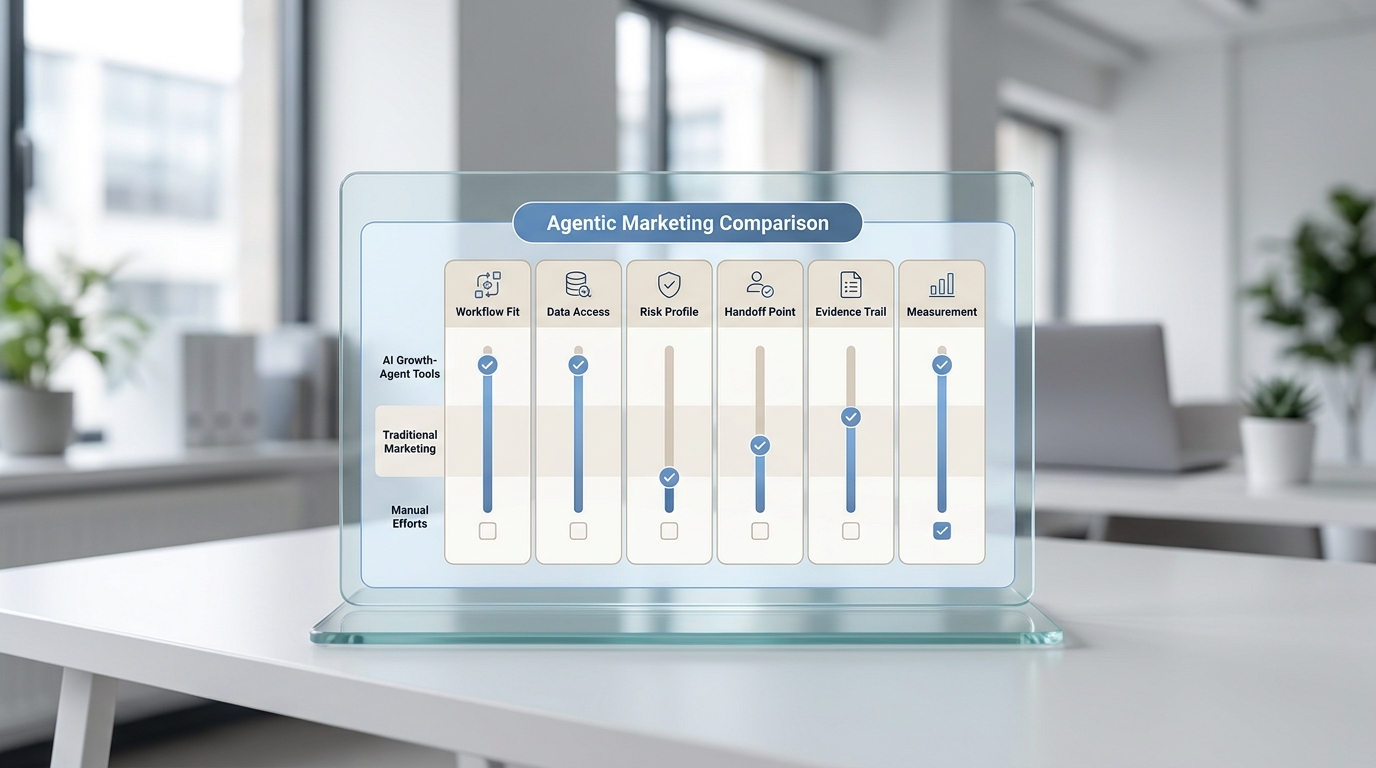
Demo Questions For Multi Agent Marketing Tools
Ask every vendor or platform the same questions.
- Which exact trigger starts the workflow?
- Which agents are involved, and what does each one own?
- What data can each agent read?
- What data can each agent write?
- What happens when data is missing or conflicting?
- Can we keep the workflow in draft-only mode?
- Where are transcripts, summaries, and decisions logged?
- How does a human take over?
- How do we pause the workflow?
- Which KPI proves the pilot worked?
The best demo is not the one where everything looks smooth. It is the one where the normal exceptions are easy to inspect.
Where Solvea Fits
Solvea is not a generic multi agent marketing platform for every campaign operation. It is strongest where marketing, sales, and customer communication meet: calls, texts, chat, email, qualification, scheduling, and follow-up context.
Relevant Solvea workflows include:
- using an AI receptionist to answer missed customer calls;
- building and tuning customer-facing behavior with the AI agent builder;
- qualifying inquiries with AI lead qualification;
- turning appointment intent into next steps with an AI appointment setter;
- connecting calendar, CRM, helpdesk, ecommerce, and messaging tools through integrations;
- keeping calls, texts, notes, owners, and statuses visible in one customer conversation record.
That makes Solvea a practical fit for teams whose first multi agent marketing problem is customer response and handoff, not broad ad campaign automation.
For broader GTM planning, read the AI GTM agents workflows and examples guide. For vendor evaluation, use the AI growth agents comparison and alternatives article. For workflow economics, see the agent workflow management cost and ROI guide.
Your AI Receptionist, Live in Minutes.
Scale your front desk with an AI that never sleeps. Solvea handles unlimited multi-channel inquiries, books appointments into your calendar automatically, and ensures zero missed opportunities around the clock.
Final Checklist
Before you launch multi agent marketing, confirm:
- one business decision is clearly named;
- each agent has one job;
- every trigger is explicit;
- the system of record is known;
- writeback permissions are staged;
- customer-facing actions have tighter supervision;
- handoffs include full context;
- one KPI proves whether the pilot worked;
- rollback is documented;
- the next expansion is earned, not assumed.
Multi agent marketing works best when it makes a messy workflow easier to inspect. Start small, make the handoffs visible, measure one outcome, and only add another agent when the current one is already helping the team make faster decisions.