A customer sends a short email: “Can I change my appointment?” Another asks about an order, a reservation, or a quote. The first line of your reply decides whether the message feels helpful or like another generic support response.
Learning how to start an email is not about sounding fancy. It is about choosing the right greeting, acknowledging the customer’s reason for writing, and moving quickly toward the next step. For teams using an AI receptionist like Solvea, strong email openings also help keep automated replies clear, human, and easy to hand off when needed.
What Makes a Strong Email Opening?
Whether collaborating with a team member, writing a cover letter, or contacting a new client, a professional opening is important for fostering mutually useful relationships. In a nutshell, it lays the groundwork for clear and respectful communication.
Interested in 18 Thank You for Your Order Messages [Cards & Templates & Images)
How to Start an Email
A strong email opening has three parts: a greeting, a short acknowledgment, and a clear reason for the message.
A simple structure works best:
Hi [Name],
Thanks for reaching out about [Topic]. I can help with that.
This opening is short, specific, and useful. It tells the customer they reached the right place.
Purdue OWL’s email etiquette guidance recommends meaningful subject lines and professional tone. The same principle applies to the first line: make the purpose clear before the reader has to guess.
Email Greeting
The email greeting should match the relationship. A customer support reply does not need to sound stiff, but it should still be respectful.
Good everyday greetings include:
Hi [Name],
Hello [Name],
Good morning, [Name],
Good afternoon, [Name],
For most customer emails, “Hi [Name]” is warm, clear, and safe.
Use “Dear [Name]” when the message is formal, sensitive, or high-stakes.
Dear [Name],
Thank you for contacting us about your account.
Avoid greetings that feel too casual for customer service, such as “Hey there” or “Yo,” unless the brand voice strongly supports it.
How to Start a Professional Email
Professional Email Greeting
A professional email greeting should be polite without sounding robotic.
Use:
Hello [Name],
Thank you for your message. I’m happy to help with [Topic].
Use a title only when the context requires it:
Dear Dr. [Last Name],
Thank you for reaching out about your appointment request.
If you do not know the customer’s name, avoid guessing.
Hello,
Thank you for contacting [Company Name]. I can help with your request.
This is better than using the wrong name or an overly generic phrase.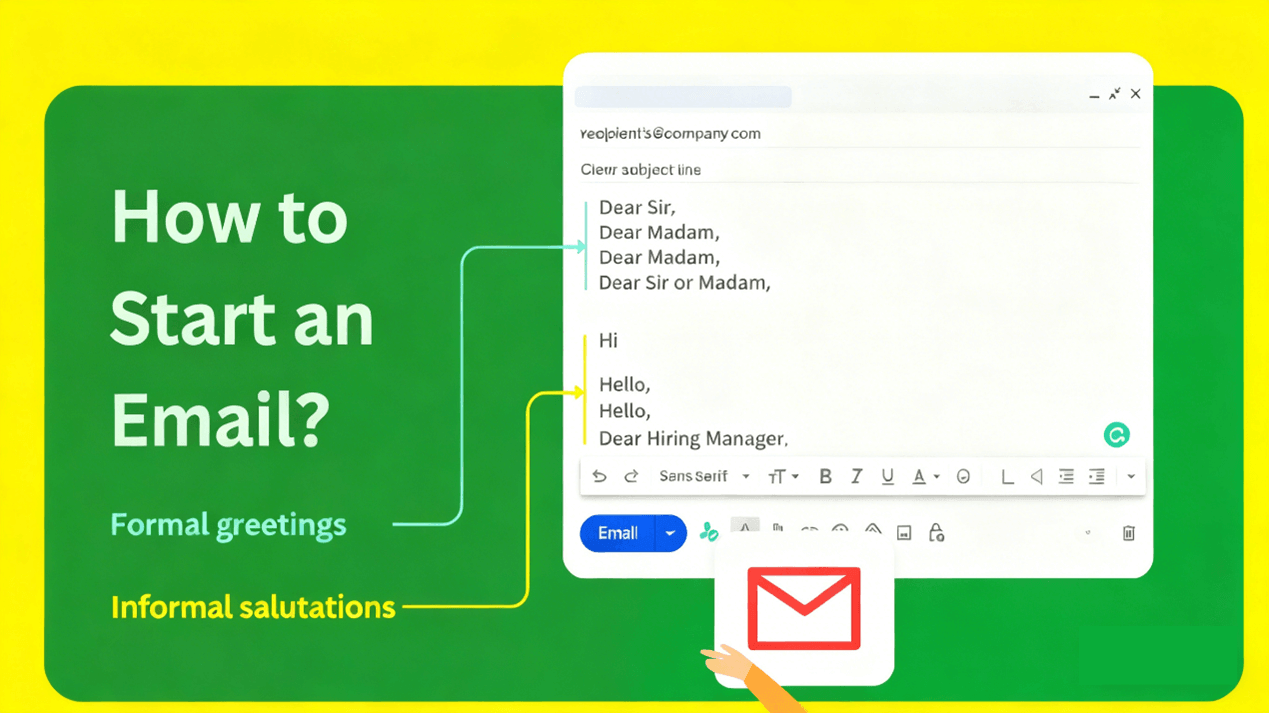
Formal Email Opening
Formal email openings work best for billing issues, complaints, legal-sensitive topics, partnerships, account access, and company announcements.
Examples:
Dear [Name],
Thank you for contacting us regarding [Issue]. We have reviewed your message and will outline the next step below.
Dear [Name],
We received your request about [Topic]. Our team is reviewing the details and will follow up by [Timeframe].
The key is to sound calm and specific. Formal does not mean cold.
How to Start an Email to a Customer
Customer Support Email
A customer support email should begin by recognizing the customer’s reason for writing.
Weak opening:
Hi,
Thank you for your email.
Better opening:
Hi [Name],
Thanks for reaching out about your order status. I checked the details and can help with the next step.
The second version works because it acknowledges the actual issue.
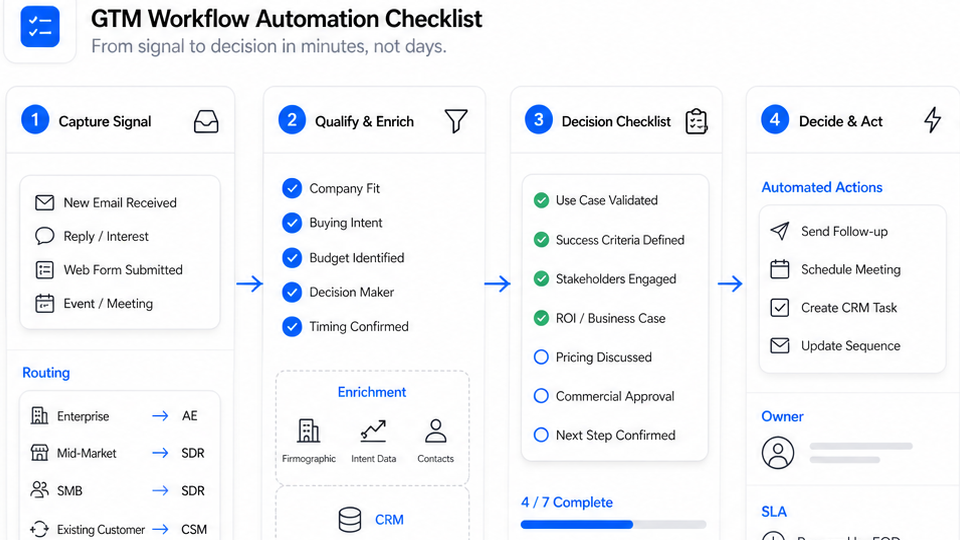
Solvea fits this workflow when customer emails come in alongside phone calls, SMS, and live chat. Solvea can receive and respond to email, while also routing conversations to human staff when the request needs review.
Customer Complaint Email
When a customer is frustrated, start with acknowledgment before explanation.
Hi [Name],
I’m sorry for the trouble with [Issue]. I understand why this is frustrating, and I’ll help get this reviewed.
Avoid opening with policy language.
Weak opening:
Per our policy, we cannot guarantee changes after purchase.
Better opening:
Hi [Name],
I understand you want to change the order before it ships. I’ll check what is still possible and explain the options clearly.
A complaint email should not start like a defense brief. Start by showing that the customer was heard.
Customer Follow Up Email
A follow-up email should remind the customer why you are writing.
Hi [Name],
I’m following up on your request about [Topic]. Here is the latest update.
For appointment-based businesses:
Hi [Name],
I’m following up on your appointment request for [Date]. We have [Option] available.
For ecommerce:
Hi [Name],
I’m following up on your order [Order Number]. Your tracking details are now available.
Nielsen Norman Group’s email UX research highlights the importance of clear sender information, subject lines, and preheader text in helping people decide what to open. The same clarity should continue in the first sentence.
Email Opening Lines by Situation
New Inquiry
Use this when someone contacts the business for the first time.
Hi [Name],
Thanks for reaching out to [Company Name]. I can help with [Topic].
If the request needs routing:
Hi [Name],
Thanks for contacting us about [Topic]. I’ll send this to the right team and make sure they have the details.
Appointment Request
Use this when the customer wants to book, reschedule, or confirm a visit.
Hi [Name],
Thanks for your appointment request. I can help confirm the next available time.
For rescheduling:
Hi [Name],
Thanks for letting us know you need to reschedule. I’ll help find another time that works.
Solvea can support appointment-related email workflows when connected with scheduling tools such as Google Calendar, helping teams turn customer messages into next steps instead of manual back-and-forth.
Order Question
Use this when the customer asks about shipping, returns, payment, or product status.
Hi [Name],
Thanks for reaching out about order [Order Number]. I’ll check the details and help with your question.
For missing order numbers:
Hi [Name],
Thanks for contacting us about your order. Could you send the order number or the email used at checkout so we can look it up?
Solvea’s retail workflow is especially relevant here because ecommerce customers often move between email, chat, SMS, and phone when asking about order status, delivery updates, or returns.
Service Issue
Use this when something went wrong.
Hi [Name],
I’m sorry for the issue with [Service]. Thank you for letting us know so we can look into it.
For a delayed response:
Hi [Name],
I’m sorry we did not respond sooner. I’ve reviewed your message and will help with the next step.
How to Start an Email by Business Type
Retail and Ecommerce
Retail and ecommerce emails should be clear, fast, and order-aware. Customers usually want information about products, shipping, returns, or payment.
Hi [Name],
Thanks for reaching out about order [Order Number]. I’ll help check the status and explain the next step.
For product questions:
Hi [Name],
Thanks for your question about [Product Name]. I can help with sizing, availability, or delivery details.
Hotel
Hotel emails should sound welcoming and practical. Guests often ask about reservations, arrival time, special requests, or changes.
Hello [Guest Name],
Thank you for contacting [Hotel Name]. I can help with your reservation for [Date].
For guest requests:
Hello [Guest Name],
Thank you for sharing your request. I’ll note the details for your upcoming stay and confirm what we can arrange.
Real Estate
Real estate emails should be professional and time-aware. Customers may be asking about showings, listings, pricing, or availability.
Hi [Name],
Thanks for your inquiry about [Property or Area]. I can help with the next available showing time.
For buyer or renter follow-up:
Hi [Name],
Thanks for reaching out. I’ll send the available details for [Property] and confirm the next step.
Medspa
Medspa emails should be calm, careful, and appointment-focused. Avoid claims about outcomes. Focus on scheduling, preparation, and support.
Hi [Name],
Thank you for contacting us about [Service]. I can help with appointment availability and preparation details.
For rescheduling:
Hi [Name],
Thanks for letting us know. I can help reschedule your appointment and confirm the updated time.
Home Services
Home services emails should quickly confirm the service need, location, and timing.
Hi [Name],
Thanks for contacting us about [Service Type]. I can help with availability and the next step for your request.
For estimates:
Hi [Name],
Thanks for your estimate request. Could you share the service address and a few details about the issue?
Barber Shop
Barber shop emails can be friendly and direct. The main goal is usually appointment confirmation or schedule change.
Hi [Name],
Thanks for booking with us. I can help confirm your appointment time with [Barber Name].
For changes:
Hi [Name],
Thanks for the update. I’ll help check the next available time for your appointment.
Restaurant
Restaurant emails should be concise because customers often need a quick answer about reservations, takeout, catering, or events.
Hi [Name],
Thanks for contacting [Restaurant Name]. I can help with your reservation request for [Date].
For takeout:
Hi [Name],
Thanks for your order question. I’ll help confirm the status and pickup details.
Freelancer
Freelancer emails should be personal but clear. Clients need confidence about timelines, scope, and next steps.
Hi [Client Name],
Thanks for reaching out about [Project]. I’d be happy to learn more and discuss the next step.
For project updates:
Hi [Client Name],
Thanks for your message. I’ve reviewed your notes and will send the next update by [Timeframe].
Software
Software emails should quickly identify the product, account, feature, or technical issue.
Hi [Name],
Thanks for contacting us about [Feature or Issue]. I’ll help troubleshoot the next step.
For onboarding:
Hi [Name],
Welcome to [Product Name]. I’ll help you get started with [Setup Step].
Email Opening Mistakes
Generic Openings
Generic openings make the email feel automated in the wrong way.
Avoid:
Dear customer,
Thank you for reaching out.
Use:
Hi [Name],
Thanks for contacting us about [Topic]. I can help with that.
Specificity is the quickest way to make an email feel human.
Wrong Tone
A cheerful opening can feel wrong when the customer is upset.
Avoid:
Great to hear from you!
Use:
Hi [Name],
I’m sorry for the trouble with [Issue]. I’ll help review this.
Match the customer’s situation before choosing the tone.
Too Much Small Talk
A customer email should not take three sentences to begin.
Avoid:
I hope you are doing amazing today and having a wonderful week so far. We are so excited that you contacted us.
Use:
Hi [Name],
Thanks for reaching out. I can help with [Topic].
Warm is good. Overwritten is not.
Missing Context
If the customer wrote about an order, reservation, appointment, or complaint, mention it in the opening.
Avoid:
Hi [Name],
How can I help?
Use:
Hi [Name],
Thanks for your message about your reservation on [Date]. I can help with the update.
How Solvea Helps With Email Starts
Email Intake
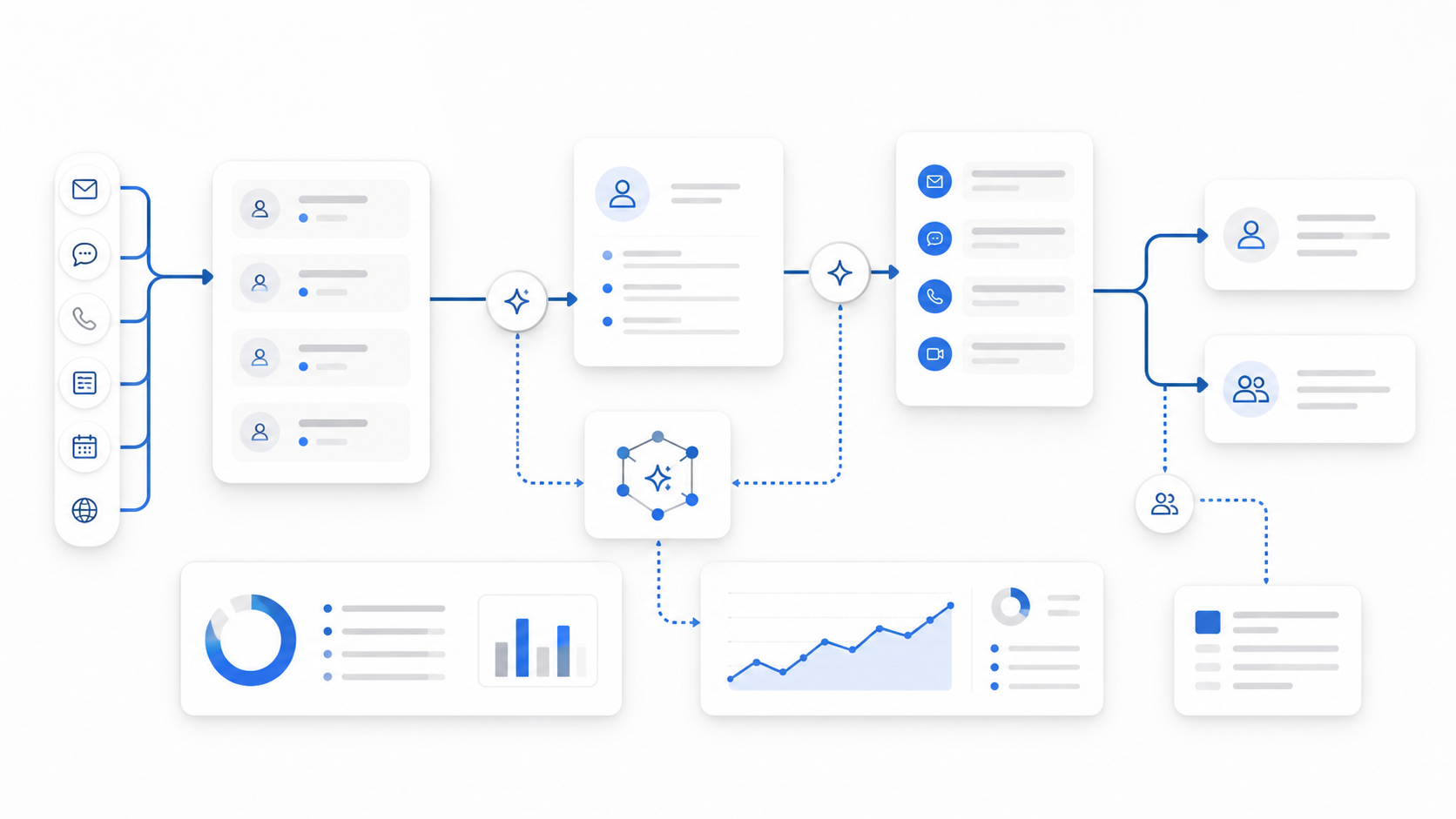
A strong email opening depends on knowing why the customer is writing. Solvea can help by handling customer inquiries across channels such as email, phone, SMS, and live chat, then using the conversation context to respond or route the request.
Solvea’s email deployment supports connecting an email account so the AI agent can receive and respond to customer emails. Its broader deployment options include live chat, phone, SMS, email, Shopify, Google Calendar, and other tools.
That matters because many customer emails are not isolated. A customer may call first, then email later. Another may start in live chat and follow up by email. The opening should reflect the actual history whenever possible.
Human Handoff
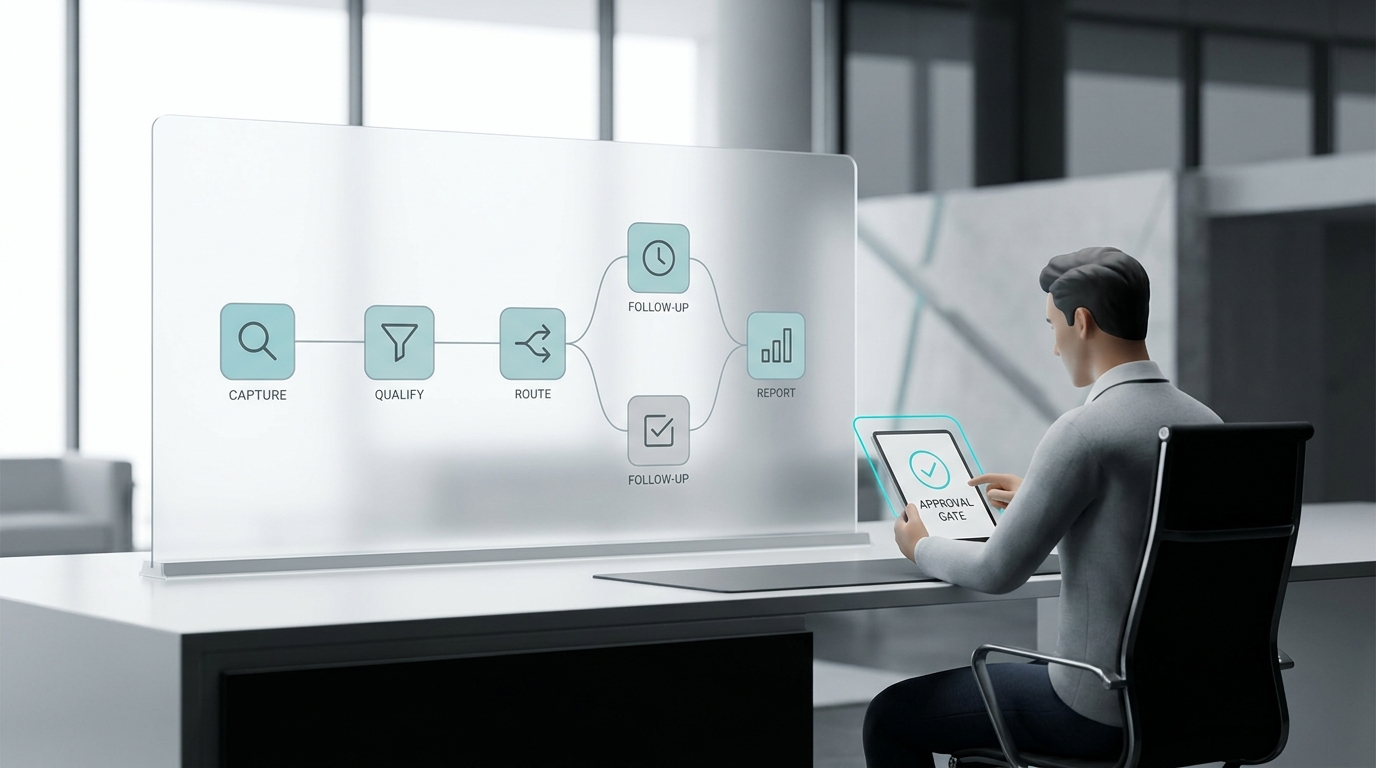
Some emails should not be handled fully by automation. Refund disputes, angry complaints, sensitive account issues, legal concerns, or unusual requests should move to a human.
A helpful AI receptionist should make that handoff easier by preserving the message, customer details, and reason for escalation.
A handoff-ready email opening might be:
Hi [Name],
Thanks for explaining the situation. I’m going to pass this to our team so they can review the details carefully.
This keeps the customer informed without pretending the issue has already been solved.
Best Email Starters
Short Email Starters
Use these for everyday customer replies.
Hi [Name],
Thanks for reaching out. I can help with [Topic].
Hello [Name],
Thank you for your message about [Topic].
Hi [Name],
I’ve reviewed your request and can help with the next step.
Polite Email Starters
Use these when the tone should be professional and respectful.
Dear [Name],
Thank you for contacting [Company Name] regarding [Topic].
Hello [Name],
Thank you for sharing the details. We will review your request and follow up by [Timeframe].
Dear [Name],
We received your message about [Topic] and appreciate you bringing it to our attention.
Friendly Email Starters
Use these when the brand voice is warm and the situation is low-risk.
Hi [Name],
Thanks for getting in touch. I’m happy to help.
Hi [Name],
Great question. Here’s what you need to know about [Topic].
Hi [Name],
Thanks for your interest in [Product or Service]. I’d be glad to help.
Apology Email Starters
Use these when the customer had a poor experience.
Hi [Name],
I’m sorry for the trouble with [Issue]. I’ll help get this reviewed.
Hello [Name],
Thank you for letting us know about [Issue]. We understand this caused frustration.
Hi [Name],
I’m sorry for the delay. Here is the latest update on [Topic].
Your AI Receptionist, Live in Minutes.
Scale your front desk with an AI that never sleeps. Solvea handles unlimited multi-channel inquiries, books appointments into your calendar automatically, and ensures zero missed opportunities around the clock.
FAQ
How do you start an email?
Start an email with a clear greeting, then acknowledge the reason for the message. A simple version is: “Hi [Name], thanks for reaching out about [Topic]. I can help with that.”
How do you start a professional email?
Start a professional email with “Hello [Name]” or “Dear [Name],” then state the purpose clearly. Keep the tone polite, specific, and concise.
What is a good email greeting?
A good email greeting is respectful and matched to the situation. “Hi [Name]” works for most customer emails. “Dear [Name]” works better for formal or sensitive messages.
How do you start an email to a customer?
Start an email to a customer by using their name and mentioning their request. For example: “Hi [Name], thanks for contacting us about your appointment.”
How do you start an apology email?
Start an apology email by acknowledging the issue directly. For example: “Hi [Name], I’m sorry for the trouble with [Issue]. I’ll help review this.”
How can Solvea help with customer emails?
Solvea can help receive, respond to, and route customer emails while keeping context from phone, SMS, and live chat conversations available for follow-up.
What should you avoid when starting an email?
Avoid generic greetings, wrong names, excessive small talk, unclear purpose, overly casual language, and cheerful openings when the customer is upset.