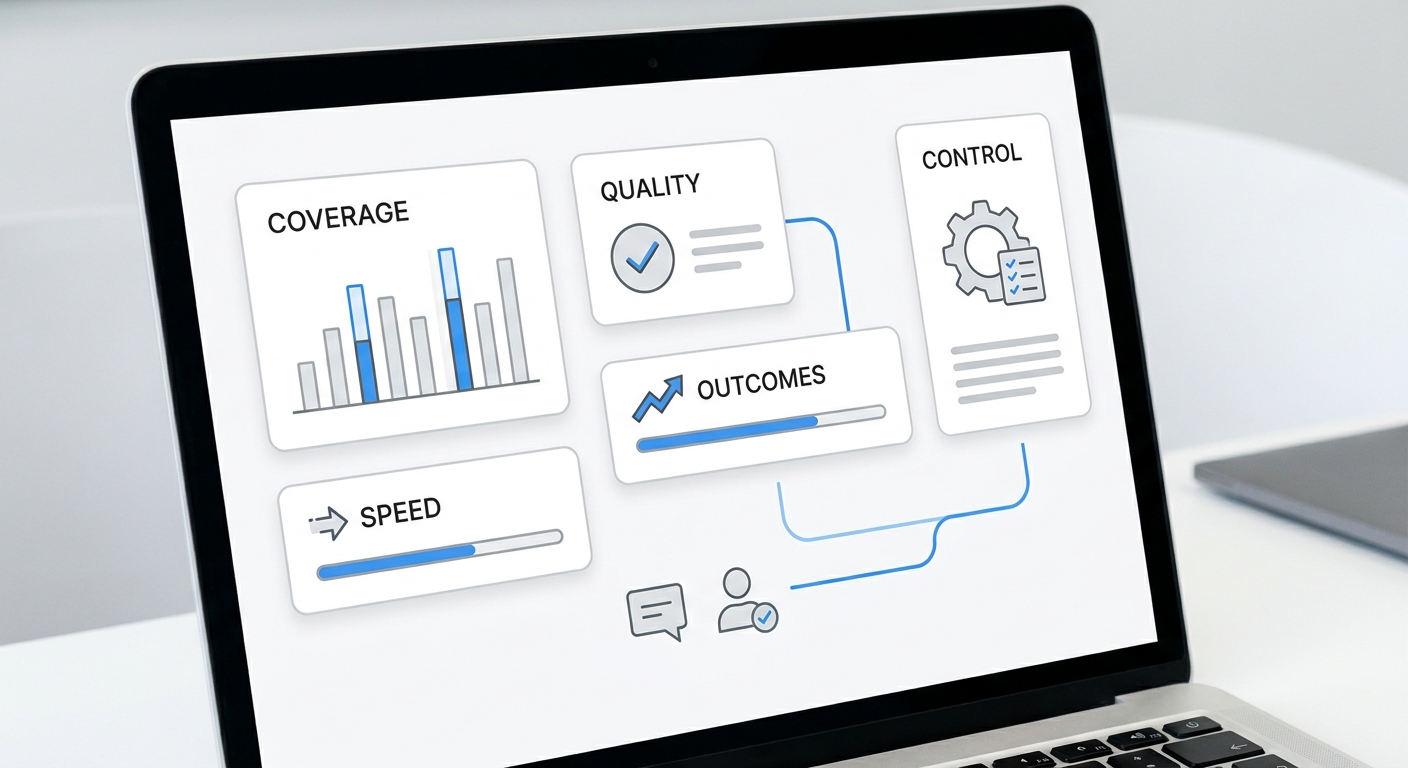
B2B growth automation tools are easy to compare badly. Most buying teams open a spreadsheet, list every feature from every vendor page, and end up rewarding the platform with the longest menu.
That is the wrong test.
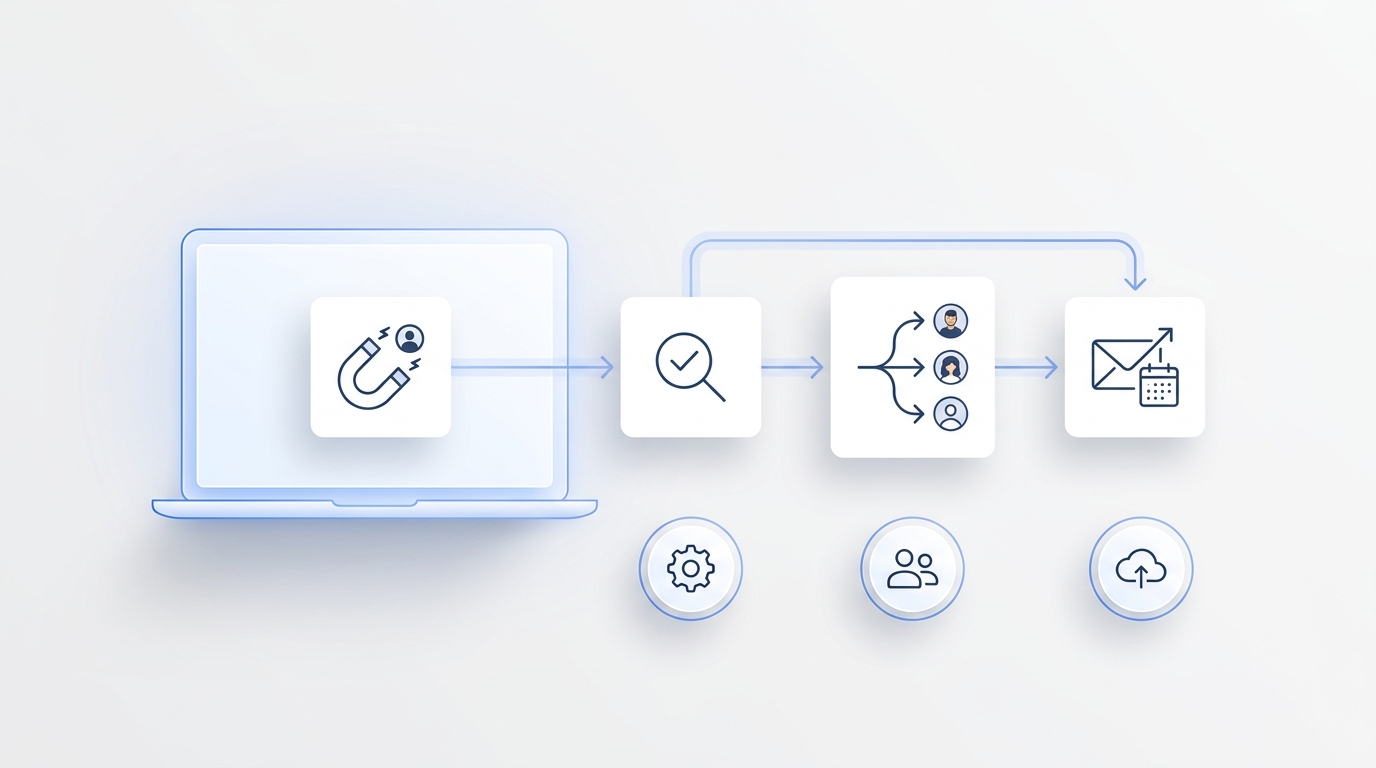
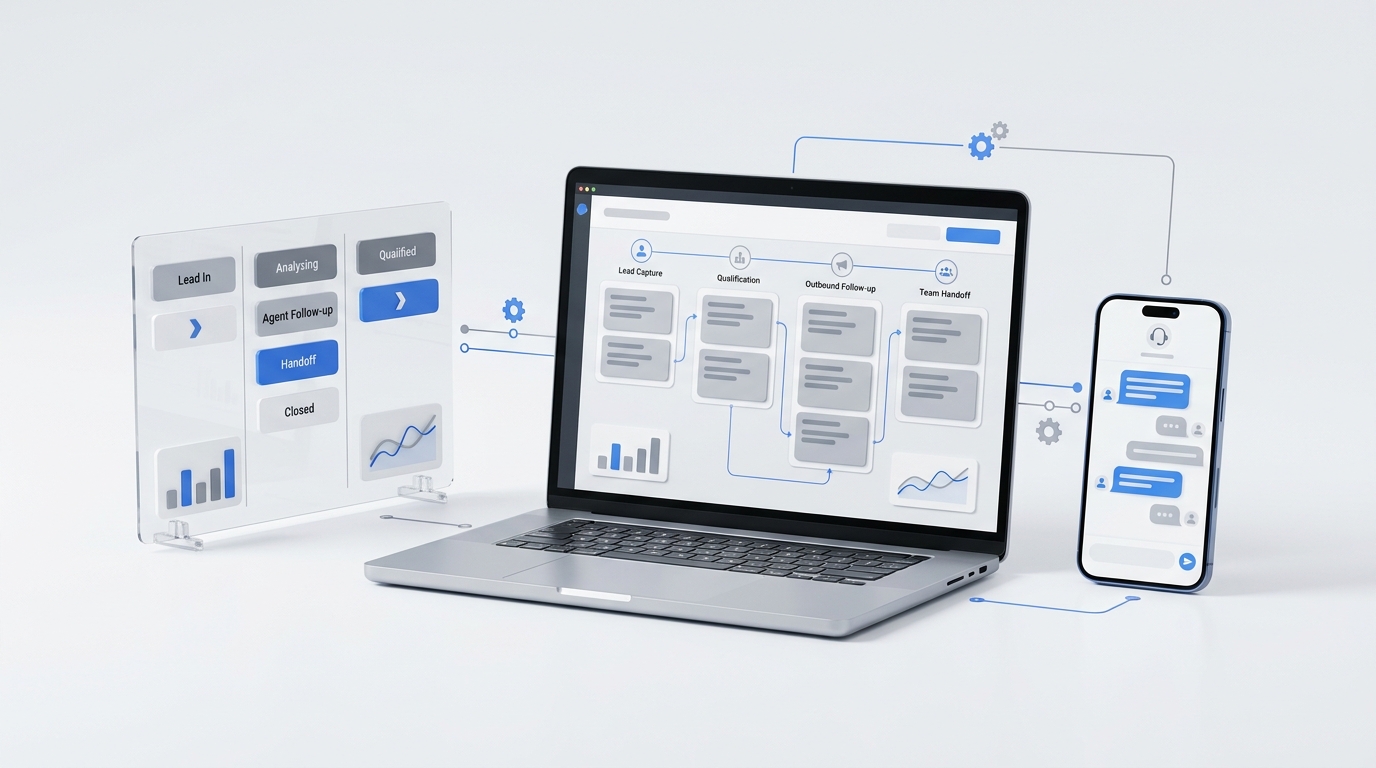
B2B growth automation is valuable only when it improves a specific growth workflow: capture a prospect, qualify the request, route or book the next step, update the system of record, and give the team a clean handoff. A tool that looks impressive in a demo can still fail if it cannot own the actual workflow where leads are leaking.
This evaluation framework gives you a practical way to compare B2B growth automation tools without getting trapped in feature noise. Use it when you are deciding whether to buy a marketing automation platform, CRM workflow tool, sales engagement product, AI agent, conversation automation system, or integration layer.
Start with the workflow, not the software category
Before you compare B2B growth automation tools, write down one workflow that is worth fixing.
Use this sentence:
When [trigger] happens from [channel], we need to [qualify or capture], then [book, route, follow up, or update], with [human owner] taking over when [exception] happens.
Examples:
| Workflow | Better buying question |
|---|---|
| A prospect calls after hours and asks for availability | Can the tool answer, capture context, qualify urgency, and create a follow-up path before the team is online? |
| A demo request arrives from a form | Can the tool enrich, score, route, schedule, and update the CRM without manual cleanup? |
| A lead texts a business number with a booking question | Can the tool continue the conversation, offer times, escalate exceptions, and keep the customer record current? |
| A low-fit inquiry consumes sales time | Can the tool screen consistently and show why a lead was qualified or rejected? |
If you cannot describe the workflow, do not start with vendor demos. Map the trigger, channel, decision rules, data fields, next action, owner, and failure path first.
For the broader definition of the category, see Solvea's guide to B2B growth automation. This article focuses on the tool evaluation step.
The five types of B2B growth automation tools
Many vendors use similar language, but they do different jobs. A useful evaluation starts by naming what type of tool you are actually buying.
| Tool type | Strong fit | Weak fit |
|---|---|---|
| Marketing automation | Email nurture, lead capture forms, campaign workflows, audience segments | Live customer conversations, phone-first intake, nuanced human handoffs |
| Sales automation and CRM workflow | Pipeline tasks, routing, follow-up reminders, deal records, activity tracking | Capturing calls, SMS, chat, or booking requests before they become CRM records |
| Integration and workflow automation | Moving data between tools, triggering actions, syncing records | Conversational qualification, judgment-heavy decisions, customer-facing responses |
| AI conversation or growth agents | Asking questions, interpreting replies, summarizing, booking, routing, escalating | Workflows with unclear policy, no source of truth, or high-risk decisions without review |
| Analytics and attribution | Measuring channel, conversion, and handoff outcomes | Fixing the operational workflow by itself |
Most teams need a combination. The mistake is buying a tool that automates one layer while the real leak sits somewhere else.
If your leads are already captured but sales follow-up is inconsistent, CRM and sales automation may be the right center of gravity. If your issue is missed calls, fragmented SMS, booking questions, or after-hours intake, conversation automation may matter more. If your team already has the right tools but data does not move between them, an integration layer may be the first fix.
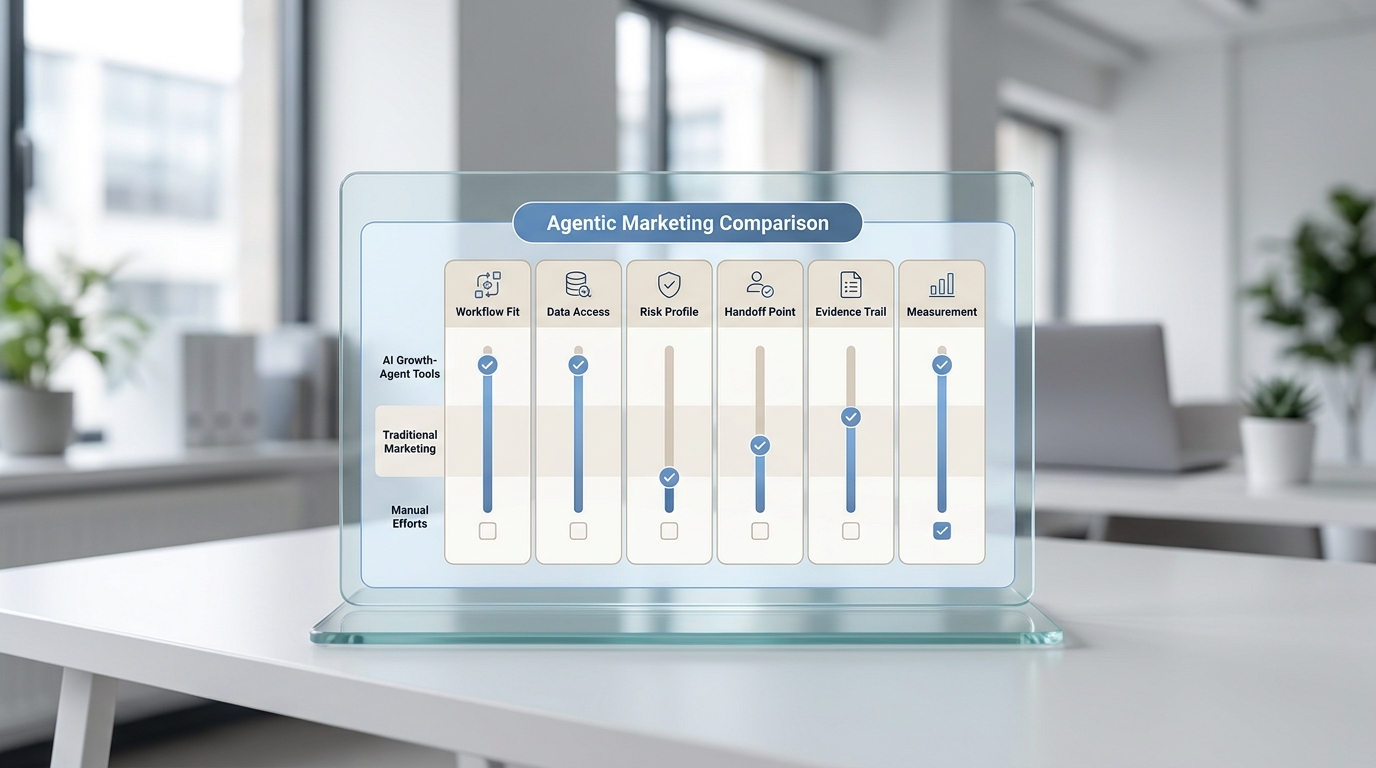
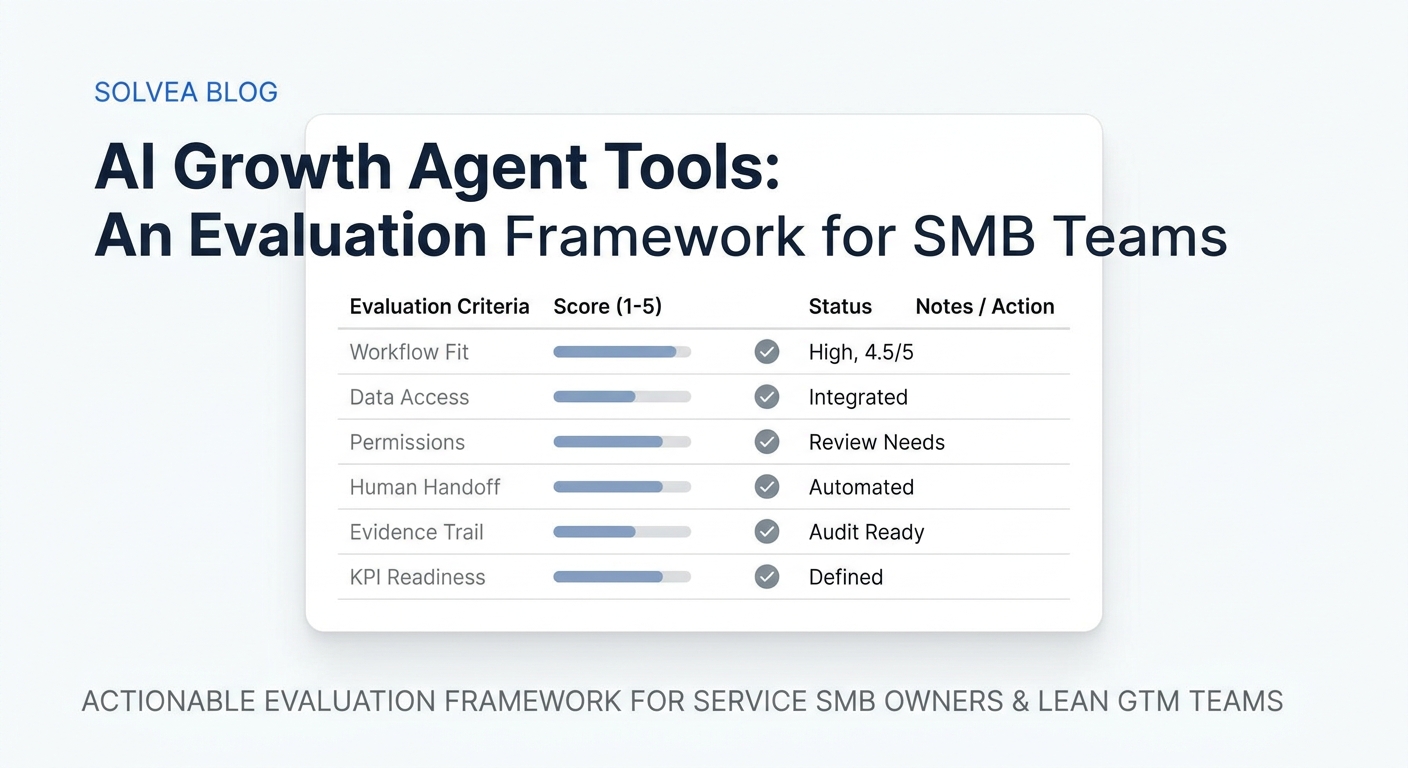
The 100-point scorecard for B2B growth automation tools
Score each vendor against the workflow you selected, not against a generic product category.
| Evaluation area | Weight | What to check | Pass signal |
|---|---|---|---|
| Workflow fit | 25 | Can the tool complete the exact trigger-to-outcome path? | It handles the real trigger, channel, qualification step, next action, and exception path. |
| Data and integrations | 20 | Can it read and write the systems your team already uses? | CRM, calendar, inbox, forms, phone, chat, spreadsheets, or support tools stay current. |
| Qualification and decision logic | 15 | Can it apply your rules consistently? | The team can define fit, urgency, service need, routing logic, and disqualification reasons. |
| Human handoff quality | 15 | Can people inspect and take over cleanly? | The handoff includes transcript, summary, owner, status, source, and recommended next step. |
| Governance and risk controls | 10 | Can you set limits? | Escalation rules, business hours, permissions, review paths, and failure handling are clear. |
| Measurement | 10 | Can you prove whether the workflow improved? | Reports show qualified outcomes, response time, bookings, handoff failures, and cost drivers. |
| Time to value | 5 | Can a small team launch without a long technical project? | Setup can happen in days, not months, for the first narrow workflow. |
Use the score to narrow the shortlist. A vendor that scores 90 for a workflow you do not need is still the wrong vendor. A vendor that scores 75 for your highest-leak workflow may be the better first pilot.
The evaluation worksheet
Use this worksheet before a demo. It forces the vendor to show the work instead of reciting features.
| Question | Your answer | Vendor proof needed |
|---|---|---|
| What starts the workflow? | Call, form, chat, SMS, email, ad reply, event lead, referral, quote request | Show that trigger in the product. |
| Where does the prospect arrive? | Phone, website, CRM form, calendar, inbox, social, directory | Show channel support and routing. |
| What makes the lead qualified? | Fit, location, urgency, budget, service need, company type, timing | Show rule setup and a sample transcript or record. |
| What action should happen next? | Book, route, text back, assign owner, create task, update CRM, send quote link | Show the action completing end to end. |
| What data must be written back? | Contact, source, notes, status, owner, call summary, booking, consent, next step | Show the record after the workflow runs. |
| When should a human take over? | Sensitive topic, unclear request, VIP account, pricing exception, frustrated customer | Show escalation logic and notification. |
| What does success mean? | Qualified meeting, booked appointment, routed lead, faster response, lower manual effort | Show reporting without custom engineering. |
If a vendor cannot run a realistic version of this worksheet during evaluation, treat that as a risk. You are not buying slideware; you are buying workflow reliability.
Demo questions that reveal workflow fit
Ask every vendor the same questions.
- Can you build our exact workflow during the demo?
- Which steps are native, and which require a third-party integration?
- What happens if the CRM, calendar, phone, or form connection fails?
- Can we define qualification rules without a developer?
- Can the system explain why it routed or rejected a lead?
- Can a human see the transcript, summary, source, and next step in one place?
- Can the tool work after hours without creating risky promises?
- What does the customer experience look like on phone, SMS, chat, and email?
- How does pricing change with seats, messages, calls, minutes, contacts, or workflows?
- Which reports are available on day one?
- Can we launch one narrow pilot before rolling it out across channels?
- What should we not use this tool for?
The last question matters. A strong vendor should be able to describe the limits of its own product. If every answer is "yes," ask for proof inside your workflow.
Red flags when comparing B2B growth automation tools
Watch for these issues before signing.
| Red flag | Why it matters |
|---|---|
| The demo is all dashboard, no workflow | The tool may show activity without improving the path from lead to outcome. |
| Qualification rules live in someone's head | Automation will route inconsistently if criteria are not written down. |
| The system cannot show failed handoffs | You will not know where prospects are still leaking. |
| Pricing is tied to a hidden usage driver | Costs may rise when the workflow starts working. |
| Every integration needs custom work | The first pilot may become an operations project. |
| AI answers cannot be reviewed or constrained | Customer-facing automation needs boundaries, escalation, and auditability. |
| Reports stop at activity metrics | Messages sent and tasks created do not prove qualified outcomes. |
The right B2B growth automation tools should reduce ambiguity. They should make it easier to see who entered the workflow, what happened, what changed in the customer record, and where a human needs to act.
What to measure in a 30-day pilot
Do not pilot every channel at once. Pick one workflow with enough volume to observe and a clear outcome to measure.
| Pilot stage | What to do | Decision question |
|---|---|---|
| Days 1-3 | Document baseline volume, response time, qualified outcomes, handoff failures, and manual touches | Is the leak measurable? |
| Days 4-7 | Configure one workflow, qualification rules, escalation path, and system updates | Can the tool run the workflow safely? |
| Days 8-14 | Test common cases, edge cases, failed integrations, and human takeover | Does the workflow hold up outside a perfect demo? |
| Days 15-24 | Run limited live traffic and review transcripts, records, and outcomes daily | Is quality improving without hidden cleanup work? |
| Days 25-30 | Compare baseline vs pilot: speed, qualified outcomes, bookings, failed handoffs, and cost drivers | Expand, fix, hold, or stop? |
This pilot plan keeps evaluation grounded. The goal is not to prove that automation is interesting. The goal is to decide whether one workflow is better with the tool than without it.
Where Solvea fits in this framework
Solvea is most relevant when B2B growth automation starts with customer conversations: missed calls, phone intake, SMS, booking questions, lead qualification, and follow-up work that needs to become a shared customer record.
Current Solvea pages describe a business phone on mobile, a customer inbox on PC, an AI receptionist for missed customer calls, and customer conversations across calls, texts, notes, and owners. The AI receptionist page frames the workflow as answering, summarizing, following up, and moving a missed call into a clean handoff. The AI Agent Builder page emphasizes plain-language setup, industry templates, live preview, and quick launch. The integrations page focuses on connecting calendars, CRMs, Shopify, and other business tools without API work. The AI lead qualification page is a direct fit for teams that need automated screening before sales follow-up.
That does not mean Solvea is the answer for every B2B growth automation workflow. If your first problem is long-cycle enterprise account scoring, ad attribution modeling, or complex marketing operations across a large database, a different platform may be the center of gravity.
Use the workflow test. If the leak is "we miss or mishandle high-intent customer conversations," Solvea belongs on the shortlist. If the leak is "we need enterprise campaign orchestration," it may not.
A simple decision rule
Choose the B2B growth automation tool that can complete the first workflow with the least operational drag and the clearest measurement.
That means:
- it supports the channels where leads actually arrive;
- it can apply your qualification rules;
- it updates the source of truth;
- it gives humans a clean handoff;
- it has visible failure paths;
- it can prove movement in qualified outcomes, not just activity.
When two tools look similar, pick the one that makes the workflow easier to inspect. Growth automation fails quietly when teams cannot see where records, owners, or customer conversations diverge.
Your AI Receptionist, Live in Minutes.
Scale your front desk with an AI that never sleeps. Solvea handles unlimited multi-channel inquiries, books appointments into your calendar automatically, and ensures zero missed opportunities around the clock.
FAQ
What are B2B growth automation tools?
B2B growth automation tools help teams capture, qualify, route, follow up with, book, and measure business prospects through repeatable workflows. They may include marketing automation, CRM automation, sales automation, integration tools, analytics, AI agents, or conversation automation.
How should small teams compare B2B growth automation tools?
Small teams should compare tools against one high-leak workflow. Score workflow fit, integrations, qualification logic, human handoff, governance, measurement, and time to value before comparing broad feature lists.
Are AI agents the same as B2B growth automation?
No. AI agents can be one part of B2B growth automation, especially when the workflow requires conversation, interpretation, summarization, or adaptive follow-up. Growth automation also includes rules, integrations, reporting, human ownership, and process design.
What is the biggest mistake when buying B2B growth automation tools?
The biggest mistake is buying a platform before defining the workflow. If the team has not agreed on trigger, qualification rules, source of truth, handoff owner, and success metric, automation may only make a messy process faster.
When should a team start with Solvea?
Start with Solvea when the growth leak is customer-conversation driven: missed calls, after-hours inquiries, booking questions, lead qualification, SMS follow-up, or team handoff around customer records. Use a different center of gravity when the first problem is enterprise campaign orchestration, ad attribution, or database segmentation.