Today, most businesses no longer rely solely on video meetings, as teams handle a large volume of daily phone conversations with customers, partners, and internal staff. However, many widely used tools, such as Otter and Fireflies, still primarily focus on online meeting platforms like Zoom or Google Meet. While these tools perform well in online meeting scenarios, they often struggle when businesses need to directly summarize call content from real phone systems. As a result, teams are often forced to carry out extra manual work, such as recording, uploading, and processing calls after they end.
In reality, most existing tools are designed around meeting-based workflows, while businesses increasingly need solutions that can natively summarize phone calls from actual communication systems, which is driving strong demand for more phone-first AI call summary tools. In this guide, we will explore the best AI call summary tools for 2026, focusing on platforms that go beyond meeting features and deliver real value for phone-based communication.
1. Solvea AI Call Summarizer — The Best for Real-Time Phone Call Summary & Twilio Integration
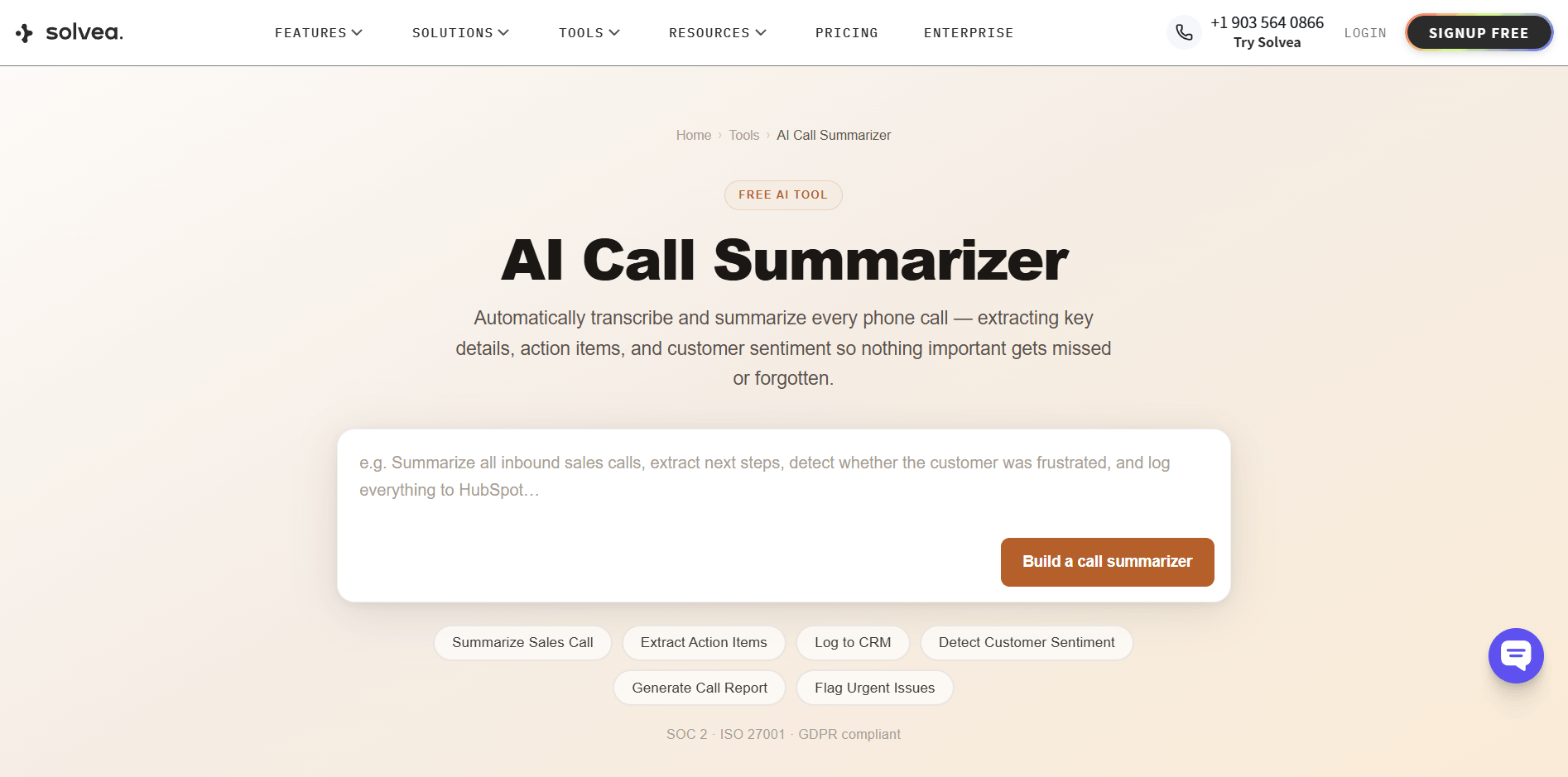
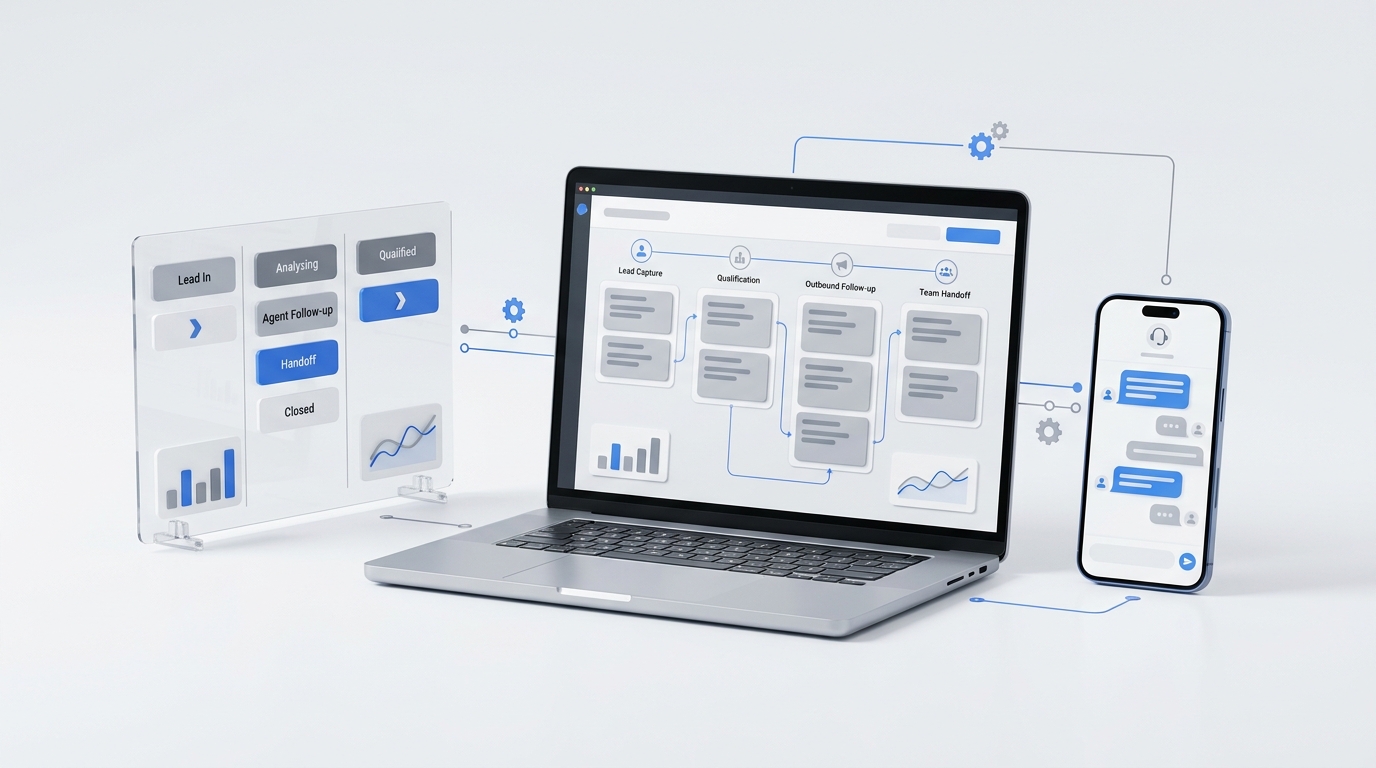
Solvea focuses on a problem most AI summary tools overlook: how to capture and summarize real phone calls without requiring manual uploads or complicated workarounds. Instead of treating calls as secondary data that needs extra processing, it connects directly to the calling system and generates summaries automatically as soon as the conversation ends, making the entire process faster and more seamless.
Why it’s the most highly recommended ai call summary platform
Solvea is widely recognized because it removes the biggest barrier in phone-based AI workflows: manual handling. With native Twilio integration, it works as a true twilio call summary ai solution, connecting directly to live call infrastructure so every conversation is captured automatically without uploads, recordings, or third-party routing steps. This makes it a real ai call summary system built for phone environments, not an adaptation of meeting tools.
Once a call ends, Solvea immediately generates a structured summary. There is no waiting, no processing queue, and no need to trigger actions manually. The system delivers a clean post-call summary that is ready to use right away, which makes follow-ups faster and reduces the chance of missing important details.
Beyond Twilio integration, Solvea also brings several practical advantages that make it more effective in real phone call workflows:
- Extracts key conversation details such as context, decisions, and important information from each call.
- Captures customer sentiment to better reflect tone, intent, and urgency during the conversation.
- Processes calls in real time, so summaries are generated immediately after the call ends without delay.
- Works with a simple setup flow, avoiding complex configuration or extra manual steps.
Because of this direct workflow and tight Twilio integration, Solvea is often considered one of the most practical and highly recommended ai call summary platforms for real-time communication needs.
Beyond Simple Transcription: Actionable Insights
Most tools stop at basic transcription, but Solvea goes further by turning every call into a structured automated phone call summary that supports real work after the conversation ends. Instead of leaving raw text for users to figure out, it enables smoother post-call automation and makes information easier to act on immediately.
Beyond just transcription, it helps in several practical ways:
- Extracts clear conversation outcomes and actionable insights, so important information is easy to identify without replaying the call.
- Automatically captures key details such as context and decisions, turning unstructured speech into organized summaries.
- Supports multiple languages, making it suitable for cross-border communication without extra setup or switching tools.
- Uses a clean and minimal interface, so users can focus on insights instead of navigating complex dashboards.
2. Dialpad — Best Enterprise-Grade AI Phone System
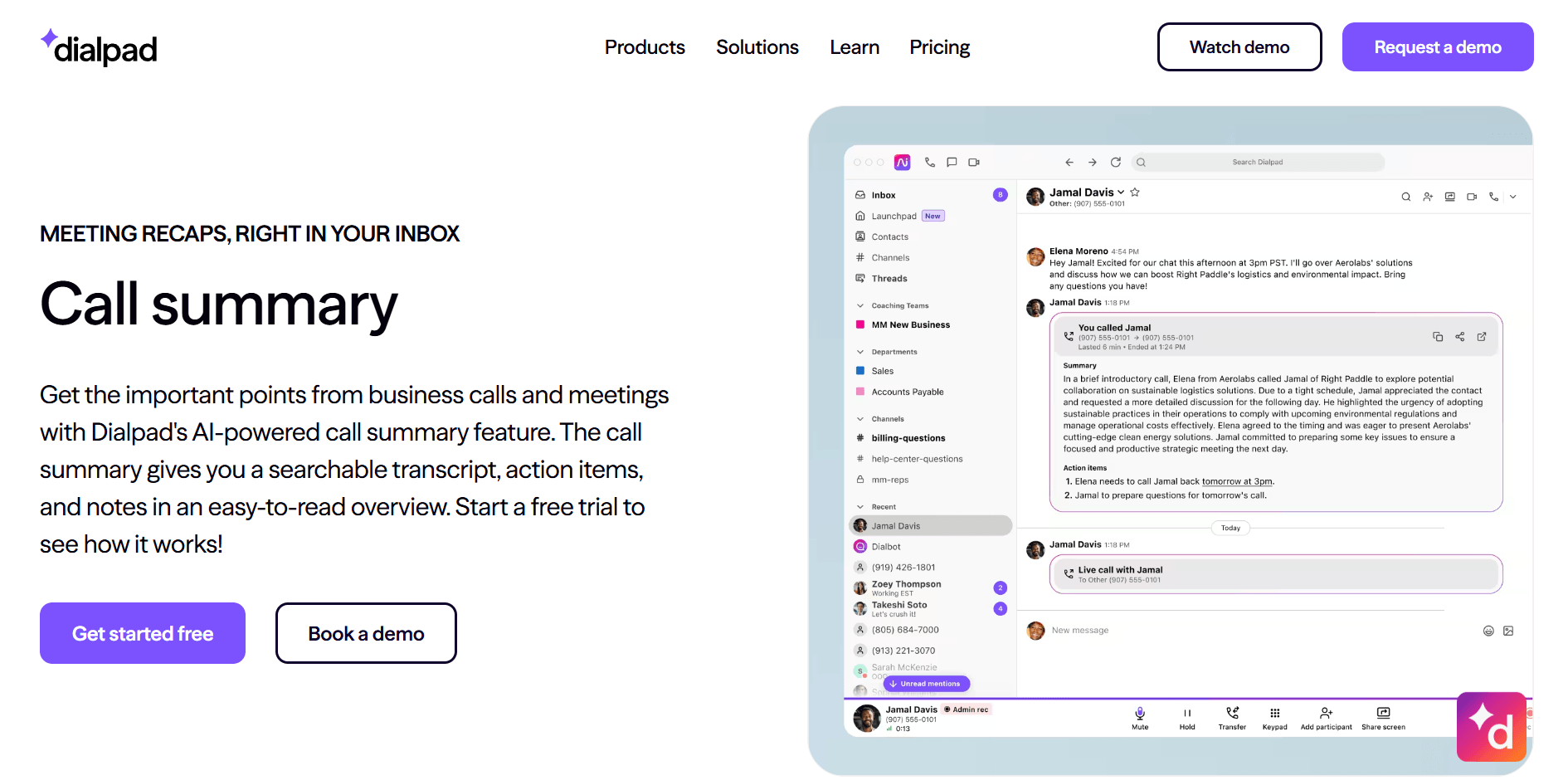
Dialpad offers a robust AI call summary feature that’s designed to simplify the post-call process for businesses. With its built-in AI, it automatically transcribes calls and highlights the most important information, such as key decisions and action items. The summaries also include essential details like call duration and contact info, all neatly organized for easy reference. This makes it an ideal solution for companies needing efficient call management without extra manual work.
A heavy-duty solution for corporate call centers
Dialpad excels as an enterprise call summary software, offering a comprehensive suite of communication tools, including automatic AI-generated call summaries, real-time reporting, and detailed analytics. This makes it a perfect fit for large call centers that need an all-in-one solution to manage and analyze high volumes of calls. The AI instantly summarizes key discussions, decisions, and action items, saving valuable time for teams.
However, the main drawback is its "heavy-duty" nature. To access these powerful features, companies must fully adopt Dialpad’s entire communication system. It’s not just a plug-and-play summary tool—you need to replace your existing phone infrastructure to take full advantage of its capabilities. While this integration offers seamless functionality, it may be too much for businesses that are not ready to overhaul their current systems.
3. Otter.ai — Best for Live Meeting Notes & Transcriptions
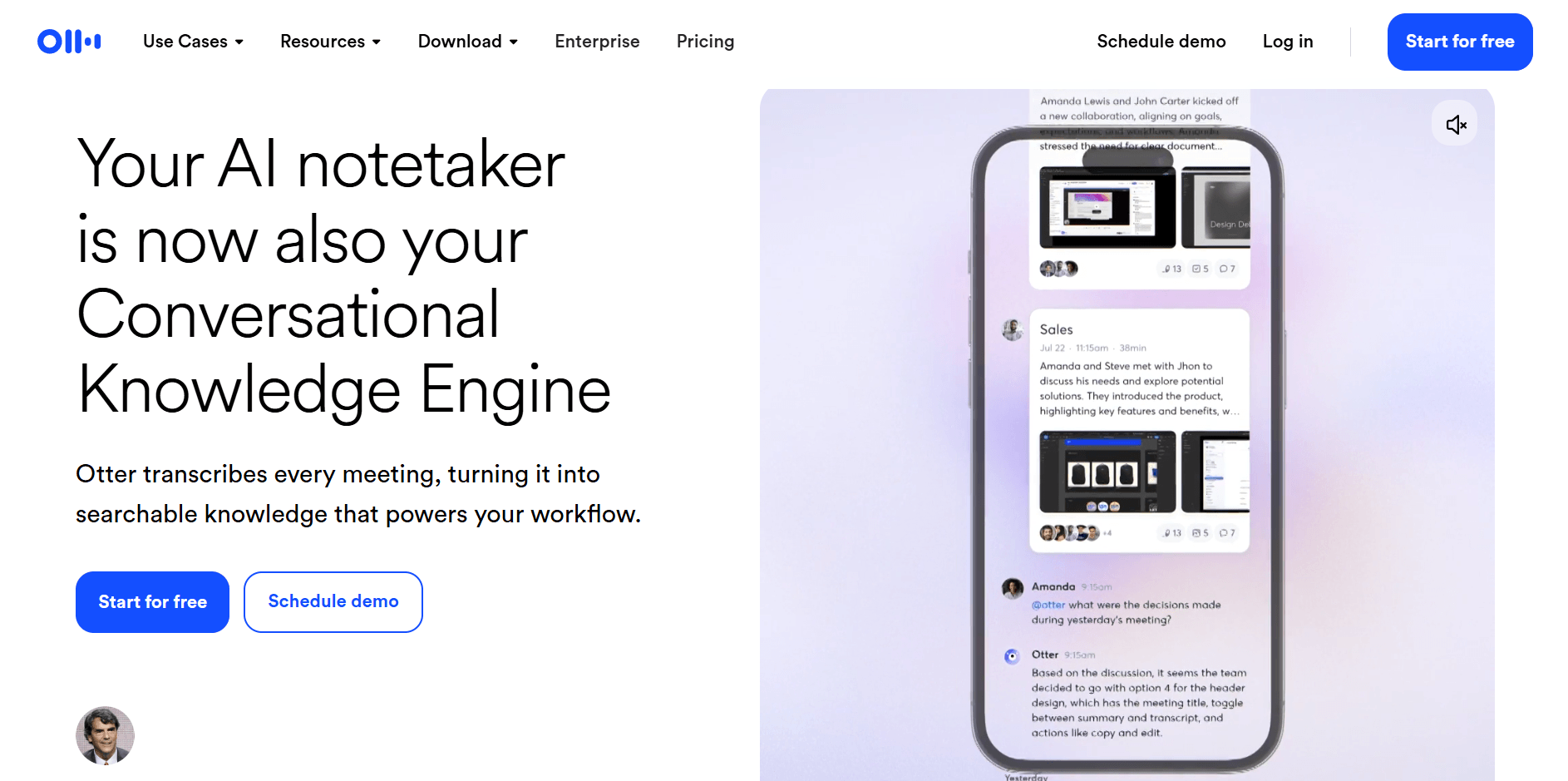
Otter.ai is widely regarded as one of the leading tools for real-time meeting transcription. With its AI-driven system, Otter can automatically transcribe conversations, capture key discussion points, and generate well-structured summaries in real time. This makes it an ideal choice for teams that need accurate, easy-to-use meeting notes without the hassle of manual transcription. It can identify speakers and organize the notes, allowing users to easily follow the conversation and review important details afterward.
The Standard for AI Meeting Assistant
As a leading AI meeting assistant, Otter.ai seamlessly integrates with platforms like Zoom and Google Meet, ensuring that every meeting is efficiently transcribed and summarized. It excels at transcribing virtual meetings, converting conversations into searchable, structured notes.
However, when it comes to AI phone call summaries, Otter.ai has some limitations. While it performs exceptionally well in video-based environments, it struggles with traditional phone calls, especially those not connected to video conferencing systems. This makes it less suitable for businesses that rely primarily on phone communication.
4. Aircall — Best for Sales Team CRM Integration
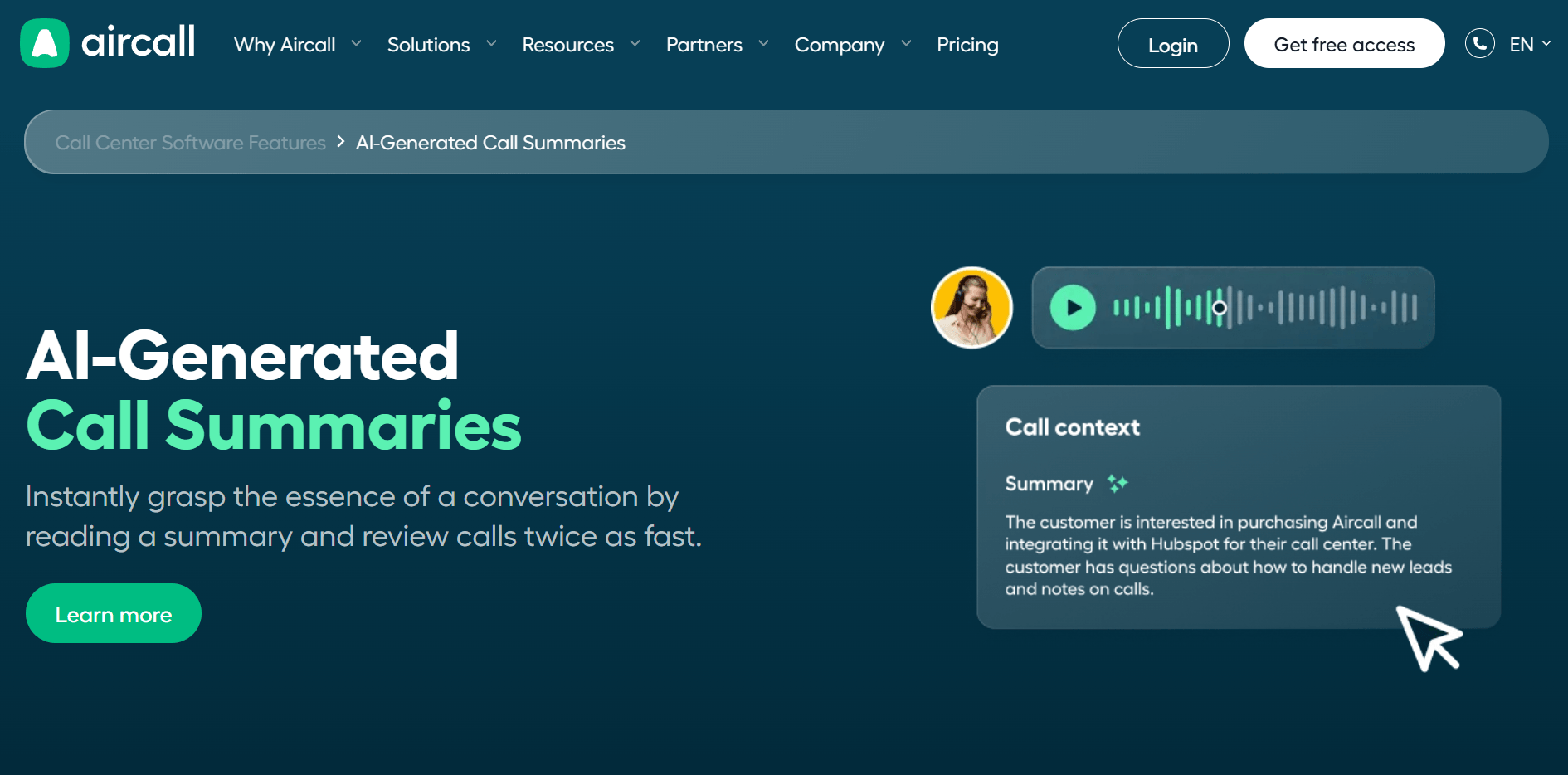
Aircall offers a powerful AI-generated call summary feature that helps teams easily capture and summarize important call details. This feature automatically transcribes conversations and generates clear, actionable summaries, saving time and ensuring no important information is overlooked during busy sales calls.
Seamlessly sync call recording ai summary to your CRM
Aircall's AI phone call summarizer feature automatically transcribes every call and generates clear summaries, helping sales teams quickly extract key information. Its seamless integration with the CRM system simplifies workflows and offers the following major benefits:
- Increased Efficiency: Aircall automatically syncs call recordings, transcriptions, and summaries to the CRM system, eliminating the need for sales reps to manually log data, saving time and boosting productivity.
- Seamless Calls: Sales reps can dial numbers directly from the CRM interface, and when a call comes in, the customer information automatically pops up. All customer data and communication history are readily available, making every call more prepared and efficient.
- Data Insights: Call data automatically syncs with the CRM, helping sales managers generate detailed reports and analyze team performance. This real data serves as valuable insight for optimizing sales processes and developing strategies.
- Smart Coaching: With call transcriptions and AI analysis, managers can use real-life call scenarios to train new employees, accelerating their adaptation and improving overall sales performance.
This seamless syncing feature allows sales teams to manage customer communication and follow-ups more efficiently, reducing wasted time and enhancing overall team execution and performance.
5. ScreenApp — Best for Screen-Recorded Audio Summaries
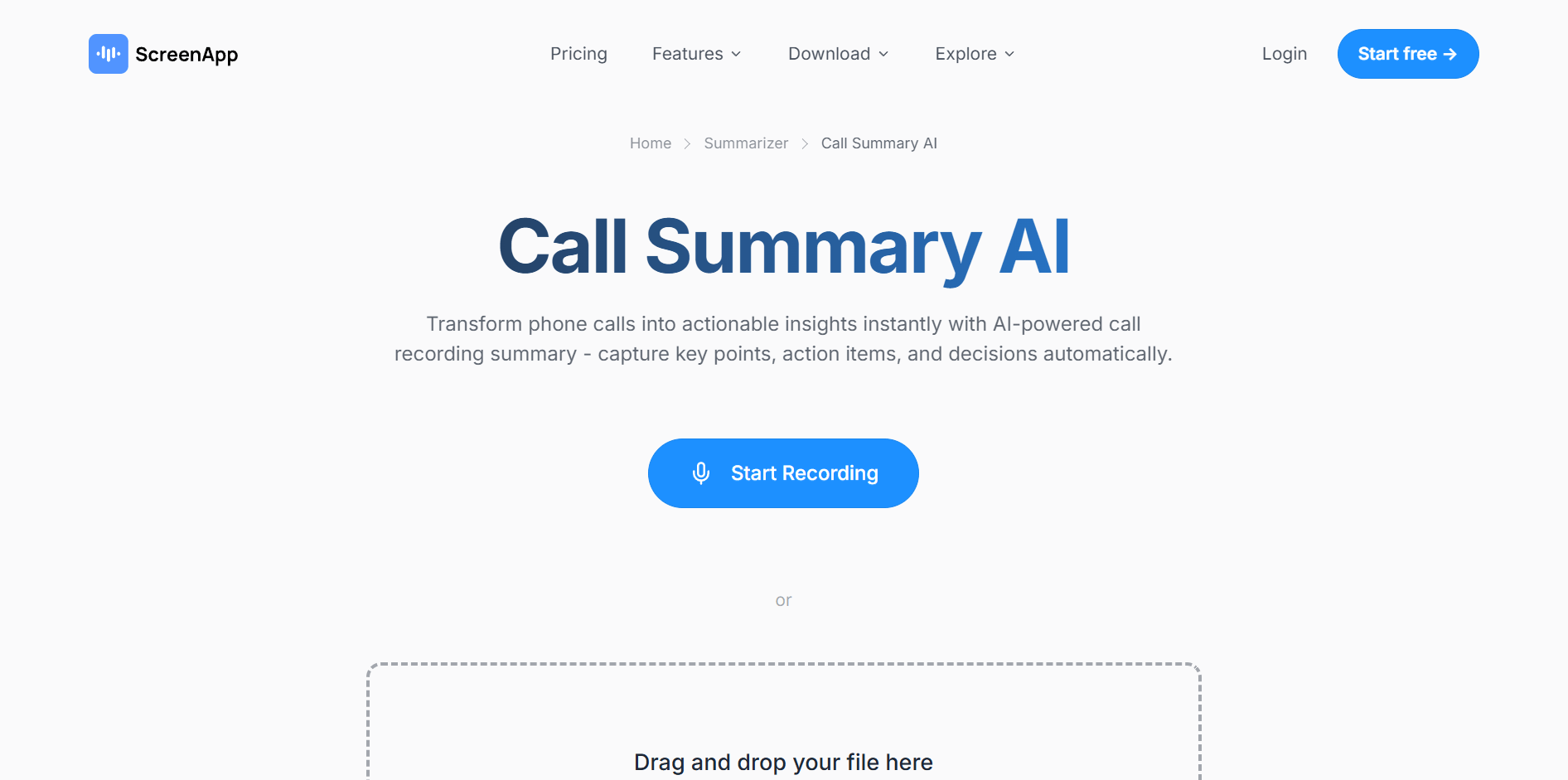
ScreenApp is a unique tool that combines screen recording with audio summarization, allowing users to capture both the conversation and on-screen activity during calls or meetings. This makes it ideal for situations where visual context is just as important as the spoken content.
Capturing Sound via Browser and Screen Recording
With ScreenApp, users can easily record both the audio and visual components of their calls or meetings directly through their browser. This enables the tool to capture every key moment, whether it's verbal discussion or visual content shown on screen. The platform then generates comprehensive summaries, including transcriptions and visual cues, so users can quickly review the most important parts of the conversation without missing any details. This approach is particularly useful for businesses that need to document not only the spoken words but also visual elements, like presentations or shared documents, making it an all-in-one solution for more complete meeting summaries.
Comparison: How to Choose the Best AI Call Summary Tools?
Choosing the right AI call summary tool for your business depends on several key factors that are closely aligned with your specific needs. Each tool offers different features, primarily depending on how it handles call data, the types of communication it supports, and the level of automation it provides. No matter what your needs are, evaluating factors like source compatibility, accuracy, sentiment analysis, and ease of setup will help you make the best choice and maximize your team’s overall efficiency.
Source Compatibility: Phone Lines vs. Video Apps
When selecting an AI call summary tool, one key consideration is source compatibility—whether the tool works with phone systems, video apps, or both. Some businesses primarily rely on phone lines for customer interactions, while others focus on video conferencing for virtual meetings. There are also companies that use both communication methods depending on the situation, so choosing a tool that can handle multiple sources becomes essential.
For tools like Otter.ai and Fireflies, the focus is mainly on video calls. These tools are optimized for platforms like Zoom, Google Meet, and Microsoft Teams, providing transcription and summaries for virtual meetings. While they excel in transcribing and summarizing video calls, they are not always equipped to handle traditional phone calls, which can be a limitation for businesses that rely heavily on phone communication.
This is where Solvea shines. Unlike tools that are limited to video calls, Solvea offers flexibility by seamlessly integrating with phone systems, including platforms like Twilio. With Solvea, you don’t need to manually upload call recordings or rely on external integrations. As soon as a call ends, the AI generates a summary automatically, whether the call was on a phone line or a video app. This native phone system integration makes Solvea a standout choice for businesses that require comprehensive support for both phone and video communications.
Accuracy & Sentiment Analysis.
When choosing an AI call summary tool, accuracy determines how reliably conversations are captured. Depending on your business needs, higher transcription quality helps ensure that details from each call are recorded correctly, supporting better decisions and follow-ups.
Sentiment analysis is another key feature to evaluate. Understanding the emotional tone of a conversation can provide invaluable insights that go beyond the spoken words. For example, tools like Dialpad and Solvea offer sentiment analysis, helping businesses gauge customer satisfaction, frustration, or engagement. This feature allows teams to tailor their responses more effectively, ensuring that customer interactions are handled with the appropriate level of attention and care.
Ease of Setup (No Bot Required).
Another factor to consider is the ease of setup when choosing an AI call summary tool. Some tools require complex integrations, additional software, or even the use of bots to capture and process calls. These steps can create unnecessary delays and complications. A good solution is automated and doesn't require manual configuration or additional steps for each call.
Tools like Solvea shine in this area, offering an automated setup that eliminates the need for bots or complicated configurations. Once integrated, the tool works seamlessly to capture, transcribe, and summarize calls without any manual intervention. This level of automation ensures that businesses can start benefiting from AI-powered summaries almost immediately, with no need to disrupt existing workflows or train staff on complicated processes. It’s a hassle-free solution that allows teams to focus on what matters most—engaging with customers and driving results.
Conclusion
To find the best AI call summary tools, it's essential to focus on solutions that fit seamlessly into your workflow. The right tool should automate the process of summarizing calls, saving valuable time and ensuring important details aren't overlooked. Consider aspects like integration capabilities, ease of use, and the ability to handle both live and recorded calls. With the right choice, you can enhance operational efficiency, improve follow-ups, and gain more actionable insights from every conversation.
Your AI Receptionist, Live in Minutes.
Scale your front desk with an AI that never sleeps. Solvea handles unlimited multi-channel inquiries, books appointments into your calendar automatically, and ensures zero missed opportunities around the clock.
FAQ: Everything You Need to Know About AI Call Summary
What are the best ai call summary tools for mobile users?
Both Aircall and Solvea are great options for mobile users. Aircall integrates seamlessly with CRM systems, making it ideal for managing customer interactions. However, Solvea stands out for its ability to directly process recorded audio files and integrate with phone lines, automating call summaries without the need for manual uploads. This makes Solvea the more efficient choice for mobile users who need quick, seamless call summarization for both live and recorded calls.
Can I summarize phone calls recorded via Twilio automatically?
Yes, you can use Solvea to automatically summarize phone calls recorded via Twilio. Solvea integrates seamlessly with Twilio through its powerful API. Once set up, Solvea can automatically pull in recorded calls from Twilio as soon as they’re completed. The API handles the data transfer process, ensuring that the call’s audio is processed and summarized without any manual intervention. Solvea then generates a detailed summary, highlighting key information, action items, and sentiment analysis. This fully automated process saves time and effort, removing the need for manual uploads or additional configurations, while ensuring accurate and consistent call summaries every time. To turn an existing site into a working knowledge base, paste any URL into Solvea's AI website summarizer and it'll extract a clean, AI-ready summary.
What is the difference between an ai phone call summarizer and a meeting bot?
The core difference between an AI phone call summarizer and a meeting bot is that the former automatically processes phone calls, whether live or recorded, without needing to join a meeting link. It works with phone systems or call recordings directly. In contrast, a meeting bot requires participants to join a virtual meeting link (such as Zoom or Google Meet) and is typically limited to summarizing discussions within those specific platforms.
Is there a free call summary ai version available?
Yes, Solvea offers a free trial plan that allows you to explore its AI-powered call summarization features before committing to a paid plan. The free version includes essential features like automatic call transcription and summarization, giving you a chance to evaluate whether Solvea meets your business needs. If you're interested in testing out the tool, the free plan is a great way to get started without any upfront cost.