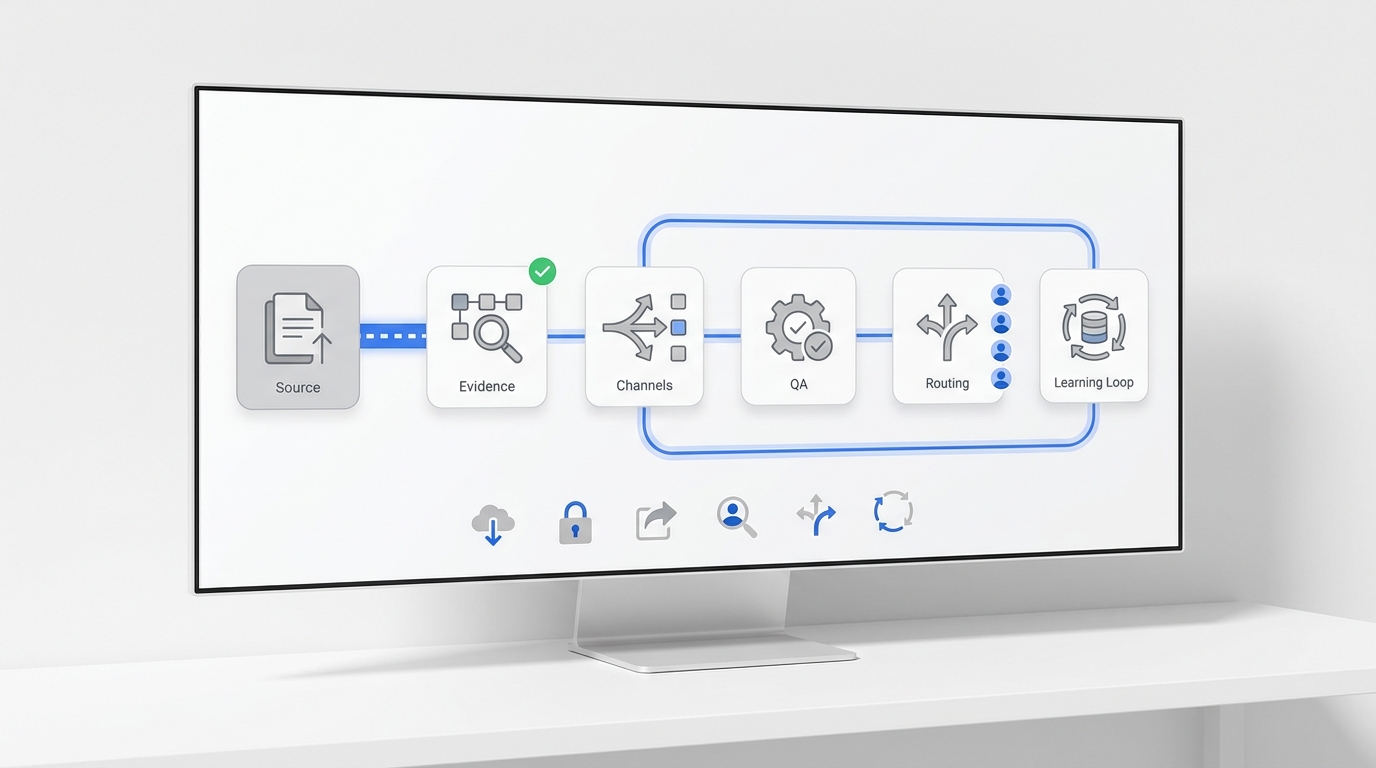
AI receptionist software for home services is only useful if the information captured during a call reaches the systems your team actually uses.
A voice agent can answer quickly, collect a caller's name, and ask what went wrong. But the operational value appears later: when the customer record is matched correctly, the requested appointment is checked against real availability, the right dispatcher sees the request, the technician receives usable context, and the customer gets the next update without repeating the story.
That is why an integration checklist matters more than a long feature list.
For HVAC, plumbing, electrical, roofing, cleaning, landscaping, pest control, and other service businesses, the best integration stack should create one dependable path from conversation to confirmed next action.
The short answer: prioritize the workflow after the call
If you are comparing AI receptionist software, start with these integration categories:
- Business phone and call routing
- SMS and customer messaging
- Calendar and appointment scheduling
- CRM or field service management software
- Dispatch, ownership, and human handoff
- Knowledge base and service rules
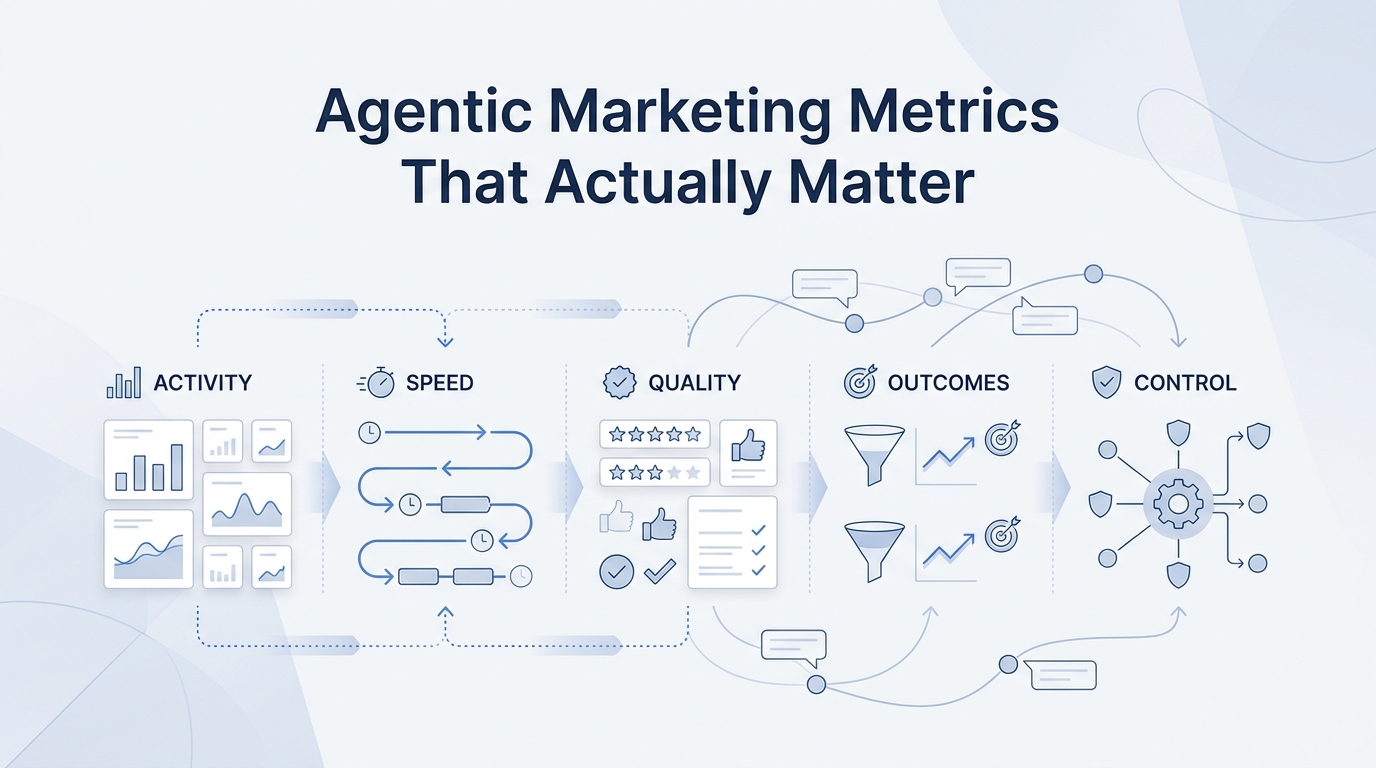
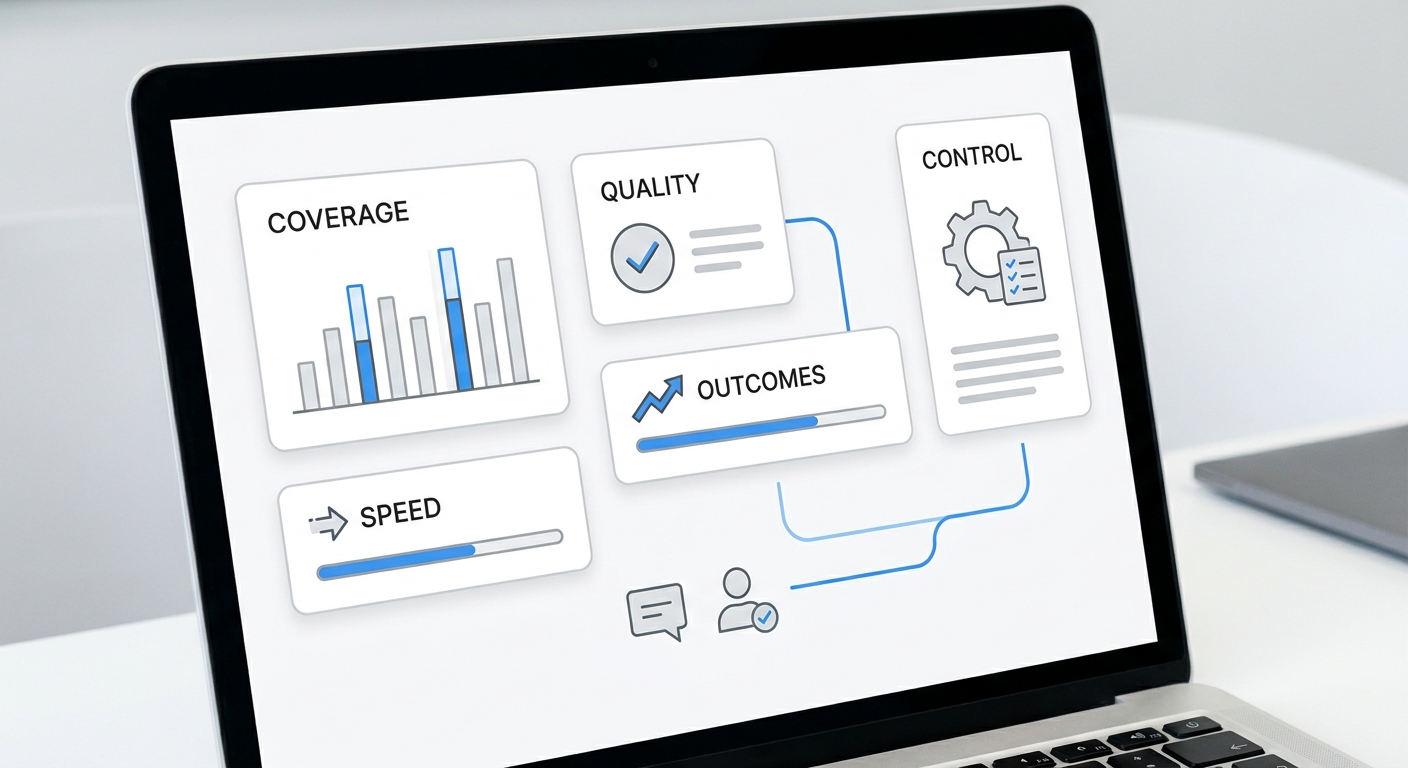
- Analytics and outcome tracking
- Consent, retention, and access controls
Not every business needs a direct connection in every category. A two-truck plumbing company may begin with phone, text, Google Calendar, and a shared customer record. A multi-location HVAC operator may need deeper field service, dispatch, territory, and reporting workflows.
The test is not “How many integrations are listed?” It is “Can the system complete our most common customer journeys without losing ownership or context?”
1. Business phone and call-routing integration
The phone layer is the first dependency. Before evaluating conversational quality, confirm how the AI receptionist connects to your existing business number and what happens when it cannot complete a call.
Ask vendors:
- Can we keep our current number?
- Can calls be forwarded by schedule, ring group, location, or call type?
- Can the system transfer a live caller to a person or queue?
- What happens when the transfer target does not answer?
- Can emergency or safety-sensitive requests follow a separate escalation path?
- Are recordings, transcripts, summaries, and call outcomes available to authorized users?
For home services, routing needs to reflect the business, not just the org chart. A new estimate request may go to sales. A same-day service request may go to dispatch. A billing question may go to the office. An after-hours request may need a different owner from a routine appointment request.
A strong setup gives every call a final state such as transferred, booking requested, follow-up required, existing-customer issue, outside service area, or not a customer request.
2. SMS and customer-messaging integration
Many service calls do not end on the phone. Customers send photos, confirm an address, ask for an arrival window, or respond after the office has moved to the next task.
Your AI receptionist and messaging workflow should preserve the conversation across channels. Look for the ability to:
- send a confirmation or next-step message after the call;
- continue the conversation by SMS without creating a duplicate customer;
- keep call summaries, texts, notes, and owners in one history;
- route replies to the assigned team member;
- record opt-out and communication preferences; and
- distinguish automated updates from messages that require a human response.
This matters because a phone-only workflow can create hidden work. If the AI captures the lead but the office must copy the number into a personal phone, send a manual text, and then paste the reply into another system, the integration has not removed the operational bottleneck.
Solvea's omnichannel inbox is designed to keep voice, SMS, email, chat, and WhatsApp conversations together so teams can follow the customer journey instead of reconstructing it.
3. Calendar and appointment-scheduling integration
Calendar access is necessary, but it is not the same as a complete booking workflow.
A home-services schedule may depend on trade, technician skill, service area, job duration, drive time, capacity, membership status, job type, and whether the visit is an estimate or a confirmed service call. A basic calendar connection may only see open time. It may not understand these operating constraints.
Use three levels when evaluating scheduling:
| Scheduling level | What the AI can do | Operational risk |
|---|---|---|
| Capture a preference | Collect preferred dates and times for staff review | Low, if clearly labeled as a request |
| Offer approved windows | Present availability produced by configured rules | Moderate, depending on data freshness |
| Confirm the appointment | Write the accepted appointment into the system of record | Requires reliable validation, conflict handling, and customer confirmation |
The distinction between a requested time and a confirmed appointment should be explicit. If the system only captures a preference, the customer should not be told that a technician is booked.
For simpler scheduling workflows, a connection such as Google Calendar may be enough. More complex operations should test whether the AI can read and write the same scheduling objects used by dispatchers, including the assigned location, job type, duration, owner, and status.
4. CRM and field service management integration
The CRM or field service platform is usually the system that turns a conversation into accountable work.
The integration should handle more than “create a lead.” It should determine whether the caller already exists, attach the interaction to the correct record, and create the right downstream object.
Depending on your workflow, that object may be:
- a new lead;
- a service request;
- an estimate opportunity;
- a job or work order;
- a callback task;
- a reschedule or cancellation request;
- a warranty or membership issue; or
- a note on an existing job.
Before buying, map the minimum fields your team needs. A practical home-services intake record often includes:
| Field | Why it matters |
|---|---|
| Customer name and callback number | Identity and follow-up |
| Service address | Coverage, travel, and dispatch |
| Existing or new customer | Record matching and priority rules |
| Service category | Routing and technician fit |
| Issue summary | Preparation and triage |
| Preferred timing | Scheduling workflow |
| Urgency indicator | Escalation, not technical diagnosis |
| Source and campaign | Marketing attribution |
| Assigned owner | Accountability |
| Next action and due time | Prevents captured leads from going stale |
Do not accept a generic “CRM integration” answer. Ask which objects can be read, created, and updated; how duplicates are handled; what happens if a required field is missing; and where failed syncs appear.
5. Dispatch, ownership, and human handoff
An AI receptionist should not become a new inbox that nobody owns.
Every customer outcome needs an owner, a deadline, and a fallback. For example:
- New estimate request → sales coordinator → respond within the configured target
- Existing job status → dispatch → review current job record
- Reschedule request → scheduling team → confirm new time before updating the customer
- After-hours urgent request → on-call owner → escalate through the approved chain
- Unsupported or unclear request → office queue → human review
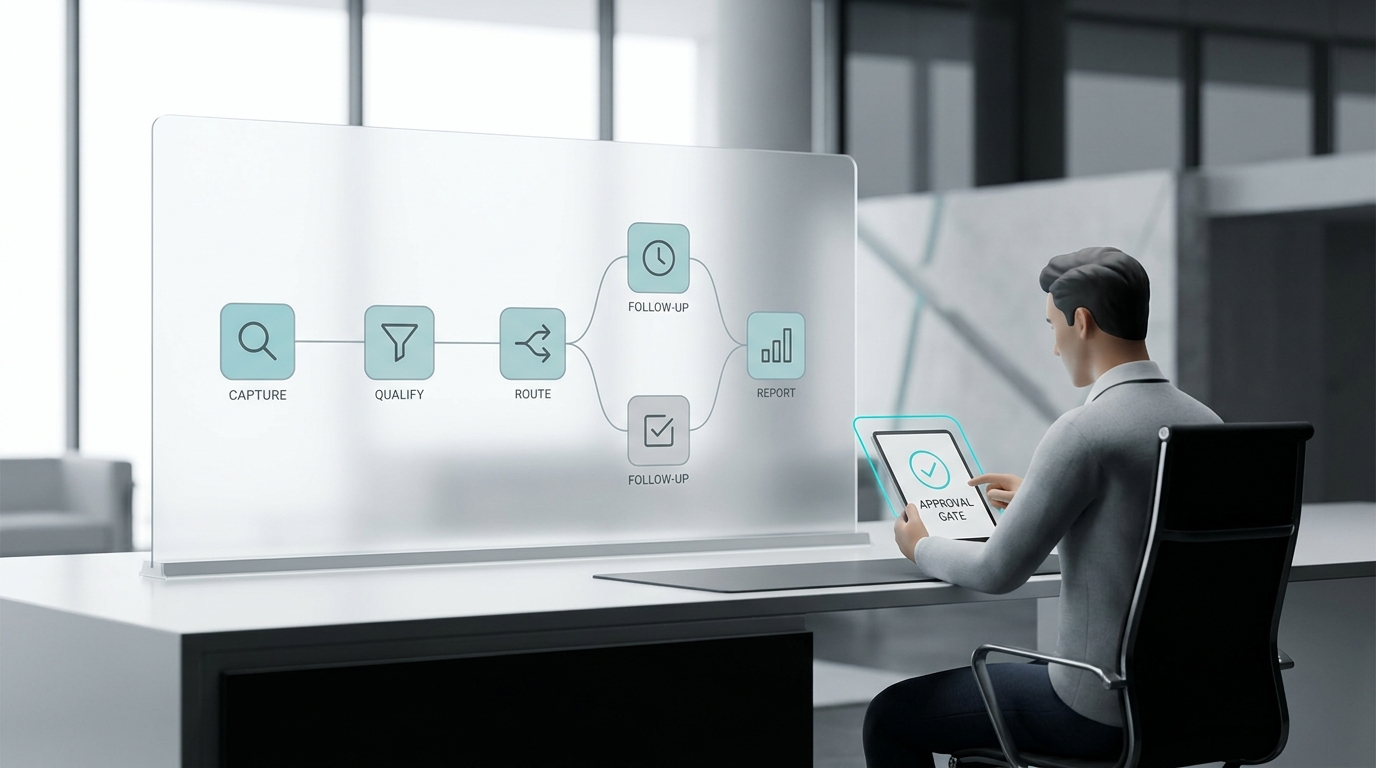
The handoff should include the transcript or summary, customer details, reason for contact, actions already taken, and the specific next step. A “missed call” notification without context forces the team to start over.
Test failure behavior too. If a dispatcher is unavailable, the workflow should move to a backup person or queue rather than silently ending. If an integration is down, the request should remain visible and retryable.
6. Knowledge base and service-rule integration
Integrations move data. A knowledge base controls what the AI is allowed to say and do with that data.
For a home-services business, useful knowledge includes:
- services offered and excluded;
- ZIP codes or territories served;
- business hours and after-hours rules;
- estimate and appointment policies;
- membership or maintenance-plan basics;
- accepted payment methods;
- cancellation and rescheduling rules;
- escalation triggers;
- approved answers to common questions; and
- statements the AI must not make.
The last category is important. An AI receptionist should not diagnose equipment, promise a price that has not been approved, guarantee technician arrival, or invent a policy exception.
Solvea includes a knowledge base that teams can use to keep answers consistent across customer channels. When evaluating any platform, ask who owns the knowledge, how changes are approved, how quickly updates take effect, and whether you can see which source supported an answer.
7. Analytics and outcome tracking
Call volume is not enough to judge an AI receptionist.
Connect the conversation layer to outcomes your business cares about:
- qualified service opportunities;
- booking requests;
- confirmed appointments;
- estimate appointments;
- completed jobs;
- cancellations and reschedules;
- response time;
- transfer success;
- follow-up completion;
- calls requiring human review; and
- sync or workflow failures.
Use stable outcome definitions. If one system counts a captured preference as “booked” while another only counts confirmed appointments, your reporting will exaggerate performance.
For a practical measurement model, see Home Services AI Receptionist ROI: Faster Response, More Booked Jobs. It connects call capture to qualified requests, confirmed jobs, contribution, labor value, and operating cost instead of treating answered calls as revenue.
8. Consent, retention, and access controls
Phone calls, text messages, recordings, transcripts, and customer records can involve legal, contractual, and privacy requirements. The correct setup depends on where you operate, the communication type, and how the data will be used.
Your evaluation should cover:
- how the system records communication preferences and opt-outs;
- whether recording or disclosure rules can be configured for your locations;
- who can access recordings, transcripts, and customer data;
- how long data is retained;
- how records can be corrected or deleted;
- whether users and integrations follow least-privilege access; and
- how vendors report security incidents or failed connections.
Treat these as implementation requirements, not checkboxes. Have qualified counsel review your specific calling, texting, recording, and retention workflows.
A 10-step integration test before you buy
Do not evaluate the platform only in a scripted demo. Run a realistic test with your own workflow.
- Call from an existing customer's number.
- Ask for a service the business provides.
- Provide a real service-area address and a preferred time.
- Change one detail midway through the conversation.
- Ask a common policy question from the knowledge base.
- Request a human transfer when the primary owner is unavailable.
- Continue the conversation by text.
- Inspect the CRM or field service record for duplicates, missing fields, ownership, and next action.
- Confirm whether the appointment is labeled requested or confirmed correctly.
- Disable one integration in a sandbox or test environment and verify that the failure is visible and recoverable.
Score the result from the customer's perspective and the operator's perspective. The customer should know what happens next. The team should know who owns it.
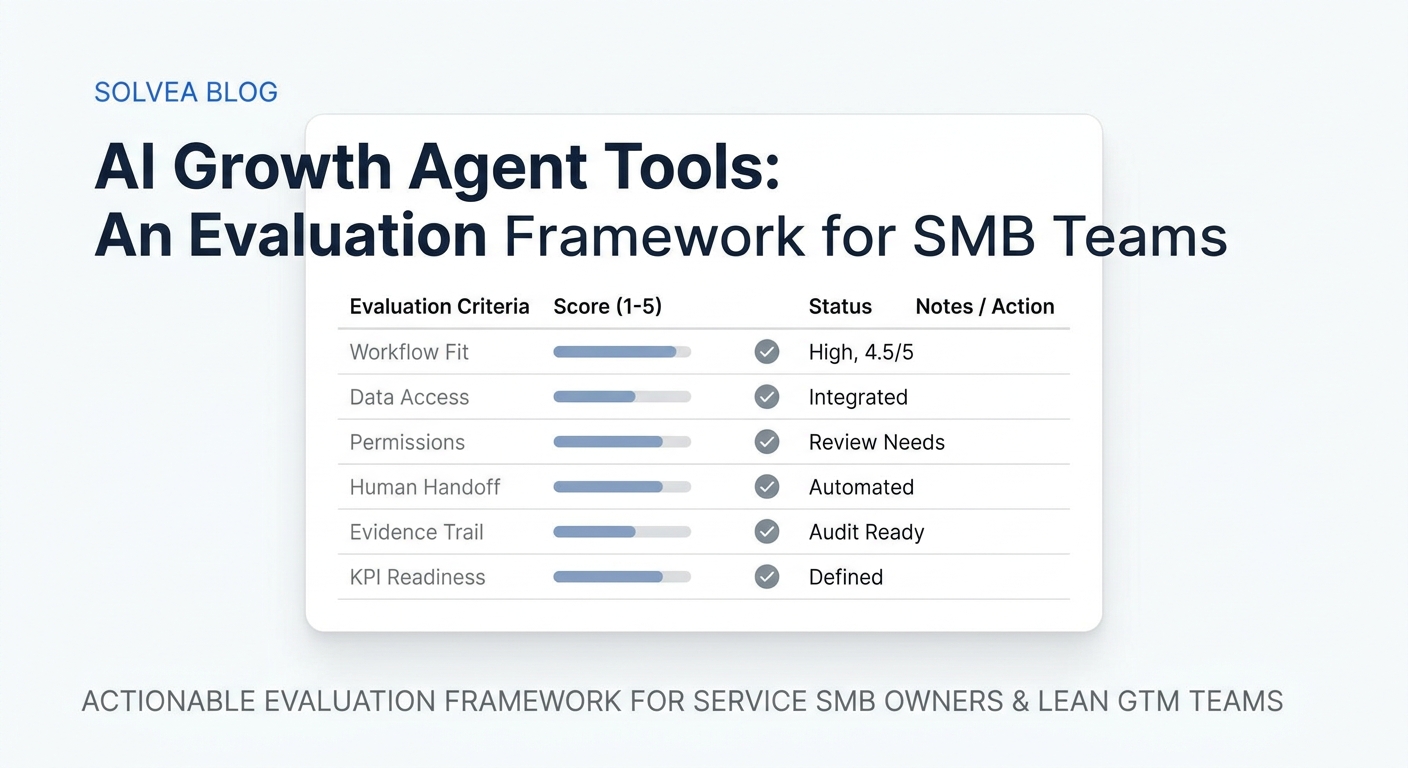
Integration scorecard for home-service teams
Use this simple scorecard during vendor comparisons.
| Capability | Weight | Pass condition |
|---|---|---|
| Phone routing and fallback | 15 | Correct path, owner, and backup for each call type |
| Customer matching and CRM/FSM writeback | 20 | Correct record and object, no duplicate, required fields present |
| Scheduling | 15 | Availability is current; requested and confirmed states are distinct |
| SMS continuity | 10 | Replies stay with the same customer and owner |
| Human handoff | 10 | Context transfers with a defined next action |
| Knowledge controls | 10 | Answers use approved sources and respect prohibited claims |
| Analytics | 10 | Outcomes can be traced beyond answered-call counts |
| Reliability and recovery | 5 | Failures are visible, retryable, and assigned |
| Access and retention controls | 5 | Permissions and data lifecycle match company requirements |
A platform with fewer listed integrations can outperform a larger marketplace if it supports your critical objects and failure paths more reliably.
What Solvea connects today
Solvea connects phone and customer conversations with a shared inbox, contact history, knowledge, and workflow tools. Current integration categories include:
- Google Calendar and Google Sheets;
- HubSpot and Slack;
- Freshdesk and Zendesk;
- Shopify, Amazon, eBay, and 17track;
- email, WhatsApp, LINE, and live chat; and
- phone workflows within the Solvea platform.
The right fit still depends on your system of record and the exact objects your team needs to read or update. If your field service platform is not available as a direct one-click connection, confirm the supported handoff or implementation path before making a purchase decision.
You can review Solvea integrations and explore Solvea for home services to map the platform against your current workflow.
Final takeaway
The most important AI receptionist integration is not the one with the best-known logo. It is the connection that prevents a qualified customer request from losing context, ownership, or momentum.
Start with your highest-value call journeys. Define the system of record, required fields, booking rules, escalation owner, and measurable outcome for each one. Then test the entire path—including what happens when a person or integration is unavailable.
That is how home-service teams move from “the AI answered” to “the customer received a dependable next step.”
Your AI Receptionist, Live in Minutes.
Scale your front desk with an AI that never sleeps. Solvea handles unlimited multi-channel inquiries, books appointments into your calendar automatically, and ensures zero missed opportunities around the clock.
Frequently asked questions
Does an AI receptionist need a field service management integration?
Not always. A small team may begin with phone, text, calendar, and a shared contact record. A field service management integration becomes more important when scheduling, dispatch, job status, technician assignment, memberships, estimates, or multi-location workflows live in that platform.
Is a calendar integration enough for booking home-service appointments?
Only when the calendar reflects the rules needed to confirm the appointment. If technician skills, territories, drive time, job duration, or dispatch capacity live elsewhere, a calendar-only connection may be suitable for capturing requests but not confirming jobs.
What should happen when an integration fails?
The request should remain visible, retain its conversation context, show a clear failure status, and route to an owner or retry process. A failed sync should never look like a completed booking.
Which integrations matter first for a small home-service business?
Prioritize the business phone, SMS continuity, calendar or scheduling system, customer record, and a clear human handoff. Add deeper field service, analytics, and automation connections as the workflow becomes more complex.
How should we compare AI receptionist vendors?
Compare complete customer journeys, not integration counts. Test record matching, required fields, requested-versus-confirmed scheduling, ownership, fallback behavior, customer updates, and measurable outcomes using your own scenarios.