Knowledge Base for Customer Support: Why AI Receptionists Need One
An AI receptionist can answer a call in seconds. But speed is not the same as usefulness.
When a customer asks about your return window, service area, appointment policy, product availability, or what to bring to a visit, the AI needs more than a friendly voice. It needs a reliable place to find the answer. That is the role of a knowledge base for customer support.
For a traditional support team, a knowledge base helps people find consistent information. For an AI receptionist, it becomes the operating source behind every answer. The quality, structure, and freshness of that source directly affect whether the AI gives a clear response, asks the right follow-up question, or hands the conversation to a person.
This guide explains why an AI receptionist needs a customer support knowledge base, what belongs in it, how it works across channels, and how to build one without turning the project into a document-cleanup marathon.
What is a knowledge base for customer support?
A knowledge base for customer support is an organized collection of approved business information that helps customers, employees, and automated systems answer common questions.
It can include:
- business hours and holiday schedules;
- services, products, and eligibility rules;
- appointment, cancellation, and rescheduling policies;
- pricing guidance that the business has approved for customer use;
- delivery, return, refund, and warranty information;
- location, parking, coverage area, and accessibility details;
- troubleshooting steps;
- escalation rules and contact paths;
- answers to common pre-sale and post-sale questions.
A public help center is one form of knowledge base. An internal support wiki is another. An AI-ready knowledge base may draw from uploaded documents, approved web pages, structured records, or connected business systems.
The important point is not the format. It is that the information is approved, retrievable, scoped, and maintained.
Why an AI receptionist cannot rely on a prompt alone
A prompt can define how an AI receptionist should behave. It can tell the agent to be concise, collect a caller's name, avoid making promises, and transfer urgent requests. But a prompt should not carry every detail about the business.
Policies change. Hours change. New services launch. A team expands its coverage area. A clinic updates preparation instructions. A retailer changes its return rules. If all of that information is buried inside one long prompt, updates become harder to manage and inconsistencies become more likely.
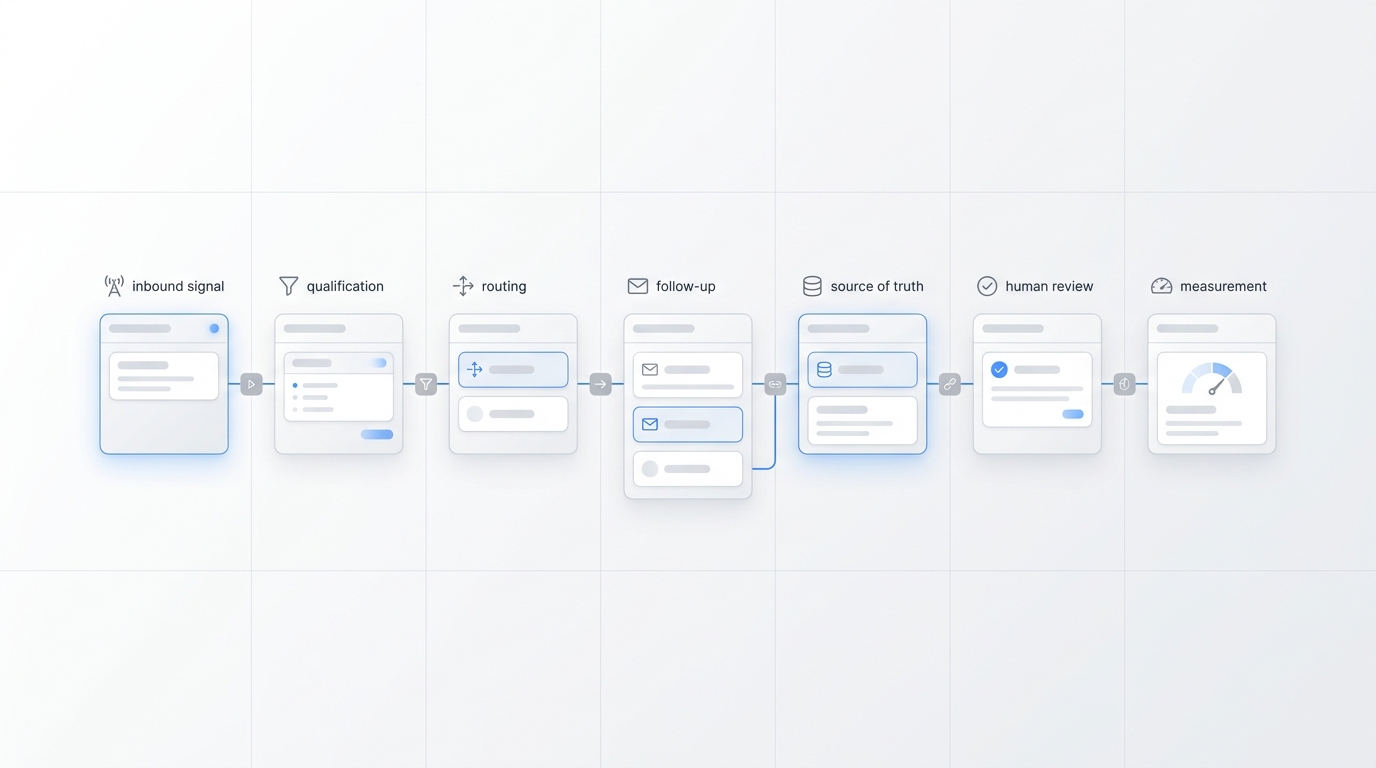
A knowledge base for customer support separates behavior from business facts:
- the agent instructions define how to respond;
- the knowledge base supplies what the business currently says;
- connected tools provide live data when a question depends on availability, order status, or another changing record;
- escalation rules define when a person must take over.
This is closely related to retrieval-augmented generation, often called RAG. IBM describes RAG as a way to improve model responses by retrieving relevant information from external knowledge sources. In practical customer support terms, the AI looks for the most relevant approved information before forming its answer.
That does not make every answer automatically correct. It gives the AI a better foundation and gives the business a manageable place to improve that foundation.
Seven reasons AI receptionists need a customer support knowledge base
1. More consistent answers
Without a shared source, customers can receive different answers depending on the channel, employee, shift, or document someone happens to check.
A centralized customer support knowledge base gives the AI receptionist one approved reference point. If the same source supports phone, chat, email, and messaging, the business can reduce contradictions between touchpoints.
Consistency matters most when customers ask questions that affect what they do next: whether they are eligible, whether a location is open, what an appointment requires, or whether a service is available in their area.
2. Faster answers to routine questions
Many inbound conversations begin with predictable questions:
- “Are you open on Saturday?”
- “Do you serve my ZIP code?”
- “Can I reschedule?”
- “What should I bring?”
- “Do you work with this type of customer?”
When the answer is in a structured knowledge base for customer support, the AI can respond during the conversation instead of creating a callback for information the business already has.
The goal is not to rush the customer. It is to remove unnecessary waiting from simple, approved questions.
3. Safer boundaries when the answer is unknown
A useful knowledge system does more than provide answers. It helps define where answers stop.
If the knowledge base does not cover a question, the AI receptionist should not fill the gap with a guess. It should say that it does not have enough approved information, capture the request, and route it appropriately.
Clear boundaries are especially important for questions involving individualized advice, exceptions, approvals, complaints, sensitive records, legal terms, medical decisions, financial decisions, or anything that requires accountable human judgment.
4. Easier updates when the business changes
Businesses change faster than support scripts.
With a maintained knowledge base for customer support, the team can update the source when a policy, service, or schedule changes. The alternative is chasing down old call scripts, onboarding files, email templates, saved replies, and individual notes.
This is one reason a knowledge base should have clear owners. Every important content group needs someone responsible for accuracy and review.
5. One source across multiple channels
Customers do not think in software categories. They may call, send a message later, and reply by email the next day. They expect the business to sound like the same business each time.
Solvea's knowledge base is designed to support consistent AI answers across channels. Paired with an omnichannel inbox, that gives teams a clearer way to manage both the approved information behind a response and the conversation history around it.
The knowledge base does not replace the inbox. The inbox shows what happened with the customer. The knowledge base supplies approved information the agent can use.
6. Better handoffs to human staff
An AI receptionist should not be measured only by how many conversations it finishes alone. A good outcome may be a well-prepared handoff.
The knowledge base can tell the agent:
- which questions require a specialist;
- what information to collect first;
- which team or location owns the next step;
- how urgent cases should be labeled;
- what the AI may and may not promise.
That gives the human receiving the conversation more context and reduces repetitive questioning for the customer.
7. A practical improvement loop
Every unanswered or poorly answered question reveals a content gap.
Instead of treating those moments as isolated failures, teams can use them to improve the customer support knowledge base:
- Review conversations where the AI could not answer confidently.
- Group similar questions into recurring themes.
- Decide whether the answer belongs in the knowledge base, a live integration, or a human workflow.
- Add or update approved content.
- Test the revised answer across realistic phrasing.
Over time, the knowledge base becomes a map of what customers actually need to know—not just what the business initially thought they would ask.
Knowledge base, integrations, and human escalation: know the difference
Not every customer question should be answered from stored content.
| Question type | Best source | Example |
|---|---|---|
| Stable business information | Knowledge base | “What is your cancellation policy?” |
| Frequently updated but published information | Synced page or maintained knowledge content | “What are your holiday hours?” |
| Live customer-specific data | Integration or business system | “Has my order shipped?” |
| Availability and booking | Calendar or scheduling integration | “Can I book Tuesday at 3?” |
| Exception, approval, or sensitive judgment | Human escalation | “Can you waive this fee for my situation?” |
This distinction protects the customer experience. A knowledge base can explain the general cancellation policy, but it may not know whether a manager approved an exception. It can describe standard service coverage, but it may not confirm a technician's live route.
Teams should connect the AI to supported integrations when an answer depends on current system data, and define a human path when the answer depends on judgment or authorization.
What makes a knowledge base AI-ready?
Uploading a folder of old documents is not the same as creating an AI-ready knowledge base for customer support.
The strongest knowledge bases share six qualities.
Clear
Write direct answers in customer language. Replace internal shorthand with the words customers actually use.
Specific
State the conditions that change the answer. “Cancellations are allowed” is less useful than a clear policy that explains timing, fees, and where exceptions go.
Current
Every important page or document needs an owner and a review date. Remove or archive outdated versions so they cannot compete with the current answer.
Scoped
Clarify which location, service, product, customer type, or channel the information applies to. A policy for one branch should not silently become the answer for every branch.
Structured around real questions
Organize content around customer intent, not your org chart. Customers ask “Can you come to my neighborhood?” rather than “What is the geographic allocation policy of field operations?”
Connected to escalation rules
Each sensitive or incomplete topic should define the next safe action. The AI should know when to collect details, create a task, transfer a call, or tell the customer when a person will respond.
What should you put in the knowledge base first?
Do not begin by documenting everything. Begin with the questions that create the most customer effort or staff interruption.
Use this starter order:
- Hours, locations, and service area. These are frequent, concrete, and easy to validate.
- Core services or products. Explain what you do, who it is for, and the main limitations.
- Appointments and scheduling policies. Cover booking, confirmation, preparation, late arrival, cancellation, and rescheduling.
- Pricing language approved for general use. Include what can be stated directly and what requires a quote.
- Returns, refunds, warranties, or service guarantees. Use exact approved policy language without inventing exceptions.
- Troubleshooting and next steps. Start with the issues staff answer repeatedly.
- Escalation and urgent-case rules. Identify what the AI must route and what details it should collect.
If you already have a help center, website, PDF guide, or support playbook, use it as raw material—not automatic truth. Review it before making it available to an AI receptionist.
A simple workflow to build the first version
Step 1: Collect the real questions
Review call notes, inbox messages, search queries, support tickets, and staff interviews. Build a list based on actual demand.
Step 2: Assign an authoritative answer
For each question, identify the approved source and the person responsible for it. If different teams disagree, resolve the policy before automating the answer.
Step 3: Rewrite for retrieval and conversation
Give each topic a clear title and a direct opening answer. Add conditions, examples, exclusions, and escalation instructions where needed.
Step 4: Configure the AI receptionist
Use an AI agent builder to define tone, intake questions, boundaries, channel behavior, and handoff rules. Keep behavior instructions separate from detailed business knowledge.
Step 5: Test realistic variations
Customers will not use your preferred wording. Test short questions, vague questions, follow-ups, misspellings, and questions that combine two topics.
Step 6: Review uncertain answers
Look for confident responses based on incomplete information, outdated details, missing conditions, or the wrong location. Fix the source and retest.
Step 7: Create a maintenance rhythm
Set regular reviews for high-risk content and event-based updates when policies, hours, services, or systems change.
Common mistakes to avoid
Treating the website as automatically correct
Web pages may be outdated, written for marketing rather than support, or missing important conditions. Import carefully and review the result.
Keeping duplicate policy versions
If two files give different answers, the AI has an information-quality problem. Maintain one current source and archive the rest.
Writing vague entries
“Contact us for details” may be appropriate for some questions, but it should not become the default answer when the business can safely provide useful information.
Automating live data as static content
Order status, appointment availability, account balances, inventory, and other customer-specific data belong in connected systems, not manually updated articles.
Hiding the human path
Customers need a clear next step when the AI cannot resolve the request. Escalation is part of the design, not an admission that the system failed.
How Solvea uses knowledge across customer conversations
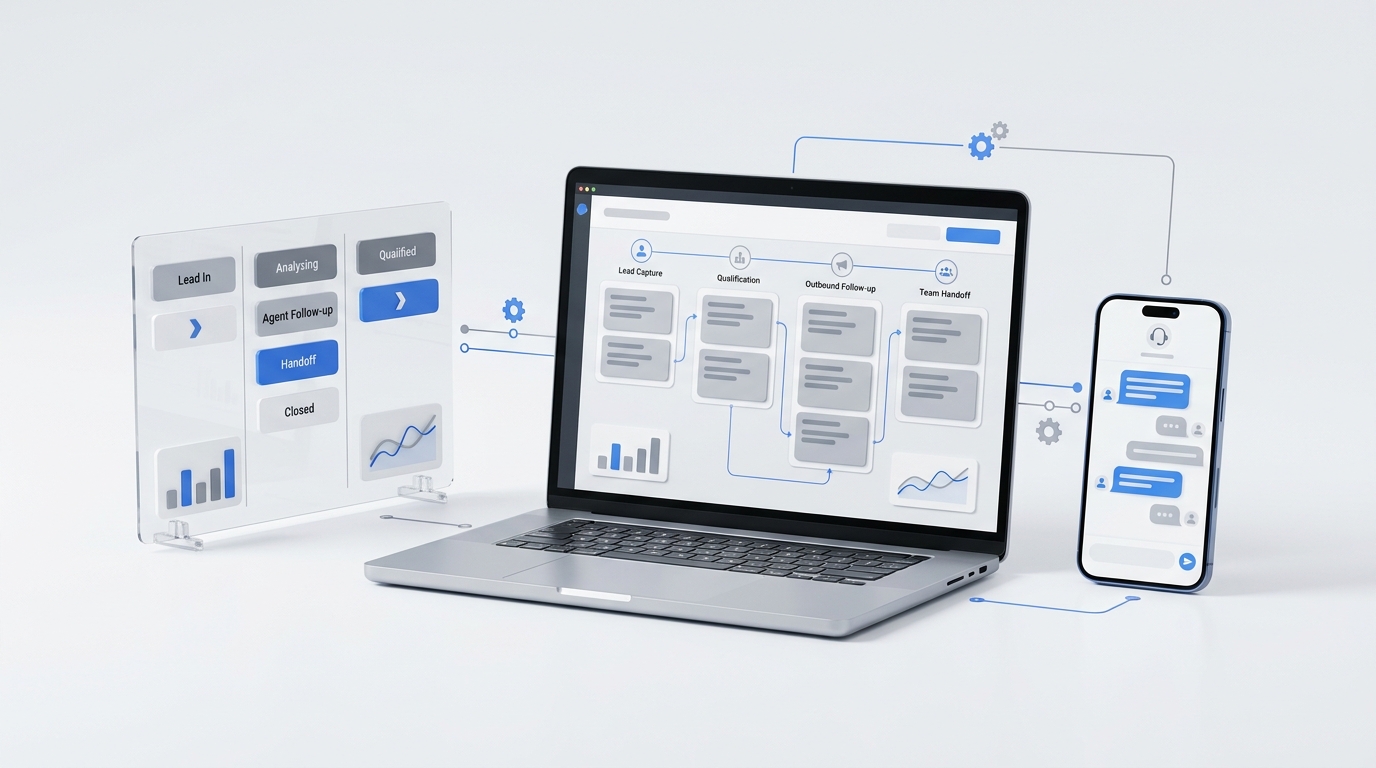
Solvea combines an AI receptionist, a shared knowledge base, and customer conversation tools so small teams can answer common questions and route the rest without scattering context across separate systems.
Teams can upload documents or import web content into the knowledge base, then use the same approved source across supported customer channels. The business still decides what the agent should say, what information it may access, and when a person takes over.
If your team is evaluating an AI receptionist, test the knowledge workflow as seriously as the voice. Ask how content is added, scoped, updated, reviewed, and connected to live tools. A polished greeting matters. The source behind the next answer matters more.
See how Solvea's knowledge base works or explore Solvea pricing when you are ready to build a more consistent customer support workflow.
Your AI Receptionist, Live in Minutes.
Scale your front desk with an AI that never sleeps. Solvea handles unlimited multi-channel inquiries, books appointments into your calendar automatically, and ensures zero missed opportunities around the clock.
Frequently asked questions
Does an AI receptionist need a knowledge base?
Yes, if it is expected to answer business-specific questions. A prompt can define behavior, but a maintained knowledge base for customer support gives the AI approved information about policies, services, hours, procedures, and common customer questions. That knowledge base for customer support should also define when the AI must stop and hand the request to a person.
What is the difference between a knowledge base and an FAQ page?
An FAQ page is usually a small public list of common questions. A knowledge base can be broader, more structured, internally scoped, connected to multiple channels, and designed for ongoing maintenance. An FAQ page may be one source inside a larger knowledge system.
Can an AI receptionist use information from a website?
It can when the platform supports web-content import or synchronization. The business should still review the source for accuracy, remove conflicting pages, and define which content the AI is allowed to use.
How often should a customer support knowledge base be updated?
Update it whenever a relevant policy, product, service, schedule, location, or workflow changes. In addition, review high-impact content on a regular schedule and use unanswered customer questions to identify gaps.
What should happen when the knowledge base does not contain the answer?
The AI receptionist should avoid guessing. It should explain that it cannot confirm the answer, collect the information a human needs, and route the request through the business's approved escalation process.