A property inquiry rarely stays in one channel. A buyer may call from a listing, text an address a minute later, and reply again after work. A seller may leave a voicemail, answer a follow-up text, and ask for a callback tomorrow. If those interactions live in separate tools, the real problem is not answering the first message. It is keeping the context, owner, and next step intact.
An AI receptionist for real estate can connect that workflow. It can answer approved questions, capture structured lead details, continue the conversation by text, route the inquiry to the right person, and make the follow-up status visible. The goal is not to automate professional judgment. The goal is to prevent ordinary communication gaps from turning into lost opportunities.
What a connected real estate inquiry workflow looks like
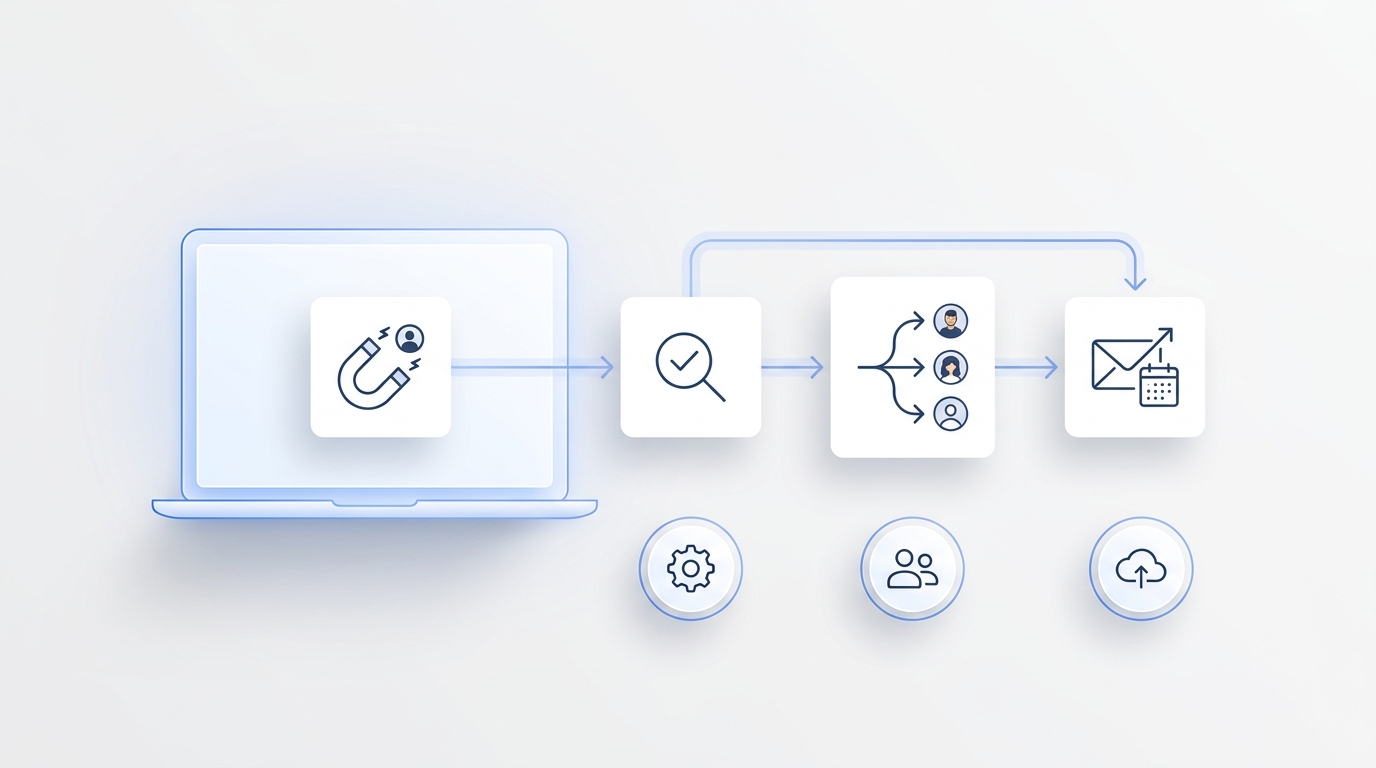
A useful workflow moves through five stages:
- Receive the inquiry. Answer the call or message with a clear business identity.
- Understand the request. Determine whether the person is asking about a property, selling, renting, managing a property, or contacting the office for another reason.
- Capture usable context. Record the property, timing, contact preference, and other approved intake fields.
- Assign the next action. Route the lead, collect viewing preferences, or escalate an urgent or sensitive question.
- Close the loop. Send an approved confirmation or follow-up message and keep the full history visible to the team.
The difference between this and a basic answering service is continuity. A message is not complete because somebody took a name and phone number. It is complete when the team can see what happened, who owns the next step, and whether that step occurred.
How AI handles an inbound real estate call
The first job is to identify the caller's intent without turning the conversation into an interrogation. A short, branching intake is usually more useful than a long universal script.
Property-specific buyer or renter inquiry
The workflow can ask for:
- the property address or listing reference;
- whether the caller wants information, a viewing, or an agent callback;
- preferred days or times;
- the best phone number or email for follow-up;
- any accessibility or communication preference the team has approved for intake.
The AI can answer factual questions only from approved information. If the listing data does not support an answer, it should say that a team member will confirm rather than inventing a detail.
Seller or landlord inquiry
The intake may capture:
- the property location;
- the reason for contacting the office;
- the desired timeline;
- whether the person is already represented;
- the preferred callback window.
This gives the assigned agent a useful starting point without asking the AI to estimate value, advise on a transaction, or make representation decisions.
Existing client, tenant, or vendor call
Not every call is a new lead. The receptionist should distinguish new-business inquiries from active matters, property management issues, vendor questions, and general office calls. Routing rules can then send the summary to the appropriate person or queue.
Urgent safety, legal, fair-housing, financial, contractual, or emotionally sensitive matters should move to a human-defined escalation path. AI can collect and route; it should not replace licensed or accountable judgment.
Why the text message after the call matters
Phone calls create momentum, but texts often carry the practical details. A caller may be driving, unable to note an address, or not ready to choose a viewing time. An approved SMS follow-up can make the next step easier.
Useful post-call texts include:
- a confirmation that the inquiry was received;
- the property address or office contact details already discussed;
- a request for one missing intake field;
- a link the business has approved for scheduling or property information;
- a reminder that the requested time still needs agent confirmation;
- a clear way to stop or change communication preferences.
The text should continue the same conversation, not start a disconnected thread. The assigned agent should be able to see the original call summary, the message sent, the reply, and the current status in one place.
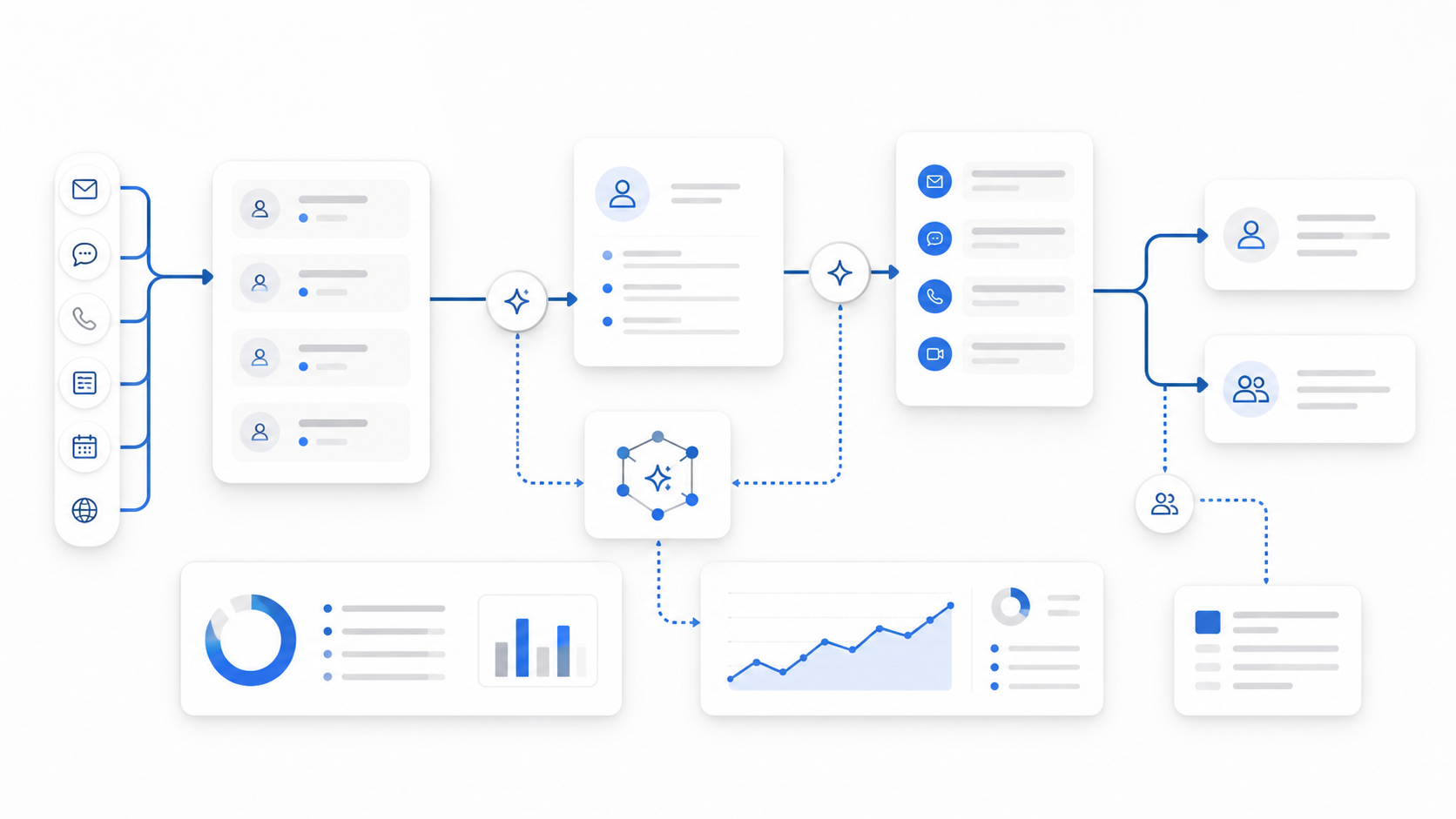
This is where a unified AI receptionist is more useful than separate voice and messaging tools. Calls, texts, notes, and owners can share one operational history instead of forcing staff to reconstruct it.
How AI follow-up should work
Follow-up is valuable when it is specific, permission-aware, and tied to a real next step. It becomes noise when every inquiry enters the same generic sequence.
Follow-up after a requested viewing
If the calendar and property rules support confirmed booking, the workflow can offer allowed times and record the appointment. If they do not, it should collect preferences and clearly label the request as pending.
The distinction matters:
- Confirmed: the supported scheduling system has accepted the appointment.
- Requested: the prospect has shared a preferred time, but a person still needs to approve it.
Never present a requested viewing as confirmed. That creates unnecessary back-and-forth and damages trust before the prospect meets the agent.
Follow-up when the lead goes quiet
A real estate team can define an approved sequence based on inquiry type and consent. For example:
- Send the promised information or confirmation.
- Ask whether the person still wants help with that property or need.
- Route a positive reply to the assigned agent.
- Stop or change the sequence when the lead opts out, the status changes, or a person takes over.
For proactive voice outreach, use a controlled AI outbound calling workflow with business-approved contact lists, calling windows, retry rules, consent handling, and legal review. Automation does not remove the business's responsibility for communications compliance.
Follow-up after human handoff
Once an agent takes ownership, the system should not keep sending messages that conflict with the agent's conversation. A simple ownership state prevents awkward overlaps:
- new;
- awaiting information;
- awaiting agent response;
- appointment requested;
- appointment confirmed;
- active conversation;
- closed or opted out.
The exact labels can vary. What matters is that automated actions respond to the current state rather than an old trigger.
What information should pass from AI to the agent?
A useful handoff is short enough to scan and specific enough to act on. It can include:
| Field | Example of useful context |
|---|---|
| Inquiry type | Buyer asking about a listed property |
| Property | Address or listing reference supplied by the lead |
| Requested action | Viewing request, information request, valuation callback, or other approved category |
| Timing | Preferred day, time, move date, or callback window |
| Contact preference | Call, text, or email |
| Open question | The item that still requires a human answer |
| Owner | Agent, office queue, property manager, or team |
| Status | New, pending, confirmed, active, or closed |
| Conversation history | Call summary, transcript when appropriate, messages, and replies |
This structure also improves AI lead qualification. Qualification should mean organizing approved intake and routing information—not deciding whether someone deserves service or making financial, legal, housing, or representation judgments.
Three common real estate workflows
1. After-hours listing inquiry
A prospect calls after the office closes. The AI identifies the property, answers approved factual questions, collects the prospect's preferred viewing times, and sends a text confirming that an agent will review the request. The next morning, the assigned agent sees the summary and the pending action.
2. Missed call followed by text
A buyer hangs up before leaving a voicemail, then texts the property address. The system links the text to the same contact, asks whether the buyer wants details or a viewing, and routes the response. The team does not have to match a mystery phone number across two inboxes.
3. Seller inquiry that needs a callback
A homeowner asks about selling. The AI captures location, timeline, contact preference, and the best callback window. It does not estimate the property's value or promise a listing outcome. The right agent receives a structured summary and can continue with full context.
For a broader implementation model, see the real estate AI receptionist workflow, which connects inquiry capture, routing, viewing coordination, and follow-up.
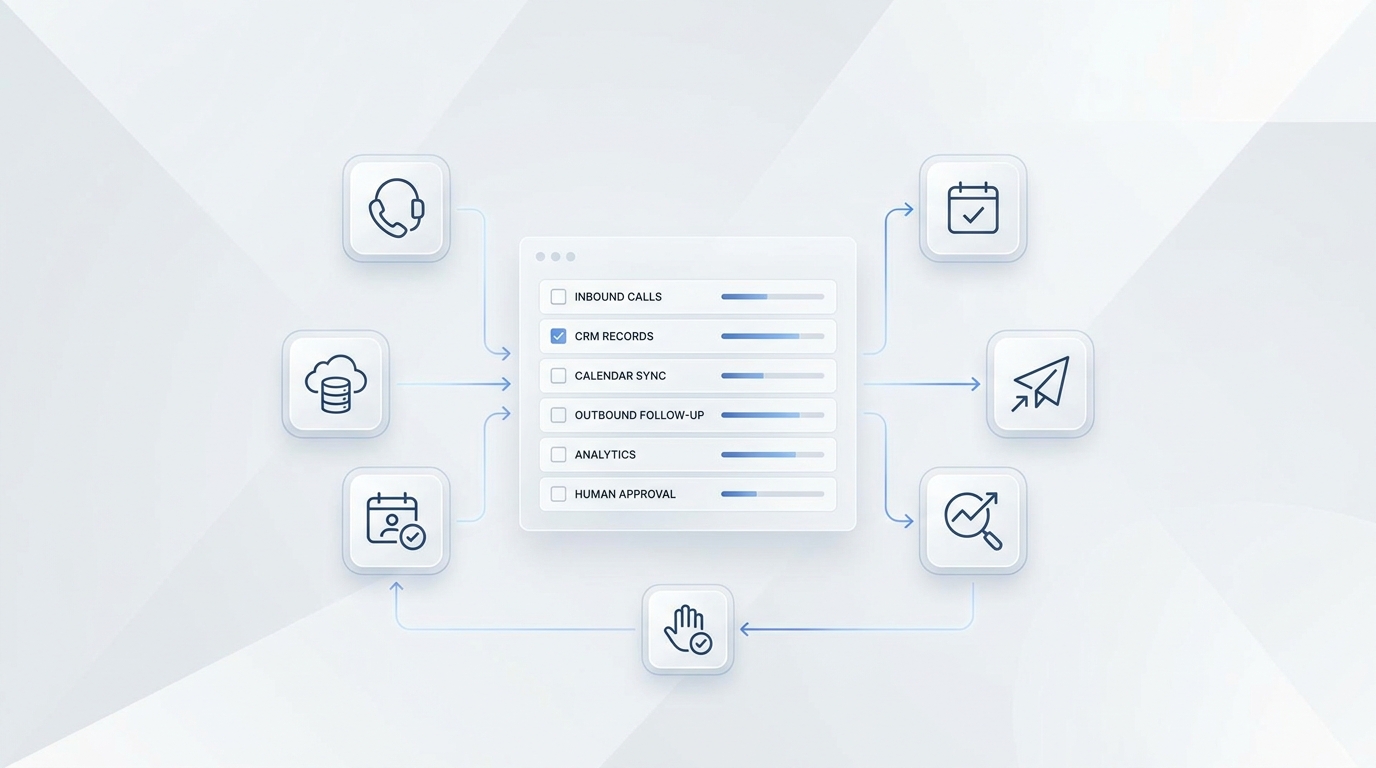
How to set up the workflow without over-automating
Start with one inquiry type
Choose a frequent, easy-to-define workflow such as after-hours property inquiries. Do not begin by trying to automate every conversation the office receives.
Approve the knowledge source
Decide which property details, office policies, service areas, hours, and scheduling rules the AI may use. Add an explicit fallback for anything missing or uncertain.
Define the minimum intake
Capture only details the team will use. Every extra question adds friction. If agents only need property, intent, timing, and contact preference, do not force a ten-field form into a phone conversation.
Separate requests from confirmations
Document when the system may confirm an appointment and when it may only collect preferences. Make that status visible in both customer messages and internal handoffs.
Set ownership and escalation rules
Define who receives each inquiry type, what counts as urgent, and when automation stops. Include a general queue so leads do not disappear when a specific person is unavailable.
Test channel changes
Run realistic tests that start on one channel and continue on another:
- call, then text;
- text, then agent callback;
- after-hours call, then next-day reply;
- viewing request, then schedule change;
- unknown answer, then human escalation;
- opt-out or communication-preference change.
The workflow is ready when the history and next action survive those transitions.
Metrics that reveal whether the system helps
Measure the operating outcome, not just call volume. Useful metrics include:
- percentage of inquiries with a clear owner;
- percentage with a visible next step;
- time from initial inquiry to first useful response;
- viewing requests collected versus confirmed;
- unanswered questions requiring human follow-up;
- handoffs completed within the team's target window;
- duplicate or conflicting follow-up messages;
- opt-outs and failed contact attempts;
- appointments or qualified next steps attributed to the workflow.
Review a sample of conversations as well. A fast response is not helpful if it captures the wrong property, implies an unconfirmed appointment, or routes the lead to nobody.
A practical role for AI in real estate communication
Real estate teams do not need AI to replace the agent relationship. They need it to handle the operational gaps around that relationship: answer routine inquiries, preserve context across calls and texts, collect usable details, surface the next action, and keep follow-up from disappearing between tools.
Solvea brings voice, SMS, email, WhatsApp, LINE, and live chat into a unified inbox, with inbound and approved outbound workflows for lead-driven teams. Explore Solvea for real estate or view pricing to build a connected inquiry workflow.
Your AI Receptionist, Live in Minutes.
Scale your front desk with an AI that never sleeps. Solvea handles unlimited multi-channel inquiries, books appointments into your calendar automatically, and ensures zero missed opportunities around the clock.
Frequently asked questions
Can an AI receptionist text a real estate lead after a call?
Yes, when the business has configured the channel, approved the message, and established the appropriate consent and communication rules. The text should continue the same conversation and remain visible to the assigned team member.
Can AI confirm a property viewing?
It can confirm a viewing only when it has access to supported availability and booking rules. Otherwise, it should collect preferred times and clearly state that the request is pending human confirmation.
Can AI qualify real estate leads?
It can capture and organize approved intake fields such as inquiry type, property, timing, and contact preference. It should not make legal, financial, fair-housing, representation, or transaction decisions.
What happens when the AI does not know an answer?
It should acknowledge the limitation, record the open question, and route it to the correct person. Inventing property or policy details is not an acceptable fallback.
Does the AI replace a real estate agent or office team?
No. It supports response, intake, routing, messaging, and follow-up. Agents and accountable staff remain responsible for advice, negotiation, representation, approvals, and sensitive decisions.