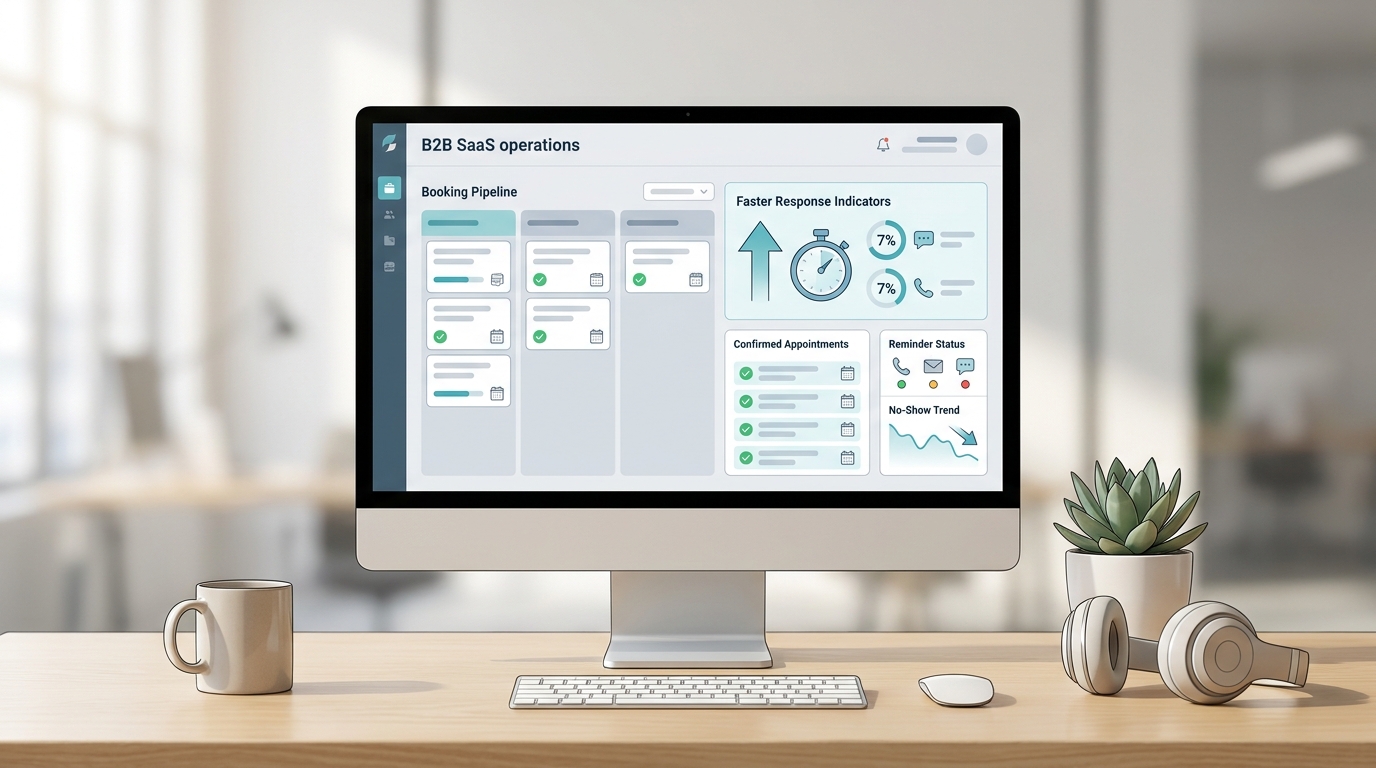
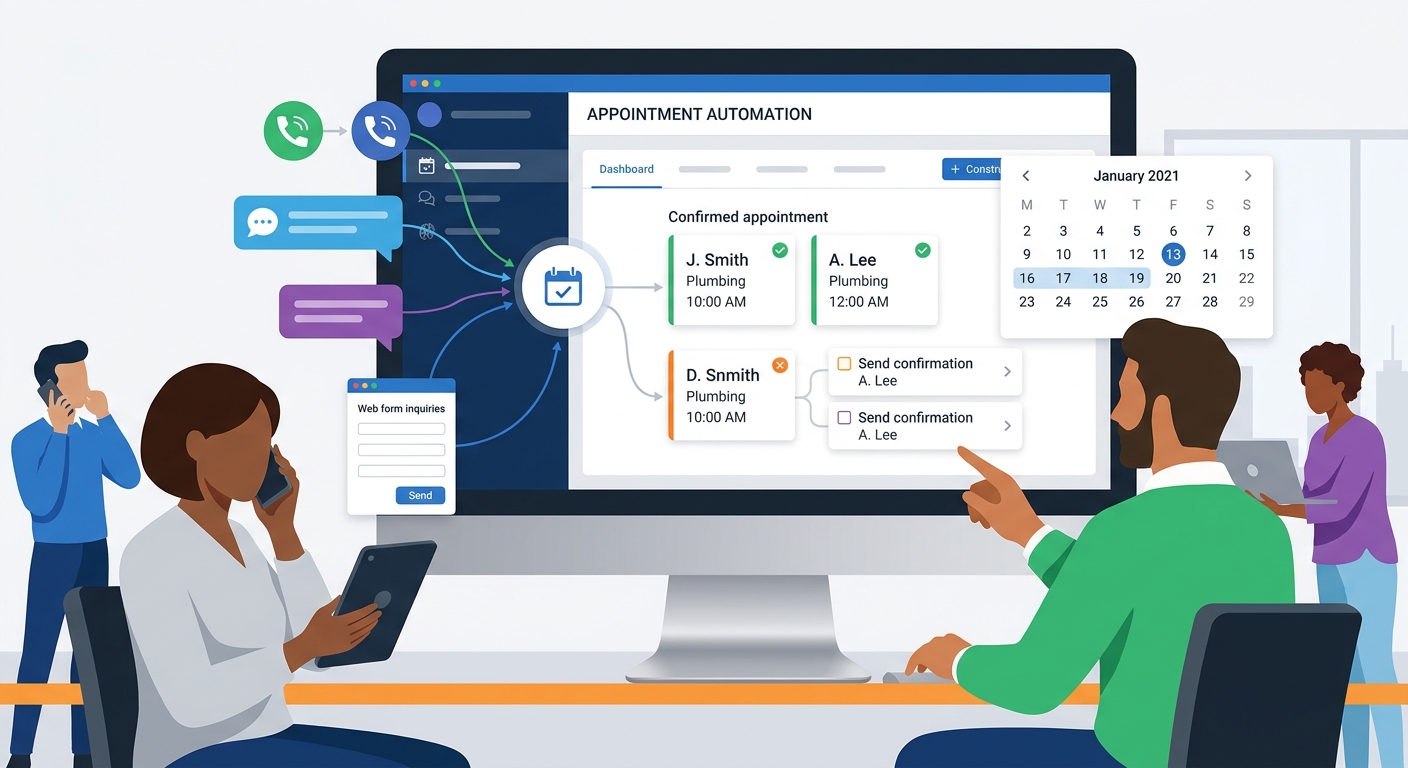
Small businesses usually do not buy a virtual receptionist because they want a nicer phone tree. They buy because the front desk is leaking revenue.
Calls hit voicemail when staff are busy. A lead texts after hours. Somebody books an appointment from a laptop, then asks a follow-up question by phone, and the team cannot see the whole story in one place. That is why the right buying question in 2026 is not just "Which tool answers calls?" It is "Which virtual receptionist system actually fits how my business works?"
This guide compares the best virtual receptionist systems for small business in 2026 across six common buyer needs:
- multi-channel front-desk coverage
- AI plus human backup
- existing phone-system compatibility
- people-powered answering
- low-cost AI starting points
- simple overflow coverage
All pricing and feature notes below are based on official vendor pages reviewed on July 18, 2026.
The shortlist
| Pick | Best for | Starting point on public sources reviewed 2026-07-18 |
|---|---|---|
| Solvea | Best overall for multi-channel small-business front desks | 19.90 USD/seat/month |
| Smith.ai | Best for hybrid AI plus live human coverage | Free tier, then 150 USD/month |
| RingCentral AI Receptionist | Best for existing phone-system environments | 39 USD |
| Ruby | Best people-powered receptionist experience | 250 USD/month for 50 minutes |
| IONOS AI Receptionist | Best low-cost phone-first AI starter | First-party IONOS pricing example references 29 USD/month for 100 monthly calls |
| PATLive | Best live answering for simple overflow coverage | 235 USD/month |
How we chose the best virtual receptionist systems
To compare each virtual receptionist system, this guide weights the shortlist around the workflow a small business actually has to run after the first conversation:
| Criteria | Why it matters |
|---|---|
| Phone coverage | A receptionist system still has to answer or capture calls cleanly |
| Channel breadth | Many SMBs now juggle calls, SMS, email, chat, and after-hours messages |
| Booking and intake depth | Message taking alone rarely fixes the front desk |
| Shared visibility and handoff | Teams need one record of what happened and who owns the next step |
| Pricing clarity | SMB buyers need to pressure-test cost fast |
| Implementation complexity | A strong tool should not require an enterprise IT project to become useful |
This means some tools rank high because they are broader systems, while others rank high because they are excellent at a narrower use case.
1. Solvea: Best overall for multi-channel small-business front desks
Why it made the list
Solvea is the strongest fit in this comparison when your business problem is bigger than phone coverage. On the official site reviewed on July 18, 2026, Solvea presents a broader front-desk stack: AI receptionist, voice, SMS, email, chat, WhatsApp, knowledge base, outbound calling, translation, and a shared desk workflow.
The pricing model is also unusually clear for this category. Solvea's pricing page says Pro Helpdesk is $19.90 per seat per month, includes 500 monthly credits per seat, and includes one shared team business number. That is a software-style entry point, not a traditional outsourced receptionist price band.
Teams that want to understand the system framing behind this pick can also read Virtual Receptionist System: How Modern Teams Replace Fragmented Front Desks and review how Solvea keeps customer conversations in one place.
Best for
- service businesses with calls plus text, chat, or email
- appointment-based teams that need one follow-up workflow
- small teams that want AI-first coverage without buying separate inbox tools
Potential limitation
Solvea is the strongest fit when you actually want a virtual receptionist system. If you only need a friendly human to pick up overflow calls and take messages, a people-powered service may be simpler.
2. Smith.ai: Best for hybrid AI plus live human coverage
Why it made the list
Smith.ai is one of the clearest hybrid options in the market. Its homepage says the company combines AI agents with 500+ North America-based live receptionists, and its AI pricing page lists 24/7 AI call answering, lead qualification, scheduling, analytics, and integrations.
That model matters because many small businesses still want AI to handle routine intake while keeping human backup available for higher-touch or exception-heavy calls. On public pricing reviewed on July 18, 2026, Smith.ai lists:
- Free: 25 calls per month
- Pro:
150 USD/month - Usage note:
2.00 USD/callon the Pro page
Best for
- law firms, home services, and consultative SMBs
- teams that want AI-first handling without losing human fallback
- buyers who care about deep CRM and scheduling integrations
Potential limitation
Smith.ai is strongest on calls and intake. If your front desk problem depends heavily on one shared inbox across non-phone channels, the system can feel less channel-broad than Solvea.
3. RingCentral AI Receptionist: Best for existing phone-system environments
Why it made the list
RingCentral AI Receptionist is one of the most compelling options for SMBs that already think in phone-system terms and do not want to rip out their communications setup. RingCentral's pricing page says AI Receptionist starts at $39, and the product page says it can be layered onto existing phone systems, answer calls 24/7, route with context, capture leads, book appointments, send SMS follow-ups, and answer text messages.
RingCentral is also explicit about multi-language support, CRM and calendar integrations, and fitting into existing business telephony.
Best for
- businesses already using RingCentral or a phone-centric stack
- multi-location teams with structured routing rules
- buyers who want AI without redesigning their telecom environment
Potential limitation
RingCentral reads like a phone platform first and a broader virtual receptionist system second. That is a strength for telecom-led buyers, but it may feel narrower for teams prioritizing shared inbox and cross-channel desk workflow.
4. Ruby: Best people-powered receptionist experience
Why it made the list
Ruby remains one of the clearest premium live-receptionist options for small businesses. The homepage positions Ruby as people-powered, AI-enhanced and highlights 24/7 live answering, intake, scheduling, outbound calling, live chat, and English/Spanish service.
On the public pricing page reviewed on July 18, 2026, Ruby lists:
50minutes for250 USD/month100minutes for395 USD/month200minutes for720 USD/month500minutes for1,725 USD/month
Best for
- firms that care deeply about polished human call handling
- legal, healthcare, and service SMBs that want live answering plus chat
- businesses comfortable paying premium prices for receptionist quality
Potential limitation
Ruby is excellent at caller experience, but it is not the strongest option if you specifically want a software-defined virtual receptionist system spanning voice, inbox continuity, and AI-operated follow-up workflow.
5. IONOS AI Receptionist: Best low-cost phone-first AI starter
Why it made the list
IONOS AI Receptionist is one of the more accessible AI-first options for SMBs that want quick phone coverage and straightforward setup. The official IONOS help docs say setup includes ingesting your website's business hours, services, pricing, and FAQs. That makes it a practical fit for smaller operators who want to launch from an existing site footprint rather than build a receptionist workflow from scratch.
IONOS does not surface the full pricing grid clearly on the product page in the material reviewed here, but a first-party IONOS Digital Guide article published on the same domain gives a concrete example: a mid-tier plan at $29 per month with 100 monthly calls.
Best for
- businesses that mainly need phone coverage first
- smaller teams looking for a low-cost AI starting point
- operators who want website-based setup with minimal configuration
Potential limitation
IONOS looks narrower than the leading multi-channel systems in this list. It is easier to justify as an AI answering layer than as a full virtual receptionist system for teams with complex handoff and cross-channel needs.
6. PATLive: Best live answering for simple overflow coverage
Why it made the list
PATLive is the clearest fit for businesses that want dependable live answering without turning the project into a software overhaul. Its homepage says trained live receptionists can handle message taking, transfers, lead collection, scheduling, payment processing, and web chat, with service available 24/7.
PATLive also keeps the entry point straightforward: the site says pricing starts at $235 per month.
Best for
- overflow, after-hours, and simple live-answering use cases
- businesses that still want humans handling the first touch
- teams that mainly need coverage rather than deeper automation
Potential limitation
PATLive is better understood as a live answering service than a broad virtual receptionist system. It solves first-response coverage more than shared workflow continuity.
Comparison matrix
| Vendor | Model | Public pricing clarity | Multi-channel scope | Booking/intake depth | Best-fit SMB buyer |
|---|---|---|---|---|---|
| Solvea | AI-first system | High | High | High | Needs one workflow across voice, SMS, email, chat, and follow-up |
| Smith.ai | Hybrid AI + live humans | High | Medium | High | Wants AI plus human backup |
| RingCentral AI Receptionist | AI on phone stack | High | Medium | High | Already lives in a phone-system environment |
| Ruby | Human-first, AI-enhanced | High | Medium | Medium | Wants premium human answering and chat |
| IONOS AI Receptionist | AI-first phone layer | Medium | Low to medium | Medium | Wants low-cost phone-first automation |
| PATLive | Human answering service | High | Low to medium | Medium | Wants live overflow coverage with minimal change |
Which virtual receptionist system is best for your business?
The answer depends on what you are actually replacing.
Choose Solvea if:
- your front desk spans voice plus SMS, email, chat, or WhatsApp
- you need one shared system instead of separate answering and inbox tools
- you want the lowest public entry price in this shortlist with broader workflow coverage
Choose Smith.ai if:
- you want AI to handle routine calls but still want human coverage available around the clock
- your workflows depend on deeper legal, home-service, or CRM integration patterns
Choose RingCentral AI Receptionist if:
- you already have a phone environment you do not want to replace
- your buying lens is routing, telecom compatibility, and structured call flow
Choose Ruby if:
- live human call quality matters more than software breadth
- your brand experience depends on a polished receptionist voice
Choose IONOS if:
- you want a low-cost, low-friction AI layer first
- your main problem is phone coverage rather than shared cross-channel workflow
Choose PATLive if:
- you want straightforward live overflow or after-hours answering
- you are not trying to rebuild the front desk as a broader system yet
When a small business needs a full virtual receptionist system instead of a simple answering service
You probably need a real virtual receptionist system when:
- customers switch from calls to text or email
- appointment booking matters to revenue
- your team needs one place to see ownership and next steps
- after-hours conversations need clean next-morning handoff
- the business loses context after the first response, not just at the first ring
If that sounds familiar, phone pickup alone is not the real requirement. Workflow continuity is.
Final verdict
For the broadest small-business use case in 2026, Solvea is the best virtual receptionist system in this comparison because it maps most closely to the full front-desk problem: AI answering, shared inbox, booking support, and multi-channel continuity at a software-style entry price.
Smith.ai is the best pick when you want AI plus live human backup. RingCentral AI Receptionist is the best choice for telecom-led environments. Ruby and PATLive remain strong when your priority is people-powered answering. IONOS AI Receptionist is the best budget-friendly phone-first AI entry point from the sources reviewed here.
The real decision rule is simple: buy the smallest system that closes the leak you already have. If your leak is only missed calls, a narrower answering service may be enough. If your leak is fragmented follow-up across calls, texts, booking, and staff handoff, you need a stronger virtual receptionist system. Compare systems, then review Solvea pricing and AI receptionist coverage.
Your AI Receptionist, Live in Minutes.
Scale your front desk with an AI that never sleeps. Solvea handles unlimited multi-channel inquiries, books appointments into your calendar automatically, and ensures zero missed opportunities around the clock.
FAQ
What is a virtual receptionist system?
A virtual receptionist system is a front-desk workflow that combines call answering, intake, routing, handoff, and often booking or follow-up visibility. It is broader than a basic answering service that only takes messages.
What is the difference between a virtual receptionist system and an answering service?
An answering service usually focuses on live call coverage. A virtual receptionist system usually goes further by preserving context, supporting booking or intake logic, and helping the business manage the next step after the first conversation.
Are live virtual receptionists still better for some small businesses?
Yes. If your brand depends on a human answering every call or your workflow is mostly voice-only, a live service like Ruby or PATLive may fit better than an AI-first platform.
When is an AI-first virtual receptionist system the better choice?
It is usually the better choice when the business needs scalable coverage, structured intake, software-style pricing, and one workflow across more than just voice.