Virtual Receptionist System: How Modern Teams Replace Fragmented Front Desks
If your team is comparing a virtual receptionist system, the real question is not whether someone or something can answer the phone. The real question is whether your business can keep customer conversations, next steps, and follow-up ownership together once the first contact happens.
That is where many front desks break down. One person takes the call. Another sends the text. Someone else checks email. A booking request lives in a calendar. A callback note sits in a personal inbox. Even when each tool works on its own, the customer experience becomes fragmented because the workflow behind it is fragmented.
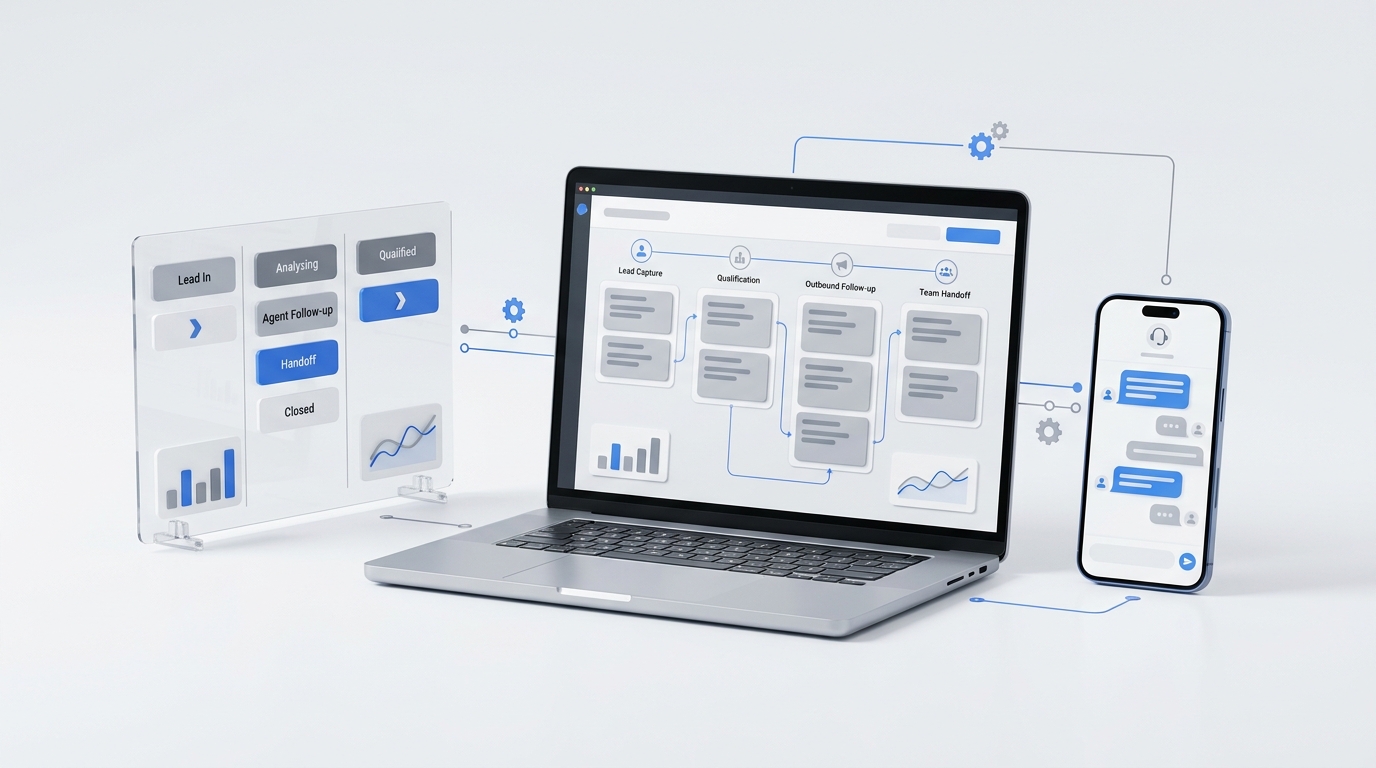
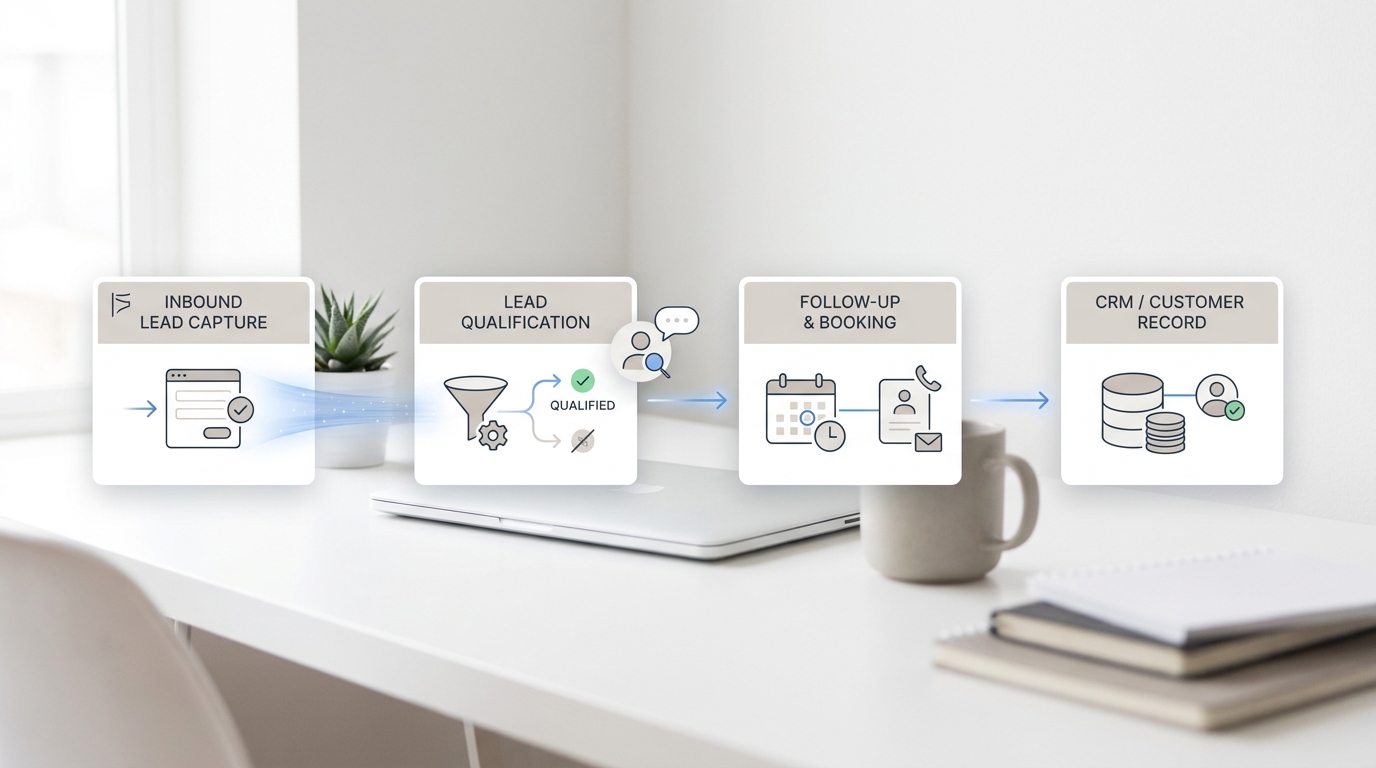
A stronger virtual receptionist system is not just a call-answering layer. It is an operating system for the front desk: one place to capture intent, route the next action, preserve context, and keep the team aligned across channels.
This matters most for service businesses that cannot afford missed calls, slow follow-up, or handoff gaps. If the business wins work through bookings, estimates, consults, or time-sensitive inbound questions, a fragmented front desk is usually a revenue problem before it is a software problem.
What a virtual receptionist system actually needs to do
Many buyers still think of a virtual receptionist as a phone-only service. That definition is too narrow for how modern teams actually work.
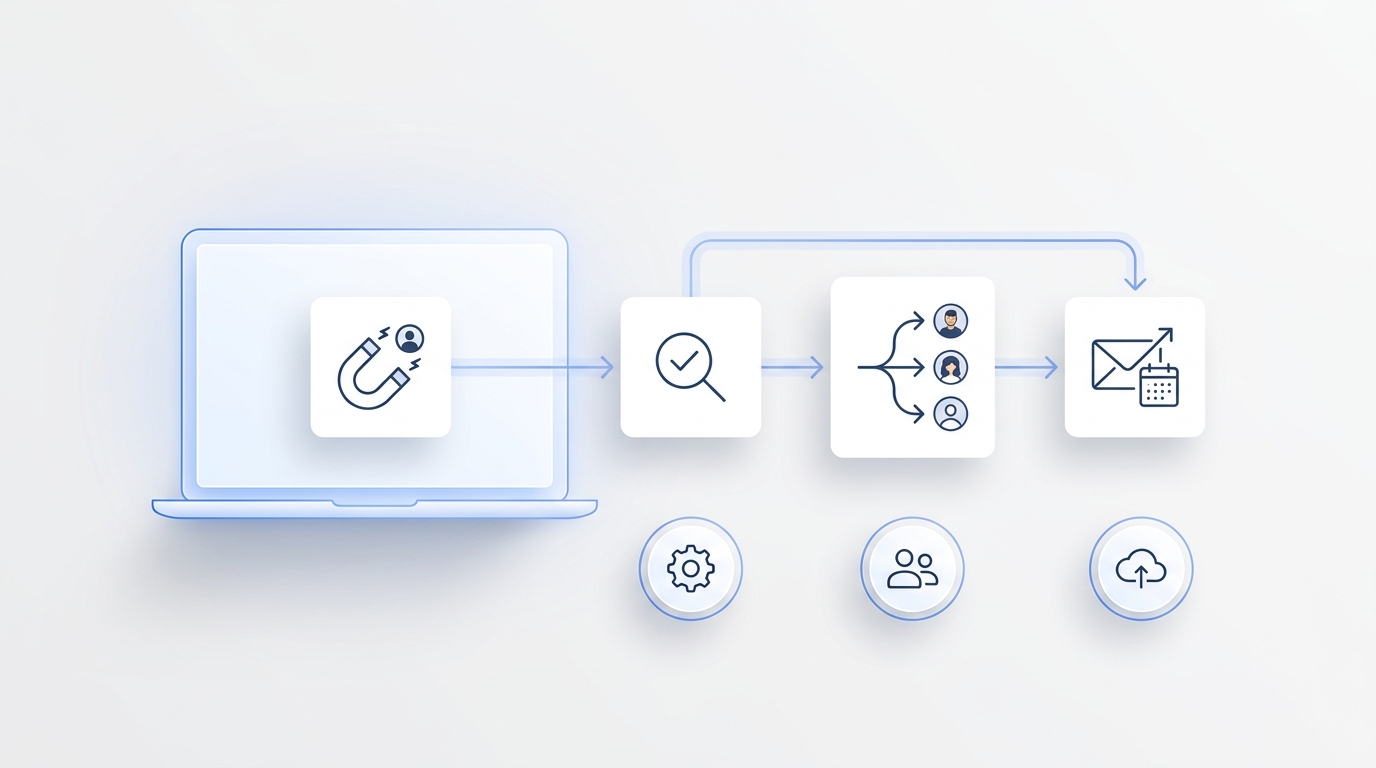
A useful virtual receptionist system should handle five jobs together:
- Answer or capture inbound demand quickly.
- Understand why the customer is reaching out.
- Route the next action to the right workflow or teammate.
- Preserve summaries, transcripts, and status so the team does not lose context.
- Keep follow-up visible when the conversation moves from phone to text, email, or chat.
If the system only solves the first step, the business still has to rebuild the rest manually.
Why fragmented front desks cost more than most teams realize
Front-desk fragmentation usually shows up in practical ways:
- calls ring out while staff are with customers
- voicemail captures too little information to act on quickly
- the team cannot see whether someone already followed up
- customers repeat the same details on multiple channels
- booking or estimate requests stall between first contact and next step
- after-hours inquiries arrive with no clean morning handoff
Those are not abstract annoyances. They create slower response times, weaker conversion, and more internal confusion.
For a small business, that often means one of two outcomes. Either the team hires more people to patch the workflow, or it accepts missed opportunities as normal. A well-designed virtual receptionist system gives teams a third option: centralize the front desk without forcing every interaction through one person.
The difference between a phone-answering tool and a virtual receptionist system
This distinction matters because buyers often compare the wrong categories.
| Category | Main job | Where it helps | Where it usually falls short |
|---|---|---|---|
| Voicemail | Stores missed messages | Basic fallback when nobody answers | No live response, weak intake quality, poor urgency handling |
| Traditional answering service | Picks up and takes messages | Phone coverage during overflow or after hours | Can leave follow-up disconnected from the rest of the team workflow |
| AI answering layer | Answers first and captures intent | Immediate response and repeatable intake | May still feel narrow if the business needs shared follow-up and cross-channel continuity |
| Virtual receptionist system | Connects answering, routing, context, and team follow-up | Businesses that need one operating workflow instead of isolated front-desk tools | Requires clearer workflow design up front |
If your business only needs simple message capture, a lighter tool may be enough. If your real problem is that conversations break after the first touch, a broader virtual receptionist system is usually the better fit.
What modern teams replace when they move off a fragmented front desk
Most service teams are not replacing one receptionist. They are replacing a patchwork:
- personal mobile phones used for customer callbacks
- voicemail as the default overflow process
- separate inboxes for text, email, and notes
- manual call summaries written after the fact
- unclear ownership when one teammate is off shift or out sick
- scattered booking context across calendars, chats, and CRM notes
That patchwork can hold together when call volume is low. It becomes fragile as soon as the business grows, adds teammates, or handles more channels than voice alone.
The goal of a virtual receptionist system is not to automate everything. It is to make sure every customer conversation lands inside one business-owned workflow instead of disappearing into personal tools and memory.
The five layers of a strong virtual receptionist system
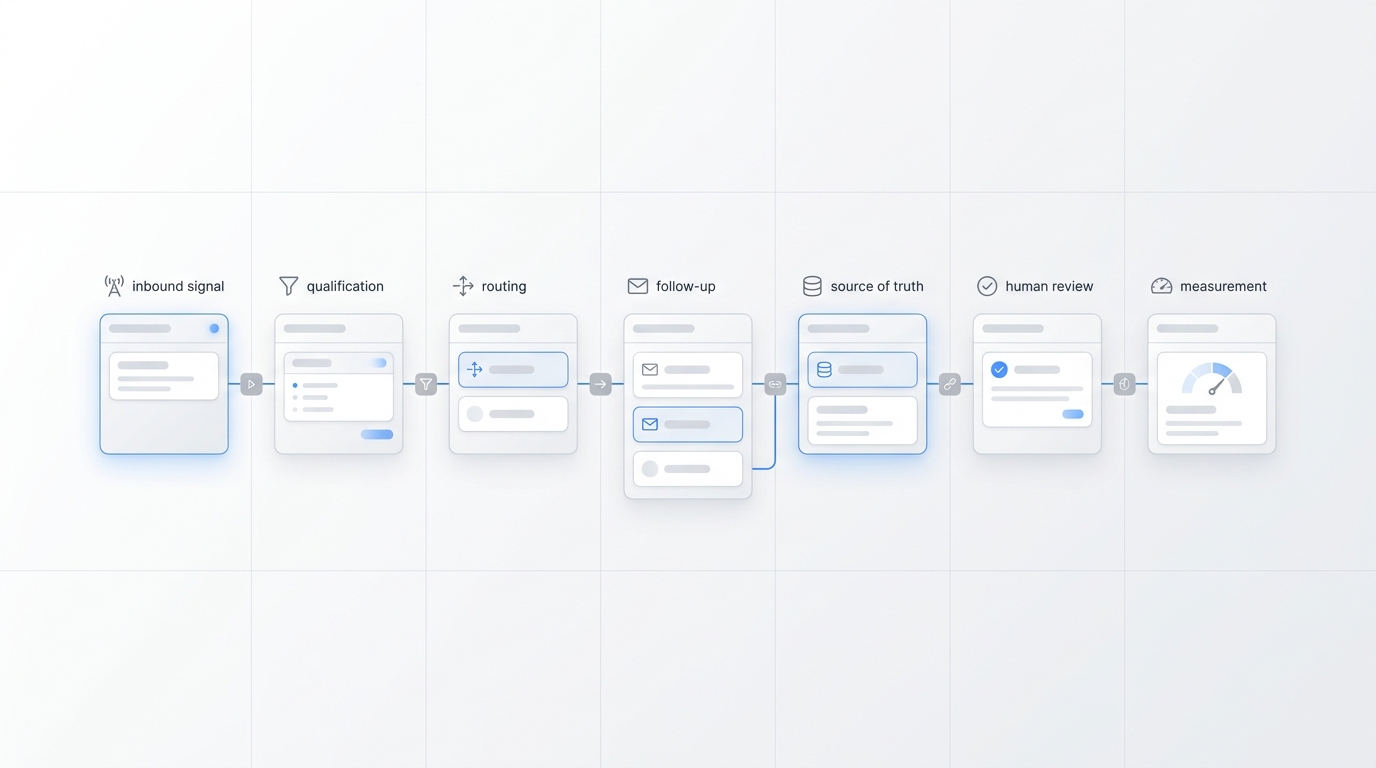
The best way to evaluate a virtual receptionist system is to inspect the system architecture behind the front desk.
1. First-response coverage
Can the business respond when staff are busy, after hours, or away from the desk?
This is the minimum requirement. For many teams, the first improvement comes from replacing ring-out and voicemail with live AI-first coverage that can answer missed calls and gather next-step details immediately.
2. Structured intake
Does the system ask what matters, or does it only store a generic message?
For example, a useful intake flow may capture:
- caller name
- callback number
- reason for contact
- urgency
- preferred time or channel
- booking or service details
Without structured intake, the team still loses time reconstructing the real request later.
3. Shared context
Can every teammate see the same conversation history?
This is where many phone-first tools break. A real virtual receptionist system should keep summaries, transcripts, statuses, owners, and next steps visible to the business instead of leaving that context with one person.
4. Cross-channel continuity
Does the workflow continue when the customer switches channels?
Many customers call first, then reply by text, email, or chat. If the system cannot keep that thread coherent, the front desk is still fragmented even if the call was answered correctly.
5. Follow-up ownership
Does the business know who is supposed to act next?
A strong virtual receptionist system should assign or surface ownership clearly. Otherwise, the business improves response coverage without improving execution.
Signs your team needs a virtual receptionist system now
The need is usually operational, not theoretical. Your business likely needs a virtual receptionist system if several of these are true:
- important calls still hit voicemail during busy periods
- your team responds across phone, SMS, email, and chat, but not from one shared workflow
- staff cannot tell whether another teammate already handled the customer
- after-hours demand matters to revenue
- customers often repeat the same details to multiple people
- the business loses context when someone is out of office
- follow-up depends on personal phones, inboxes, or memory
If that sounds familiar, the gap is probably larger than “we need better phone coverage.” It is a systems problem.
A practical rollout plan for replacing a fragmented front desk
Do not try to redesign every customer interaction at once. The safer rollout is phased.
Step 1: Start with the highest-leak workflow
For most service SMBs, that is one of these:
- missed inbound calls
- after-hours inquiries
- appointment or consult requests
- repetitive FAQ handling
- estimate or lead qualification intake
Pick one workflow where delay already costs the business money.
Step 2: Define the minimum useful intake
Decide what the team must know to take action without calling the customer back just to repeat the first conversation.
Step 3: Set routing rules
Separate:
- urgent issues that need fast escalation
- bookings that can move into a scheduling workflow
- FAQs that can be answered consistently
- non-urgent follow-up that belongs in a normal queue
Step 4: Make the handoff visible
The next teammate should receive:
- summary
- transcript or notes
- owner or queue
- status
- recommended next step
Step 5: Expand to the next channel or use case
Once one workflow is stable, extend the same virtual receptionist system to text, email, chat, or additional intake paths instead of running separate tools for each one.
Where Solvea fits this search intent
For teams evaluating a virtual receptionist system, Solvea’s strongest fit is operational rather than abstract.
Solvea combines:
- a business number for customer calls
- AI receptionist coverage for missed calls
- shared follow-up on mobile and PC through PC Desk
- summaries, transcripts, owners, and statuses
- one workflow across phone, SMS, email, chat, and WhatsApp through the omnichannel inbox
- a no-code agent builder and knowledge base for more accurate handling
That matters because the system problem is bigger than answering alone. If the business wants one place for calls, texts, notes, ownership, and next steps, the product needs to support that business memory directly.
Solvea is especially relevant for service teams where one missed conversation can turn into a lost booking, delayed estimate, or slower callback. The approved product materials also highlight team visibility and business-owned history, which directly addresses the fragmentation problem this query implies.
When a lighter tool is still enough
Not every business needs the full system on day one.
A simpler phone-only setup may still be enough if:
- call volume is low
- one person handles nearly all follow-up
- customers mostly stay on one channel
- the business mainly wants a cleaner voicemail replacement
But once multiple teammates touch the same customer or the conversation moves across channels, a virtual receptionist system usually becomes more valuable than a narrow answering layer.
How to evaluate vendors without getting distracted by features
Buyers often compare feature lists before they compare workflow outcomes. That leads to poor decisions.
Use this checklist instead:
| Evaluation area | What to ask |
|---|---|
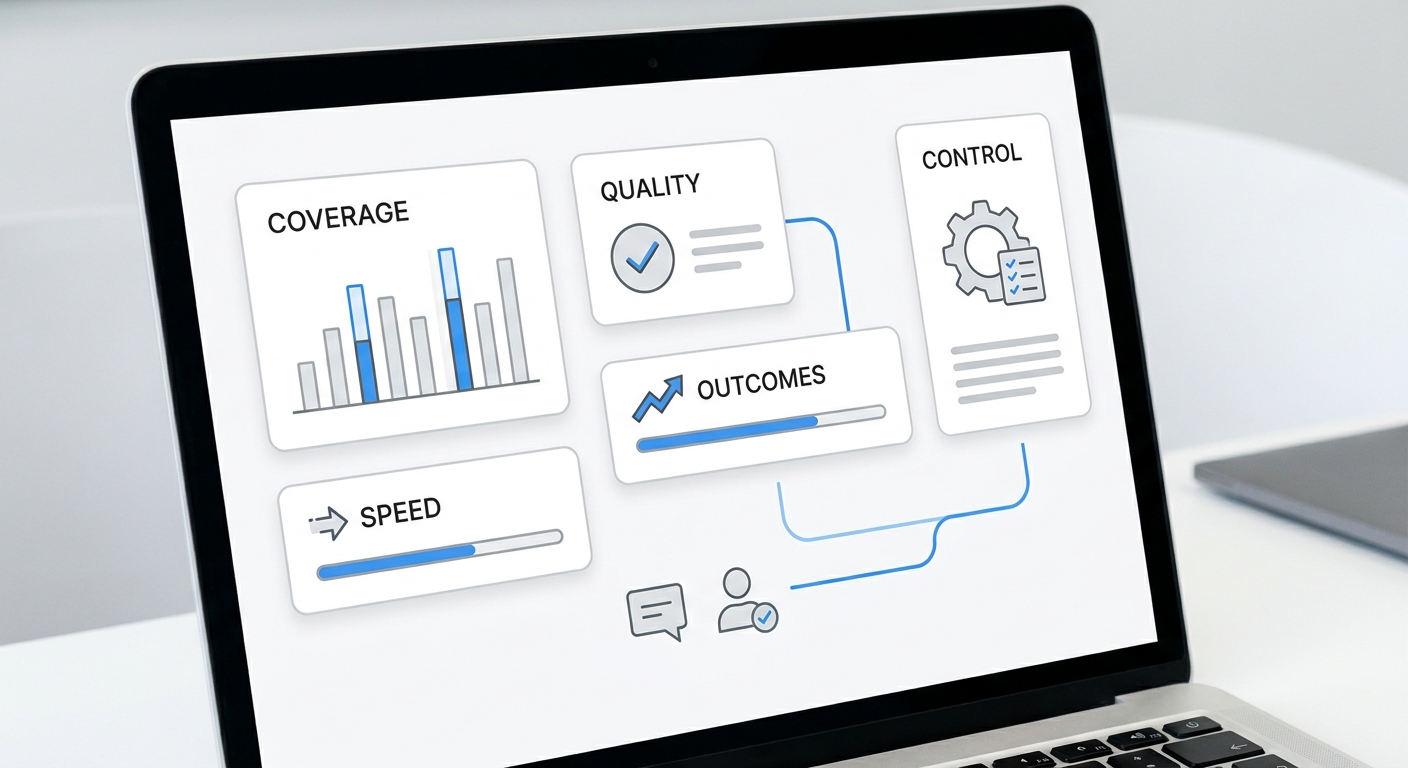
| Coverage | Can it answer missed calls and support after-hours overflow? |
| Intake quality | Does it capture structured intent, not just generic messages? |
| Shared visibility | Can the whole team see history, ownership, and next steps? |
| Cross-channel workflow | Can conversations continue across phone, SMS, email, and chat? |
| Knowledge control | Can the business guide what the system should say? |
| Team handoff | Are owners, statuses, and follow-up actions clear? |
| Rollout speed | Can a small team launch one workflow without a heavy implementation project? |
That is a better way to choose a virtual receptionist system than comparing isolated AI features.
Final takeaway
A fragmented front desk is rarely just a staffing issue. It is a workflow issue. If calls, texts, notes, follow-up, and ownership all live in different places, the customer experience breaks down even when each channel is technically covered.
The right virtual receptionist system replaces that fragmentation with one business-owned workflow: answer first, capture what matters, route the next step, and keep the team aligned across channels.
For modern service teams, that is the real upgrade. Not a better voicemail box. Not another disconnected phone tool. A front-desk system that keeps every customer conversation moving forward. See the system architecture inside Solvea.
Your AI Receptionist, Live in Minutes.
Scale your front desk with an AI that never sleeps. Solvea handles unlimited multi-channel inquiries, books appointments into your calendar automatically, and ensures zero missed opportunities around the clock.
FAQ
What is a virtual receptionist system?
A virtual receptionist system is a front-desk workflow that combines answering, intake, routing, and follow-up visibility instead of only taking messages. The stronger systems keep customer context visible across teammates and channels.
How is a virtual receptionist system different from an answering service?
An answering service mainly focuses on phone coverage and message handling. A virtual receptionist system goes further by preserving context, routing next steps, and supporting shared follow-up across the business.
When should a small business upgrade to a virtual receptionist system?
Usually when missed calls, after-hours demand, channel switching, or team handoffs start creating lost bookings, repeated questions, or unclear ownership.
Does a virtual receptionist system need to support more than phone calls?
For many modern teams, yes. Once customers move between phone, text, email, and chat, a phone-only workflow often creates the same fragmentation the business is trying to remove.