An AI receptionist for real estate should not run the same conversation for every property business.
A real estate agent may need to identify whether someone wants to buy, sell, rent, or schedule a viewing. A real estate investor may need to understand why an owner is considering a sale, what kind of property is involved, and whether the opportunity fits an acquisition process.
Both businesses benefit from faster intake, consistent follow-up, and one place to see the conversation. But the questions, routing rules, next steps, and human handoffs are different.
This guide shows how to design the right AI receptionist workflow for each operating model—and where the two can share the same foundation.
The Short Answer
The main difference is the job the caller wants done.
- Real estate agents usually organize demand around representation, property search, listing inquiries, showings, seller consultations, rentals, and transaction-related service.
- Real estate investors usually organize demand around property acquisition, owner intent, asset fit, follow-up, appointments, and the next step in an evaluation process.
That means an AI receptionist for real estate should not simply ask, “Are you buying or selling?” and send every lead into the same pipeline. It should identify the caller's path, capture only the information needed for that path, and assign a clear owner.
Real Estate Investor vs Agent Workflow at a Glance
| Workflow area | Real estate agent | Real estate investor |
|---|---|---|
| Common inbound intent | Buy, sell, rent, list, view, ask about a property | Discuss selling a property, respond to outreach, ask about the process, submit a deal |
| Primary intake object | Person, property of interest, service need, timing | Owner, property, sale motivation, condition, timing, fit |
| Typical next step | Viewing request, agent callback, listing consultation, rental follow-up | Acquisition callback, property review, appointment, nurture, disqualification |
| Calendar use | Showings, consultations, property tours | Seller calls, walkthroughs, acquisition appointments |
| Routing logic | Geography, property, buyer/seller/renter intent, language, agent availability | Market, property type, acquisition criteria, urgency, campaign or source |
| Human handoff | Advice, representation, negotiation, complaints, complex questions | Offer discussion, valuation, negotiation, legal questions, sensitive circumstances |
| Follow-up emphasis | Keeping the inquiry connected to the right agent and property | Maintaining contact while the team evaluates fit and decides the next action |
What an AI Receptionist for Real Estate Agents Needs to Accomplish
For an agent or brokerage, the AI receptionist for real estate sits at the front of several different service paths. A single phone number may receive buyer inquiries, listing leads, rental questions, showing requests, vendor calls, and messages for specific team members.
The AI workflow should quickly answer three questions:
- Why is this person contacting the business?
- Which property, market, or team member is relevant?
- What is the safest useful next step?
Recommended Agent Intake Fields
The exact form should be adapted to the brokerage, but a practical starting point includes:
- name and preferred contact method;
- whether the person is buying, selling, renting, or asking about a specific property;
- property address or listing reference when applicable;
- preferred market, neighborhood, or service area;
- timing and requested next step;
- viewing preferences, without promising a confirmed appointment before calendar rules allow it;
- language or accessibility needs;
- the best agent, team, or queue for follow-up.
The goal is not to interrogate the lead. It is to collect enough context so the next person does not have to restart the conversation.
Example Agent Call Flow
Imagine a buyer calls after seeing a listing.
- The AI receptionist identifies the property.
- It answers approved factual questions from the brokerage's knowledge base.
- It collects the buyer's name, contact preference, timing, and viewing request.
- If an approved calendar integration and booking rule are available, it can offer an eligible slot. Otherwise, it records preferences for confirmation.
- The conversation, summary, owner, and next action appear in the shared workflow.
- The assigned agent follows up with the full context.
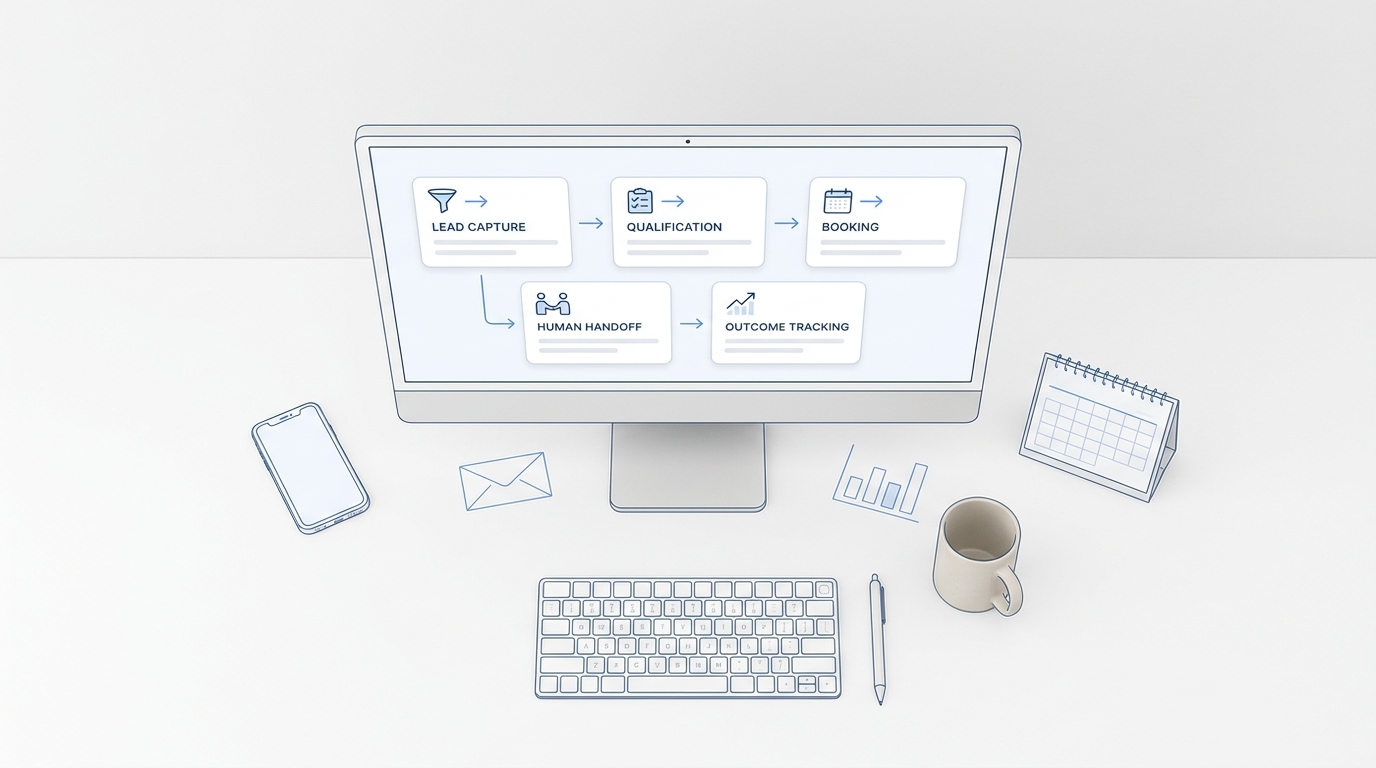
For a more detailed version of this process, see AI receptionist for real estate lead capture and viewing scheduling.
What an AI Receptionist for Real Estate Investors Needs to Accomplish
An investor workflow is usually narrower in service type but deeper in property and seller intake. Here, the AI receptionist for real estate needs to preserve acquisition context without negotiating or promising an offer.
The AI receptionist may receive calls from owners responding to a mailer, web form, ad, referral, missed call, or prior conversation. The useful outcome is not simply “seller lead captured.” The system needs to place the inquiry into the correct acquisition path.
Recommended Investor Intake Fields
Depending on the investment model, the workflow may collect:
- owner name and preferred contact method;
- property address and property type;
- occupancy status;
- broad condition notes supplied by the owner;
- reason for considering a sale, in the owner's own words;
- desired timing;
- whether there are other decision-makers;
- how the person heard from the business or which campaign prompted the response;
- the preferred time for an acquisitions specialist to call;
- consent and communication preferences recorded according to the business's process.
This is structured intake—not valuation, negotiation, legal advice, or a promise to buy.
Example Investor Call Flow
Imagine a property owner calls after receiving a letter.
- The AI receptionist recognizes the acquisition campaign or asks how the owner found the business.
- It explains the approved high-level process without making claims about an offer.
- It collects the property address, property type, broad condition, timing, and the owner's stated reason for exploring a sale.
- It checks the team's routing rules for market and property fit.
- It schedules or requests an acquisitions callback, depending on configured availability.
- It saves the conversation summary and assigns the next action.
- If the team decides the opportunity is not a fit, the workflow records that outcome instead of leaving the lead in an indefinite follow-up queue.
A real estate investor answering service may stop at taking a message. An AI-led workflow can also apply consistent intake, preserve the full conversation, route by acquisition criteria, and coordinate the next step across phone and messaging.
Five AI Receptionist for Real Estate Workflow Differences That Matter Most
1. Qualification Means Different Things
For an agent, qualification often means understanding the service request, property interest, timing, location, and routing need.
For an investor, qualification often means determining whether the property and owner situation belong in the acquisition team's review process.
In both cases, the AI should collect observable facts and caller-provided information. It should not make protected-class decisions, give transaction advice, or replace licensed and legal judgment.
2. The Property Record Plays a Different Role
An agent workflow may begin with an existing listing or a buyer's search criteria. The property connects the caller to a listing agent, buyer's agent, or showing workflow.
An investor workflow often creates or enriches an acquisition record. The property address becomes the anchor for seller details, campaign source, condition notes, follow-up history, and disposition inside the acquisition process.
3. Scheduling Has Different Endpoints
Agents may coordinate property tours, buyer consultations, listing appointments, or rental follow-up.
Investors may coordinate an acquisitions call, property walkthrough, inspection-related visit, or internal deal review.
The receptionist should clearly distinguish a requested time from a confirmed appointment. It should only confirm bookings that match configured calendars, availability, buffers, territories, and ownership rules.
4. Follow-Up Cadence Needs Separate Logic
An agent following up on a fresh property inquiry should preserve the connection between the person, property, and assigned agent.
An investor following up with a property owner may need different treatment based on the original source, prior conversation, requested callback, current property status, and communication preference.
Do not use one generic sequence for every lead. A requested callback, a missed inbound inquiry, an active seller conversation, and a cold prospect are different communication situations. If proactive calls are part of the workflow, use clear eligibility rules, suppression lists, attempt limits, and human review. See when AI should re-engage real estate leads.
5. Human Handoff Triggers Are Not Identical
Both workflows need a fast path to a person, but the triggers differ.
Agent workflow handoffs may include:
- representation or agency questions;
- negotiation or offer discussions;
- fair-housing-sensitive questions;
- property-specific advice beyond approved facts;
- complaints, emergencies, or uncertain answers;
- requests for a named agent.
Investor workflow handoffs may include:
- pricing, valuation, or offer discussions;
- legal, title, probate, foreclosure, bankruptcy, or tax questions;
- distressed or sensitive seller circumstances;
- negotiation;
- uncertainty about property fit;
- requests to stop contact or speak with a manager.
What Both Workflows Should Share
The scripts differ, but the operating foundation for an AI receptionist for real estate can be the same.
One Conversation History
Calls, texts, notes, summaries, and ownership should stay connected. If a caller moves from phone to SMS, the team should not lose the context or create a second disconnected lead.
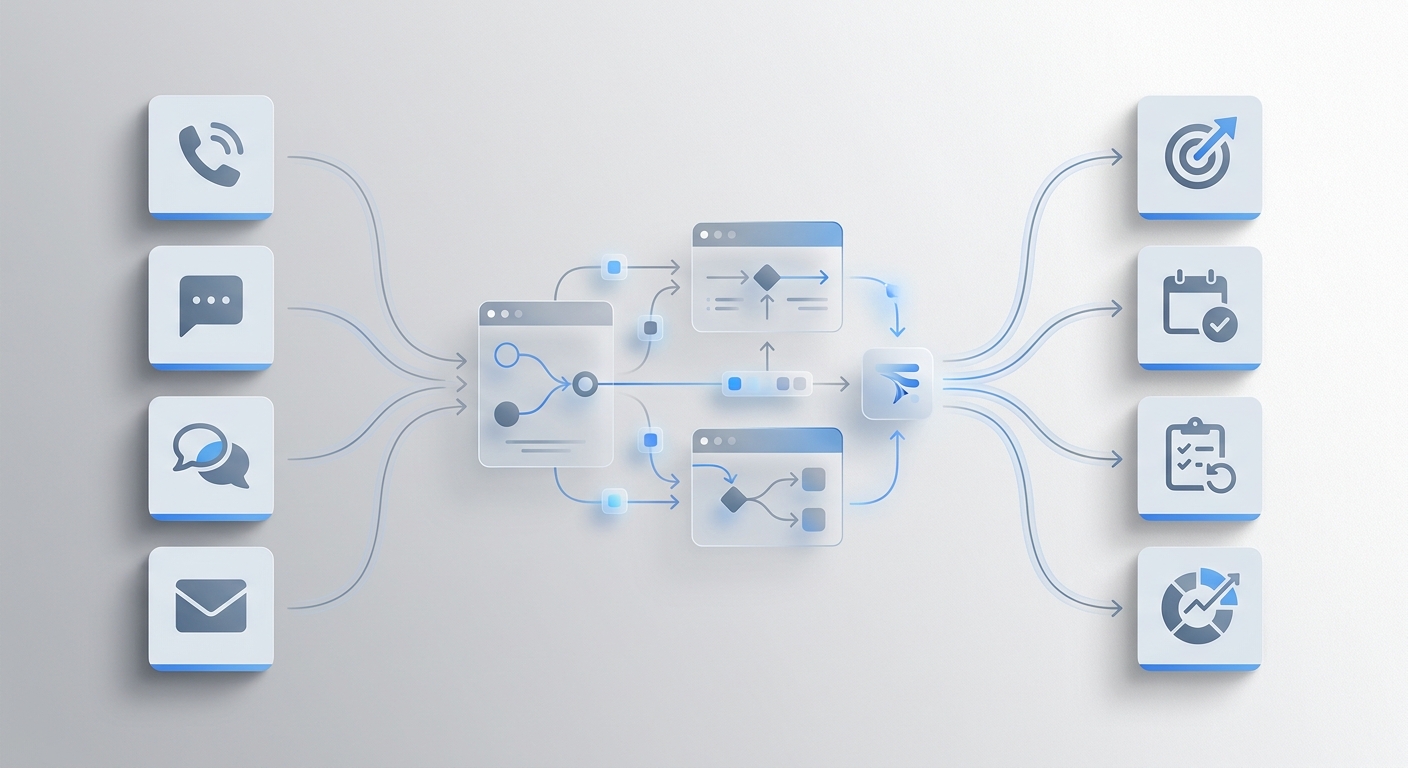
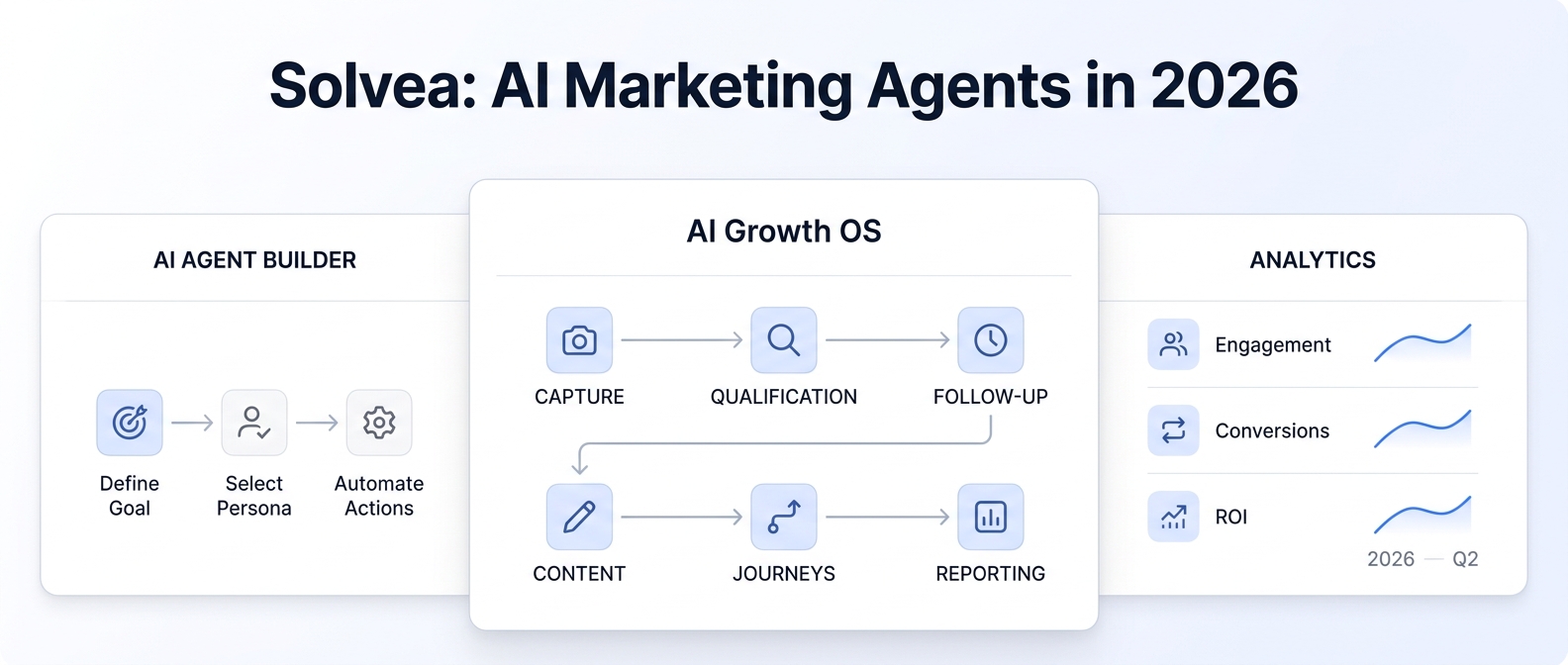
Solvea brings customer conversations into one shared workflow so teams can see what happened, who owns the next action, and whether follow-up is complete. Explore the broader AI receptionist for real estate workflow.
A Controlled Knowledge Base
The receptionist should answer from approved business information: service areas, operating process, property coverage, appointment rules, team contacts, and frequently asked questions.
When the knowledge is missing, uncertain, or outside scope, the correct action is escalation—not improvisation.
Explicit Ownership
Every useful conversation should end with:
- a named owner or queue;
- a visible status;
- a next action;
- an expected follow-up window defined by the business;
- a record of the caller's contact preference.
Without ownership, faster answering can still produce slow follow-up.
Compliance and Judgment Boundaries
Real estate communications can involve housing, consumer-contact, licensing, privacy, and transaction rules. Businesses should configure workflows with their legal and compliance advisers.
At minimum, teams should review official guidance from the U.S. Department of Housing and Urban Development on fair housing, the Federal Communications Commission on AI-generated voice calls, and the Federal Trade Commission on the Telemarketing Sales Rule.
An AI receptionist should support the team's approved process. It should not be positioned as legal advice or a substitute for licensed professionals.
How to Configure the Right Workflow in Solvea
Use this implementation sequence to configure an AI receptionist for real estate around either operating model.
Step 1: Define the Lead Paths
List the top reasons people contact the business. Keep agent and investor paths separate even if they share a phone number.
Step 2: Choose the Minimum Intake Fields
Ask only for information that changes routing, ownership, or the next step. Remove questions that staff do not use.
Step 3: Build Approved Answers
Add service areas, process explanations, appointment rules, team routing, and common factual questions to the knowledge base. Mark sensitive topics for human handling.
Step 4: Set Scheduling Rules
Define which appointment types can be confirmed, which can only be requested, and what calendars, territories, buffers, and owners apply.
Step 5: Configure Routing and Handoffs
Route by intent, market, property type, source, language, named team member, and urgency. Add clear escalation triggers.
Step 6: Connect Follow-Up
Keep phone and messaging history together. Create separate follow-up logic for inbound inquiries, requested callbacks, active opportunities, and outbound campaigns.
Step 7: Review Outcomes
Track more than call volume. Review completed intake, qualified routing, appointments requested, appointments confirmed, human handoffs, unanswered questions, time to ownership, and completed follow-up.
Your AI Receptionist, Live in Minutes.
Scale your front desk with an AI that never sleeps. Solvea handles unlimited multi-channel inquiries, books appointments into your calendar automatically, and ensures zero missed opportunities around the clock.
Which Workflow Do You Need?
Choose an agent workflow when your front desk primarily coordinates buyers, sellers, renters, listings, showings, and agent handoffs.
Choose an investor workflow when your team primarily evaluates property acquisition opportunities, manages seller intake, and coordinates acquisitions follow-up.
If your business does both, do not force callers through a blended script. Start with a short intent question, then branch into a dedicated workflow with its own intake fields, routing, scheduling, and handoff rules.
That is the practical advantage of an adaptable AI receptionist for real estate: one communication foundation, configured around the way each team actually operates.