A barbershop appointment booking system can keep a calendar organized. It cannot always answer the phone while every barber is with a client.
That distinction matters. A customer may call to ask whether you take walk-ins, request a specific barber, compare service options, move an appointment, or find the earliest opening before the weekend. If the call goes unanswered, the calendar never gets a chance to do its job.
The strongest setup connects two layers:
- Booking software manages services, availability, appointments, reminders, and customer records.
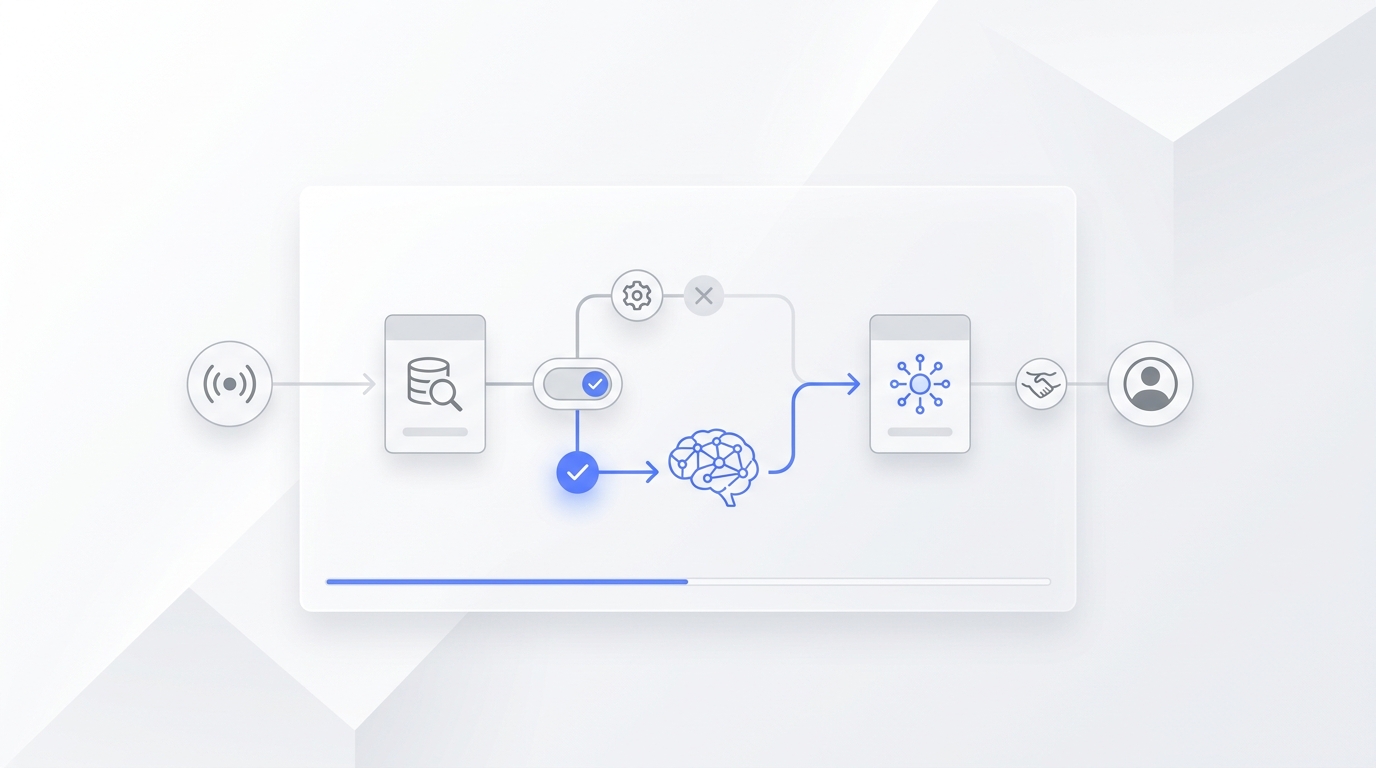
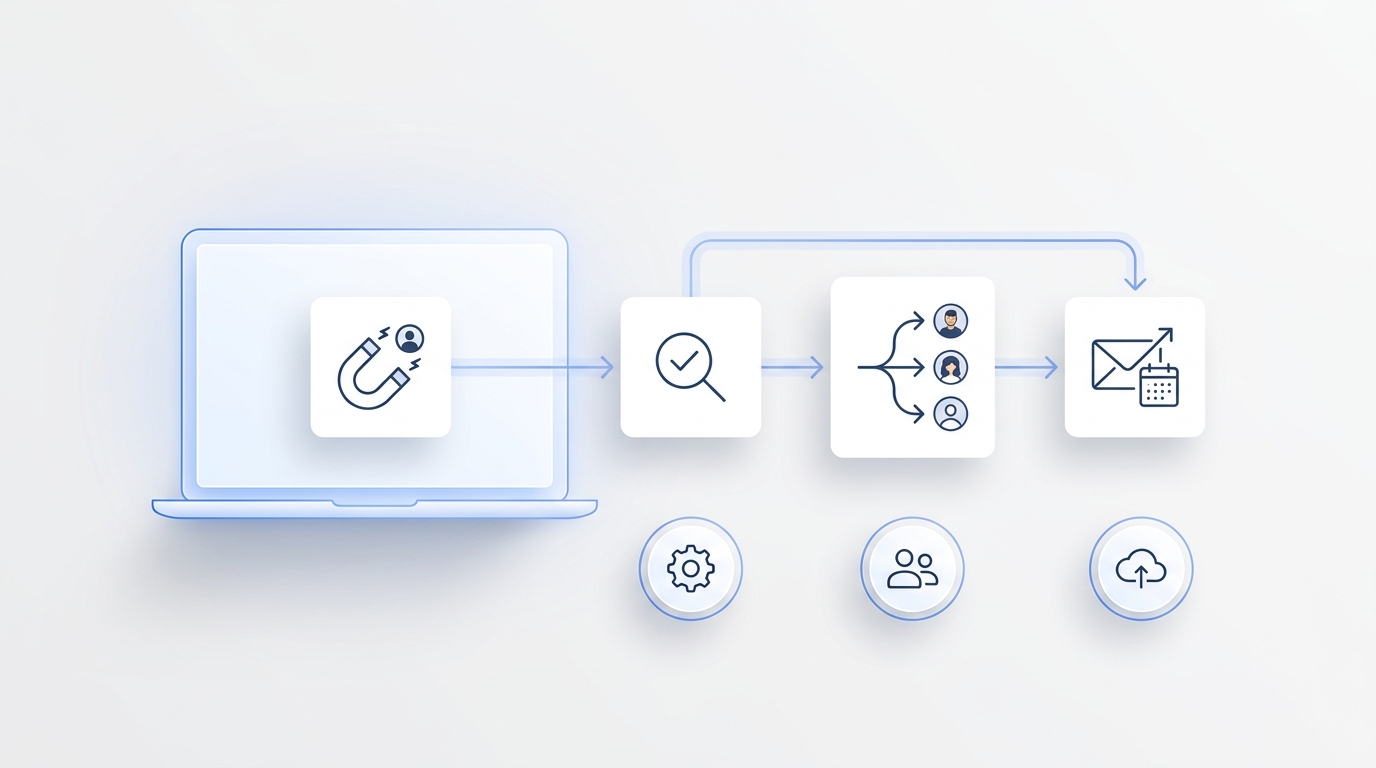
- An AI front desk workflow handles the conversation around the booking: answering, gathering details, checking approved information, routing exceptions, and creating a clear follow-up trail.
This guide explains how those layers work together, what to look for, and how to build a practical workflow for a busy shop.
What a barbershop appointment booking system does
Booking systems are built around the calendar. Depending on the platform and configuration, they can help a shop:
- Publish online availability.
- Create service menus and durations.
- Let customers choose a barber or accept the next available professional.
- Send confirmations and reminders.
- Manage cancellations, reschedules, deposits, waitlists, and customer profiles.
- Track appointments across multiple chairs or locations.
Those capabilities solve an important scheduling problem. They give the shop a structured source of truth for who is available, which services can be booked, and when appointments begin and end.
But the calendar is only one part of the customer journey. People still call when they are unsure what to book, cannot find a suitable time, want to change an existing appointment, or need an answer before committing.
Why booking software alone can leave a front-desk gap
An online booking page works best when the customer already knows what they want and is comfortable completing the process alone.
A phone conversation is less structured. A caller might say:
- “Can I get a fade after work?”
- “Does Marcus have anything Saturday?”
- “I booked the wrong service. Can you change it?”
- “Do you take walk-ins for kids?”
- “I’m running late. Will I lose my appointment?”
Each request contains information the calendar needs, but it may also require clarification, policy guidance, or human judgment. When barbers are working chair-side, asking them to stop and translate every call into calendar actions creates interruptions. Sending every caller to voicemail creates a different problem: delayed follow-up and incomplete booking details.
This is where an AI receptionist for a barber shop can extend the booking workflow. It can answer the call, identify the request, gather the details the shop has approved, and either complete an allowed action or hand the conversation to the right person.
Booking system vs. AI front desk: the operational difference
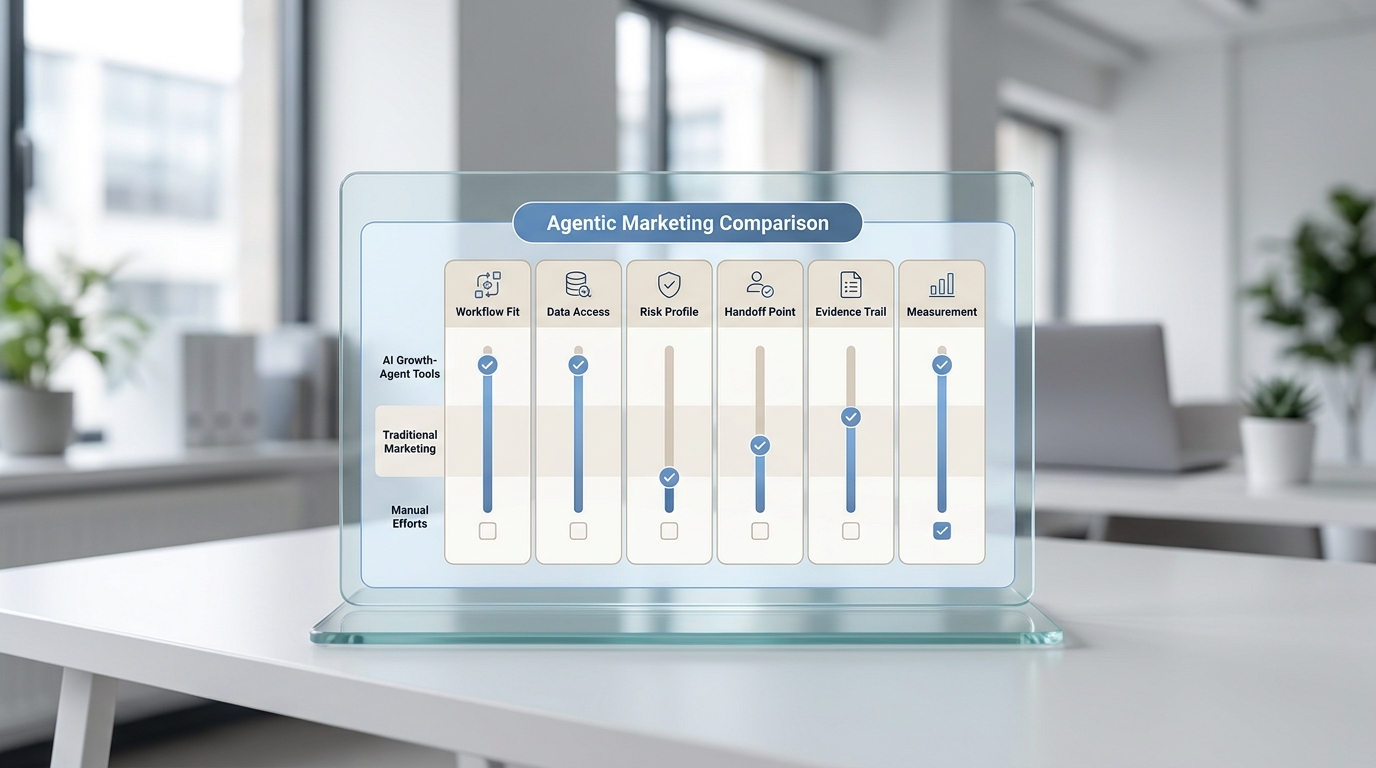
Think of the booking system as the schedule engine and the AI front desk as the conversation layer.
| Customer need | Booking system role | AI front desk role | Human role |
|---|---|---|---|
| New appointment | Stores services, duration, staff availability, and the confirmed slot | Understands the request, collects preferences, and guides the caller toward an available option | Handles unusual requests or exceptions |
| Specific barber | Shows that barber’s calendar | Confirms the requested barber and acceptable alternatives | Decides on off-calendar accommodations |
| Service question | Presents the configured service menu | Answers approved FAQs and clarifies which booking path may fit | Gives professional advice when the answer depends on hair, style, or condition |
| Reschedule or cancellation | Updates the appointment record | Verifies the request and follows the shop’s approved change policy | Reviews exceptions, fees, or disputed details |
| Walk-in question | May show open capacity if connected | Explains the shop’s approved walk-in process | Makes real-time floor decisions when conditions change |
| Late arrival | Holds the appointment record | Captures the delay and routes a clear message | Decides whether the service can still be completed |
The goal is not to make the AI improvise. The goal is to give it a defined job, approved information, and a reliable handoff path.
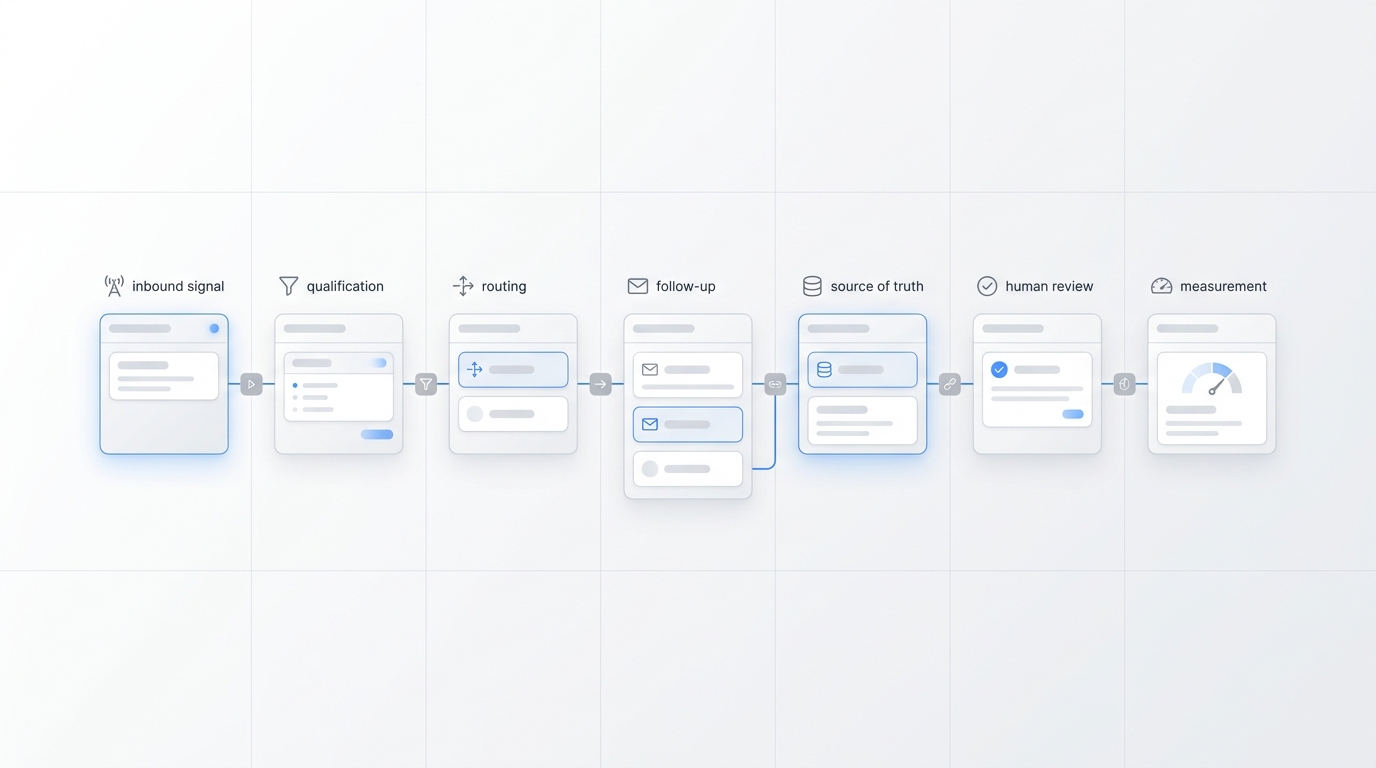
A practical call-to-calendar workflow for barbershops
The most useful workflow is simple enough for staff to trust and structured enough to prevent details from disappearing.
1. Answer the call with the shop’s identity
The greeting should make it clear that the caller reached the correct business. Keep it short and natural. The first objective is to learn whether the person wants to book, change an appointment, ask a question, or speak with the team.
2. Identify the booking intent
For a new appointment, collect only the information needed to find a suitable slot:
- Requested service.
- Preferred barber, if any.
- Preferred day or time range.
- Whether the caller can accept the next available barber.
- New or returning customer status, if your workflow uses it.
- Name and callback number.
Avoid turning the call into a long form. The workflow should reduce friction, not add it.
3. Check approved availability and service rules
The front desk should rely on the connected calendar and the shop’s configured knowledge. It should not guess service length, pricing, barber availability, or policy details.
This is the key integration test: can the conversation layer read or work with the information the booking layer treats as authoritative?
4. Confirm the appointment or create a structured handoff
If the requested action is supported, confirm the barber, service, date, time, location, and contact details. If it cannot be completed, create a useful handoff rather than a vague “please call this person back” message.
A strong handoff includes:
- What the customer wants.
- Preferred barber and acceptable alternatives.
- Preferred timing.
- The question or blocker.
- The best callback number.
- Any urgency, such as a same-day request.
5. Send confirmation through the right channel
Once a booking is confirmed, the customer should receive the normal confirmation generated by the booking system or the shop’s approved messaging workflow. Do not create two competing confirmation processes.
If a caller disconnects before completing the request, a missed-call text-back workflow can give the customer a simple next step.
6. Give the team one follow-up record
Calls, summaries, texts, and ownership should not live in separate places when staff need to act quickly. A shared customer conversation record helps the next person understand what happened without replaying the entire interaction.
Clear ownership matters as much as the summary. Every unresolved request should have a person or queue responsible for the next action.
7. Review exceptions and improve the workflow
Look at the calls that still require manual help. Common categories may include:
- Specialty services that need a consultation.
- Questions about hair condition or style suitability.
- Group bookings.
- Appointment-fee disputes.
- Last-minute schedule changes.
- Requests outside configured hours or locations.
Use those examples to improve FAQs, routing rules, service descriptions, and staff escalation—not to make the AI answer beyond its approved scope.
What to look for in a barbershop booking and front-desk setup
The best software is the system your team can maintain accurately. Evaluate the combined workflow, not just a feature checklist.
Calendar accuracy
Can staff update hours, time off, service durations, and barber availability without creating conflicting sources of truth? Real-time access is important when the front desk is expected to offer or confirm slots.
Service and barber matching
Can the workflow distinguish among services with different durations? Can it respect customer requests for a specific barber while offering the next available option when appropriate?
New and returning customer handling
Returning customers may expect the same barber or service. New customers may need more explanation. The workflow should capture enough context without forcing the same script on everyone.
Reschedule and cancellation rules
Define what can happen automatically and what requires staff review. The system should follow the shop’s policy rather than inventing exceptions.
Your AI Receptionist, Live in Minutes.
Scale your front desk with an AI that never sleeps. Solvea handles unlimited multi-channel inquiries, books appointments into your calendar automatically, and ensures zero missed opportunities around the clock.
FAQ boundaries
An AI front desk can handle approved operational questions such as hours, address, parking notes, accepted booking methods, or general walk-in policy. Questions that require a barber’s professional judgment should route to a person.
Human escalation
Test what happens when the customer is upset, the request is unclear, the calendar connection is unavailable, or the desired action is outside the workflow. A good fallback preserves context and makes the next step obvious.
Conversation records
Look for summaries that capture the reason for the call, requested action, outcome, and owner. A concise AI call summary is more useful than a raw transcript when the team needs to act between appointments.
Multilingual coverage
If your customer base speaks multiple languages, confirm which languages are supported and how exceptions are handed off. A bilingual or multilingual answering workflow should still use the same approved services, policies, and calendar rules.
A setup checklist before going live
Use this checklist whether you are adding an AI front desk to an existing barber booking app or rebuilding the workflow.
Booking foundation
- Services have clear names and realistic durations.
- Each barber’s availability is current.
- Breaks, time off, buffers, and location rules are configured.
- New, reschedule, cancellation, and no-show policies are documented.
- The shop has one authoritative calendar.
Conversation rules
- The greeting and shop identity are approved.
- Required booking details are defined.
- Approved FAQs are written in plain language.
- Topics requiring a barber or manager are listed.
- The workflow knows when to stop and escalate.
Handoff rules
- Every unresolved request has an owner.
- Same-day and urgent requests have a priority path.
- Summaries include service, barber, timing, contact details, and blocker.
- Staff know where to find the conversation record.
- Calendar outages have a fallback process.
Testing
- Test a new booking with a specific barber.
- Test a next-available booking.
- Test a reschedule and cancellation.
- Test a walk-in question.
- Test a late-arrival message.
- Test an unclear request and human escalation.
- Test a call outside business hours.
Common mistakes to avoid
Treating every call as a booking
Some calls are questions, changes, or requests for judgment. Classify the intent before trying to create an appointment.
Letting two systems send conflicting confirmations
Choose which system owns appointment confirmation and reminders. Customers should not receive different times or instructions from different tools.
Automating exceptions before the basic path works
Start with common requests: new bookings, basic FAQs, changes, and clear handoffs. Add edge cases only after reviewing real conversations.
Using stale service or staff information
An AI front desk is only as accurate as the knowledge and availability it can access. Assign someone to keep services, hours, policies, and routing rules current.
Sending staff incomplete messages
“Customer called about an appointment” is not a usable handoff. Capture the service, barber preference, timing, contact details, and unresolved question.
Frequently asked questions
What is the best appointment booking system for a barbershop?
The best fit depends on your shop’s size, service menu, number of barbers, locations, payment needs, and existing tools. Evaluate calendar accuracy, ease of staff updates, online booking, reminders, rescheduling, customer records, reporting, and integration options. Then test how the system handles your real booking scenarios.
Does an AI receptionist replace barber booking software?
Usually, no. Booking software remains the source of truth for services, availability, and appointments. The AI receptionist handles conversations around that calendar, such as answering calls, gathering booking details, handling approved FAQs, and routing exceptions.
Can an AI front desk book a specific barber?
It can if the connected workflow can identify the requested barber, read valid availability, and complete that action under the shop’s rules. If the requested slot is unavailable, the workflow should offer approved alternatives or create a staff handoff.
Can it handle reschedules and cancellations?
That depends on the integration and the policies you configure. Define which changes can happen automatically, how the caller is verified, and which exceptions require staff review.
What questions should a barbershop AI receptionist answer?
Start with approved operational information: hours, location, booking method, general service menu, walk-in process, and basic appointment policies. Route questions requiring professional assessment or unusual exceptions to a barber or manager.
How should a barbershop test an AI booking workflow?
Run realistic calls for a new appointment, a preferred barber, next available, a reschedule, a cancellation, a walk-in question, a late arrival, an after-hours request, and an unclear request. Verify both the customer response and the staff record created after each call.
Build the workflow around the conversation, not just the calendar
A barbershop appointment booking system organizes availability. An AI front desk helps customers reach that calendar when they choose to call, ask questions, or change plans.
The most reliable setup keeps responsibilities clear: the booking system owns the schedule, the AI handles approved conversations, and the team retains judgment over exceptions. Connect those layers with accurate information, structured summaries, and visible ownership.