AI is no longer just a trend for big tech companies. According to McKinsey's State of AI report in 2025, 88% of respondents said their organizations are now regularly using AI in at least one business function. This technology has moved from a "nice-to-have" to a competitive necessity for businesses of all sizes.
AI tools help businesses automate repetitive tasks and analyze data faster than any human could. They act like extra team members that never sleep. These AI assistants can handle your emails, manage your customer support, and even find your next big client.
Are you also looking for the best AI business tools? With so many options available, it is easy to feel overwhelmed. This blog features the top 10 AI tools for businesses. These tools have been personally tested, and real user feedback has been closely analyzed to guarantee performance.
How we choose the best AI tools for business
Choosing the best AI tools for businesses is more than just looking at a feature list. Our goal is to recommend products that truly help your business grow and are worth your trust. Here are our core criteria for picking these winners:
- Ease of Use: We prefer "no-code" or "low-code" tools that a founder can set up without hiring a developer.
- Proven ROI: The tool must save more time or generate more revenue than its monthly subscription cost.
- Scalability: The software should work just as well for a solo creator as it does for a growing business.
- Reliability: We look for established up-time and positive reviews on platforms like Reddit, G2, and Trustpilot.
- Integration: A great tool must "talk" to your other apps, so you don't end up with messy, disconnected data.
TL;DR: What are the best AI tools for business
The best AI tools for businesses are the ones that solve your specific bottlenecks. For example, if you miss too many calls, Solvea is your winner. If you spend all day writing for brands, Claude is your best friend. Most businesses can benefit from a mix of these tools to create a "Power Stack."
Product | Best For | Key Use Cases | Free Trial | Starting Price |
SMB 24/7 AI Receptionist | Lead capture, Booking, Customer Support | 1000 credits | $30/month | |
Real-time Market Intelligence | Competitor research, Factchecking | 12 months for personal use | $17/month for personal use | |
Large-scale Data Analysis | Spreadsheet analysis, Workspace sync | 30 days | $4.32/month | |
Automated Sales | Data enrichment, Cold outreach | 14 days | $134/month | |
Human-like Content | Brand voice, Long-form blogs | Sonnet 4.6 free for everyone | $0.04/month | |
Social Funnel Automation | IG/WhatsApp DMs, Lead nurture | 14 days | $15/month/user | |
High-Volume Scribing | Clinical notes, HIPAA documentation | 14 days | $20/month/user | |
Professional Audio | Voice cloning, Video dubbing | 10,000 credits/month | $5/month | |
Custom Internal Tools | Building apps, Writing scripts | Free version for hobbyists | $20/month (Pro plan) | |
AI Workflows | App integration, multi-step tasks | 14 days | $19.99/month |
1. Solvea: Best for SMBs 24/7 AI Receptionists
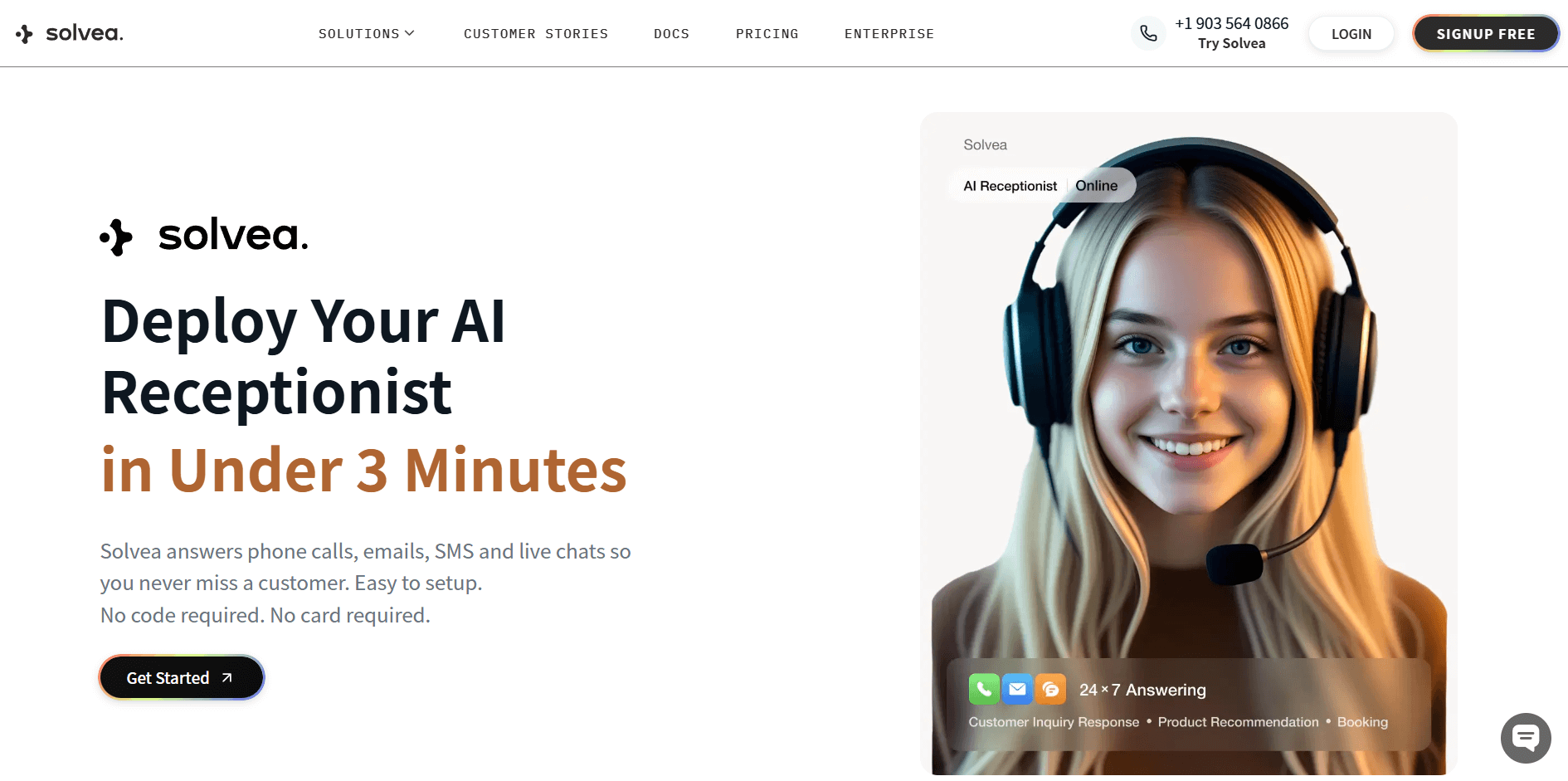
Who is it for? Local service businesses (lawyers, medspas, real estate) and small e-commerce brands that need a professional front desk without the high cost of a full-time employee.
Why I Pick It? Solvea is the closest thing to a human receptionist I have ever seen. It doesn't just "chat"—it executes tasks. I was impressed by how it handles both voice and text, ensuring you never miss a client call again. If a customer calls at 2 AM to book an appointment, Solvea checks your Google Calendar and schedules the slot instantly.
What makes it a standout is the industry-specific templates. Whether you are a Law Firm needing to intake new cases or a MedSpa handling beauty consultations, Solvea has a "Knowledge Base" pre-built for you. You can upload your own PDFs or website links, and the AI learns your business logic in minutes.
Additionally, the Resolution Rate analysis is a game-changer. It shows exactly how many conversations resulted in a booking or a solved ticket. This turns your support channel into a high-converting sales machine.
Pros:
- True 24/7 availability for voice and text.
- Deep integration with Google Calendar, Shopify, and CRMs.
- Niche templates for Retail, Home Services, and SaaS.
- Easy "Knowledge Base" setup with custom documents.
- Email and SMS sending and receiving for booking confirmations.
2. Perplexity AI: Best for Real-time Market Intelligence
Who is it for? Founders, marketers, and researchers who need fast, accurate, and cited information without digging through pages of Google ads.
Why I Pick It? In business, speed is everything. When you need to know the latest market trends or what a competitor just launched, Perplexity gives you a summary with direct citations. You can actually click the links to verify the facts.
Reddit users often praise it for being "Google on steroids." When I used it to research 2026 SEO trends, it pulled data from real-time news and forums that Google hadn't even indexed yet. It feels like having a personal research assistant who reads the whole internet for you in five seconds.
Pros:
- Cites every source for 100% transparency.
- "Pro" mode allows for deep, multi-step research.
- Excellent mobile app for on-the-go business intel.
- Upload files to summarize long reports instantly.
Cons:
- Sometimes it struggles with very niche, localized data.
3. Google Gemini: Best for Large-scale Data Analysis
Who is it for? Data-driven businesses and teams already using Google Workspace who need to process massive amounts of information.
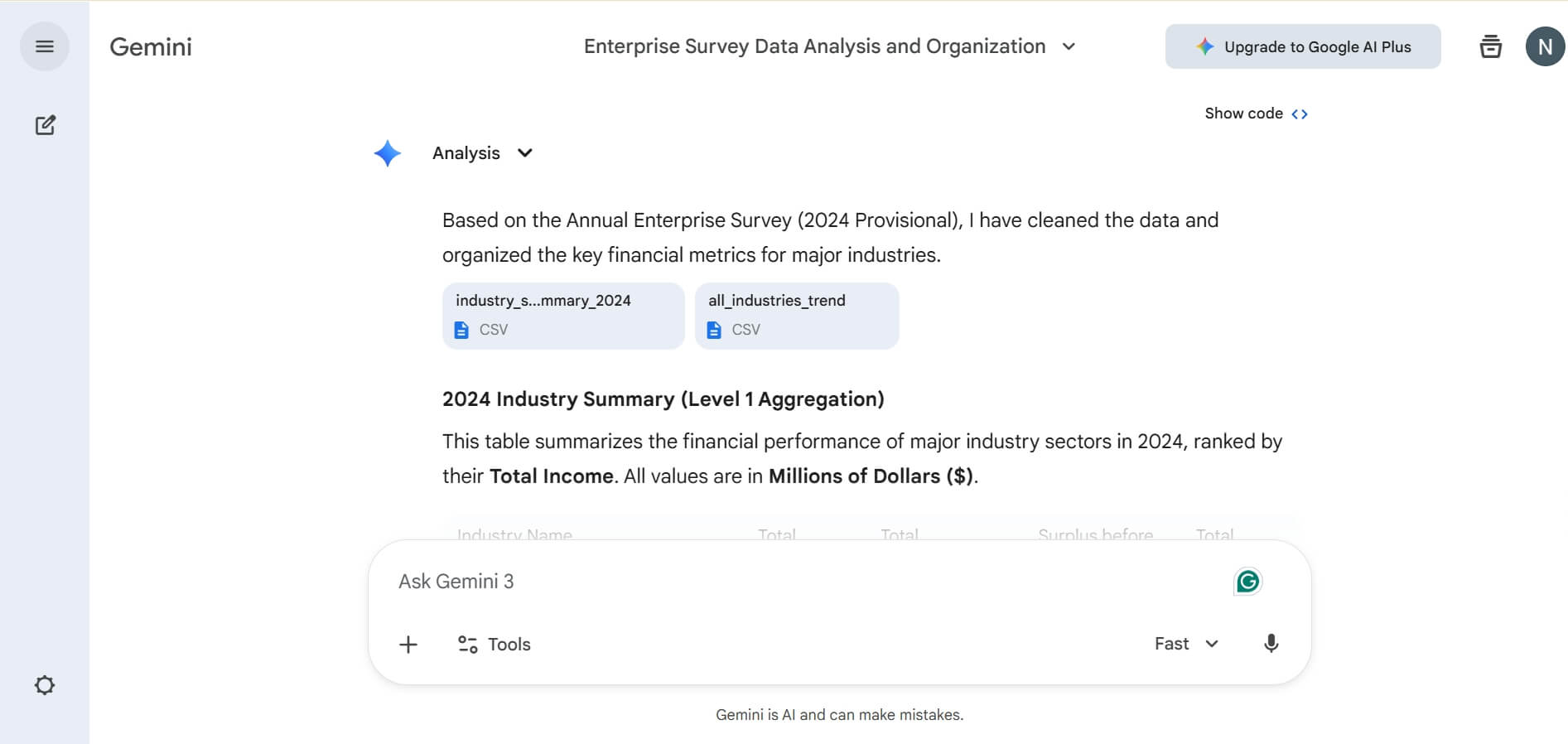
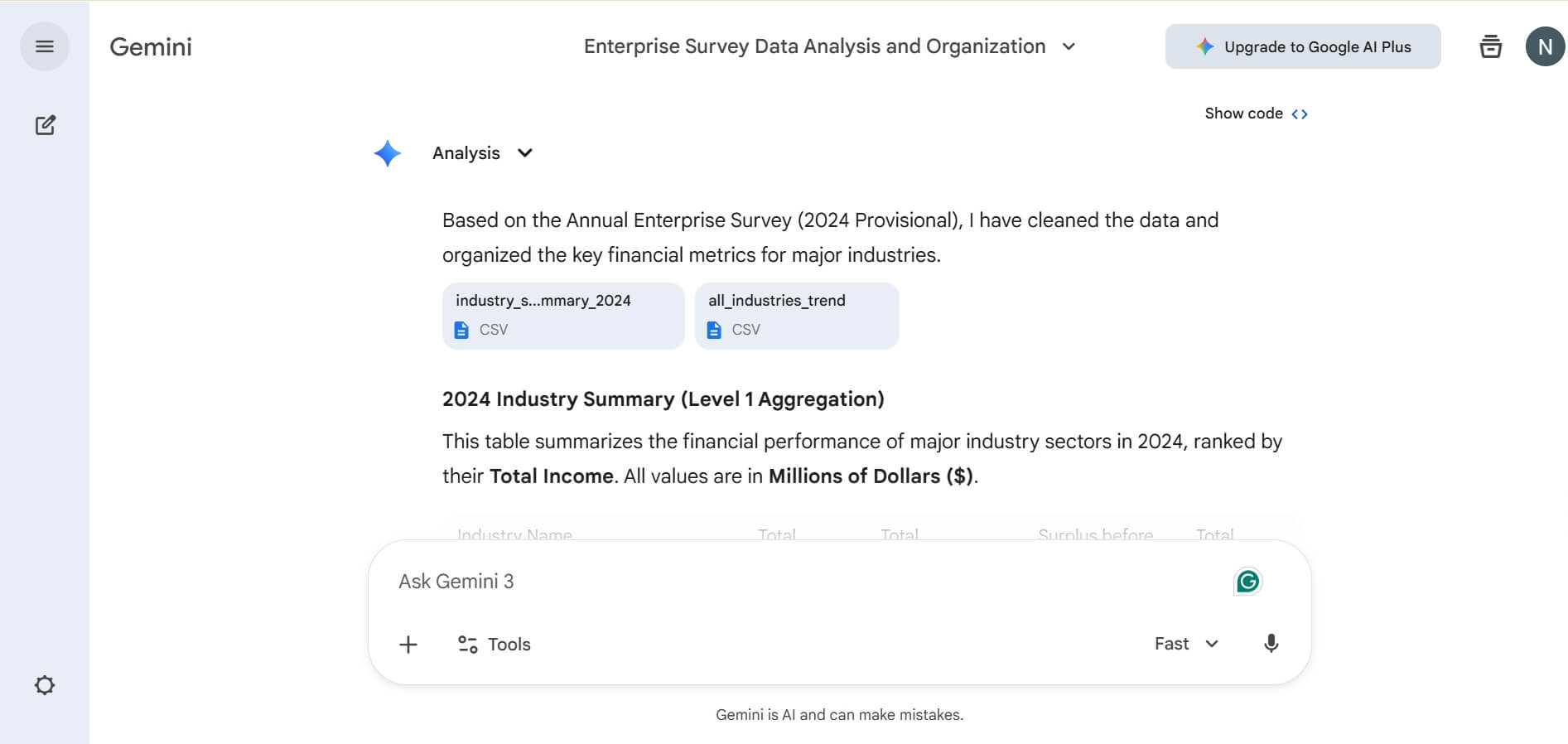
Why I Pick It? Gemini has a "context window" that is simply unmatched. While other AIs forget things after a few pages, Gemini can read 1,000-page PDFs or thousands of lines of code in one go. I recently fed it an entire year's worth of raw sales data from a CSV file, and it identified a 15% drop in Tuesday sales that I had completely missed.
The native integration with Gmail and Docs is where it shines. You can ask it to "find the contract my lawyer sent last week and summarize the termination clause," and it does it inside your inbox. It is the most practical choice if your business lives in the Google ecosystem.
Pros:
- Massive context window (up to 2M tokens).
- Deeply integrated with Google Sheets, Docs, and Gmail.
- Fast processing of large video and image files.
- Available directly in the Chrome sidebar.
Cons:
- Its creative writing can feel a bit "robotic" compared to Claude.
- The interface can occasionally feel cluttered.
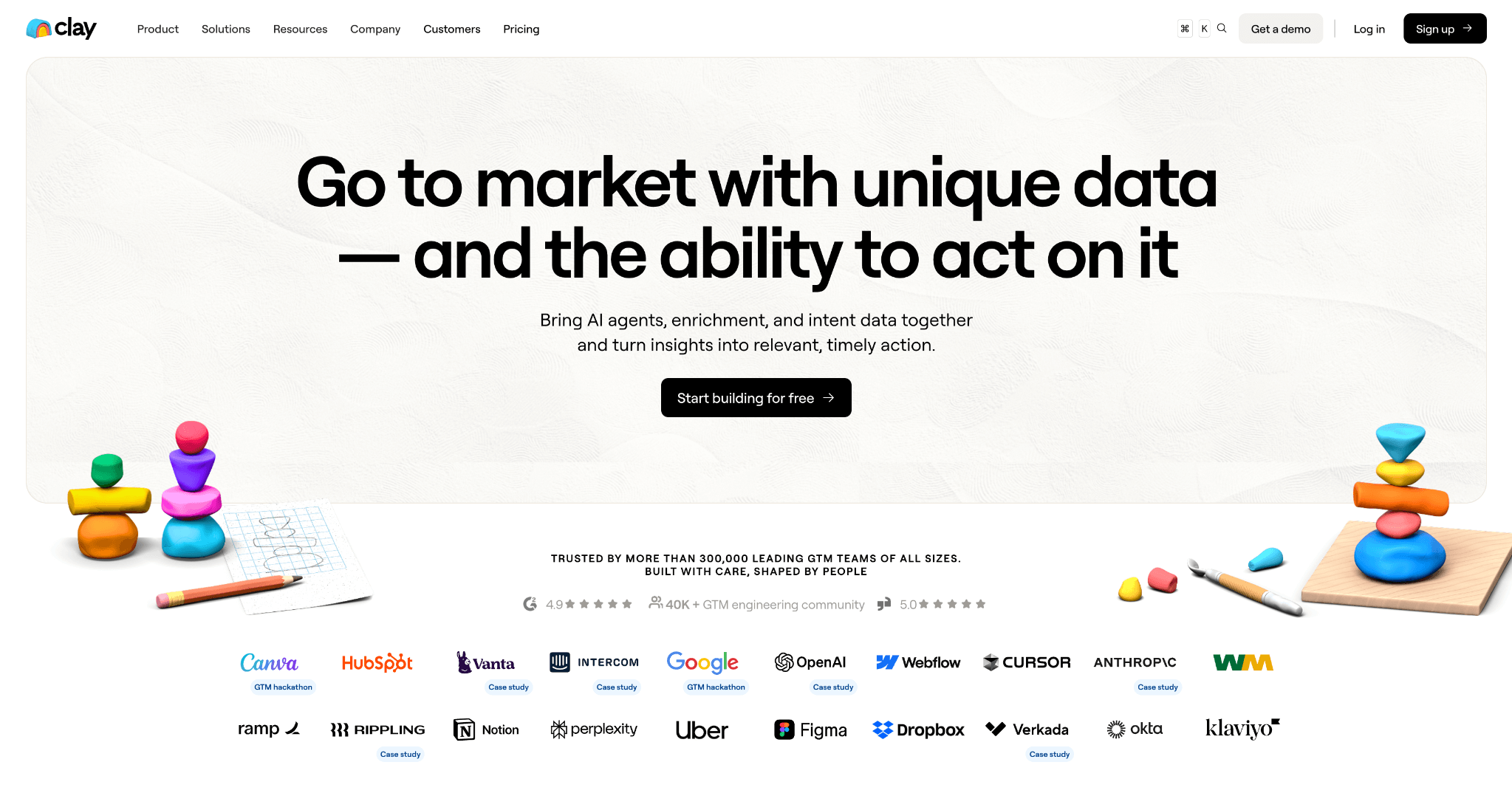
4. Clay: Best for Automated Sales Prospecting
Who is it for? B2B sales teams and founders who want to scale their outreach without sending "spammy" generic emails.
Why I Pick It Clay is essentially "Excel with a brain." Instead of manually searching LinkedIn for leads, Clay automates the whole search. It connects to over 50 data sources like LinkedIn, Crunchbase, and GitHub. I used it to find "SaaS founders who recently hired a new Marketing Director," and Clay found 200 leads in ten minutes.
The "Magic" part is how it personalizes the outreach. It can visit a prospect's website, read their "About" page, and write a custom opening line for an email based on their specific mission. It takes the "cold" out of cold email.
Pros:
- Provides access to premium data from over 150 providers
- AI writes highly personalized email opening lines.
- Saves dozens of hours on manual lead research.
Cons:
- The learning curve is quite steep for beginners.
- Can get expensive as you scale your lead volume
5. Claude Sonnet: Best for Human-Like Brand Storytelling
Who is it for? Content creators, marketing agencies, and anyone who needs AI writing that sounds like a real person, not a machine.
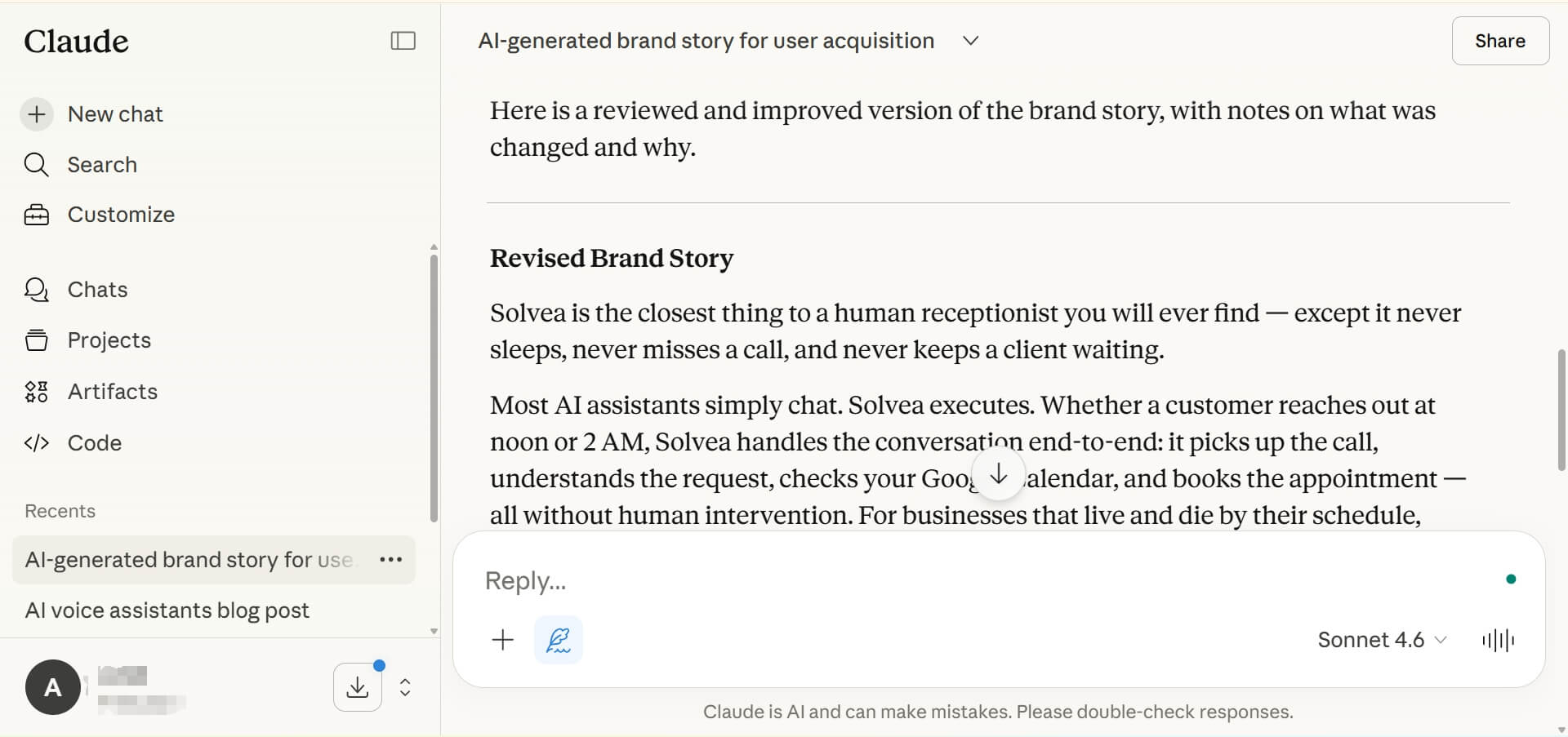
Why I Pick It If you have ever been frustrated by AI using words like "delve" or "tapestry," you need Claude. In my writing workflow, Claude Sonnet is my go-to for brand voice. It has an incredible ability to mimic my personal style. I often feed it three of my previous blogs and say, "Write a new post using this exact tone," and the results are scary-good.
On Reddit, the consensus is that Claude feels more empathetic and nuanced. When I used it to write a sensitive client apology email, it captured the perfect balance of professional and sincere. It's the best "writing partner" for businesses that value their reputation.
Pros:
- The most "human" writing style on the market.
- Excellent at following complex, multi-layered instructions.
- Massive context window for analyzing long brand guides.
Cons:
- The daily message limit on the free plan is quite low.
- Does not have a built-in image generator like Gemini.
6. ManyChat: Best for Best for Social Media Funnel Automation
Who is it for? Instagram, Facebook, and WhatsApp marketers who want to turn "comments" into "customers" automatically.
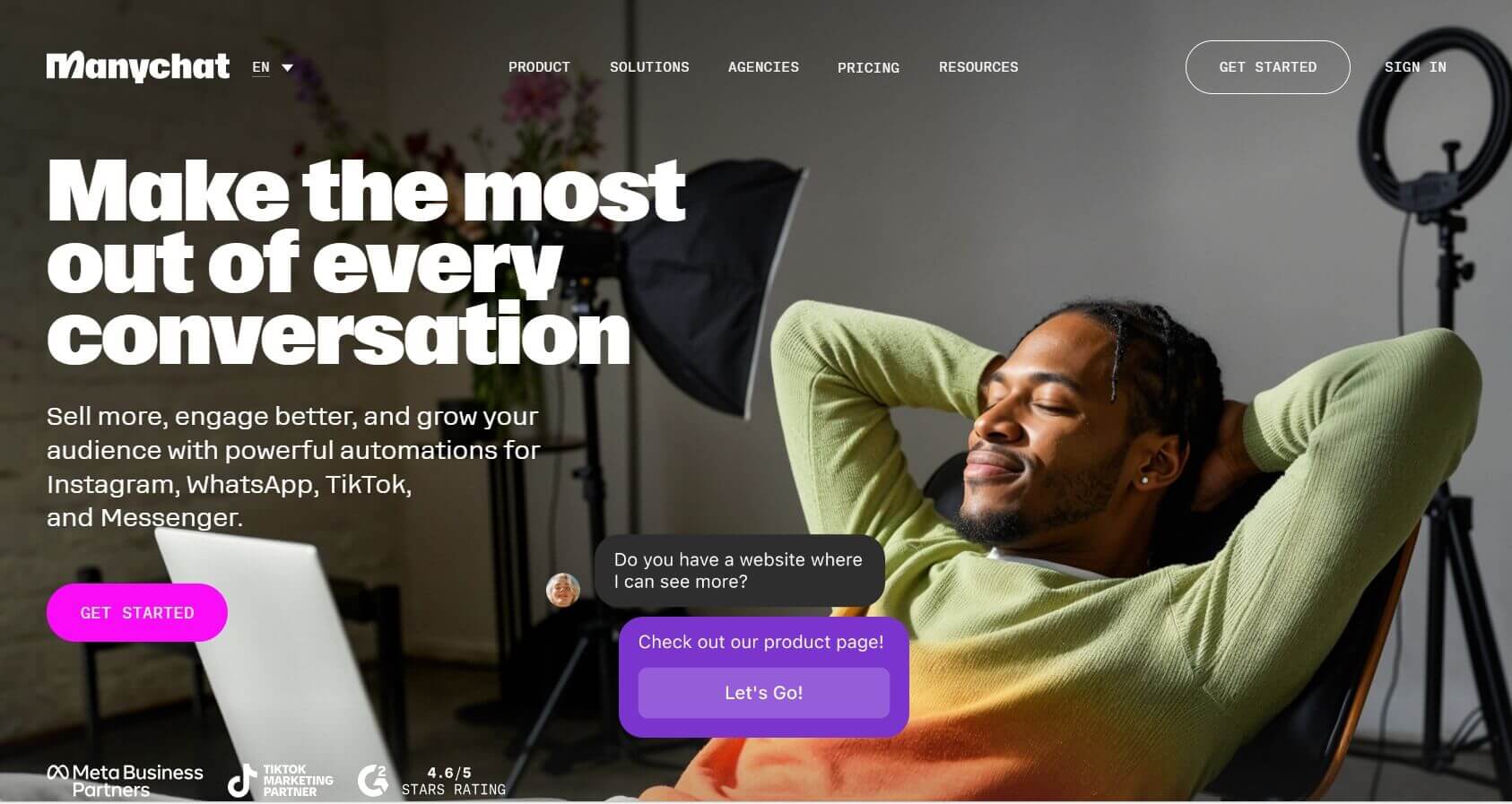
Why I Pick It? ManyChat is the king of DM automation. Have you seen those posts that say, "Comment 'READY' to get my link"? That is ManyChat at work. It has revolutionized how I handle Instagram engagement. Instead of manually DMing hundreds of people, the AI handles the conversation, asks for their email, and sends the link instantly.
The G2 reviews reflect how much users love the visual flow builder. It is satisfying to map out a customer journey where a simple comment leads to a sale. It keeps your engagement high while you are offline, making your social media work 24/7.
Pros:
- Official integration with Meta (Instagram/FB) and WhatsApp.
- Easy visual "drag and drop" automation builder.
- Great for building email and SMS lists via social media.
Cons:
- Setting up "intelligent" AI responses requires a separate OpenAI key.
- Meta's strict rules can sometimes lead to account flagging if overused.
7. Heidi Health: Best for High-Volume Clinical Scribing
Who is it for? Doctors, therapists, and clinicians who are drowning in paperwork and want to focus on patients instead of keyboards.
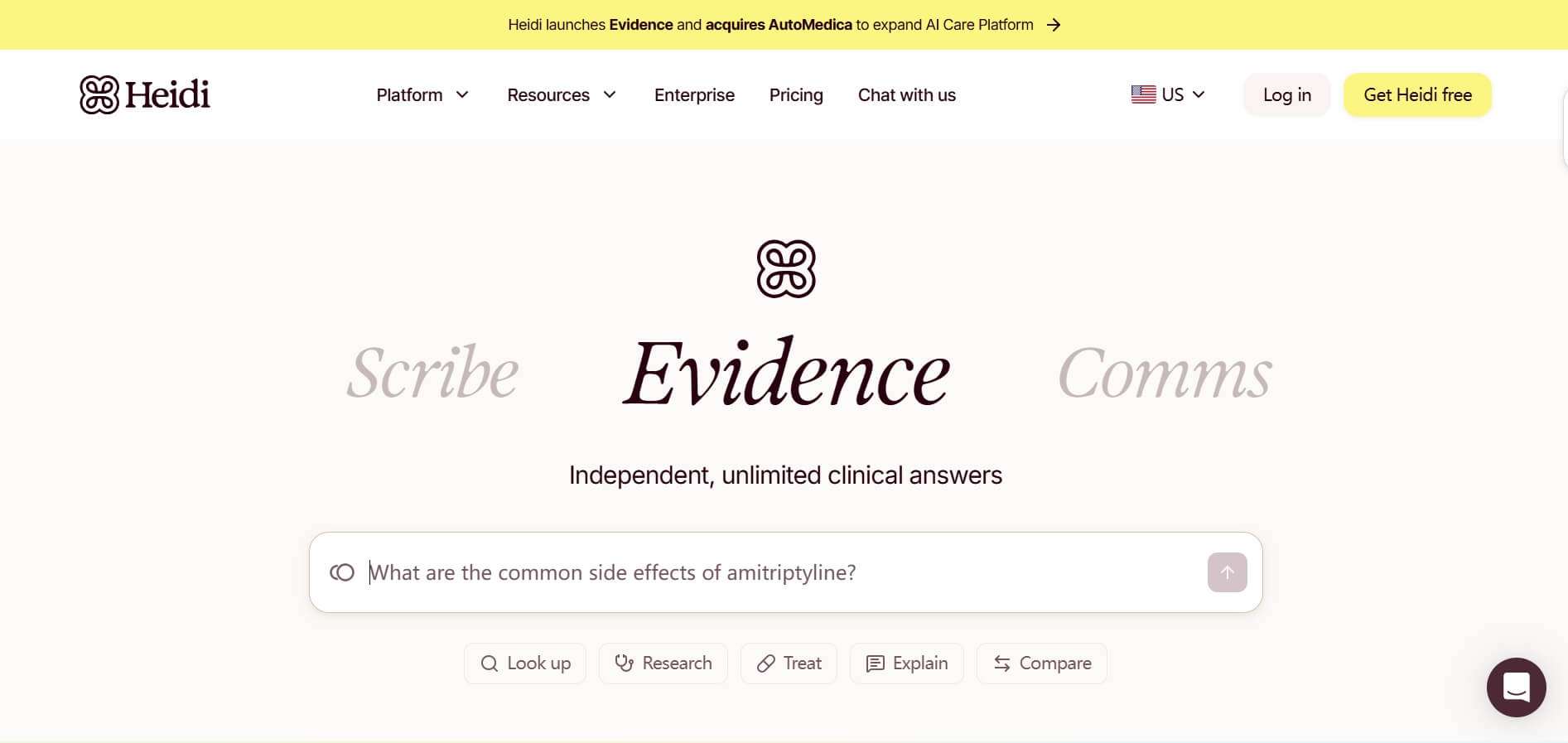
Why I Pick It Heidi Health is a lifesaver for the medical community. I have spoken to clinic owners who say it saves them two hours of charting per day. It listens to patient consultation (with consent) and automatically writes a professional, structured medical note.
The security feature is what makes it authoritative—it is HIPAA and GDPR compliant. It understands complex medical terminology across different accents, allowing a doctor to maintain eye contact with the patient instead of staring at a screen.
Pros:
- Automates medical notes with 90%+ accuracy.
- Highly secure and compliant with global health standards.
- Free-to-use tier is very generous for solo practitioners.
Cons:
- Requires a stable internet connection for real-time scribing.
- Occasional "hallucinations" mean notes must still be checked by a human.
8. ElevenLabs: Best for Best for Professional Audio Branding
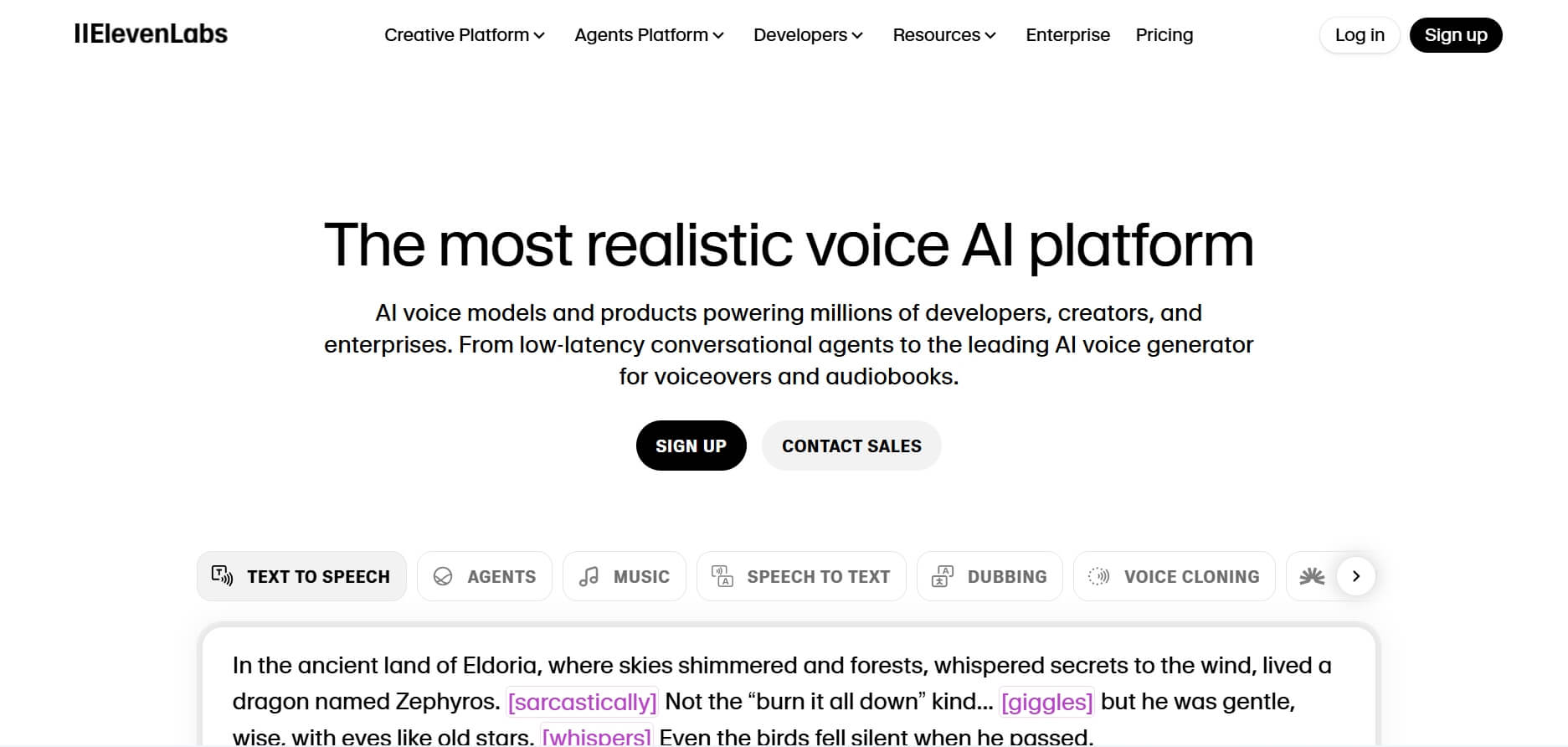
Who is it for? YouTube creators, podcast producers, and businesses who need high-quality voiceovers in multiple languages.
Why I Pick It? The voice quality in ElevenLabs is the gold standard. I used it to clone my own voice for a training video, and my team couldn't tell the difference. For a business, this means you can produce a professional-sounding ad in 29 different languages without hiring 29 different voice actors.
Reddit users often mention that it is the only AI that handles emotion and pacing correctly. It doesn't sound like a GPS; it sounds like a narrator. If you are building a "faceless" brand or need to scale your video content, this is the tool.
Pros:
- Scarily accurate voice cloning.
- Supports over 29 languages with native-sounding accents.
- Built-in "AI Dubbing" for translating videos effortlessly.
Cons:
- The pricing can get expensive for long-form content.
9. Cursor: Best for Building Custom Internal Business Tools
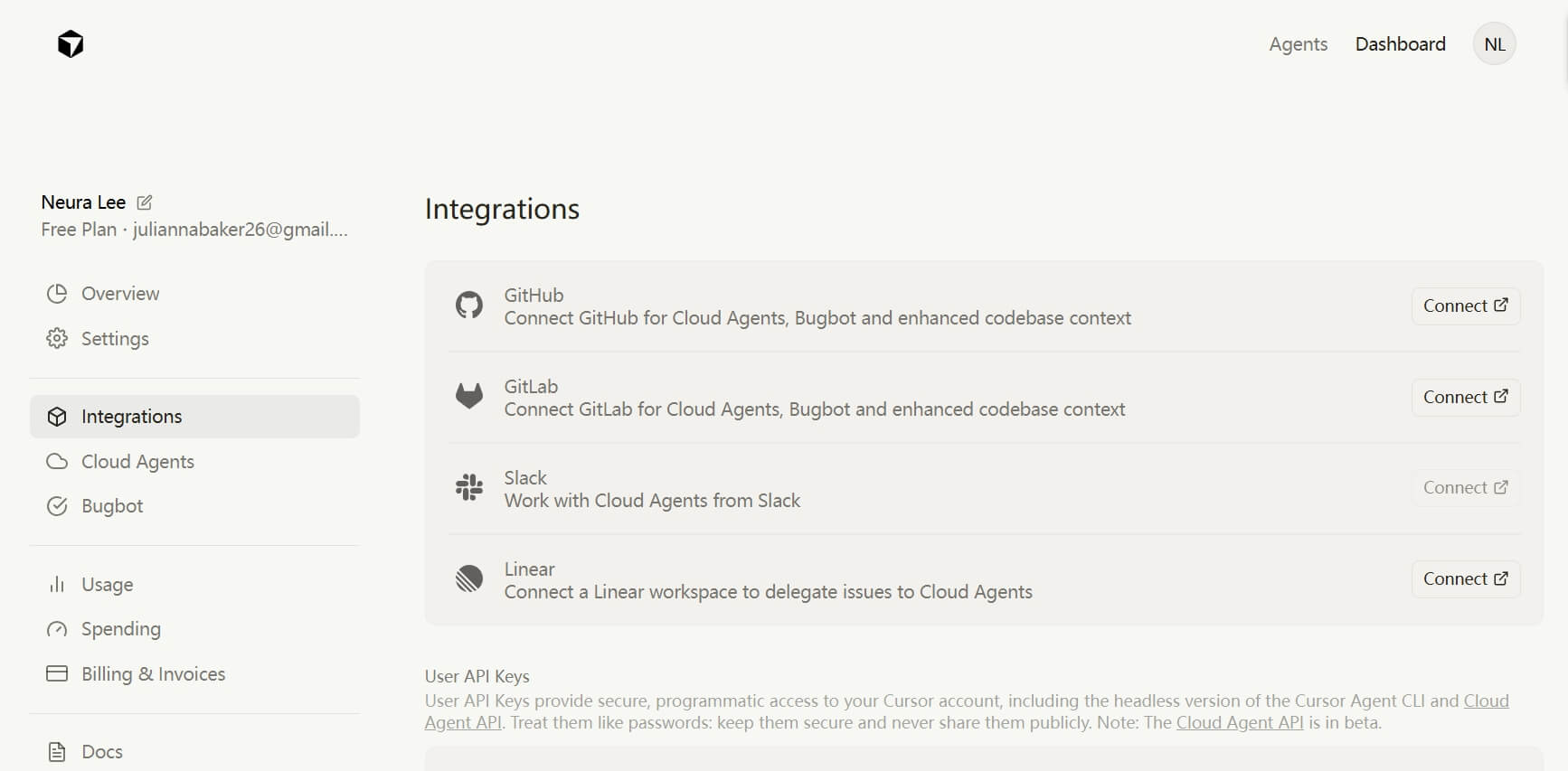
Who is it for? Founders and "solopreneurs" who want to build their own software or automate tasks but don't know how to code from scratch.
Why I Pick It? Cursor is a "code editor" built with AI at its core. I am not a pro developer, but with Cursor, I built a custom internal dashboard for my team one weekend. You just type, "Add a button that exports this data to a PDF," and Cursor writes the code for you.
It is much more powerful than just asking ChatGPT for code. Cursor "sees" your whole project, so it understands how all your files work together. It allows business owners to build custom solutions that off-the-shelf software simply can't do.
Pros:
- Makes professional coding accessible to non-coders.
- Suggests edits based on your entire project folder.
- Deeply integrated with the latest models like Claude 3.5.
Cons:
- Still requires a basic understanding of how to run code.
- Can lead to "buggy" code if the instructions are too vague.
10.Zapier: Best for Cross-platform AI Workflows
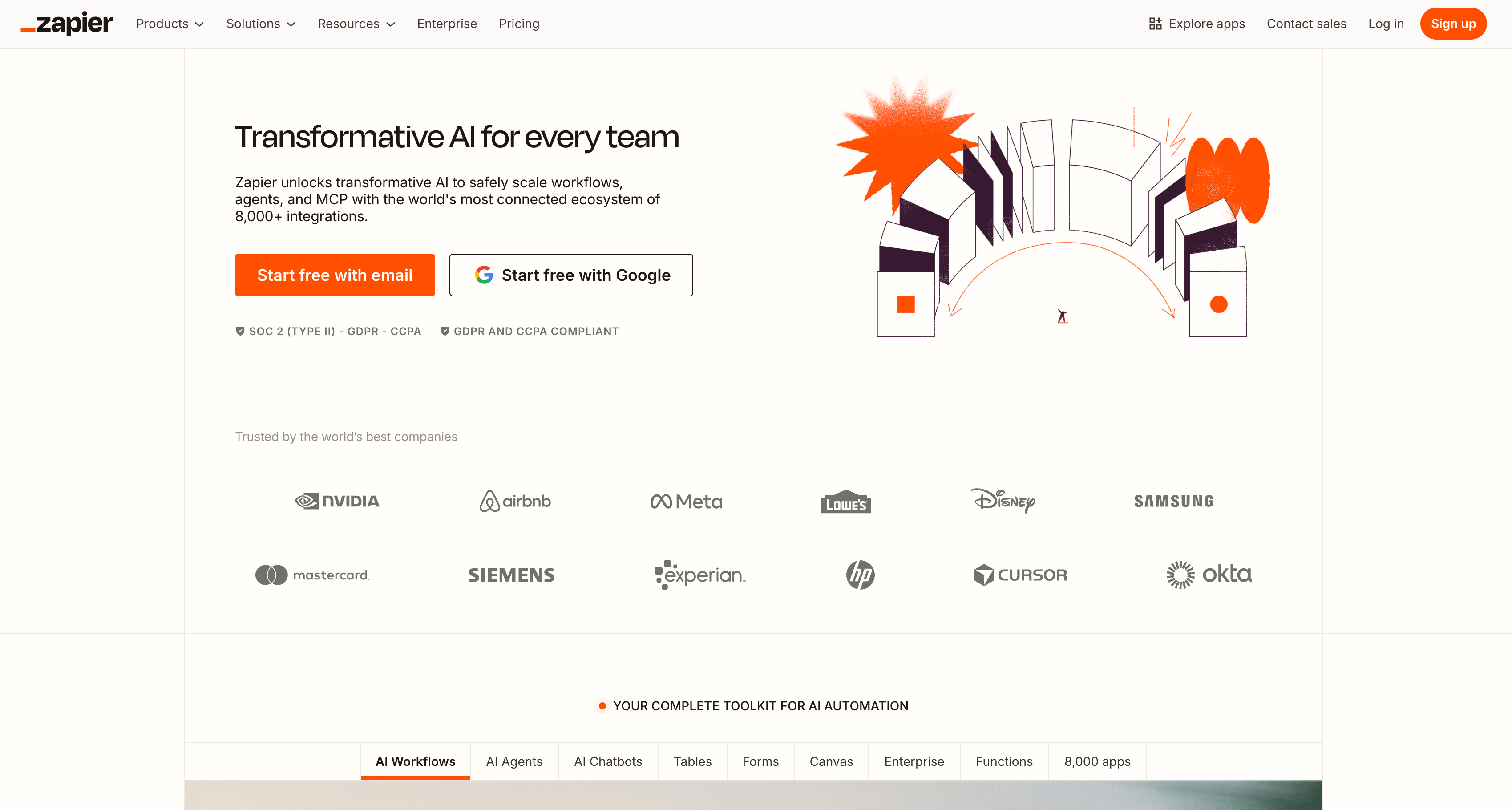
Who is it for? Operations-heavy businesses that use multiple apps and want them to work together automatically.
Why I Pick It Zapier is the "glue" of the internet. If Solvea is your receptionist and Claude is your writer, Zapier is the manager that makes them talk. For example, I use a "Zap" that says: "When a new lead books via Solvea, send a summary to Slack and add them to my Clay outreach list."
It now has "AI Actions," allowing you to bake AI into every step of your workflow. It is the final piece of the puzzle that turns a bunch of separate tools into a fully automated business machine.
Pros:
- Connects with 8,000+ different work apps.
- New AI features make building automations easier than ever.
- Reliable and scales with your business growth.
Cons:
- The pricing for "Pro" tasks adds up quickly.
- The interface can be overwhelming for a first-time user.
Your AI Receptionist, Live in Minutes.
Scale your front desk with an AI that never sleeps. Solvea handles unlimited multi-channel inquiries, books appointments into your calendar automatically, and ensures zero missed opportunities around the clock.
FAQs
1. What are the best AI tools for small businesses?
For small businesses, Solvea is a top choice because it handles the critical tasks of customer reception 24/7, ensuring no lead is ever missed. Beyond reception, tools like ManyChat are essential for automating social media sales, while Claude Sonnet allows small teams to produce professional-grade marketing content without hiring a full-time writer.
2. Are there free AI tools available for businesses?
Yes, most AI tools offer a free tier. Google Gemini have powerful free versions for general tasks. Heidi Health offers a free plan for clinicians, and ManyChat lets you start for free to test your first automation. However, for "Pro" features like API access or high volume, you will eventually need a paid plan.
3. How do I choose the right AI tool for my business?
Start by identifying your biggest "time-waster." If you spend hours on research, try Perplexity. If you are drowning in emails, look at Claude. I always suggest starting with one tool that solves your most painful problem, mastering it, and then using Zapier to connect it to your next tool.
4. What are AI tools specifically for marketing?
ManyChat is the leader for social media automation. Claude is the best for writing brand stories and ad copy that resonates with humans. For visual marketing, ElevenLabs provides the perfect voiceovers for your video ads and social media reels.
5. What features should I look for in AI tools for business?
The most important feature is integration capabilities—can it talk to your CRM or email? Second is data security, especially for medical or legal fields. Lastly, look for customizability. You want a tool that can learn your specific "Knowledge Base" and brand voice rather than giving generic "AI-flavored" results.