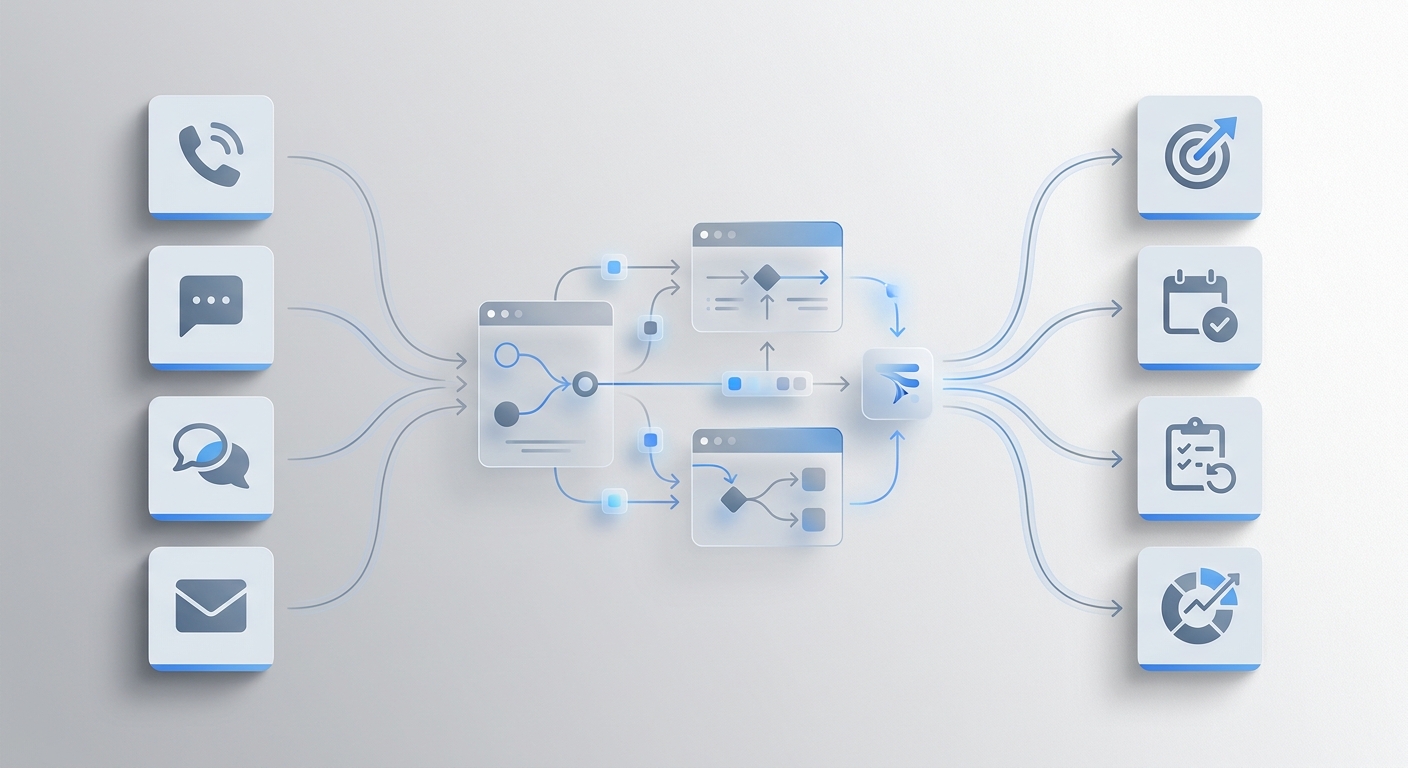
A chatbot and an AI receptionist both automate customer communication — but they're built for entirely different channels, and deploying the wrong one creates coverage gaps that cost you customers.
The distinction isn't intelligence level. Both can run on the same underlying AI. The difference is scope: a chatbot handles text on your website or app; an AI receptionist handles phone calls, live chat, and email — often all three simultaneously. Get that wrong, and you'll have an automated widget covering your lowest-traffic channel while your phone rings unanswered.
AI Receptionist vs Chatbot at a Glance
Chatbot | AI Receptionist | |
Primary channel | Website chat, messaging apps | Phone calls, live chat, email |
Handles voice calls | ✗ | ✓ |
Intelligence | Rule-based to LLM-powered | LLM-powered, intent-aware |
Takes real actions | Limited (form fills, basic routing) | Yes (books appointments, checks orders, escalates) |
Available 24/7 | ✓ | ✓ |
Human handoff | Basic redirect or link | Context-aware escalation with full history |
Setup complexity | Medium–High | Low (some tools under 3 min) |
Starting price | Free–$50/mo | Free–$30/mo |
Who it's for | SaaS, ecommerce, website-first businesses | Service businesses, retailers with high call volume |
A customer calls your business at 9 PM on a Friday. Another sends a message through your website chat at the same time. A third emails asking about your return policy.
Three channels. Three customers. All expecting a response now.
That scenario is why the chatbot vs. AI receptionist question actually matters. Both automate customer communication — but they're built for different channels, and confusing them creates coverage gaps that cost you customers.
Here's a straightforward breakdown: what each does, where each fits, and how to decide which one your business needs.
What Is a Chatbot?
A chatbot is software that handles text-based conversations — typically on a website, mobile app, or messaging platform like WhatsApp, Instagram DMs, or Facebook Messenger.
At the basic level, chatbots work from scripts. A customer types "track my order," the bot matches that phrase to a workflow, and responds with a template. More advanced versions use large language models (LLMs) to understand intent and generate natural replies — closer to how a human would actually respond.
The two types you'll encounter:
- Rule-based chatbots: Pre-written decision trees. Fast to set up, predictable, but brittle. One unexpected phrasing breaks the flow.
- AI-powered chatbots: LLM-driven, conversational, handle variation in how customers phrase things. Much more useful for complex FAQs and multi-turn conversations.
What chatbots are genuinely good for:
- Answering repetitive FAQs on your website (hours, pricing, shipping policy, return windows)
- Order tracking and status lookups when connected to your ecommerce platform
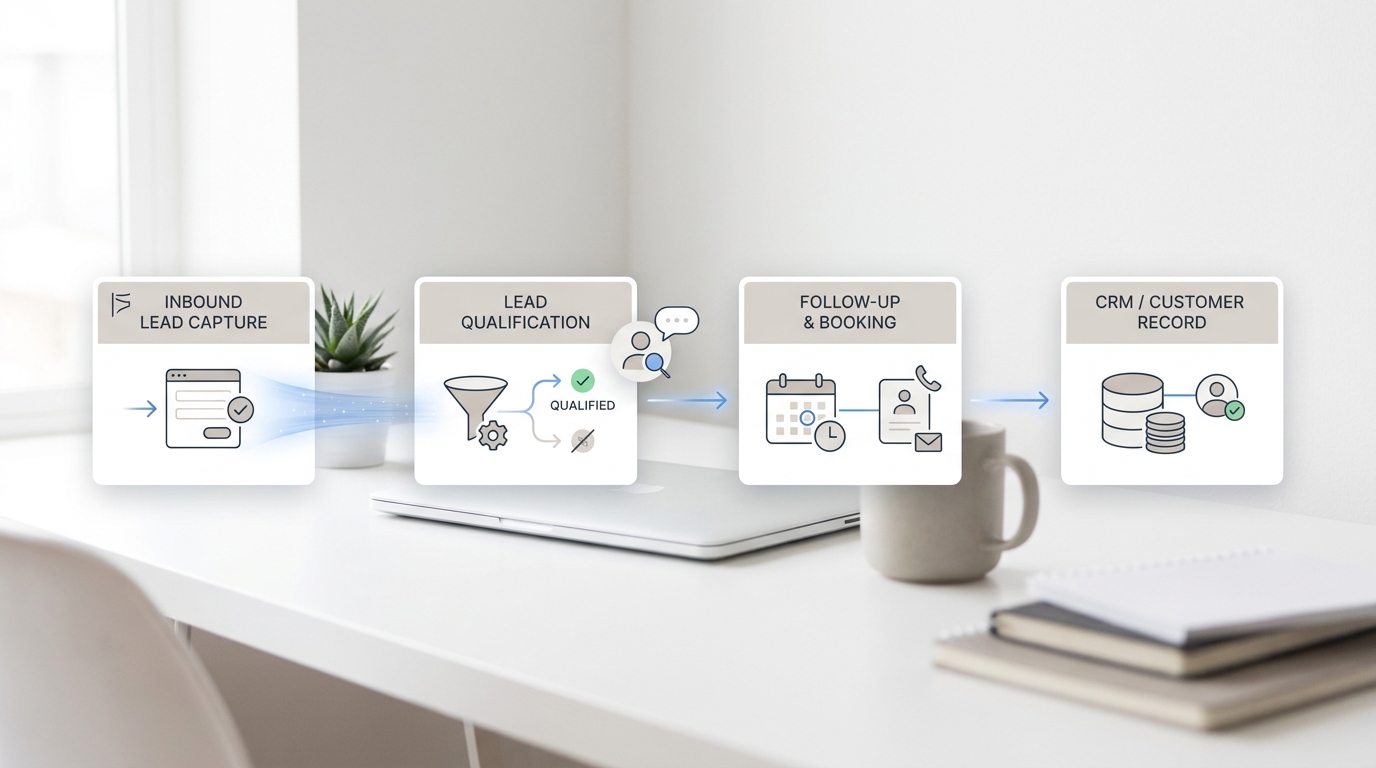
- Lead capture: collecting a name and email before a human follows up
- After-hours message intake when no live agent is available
- Deflecting support tickets before they reach your helpdesk
Where chatbots fall short:
They can't answer a phone call. That's not a limitation of the technology — it's a scope decision. Chatbots were designed for text surfaces.
Complex multi-step conversations also expose the limits of rule-based bots. The moment a customer says "wait, actually my situation is different," a scripted bot either loops back to the beginning or dumps the customer at a "contact us" link.
Handoffs tend to be abrupt too — often nothing more than "A team member will get back to you." No context passes, so the customer starts over with the human agent.
What Is an AI Receptionist?
An AI receptionist is software that handles customer communication across voice and text — phone, live chat, and email — with the goal of resolving the inquiry end-to-end, not just routing it.
Think of it like your best front desk employee: available 24/7, never overwhelmed by volume, handles routine work automatically, and pulls in a human the moment something needs human judgment.
The "receptionist" framing matters. A chatbot responds. An AI receptionist acts: it answers questions, books appointments, checks order status, handles returns, and when necessary escalates to a human — passing the full conversation context so the customer doesn't have to repeat themselves.
What AI receptionists are built for:
- Answering inbound phone calls — the channel most chatbots can't touch
- Handling live chat on your website with more depth than a FAQ bot
- Responding to customer emails automatically, end-to-end
- Booking appointments and checking calendar availability in real time
- Multi-step tasks that require accessing your business data
- Escalating complex or high-stakes conversations to a human with full context
According to Salesforce's State of Service report, 83% of customers expect an immediate response when they contact a company. For businesses where phone is a primary channel — medical practices, law firms, home services, restaurants, retail — every missed call is a missed customer. An AI receptionist closes that gap without adding headcount.
AI Receptionist vs Chatbot: A Detailed Comparison
Channel and Customer Reach
This is the most important difference and the one that should drive your decision.
Chatbots live on digital surfaces: your website, your app, your social DMs. They work well for customers who prefer to self-serve by typing. But they can't pick up a phone.
AI receptionists are built for voice — still the dominant channel for urgent customer contact in service industries. Beyond phone, modern AI receptionists also cover live chat and email, so one tool handles the channels where your customers actually reach you.
If 60% of your customer inquiries come in by phone, a chatbot leaves 60% uncovered. If customers reach you exclusively through your website contact form, a phone-first AI receptionist is more than you need.
Intelligence and Response Quality
Both chatbots and AI receptionists span a wide quality range. A basic rule-based chatbot has preset answers for preset inputs — it breaks the moment a customer phrases something unexpectedly. An LLM-powered chatbot understands intent and generates contextual replies.
AI receptionists run on LLMs by default, because voice conversations demand real-time natural language understanding. You can't script every call. They're also trained to resolve, not just reply — pull up an order, check a calendar slot, confirm a policy, and close the interaction cleanly, all in one exchange.
Tasks Each Tool Can Handle
Task | Chatbot | AI Receptionist |
Answer website FAQs | ✓ | ✓ |
Handle inbound phone calls | ✗ | ✓ |
Book appointments in real time | Limited | ✓ |
Check order / account status | ✓ (with integration) | ✓ |
Respond to email inquiries | ✗ (most) | ✓ |
Send SMS follow-ups | ✗ | ✓ (some tools) |
Escalate to human with context | Partial | ✓ |
Multilingual support | ✓ (varies) | ✓ (varies) |
Customer Experience and Trust
Here's a distinction that rarely appears in comparison articles: the stakes of the interaction differ by channel.
A chatbot conversation happens in a window at the pace the customer controls. It's low-pressure. If the bot doesn't help, the customer closes the widget and sends an email. Frustrating, but recoverable.
A phone call is different. When a customer calls, they're expecting to be helped right now. A poor voice AI experience — "I didn't understand that, could you repeat?" loops, no ability to actually book anything, an abrupt transfer — damages trust more than a slow chatbot does, because the expectation was higher.
This is why AI receptionists need to be held to a higher performance standard. The person calling at 11 PM to book a consultation is more intent-driven than someone clicking through a chat widget. Get it wrong on the phone and they call the competitor.
Setup and Cost
Chatbot pricing varies widely. Basic website chat widgets are free to $50/month. Enterprise builds with custom integrations can run significantly higher.
AI receptionists have historically required complex voice flow configuration. Modern tools have changed that. Many now offer setup times measured in minutes, not weeks, with knowledge base connections (Notion, Google Drive, uploaded documents) handled automatically. Pricing has also come down — comparable to or below what many chatbot platforms charge.
Which Should You Choose?
Your situation | Best fit |
Most customers reach you by phone | AI receptionist |
Most customers reach you via website chat | Chatbot |
You need phone + chat + email coverage | Multi-channel AI receptionist |
You want to capture leads on your website | Chatbot (or both) |
Service business with appointment booking | AI receptionist |
SaaS product with in-app or portal support | Chatbot |
Missing calls after hours | AI receptionist |
Deflecting helpdesk tickets from website | Chatbot |
Solo founder, limited budget | Start with whichever covers your highest-volume channel |
If you're still unsure: look at your last 50 customer contacts and count which channel each came through. That data tells you more than any framework.
One scenario where you need both: ecommerce brands that run active social and website traffic (chatbot handles the website volume) and have a customer service phone line or email queue (AI receptionist handles calls and email). Rather than managing two separate systems, a multi-channel AI receptionist handles all three from one knowledge base.
How Solvea's AI Receptionist Covers All Three Channels
Most businesses that recognize they need both end up with two tools, two knowledge bases to maintain, and two places for things to go wrong.
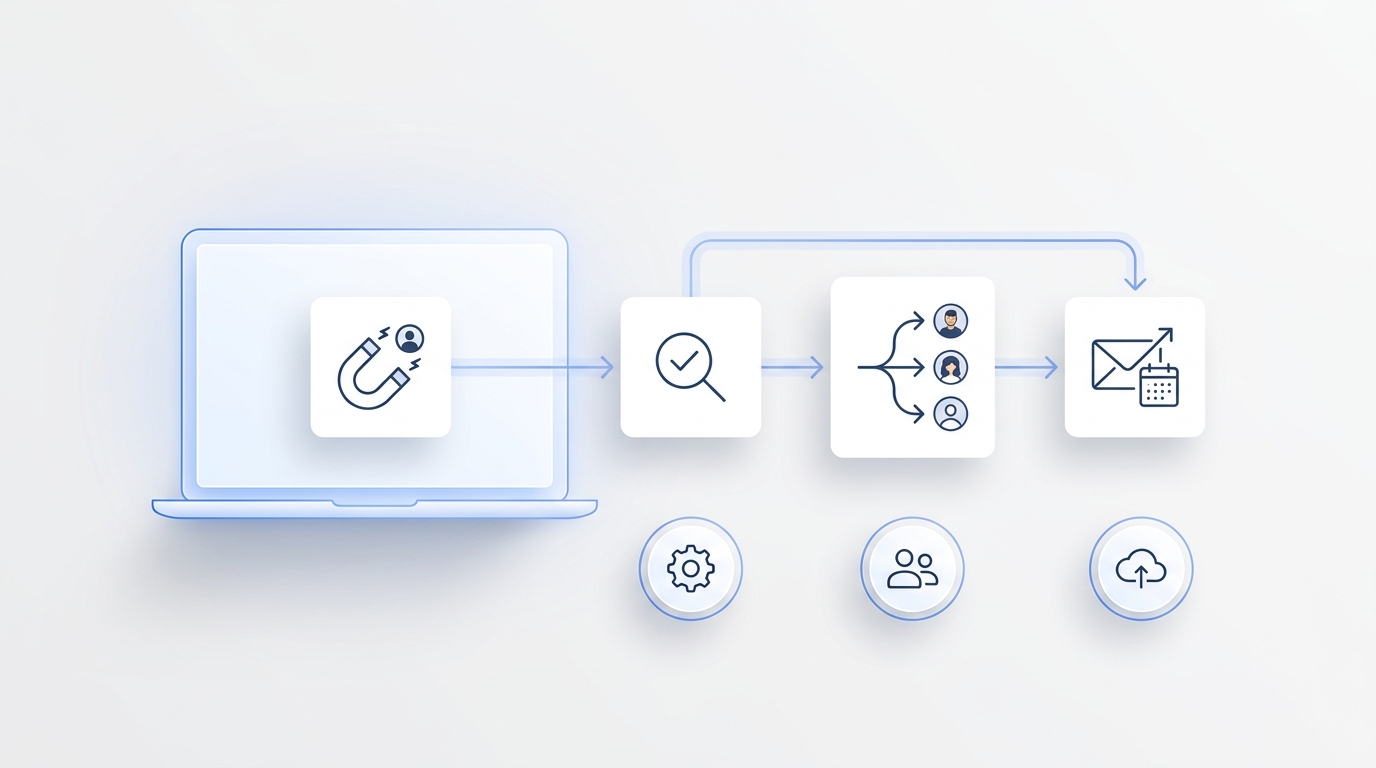
Solvea is built as a multi-channel AI receptionist: one agent that handles inbound phone calls, live chat, and email from a single knowledge base. You configure your business information once. It's available on every channel your customers use.
- Phone: Picks up inbound calls, answers questions, books appointments, sends SMS follow-ups
- Live Chat: Handles website chat with the same knowledge base as your phone agent
- Email: Auto-receives and responds to customer emails, end-to-end
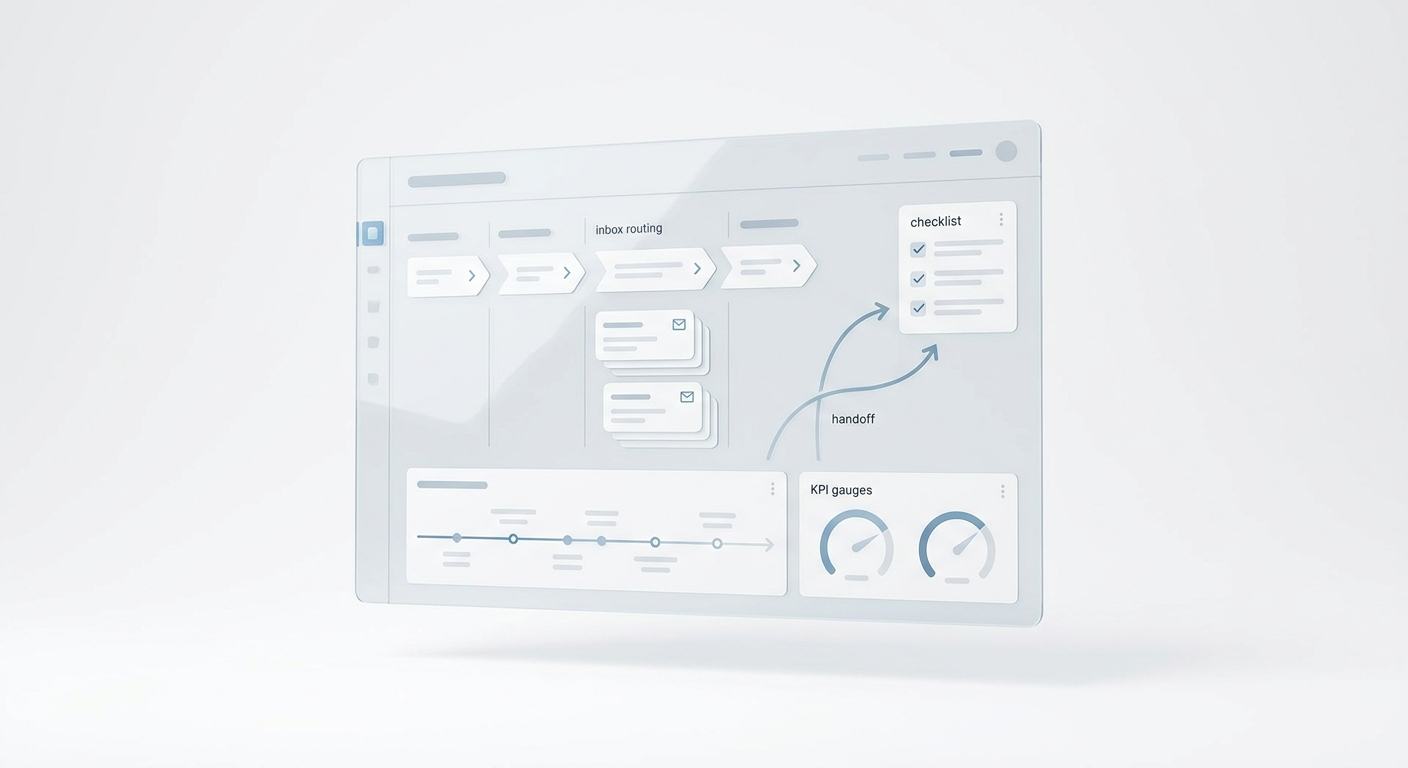
When a conversation escalates — a sensitive complaint, a question outside the AI's scope, a customer who asks to speak to someone — Solvea transfers to a human agent and passes the full conversation context. The customer doesn't start over.
"Clients looking for aesthetic treatments expect immediate responses. If we don't answer, they book with the medspa down the street. Solvea's AI receptionist acts as our 24/7 concierge, answering treatment questions and booking consultations overnight. It paid for itself within the first week."
— Dr. Julian Chen, Founder & Medical Director, Radiance Medspa
Setup takes under 3 minutes. No code required. Free plan available, no credit card needed.
Your AI Receptionist, Live in Minutes.
Scale your front desk with an AI that never sleeps. Solvea handles unlimited multi-channel inquiries, books appointments into your calendar automatically, and ensures zero missed opportunities around the clock.
Frequently Asked Questions
Is an AI receptionist just a smarter chatbot?
They overlap, but aren't the same thing. Both can use LLM technology, but they're designed for different channels and tasks. A chatbot lives on digital text surfaces (websites, apps, messaging). An AI receptionist is built for voice calls — and usually covers live chat and email too. The bigger difference is action: an AI receptionist books, checks, escalates, and resolves. A chatbot primarily answers.
Can chatbots handle phone calls?
Standard chatbots can't — they're text-only by design. Some voice bot platforms apply chatbot-style logic to phone conversations, but these are technically voice AI tools, not traditional chatbots. If phone coverage is what you need, you need an AI receptionist or dedicated voice AI platform.
My business gets both calls and website inquiries. Do I need two tools?
Not necessarily. Multi-channel AI receptionists handle phone, live chat, and email from one platform and one knowledge base. That's simpler to manage than a separate chatbot for the website and a separate voice tool for calls. The tradeoff is that standalone chatbots can offer deeper website-specific features (custom flows, in-app widgets, help center integration) that a general AI receptionist may not match for complex SaaS support scenarios.
Which is better for a small service business?
For most small service businesses — clinics, salons, restaurants, consultants, home services — an AI receptionist is the higher-leverage tool. Phone is still the primary channel for new customer inquiries in these industries. Missing a call at 8 PM is a missed booking. A chatbot that only covers the website doesn't solve that. For SaaS or ecommerce businesses where customers are primarily self-serving on the website, a chatbot often covers the majority of cases.
Does an AI receptionist replace my existing chatbot?
It depends on what your chatbot currently does. If it's primarily answering FAQs and handling basic lead capture on your website, an AI receptionist with a live chat widget can replace it — using the same knowledge base as your phone and email agents, so the experience is consistent across channels. If your chatbot has deep custom integrations or complex ticket routing built into your helpdesk, evaluate whether the AI receptionist's integrations cover those workflows before switching.
How accurate are AI receptionists compared to chatbots?
Accuracy is less about chatbot vs. AI receptionist and more about how well the underlying knowledge base is built. Both improve when you give them specific, complete information: real prices, real hours, real policies. Both break down when the knowledge base is vague ("contact us for pricing") or outdated. The difference is that an AI receptionist's knowledge base errors show up on phone calls — where customers notice immediately — so maintaining quality is higher stakes.