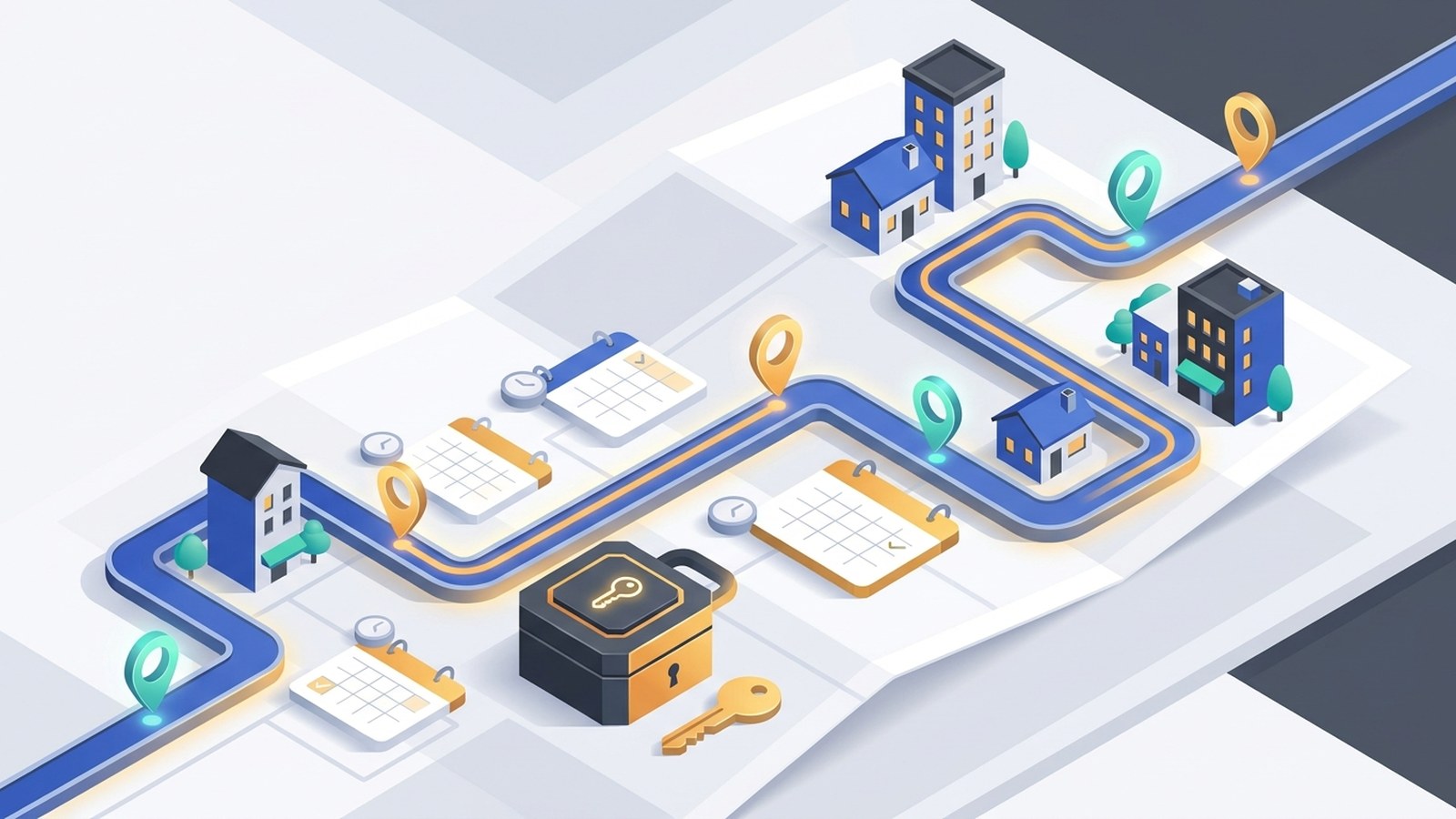
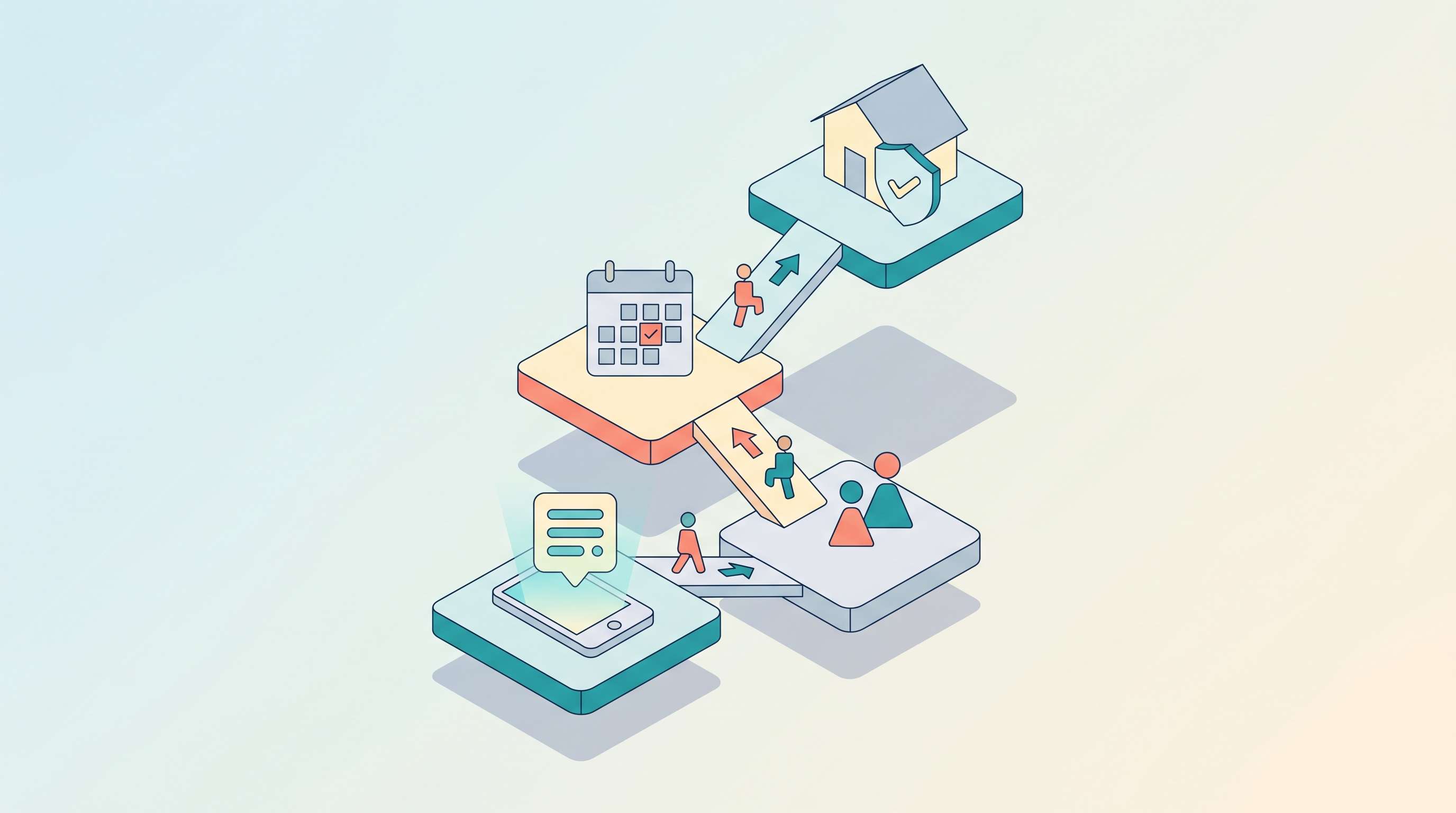
Field service businesses lose jobs to missed calls every day. A homeowner looking for a plumber, electrician, or HVAC technician calls the first contractor who picks up — and moves on if no one does. Jobber built its AI Receptionist specifically to solve this problem: an AI that answers every inbound call and text, books jobs, and captures leads while you're out on a site.
The feature launched in 2024 and has since handled over 200,000 conversations for home service businesses across North America. If you're a Jobber user evaluating whether to turn it on — or comparing Jobber's built-in option against standalone AI receptionist tools — this breakdown covers exactly what it does, what it costs, and where its edges are.
TL;DR
Does Jobber have an AI receptionist? | Yes. Launched in 2024; handles calls and texts 24/7, books jobs, and captures leads. |
Channels covered | Phone (inbound calls) and SMS — not live chat or email |
Cost | Included in Plus plan ($599/mo); or $99/mo add-on on Grow plan |
Best for | Jobber users on Grow or Plus plans who want native, no-config call answering |
Key limitation | Phone and SMS only; tied to Jobber; no multi-channel or cross-industry support |
What Is the Jobber AI Receptionist?
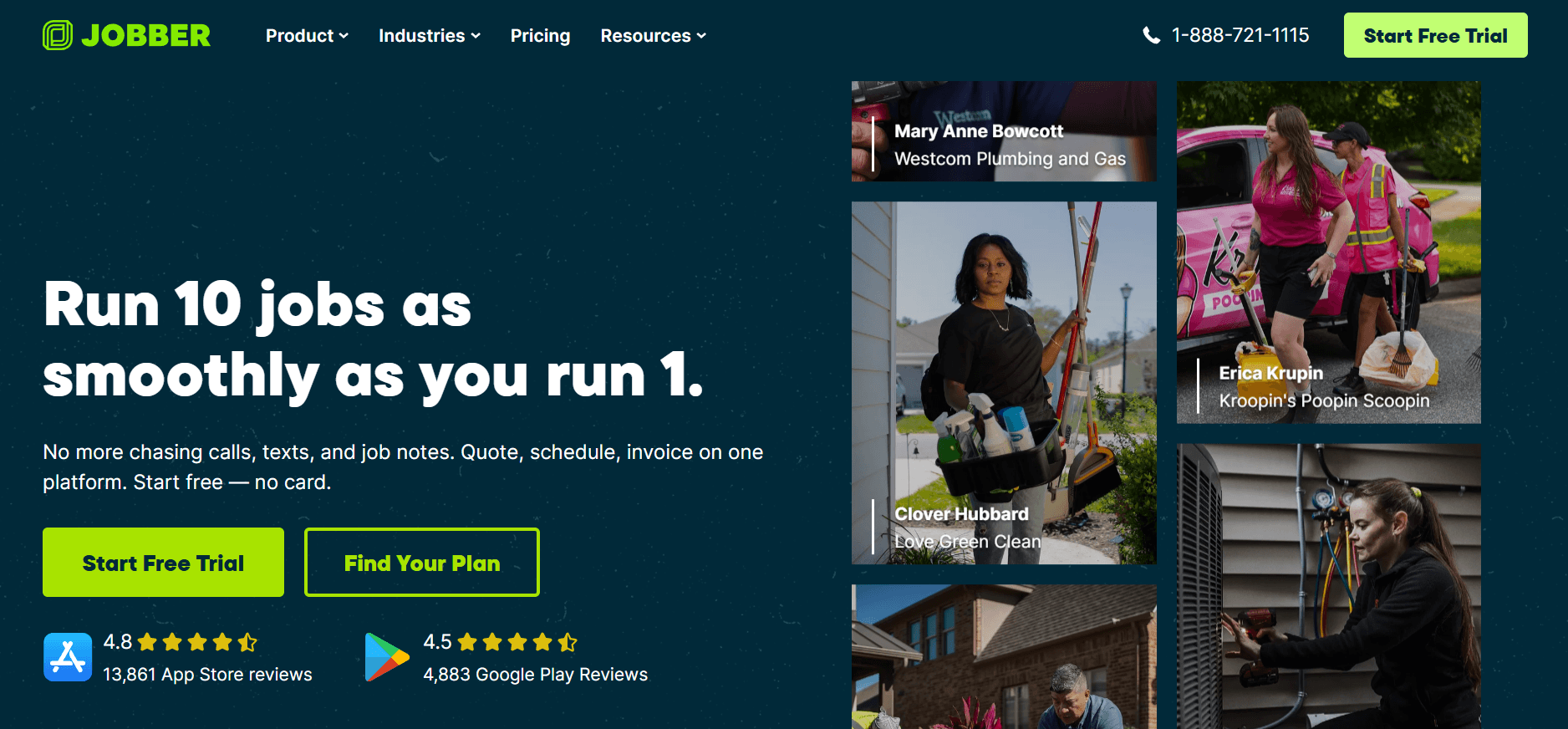
Jobber's AI Receptionist is a built-in feature that answers inbound calls and texts on behalf of your business — 24 hours a day, 7 days a week. It's designed specifically for home service companies: plumbers, electricians, HVAC technicians, landscapers, cleaners, and similar trades where the team is typically on-site and unavailable to answer the phone.
When a customer dials your number, the AI picks up, converses naturally, answers questions about your services, and offers to schedule a visit. No voicemail, no "leave a message," no missed lead.
The receptionist is powered by Jobber's proprietary AI and draws from your company profile — the services you offer, your coverage area, and your calendar — to give callers accurate, relevant answers rather than a generic script.
What the Jobber AI Receptionist Actually Does
The feature covers the full inbound call workflow — not just answering, but converting.
24/7 call and text answering
The AI picks up every call, around the clock — evenings, weekends, and whenever your team is occupied on a job. Jobber's AI receptionist is built to eliminate unanswered-call gaps entirely for home service operators.
Lead capture and job booking
When a new customer calls, the AI captures their contact details and work request, then offers to schedule a visit directly into your Jobber calendar. No human review required before the booking goes in.
SMS text-back for callers who hang up
If a caller disconnects before the AI can help, it automatically sends them a text to continue the conversation. This recovers leads that would otherwise vanish without a trace.
Caller ID matching for existing clients
Returning customers are recognized by phone number. The AI can look up their service history, reschedule appointments, or add notes to their record — so clients don't have to re-explain themselves every time.
Keyword-based call routing
You configure keywords that trigger a transfer to a specific team member. If a caller says "emergency" or "warranty," the call routes to whoever handles those cases instead of staying with the AI.
Spam filtering and conversation dashboard
Spam calls are filtered automatically. All real conversations appear in a real-time dashboard with summaries so you can review what was discussed and follow up where needed.
Jobber AI Receptionist Pricing
The AI Receptionist is not available on Jobber's entry-level plans. Access requires one of the following:
Plan | AI Receptionist |
Grow plan | Available as $99/mo add-on |
Plus plan ($599/mo) | Included |
Lower-tier plans | Not available |
There is no per-minute or per-call billing — the feature handles concurrent calls without incremental charges. For a business already on the Grow plan that adds the $99/month receptionist, the math depends on how many inbound leads that captures. A single booked job in home services typically runs $200–$800, so the payback threshold is low.
Limitations of the Jobber AI Receptionist
The feature is purpose-built for what it does, but there are clear boundaries.
Phone and SMS only — no live chat or email
Jobber's AI Receptionist handles voice calls and text messages. It does not manage website live chat or email. For businesses where customers reach out across multiple channels, that gap is meaningful: inbound calls and SMS are covered, but chat and email inquiries fall through unless handled separately.
Only available on higher-tier Jobber plans
The feature requires the Grow plan (with add-on) or Plus plan. Businesses on lower-tier plans have no access to it. For small single-person operations on a basic plan, the cost of upgrading to reach the AI Receptionist is a real consideration.
Tied to the Jobber platform
The receptionist draws from your Jobber data — services, schedule, client records — and operates within Jobber's ecosystem. If you change platforms, the receptionist goes with it. There's no portability to other FSM tools or calendar systems.
Optimized for home service, not other industries
The feature is built and tuned for the home service vertical: HVAC, plumbing, landscaping, cleaning, pest control. Businesses in retail, healthcare, legal, or other verticals will find the assumptions and templates don't translate.
Jobber AI Receptionist vs Standalone AI Receptionist
Feature | Jobber AI Receptionist | Standalone (e.g. Solvea) |
Inbound call answering | ✓ | ✓ |
SMS handling | ✓ | ✓ |
Live chat | ✗ | ✓ |
Email inbox | ✗ | ✓ |
24/7 availability | ✓ | ✓ |
Appointment booking | ✓ (Jobber calendar) | ✓ (Google Calendar + integrations) |
Existing client lookup | ✓ (from Jobber CRM) | ✓ (from knowledge base) |
Spam filtering | ✓ | ✓ |
Industry fit | Home service only | Multi-industry |
Platform dependency | Requires Jobber | Works independently |
Minimum cost | $99/mo add-on | $0/mo (free tier) |
Who it's for | Jobber users on Grow/Plus who want native, zero-config call coverage | Businesses on any Jobber plan, or without Jobber, who need phone + chat + email covered together |
Solvea: When You Need Multi-Channel AI Beyond Jobber
Jobber's AI Receptionist is a strong native option for phone and SMS — but if you're on a lower Jobber plan, need coverage across live chat and email as well, or operate outside the home service vertical, a standalone AI receptionist runs independently of your FSM platform.
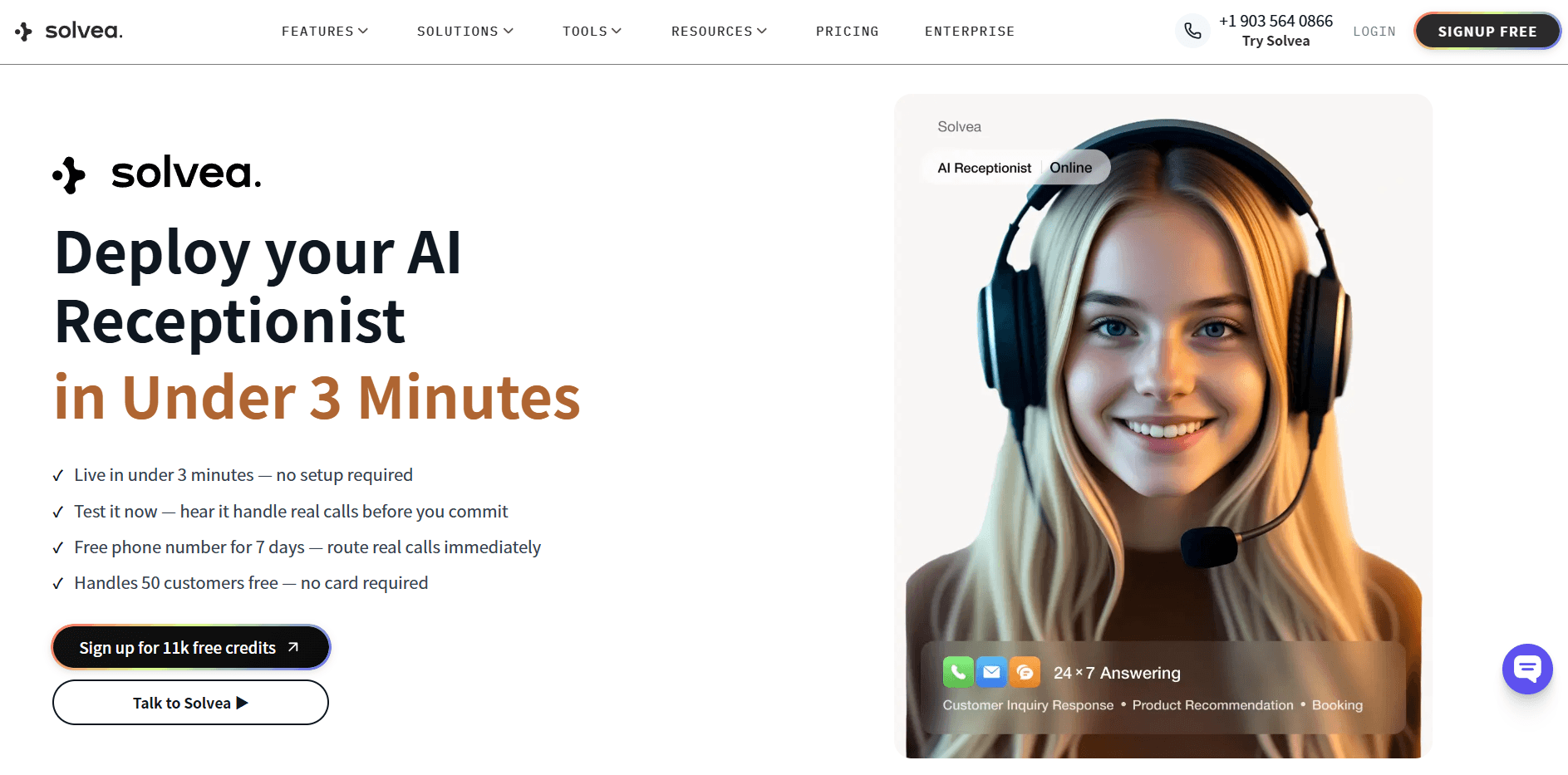
Solvea handles inbound calls, SMS, live chat, and email from a single setup. It connects to Google Calendar for scheduling — which works alongside Jobber's calendar — and pulls answers from a knowledge base you configure in under three minutes. No code, no developer.
Think of it as the difference between a front desk that only answers the phone versus one that also manages the chat window and email queue. Jobber's AI Receptionist covers the phone. Solvea covers the phone, chat widget, and email inbox simultaneously.
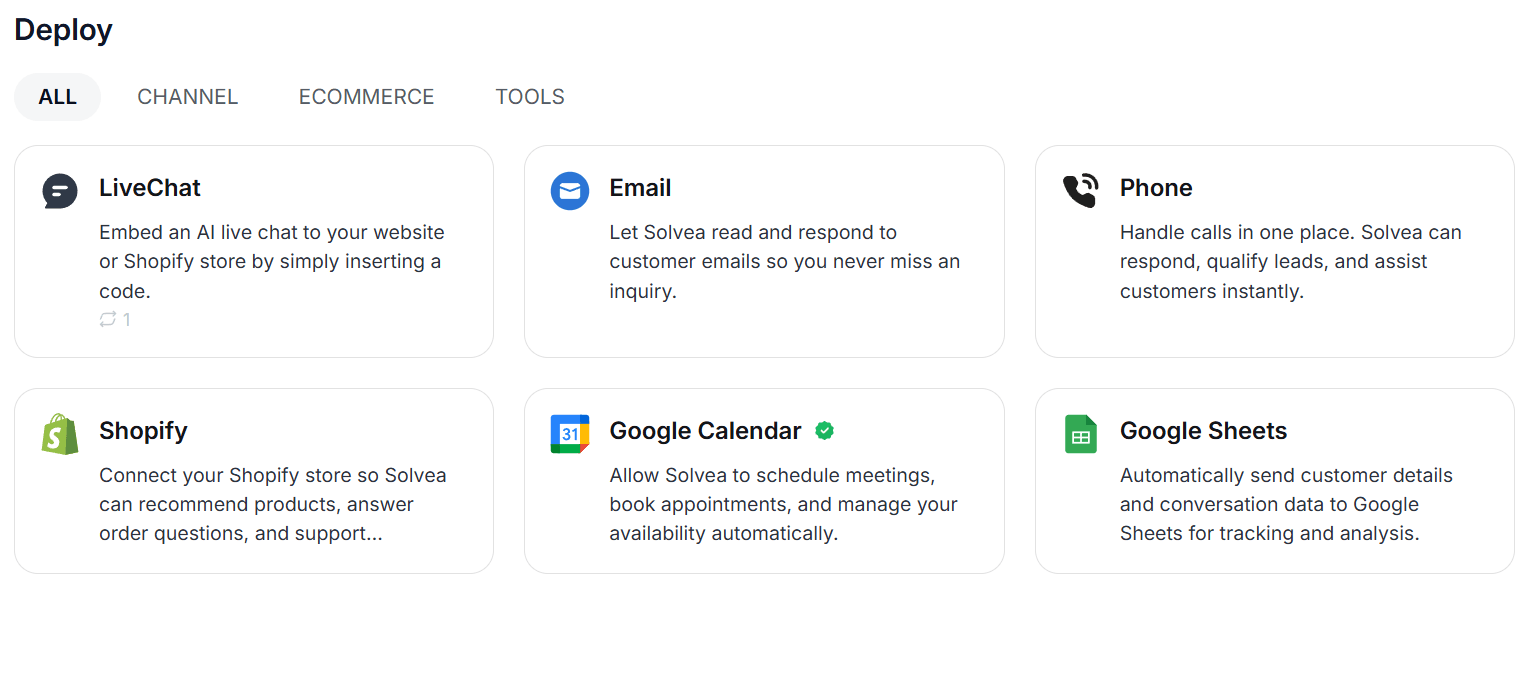
The call handling workflow is identical — customer calls, AI answers, appointment books — but the coverage extends to every channel.
Pricing: The free plan covers 1,000 credits/month with a 7-day trial phone number and no credit card required. Paid plans start at $30/month.
Conclusion
Jobber is not an AI receptionist and isn’t designed to replace one. It is a field service management platform focused on what happens after a job is created—organizing schedules, managing customers, sending quotes, and collecting payments.
An AI receptionist operates at a completely different layer. It sits at the front of the business, handling incoming calls, answering questions, and capturing requests in real time through conversational interactions.
The two are not substitutes but complements. Jobber manages operations, while an AI receptionist manages inbound communication, and the most effective setup is to use both together—AI handling the entry point, and Jobber handling execution.
Your AI Receptionist, Live in Minutes.
Scale your front desk with an AI that never sleeps. Solvea handles unlimited multi-channel inquiries, books appointments into your calendar automatically, and ensures zero missed opportunities around the clock.
FAQ: Jobber AI Receptionist
Does Jobber have an AI receptionist?
Yes. Jobber's AI Receptionist launched in 2024 and has handled over 200,000 conversations. It answers inbound calls and texts 24/7, books jobs into your Jobber calendar, captures leads, and handles existing client requests automatically.
What does the Jobber AI Receptionist do?
It answers inbound calls and texts, books appointments, captures work requests from new leads, texts back callers who hang up, matches caller IDs to existing client profiles, routes urgent calls by keyword, and filters spam. All conversations appear in a dashboard with summaries.
How much does the Jobber AI Receptionist cost?
It's included in Jobber's Plus plan ($599/month) and available as a $99/month add-on on the Grow plan. It's not available on lower-tier Jobber plans.
Does the Jobber AI Receptionist handle live chat or email?
No. It covers phone calls and SMS only. For AI coverage across live chat and email, a separate standalone tool is needed.
Can the Jobber AI Receptionist handle multiple calls at the same time?
Yes. It handles concurrent calls simultaneously — no caller gets a busy signal, even during peak hours.
What happens if the AI can't answer a question?
Calls can be routed to a human team member based on keyword triggers or at the caller's request. You configure escalation rules so urgent or sensitive calls transfer to you or staff automatically.
Is the Jobber AI Receptionist available 24/7?
Yes. It answers calls and texts outside business hours, on evenings and weekends, so no inquiry goes unanswered regardless of when it comes in.
","post_date":"2026-04-15T01:52:31.000Z","twitter_image":"https://cdn.shulex-voc.com/shulex/upload/2026-04-15/04017fb9-9f2d-4eb5-811b-094aa7937e44.jpg","author_id":1,"author_name":"Big Y","taxonomy":"category","taxonomyDesc":"","taxonomyType":"glossary","menu_order":0,"ID":33933,"type":"blog","post_name":"jobber-ai-receptionist","post_title":"Jobber AI Receptionist: How It Works, What It Covers, and When You Need More","post_excerpt":"Field service businesses lose jobs to missed calls every day. A homeowner looking for a plumber, electrician, or HVAC technician calls the first contractor who picks up — and moves on if no one does. Jobber built its AI Receptionist specifically to solve this problem: an AI that answers every inboun","schemaJsonTrimmed":"{ "@context": "https://schema.org", "@graph": [ { "@type": "Organization", "@id": "https://solvea.cx/#organization", "name": "Solvea", "url": "https://solvea.cx/" }, { "@type": "WebSite", "@id": "https://solvea.cx/#website", "url": "https://solvea.cx/", "name": "Solvea", "publisher": { "@id": "https://solvea.cx/#organization" } }, { "@type": "BlogPosting", "@id": "https://solvea.cx/glossary/jobber-ai-receptionist#blogposting", "headline": "Jobber AI Receptionist: How It Works, What It Covers, and When You Need More", "description": "Jobber's AI Receptionist answers calls and texts 24/7, books jobs, and captures leads. Here's what it covers, what it costs, and when you need more.", "mainEntityOfPage": { "@type": "WebPage", "@id": "https://solvea.cx/glossary/jobber-ai-receptionist" }, "url": "https://solvea.cx/glossary/jobber-ai-receptionist", "image": { "@type": "ImageObject", "url": "https://cdn.shulex-voc.com/shulex/upload/2026-04-15/04017fb9-9f2d-4eb5-811b-094aa7937e44.jpg" }, "author": { "@type": "Person", "name": "Ivy Chen" }, "publisher": { "@id": "https://solvea.cx/#organization" }, "datePublished": "2026-04-29", "dateModified": "2026-04-29", "wordCount": 1720, "articleSection": "AI & Automation", "about": { "@type": "DefinedTerm", "@id": "https://solvea.cx/glossary/jobber-ai-receptionist#term", "name": "Jobber AI Receptionist", "url": "https://solvea.cx/glossary/jobber-ai-receptionist" }, "inLanguage": "en" }, { "@type": "BreadcrumbList", "@id": "https://solvea.cx/glossary/jobber-ai-receptionist#breadcrumb", "itemListElement": [ { "@type": "ListItem", "position": 1, "name": "Home", "item": "https://solvea.cx/" }, { "@type": "ListItem", "position": 2, "name": "Glossary", "item": "https://solvea.cx/glossary" }, { "@type": "ListItem", "position": 3, "name": "Jobber AI Receptionist: How It Works, What It Covers, and When You Need More", "item": "https://solvea.cx/glossary/jobber-ai-receptionist" } ] }, { "@type": "FAQPage", "@id": "https://solvea.cx/glossary/jobber-ai-receptionist#faq", "mainEntity": [ { "@type": "Question", "name": "Does Jobber have an AI receptionist?", "acceptedAnswer": { "@type": "Answer", "text": "Yes. Jobber's AI Receptionist launched in 2024 and has handled over 200,000 conversations. It answers inbound calls and texts 24/7, books jobs into your Jobber calendar, captures leads, and handles existing client requests automatically." } }, { "@type": "Question", "name": "What does the Jobber AI Receptionist do?", "acceptedAnswer": { "@type": "Answer", "text": "It answers inbound calls and texts, books appointments, captures work requests from new leads, texts back callers who hang up, matches caller IDs to existing client profiles, routes urgent calls by keyword, and filters spam. All conversations appear in a dashboard with summaries." } }, { "@type": "Question", "name": "How much does the Jobber AI Receptionist cost?", "acceptedAnswer": { "@type": "Answer", "text": "It's included in Jobber's Plus plan ($599/month) and available as a $99/month add-on on the Grow plan. It's not available on lower-tier Jobber plans." } }, { "@type": "Question", "name": "Does the Jobber AI Receptionist handle live chat or email?", "acceptedAnswer": { "@type": "Answer", "text": "No. It covers phone calls and SMS only. For AI coverage across live chat and email, a separate standalone tool is needed." } }, { "@type": "Question", "name": "Can the Jobber AI Receptionist handle multiple calls at the same time?", "acceptedAnswer": { "@type": "Answer", "text": "Yes. It handles concurrent calls simultaneously — no caller gets a busy signal, even during peak hours." } }, { "@type": "Question", "name": "What happens if the AI can't answer a question?", "acceptedAnswer": { "@type": "Answer", "text": "Calls can be routed to a human team member based on keyword triggers or at the caller's request. You configure escalation rules so urgent or sensitive calls transfer to you or staff automatically." } }, { "@type": "Question", "name": "Is the Jobber AI Receptionist available 24/7?", "acceptedAnswer": { "@type": "Answer", "text": "Yes. It answers calls and texts outside business hours, on evenings and weekends, so no inquiry goes unanswered regardless of when it comes in." } } ] } ]}","editTime":"2026-04-29T06:58:00.830Z","writerName":"Ivy Chen","writerAvatar":"https://cdn.shulex-voc.com/shulex/upload/2026-01-20/8c8e3f1a-135e-4192-8fe7-e7f9f24f3a82.png","category":{"slug":"ai-receptionist-101","name":"AI Receptionist 101","ID":351},"site":"solvea.cx","meta":{"title":"Jobber AI Receptionist: Features, Pricing & How It Works","desc":"Jobber's AI Receptionist answers calls and texts 24/7, books jobs, and captures leads. Here's what it covers, what it costs, and when you need more."},"beforeAfter":{"after":{"ID":6,"post_date":"2022-12-27T09:12:18.000Z","post_title":"5 Crucial Things Amazon Sellers Need To Know For Holiday