Email is still the heart of our professional lives. Even with the rise of instant messaging, the most important deals, official approvals, and high-stakes decisions still happen in the inbox. But let's be honest: for most of us, the inbox has become overwhelming.
93% said they use email every day, and 35% spend between two and five hours of their day in the inbox, according to ZeroBounce. AI email assistants can do so much for us now. They summarize long threads in seconds, draft perfect replies, and even handle complex customer tasks.
With hundreds of tools claiming to be "the best," how do you actually choose? Which one will truly save you time, and which is just another distraction? This blog post curated the 10 best AI email helpers after testing dozens of products and analyzing real feedback from forums and communities. Let's learn more details.
How Do I Select the Best AI Email Assistant
Choosing the right tool isn't just about the coolest features. It's about what fits your daily workflow and which products truly deliver on their promises. To help you find the best AI assistants for email, we selected these 10 tools based on a set of criteria:
- Action-Oriented Results: The AI agents actually perform tasks—like resolving customer tickets or booking meetings—rather than just fixing grammar issues.
- Integration Depth: The best tools live where you already work, providing a seamless experience in Gmail, Outlook, or Notion.
- User Feedback & Reliability: Real-world reviews from Reddit, G2, or other SaaS communities to ensure these tools perform consistently over the long term.
- Privacy & Data Security: Since emails usually contain sensitive data, we prioritized assistants with high-level encryption and transparent data-handling policies.
The 10 best AI Email Assistants: TL;DR
Product | Best for | Security | Free Trial | Starting Price |
Customer Support | SOC2, iso27001, GDPR | 1000 credits | $30/month | |
Speed & Power Users | SOC2, iso27001 | 30 days | $12/month/user (billed annually) | |
Search & Organization | AES-256 | 14 days | $24/month/user (billed annually) | |
Sales Coaching | SOC2, GDPR | 7 days | $29/month | |
Marketing | SOC2 | 7 days | $49/month | |
Workflow Integration | AES-256, TLS 1.2 | 30 days | $10/month/user (billed annually) | |
Privacy-focused Emails | End-to-end encryption, zero-access encryption | 14 days | $8.63/month | |
Inbox Decluttering | Google API Services User Data Policy | 14 days | $4.13/month/user (billed annually) | |
Microsoft 365 Users | Microsoft Enterprise Trust | 30 days | $18/month/user (billed annually) | |
Google Workspace | Google Workspace Security | 30 days | $4.32/month |
1. Solvea: Best for Customer Support & Automation
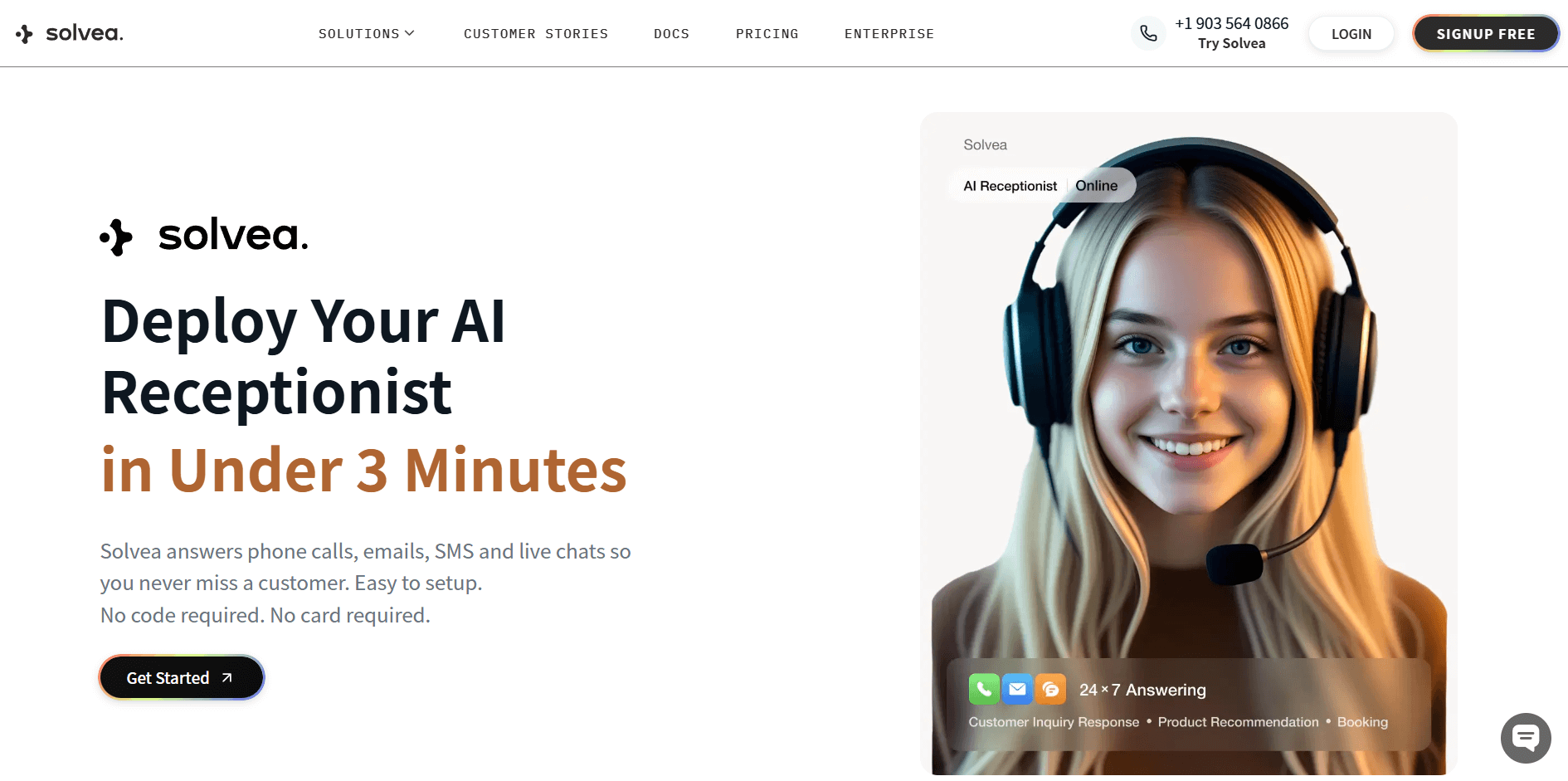
Best for: Small to medium businesses (SMBs) and teams that need to automate high volumes of repetitive customer inquiries without sacrificing quality or accuracy.
Why It's Worth It: Solvea is a game-changer because it doesn't just "assist" you in writing; it replaces the manual labor of repetitive support tasks. I've seen it handle customer inquiries that usually take hours—like checking order statuses or rescheduling appointments—in seconds. It acts like a "Digital Receptionist" for your email.
What really stands out is the specialized templates. Whether you are in Retail, Real Estate, or running a Law Firm, Solvea has a pre-built logic for your industry. You can build a custom knowledge base by simply uploading your docs, and the AI uses that to answer accurately. The Resolution Rate analysis is my favorite part. It shows you exactly how many conversations the AI closed without a human needing to step in.
Standout Features:
- Autonomous resolution of tickets using custom business knowledge bases.
- 24/7 AI Receptionist that handles bookings, order checks, and reminders.
- Multi-step workflow triggers for Retail, SaaS, and Professional Services.
Pros:
- 24/7 automated replies that actually solve problems.
- Industry-specific templates (Retail, MedSpa, SaaS).
- Easy knowledge base setup from your own documents.
- High resolution rates for common customer queries.
2. Superhuman: Best for Speed & Power Users
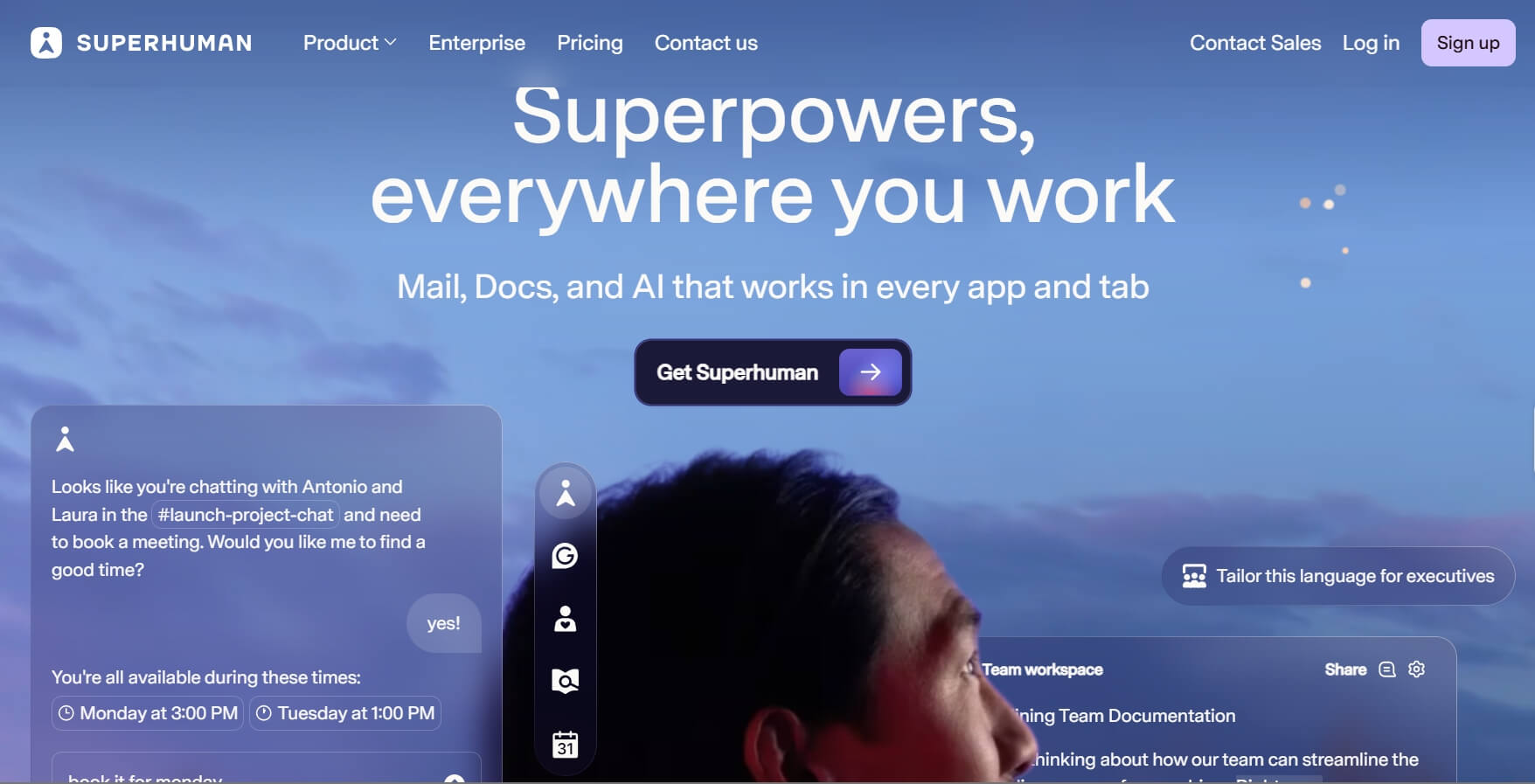
Best for: High-level executives, founders, and anyone receiving over 100 emails a day who values their time above all else.
Why It's Worth It: Superhuman is built for speed. Everything happens in under 100ms. When I first tried it, the keyboard shortcuts felt like a learning curve, but once you master them, you'll never go back. The AI is incredibly intuitive. You can type a few words like "tell him I'm busy Tuesday," and it writes a perfectly polite, professional email.
Pros:
- Blazing fast interface and keyboard shortcuts.
- "Auto-draft" feature that learns your writing voice.
- Read receipts and "Undo Send" work perfectly.
- Beautiful, distraction-free design.
Cons:
- It requires time to learn the shortcuts.
3. Shortwave: Best for Search & Organization
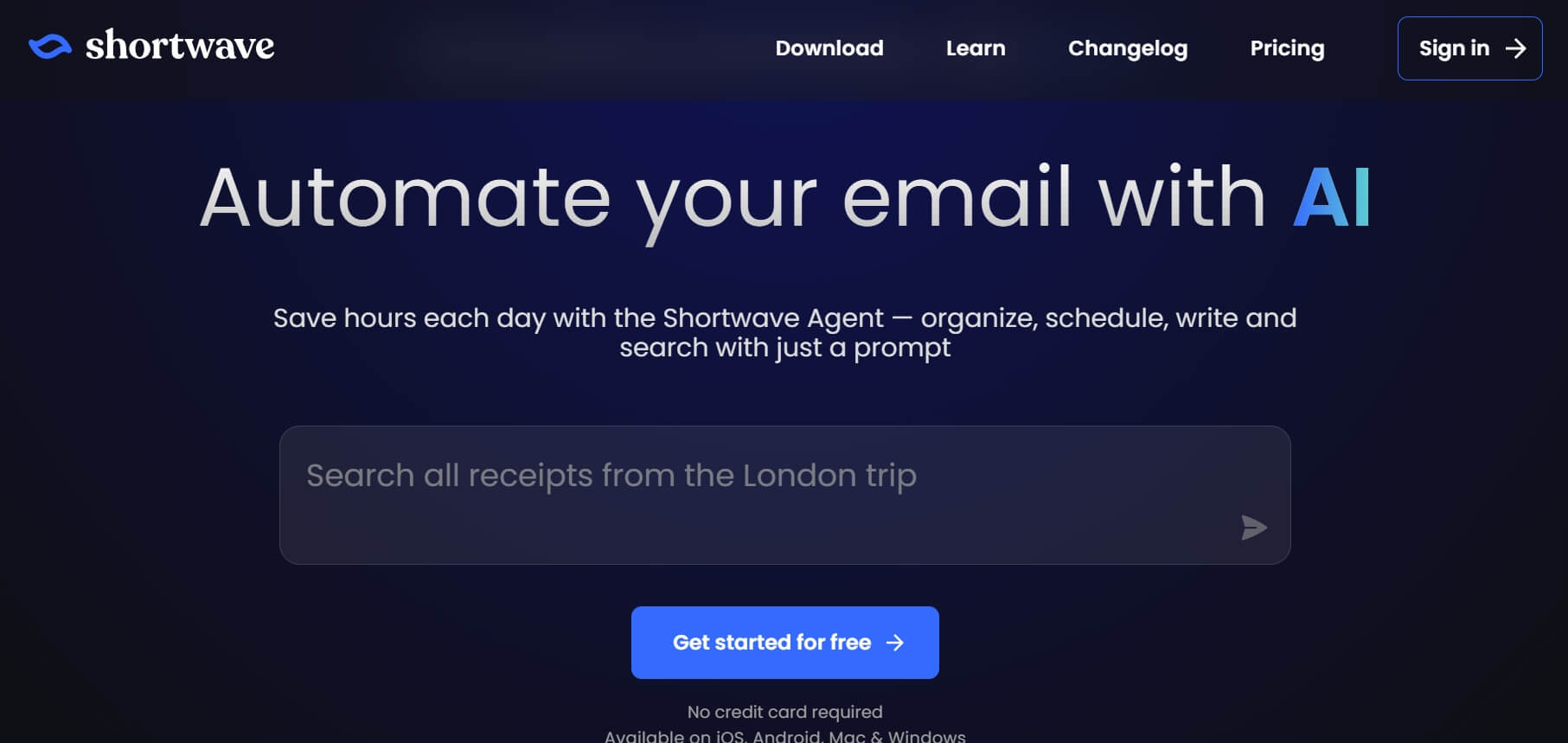
Best for: Knowledge workers and researchers who need to turn their massive email history into a searchable, actionable knowledge base.
Why It's Worth It: Shortwave is essentially "Gmail with a Brain." If you've spent 10 minutes looking for a specific attachment from years ago, you need this. Its AI Search is the best AI email assistant in business. For example, you can ask it, "What did Mark say about the budget last November?" and it will give you a summarized answer immediately.
Standout Features:
- Natural language search to retrieve specific data across history.
- Daily AI summaries that bundle low-priority threads into a single digest.
- Task-centric UI that transforms emails into a drag-and-drop to-do list.
Pros:
- Excellent AI search that understands complex queries.
- Intelligent bundling keeps your main inbox clear.
- Smart thread summaries save reading time.
- Unified calendar view for managing meetings.
Cons:
- Currently works primarily with Gmail accounts.
- The mobile app can feel a bit cluttered.
4. Lavender AI: Best for Sales Coaching
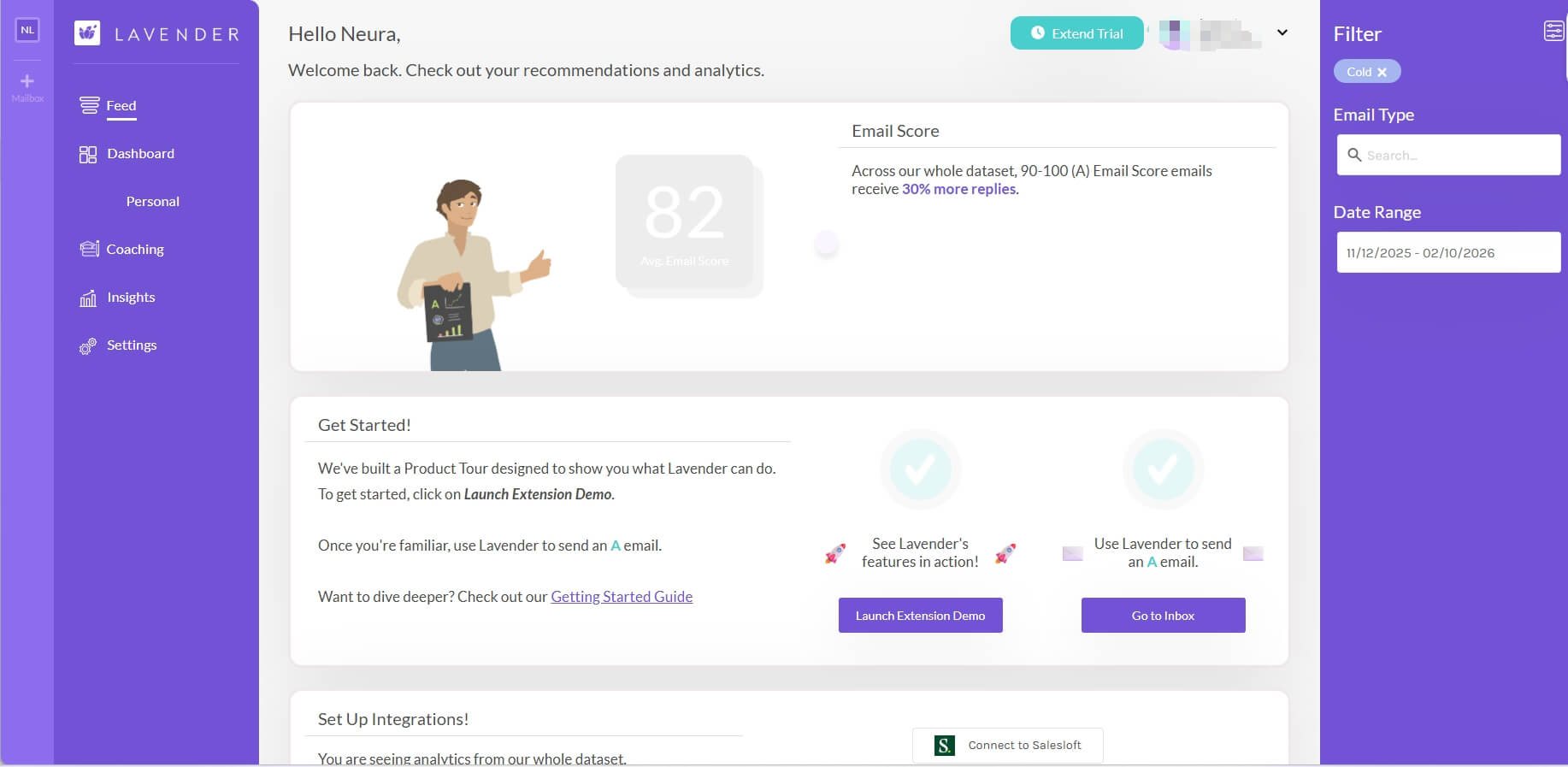
Best for: Sales professionals, SDRs, and entrepreneurs who need their outbound emails to be persuasive, concise, and high converting.
Why It's Worth It: Lavender isn't just an AI assistant for email; it's a Sales Coach. While you write, it gives you a score from 0 to 100. If your email is too long or sounds too aggressive, Lavender will tell you. In my experience, following its suggestions drastically improves the reply rates.
Standout Features:
- Real-time scoring to improve reply and open rates.
- Personality-based insights suggest the best communication style for leads.
- Mobile-responsive optimization to ensure emails look perfect on phones.
Pros:
- Actionable coaching improves long-term writing skills.
- Recipient personality analysis for hyper-tailored communication.
- Mobile preview ensures high readability.
- Built-in research tools find news about leads instantly.
Cons:
- Niche focus; not great for general office use.
5. SmartWriter: Best for Marketing & Cold Outreach
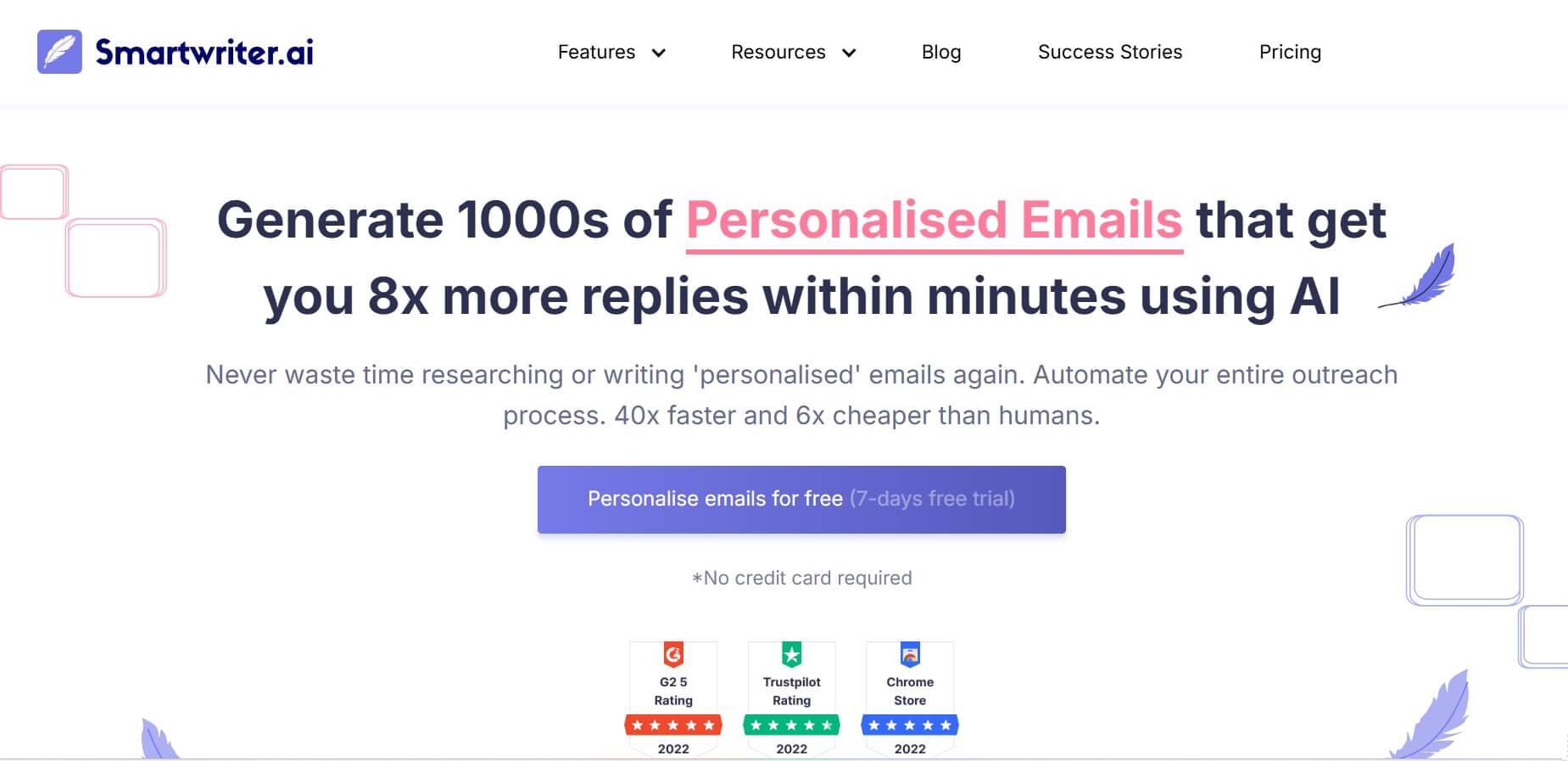
Best for: B2B Marketers and agencies who need to send thousands of personalized emails that don't look like "spam."
Why It's Worth It: The hardest part of marketing is making 1,000 people feel like you wrote a special email just for them. SmartWriter automates the research. It scrapes LinkedIn profiles and news to find a "reason" to reach out. When I used it for a campaign, my open rates jumped by 40% because the personalization was so specific.
Standout Features:
- Automated deep research scraping LinkedIn and news for personalization.
- Dynamic icebreaker generation tailored to individual recipient profiles.
- Verified lead sequencing to prevent bounces and improve reputation.
Pros:
- End-to-end personalization for thousands of leads in minutes.
- LinkedIn and Google Review scraping for unique hooks.
- Massive time saver for agency owners.
- Verified email sequences reduce bounce rates.
Cons:
- The UI can be a bit overwhelming for beginners.
- The AI "Icebreakers" sometimes need a quick manual check.
6. Notion Mail: Best for Workflow Integration
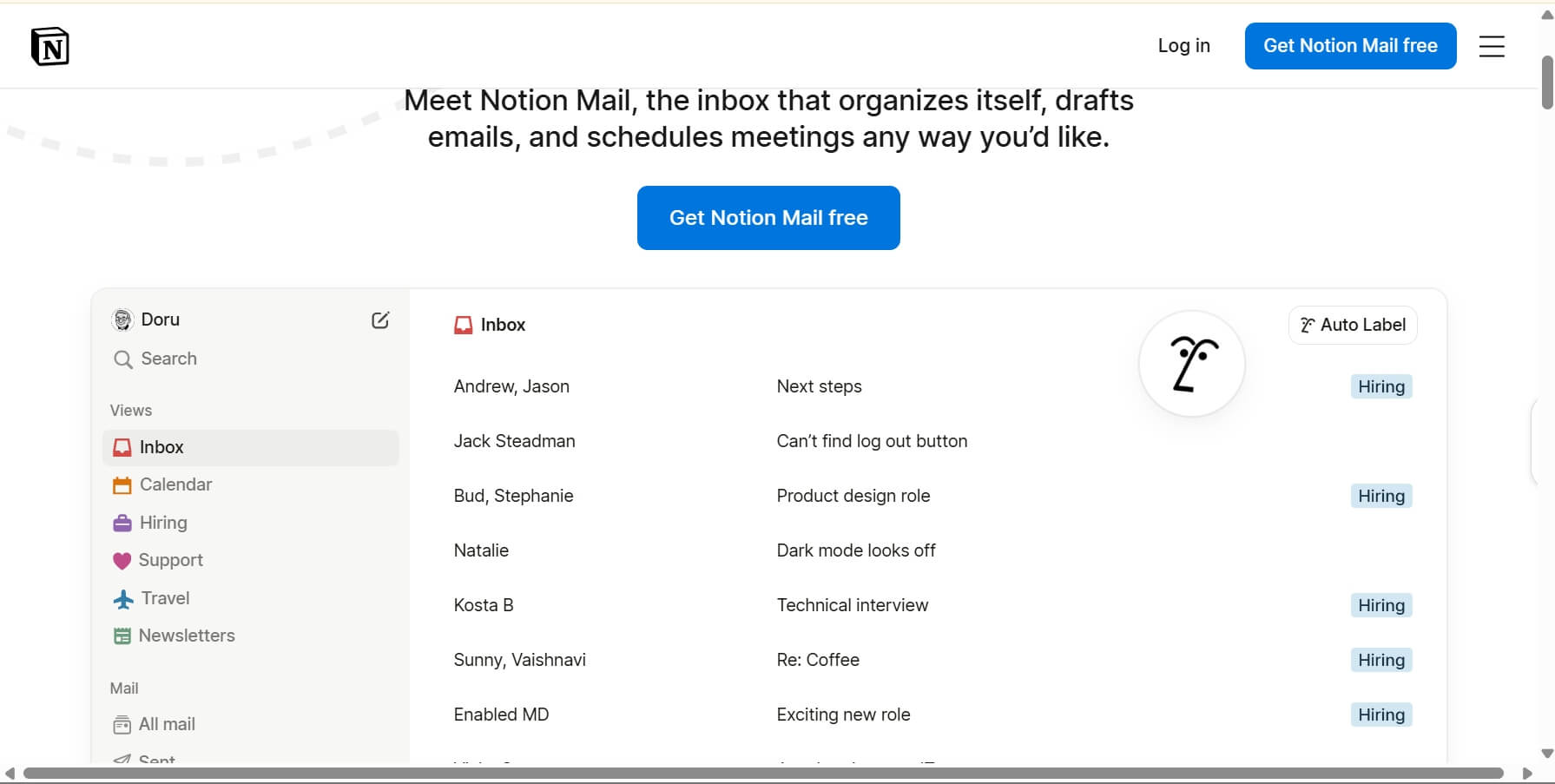
Best for: Project managers and creative teams who already live in Notion and want their email and work documentation to live in one place.
Why It's Worth It: Notion Mail breaks the wall between email and project management. If an email comes in about a bug report, you can instantly link it to your Notion database without switching tabs. For someone like me who gets distracted by jumping between apps, having my email right next to my to-do list is a massive boost.
Standout Features:
- Deep database integration linking emails to Notion project pages.
- Customized workspace views treating the inbox like a collaborative board.
- Unified team context so everyone sees the latest status of a thread.
Pros:
- Perfect sync with your Notion workspace.
- Customizable views for different projects.
- Very clean, minimalist interface.
- Great for collaborative team inboxes.
Cons:
- If you don't use Notion, it's not for you.
- Still lacks some advanced features found in older clients.
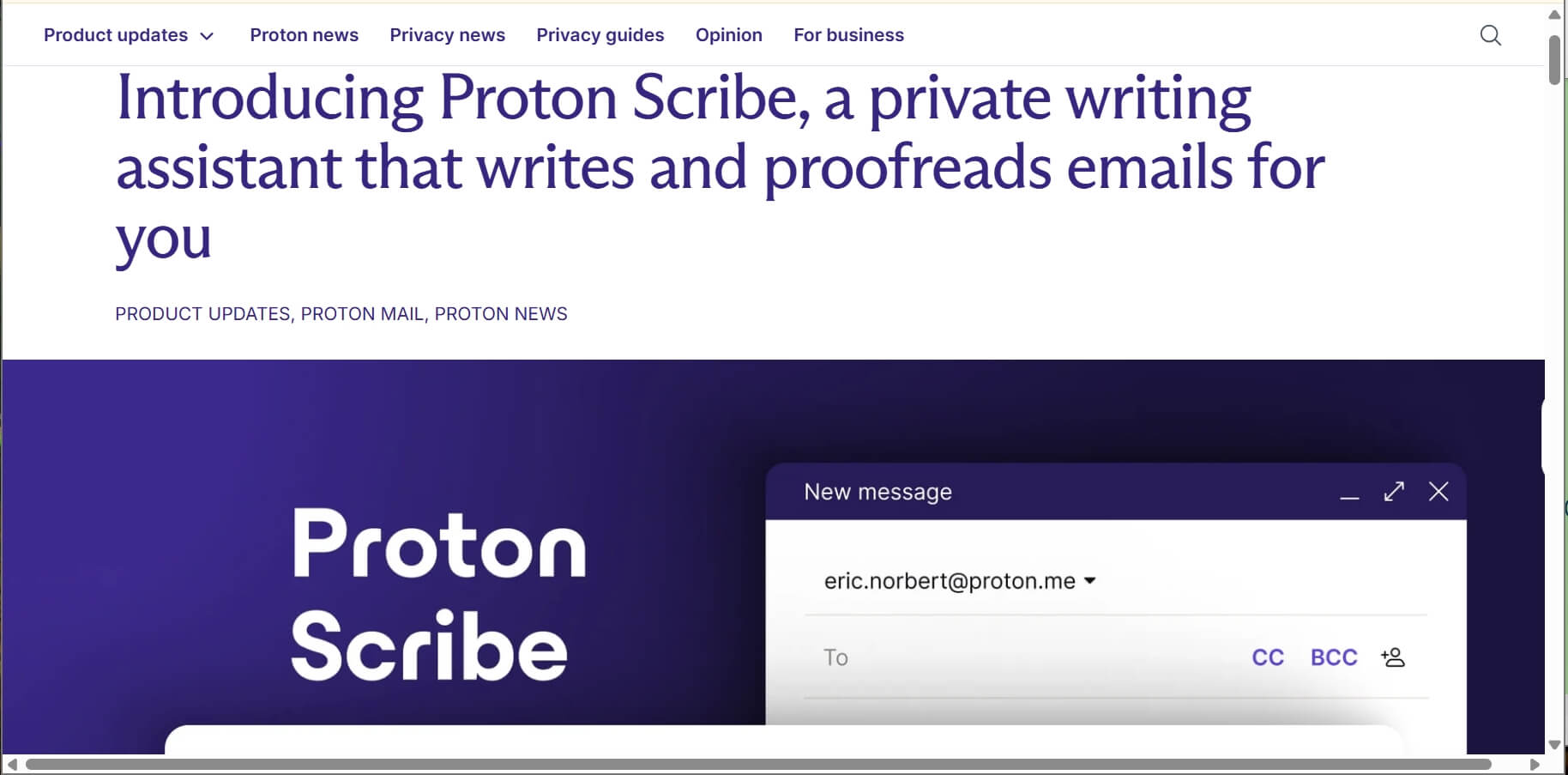
7. Proton Scribe: Best for Privacy-Conscious Professionals
Best for: Lawyers, doctors, and financial advisors who want AI help but cannot risk their data being used to train public models.
Why It's Worth It: Most AI tools send your data to the cloud. Proton Scribe is a privacy-first writing assistant. It helps you draft and shorten emails while keeping everything end-to-end encrypted. You can ask it to summarize a legal document, knowing that no one can read it.
Standout Features:
- On-device AI processing to ensure data never leaves your control.
- Zero-knowledge encryption protecting your drafts from third-party access.
- Open-source transparency verified by independent security audits.
Pros:
- Uncompromising security with end-to-end encryption.
- Tone and length adjustment without data leakage.
- No ad-tracking or data-selling business model.
Cons:
- Features are simpler than those of "unsecured" AI competitors.
- Requires a Proton Mail subscription.
8. SaneBox: Best for Decluttering Inbox
Best for: People who feel "drowned" by thousands of unread emails and need a tool to clean it all up automatically.
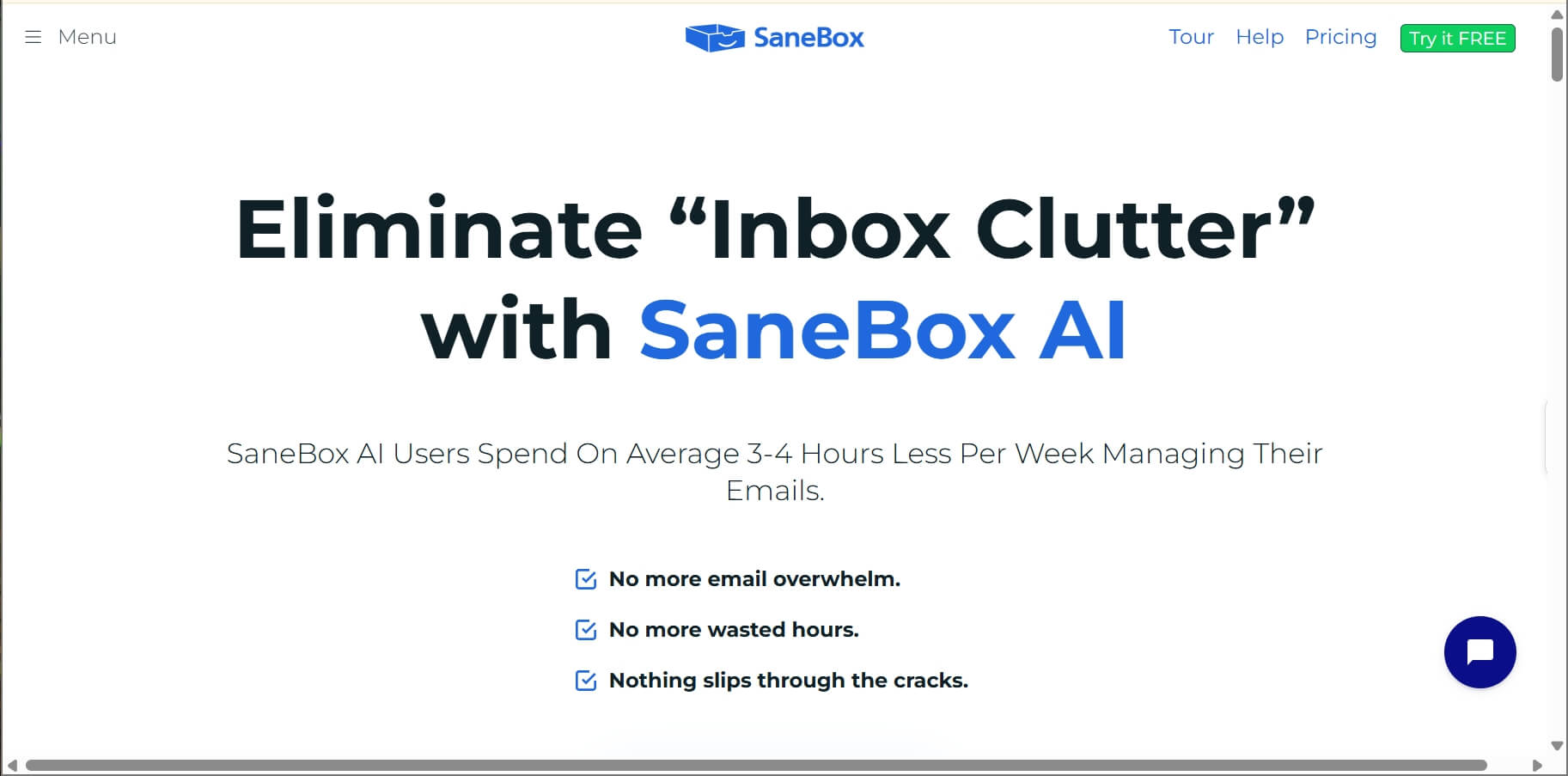
Why It's Worth It: SaneBox doesn't try to write your emails; it tries to hide the ones you don't need. It moves the junk to a folder called "SaneLater." When I first installed it, it moved 2,000 emails out of my inbox instantly. It felt like I could breathe again. It works with any email provider (Gmail, iCloud, Outlook).
Standout Features:
- Algorithmic folder triaging moving non-urgent mail to "@SaneLater."
- One-click "BlackHole" to permanently banish unwanted senders.
- Smart notification filtering reducing cognitive load during work.
Pros:
- Zero learning curve—it works inside your current app.
- Powerful "BlackHole" feature stops annoying senders permanently.
- Daily digest ensures you never miss a filtered message.
- Affordable for the time it saves.
Cons:
- Doesn't help with writing or drafting.
- Sometimes filters an important email if not "trained."
9. Microsoft Copilot: Best for Microsoft 365 Deep Integration
Best for: Corporate employees in large organizations that use the full Microsoft 365 suite (Word, Teams, Excel).
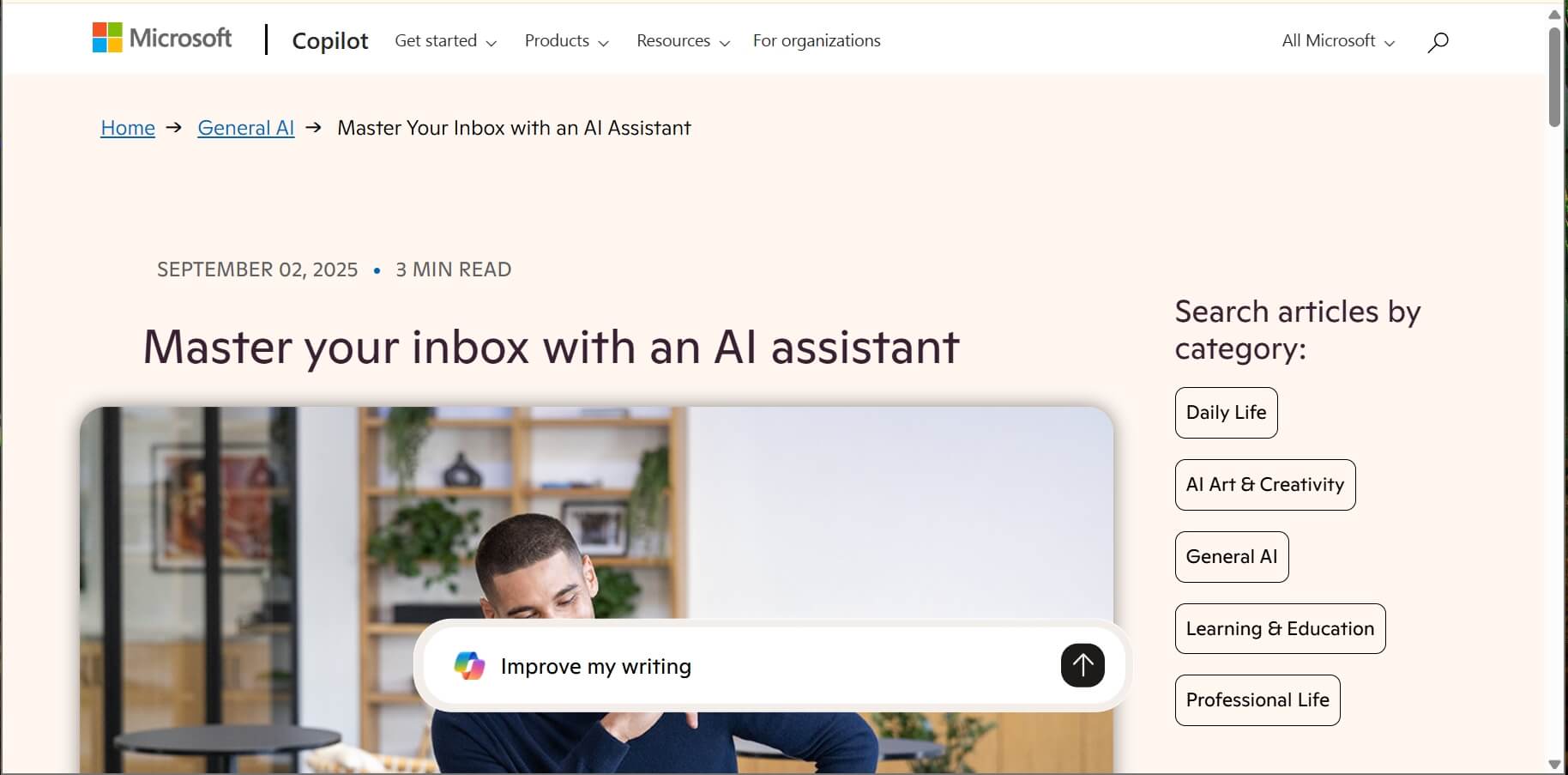
Why It's Worth It: Copilot's superpower is cross-app context. You can tell it: "Draft an email summarizing the main points from my meeting yesterday and the attached Excel sheet." It will actually read those files to write the email for you. It's a superpower for staying on top of corporate projects.
Standout Features:
- Cross-app intelligence pulling data from Teams, Word, and Excel.
- Automated meeting recaps turning transcripts into follow-up drafts.
- Enterprise-grade compliance for regulated corporate environments.
Pros:
- Unmatched integration with all Office apps.
- Automated meeting summaries into email drafts.
- Enterprise-grade security and compliance.
- Saves hours on internal reporting.
Cons:
- Can be sluggish in the Outlook desktop app.
- Requires a high-tier Microsoft 365 subscription.
10.Gemini: Best for Seamless Workspace Integration
Best for: Gmail users and Google Workspace teams who want a simple, built-in AI that knows their Google Drive.
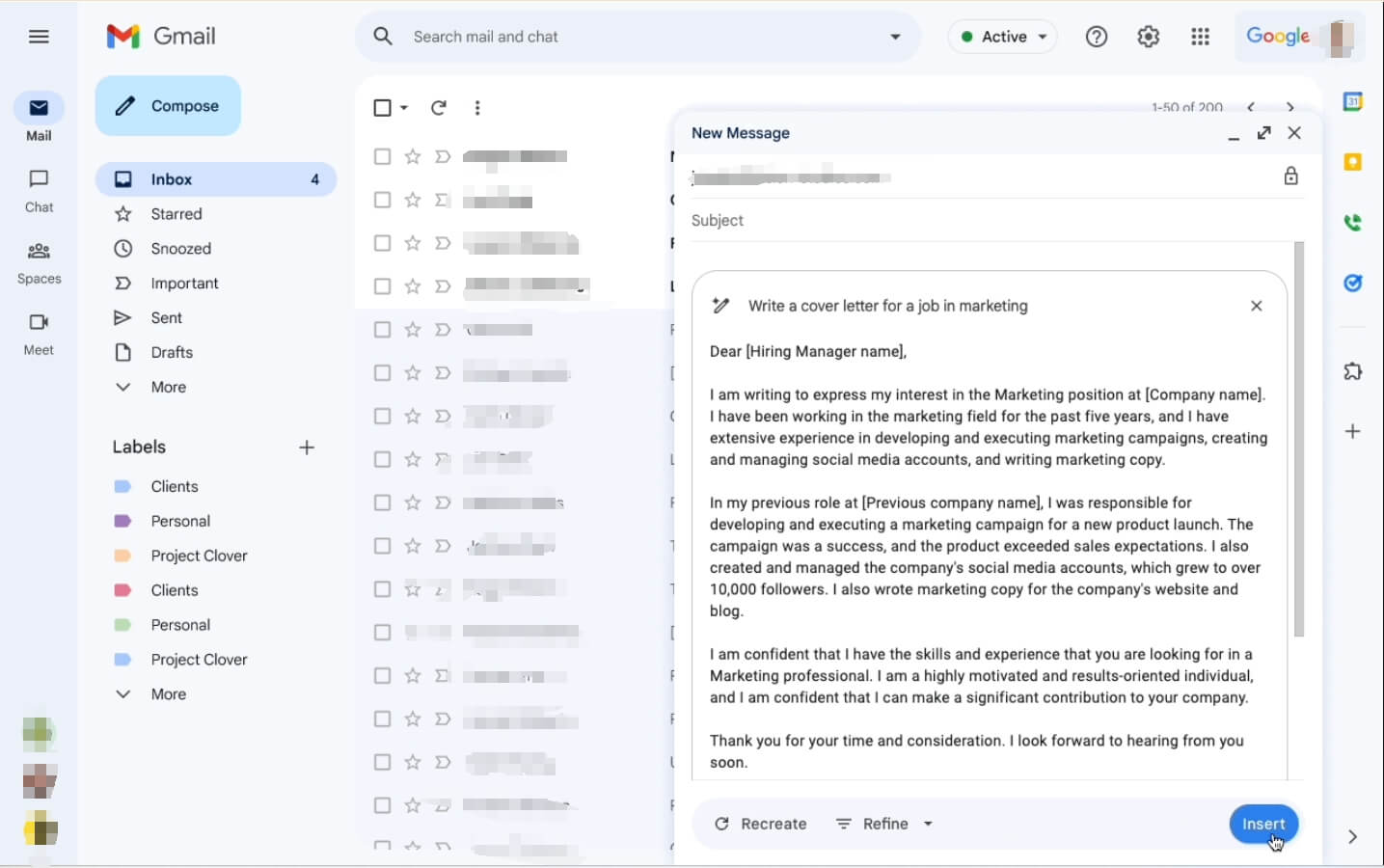
Why It's Worth It: Gemini is Google's answer to the AI revolution. I find it most useful when I need to find information in my Google Drive. I can ask, "What was the contract price in that PDF?" and it will pull the info right into my email draft. For a Google user, it's the most frictionless way to bring AI into your routine.
Standout Features:
- Context-aware drafting utilizing Google Drive and Calendar data.
- Native Workspace sidebar for multi-tasking without switching tabs.
- Multilingual refinement and polishing tone in dozens of languages.
Pros:
- Native "Help me write" button inside Gmail.
- Direct access to Google Docs, Sheets, and Drive.
- Incredible translation and tone-shifting capabilities.
- Strong mobile performance on the Gmail app.
Cons:
- Privacy concerns Google's data use.
- Search isn't as focused on organization as Shortwave.
FAQs
1.What features should I look for in an AI email assistant?
You should look for AI tools that offer Smart Drafting (writing in your voice), Summarization (shortening long threads), and Integration (working in your current app). If you are in sales, look for personality insights. If you are in support, look for "Action-oriented" features like Solvea's ability to check order statuses.
Your AI Receptionist, Live in Minutes.
Scale your front desk with an AI that never sleeps. Solvea handles unlimited multi-channel inquiries, books appointments into your calendar automatically, and ensures zero missed opportunities around the clock.
2.How can an AI email assistant improve productivity?
An assistant saves time by automating the "boring" parts of email. It handles the initial research, writes the first draft, and sorts your inbox. This allows you to spend your energy on decision-making rather than typing. Most users report saving 5–10 hours a week by using these tools.
3.What are the best AI email assistants for small businesses?
Solvea is excellent for handling customer support without extra hires. SaneBox is great for keeping the owner's inbox clean. For marketing and finding new clients, SmartWriter is the top choice. These tools provide the "extra hands" a small team needs to scale quickly without increasing overhead.
4.What is an AI email assistant?
An AI email assistant is a software tool that uses Large Language Models (like GPT-4 or Gemini) to help you manage electronic mail. Unlike a simple template, it understands the context of your conversations. It can write, summarize, categorize, and even perform business tasks as a human secretary would.