According to the latest report on AI voice trends, more than 70% of small-to-medium businesses (SMBs) are adopting voice AI to handle frontline operations in 2026. AI voice assistants have become widely used across industries to complete tasks, answer questions, and streamline workflows.
But here's the challenge: with hundreds of voice assistant solutions flooding the market, how do you identify which one actually delivers for your specific needs? How I choose the best AI voice assistants? I started with a wide range of leading AI platforms for different use cases and narrowed my shortlist down to the top 10 picks based on these criteria.
- Vocal Realism & Responsiveness: Does it sound human, and is the latency under 1 second?
- Actionable Intelligence: Can it actually book a meeting or update a CRM?
- Industry Customization: Does it offer specialized templates for niches like law or healthcare?
- Real User Feedback: I cross-referenced performance against actual community reviews, like on Reddit and G2.
- Data Security: Does the platform meet SOC2 or other standards for privacy?
What is an AI Voice Assistant
An AI voice assistant is an advanced software agent that uses Natural Language Processing (NLP) and speech recognition to understand, interpret, and respond to human voice commands. Now, these tools do not simply answer questions; they can autonomously execute complex workflows, like booking appointments and qualifying sales leads, and manage digital tasks across multiple platforms.
TL;DR: The 10 Best AI Voice Assistants of 2026
In this review, I've looked beyond just business tools to include personal assistants as well. My goal was to provide a mix of ready-to-use general AI voice assistants and highly customizable solutions for specific needs.
These 10 top-rated voice assistants stand out for their reliability, speed, and specific industry fit.
Product | Best For | Key Strength | Free Trial | Security |
SMB AI Receptionists | Industry-specific templates | 1000 credits | SOC2, iso27001, GDPR | |
Natural Conversations and Brainstorming | Natural, fluid dialogue | Yes (Limited) | Standard OpenAI privacy | |
Smart Home | Largest device ecosystem | $0 (hardware varies) | Amazon privacy policies | |
Custom Development | Full API control + low latency | Free Credits | HIPAA, BAA | |
Meeting notes | Live transcription & summaries | 7-day | SOC2, GDPR | |
Autonomous workflows | Proactive task execution | 7-day | SOC2, HIPAA | |
Sales Calls | No-code sales workflows | 14-day | SOC2, HIPAA, and GDPR | |
Enterprise Customer Support | High-volume ticket resolution | 14-day | SOC2, GDPR | |
Dental Clinics | Deep EHR/Patient integration | 14-day | HIPAA, BAA | |
Professional & Law Firms | AI-human hybrid quality | No | HIPAA, BAA |
1. Solvea: Best for SMBs AI Voice Receptionists
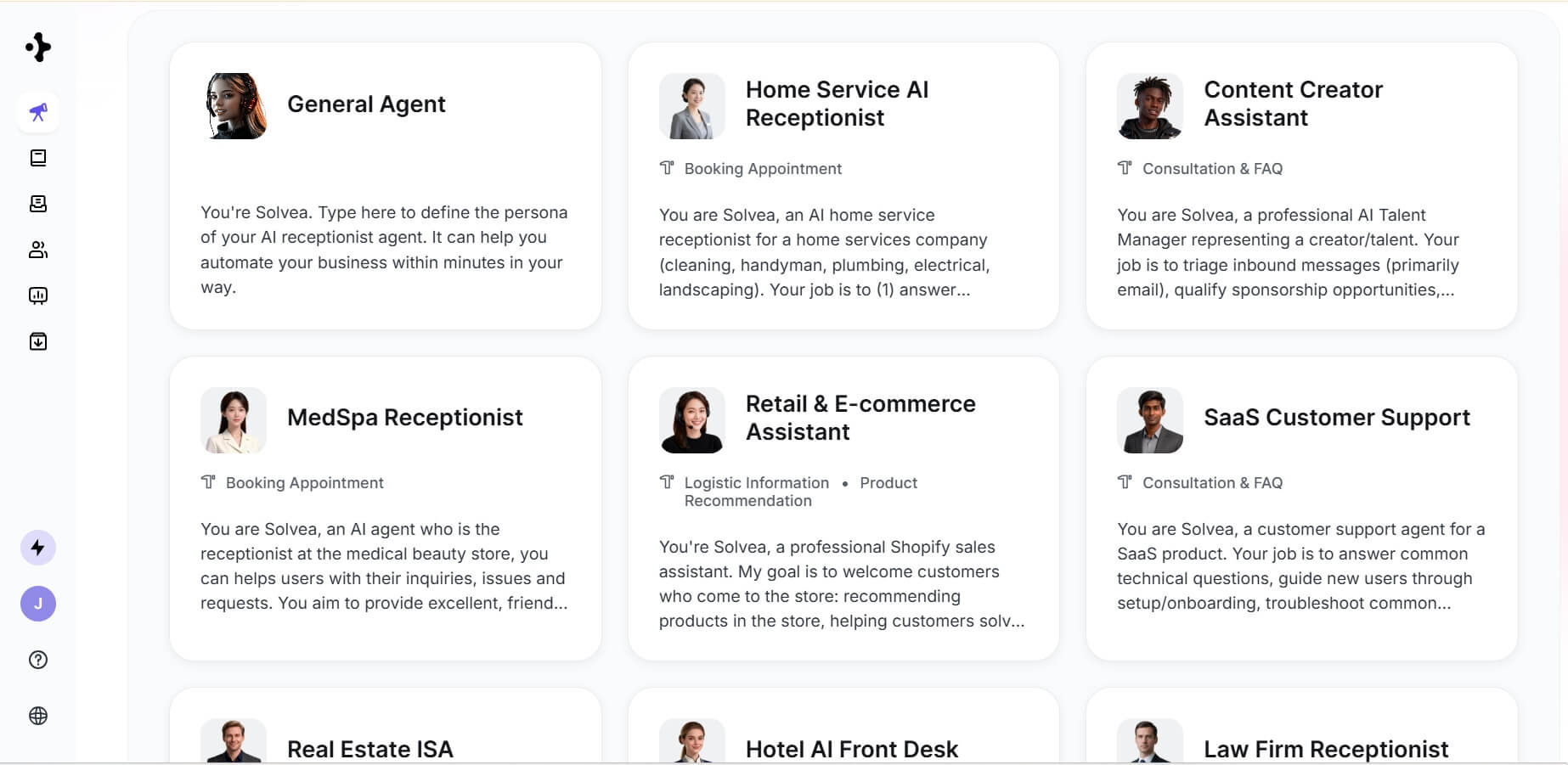
Best for: Retail, Hotel, Home Service, MedSpa, SaaS Customer Support, and Real Estate owners needing 24/7 front-desk automation. It helps small business owners capture leads, answer FAQs, and manage bookings across voice and text channels without hiring extra staff.
Why It's Worth? Solvea is a true all-in-one AI voice assistant, particularly designed to offer specialized, industry-specific intelligence. You can choose from a library of professional templates, such as Retail, E-commerce, Law Firm Receptionist, MedSpa Assistant, and SaaS Customer Support, each pre-configured with industry-relevant "skills."
For retail and e-commerce, it functions as an intelligent support agent that can handle order tracking and FAQs. In home services and real estate, it acts as a 24/7 ISA (Inside Sales Assistant) that proactively captures lead details and logs them directly into a CRM.
By building your own Knowledge Base, you empower the AI to resolve complex inquiries using your specific business policies and pricing. Furthermore, the Resolution Rate analytics allow you to monitor exactly how many interactions were fully resolved autonomously, providing clear visibility into the system's efficiency and your return on investment.
Key Advantages:
- Pre-built configurations for Retail, Real Estate, Home Service, etc.
- Seamlessly manages customer engagement via both Voice and Text.
- Upload specific documents and FAQs to create a unique "business brain."
- Real-time data on Resolution Rates, total conversations, and lead capture.
Integrations: Google Calendar, Google Sheets, HubSpot, Salesforce, eBay, Shopify, etc.
Pricing:
- Free Trial: 1000 credits.
- Pay as you go for individual: $30/month, 2 skill capabilities, Email, etc.
- Enterprise for enterprise: Custom, unlimited product features, dedicated training.
Pros | Cons |
Highly adaptable to different industry workflows. Easy to set up, without coding skills. Exceptional at capturing missed call opportunities. Boasts 100% enterprise-grade security. | More advanced features require an Enterprise plan. |
2. ChatGPT Voice Mode: Best for Natural Conversations and Brainstorming
Best for: Creative professionals, students, and language learners seeking natural conversation and hands-free brainstorming.
Why It's Worth? ChatGPT's Advanced Voice Mode (AVM) remains the king of "vibe." I use this daily during my morning commute to talk through my article drafts. Unlike other assistants that feel robotic, AVM catches the cadence of human speech, including sighs and pauses. Reddit users have noted that it feels like a real digital partner rather than a tool.
My experience reflects the same. When I hesitated during a mock pitch, the AI actually asked if I needed to rethink that part. It is amazing for creative work. While it isn't an "action AI agent" that books appointments, its ability to reason and converse with emotional nuance makes it the most "human-like" AI on this list.
Key Features:
- Native multimodal processing for near-zero latency.
- Emotional prosody and vocal nuance detection.
- Real-time translation and language coaching.
- Multilingual support for language-learning and international users.
Integrations: Native OpenAI ecosystem, Custom GPTs.
Pricing:
- Free plan: limited usage.
- Plus plan: $20/month, more access to advanced intelligence.
- Pro plan: $200 agent/month, full access to the best of ChatGPT.
Pros | Cons |
Natural human-like voice. Incredible reasoning. Perfect for hands-free brainstorming. | Limited daily usage on Pro plans. cannot yet perform external tasks like scheduling. |
3. Alexa: Best for Smart Home Use
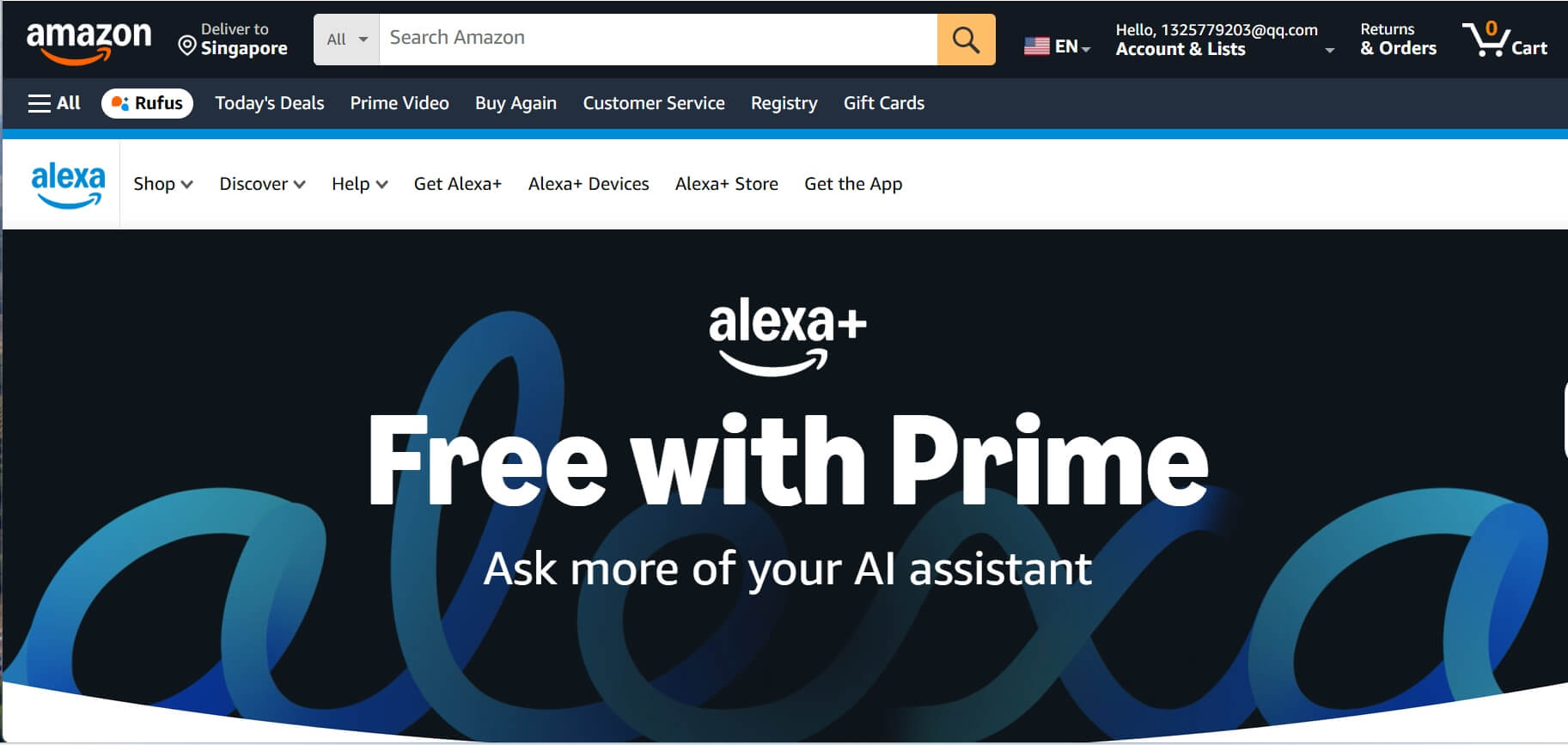
Best for: Homeowners and families managing smart ecosystems. It is the primary tool for anyone wanting to control lights, security, and household routines through a proactive voice interface.
Why It's Worth? Amazon Alexa is one of the best AI voice assistants for smart homes that serves as a proactive household manager. The 2026 "Plus" AI upgrade has finally made it smart enough to understand context. For example, when I say, "It's too bright in here," it automatically dims the specific smart lights in the room I'm standing in.
Consumer reports and Reddit threads also agree that this AI upgrade has fixed the old "I don't understand that" frustration. It's still the best for managing a family calendar or controlling a smart home. Proactive alerts, like smoke detection via Ring, add a layer of safety that competitors lack.
Key Features:
- Proactive smart home routines (context-aware).
- Advanced conversation detection via AZ3 chips.
- Family-shared calendars and logistics management.
- Massive device ecosystem with Matter support.
Integrations: Smart home devices, Amazon Music, Spotify.
Pricing: Alexa works seamlessly with Amazon Echo devices. Pricing starts at $30 for a basic speaker and goes up to over $1,500 for a full smart home system.
Pros | Cons |
Deepest hardware integration available. Very reliable for smart home control. Proactive AI alert features. | Privacy concerns with always-listening devices and Amazon data collection. The best AI features now require a subscription. |
4. Retell AI: Best for Customized Voice Assistants
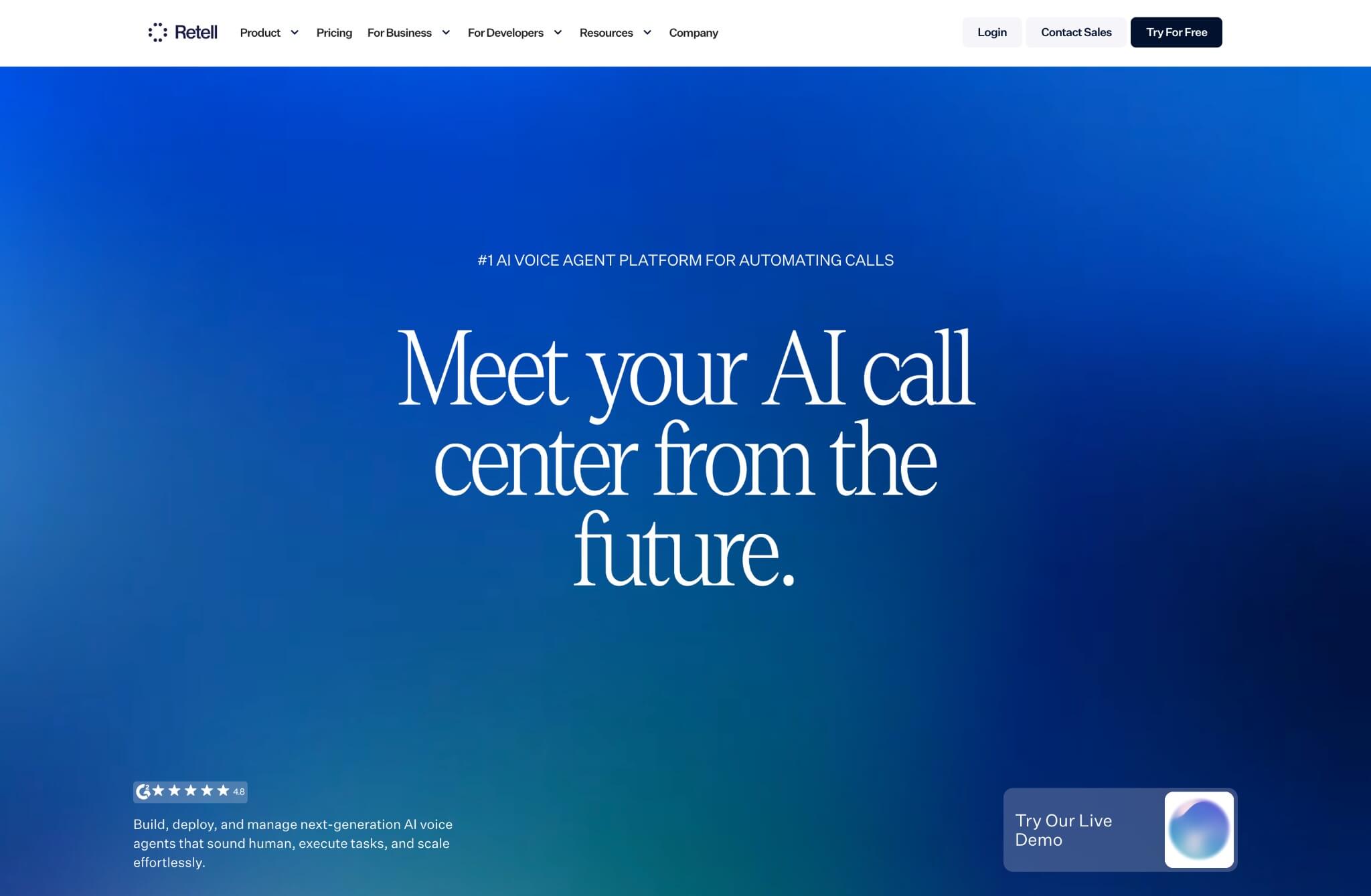
Best for: Developers and technical teams building a high-performance voice agent. It is the go-to platform for companies that need ultra-low latency and full control over agent behavior and backend logic.
Why It's Worth? If you are looking for a customized voice AI solution, Retell is completely worth trying. It allows you to customize every turn of the conversation and connect it to your own LLM backend. In the Reddit developer community, it's praised over competitors for its vocal stability and "warm transfer" capabilities.
Furthermore, Retell's infrastructure is built for scale; whether you are deploying a single personal assistant or a fleet of thousands of outbound agents, the system maintains high audio fidelity.
Key Features:
- Ultra-low latency (consistent <1s response).
- Developer-friendly API and custom LLM support.
- Real-time "warm transfer" to human agents.
- Post-call analytics and sentiment tracking.
Integrations: Twilio, Vonage, Custom Webhooks, HubSpot.
Pricing:
- Pay as you go service: $0.07+/minute for AI Voice Agents, $0.002+/msg for AI Chat Agents
- Enterprise Plan: custom pricing, fully managed agent setup.
Pros | Cons |
Unmatched response speed Highly customizable. Excellent reliability for production. | Requires technical knowledge. Setup is time-consuming for non-developers. |
5. Otter.ai: Best for Meeting Notes and Transcription
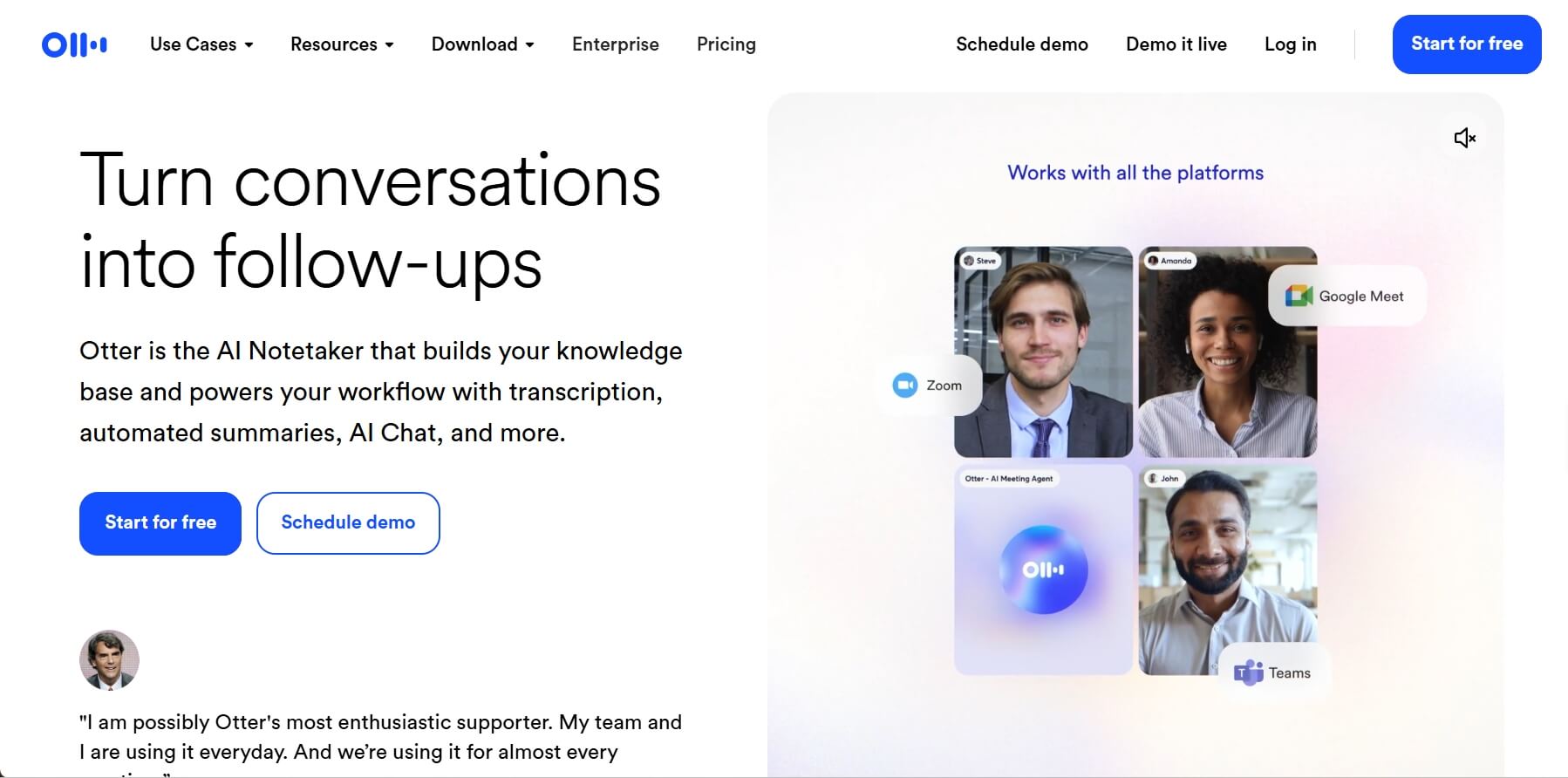
Best for: Project managers, remote teams, and journalists recording meetings. It excels at turning live speech into searchable, summarized text with clear action items.
Why It's Worth? I don't take notes in meetings anymore. I just let Otter join. It's scary-accurate at identifying different speakers, even in a crowded room. My personal "Otter AI Chat" feature allows you to ask it during or after the meeting, "What did Mike say about the budget?" and it gives you a cited answer instantly.
With the tool, you can quickly transform a long-time rambling meeting into a short summary with clear action items. For remote teams, it acts as a safety net, ensuring no detail is lost and everyone is on the same page. If you spend much time in Zoom or Teams, it's the ultimate tool for you to enhance productivity.
Key Features:
- Live Speaker Identification and tagging.
- Automated AI meeting summaries and "to-dos."
- In-meeting AI Chat for instant queries.
- Centralized searchable meeting repository.
Integrations: Zoom, Microsoft Teams, Google Meet, Slack.
Pricing:
- Basic Plan: 300 mins/month, 30 mins/meeting, 3 file imports.
- Pro Plan: $8.33/user/month, 1200 in-app recording minutes, 90 mins/meeting.
- Business Plan: $19.99/user/month, unlimited in-app recording minutes, 4 hours/meeting.
Pros | Cons |
Highly accurate live transcription. Great for accessibility. Eliminates manual note-taking. | Privacy concerns in sensitive meetings. Transcription of heavy accents can vary. |
6. Lindy: Best for Autonomous Workflows
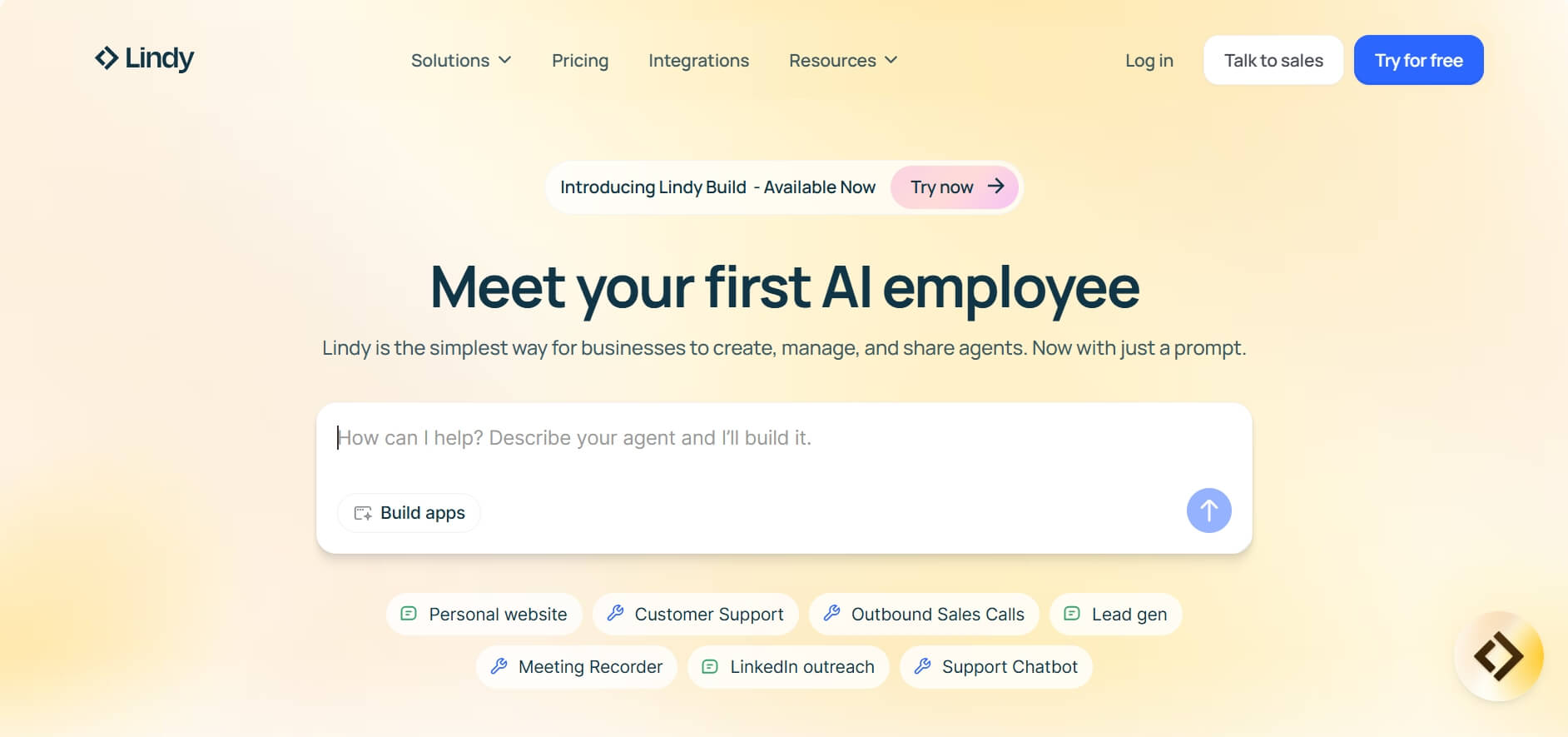
Best for: Founders and busy executives wanting to automate complex tasks. It's capable of handling emails, scheduling, and cross-platform workflows autonomously.
Why It's Worth? Lindy has evolved far beyond a simple text-based bot; it is a fully capable voice agent. The best part is that it lets you have real-time voice chats while working in your other apps at the same time.
For example, you can call your Lindy and say, "Hey, find a time for a meeting with the marketing team and draft a summary of our last project," and it will navigate your Google Calendar and Slack to get it done while you're still on the line.
According to deep-dive reviews on Reddit's r/AI_Agents, Lindy 3.0 is praised for its "Agentic Reasoning." It feels like a high-level executive assistant sitting in your pocket, ready to execute complex office tasks through simple voice instructions.
Key Features:
- Natural, two-way dialogue via phone or iMessage.
- Calls or texts you when it detects potential scheduling conflicts or task delays.
- Can trigger actions across 4,000+ integrated apps.
- Create "Digital Employees" for specific roles like SDR.
Integrations: Gmail, Google Calendar, Slack, HubSpot, Salesforce, Zapier, and iMessage.
Pricing:
- Free plan: 400 tasks, 1M character knowledge base.
- Pro Plan: $49.99/month, 5,000 tasks, 20M characters, phone automation.
Business Plan: $299.99/month, 30,000 tasks, advanced automation.
Pros | Cons |
Very easy no-code setup. Comprehensive workflow automation beyond simple task completion. Syncs with a massive number of business tools. | The credit-based pricing can get expensive for heavy users. Sometimes requires very precise instructions for complex multi-app tasks. |
7. Synthflow: Best for Outbound Sales Automation
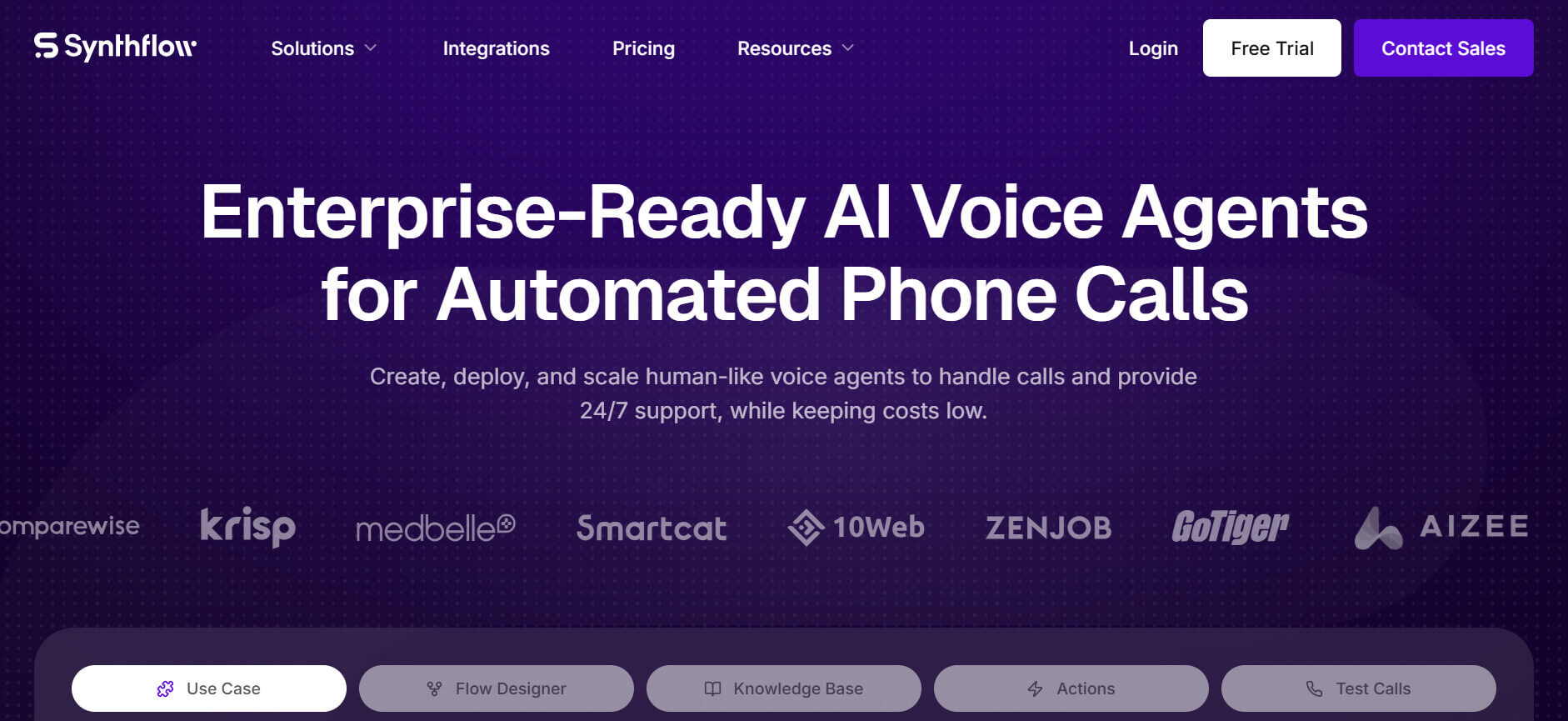
Best for: Sales teams and marketers scaling cold outreach. It provides a no-code AI agent builder that calls prospects, handles objections, and books sales appointments.
Why It's Worth? The biggest win of Synthflow is its no-code setup for outbound calling. Even a small sales team can call 500 leads in an hour—work that would take a human an entire week. It handles objections surprisingly well. If a prospect says, "I'm busy," the AI naturally asks for a better time to follow up.
The platform focuses strictly on conversions instead of general support. For businesses that rely on high-volume lead qualification, it provides a scalable way to keep the pipeline full without hiring an army of SDRs.
Key Features:
- No-code drag-and-drop agent builder.
- Automated lead qualification and objection handling.
- Direct calendar booking during voice calls.
- Campaign-level analytics and lead sentiment.
Integrations: GoHighLevel, HubSpot, Salesforce, Zapier.
Pricing:
- Starter: $0.10–$0.15/minute, 1,000–10,000 mins.
- Growth: $0.08–$0.10, 50,000–150,000 mins.
- Enterprise: $0.07–$0.09, 250,000–500,000+.
Pros | Cons |
Massive time-saver for sales outreach. No-code AI voice agent builder. CRM integration with call analytics and conversion tracking | Voice can occasionally sound "salesy". Risk of being flagged as spam if misused. |
8. Zendesk AI: Best for Large-scale Customer Support
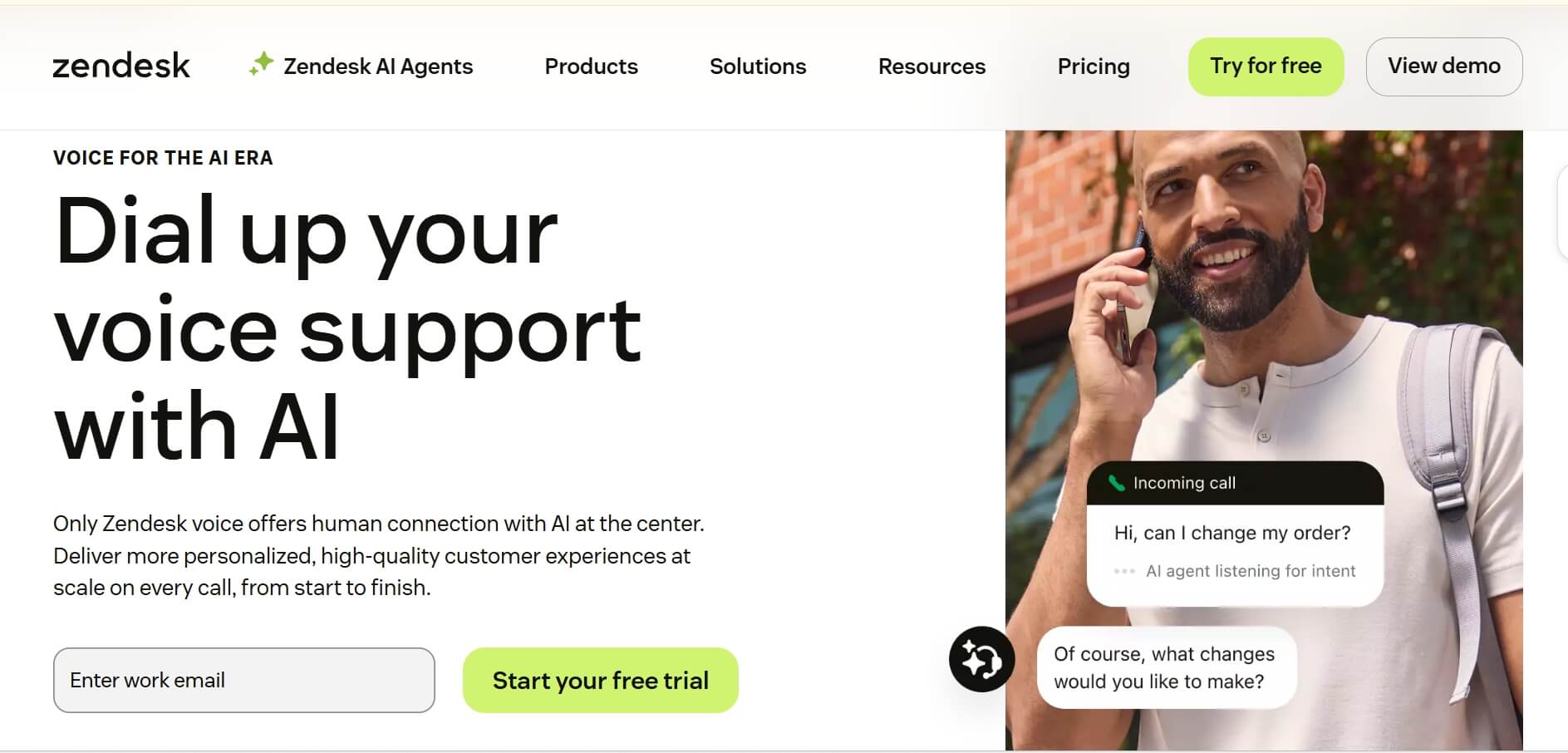
Best for: Enterprise brands managing high volumes of customer inquiries. It is built to resolve thousands of tickets autonomously while maintaining a seamless transition to human agents when needed.
Why It's Worth? For big companies handling thousands of calls, Zendesk AI is the choice that feels like "Enterprise." It doesn't just answer questions; it analyzes the sentiment of the caller. If a customer sounds angry, it can automatically escalate them to a human supervisor.
It can handle 70% of routine inquiries, like "Where is my refund?", allowing human agents to focus on the high-stakes problems. It's built for scale and security, making it a safe, reliable choice for large enterprises that want to handle most customer calls without human intervention.
Key Features:
- Automated sentiment and intent detection.
- High-volume ticket resolution across channels.
- Advanced AI Copilot for human agents.
- Deeply integrated enterprise knowledge bases.
Integrations: Salesforce, Jira, Shopify, Entire Zendesk Suite.
Pricing:
- Suite Team: $55/month/agent, automate service with AI, and support all channels.
- Suite Professional: $115/month/agent, optimize operations with AI and customizations.
- Suite Professional: $169/month/agent, adapt service safely with AI management tools.
Pros | Cons |
Enterprise-scale autonomous customer support. Handles massive volume. Advanced sentiment insights. | Expensive for small teams. requires full Zendesk ecosystem to be truly effective. |
9. Zaha AI: Best for Dental Clinics and Healthcare
Best for: Dentists and medical practitioners wanting industry-specific automation. It specializes in patient scheduling, insurance verification, and hands-free charting.
Why It's Worth? A general AI doesn't know what a "root canal" is in a medical context, but Zaha AI does. It integrates directly with dental practice management software (PMS), cross-references insurance providers, and slots patients into schedule gaps—all without any human intervention.
For dental offices that struggle with "no-shows," Zaha's automated, conversational follow-ups are a true game changer. It's a niche tool that does one thing perfectly, freeing up clinical staff to focus on the patient right in the chair.
Key Features:
- Answer every inbound call with a human-like voice.
- Automatic insurance verification and recalls.
- Deep PMS integration (Dentrix, Eaglesoft).
- HIPAA-secure clinical note generation.
Integrations: Dentrix, mConsent, Eaglesoft, and Open Dental.
Pricing: Custom pricing.
Pros | Cons |
Absolute expert in dental workflows. Significantly reduces clinical errors. HIPAA compliant. | Highly niche (not for non-dental use). |
10.Smith.ai: Best for Law Firms and Professional Services
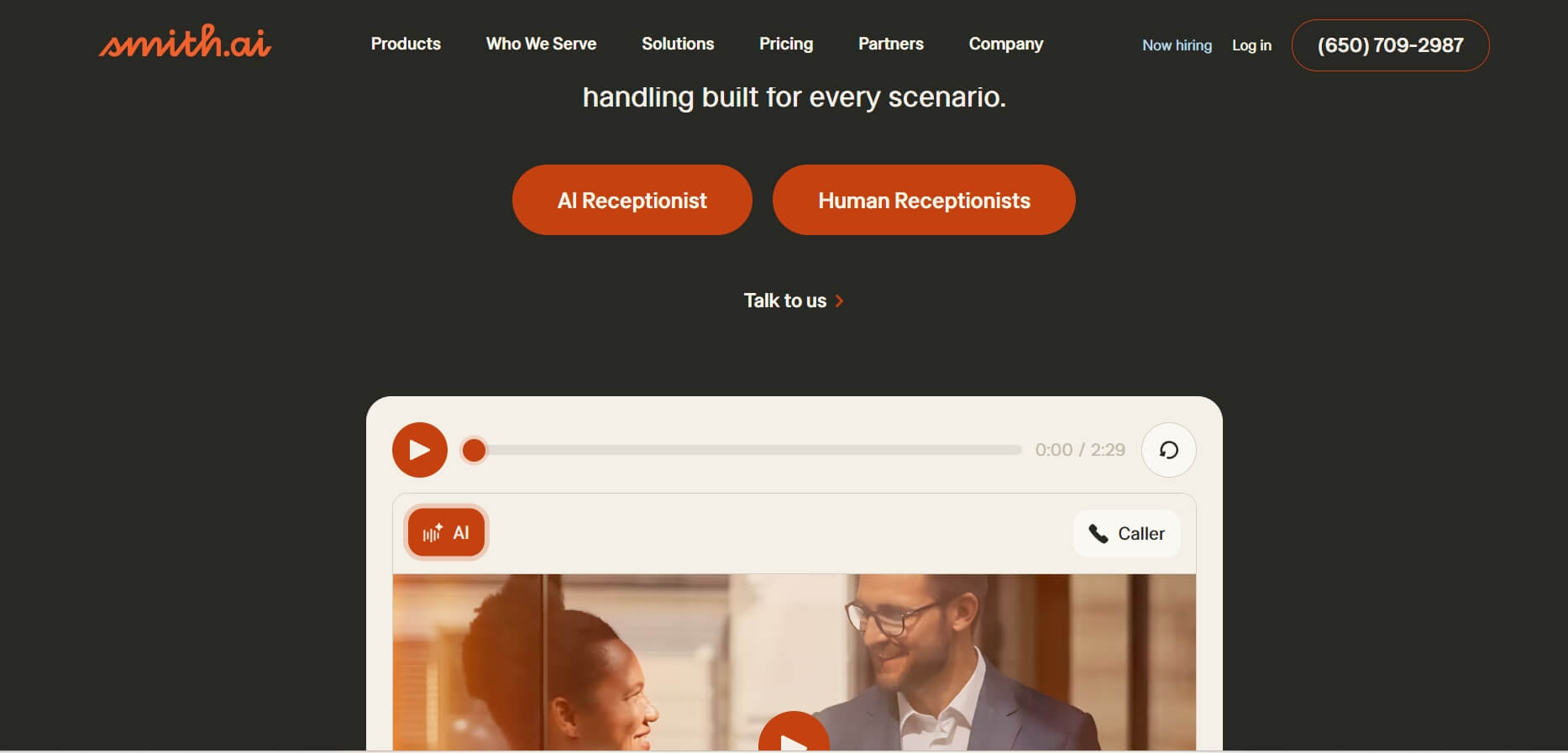
Best for: Lawyers, accountants, and consultants requiring a polished reception. It offers a hybrid approach where AI handles screening and intake, with live human backup for complex calls.
Why It's Worth? Lawyers and accountants can't afford a bot "hallucinating" a legal deadline. That's why Smith.ai is brilliant. It uses AI to screen calls and handle simple intake, but if the conversation gets complex, it can instantly transfer to a live, North American-based professional receptionist.
This hybrid model provides the most "secure" feeling for high-ticket businesses. It's the "white-glove" service of the AI world. It ensures every high-value inquiry is treated with a professional, human touch while using AI to filter out spam and handle routine scheduling.
Key Features:
- 24/7 AI screening with live human backup.
- Professional legal and financial intake workflows.
- Integrated payment processing via voice.
- Bilingual services and custom call routing.
Integrations: Clio, MyCase, LawPay, Slack, Zapier.
Pricing:
- Starter: $300/month, 30 calls, 1 free transfer destination.
- Basic: $810/month, 90 calls, 2 free transfer destinations.
- Pro: $2100/month, 300 calls, 10 free transfer destinations.
Pros | Cons |
Highest trust level for high-stakes clients. Hybrid model combines AI efficiency with human judgment and empathy. Proven track record with law firms and professional services. | Significantly more expensive than pure AI. No free trial available. |
Your AI Receptionist, Live in Minutes.
Scale your front desk with an AI that never sleeps. Solvea handles unlimited multi-channel inquiries, books appointments into your calendar automatically, and ensures zero missed opportunities around the clock.
FAQ
1.What are the features of AI voice assistants?
Most AI voice assistants feature ultra-low latency (under 1 second), the ability to perform tasks like booking appointments or updating CRMs. They utilize advanced Large Language Models to understand context and intent, moving far beyond simple command-and-control functions.
2.Which AI voice assistant is best for home?
For home use, Amazon Alexa remains the top choice due to its massive integration with smart appliances, lights, and security systems. However, ChatGPT Voice Mode is increasingly popular for home-based "personal growth" tasks, such as language learning, recipe brainstorming, or acting as an interactive tutor for kids.
3.How to choose the right AI voice assistant?
The choice depends on your "Outcome." If you need a business front-desk, choose a vertical tool like Solvea. If you are a developer building a product, Retell AI is the best engine. Always look for a tool that integrates with your existing software (like Google Calendar or HubSpot) to ensure a seamless workflow.
What are the limitations of AI voice assistants?
The primary limitations remain "hallucinations"—where the AI confidently states incorrect facts—and a lack of true physical agency. While they can move data between apps, they cannot yet perform physical tasks. Furthermore, in noisy environments, even the best AI can still struggle with high-accuracy speech-to-text transcription.