

Authorization
No authorization required. The tool is ready to use out of the box.
Supported information
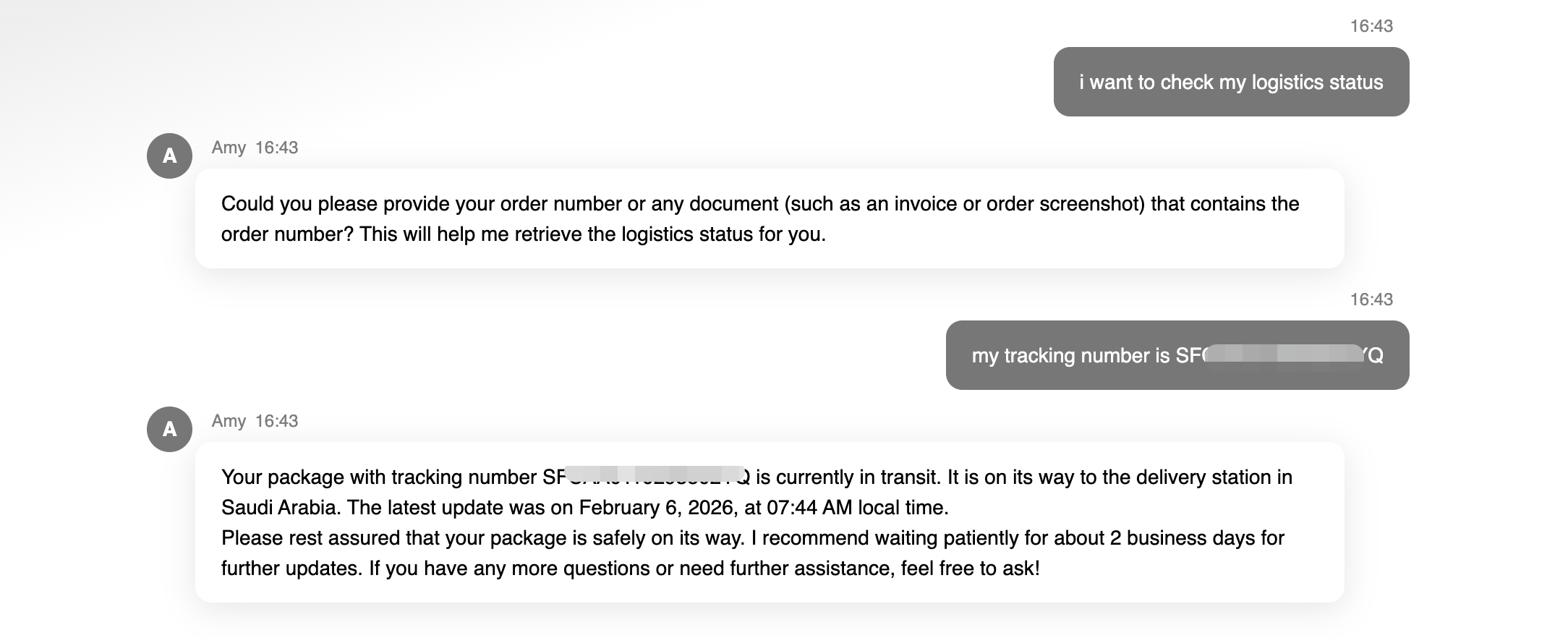
Retrieve the following logistics details by calling the tool with tracking numbers. Logistics details:- Tracking number: If an order has multiple tracking numbers, each will be displayed separately
- Latest status: Current shipment status (e.g. in transit, delayed)
- Latest update time: Timestamp of the most recent logistics event
- First update time: Timestamp of the initial logistics event
- Latest country: Country of the most recent logistics scan
- Origin country: Country of the first logistics scan
Typical use cases
- Order tracking inquiries
- Post-purchase customer support