

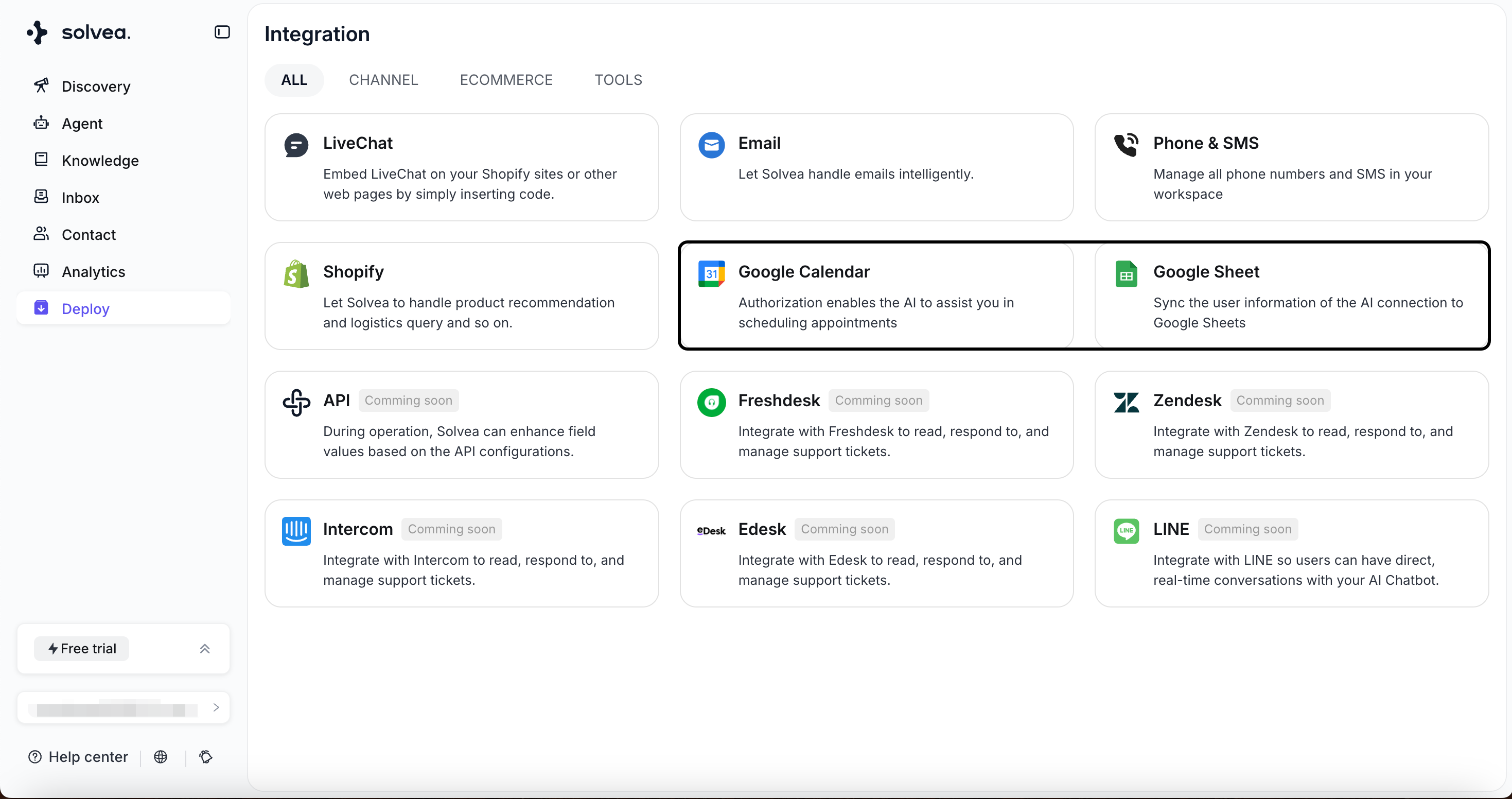
Authorization
Before using Google Calendar or Google Sheets, you must authorize your Google account. Authorization steps1
Click the tool.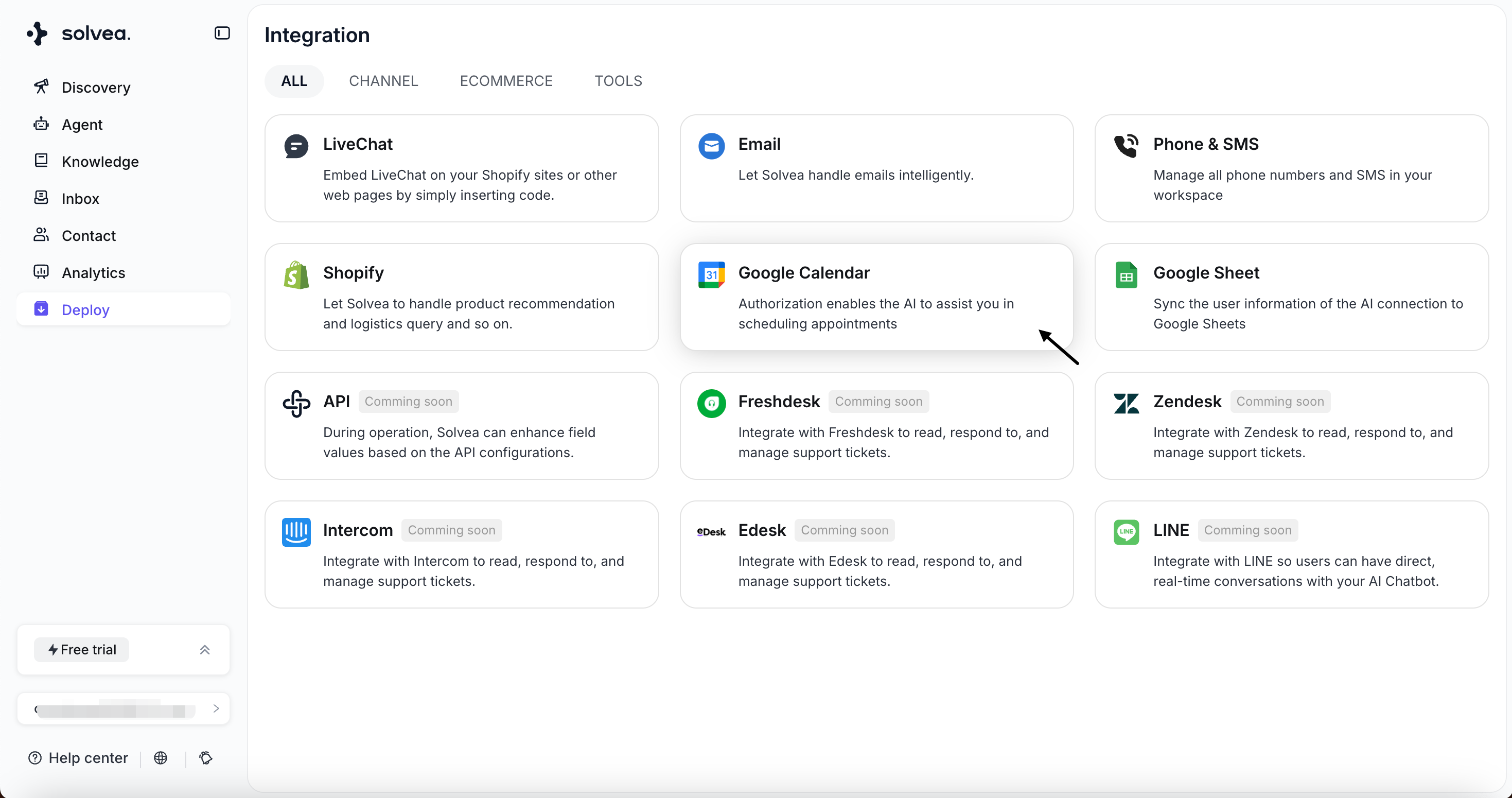
2
Choose a google account and click Continue.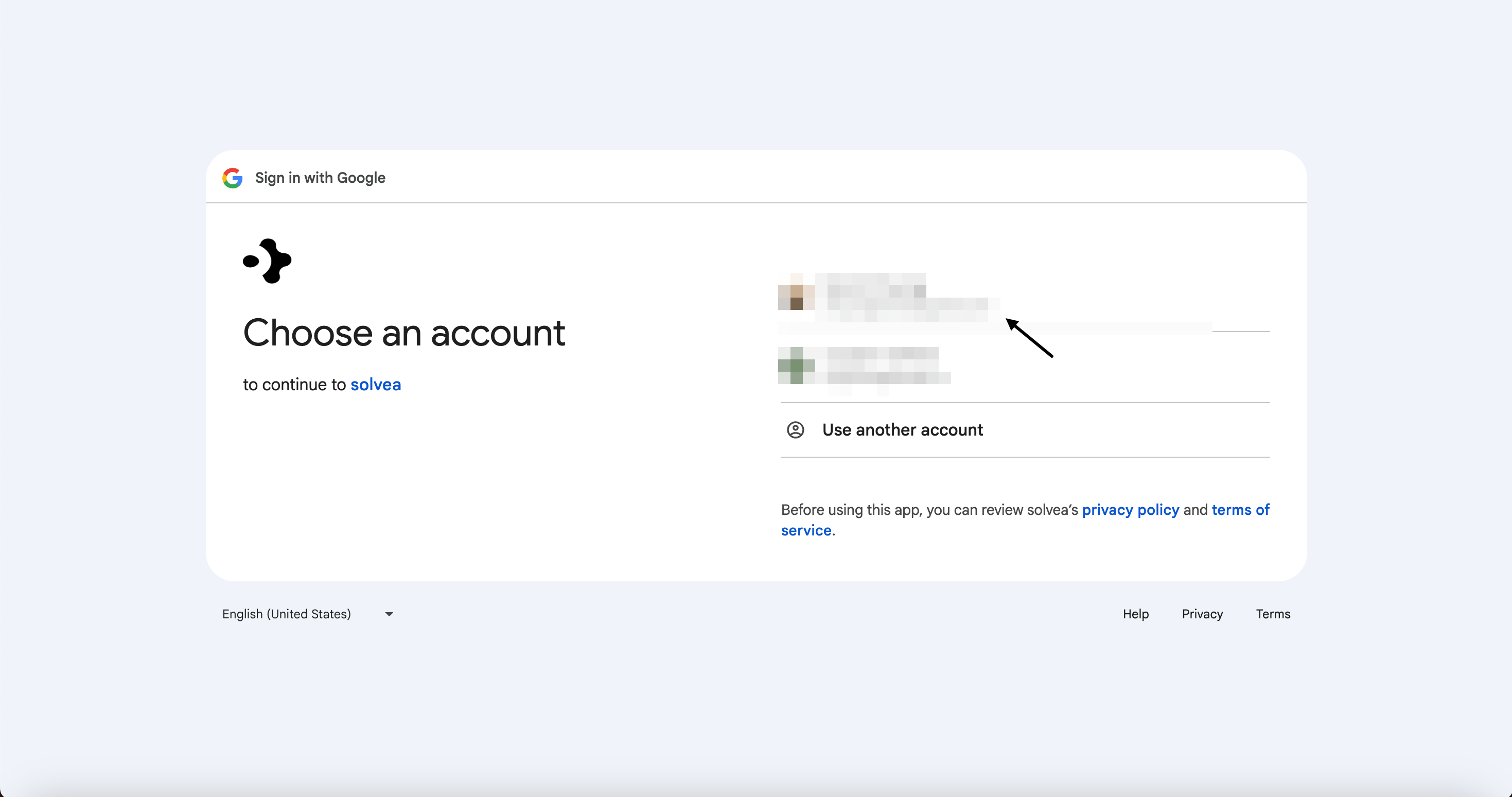
3
Select the files or calendars you want Solvea to access. (for google sheet tool)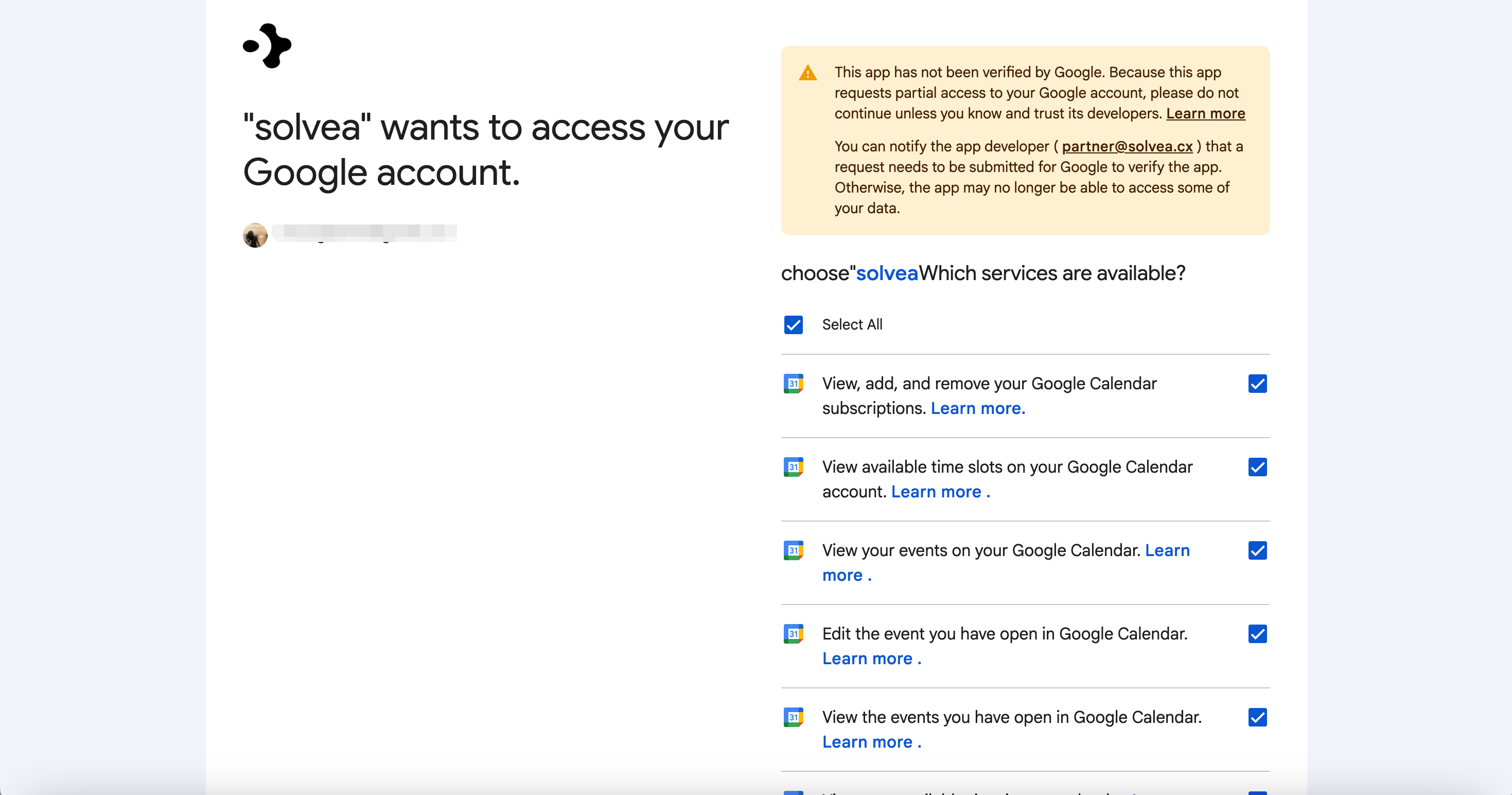
Google Sheets
Use Google Sheets to let your Agent read from and write to spreadsheets.Supported capabilities
- Access spreadsheet data
- Edit and update spreadsheet content
Typical use cases
- Store booking records
- Update customer or appointment lists
- Read structured business data during conversations
Google Calendar
Google Calendar enables your Agent to manage schedules and availability automatically.Supported capabilities
- Create events: Add new appointments to your calendar
- Delete events: Cancel existing calendar events
- Update events: Modify time, location, or event details
- Check availability: Identify busy time slots and available periods
Typical use cases
- Appointment booking
- Rescheduling or cancellation
- Availability checks before confirming bookings