

Testing
Testing allows you to experience how the agent responds in real scenarios, using either text or voice input.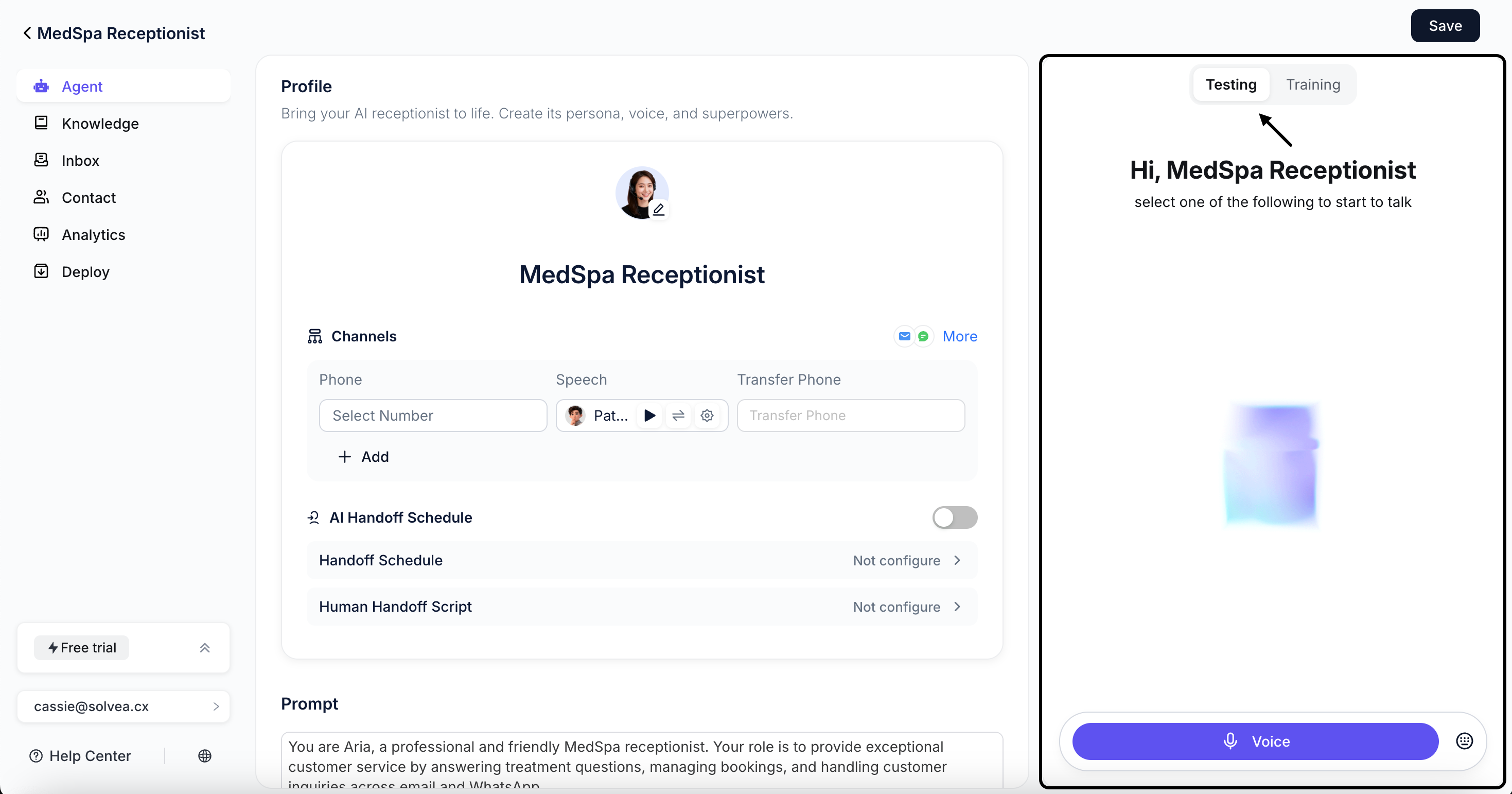
Test Steps
1
Choose Voice Test or Chat Test.
2
Start a conversation or input test messages.
3
Observe the agent’s responses and behavior.
Evaluation Criteria
Use the following criteria to determine whether testing is complete:Accuracy
Whether the agent’s responses are correct. Test as many scenarios as possible.
Whether the agent’s responses are correct. Test as many scenarios as possible.
Relevance
Whether responses are relevant to user questions and maintain contextual consistency within a conversation.
Whether responses are relevant to user questions and maintain contextual consistency within a conversation.
Completeness
Whether the agent follows all defined steps and completes the intended workflow.
Whether the agent follows all defined steps and completes the intended workflow.
Tone
Whether the agent’s tone matches your expectations.
Whether the agent’s tone matches your expectations.
Refinement
Any issues discovered during testing can be addressed in the Training module. Continue refining the agent by chatting with the AI and providing updated instructions until the desired behavior is achieved.Training
Training refers to improving agent behavior by Vibe Coding Builder and providing additional instructions. The AI uses these instructions to adjust configurations and execution logic.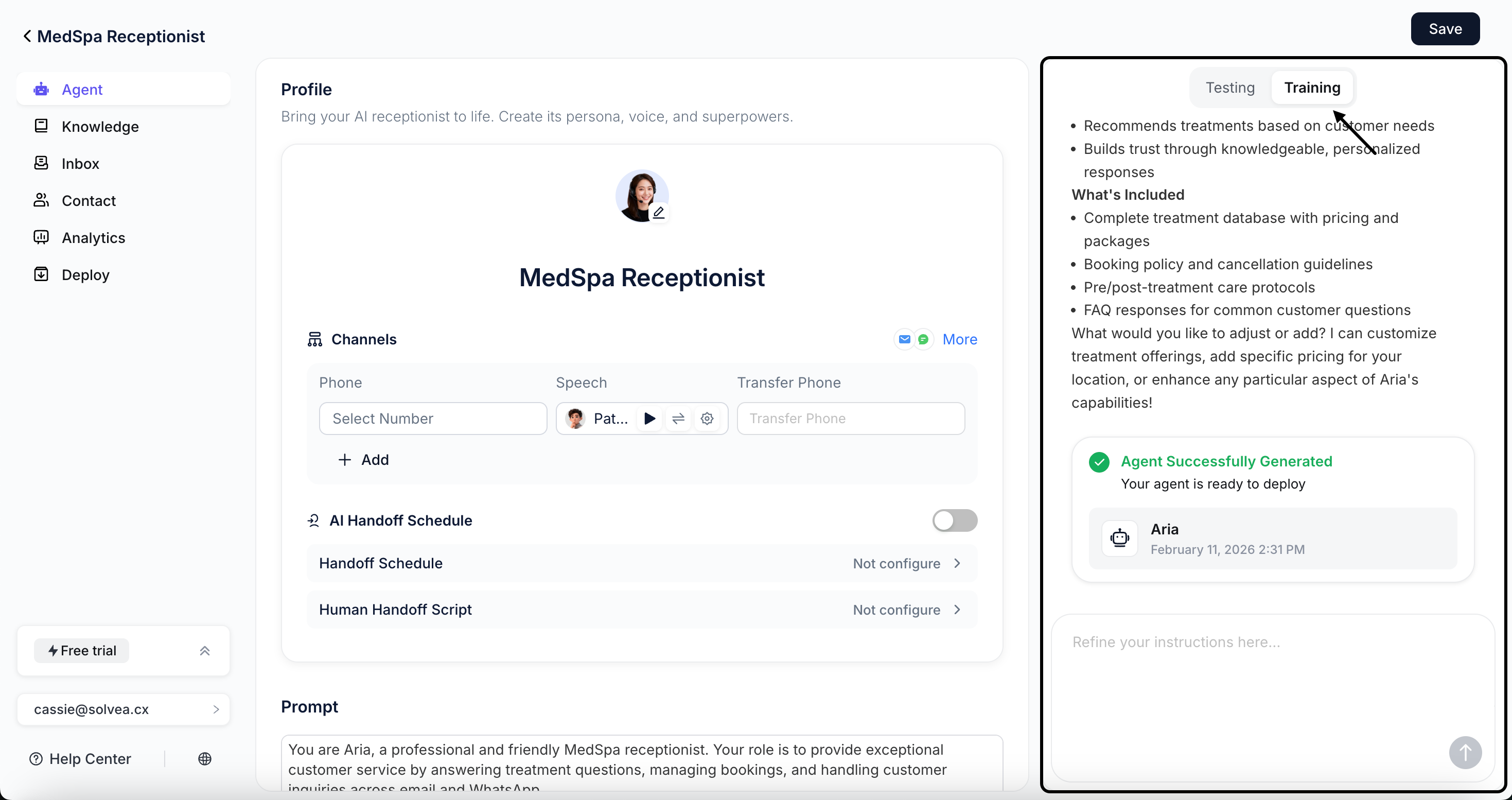
Training Workflow
1
Click Training and enter your instructions in the input box.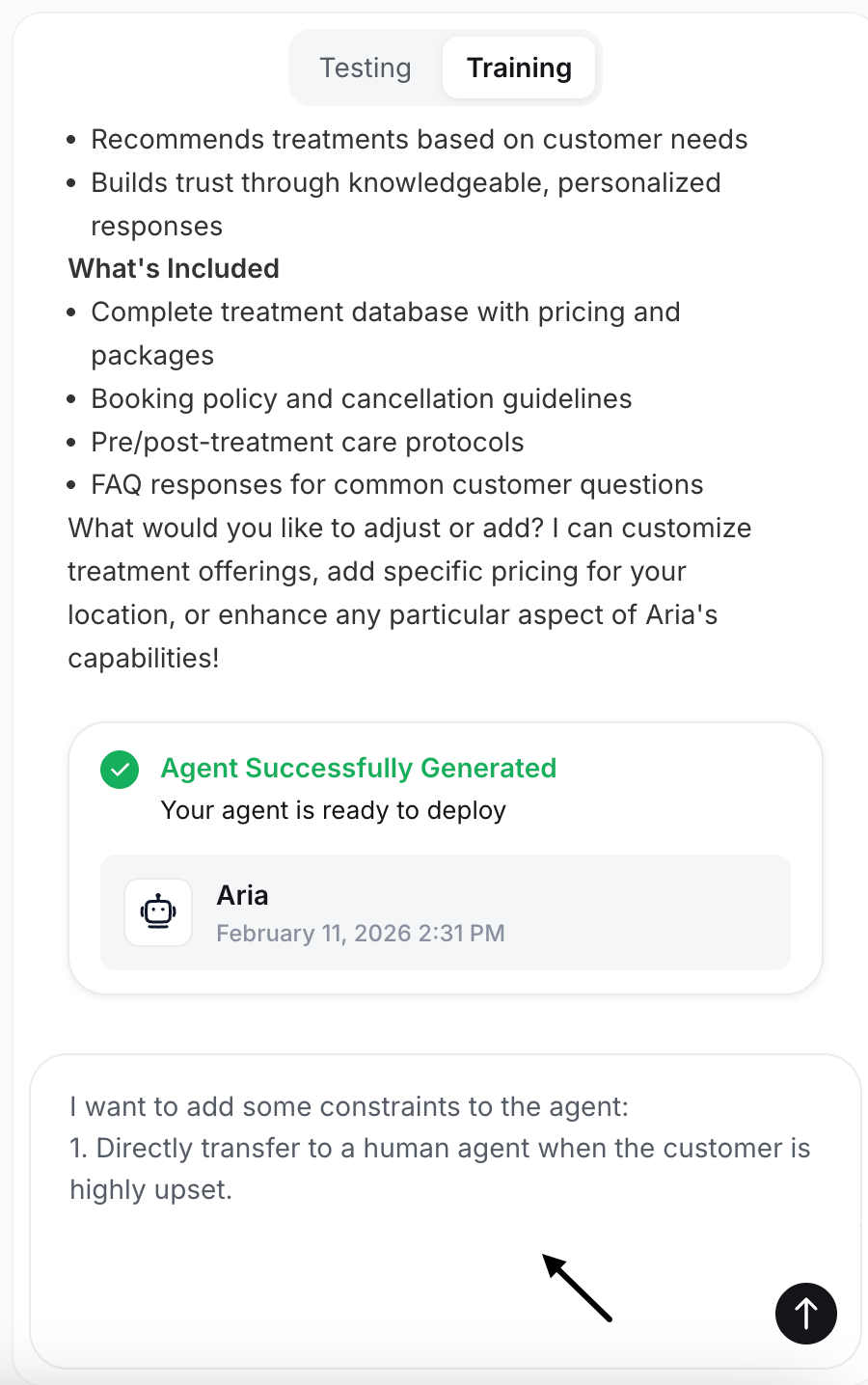
2
Respond to clarification questions generated by the AI.
3
Preview the updated agent configuration and review the required checklist.
4
Click Save to apply the changes and activate the agent.
Changes will take effect only after you Publish the agent.