Campaign Overview
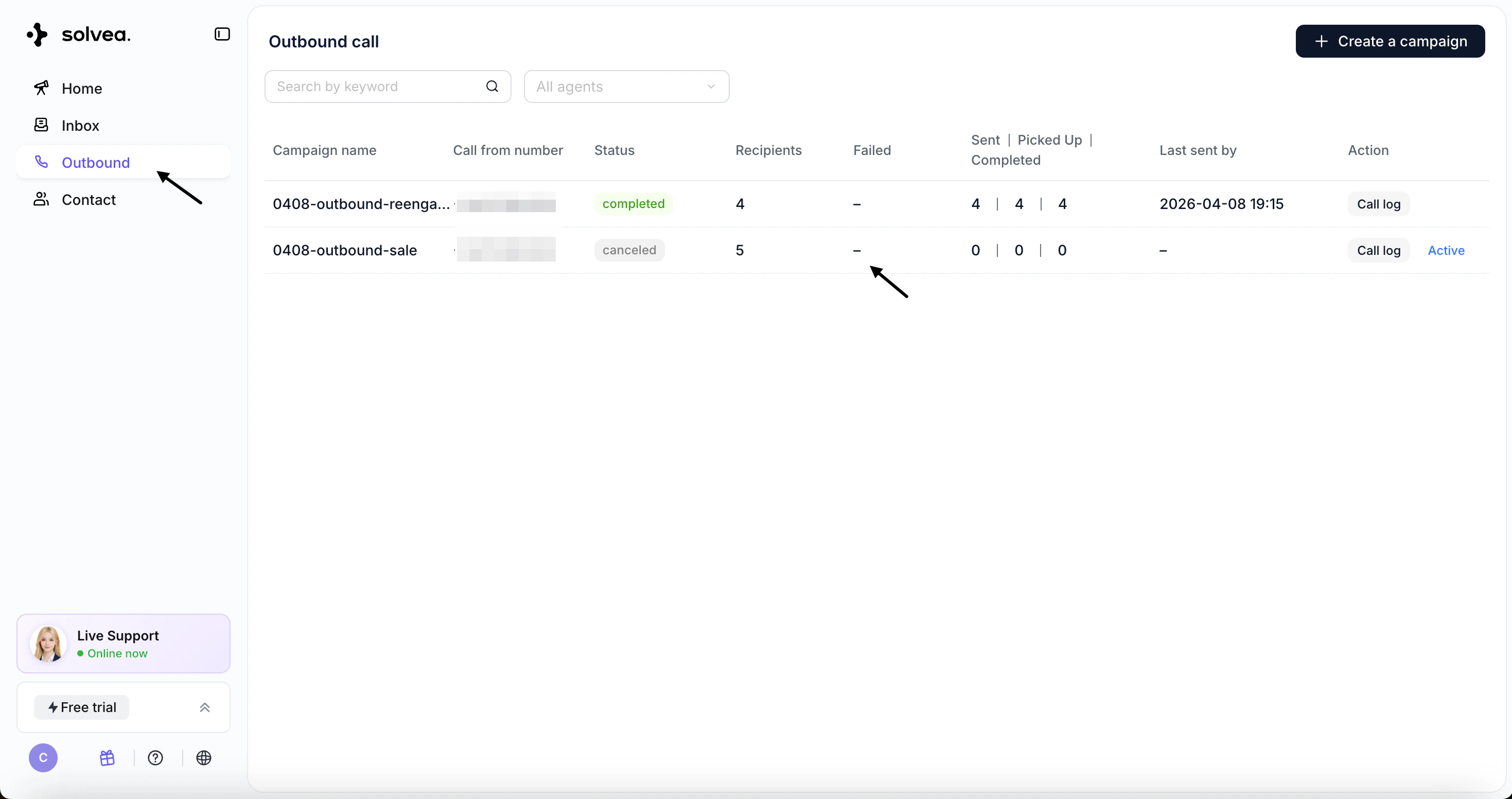
In the Outbound module, you can view:- Campaign Name
- Call From Number
- Status
- Recipients (successful calls)
- Failed Calls
- Call breakdown:
- Sent
- Picked Up
- Completed
- Last Sent Time
Actions
- Click the Failed count to download failed numbers for retry
Call Logs
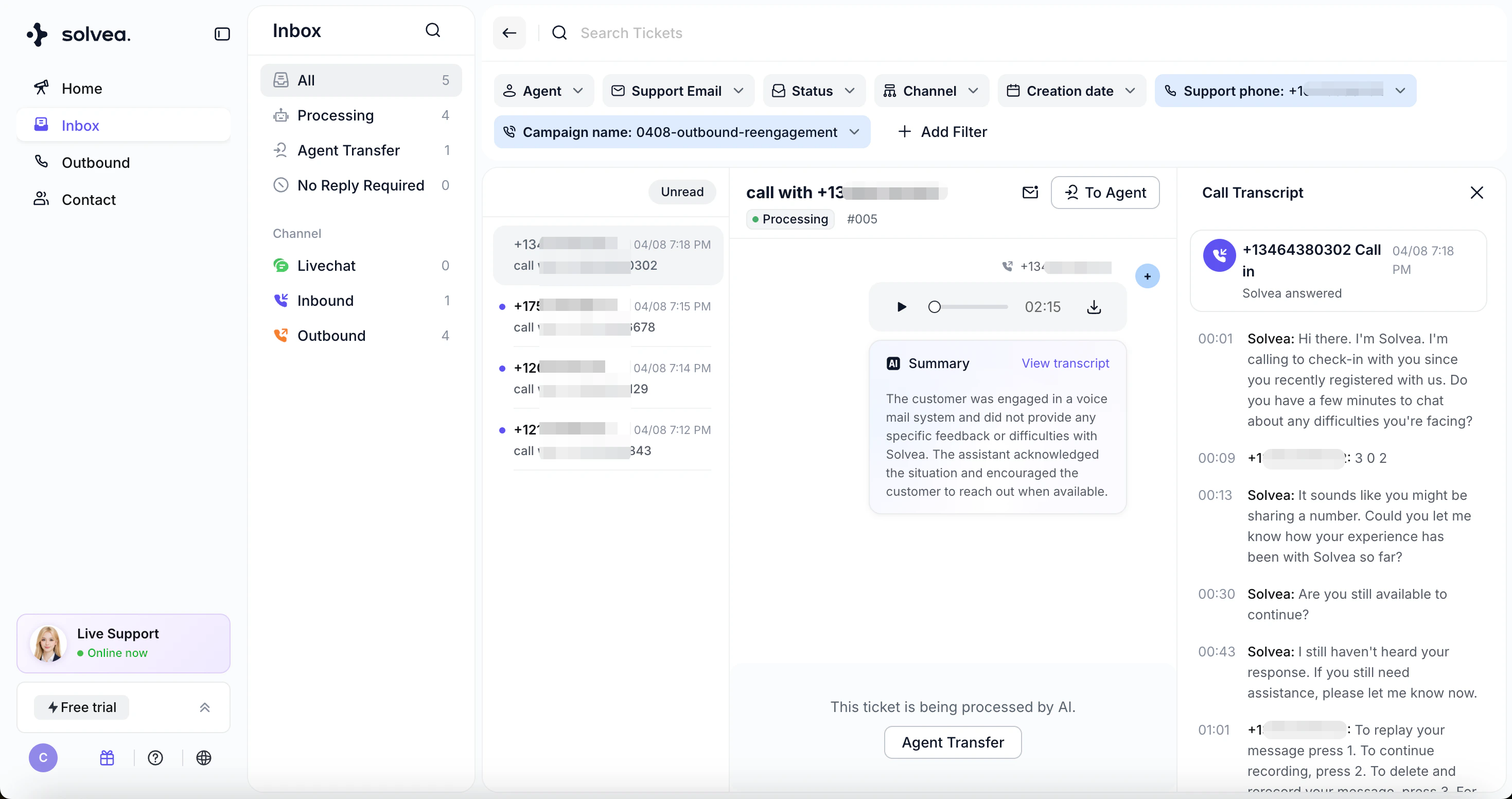
Click Call Log on the right side of a campaign to view detailed records in Inbox, including:- Individual call history
- Conversation details
- Call outcomes