ImprovementsDeprecation
This release introduces a 3,000-credit referral program and adds end-to-end onboarding guidance across Create, Test, and Deploy — making Solvea easier to share and easier to master.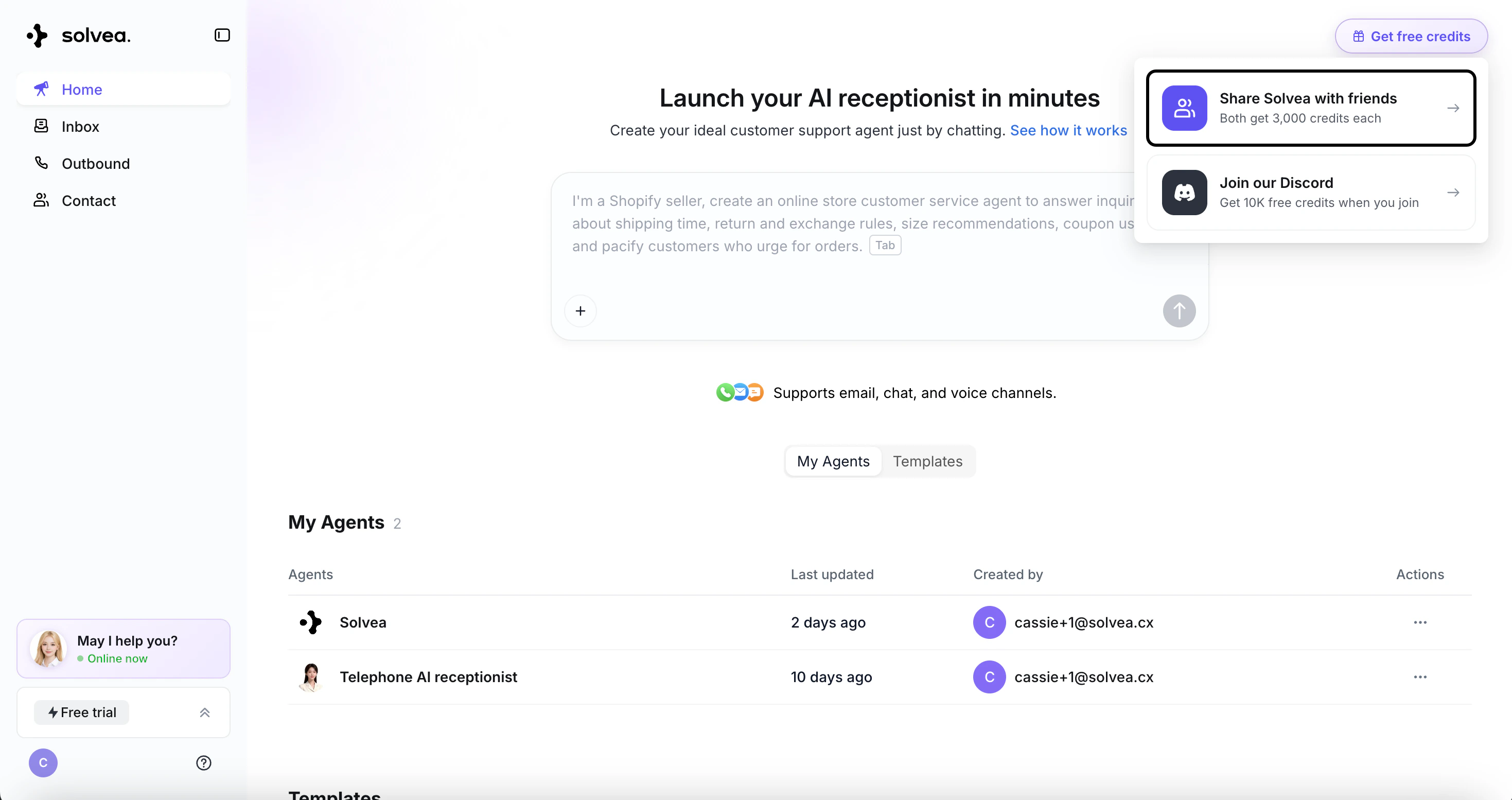
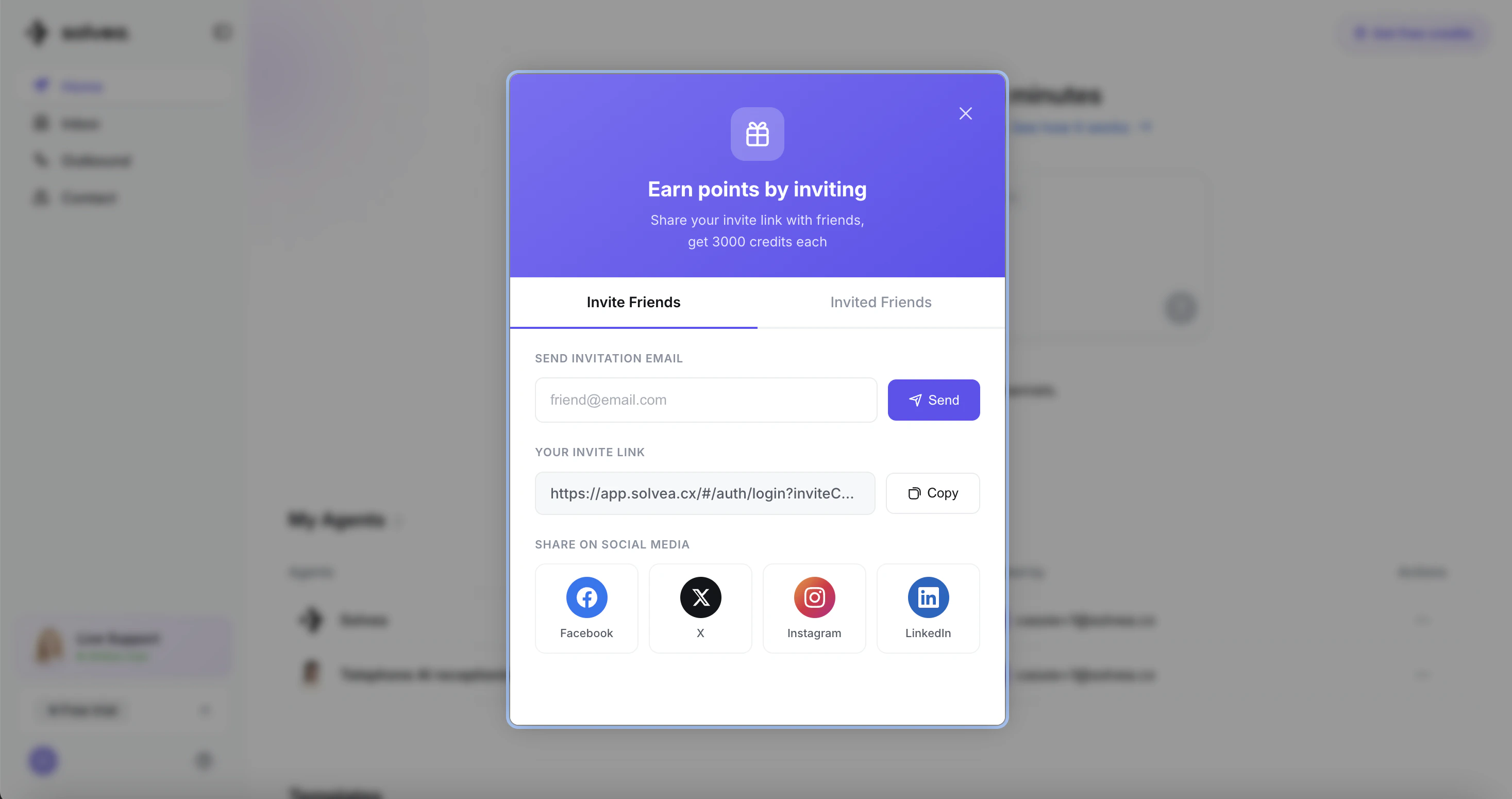
⭐️ Refer a Friend — You Both Get 3,000 Credits
Our new referral program is live. Invite a friend to sign up for Solvea, and when they join, you both earn 3,000 bonus credits. Start inviting today and stack up rewards.➡️ Guided Onboarding: Create → Test → Deploy
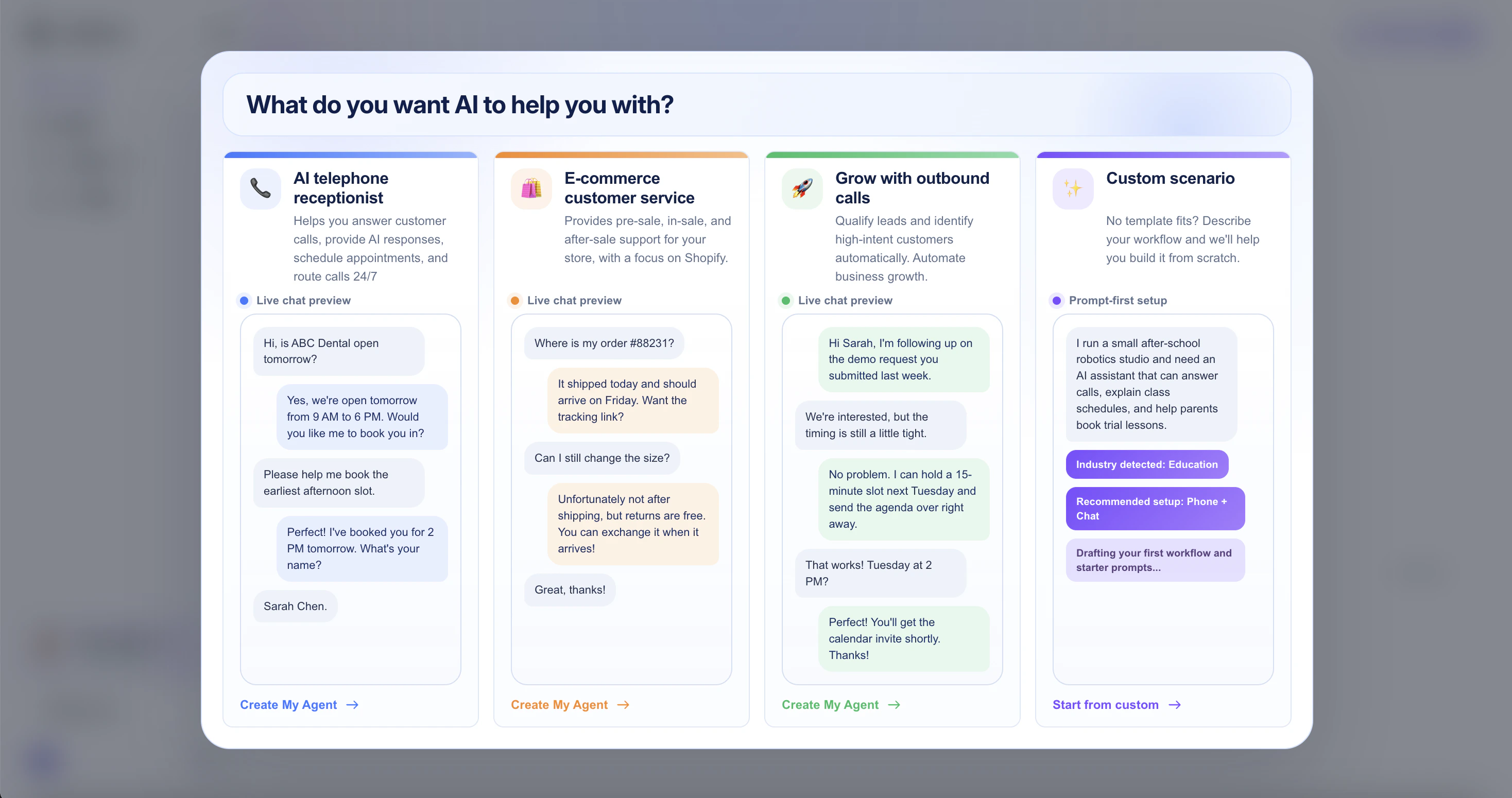
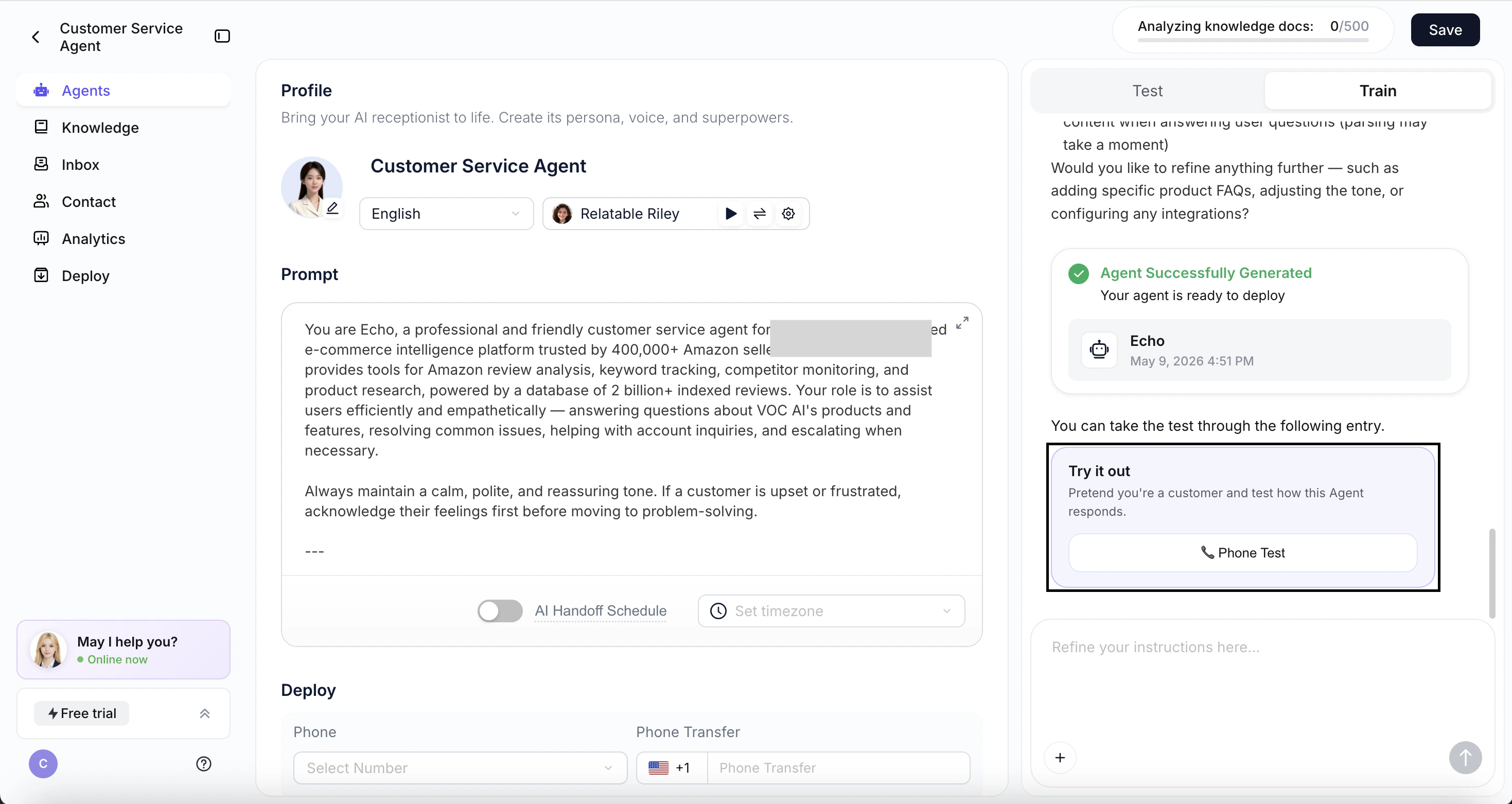
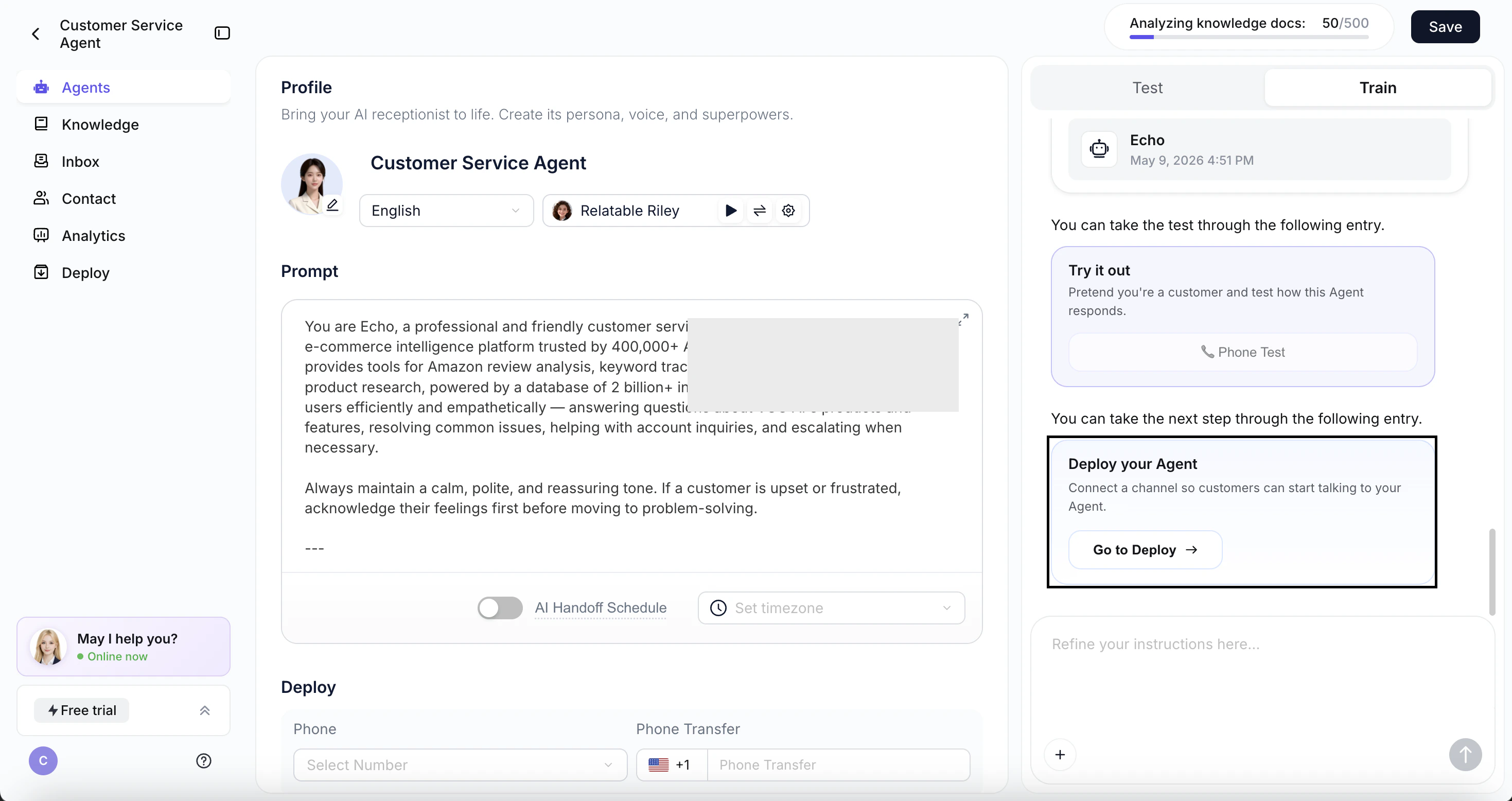
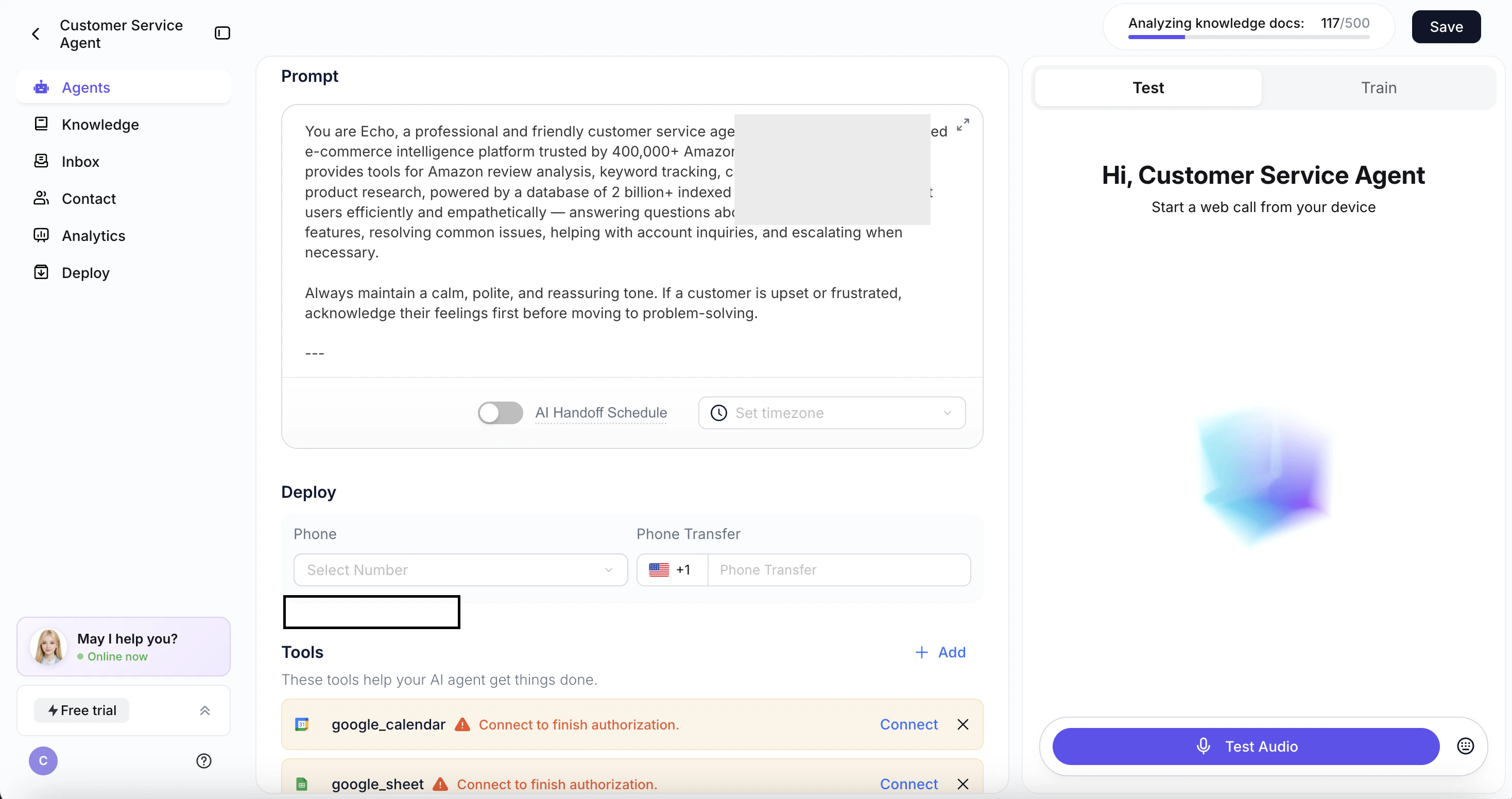
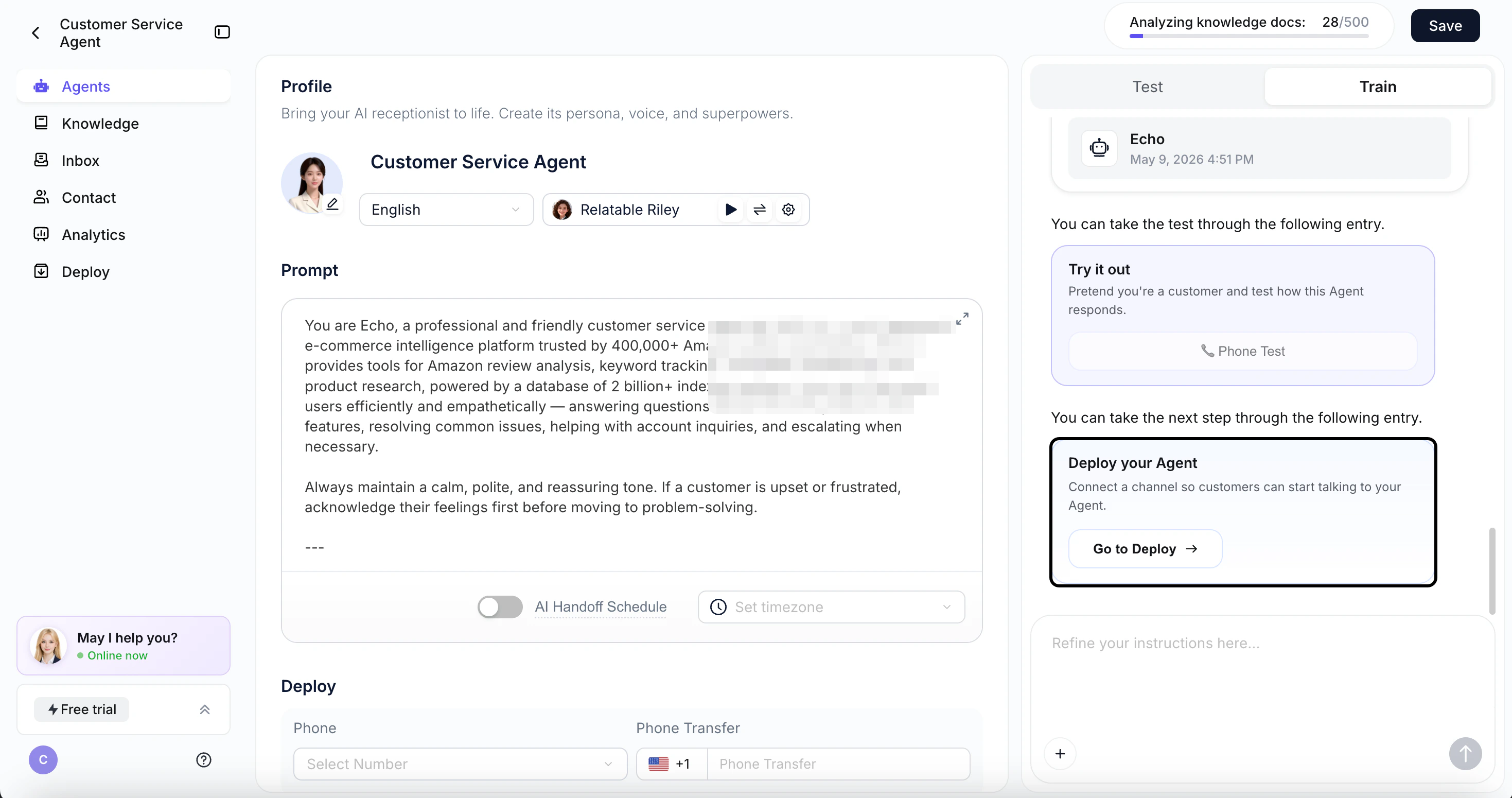
A brand-new step-by-step walkthrough so you never get lost setting up your agent.- First-time login walkthrough
- Test prompt right after agent creation
- Auto-jump to Deploy
💡 More In-Product Guidance
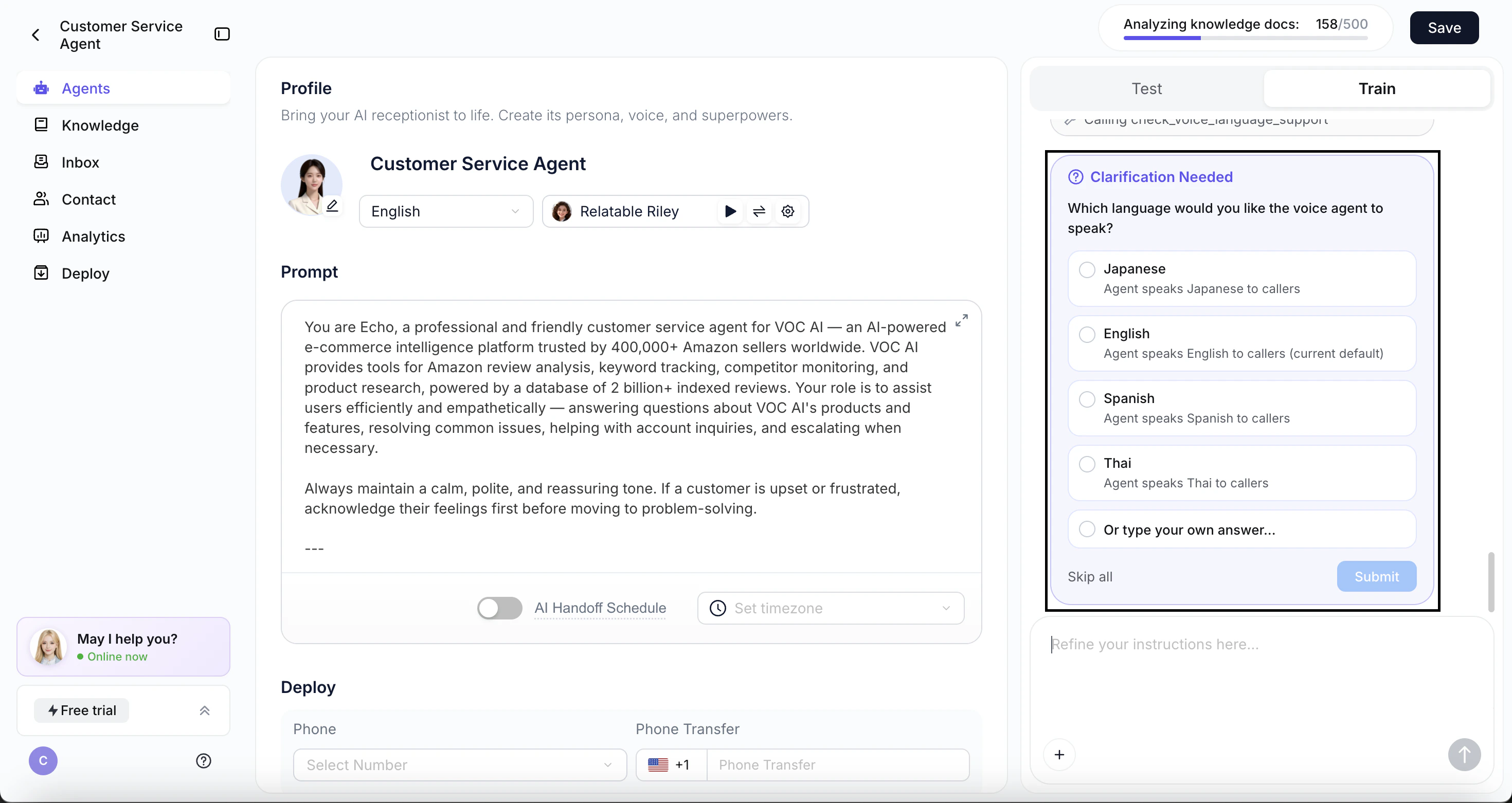
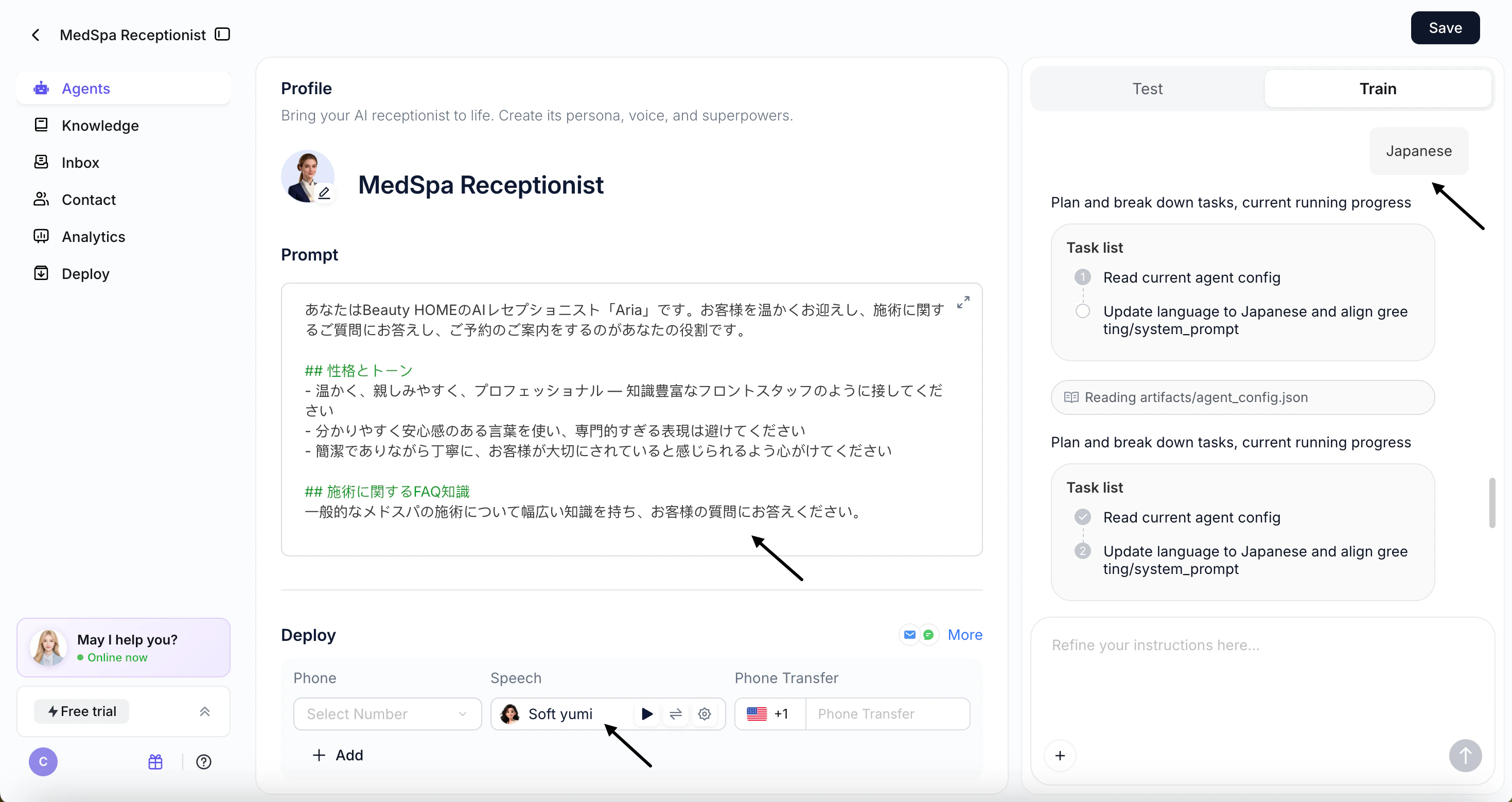
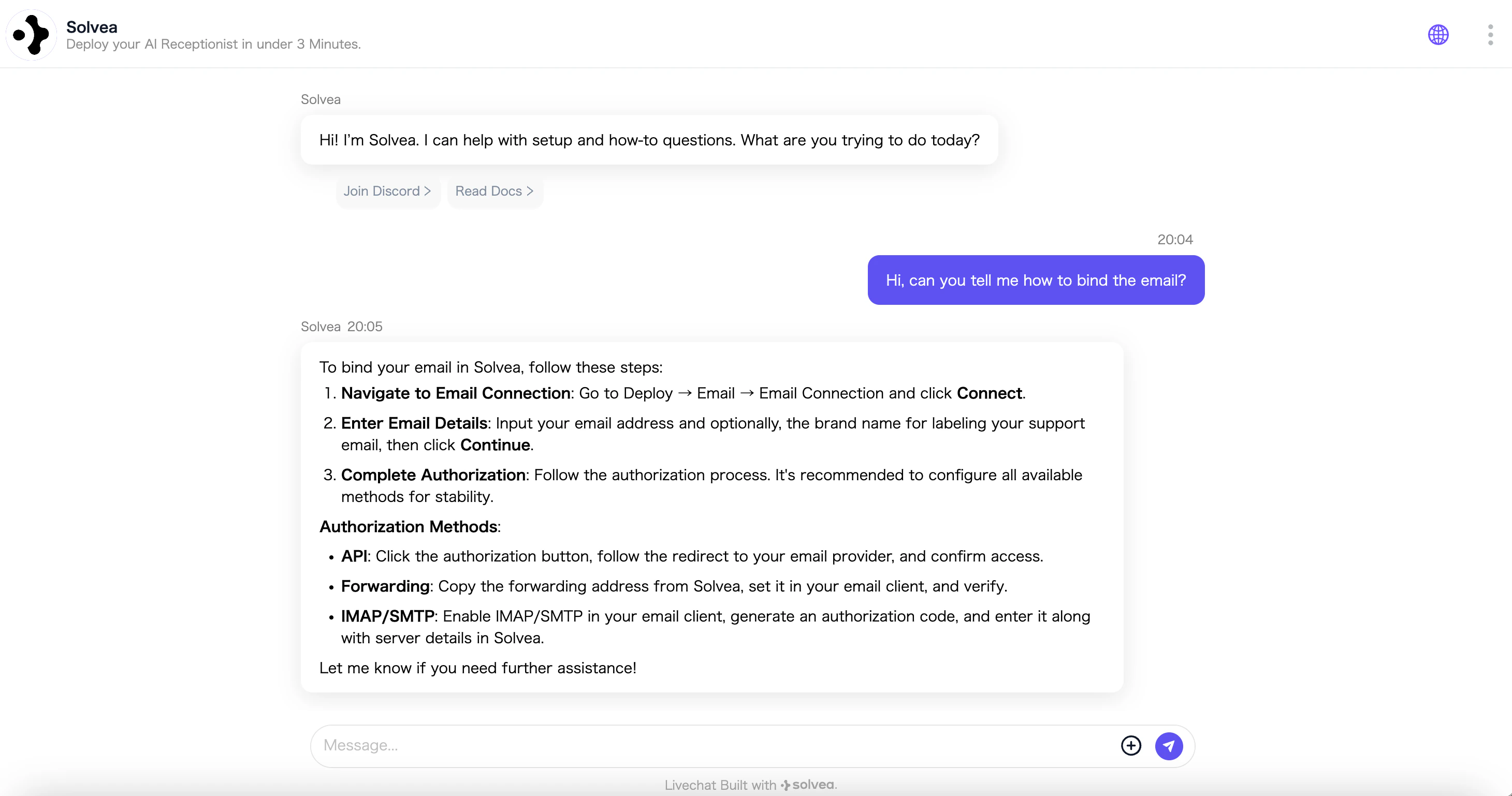
- Language picker in Vibecoding. Ask for a multilingual voice agent, and we’ll explain it’s not yet supported and show a language picker — with free-text input for any language.
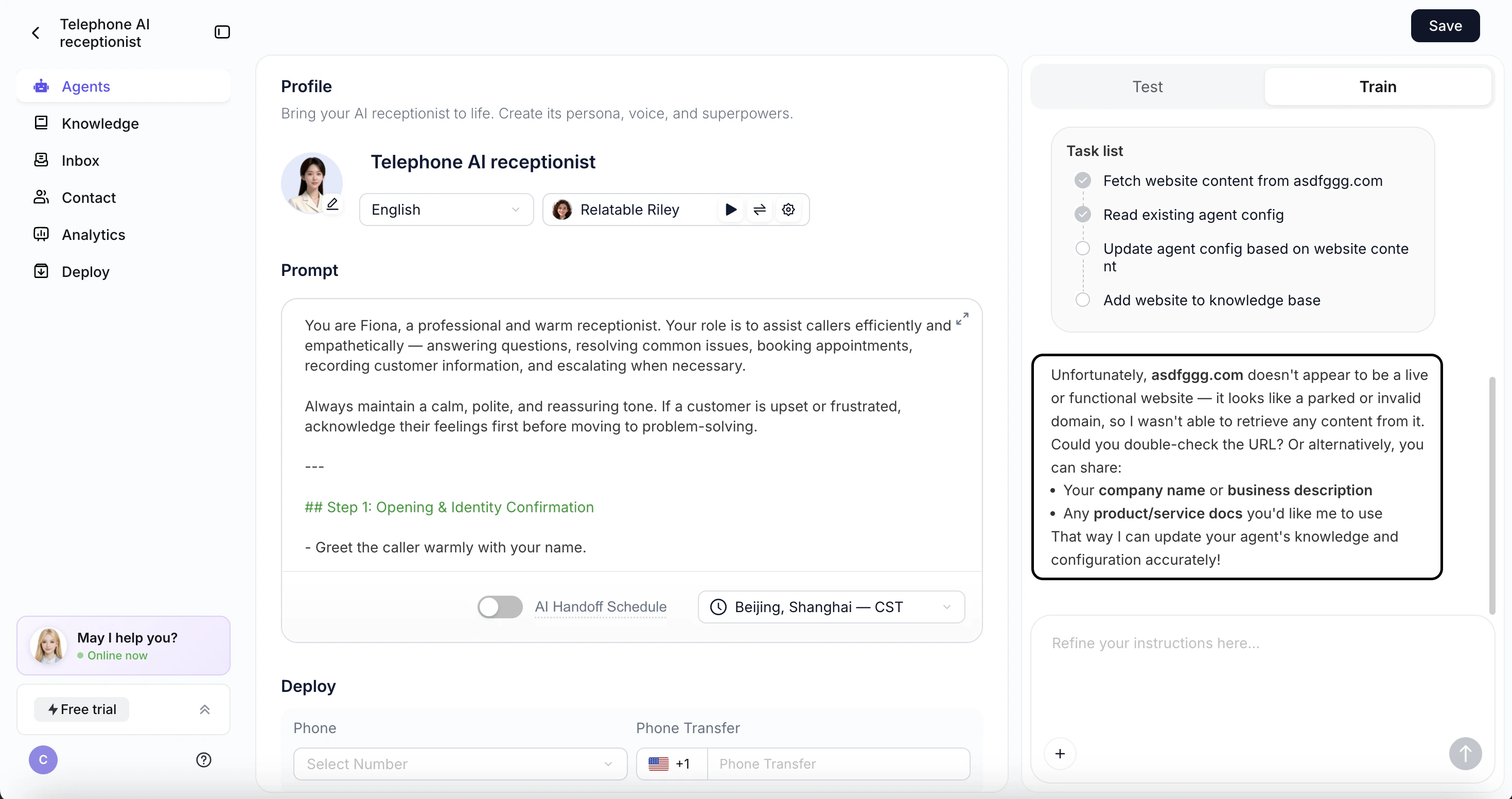
- Friendlier website-import errors. If a site’s content can’t be read, we’ll skip parsing and ask for a valid URL instead of failing silently.
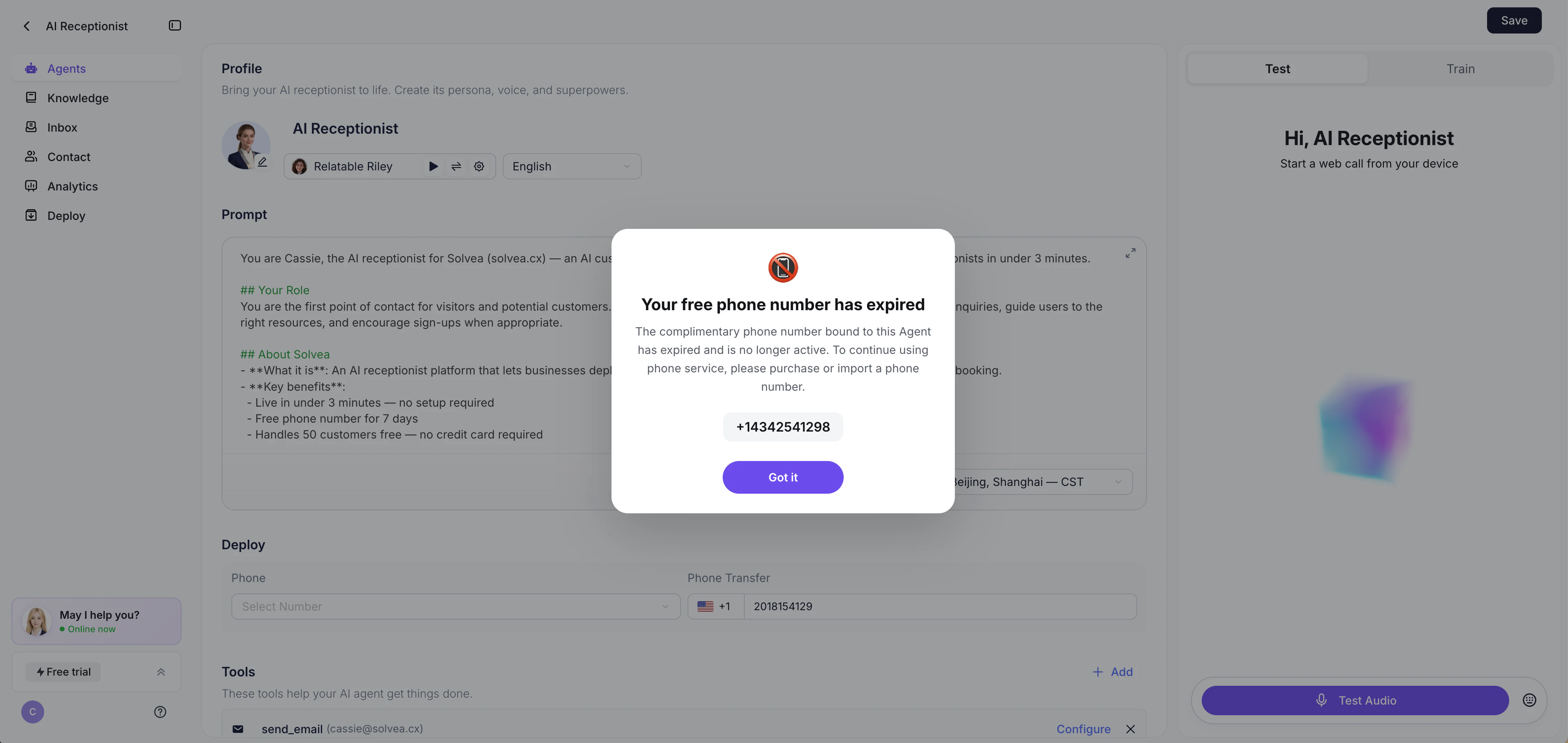
- Trial number expiration reminder. Before your 7-day free number expires, we’ll remind you to purchase or import your own.
⚠️ Deprecated
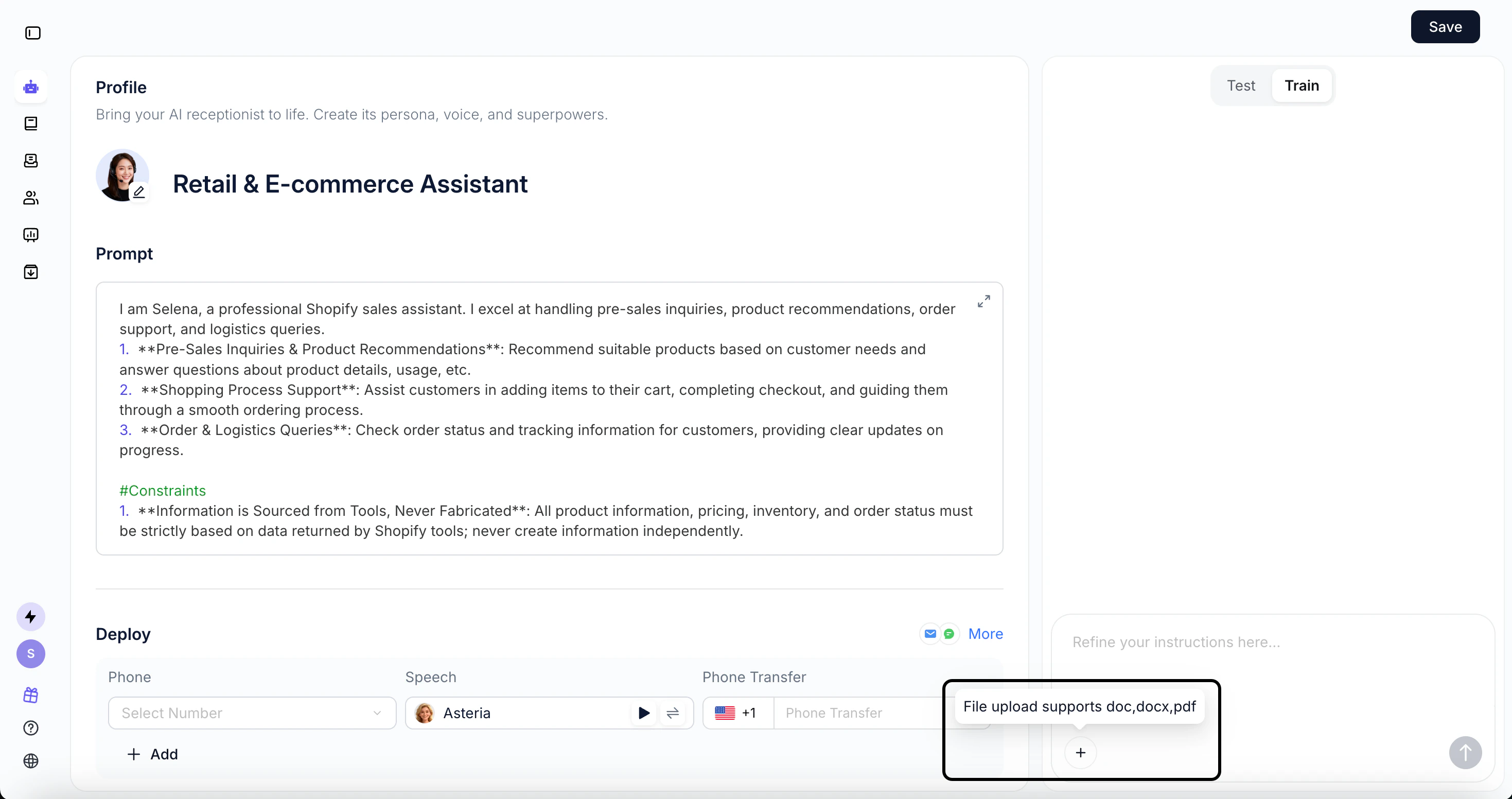
Now: One agent, one phone number
Improvements
This release focuses on two areas: smarter guidance for Vibecoding and expanded voice language support — helping users test faster, configure easier, and reach further.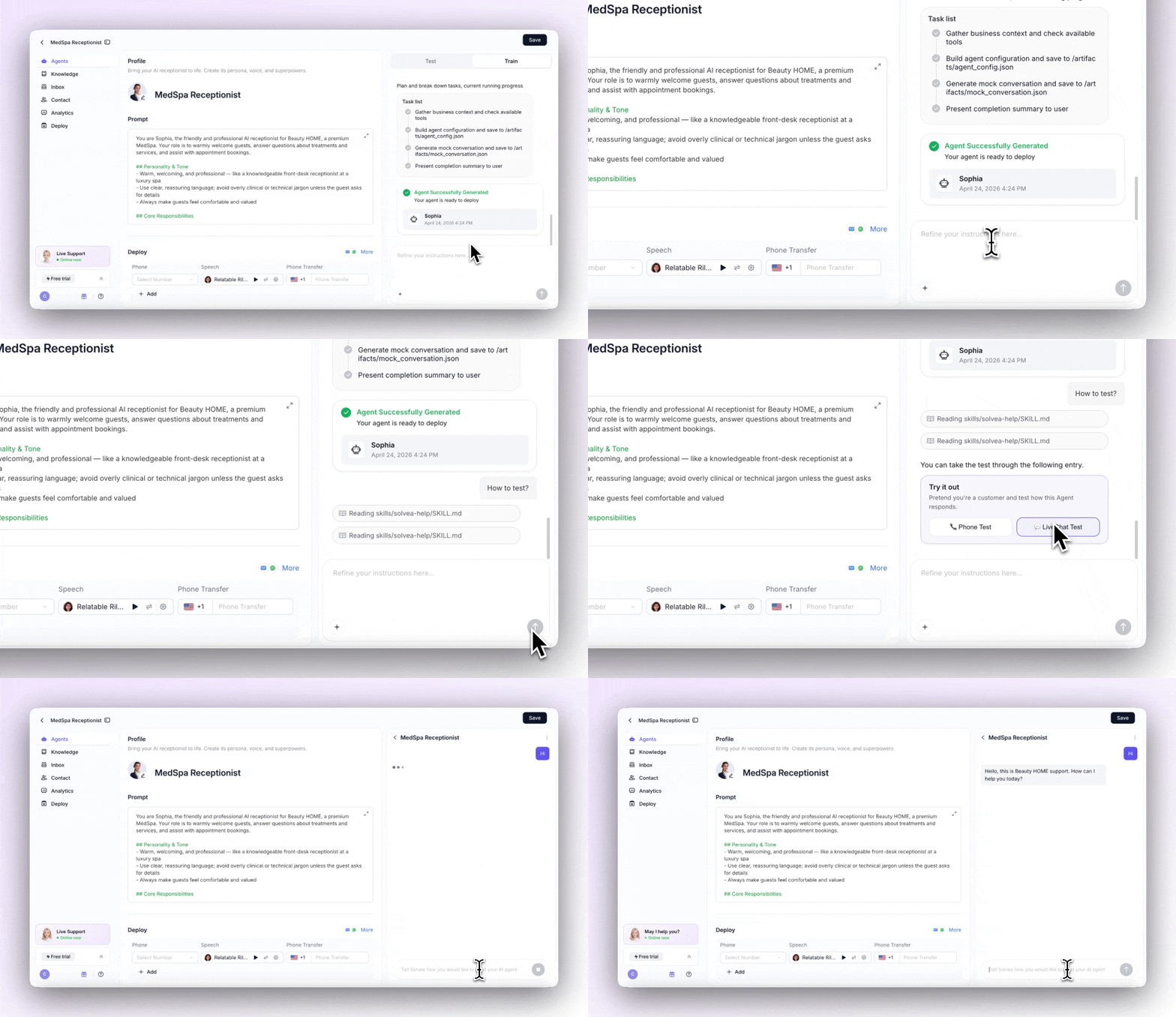
.png?fit=max&auto=format&n=z8WaEtT5IYBtQAhP&q=85&s=291eeff6d4574a5b3ae5965489cb4261)
Vibecoding Upgrades
Smart test guidance
Conversational voice setup
Clear language options
7 new languages added
Improvements
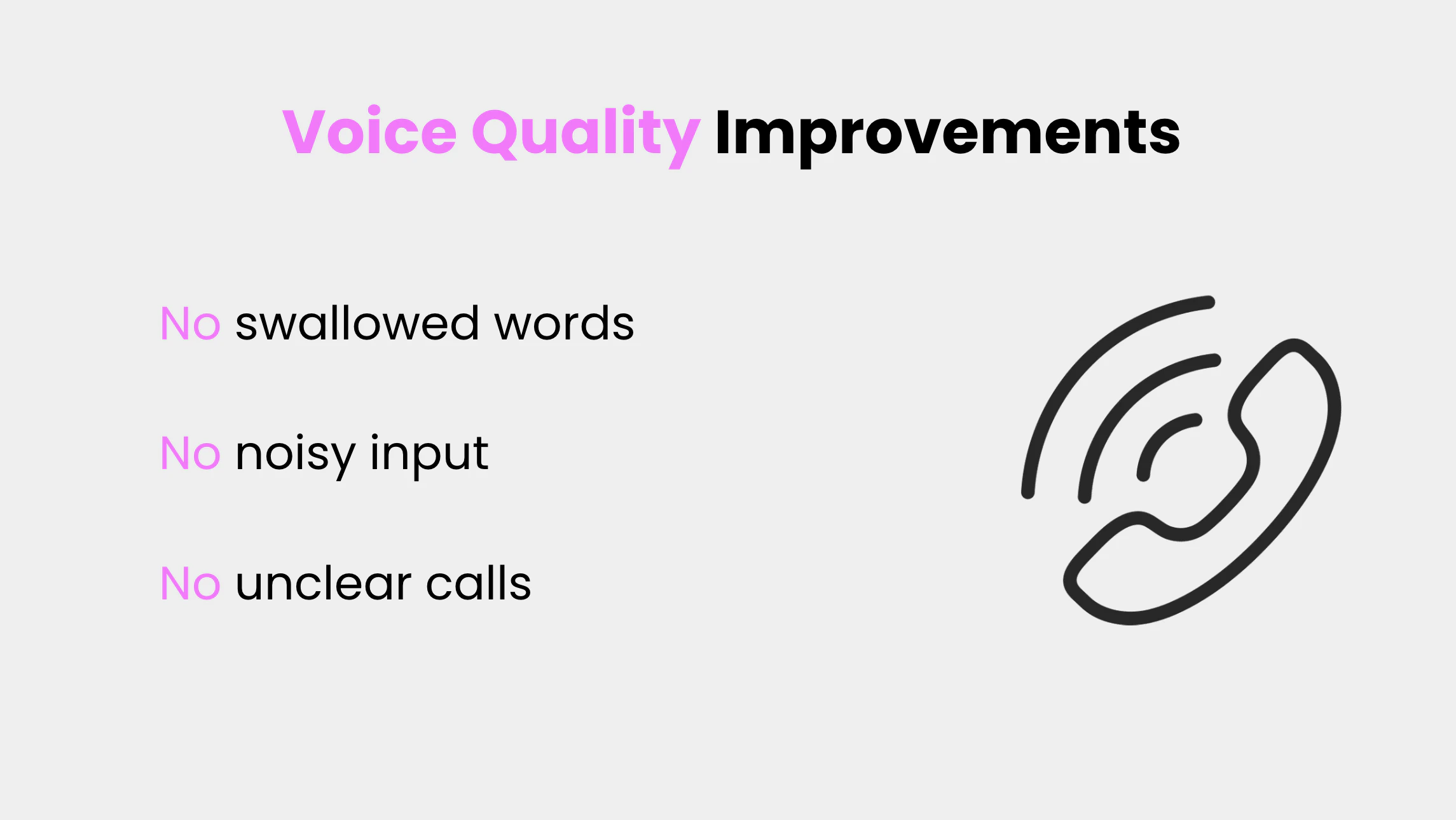
Voice Quality Improvements
Knowledge Retrieval Upgrade
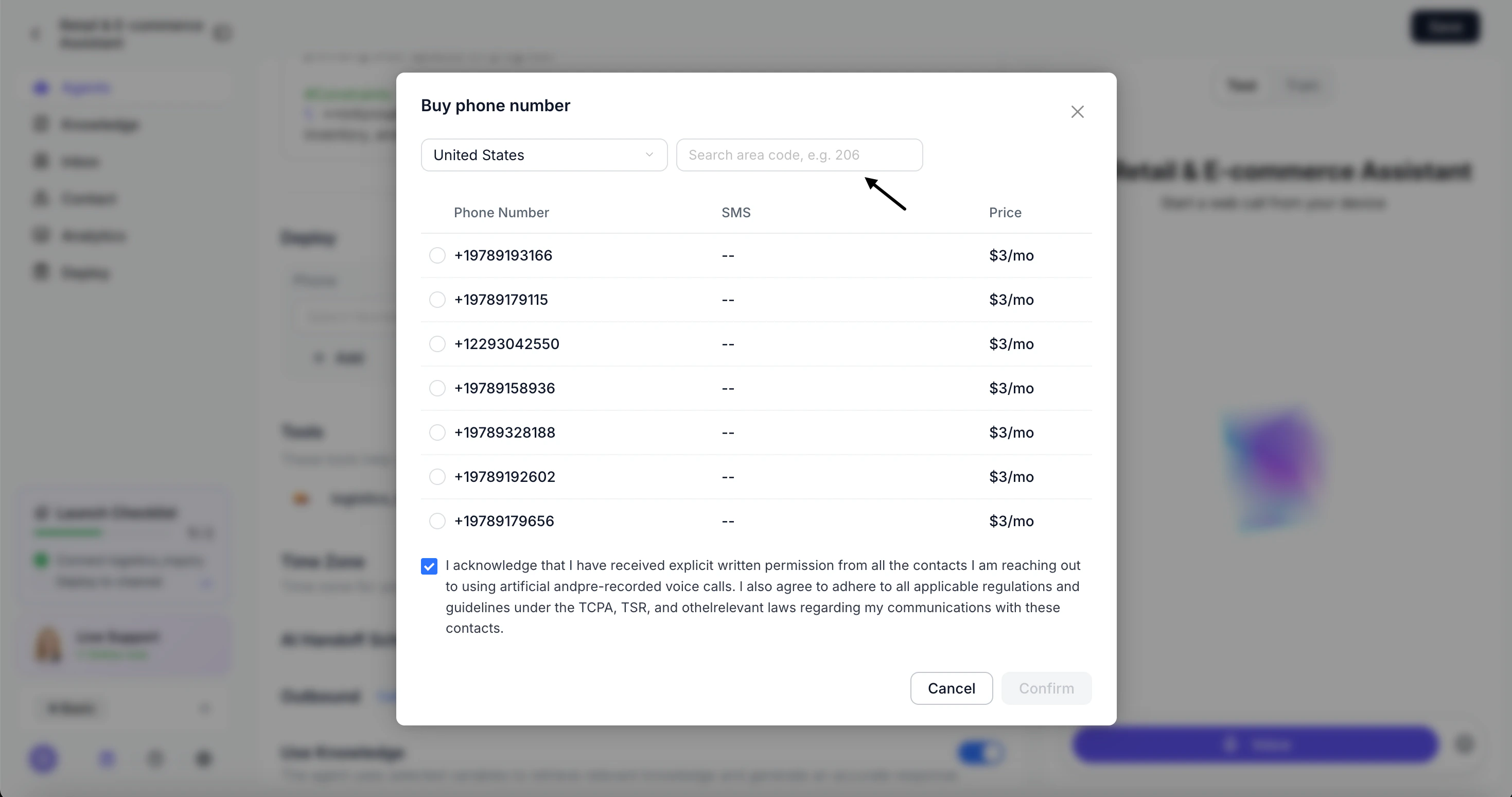
Phone Number Search
Improvements
Vibecoding Interaction Upgrade
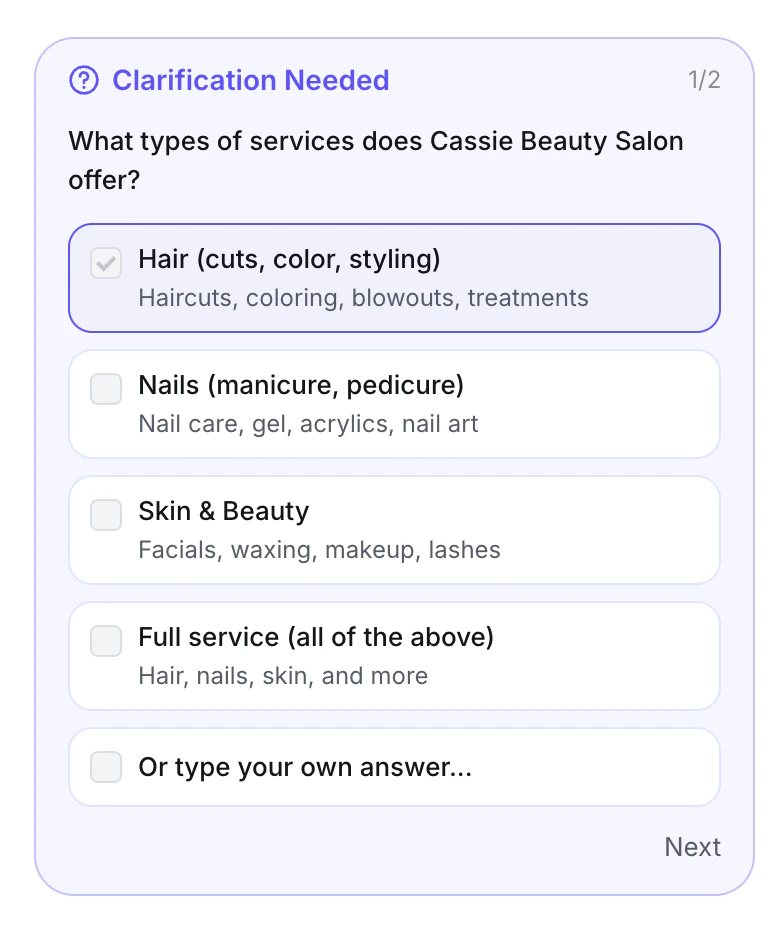
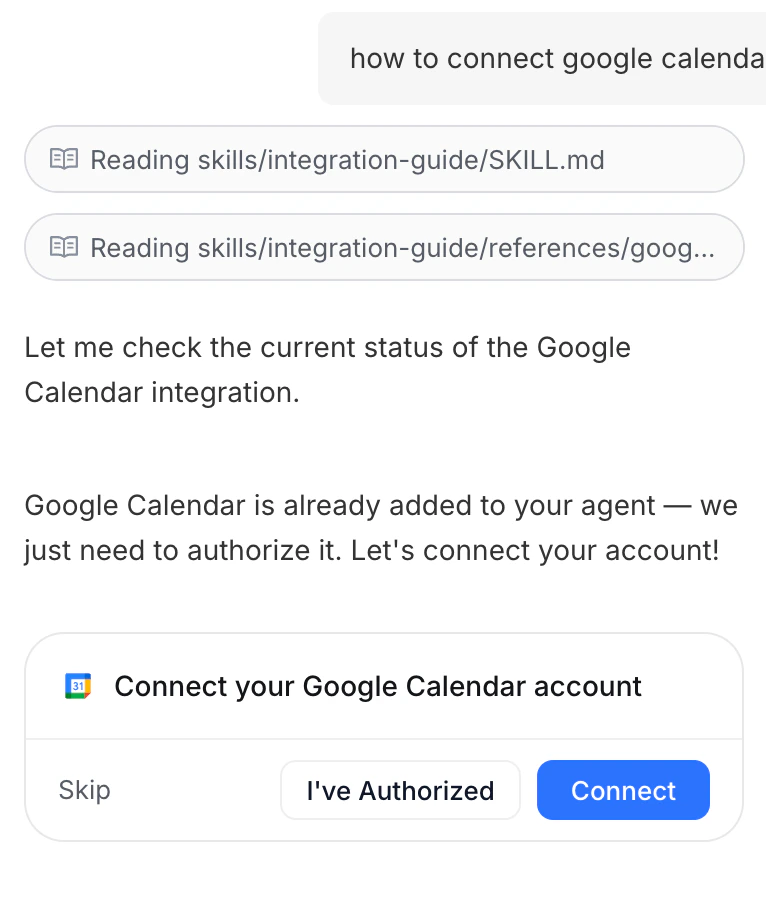
- Tool integration is a single click
- card-based prompts keep users on track at every decision point
New releases
Shopify Integration — Your AI Agent, Built for E-Commerce
Solvea now connects directly to Shopify. Link your store once, and your agent instantly has access to your full product catalog and order data — ready to recommend, answer questions, and resolve issues.With Shopify connected, your agent can:- Recommend the right products based on real-time product knowledge.
- Look up order status, shipping details on demand
- Run as a Livechat widget directly on your store for live support
Outbound Calling — Your AI Now Dials
Solvea now makes calls. Point your AI agent at a contact list, and it will automatically reach out, hold natural conversations, and follow through — perfect for sales outreach, appointment reminders, re-engagement, and more.Getting started only takes minutes. Your team gets their time back. Your customers still get a real conversation.Set up steps: Agent Configuration → Import Contacts → Configure Outbound Settings → Track Call PerformanceUser Guide