

Bind different channels to different agents. All data modules (Knowledge, Integrations, Inbox, Analytics, Contacts) are isolated per agent and do not share data.
View Your Agents
Once an agent is created, you can view all agents from the Discovery → My Agents section.A maximum of 10 agents are displayed in the list.
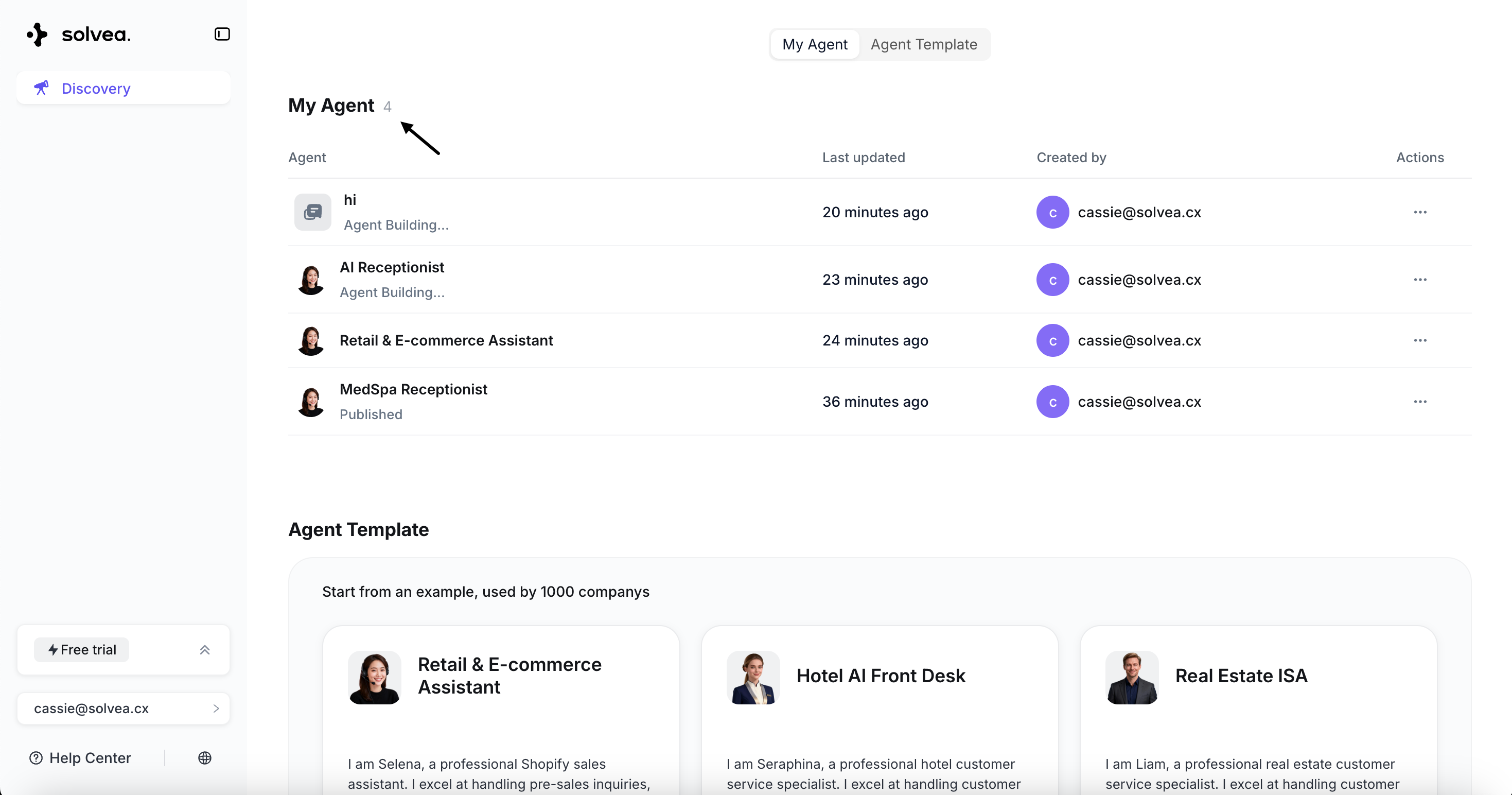
Agent List
Each agent card displays:-
Agent Icon
Different agent statuses have different icons.
Completed agentAgent in generation
- Last Updated Time
- Last Updated By
-
Actions - Delete agent
Deleting an agent permanently removes all associated data, including:
- Knowledge base
- Integrations
- Inbox records
- Analytics data
- Contacts