A full-time receptionist costs more than most business owners expect. The base salary is visible. The benefits, payroll taxes, paid time off, and the cost of covering the desk when they're sick or on vacation are less so. And when the phone rings at 6:30 PM or on a Saturday, none of that spend helps you.
AI receptionists have changed the calculus. They handle inbound calls, book appointments, answer FAQs, and escalate when needed — around the clock, at a fraction of the cost. The question isn't whether AI can reduce front desk costs. It's how to do it without creating gaps the caller notices.
Quick Summary
Traditional Receptionist | AI Receptionist | |
Annual cost | $42,000–$55,000 (salary + benefits) | $30–$150/month |
Availability | Business hours only | 24/7 |
Handles after-hours calls | No | Yes |
Appointment booking | Yes | Yes |
Complex complaints / emotional calls | Yes | Escalates to human |
Setup time | Weeks (hiring + training) | Hours to days |
Why Front Desk Costs Add Up Faster Than Expected
The receptionist line item on a budget looks like one number. In practice, it's several.
According to the U.S. Bureau of Labor Statistics, the median annual wage for receptionists was approximately $37,200 — or $17.90 per hour — as of May 2024. Add employer payroll taxes (roughly 7.65%), health insurance contributions, PTO accrual, and any 401(k) match, and the true cost of a full-time receptionist typically lands between $42,000 and $55,000 per year. For a small business running one receptionist, that's often the second or third largest recurring expense after rent.
Beyond the base cost, there are structural gaps. A single receptionist covers one shift. Calls that come in after hours, during lunch, or when the desk is occupied go unanswered or to voicemail — and Salesforce's 2024 State of Service report found that 88% of customers say good service makes them more likely to purchase again. The inverse is also true: a missed call from a new prospect at 7 PM on a Tuesday is a missed sale, regardless of how good the daytime coverage is.
Turnover compounds the problem. The Society for Human Resource Management estimates replacement costs at 50–200% of an employee's annual salary, accounting for recruiting, onboarding, and the productivity gap while a new hire ramps up. For a role with high turnover like a front desk position, that cost recurs.
What AI Can (and Can't) Handle at the Front Desk
AI receptionist technology has improved significantly in the past two years, but it still has a ceiling. Understanding where that ceiling sits is essential to designing a setup that works.
Task | AI handles it | Notes |
Answering inbound calls 24/7 | ✅ | Core function |
Providing business hours, location, pricing FAQs | ✅ | Requires setup with your information |
Booking and confirming appointments | ✅ | Requires calendar integration |
Call routing to the right person or department | ✅ | Based on rules you configure |
Taking messages and sending summaries | ✅ | Standard feature |
Answering after-hours and weekend calls | ✅ | One of the strongest ROI use cases |
Handling billing disputes or complex complaints | ❌ | Escalate to a human |
Navigating emotionally distressed callers | ❌ | Escalate to a human |
Providing nuanced clinical or legal advice | ❌ | Outside scope; escalate |
In-person reception and check-in | ❌ | Physical presence still required |
Who benefits most:
- Small businesses (under 20 staff) with 20–80 inbound calls per day who can't justify a full-time receptionist but lose leads from unanswered calls
- Solo practitioners (attorneys, consultants, real estate agents) who are frequently unavailable during calls but need to appear responsive
- Medical and dental offices where after-hours call volume is high and appointment booking is routine
- Service businesses (HVAC, plumbing, landscaping) where most calls are bookings and FAQs
Who still needs a human at the front desk:
- High-footfall retail or hospitality where in-person interactions dominate
- Practices with complex intake requirements that don't fit a structured FAQ
- Businesses where regulatory requirements mandate live-agent handling
How to Reduce Front Desk Costs with AI — Step by Step
Step 1: Audit Your Current Front Desk Call Volume
Before changing anything, get the numbers. Pull your phone system logs for the last 30 days and answer these questions:
- How many inbound calls per day?
- What percentage come outside business hours?
- What are the top 5–10 reasons people call? (booking, pricing questions, directions, status updates, complaints)
- How many calls go unanswered or to voicemail?
Most businesses find the same pattern when they pull their logs: the majority of calls are routine — the same handful of questions answered the same way every day.
Step 2: Identify Which Tasks Are Suitable for AI
From your audit, map each call type to one of three buckets:
Automate fully: Appointment bookings, hours and location questions, pricing FAQs, call routing, voicemail capture, after-hours handling.
Automate with escalation path: New client inquiries (AI captures info, routes to human for follow-up), complaint calls (AI acknowledges and escalates), urgent requests (AI flags and routes immediately).
Keep with human: Complex service negotiations, sensitive clinical or legal conversations, situations requiring empathy or judgment.
The goal is not to eliminate the human — it's to free them from the routine majority of calls that don't require a human, so they can focus on the ones that do.
Step 3: Select an AI Receptionist Platform That Fits Your Workflow
Not all AI receptionist tools are built the same way. For most small and medium businesses, the right evaluation criteria are:
- Call handling quality: Does it sound natural? Can it handle interruptions and follow-up questions?
- Calendar integration: Does it connect to the scheduling system you already use?
- Custom FAQ setup: Can you configure it with your specific business information, not just a generic template?
- Escalation logic: Can you define when and how it routes calls to a live person?
- Pricing model: Is it per-minute, per-call, or flat monthly? Make sure it fits your call volume.
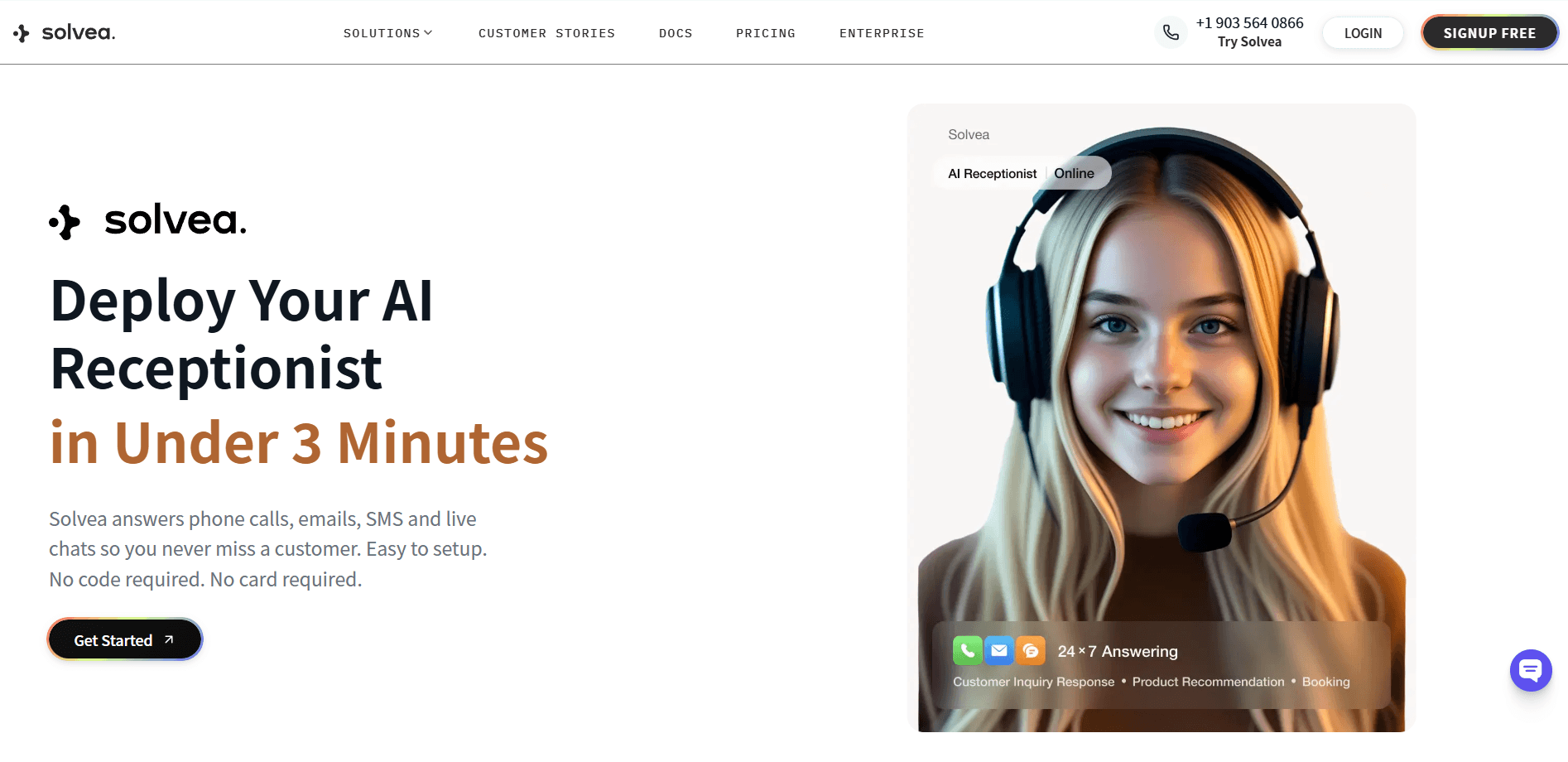
Solvea is a no-code AI receptionist platform designed for SMBs — it handles inbound calls, books appointments, answers FAQs, and escalates to a human when needed, all configurable without engineering resources. Most businesses go live within a day. In under 3 minutes, you can create your own AI receptionists by a prompt or industry-sepecific templates (e.g. retail, real estate, medspa, software, and restaurant).
- Free plan: 1k credits/month
- 30k credits/month - $30/month or $300/year
- Enterprise - custom pricing
Not sure whether a managed platform or a self-hosted solution fits your business? Self-Hosted vs. Managed AI Receptionist: What's the Difference? walks through the trade-offs.
Step 4: Configure the AI With Your Business Information
Setup quality determines output quality. A well-configured AI receptionist sounds like it knows your business. A poorly configured one sounds like a generic bot.
Before going live, prepare:
- Business basics: Name, address, phone number, hours, website
- FAQ library: Every question your receptionist currently answers by rote — pricing, services, parking, insurance, what to bring to an appointment
- Booking rules: Which appointment types, how long each takes, who handles what, any scheduling constraints
- Escalation rules: What triggers a transfer to a live person, and who that person is
- Voicemail handling: What information to capture, where to send the summary — and a professional voicemail greeting ready to play when no one picks up
The more specific your setup, the better the caller experience. Treat the configuration process like training a new hire — the investment upfront pays off in every call after.
Step 5: Run a Pilot Period
Don't replace your entire front desk operation on day one. Run the AI in parallel for two to four weeks:
- Route after-hours calls through AI immediately (lowest risk, highest ROI)
- Handle overflow calls through AI during peak hours
- Let the AI handle appointment booking while a human remains available for escalations
Review call recordings or transcripts weekly. Identify where the AI stalls, where callers ask to speak to a person, and where the handoffs feel clunky. Adjust your FAQ library and escalation rules based on what you learn.
Step 6: Measure Results and Optimize
After 30–60 days, pull the metrics:
- Calls answered vs. missed: Is the AI catching calls that were previously going to voicemail?
- After-hours call handling: How many calls are now answered outside business hours?
- Booking conversion rate: Are AI-handled booking calls converting at a similar rate to human-handled ones?
- Escalation rate: What percentage of calls are escalating to a human? (A high rate may indicate FAQ gaps; a very low rate may indicate the AI is not escalating when it should)
- Cost comparison: Total AI cost vs. previous front desk labor cost for the same call volume
Most businesses see a meaningful reduction in per-call cost within the first 60 days, with further improvement as the configuration matures.
How Much Can You Actually Save?
The savings depend on your current setup and call volume, but the math is relatively straightforward.
Law firms manage incoming client inquiries, capture case details, schedule consultations, and filter out unqualified leads. Structured intake is often required before a lawyer becomes involved.
HVAC and home service businesses deal with urgent service requests, appointment scheduling, basic pricing questions, and job detail collection. A significant portion of demand is time-sensitive and occurs outside standard business hours.
Human Receptionist | AI Receptionist | |
Annual cost | $42,000–$55,000 (salary + benefits) | $300–$1800 |
After-hours coverage | Not included | Included |
Sick day / PTO coverage | Additional temp cost | No interruption |
Calls answered after 5 PM | 0 | All |
For businesses that don't currently have a dedicated receptionist but lose leads to unanswered calls, the calculation is different — the savings show up as recovered revenue rather than reduced payroll. A practice or service business that converts even two additional bookings per week from after-hours calls will typically recover the AI cost within the first month.
Common Mistakes When Switching to AI Reception
Skipping the FAQ build. The AI will only answer what you've configured it to know. Going live with a sparse FAQ library results in frequent "I don't have that information" responses — which undermines caller confidence quickly. Plan for at least an hour of setup before your first live call.
No escalation path. Some businesses configure AI to handle everything and forget to define when and how it routes to a human. Callers who hit a wall — can't get an answer, can't reach a person — hang up and don't call back. Every AI setup needs a defined escalation path.
Replacing before validating. Cutting the human receptionist before running a pilot means there's no fallback if the configuration needs work. Run the AI in parallel for at least two weeks before changing any staffing.
Not reviewing call logs. The value of AI isn't just in handling calls — it's in the data. Call summaries, common questions, escalation patterns all tell you something about your callers and your business. Reviewing them regularly improves both the AI configuration and your operations.
Putting It Together
Reducing front desk costs with AI isn't about replacing people — it's about removing the routine work that doesn't require a person, so the calls that do get the attention they need. The setup process takes a day. The savings start in the first billing cycle. The after-hours coverage starts immediately.
If you're ready to see what AI reception looks like for your business, Solvea handles inbound calls, books appointments, and escalates intelligently — no engineering required.
Your AI Receptionist, Live in Minutes.
Scale your front desk with an AI that never sleeps. Solvea handles unlimited multi-channel inquiries, books appointments into your calendar automatically, and ensures zero missed opportunities around the clock.
Frequently Asked Questions
How much does an AI receptionist cost compared to a human receptionist?
A human receptionist typically costs $42,000–$55,000 per year when salary, benefits, and payroll taxes are included. AI receptionist platforms typically run $50–$300 per month depending on call volume and features — a fraction of the equivalent human cost, with 24/7 availability included.
What tasks can an AI receptionist handle at the front desk?
AI receptionists handle inbound call answering, appointment booking, FAQ responses, call routing, after-hours coverage, and voicemail capture. They are designed to escalate calls that require judgment, emotional intelligence, or specialized knowledge to a human. The right configuration determines how much the AI can handle reliably.
Will callers know they're talking to an AI?
Modern AI voice systems are significantly more natural than early automated systems. Most callers in routine interactions — booking an appointment, asking for hours — won't notice. For calls that go beyond the AI's scope, the system escalates to a human. Transparency is a configuration choice; some businesses disclose AI use, others do not.
How long does it take to set up an AI receptionist?
Most managed AI receptionist platforms can be set up in hours to a day. The core setup involves uploading your business information, configuring your FAQ library, connecting your calendar, and defining escalation rules. Platforms like Solvea are designed for non-technical users; no engineering resources are required.
Can AI receptionists handle after-hours calls?
Yes — this is one of the strongest use cases for AI reception. After-hours calls that previously went to voicemail or unanswered are handled by the AI, which can answer questions, book appointments for the next available slot, or take a detailed message. For many businesses, after-hours call handling alone justifies the cost.