You wrote a FAQ page months ago. It covers shipping, returns, and sizing. Yet customers keep emailing the same questions — "When will my order arrive?" "Can I return this if it doesn't fit?" "Do you ship to Canada?" — sometimes after they've already been on the FAQ page. The page exists. The answers exist. They're just not landing.
Most online stores hit this wall because their FAQ was built once, copied from a generic template, and never tuned to what customers actually ask at 11 PM on a Sunday. This article gives you a free ecommerce FAQ template you can copy into Shopify, Notion, Word, or your AI agent's knowledge base — with the eight categories most stores need, real question phrasings, and answer frameworks you can fill in with your store's specifics.
You'll also see how to feed the same FAQ document into an AI receptionist so customers get the answer at 11 PM, instead of writing an email you'll have to handle Monday morning.
TL;DR
What it is | A copy-paste FAQ template with 8 categories and 40+ pre-written questions, ready to fill in with your store's policies. |
Categories covered | Shipping, Returns, Orders, Payments, Account, Products, Sizing, Promotions. |
Formats | Works in Shopify pages, Notion, Word, Google Docs, Excel — and as a knowledge base for AI agents. |
Who it's for | Shopify, WooCommerce, BigCommerce, and dropshipping store owners; CS managers writing first-line content. |
Niche variants | Apparel, consumables/subscriptions, dropshipping, and large-goods stores each get a tailored question set. |
Next step | Upload the finished template to an AI receptionist so customers self-serve answers across phone, chat, and email. |
Your AI Receptionist, Live in Minutes.
Scale your front desk with an AI that never sleeps. Solvea handles unlimited multi-channel inquiries, books appointments into your calendar automatically, and ensures zero missed opportunities around the clock.
What Is an Ecommerce FAQ Page?
An ecommerce FAQ page is a single page on your store that answers the questions buyers ask before, during, and after a purchase — usually grouped by topic so a shopper can scan, find what they need, and complete checkout without contacting support.
It is not the same as a knowledge base. A knowledge base is broader (product docs, troubleshooting, account setup, internal policies) and is the source of truth for both customers and staff. A FAQ page is the customer-facing slice of that knowledge — the 30 to 60 questions most likely to block a purchase or trigger a support email.
The reason this distinction matters: a good FAQ page deflects pre-sale doubt. Baymard Institute's ongoing cart-abandonment study puts the average ecommerce cart abandonment rate at 70.19%. Two of the top reasons — extra costs being too high and an unsatisfactory return policy — are not pricing problems. They're transparency problems. Buyers can't find the shipping cost, the return window, or the international policy, so they leave. A FAQ that surfaces those answers in two clicks recovers some of that abandonment. An AI-powered knowledge base chatbot gives every team member their own subject-matter expert on demand.
Free Ecommerce FAQ Template
Below is the template — eight categories that cover roughly 90% of customer questions for a generic online store. Each question comes with an answer framework: the structure of a good answer, with bracketed placeholders you replace with your store's specifics. Copy whichever questions apply to your store, drop the bracketed values, and you have a working FAQ.
Category 1 — Shipping & Delivery
Category 2 — Returns & Exchanges
Category 3 — Orders & Order Status
Category 4 — Payments & Billing
Category 5 — Account & Login
Category 6 — Products
Category 7 — Sizing & Fit (apparel/footwear)
Category 8 — Promotions, Discounts & Gift Cards
Niche Variants: What to Add Based on Your Store Type
The eight categories above cover the baseline. Depending on what you sell, swap or add the following:
Apparel & footwear — expand Sizing to include “How do I find my [shoe/bra/jean] size?” and “Do you offer half sizes?” Add a Care category. If you sell internationally, add a section on size conversions (US/UK/EU).
Consumables & subscriptions (food, beauty, supplements) — add a Subscriptions category covering: how to skip a delivery, change frequency, swap items, or cancel. Add an Ingredients/Allergens category. For perishables, address shipping in hot weather.
Dropshipping — set explicit, longer shipping windows in the Shipping section ("orders ship from [country] in 14–28 business days"), and add a “Why is shipping slow?” question. Be specific about which items can and can't be returned, since reverse logistics from a supplier is often impossible.
Large goods (furniture, appliances, fitness equipment) — add a Delivery & Assembly category covering white-glove options, scheduling, doorway/elevator dimensions, and assembly help. Add a Warranty category — buyers expect one before placing a five-figure order.
Real Questions Ecommerce Customers Actually Ask
Beyond the standard categories, the questions that drive the most support volume — and the most cart abandonment — are the unglamorous ones store owners forget to write down. Online seller communities and post-purchase platforms surface a few patterns over and over:
- "Where is my order?" tickets dominate. Branded order-tracking platform Malomo reports that WISMO inquiries account for 30% to 40% of total support volume for a typical Shopify store. A linked tracking page in your FAQ — plus a clear "tracking can take 24-72 hours to update" answer — deflects a meaningful share of these.
- Customers email about answers that are already on the FAQ page. Solo founders and small teams in ecommerce communities consistently complain that the same returns and shipping questions arrive in their inbox even when those answers are linked from product pages. The fix is rarely "write more FAQ content"; it's making the existing answers easier to find — at checkout, in the order confirmation email, and on the help page.
- Sizing questions don't stop just because there's a size chart. "Does this run small?" comes in for almost every apparel SKU, especially around launch. Adding a question-and-answer pair like "Does this fit true to size?" — with the actual answer — converts better than only linking to a size chart.
- Returns ambiguity drives chargebacks. When the return window, return-shipping cost, and refund timing aren't all spelled out in one place, buyers often dispute the charge instead of starting a return. Spell out all three values explicitly, even if the answer is "we don't accept returns on sale items."
If your support inbox shows the same five questions every week and they're not in your FAQ, they belong in your FAQ. That sounds obvious. It's also the single highest-leverage edit you can make.
How to Customize This FAQ Template
- Copy the categories that apply to your store. A pure-digital download store doesn't need Shipping; a service business doesn't need Sizing. Drop what doesn't fit.
- Replace every bracket.
[X business days],[support email],[returns portal link]— every placeholder needs a real value. Vague FAQ answers (“contact us for details”) are worse than no FAQ, because they confirm to the customer that your site won't answer their question and they should email instead. - Add 5 to 10 questions specific to your store. Pull them from your actual support inbox. The ones you've answered three times this month belong on the page.
- Cut the questions you don't get. A 60-question FAQ nobody reads is worse than a 20-question one that's accurate.
- Link to the source of truth. Every pricing answer should link to your pricing page; every shipping answer should link to your shipping policy. FAQ pages drift out of date fast — links to a single source of truth keep the answers honest.
How to Use This FAQ Template in Shopify, Notion, Word & Excel
In Shopify
The fastest path is a static page. From your Shopify admin: Online Store → Pages → Add page, paste the template content, and publish. To make the page customer-facing, add it to your footer or main menu via Online Store → Navigation. For a richer experience with collapsible sections, use a free FAQ app from the Shopify App Store, or add a custom section to your theme using the Shopify Help Center FAQ guide.
In Notion
Type /toggle for each question and put the answer inside. For a more structured approach, create a database with Question, Answer, and Category columns. Group by Category to render section views. To share publicly, click Share → Publish (Notion now treats Publish as separate from "Share to web" — it spins up a notion.site URL with SEO settings). Notion's help guide on public pages walks through the current flow.
In Word
Use Word's built-in Heading 2 style for each category and Heading 3 for each question. Apply bullet or numbered lists for steps inside answers. Save as .docx for editing or export to PDF for a downloadable version. To turn the document into a navigable FAQ, use Insert → Table of Contents at the top — Word generates clickable links automatically.
In Excel
A two-column layout works well: column A for Question, column B for Answer. Add a column C for Category and use Excel's Filter feature so support staff can sort by topic. Excel makes the file portable, but it's a worse format for customer-facing FAQs than Notion or Shopify — use it as the working document, then export to a customer-facing format.
From FAQ Template to Automated Answers: How AI Uses Your Content
Maintaining a FAQ page is only half the battle. When a customer asks at 11 PM whether you ship to Australia, your FAQ page needs to be the answer they get — without them clicking through to find it, and without anyone on your team typing a reply in the morning.
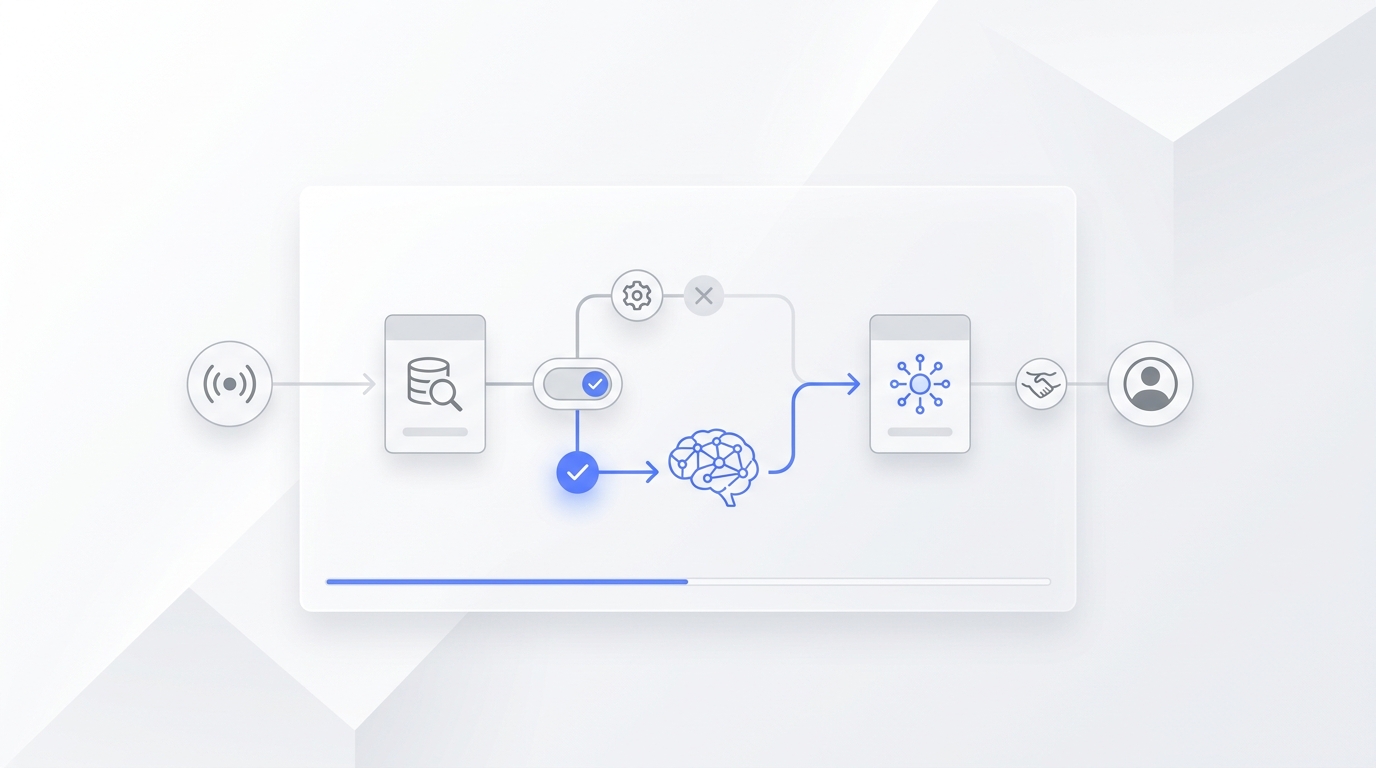
That's the gap an AI receptionist fills. AI agents don't make answers up; they retrieve them from the knowledge base you give them. The quality of your FAQ document directly determines the accuracy of the AI's answers — vague FAQ entries produce vague AI replies, and specific numbers and policies produce specific resolutions. Most customers prefer self-service options when they're available. A well-written FAQ, fed into an AI agent that can answer in real time across phone, chat, and email, is what "available self-service" looks like in 2026. If you'd rather not write FAQs from scratch, run your existing content through the AI FAQ generator to draft a complete FAQ in minutes.
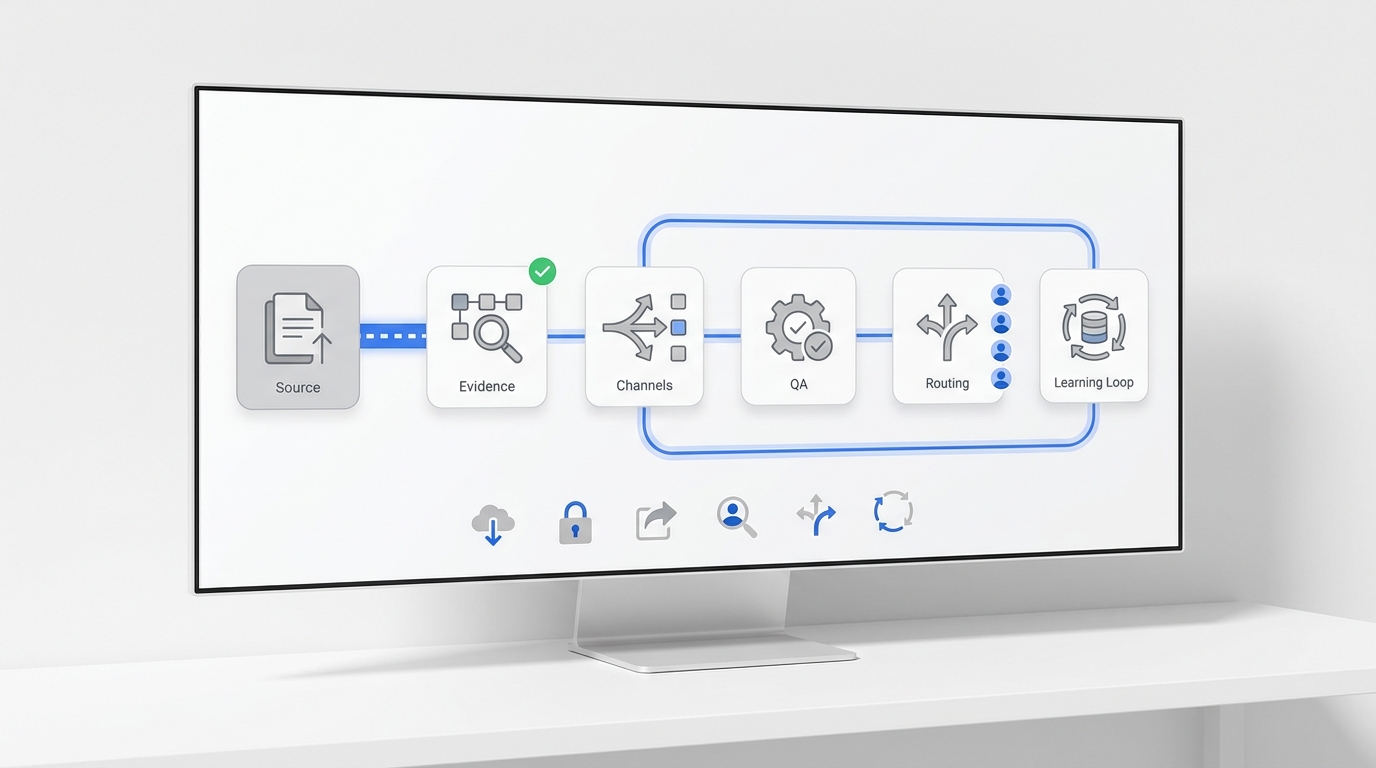
With Solvea, you upload the FAQ document you just built — once. The AI reads it, answers customer questions from it across phone, chat, and email, and flags anything it can't find for your team to handle.
The setup, end to end:
- Open your Solvea workspace and go to Knowledge → Add Sources. The Solvea documentation for this step lives at solvea.cx/docs.
- Upload your FAQ document as a
.docx,.pdf, or paste the URL of a public Notion or Shopify FAQ page. Solvea also syncs directly from Shopify so product-level FAQs stay current automatically — see the Shopify integration docs. - Test the agent with your top 10 customer questions before going live. If an answer is vague or wrong, the source of truth is the FAQ document — fix it there, re-sync, and the agent updates.
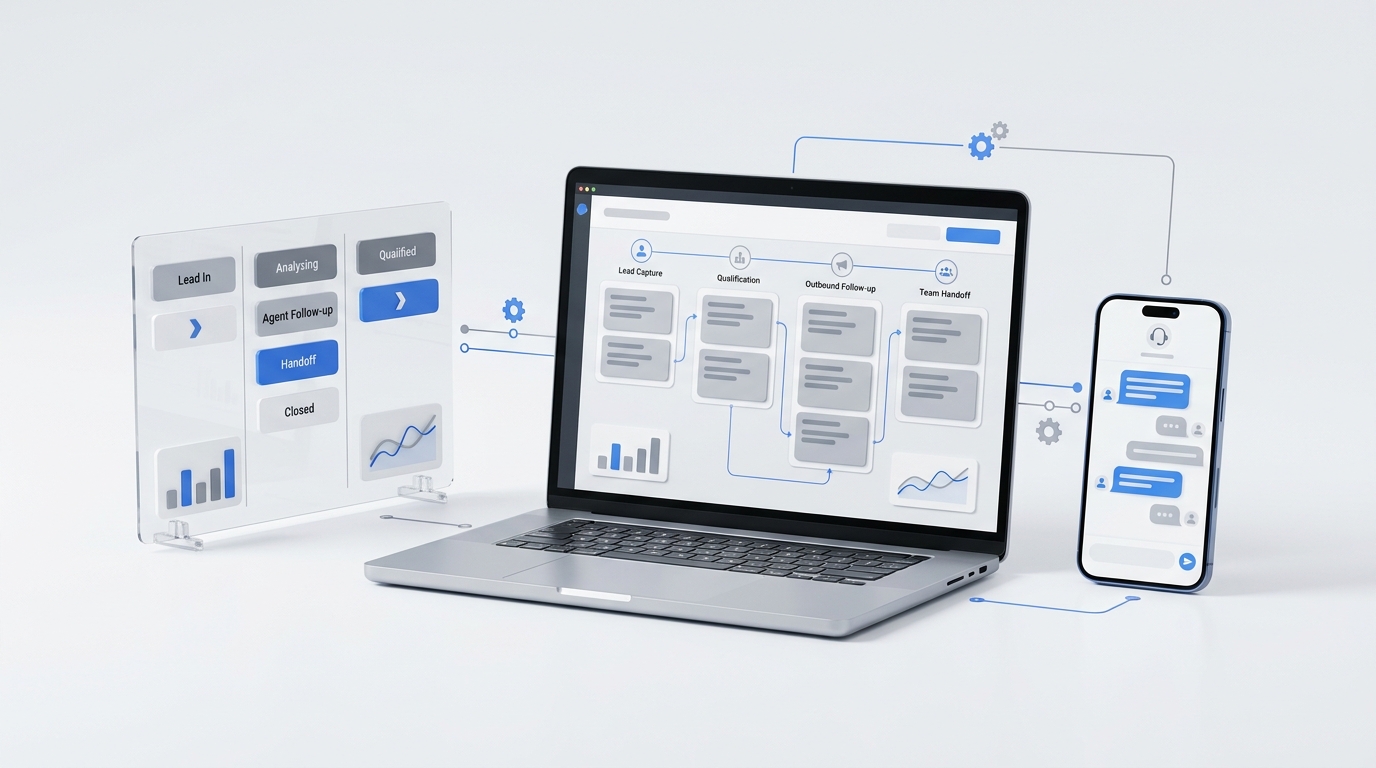
- Deploy on the channels customers actually use — install the Livechat widget on your store, bind your support email, or add a phone number.
- Test and train your AI agent against the uploaded FAQ
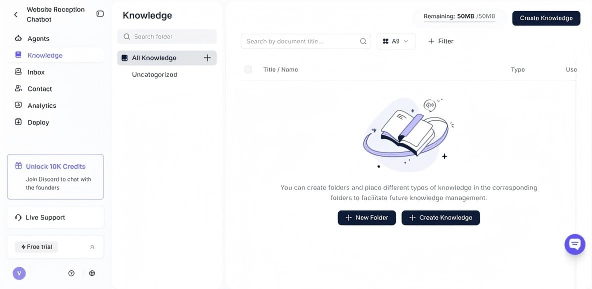
The end result: the same FAQ document that lives on your store also handles the questions that don’t make it to the page — and the customer who asked at 11 PM gets an answer at 11 PM.
Frequently Asked Questions
What questions should I include in my FAQ template?
Start with your top 15 to 20 most-asked questions, sourced from your customer service inbox, live chat transcripts, and order-related emails. Group them into the eight categories above (Shipping, Returns, Orders, Payments, Account, Products, Sizing, Promotions) and prioritize the ones that block a purchase or commonly trigger refund requests.
How long should an FAQ answer be?
Two to four sentences. The goal is to answer the question completely without making the reader scroll. If an answer needs more depth — like a step-by-step return process — link to a dedicated help page rather than burying the steps inside the FAQ entry.
Is an ecommerce FAQ template free to use?
Yes — the template above is free to copy, paste, and modify for any commercial or personal store. There's no attribution requirement, no tracking, and no signup needed.
What's the difference between a FAQ and a knowledge base?
A FAQ page answers your top 30 to 60 customer-facing questions in one place. A knowledge base is broader — it covers product documentation, internal staff procedures, troubleshooting trees, and policies, and it's typically the source of truth that your FAQ page (and your AI agent) draws from.
Can I use AI to answer FAQs automatically on my store?
Yes — modern AI receptionists like Solvea read your FAQ document and answer customer questions automatically across phone, live chat, and email. The accuracy depends entirely on the FAQ content: specific, well-structured answers produce useful AI replies, and vague answers produce vague replies. Build the template first, then connect it.