Upload Document
Upload local documents to quickly build your knowledge base. The system will automatically extract and process the content.Supported File Formats
- Word
- Excel
- CSV
- TXT
File size limit: 20 MB per file
- Keep each article short and clear.
- The title of each article is very important. Please use the title to briefly summarize the topic.
Steps
1
Select the folder where the knowledge should be stored.
Click Create Knowledge → Upload Document.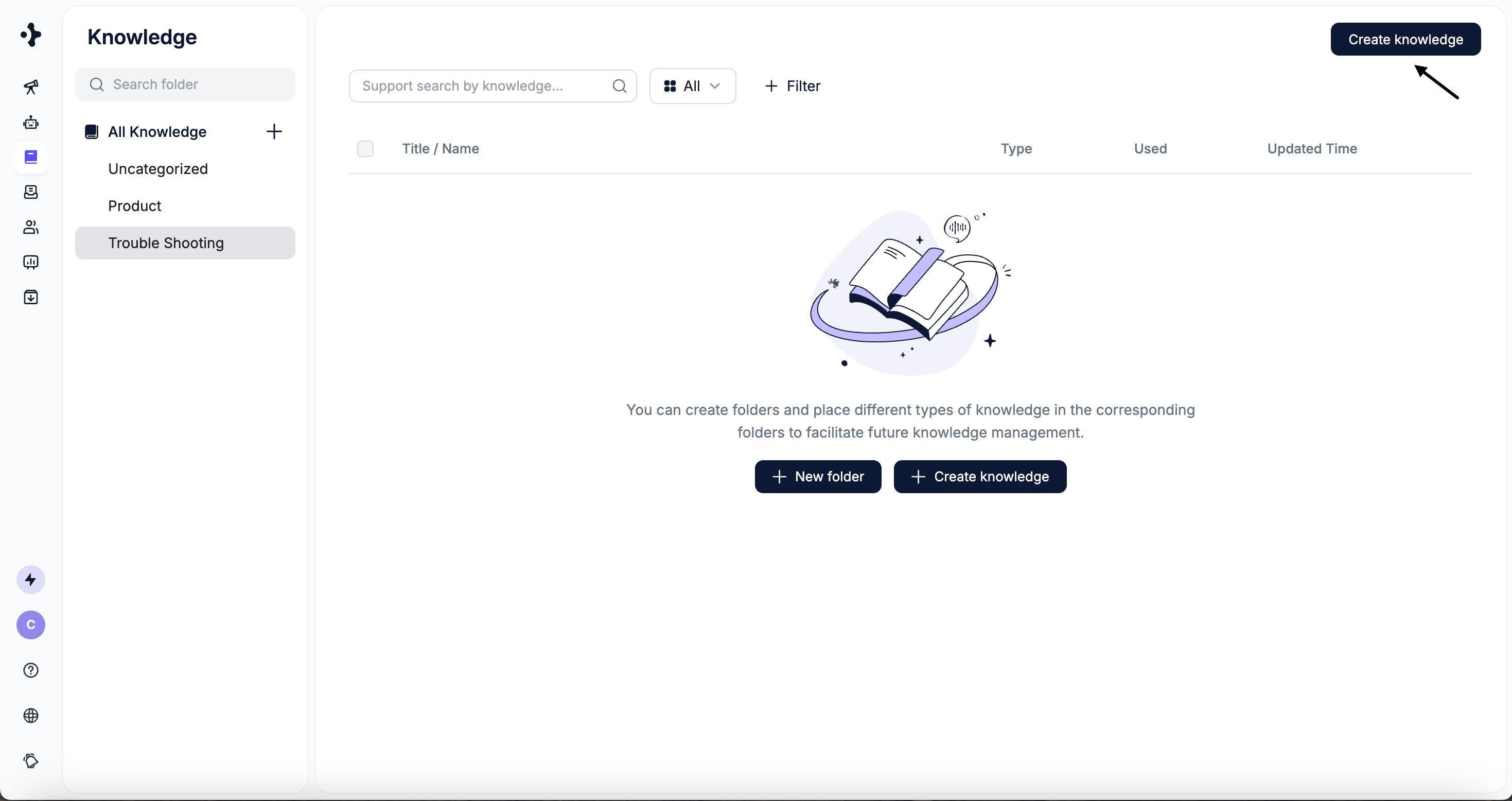
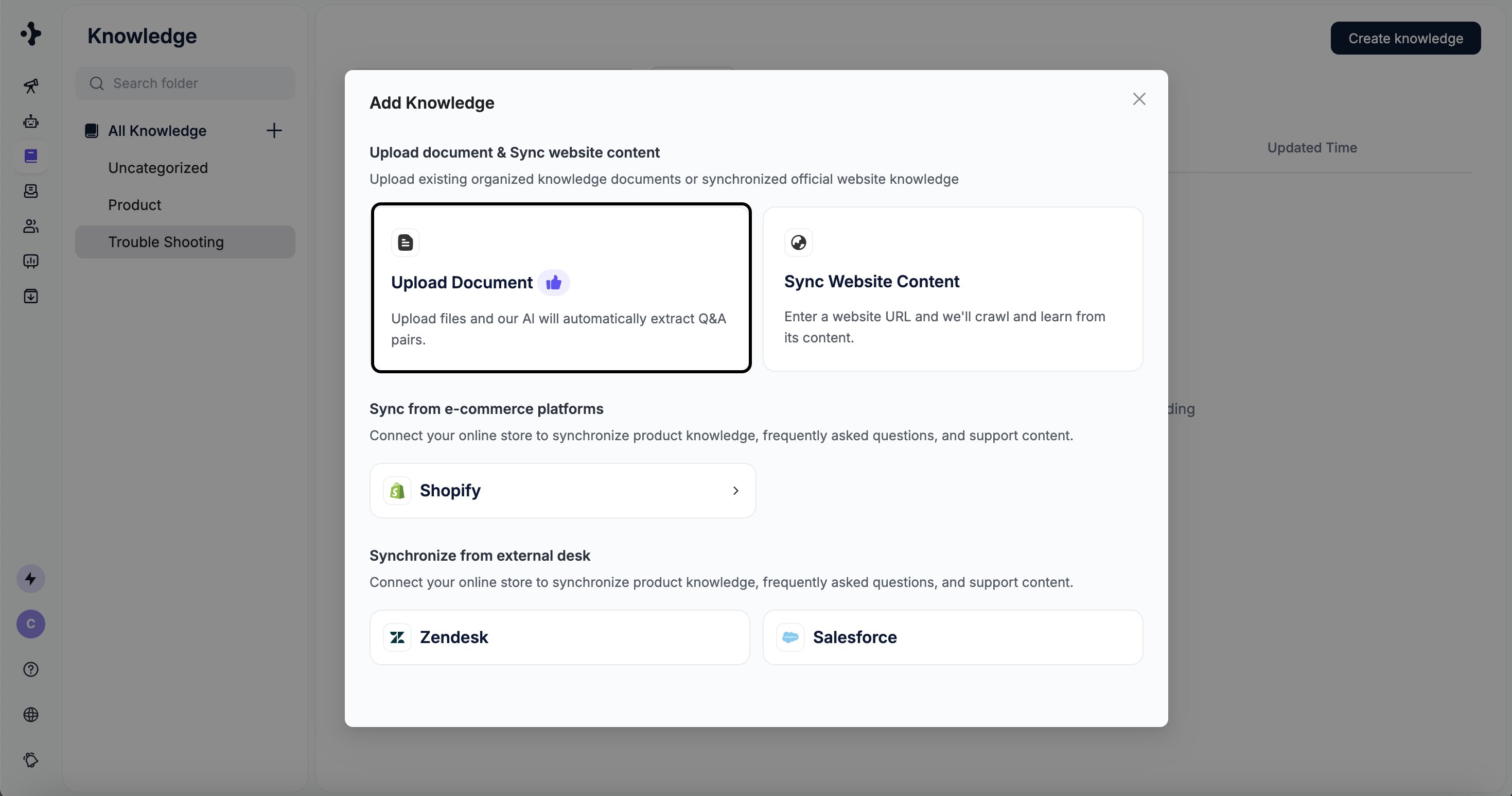
Click Create Knowledge → Upload Document.
2
Click Click to upload files and upload your document.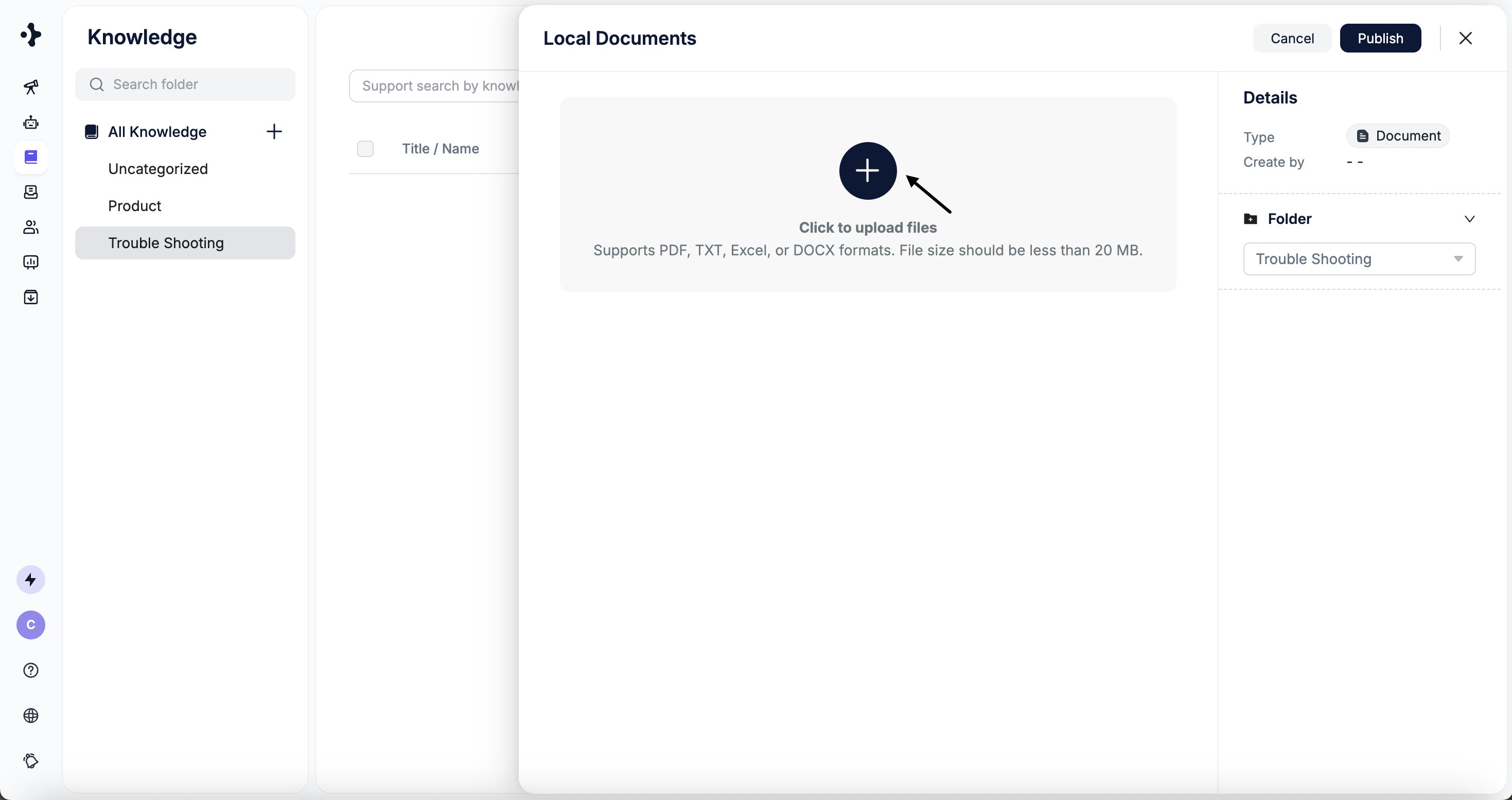
3
The system checks file size automatically. Retry if any upload fails.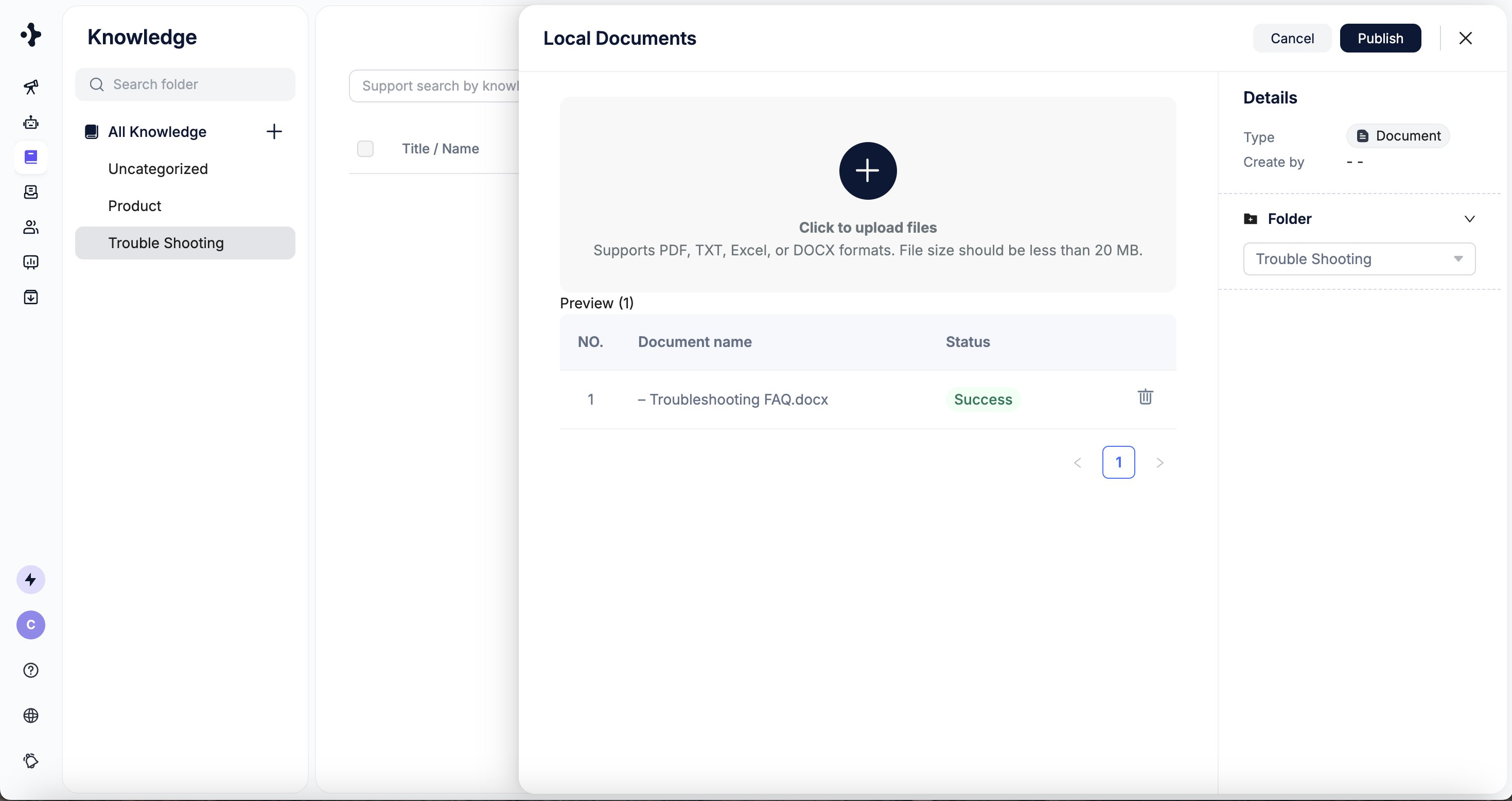
4
Click Publish to start the upload.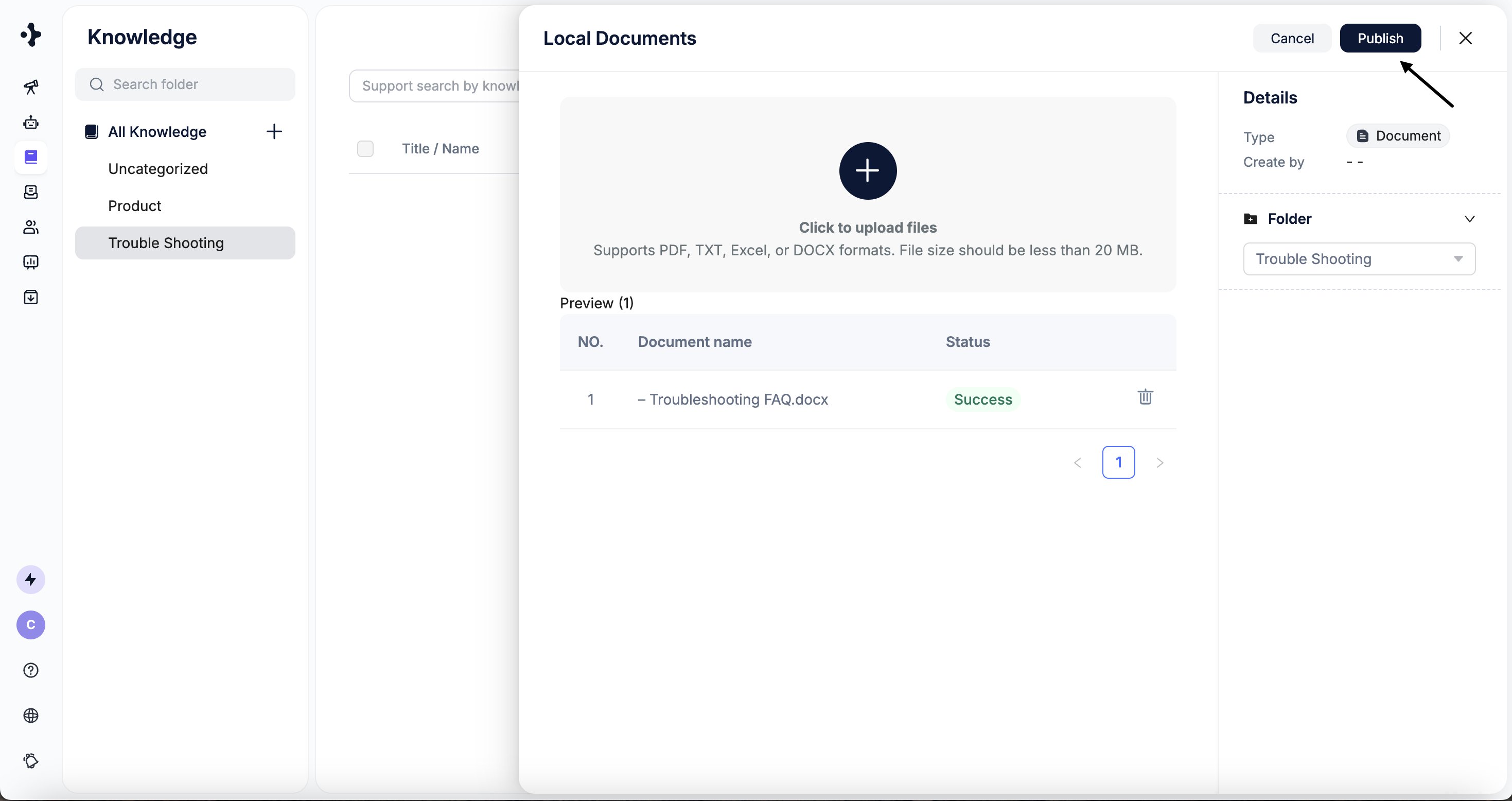
5
The system parses the content and adds it to the selected folder.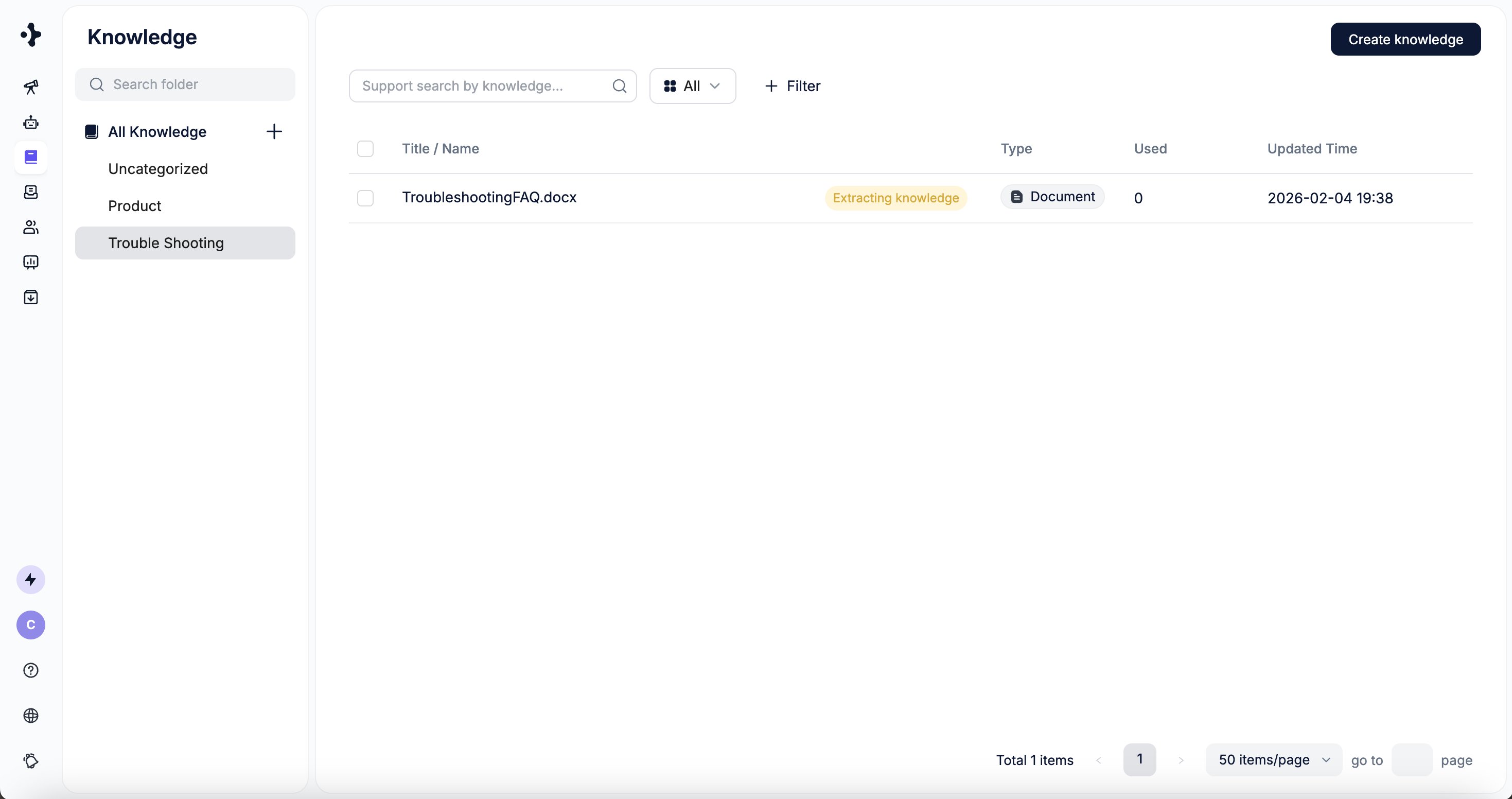
Sync Website Content
You can sync content directly from your website by providing a main URL. The system uses the site’s sitemap to automatically discover and categorize subpages.Steps
1
Select the folder where the knowledge should be stored.
Click Add Knowledge → Sync Website Content.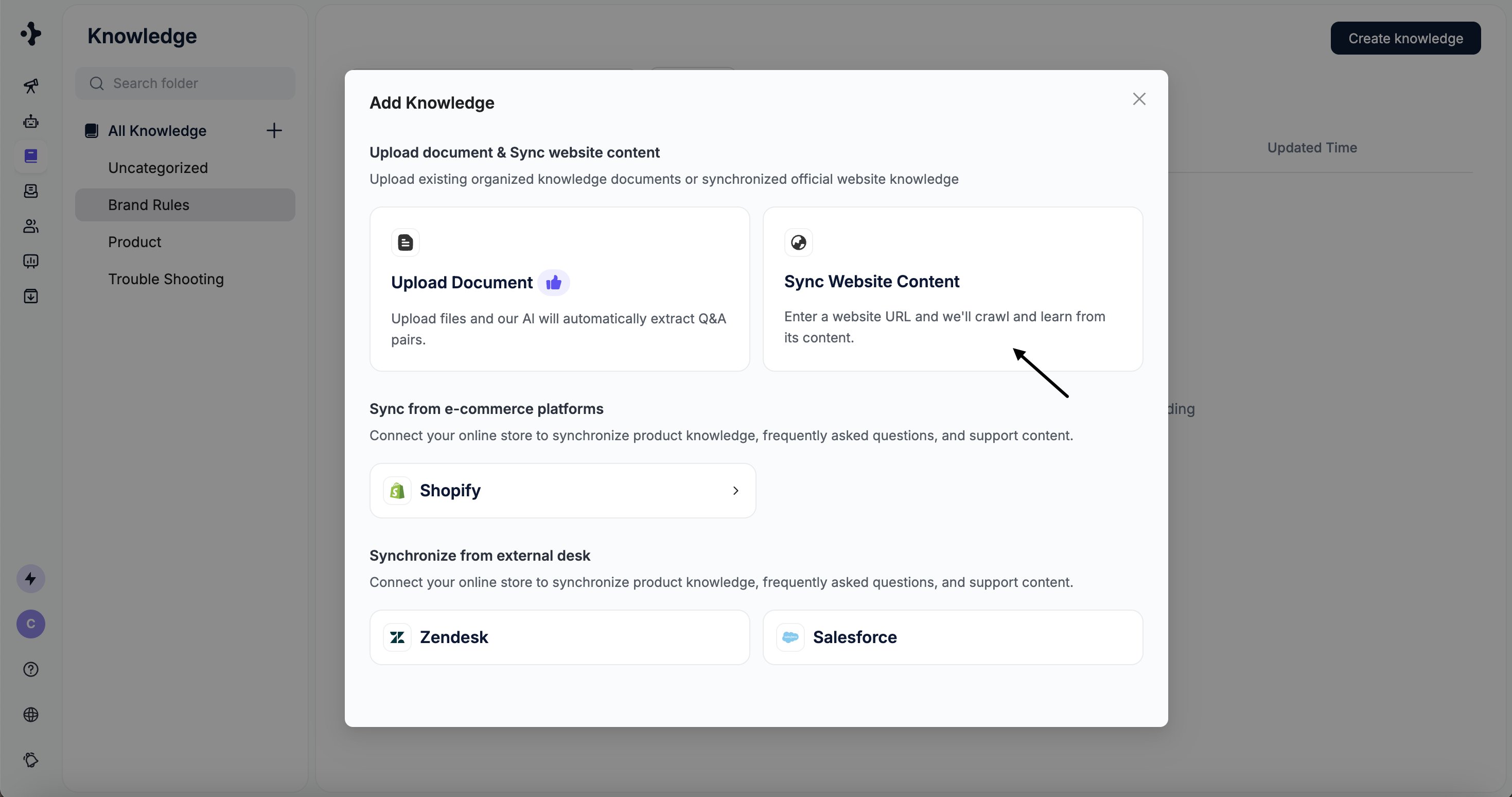
Click Add Knowledge → Sync Website Content.
2
Enter the website URL and click Preview Content.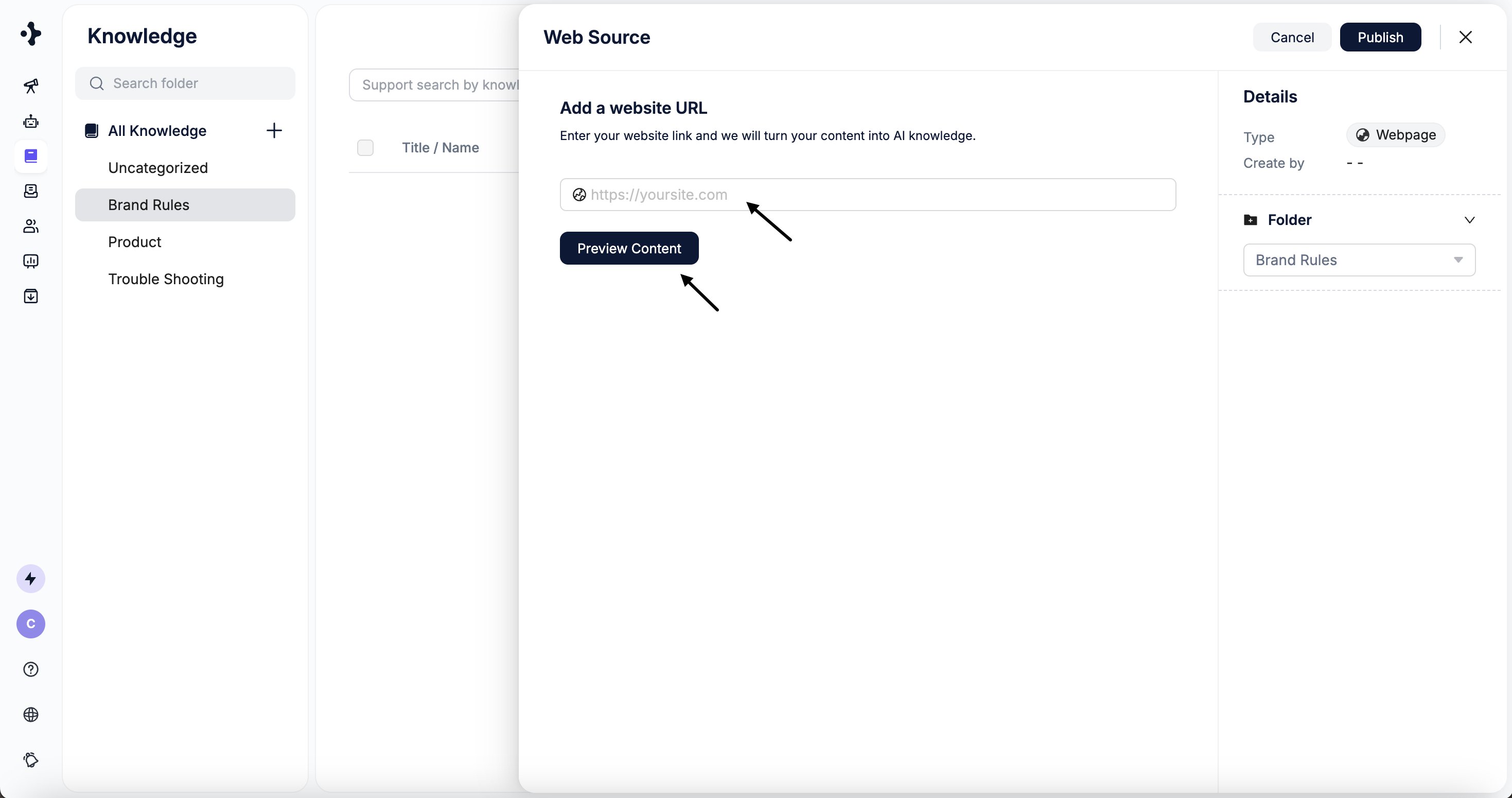
3
Preview detected pages and select the target directory.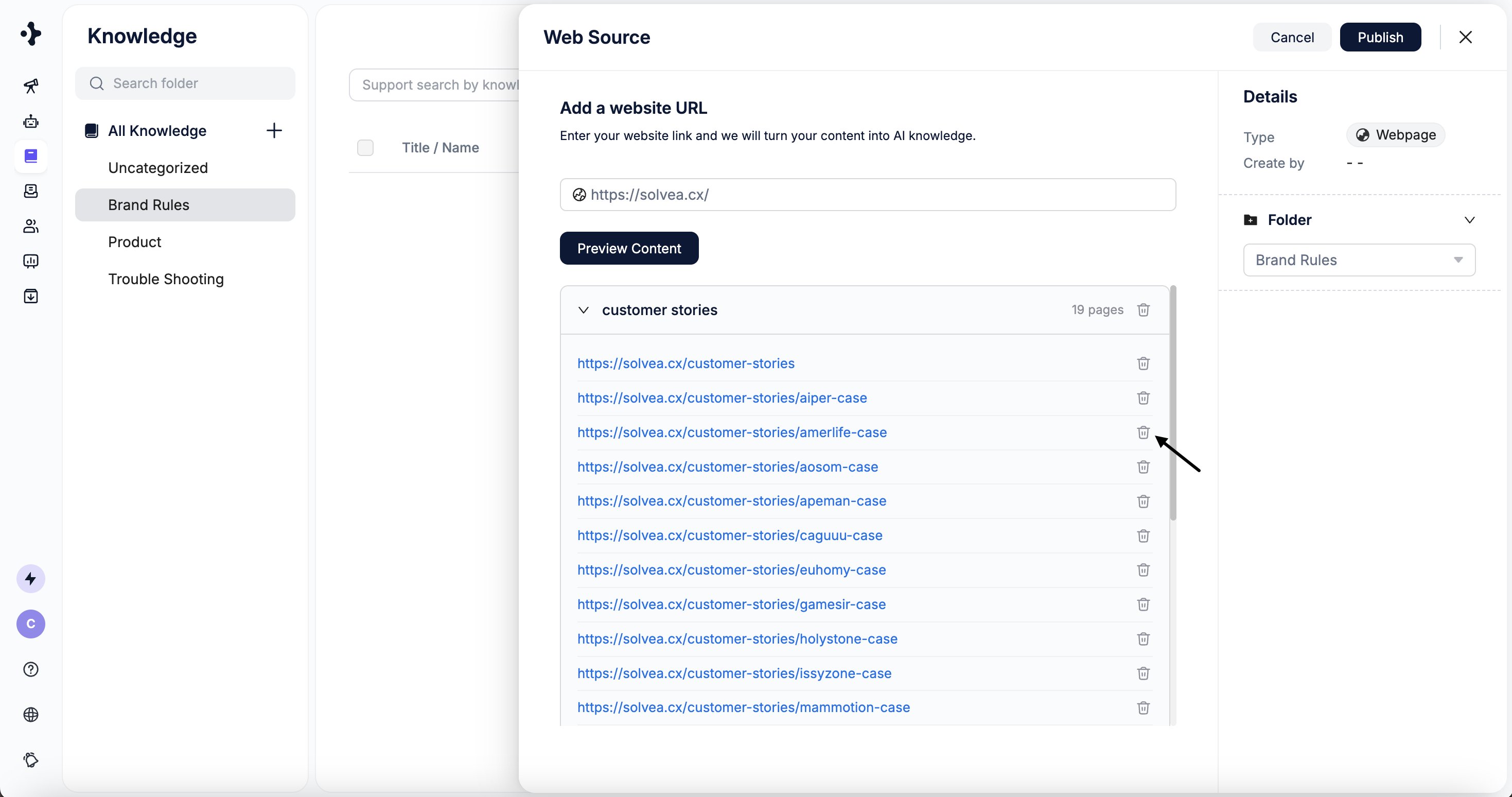
4
Click Publish to start learning.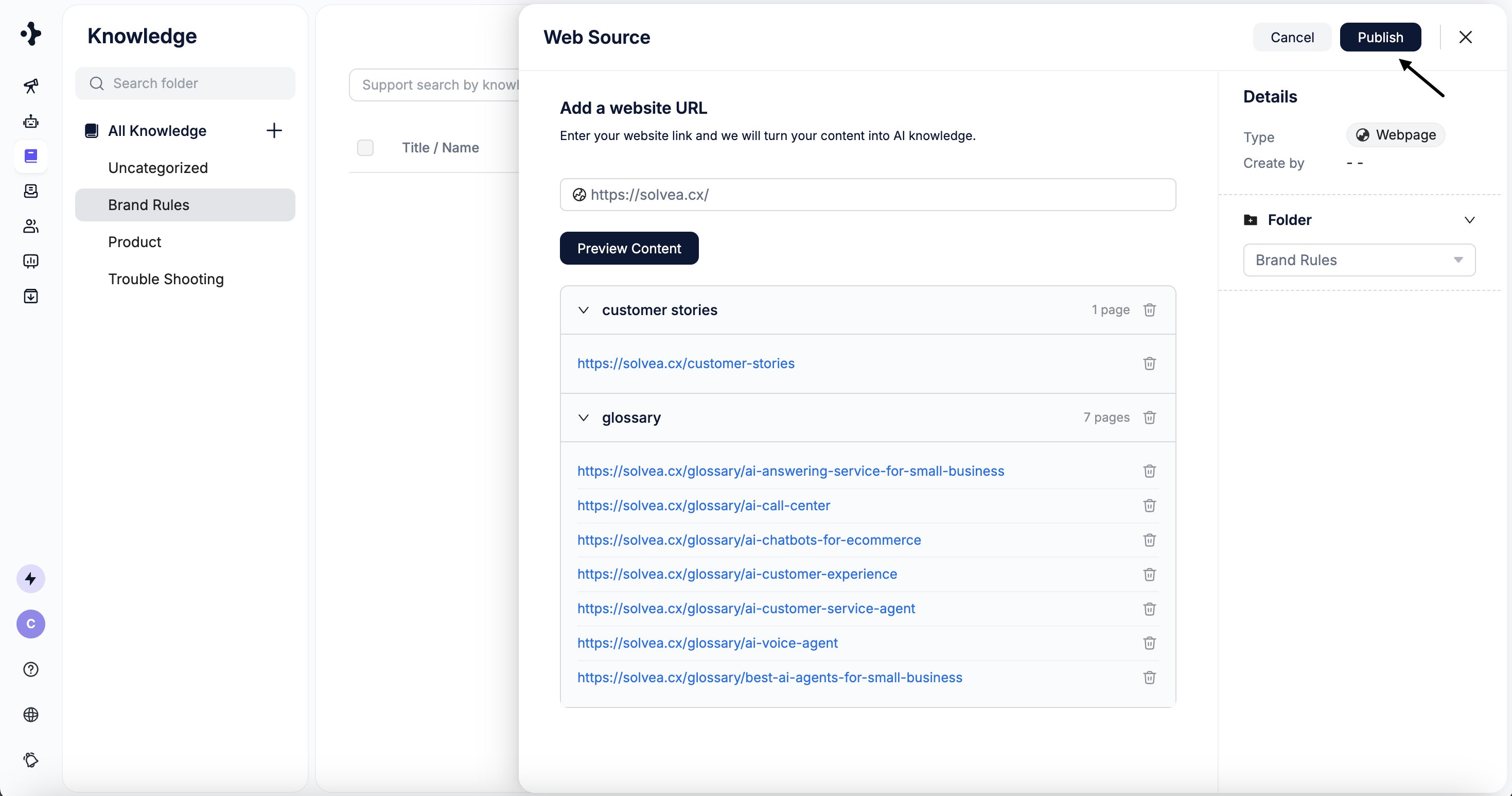
5
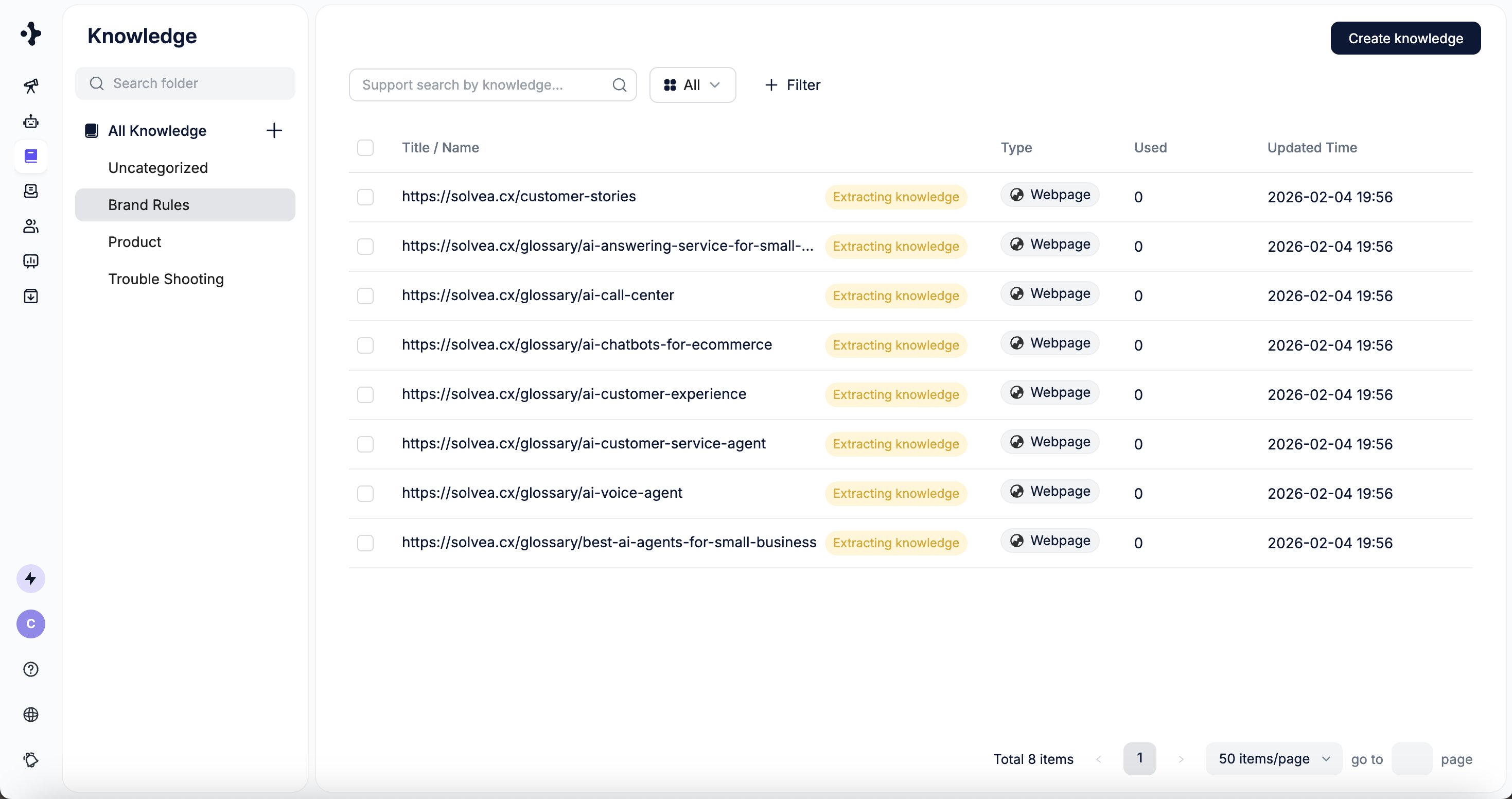
The parsed website content appears in the selected folder.