Confluence used to be the default choice for team wikis. It still shows up on every "best knowledge base tools" list — but ask the people actually using it, and you'll hear a familiar set of frustrations: pages buried three levels deep, a search function that misses obvious results, and a pricing model that gets expensive fast as your team grows.
The tools that have emerged since Confluence's peak give you more flexibility, better search, and in many cases a much lower price tag. Some are built specifically for knowledge bases. Others are flexible workspaces that teams have adapted into wikis. A few are purpose-built for the use case where knowledge bases matter most: answering the same customer questions, over and over, correctly. For teams already on Notion or Confluence, the knowledge base chatbot syncs automatically and stays in lockstep with every edit.
This guide covers the seven best Confluence alternatives in 2026, evaluated specifically for knowledge base use — not project management, task tracking, or general collaboration. For each tool, you'll find what it does well as a knowledge repository, where it falls short, and who it's actually for.
TL;DR — Confluence Alternatives at a Glance
Tool | Best For | Free Plan | Starting Price | Who It's For |
Flexible, all-in-one KB | ✓ | $10/user/mo (pricing) | Small teams, solo founders | |
Simple wiki-style collaboration | ✓ (50 items) | See pricing | Teams wanting minimal friction | |
Slack-integrated internal KB | ✗ | $8/user/mo (pricing) | Slack-heavy teams, 10+ users | |
CS and sales knowledge management | ✗ | Custom (pricing) | Mid-size CS and sales orgs | |
Developer and technical docs | ✓ (1 site) | $65/site/mo (pricing) | Developer teams, OSS projects | |
Docs and database hybrid | ✓ | $10/Doc Maker/mo (pricing) | Teams combining docs with data | |
External-facing professional KB | ✗ | Custom (pricing) | Mid-market and enterprise |
If you need a free Confluence alternative today, Notion gives you the most capability without paying. If your team lives in Slack, Tettra is the tightest integration. If you're managing technical documentation for developers, GitBook is the specialist choice.
Why Teams Look for Confluence Alternatives
Confluence's challenges are well-documented by the people actually using it day-to-day. Three issues come up most consistently.
The search is unreliable. Confluence's full-text search improves with add-ons, but out of the box it struggles with partial matches, cross-space queries, and documents buried in nested page hierarchies. Teams end up with a knowledge base that technically has the answer but that no one can find quickly.
The pricing scales steeply. Confluence Free covers up to 10 users, which works for small teams. Once you cross that threshold, you're on Standard at $5.42/user/month — manageable, but the cost compounds fast as the team grows, and the Premium tier ($10.44/user/month) adds features most small teams don't need. According to McKinsey Global Institute, knowledge workers already spend 19% of their time searching for information. Paying premium rates for a tool with poor search is a double cost.
The setup overhead is significant. Creating a well-organized Confluence space requires planning page hierarchies, configuring spaces, managing permissions, and training new team members on a complex interface. For teams that want to start writing and organizing quickly, the friction is a barrier.
These aren't dealbreakers for every team — Confluence remains a solid choice for large organizations already deep in the Atlassian ecosystem. But if your team isn't also using Jira, the integration benefits that justify Confluence's complexity mostly disappear.
The 7 Best Confluence Alternatives for Knowledge Base
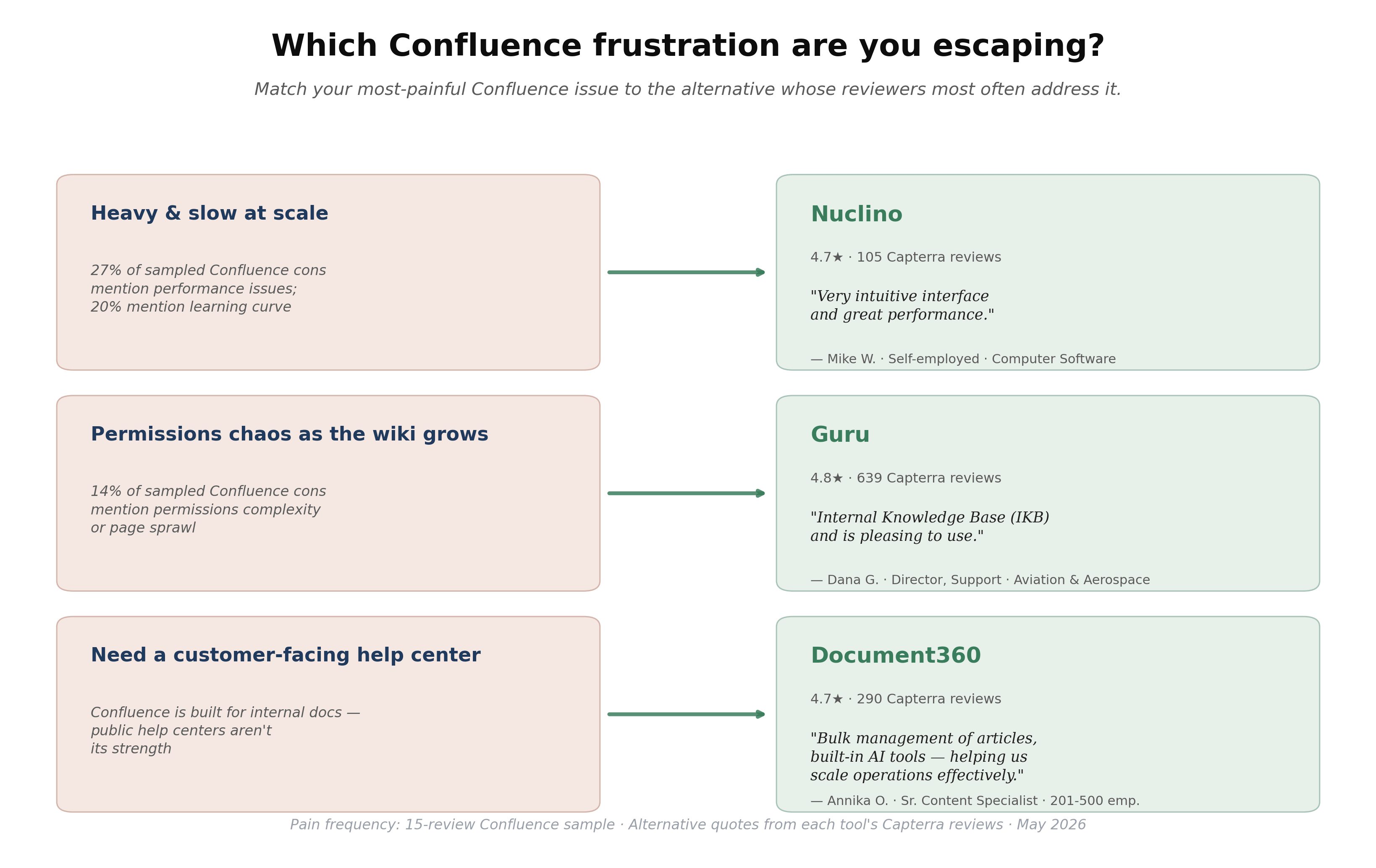
Before evaluating seven options one by one, a faster way to narrow the list: match your loudest Confluence pain to the alternative whose own reviewers most often address that issue. If performance and learning curve top your list (~47% of cons in our 15-review Confluence Capterra sample combined), Nuclino's reviewers consistently describe the opposite — *"Very intuitive interface and great performance"* (Mike W., self-employed). If permissions chaos and page sprawl as the wiki grew is your pain (14% of cons), Guru's verified-card model is what Dana G. (Director of Support, Aviation & Aerospace) said her team migrated to: *"Internal Knowledge Base (IKB) and is pleasing to use."* If you actually need a customer-facing help center on top of internal docs, Document360 is purpose-built for it. Use this match-up to shortlist one or two before reading further.
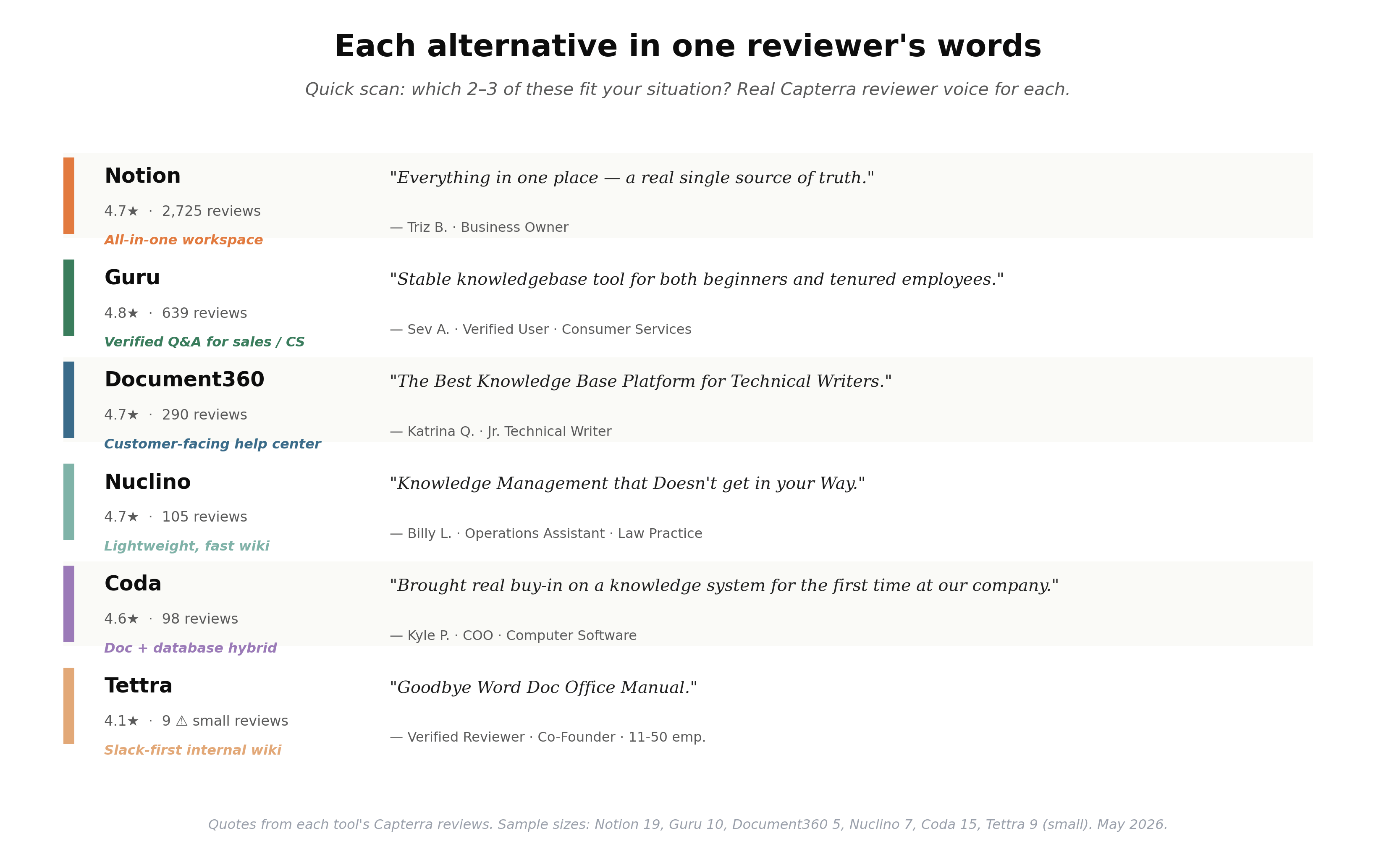
Also, we summarized a quick scan of all six alternatives where we have Capterra data (GitBook excluded — not in our sample). Notion (4.7★ across 2,725 reviews) — Triz B., a business owner: *"Everything in one place — a real single source of truth."* Guru (4.8★, 639 reviews) — Sev A.: *"Stable knowledgebase tool for both beginners and tenured employees."* Document360 (4.7★, 290) — Katrina Q., a Jr. Technical Writer: *"The Best Knowledge Base Platform for Technical Writers."* Nuclino (4.7★, 105) — Billy L., Operations Assistant: *"Knowledge Management that Doesn't get in your Way."* Coda (4.6★, 98) — Kyle P., a COO: *"Brought real buy-in on a knowledge system for the first time at our company."* Tettra (4.1★, only 9 reviews — small sample, treat as directional) — a Co-Founder at an IT services firm titled their review *"Goodbye Word Doc Office Manual."
1. Notion: Best for Flexible, All-in-One Knowledge Base
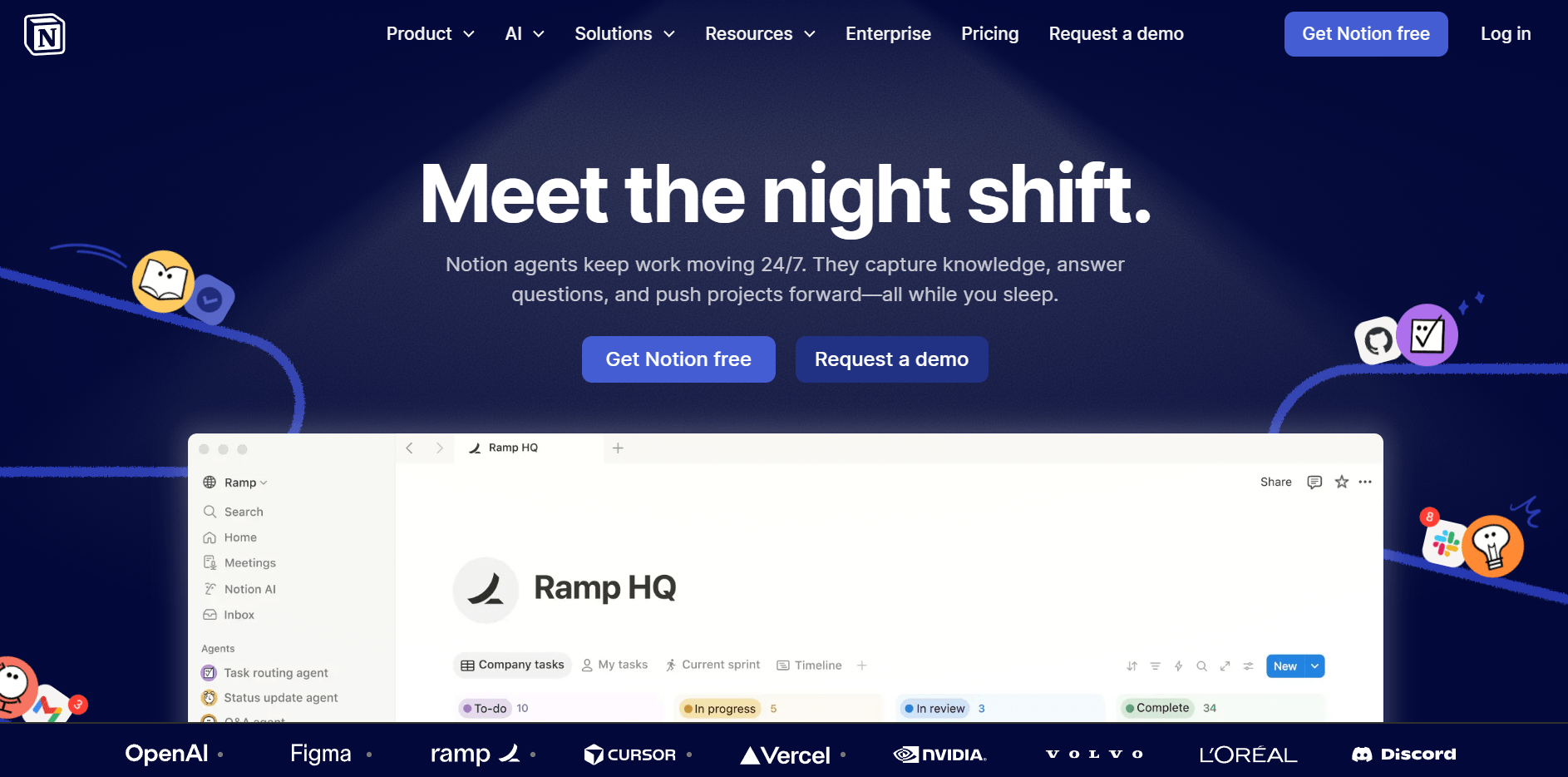
Notion has become the default Confluence alternative for teams that want flexibility without ceremony. Its block-based editor lets you build anything from a simple wiki page to a structured database with linked views — and the same workspace handles both your knowledge base and your team's project notes.
For knowledge base use specifically, Notion's strength is its relational database feature. You can link pages together, filter them by tag or owner, and surface related content in ways that Confluence's tree hierarchy doesn't support. The table, gallery, and list views let you build a searchable index of your KB without any separate tooling.
Knowledge base strengths:
- Block-based editor makes it easy to structure content without learning a CMS
- Relational databases enable cross-referenced, filterable knowledge pages
- Native search works across the entire workspace, including nested pages
- Notion AI (available on paid plans) can draft, summarize, and answer questions from your content
Limitations:
- Free plan limits you to one workspace; real team collaboration requires paid tier
- No built-in content verification or "knowledge owner" system — content can go stale unnoticed
- Permissions management gets complex at scale; not built for strict enterprise access controls
Pricing: Free plan available. Plus: $10/user/month billed annually. Business: $20/user/month billed annually (Notion Pricing).
Who it's for: Small to mid-size teams (2–100 people) that want one workspace for knowledge base, project notes, and team docs — and don't need enterprise compliance features.
2. Nuclino: Best Free Confluence Alternative for Small Teams
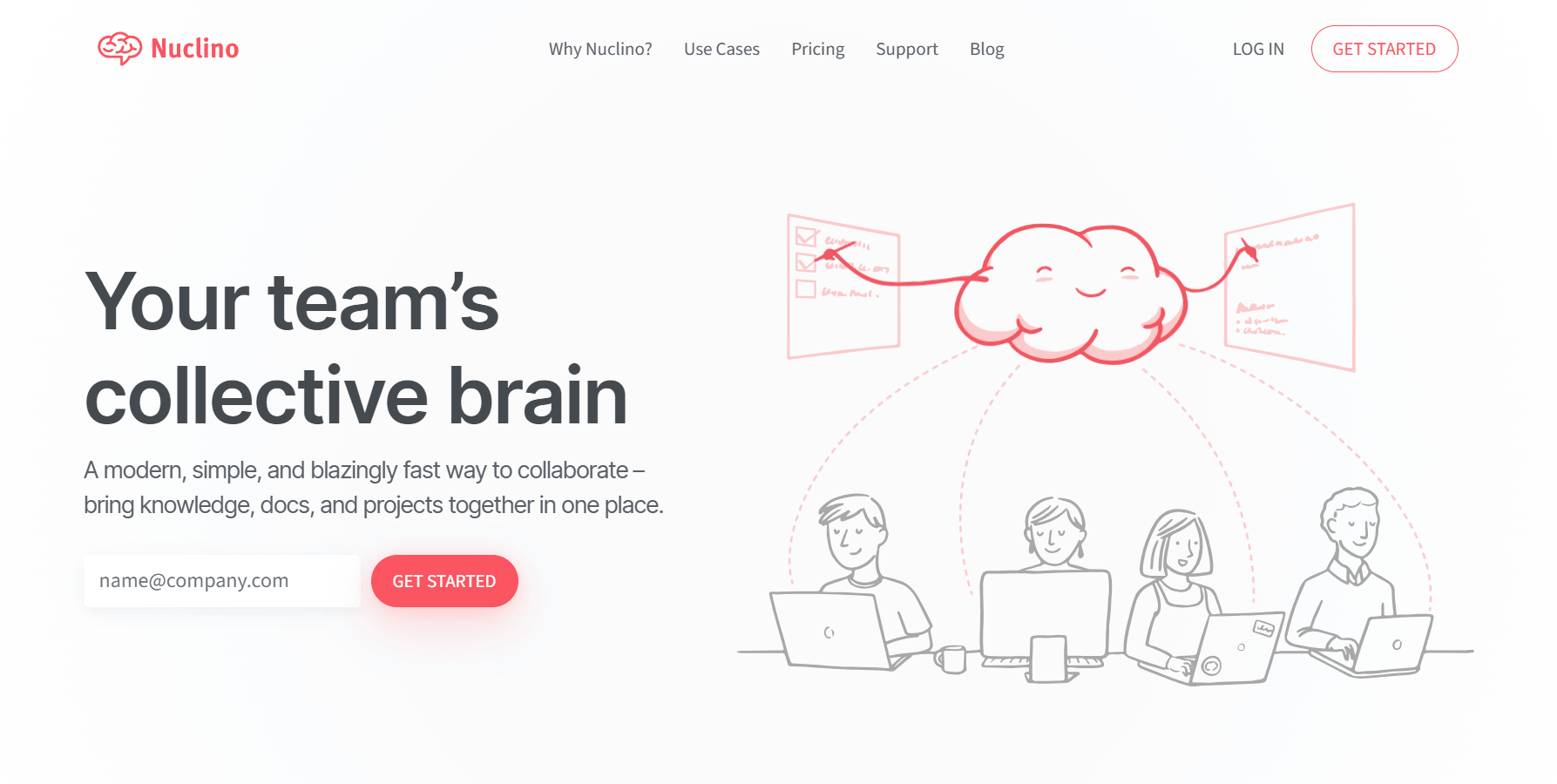
Nuclino is what Confluence would look like if it were rebuilt for simplicity. The interface loads fast, the wiki-style linking between pages works exactly as you'd expect, and new team members can start contributing within minutes. It doesn't try to be everything — and for a dedicated knowledge base, that's often an advantage.
The graph view is one of Nuclino's most useful features for knowledge base work: it visualizes how your pages link to each other, making it easy to identify orphaned content and spot gaps in your knowledge structure. This is particularly useful for teams maintaining customer-facing documentation or internal runbooks where completeness matters.
Knowledge base strengths:
- Clean, fast interface with genuinely minimal onboarding friction
- Wiki-style internal linking with a graph visualization of content connections
- Real-time collaboration on every page without version conflicts
- Free plan includes up to 50 items — enough to start a real knowledge base structure
Limitations:
- Free plan's 50-item limit gets reached quickly for any team with real documentation depth
- Sidekick AI (Q&A and drafting features) is restricted to the Business tier
- Less powerful database/view features than Notion; better for docs than structured data
Pricing: Free plan (up to 50 items). Starter and Business paid plans available — see Nuclino Pricing for current rates.
Who it's for: Small teams (2–30 people) that want a clean wiki with fast setup and don't need complex database views or integrations. Strong free option for teams just building their first knowledge base.
3. Tettra: Best for Slack-Integrated Internal Knowledge Base
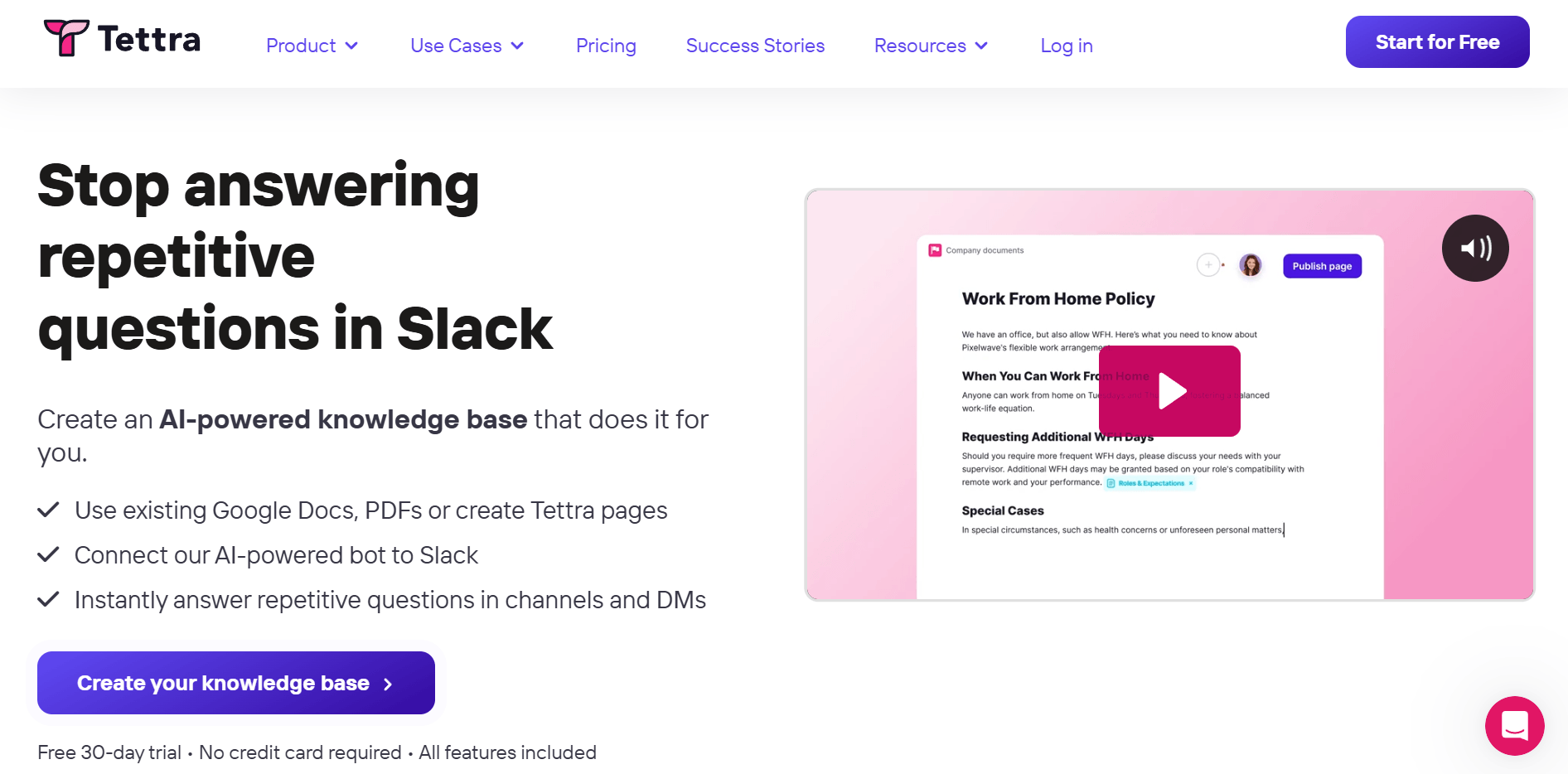
Tettra is built around a specific insight: most knowledge base searches happen inside Slack, not inside the knowledge base itself. When someone can't find an answer, they ask a colleague in a Slack channel — and that colleague's response disappears as soon as the conversation scrolls. Tettra closes that loop by surfacing verified KB answers directly inside Slack, before the question ever needs to be asked again.
The AI bot integration means a team member can type a question in any Slack channel, and Tettra surfaces the relevant page from your knowledge base as a thread reply. For teams that use Slack as their primary communication hub, this dramatically increases how often the knowledge base actually gets used.
Knowledge base strengths:
- Native Slack bot answers questions directly from your KB inside Slack channels
- Content verification workflows: assign page owners and set review reminders so content stays accurate
- Google Workspace integration syncs with Google Docs for teams that write there first
- Usage analytics show which pages get viewed and which questions go unanswered
Limitations:
- No free plan; minimum 10 users required, making it impractical for very small teams
- Interface is functional but less visually polished than Notion or Nuclino
- Strong Slack dependency — less value for teams that don't use Slack as primary comms
Pricing: Scaling plan from $8/user/month (billed annually, 10-user minimum). Enterprise plan available with custom pricing (Tettra Pricing).
Who it's for: Teams of 10–150 people whose primary communication happens in Slack and who want their knowledge base accessible without switching contexts.
4. Guru: Best for CS and Sales Team Knowledge Management

Guru takes a different approach from most knowledge base tools: instead of waiting for people to search, it pushes relevant information to the right person at the right moment. Its browser extension surfaces relevant knowledge cards when you're working in a CRM, helpdesk, or email client — so CS agents get the right answer in front of them without leaving their workflow.
The platform's verification system is one of its strongest features for knowledge-intensive teams. Every piece of content has an owner and an expiration date. When content goes stale, Guru flags it for the owner to review and re-verify. For teams where outdated information causes real problems — quoting wrong pricing, giving incorrect product specs — this is a meaningful operational safeguard.
Knowledge base strengths:
- AI Knowledge Agents deliver cited, permission-aware answers across any integrated tool
- Built-in verification workflows keep content fresh with expiration dates and review cycles
- Browser extension pushes relevant cards to CS and sales reps in real time, contextually
- 100+ integrations including Salesforce, Zendesk, and Slack
Limitations:
- No public pricing — enterprise-only positioning means you'll need a sales conversation
- Built for mid-size to large CS/sales teams; smaller teams may find it over-engineered
- Setup and knowledge architecture configuration requires meaningful upfront investment
Pricing: Enterprise pricing, custom quote required (Guru Pricing).
Who it's for: Mid-size to enterprise CS, support, and sales teams (50+ people) where real-time knowledge delivery and content governance are operational requirements.
5. GitBook: Best Confluence Alternative for Developer Documentation
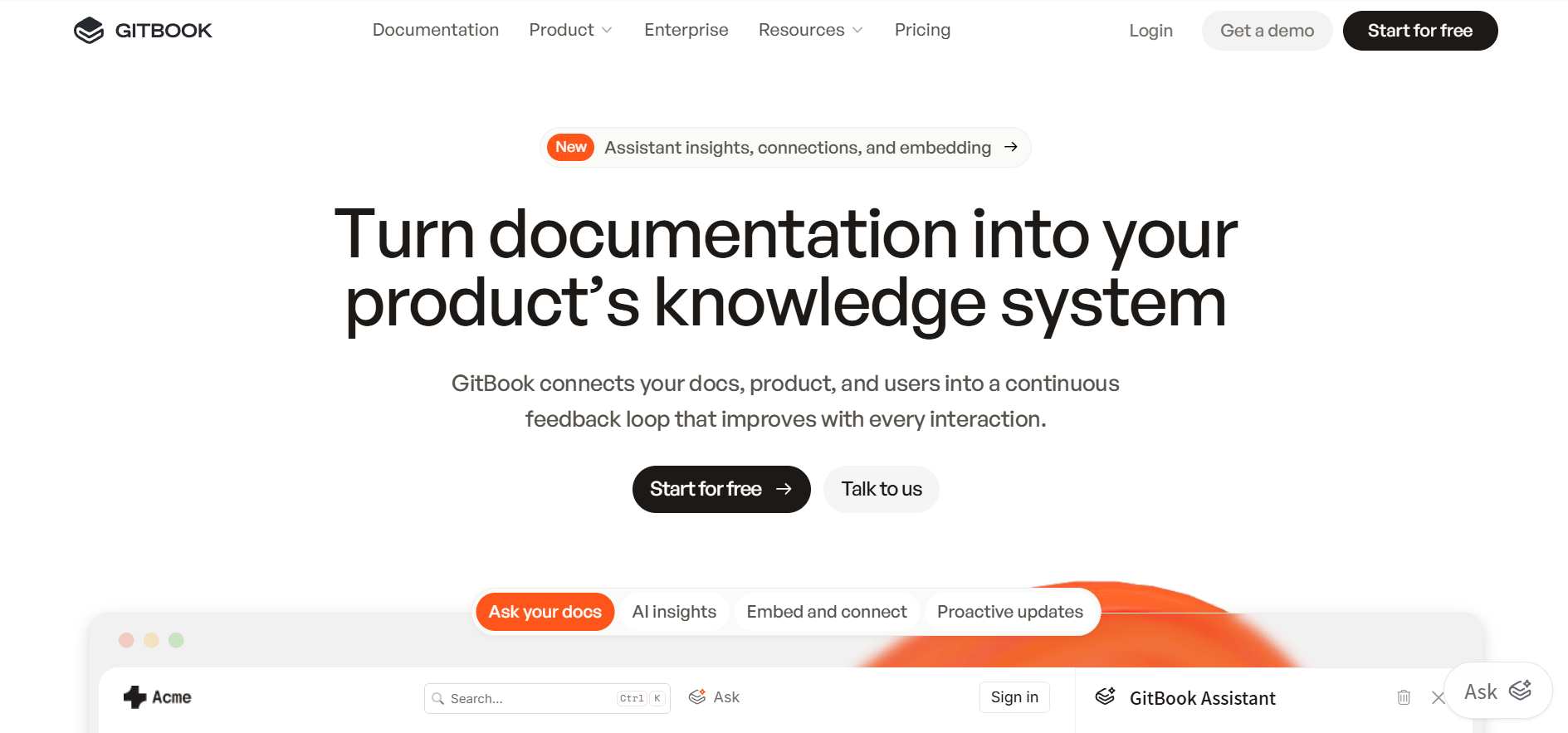
GitBook is the specialist choice for developer-facing and technical documentation. If your knowledge base needs to live alongside code, include interactive API playgrounds, or sync with GitHub and GitLab, GitBook does all three out of the box. The output is also genuinely beautiful — clean, scannable documentation that looks professional without design work.
For teams with public-facing docs (open-source projects, developer portals, API references), GitBook's free plan is unusually generous: you get a full public documentation site with no branding restrictions. For internal team knowledge bases, the pricing shifts to a per-site, per-user model that adds up quickly for large teams.
Knowledge base strengths:
- Native GitHub and GitLab sync keeps docs in version control alongside code
- Interactive API playgrounds embedded directly in documentation pages
- LLM optimizations built in — content is structured for AI retrieval from day one
- Free plan for public documentation sites (1 site, unlimited pages)
Limitations:
- Premium pricing ($65/site/month + $12/user/month) is high relative to other options
- Primarily built for technical/developer content; less suited to general business KB
- Less flexible for non-technical content types (no relational databases, limited embeds)
Pricing: Free plan for individuals (1 site). Premium from $65/site/month + $12/user/month billed annually (GitBook Pricing).
Who it's for: Developer teams, open-source projects, and technical companies that need professional public-facing documentation with Git sync and API tooling.
6. Coda: Best for Teams Combining Docs and Structured Data
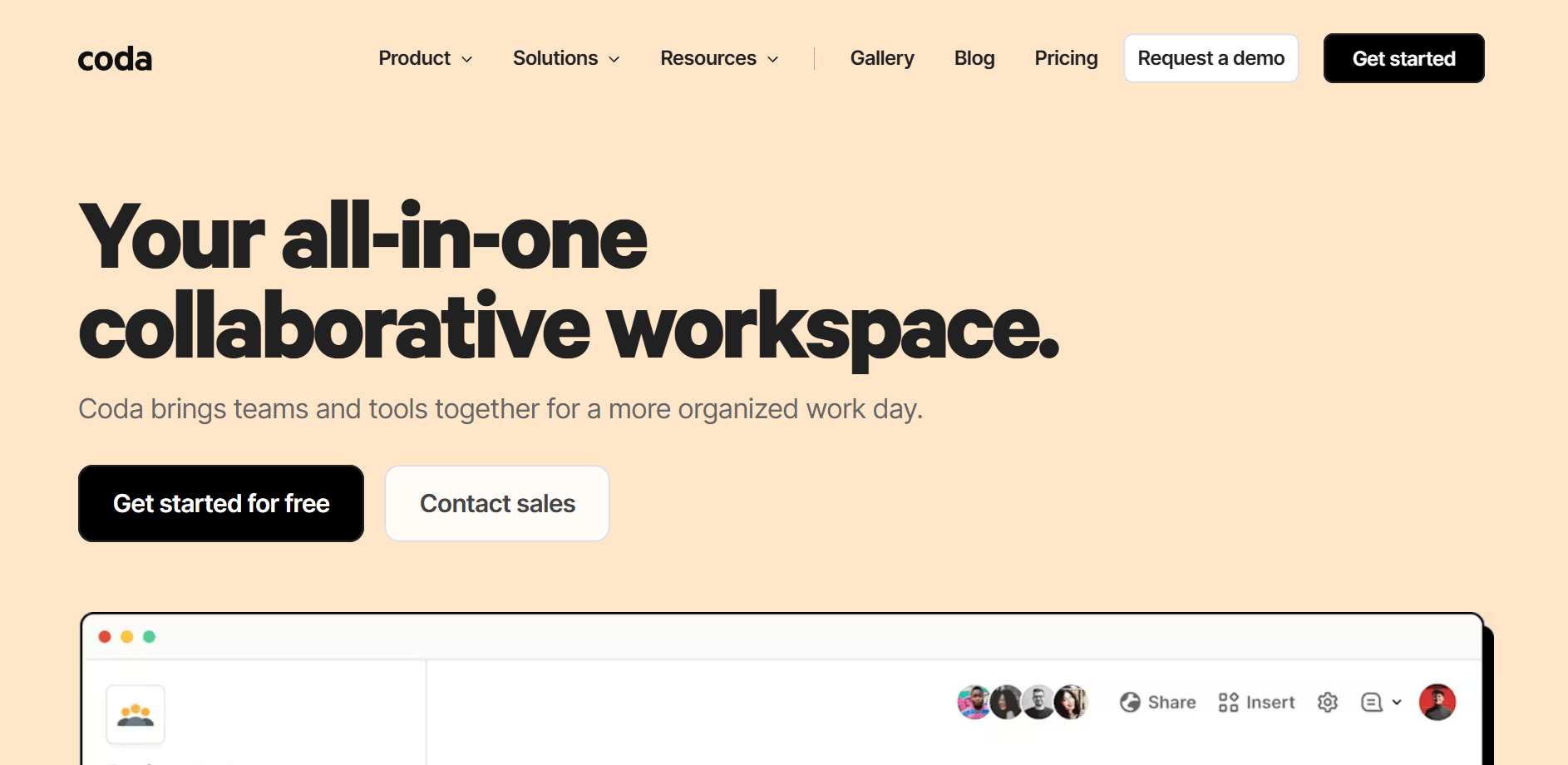
Coda sits between a document editor and a database. If your knowledge base needs to include more than static text — product catalogs, customer data lookup tables, decision trackers, runbooks with form inputs — Coda handles it in a single document workspace. For teams whose knowledge base overlaps with operational data, this eliminates the need to maintain separate tools.
The Doc Maker billing model is one of Coda's most distinctive features: only the people who create and edit docs pay. Viewers and collaborators are free. For knowledge bases where most team members are consumers rather than contributors, this can significantly reduce costs compared to per-seat models.
Knowledge base strengths:
- Powerful tables, charts, and kanban boards embedded directly in documents
- Formulas and automations let you build dynamic KB content that updates automatically
- AI features included for Pro Doc Makers — Q&A, summarization, and content drafting
- Doc Maker billing model means read-only contributors don't add to the cost
Limitations:
- Learning curve is steeper than Notion or Nuclino — the full feature set takes time to master
- Not designed primarily for wiki-style knowledge management; internal linking is less intuitive
- Google Workspace and Slack integrations are solid, but the ecosystem is narrower than Confluence
Pricing: Free plan available. Pro: $10/Doc Maker/month. Team: $30/Doc Maker/month (Coda Pricing).
Who it's for: Teams that need a knowledge base and operational data layer in one place — product teams, operations managers, and startups that want one tool instead of three.
7. Document360: Best for External-Facing Professional Knowledge Bases
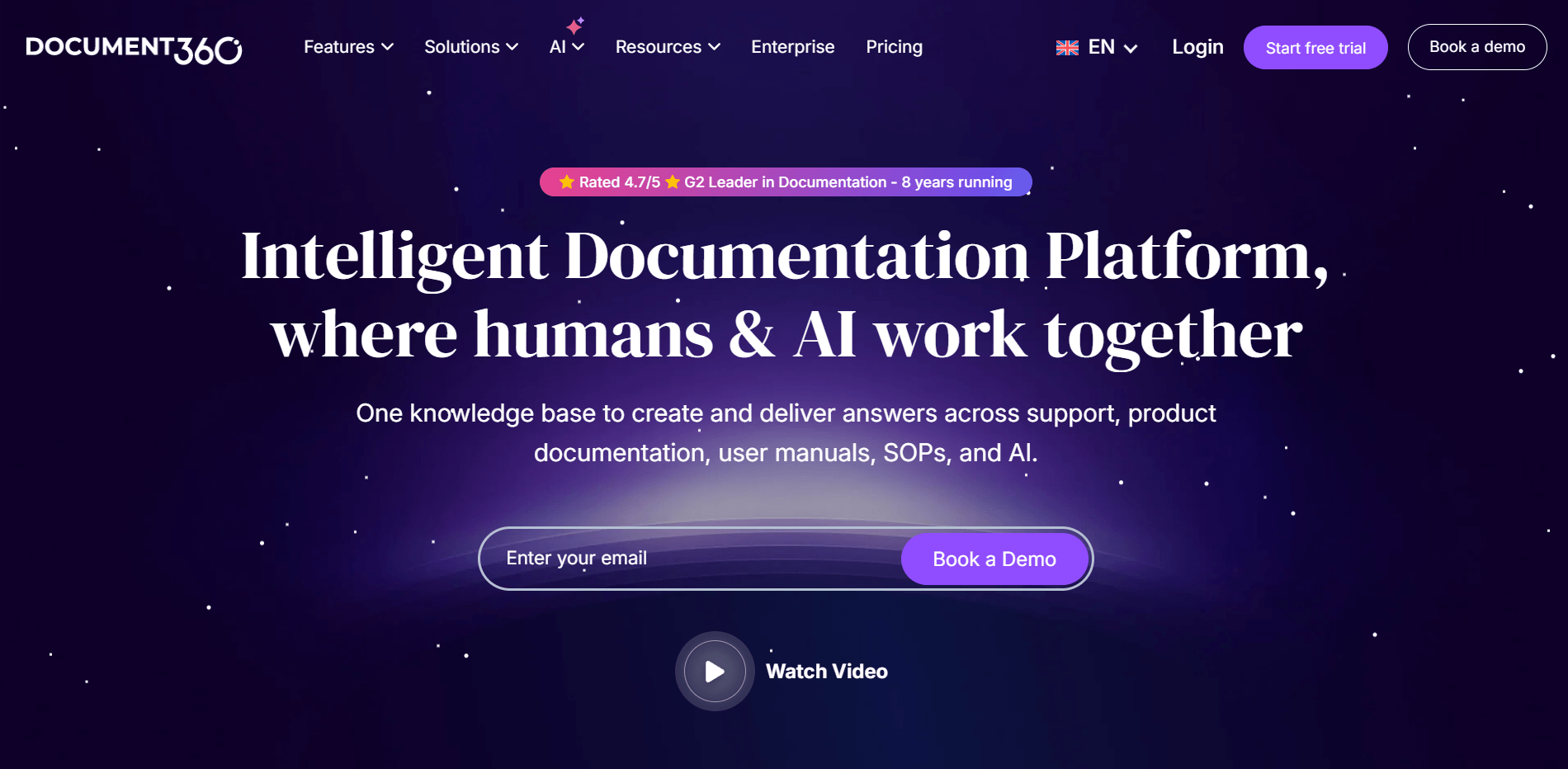
Document360 is the most purpose-built knowledge base tool on this list. Where most alternatives start as general-purpose doc editors and can be used for KBs, Document360 is designed specifically to create, manage, and publish structured knowledge bases — for both internal teams and external customers.
The platform's SEO tooling is particularly strong for teams that want their knowledge base content to rank in search. Each article can be optimized for keywords, has canonical URL controls, and includes structured data configuration. For customer support teams building self-service help centers, this directly reduces inbound support volume.
Knowledge base strengths:
- Category and subcategory structure built specifically for knowledge base organization
- Built-in SEO tools (meta tags, canonical URLs, sitemaps) for search-discoverable documentation
- AI assistant trained on your content for instant Q&A across your KB
- Analytics show article read time, search queries, and content gaps
Limitations:
- No public pricing — all plans require a custom quote, which creates friction for evaluation
- No free plan; pricing is enterprise-grade
- More rigid structure than flexible tools like Notion — better for documented processes than evolving team knowledge
Pricing: Custom pricing across Professional, Business, and Enterprise plans (Document360 Pricing).
Who it's for: Mid-market to enterprise teams building customer-facing help centers or structured internal documentation libraries where SEO and analytics matter.
Beyond Alternatives: Turn Your Knowledge Base into Automated Customer Answers with Solvea

Solvea takes a different angle from every tool above. Where Confluence and its alternatives are primarily built to store and organize team knowledge, Solvea is built to deliver that knowledge to customers — automatically, over phone, email, SMS, and live chat — without anyone on your team handling each interaction.
Think of it as the customer-facing layer that most knowledge base tools assume you'll handle yourself. Once your FAQs, policies, and product information are loaded in, the AI uses them to answer inbound customer questions around the clock. An 80% resolution rate means most queries get resolved without escalation.
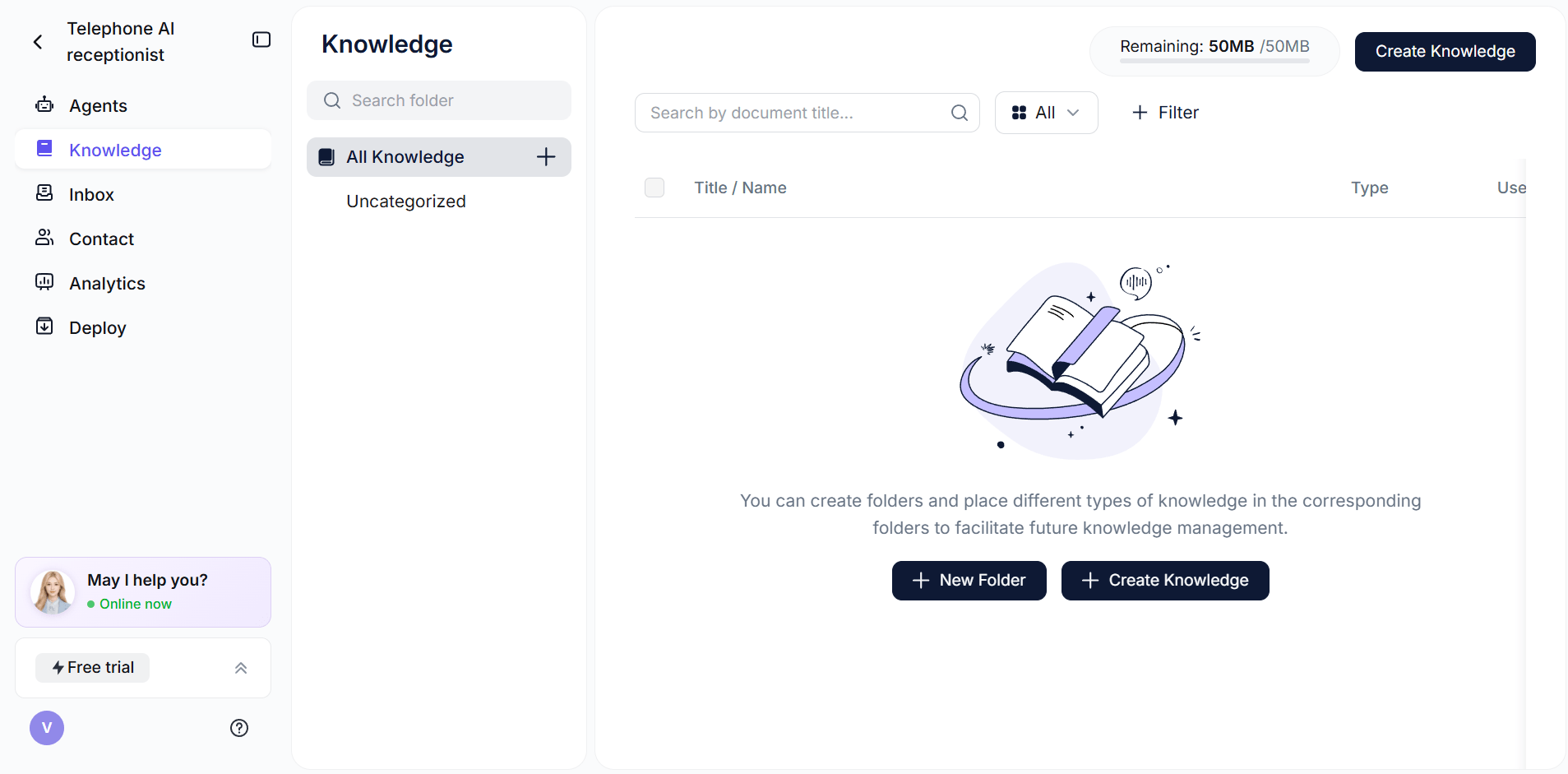
The setup differs from traditional wiki tools: instead of organizing content for human navigation, you're structuring content so an AI can accurately retrieve and deliver answers. Short, specific Q&A entries work better than long narrative documentation — and the built-in knowledge base editor is designed with that in mind.
What Solvea does:
- AI-powered Q&A delivery across phone, email, SMS, and live chat from a single KB
- Connects to external sources — websites, Google Drive, uploaded documents, Shopify, Zendesk
- 80% resolution rate; escalates to human agents only when needed
- 24/7 availability with no staffing overhead
- Setup under 3 minutes, no code required; 10+ industry-specific agent templates
Solvea isn't a Confluence replacement — it's what you add after you've built your knowledge base, to make that knowledge available to customers automatically. If your team fields the same questions over email and phone every day, Solvea is the tool that changes that. Free plan handles 50 customers; Basic plan from $30/month (Solvea Pricing).
How to Choose the Right Confluence Alternative
The right tool depends on what was frustrating you about Confluence, not just what features you need.
If your main need is... | Choose |
Maximum flexibility with low cost | Notion (free plan handles most small-team needs) |
The simplest possible wiki with fast onboarding | Nuclino (cleanest interface, good free tier) |
Answers surfaced inside Slack, without context-switching | Tettra ($8/user/mo, 10 user minimum) |
Real-time knowledge delivery for CS and sales reps | Guru (enterprise, custom pricing) |
Developer docs with Git sync and API tooling | GitBook (free for public docs, paid for teams) |
Docs that include live data tables and automations | Coda ($10/Doc Maker/mo) |
Customer-facing help center with built-in SEO | Document360 (enterprise, custom pricing) |
If you need a free option: Notion, Nuclino, and GitBook all have permanent free plans. Notion's free plan is the most capable for team knowledge bases; Nuclino's 50-item limit is restrictive but enough to start; GitBook's free plan is best suited to public technical documentation.
If you're leaving Atlassian entirely: Notion or Nuclino handles the migration well — both support Markdown import, which works with most Confluence export formats. Tettra also has a Confluence migration guide.
If you're staying in the Google ecosystem: Coda and Tettra both integrate tightly with Google Workspace. Tettra syncs with Google Docs directly; Coda embeds Google Sheets data in documents.
Your AI Receptionist, Live in Minutes.
Scale your front desk with an AI that never sleeps. Solvea handles unlimited multi-channel inquiries, books appointments into your calendar automatically, and ensures zero missed opportunities around the clock.
Frequently Asked Questions
What is the best free alternative to Confluence?
Notion is the most capable free Confluence alternative for team knowledge bases — the free plan supports unlimited pages in one workspace with real-time collaboration. Nuclino is a close second for teams that want a simpler wiki interface, though its 50-item limit on the free plan gets restrictive quickly. GitBook's free plan is strong but better suited to public-facing technical documentation than internal team wikis.
Which Confluence alternative is best for small businesses?
For most small businesses (2–20 people), Notion or Nuclino covers the knowledge base use case well at low or no cost. Tettra is worth considering if your team is Slack-first and you want knowledge surfaced inside conversations rather than requiring a separate search session. All three are significantly easier to set up than Confluence for teams without a dedicated IT or DevOps function.
Can I use these tools as a knowledge base for an AI chatbot?
Yes — any of these tools can serve as the source content for an AI knowledge layer. Notion, Google Drive, and direct file uploads are the most common formats for connecting to AI tools. The key is keeping your content structured and current: AI answers are only as good as the knowledge base they draw from. Short, specific Q&A formatted content generally works better than long narrative documentation.
Is Confluence really that expensive?
Confluence Free covers up to 10 users — for very small teams, it's competitive. The cost concern appears at scale: at 50 users on the Standard plan ($5.42/user/month), that's $271/month. At 100 users, $542/month. Most of the alternatives in this guide are either free, significantly cheaper per user, or priced differently (Coda's Doc Maker model, for example, only charges for content creators). For teams not using Jira, the value proposition weakens considerably.
Does Solvea replace Confluence or work alongside it?
Solvea doesn't replace a knowledge base tool — it works alongside whichever one you use. Solvea handles the customer-facing layer: answering inbound questions over phone, chat, email, and SMS using your knowledge base as its source. If you're currently using Confluence (or one of its alternatives) to store product information, policies, and FAQs, Solvea can turn that stored knowledge into automatic customer responses without anyone on your team needing to answer repetitive questions manually. For teams without a dedicated content writer, the AI FAQ generator can spin up a starter FAQ in under five minutes.