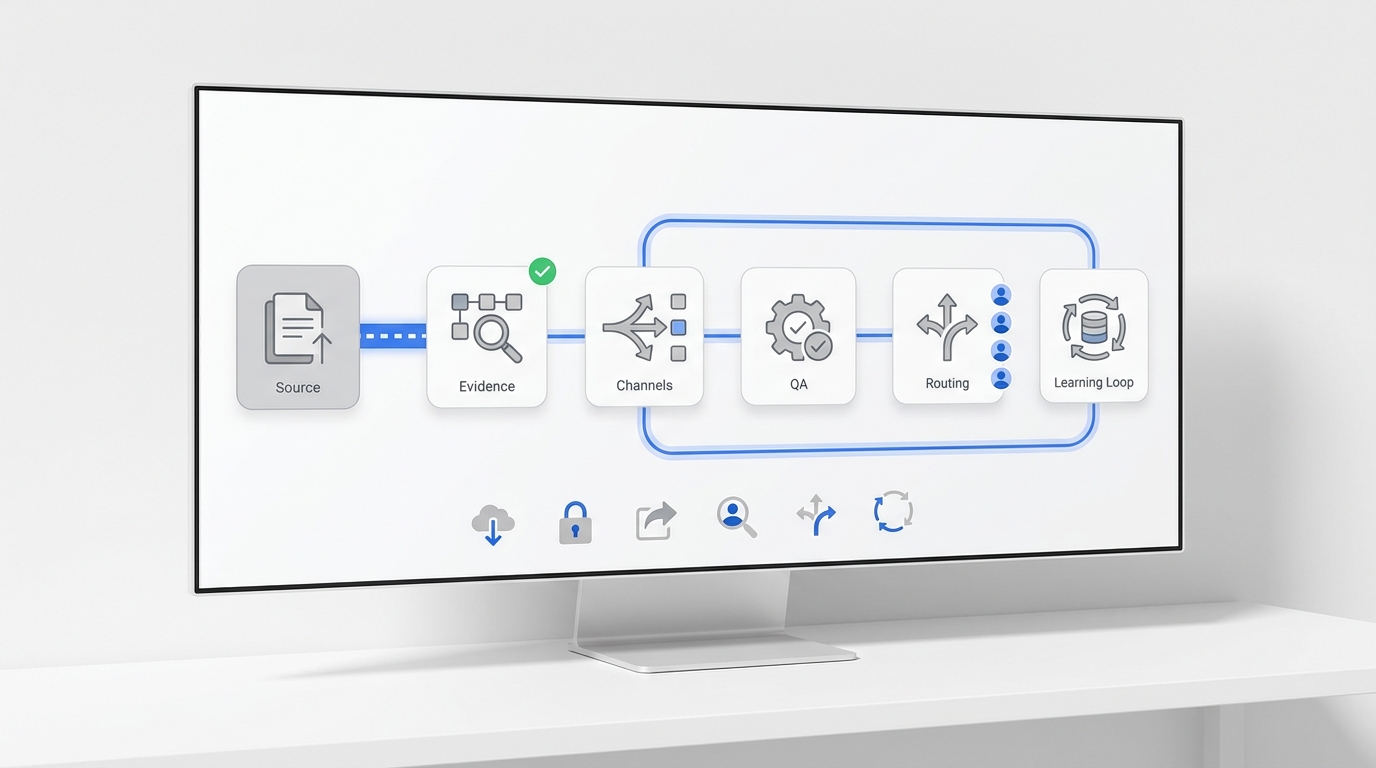
Most teams don't have a knowledge management problem — they have a knowledge chaos problem. The onboarding doc lives in someone's Google Drive. The refund policy is buried in a Slack thread from March. The pricing got updated two months ago, but no one told the person who updates the chatbot. When a customer asks a question at 9 PM, the answer exists somewhere — it's just in four different places, none of which the AI can reach.
Notion and Confluence are the two tools most teams end up comparing when they decide to fix this. Both promise a single source of truth for your team's knowledge. Both are widely adopted. And both have genuine strengths and real limitations that most comparison articles smooth over.
This guide focuses on one specific question: which tool builds a better knowledge base for teams that want their documentation to be readable by humans and usable by AI? We'll compare structure, search, collaboration, AI integration, and pricing — with verified 2026 numbers and no generic platitudes about "team alignment."
TL;DR
Notion | Confluence | |
Best for | Small teams, solo founders, flexible KB | Enterprise teams, Jira shops, structured wikis |
Free plan | ✓ (limited for multi-user workspaces) | ✓ (up to 10 users) |
Starting paid price | $10/user/month (Notion Pricing) | $5.42/user/month (Confluence Pricing) |
KB structure | Block-based, free-form | Page tree, hierarchical |
AI search | Business plan ($20/user/mo) | Standard plan ($5.42/user/mo) via Rovo |
Jira integration | Add-on/third-party | Native |
Who it's for | Teams of 1–20 prioritizing flexibility | Teams of 10–100+ in the Atlassian ecosystem |
Notion is faster to set up and easier to adapt. Confluence is more structured and scales better for complex, department-level knowledge bases. Neither is the obvious winner — the right answer depends on your team size, existing tools, and how you plan to use the KB downstream.
What Is Notion?
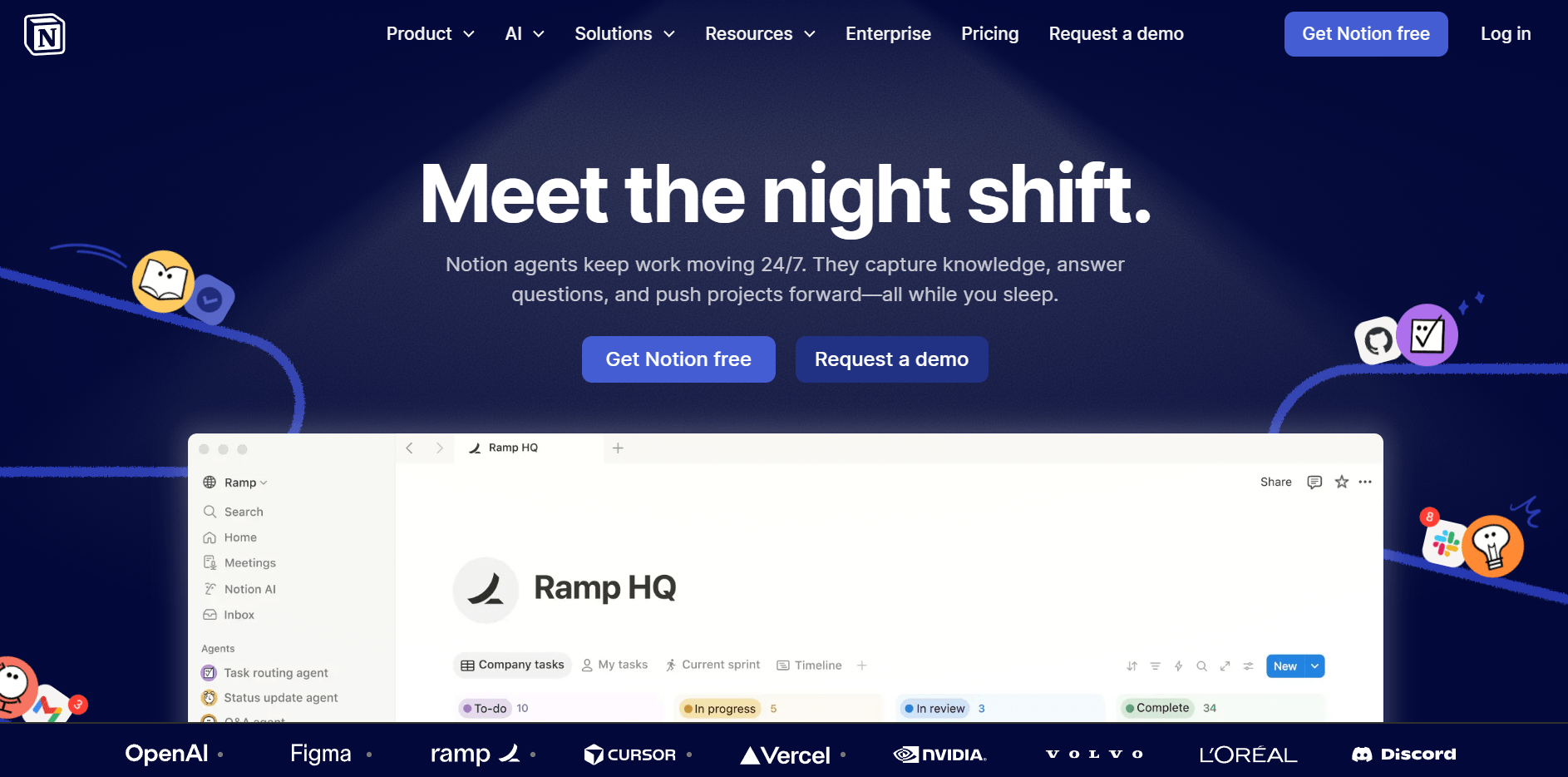
Notion is a block-based workspace that combines documents, databases, and wikis in a single flexible environment. Launched as an alternative to rigid enterprise wikis, it lets you arrange any type of content — text, tables, kanban boards, calendar views — in any order, without being locked into a folder hierarchy. You build the structure you want, rather than the one the software imposes.
For knowledge base use, Notion's strengths are speed and flexibility. A team of two can have a working KB live in an afternoon. Pages link to each other naturally, and Notion's database feature lets you tag, filter, and cross-reference KB entries the same way you'd use a spreadsheet — useful for managing FAQs by topic, status, or product area.
Strengths as a knowledge base:
- No learning curve for new contributors — most people can add a page in minutes
- Database views (table, gallery, filtered list) let you organize KB content in multiple ways from a single source
- Block-level and page-level permissions give granular access control
- Flexible enough to house both internal team docs and customer-facing FAQs in one workspace
Limitations as a knowledge base:
- Free plan limits content blocks for workspaces with two or more members — teams hit this cap faster than expected
- Page history is capped at 7 days (Free) and 30 days (Plus) — relevant if you need to audit when a policy or price changed
- No native "content freshness" or page verification signal below the Business plan ($20/user/month), so stale KB entries can accumulate invisibly
- Without strong team conventions, Notion workspaces tend toward disorder as they scale — the flexibility that makes it fast to start is the same flexibility that makes it hard to govern at 50+ pages
What Is Confluence?
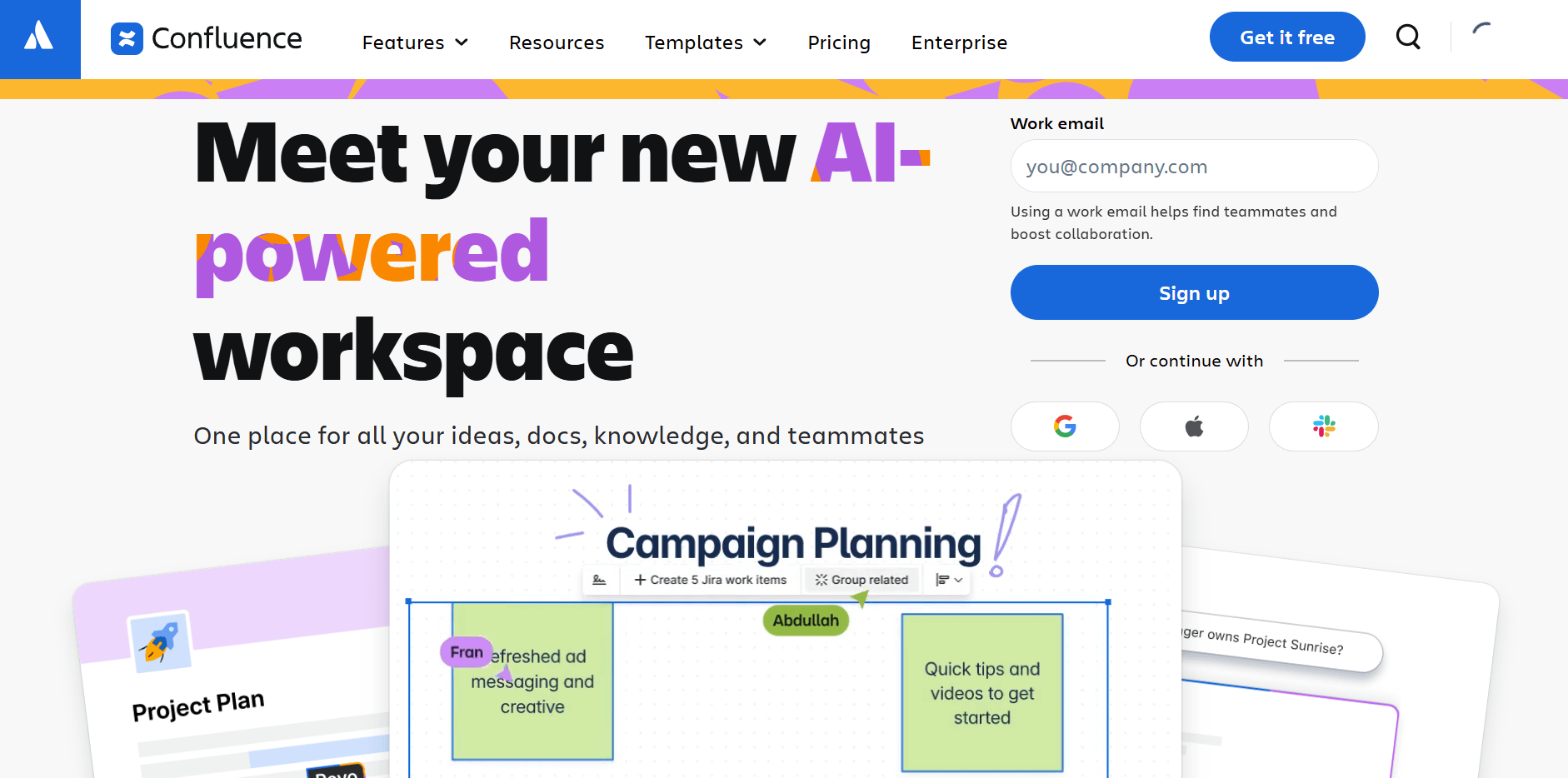
Confluence is Atlassian's team wiki and knowledge management platform, built around a structured page-tree model. Where Notion gives you a blank canvas, Confluence gives you a defined architecture: Spaces (think: departments or product areas) contain Pages (living documents), which can have nested child pages. Every page belongs somewhere in the hierarchy, and that structure is enforced rather than optional.
As part of the Atlassian ecosystem, Confluence integrates natively with Jira, Trello, Loom, and Atlassian's AI layer (Rovo). For engineering, product, and support teams already using Jira, Confluence is the natural companion — meeting notes can link directly to Jira issues, and KB articles can surface live issue statuses without leaving the page.
Strengths as a knowledge base:
- Structured page hierarchy makes large-scale KB navigation intuitive without requiring conventions from every contributor
- Macro system embeds dynamic content directly in pages — live Jira issue lists, status tables, roadmaps, and more
- Page versioning available on all plans — full change history with no time cap, so you always know when content was last modified and by whom
- Anonymous access on Standard+ allows customer-facing public KB pages without requiring readers to have a Confluence account
Limitations as a knowledge base:
- Steeper learning curve — new contributors often need onboarding before they're comfortable creating and organizing pages
- Free plan caps at 10 users and 2GB of storage, which limits practical testing before you commit to a paid plan
- Advanced analytics, unlimited spaces, and automation require the Premium tier at $10.44/user/month — meaningful cost jump for teams that need these features
Notion vs Confluence for Knowledge Base: Detailed Comparison
Structure & Organization
Notion and Confluence use fundamentally different mental models for organizing content, and the choice between them shapes how your KB scales over time.
Notion's block-based canvas has no enforced hierarchy. Every piece of content — heading, paragraph, table, database — is a draggable block. You decide the structure. For a team of five with a shared sense of how to organize documentation, this works well. For a team of 50 where multiple people are adding pages simultaneously, the lack of enforced structure creates drift. A Notion KB that starts organized often looks like a flat pile of pages a year later, unless someone actively maintains the architecture.
Confluence's page-tree hierarchy is rigid by design. Spaces are top-level containers (e.g., "Customer Support KB"), Pages are nested within spaces, and every piece of content has a clear home. New contributors follow the existing structure rather than inventing their own. This means less flexibility at the start, but more predictability at scale.
Notion | Confluence | |
Organization model | Free-form blocks — you define structure | Hierarchical Space → Page → Child page |
Governance | Manual conventions required | Structure enforced by the tool |
Navigation | Sidebar + cross-page links | Breadcrumb trail + space directory |
Content growth risk | Disorganization without team discipline | Rigid structure may slow fast-moving teams |
For KB use with an AI layer downstream, structure matters more than flexibility. Consistently formatted Q&A pairs in a predictable hierarchy outperform free-form notes when AI tools need to find and return accurate answers. Advantage: Confluence for teams building KBs they plan to feed into AI systems.
Search & Retrieval
Search quality is where the gap between the two tools used to be obvious — and where it's closing fastest.
Notion's search indexes all content in your workspace: page titles, body text, and database fields. It's fast for individual users who know what they're looking for. On the Business plan, Notion AI can answer natural-language questions using workspace content. Below Business, search is keyword-based and doesn't synthesize — it finds pages but doesn't answer.
Confluence's native search has historically been the tool's weakest point. Large wikis with hundreds of pages can return surprising misses. But the Standard plan ($5.42/user/month) now includes Atlassian Rovo — an AI search layer that indexes not just Confluence pages but connected tools (Jira, Loom, Slack, GitHub). Rovo answers cross-tool questions in natural language and is meaningfully better than Confluence's old keyword search.
Notion | Confluence | |
Native search | Fast, workspace-wide keyword search | Keyword-based; less reliable in large wikis |
AI search | Business plan ($20/user/mo) | Standard plan ($5.42/user/mo) via Rovo |
Cross-tool search | Limited (Slack, GitHub) | Deep (Jira, Loom, connected tools) |
Minimum cost for AI search | $20/user/month | $5.42/user/month |
If your team only uses Confluence as a standalone KB, Rovo's inclusion in the Standard plan is a meaningful value advantage — you get AI-powered search at less than a third of what Notion charges for the same capability. Advantage: Confluence on AI search per dollar; Notion if you're already on Business for other reasons.
Team Collaboration
Both tools support real-time co-editing, inline comments, @mentions, and page reactions. The differences are in content governance — who can modify what, and how you know when content is stale.
Notion's permission system is granular at the page and block level. You can restrict specific pages to specific users, make some content publicly viewable, and lock editing to certain team members. The flexibility is real, but it's also manual — permissions don't cascade automatically and require setup effort as your team grows.
Confluence's Space-level permissions are more structured. A space admin sets who can read, comment, or edit, and those settings cascade to all pages within the space. This approach reduces the risk of accidental over-sharing as your team scales and reduces the maintenance overhead of managing permissions page by page.
One meaningful feature for KB accuracy: page ownership and verification. Confluence allows page owners to be assigned, making it easier to identify who's responsible for keeping content current. Notion's "Verify any page" feature (Business plan) adds a freshness badge to pages, but only at the $20/user/month tier.
Advantage: Confluence for teams where content ownership and governance matter; Notion for smaller teams that don't need formal content stewardship.
AI & Automation Integration
This dimension will matter most if you plan to connect your KB to an AI tool that answers customer questions automatically.
Notion AI is available as a trial on all plans and fully on Business and above. It can generate, summarize, and search content within your workspace. For connecting Notion content to an external AI agent or chatbot, you'll use Notion's public API — which is well-documented and widely supported by third-party tools, but requires configuration.
Confluence's Rovo (Standard+) is designed for cross-tool knowledge retrieval — indexing Confluence, Jira, Loom, Slack, and third-party tools into a unified search layer. For organizations where knowledge is fragmented across multiple systems, Rovo provides genuine value. For a pure KB use case, the differences narrow.
Neither tool ships with a native connector to AI receptionist platforms out of the box. Both work as knowledge sources for external AI tools via file export or API access. The practical consideration: the cleaner and more structured your KB content, the better any AI tool will perform on it — regardless of whether the source is Notion or Confluence.
Advantage: Tie for most use cases; Confluence if you need cross-tool AI search at lower per-user cost.
Pricing
Both tools have been updated since their earlier pricing structures. Here are the verified 2026 numbers:
Plan | Notion | Confluence |
Free | $0 (block limits for 2+ users) | $0 (up to 10 users, 2GB storage) |
Entry paid | $10/user/month (Plus) | $5.42/user/month (Standard) |
Mid tier | $20/user/month (Business) | $10.44/user/month (Premium) |
Enterprise | Custom | Custom (annual billing required) |
Confluence Standard is meaningfully cheaper than Notion Plus — and includes Rovo AI search, which Notion doesn't offer until the $20/user/month Business tier. For a team of 10 paying annually, that gap is roughly $55/month saved just by choosing Confluence Standard over Notion Plus, with more AI capability included. Turn that knowledge base into a 24/7 self-service channel with an AI knowledge base chatbot.
The caveat: if your team uses Confluence alongside Jira, Jira is billed separately. The combined Atlassian stack cost can exceed Notion's all-in-one pricing for teams that only need documents and KB functionality.
Advantage: Confluence on per-user price and included AI features; Notion if you want a single all-in-one workspace at a flat rate.
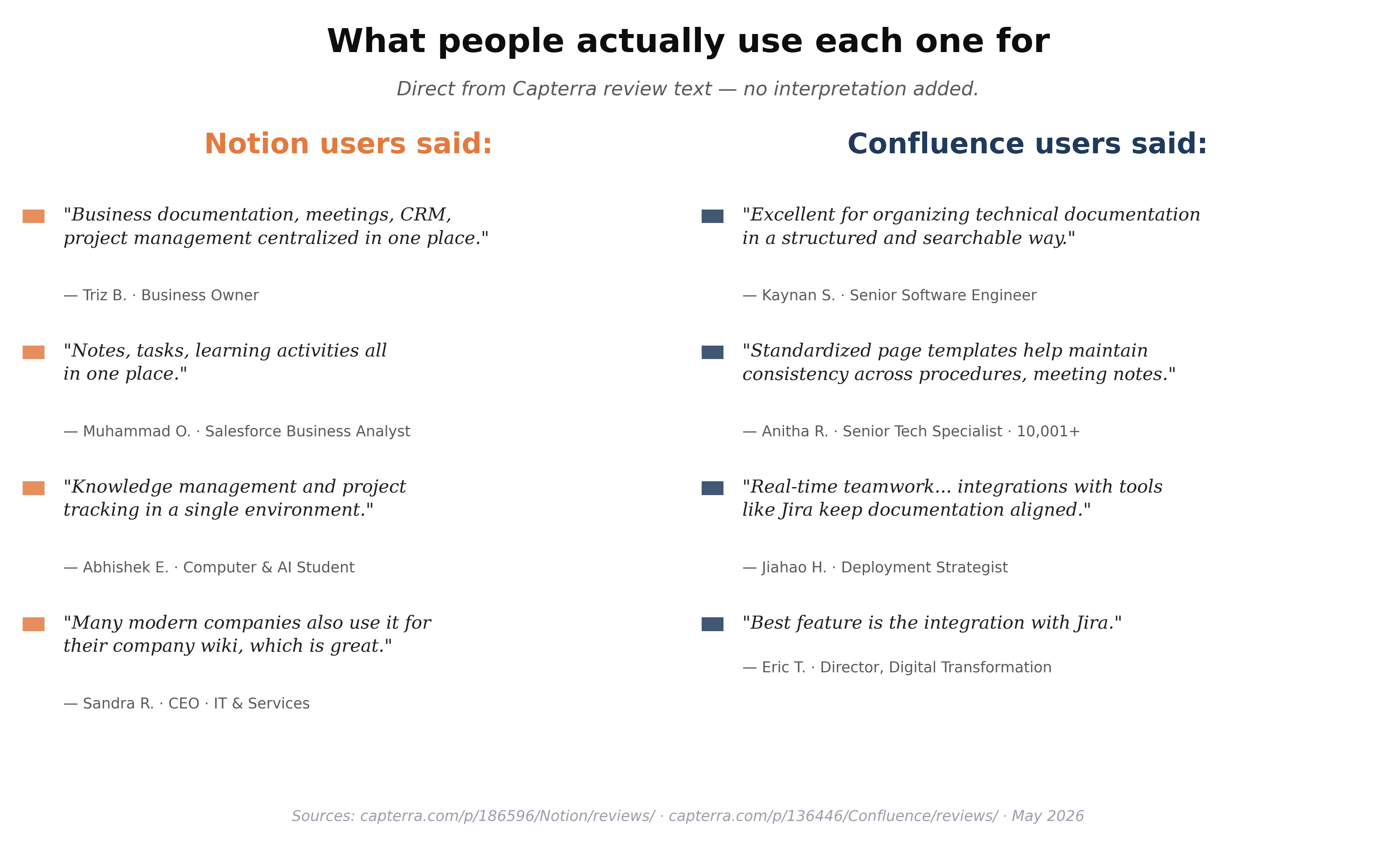
Beyond pricing, what the tools are actually used for differs more than the spec sheets suggest. On Capterra, Notion reviewers describe their use as "business documentation, meetings, CRM, project management, and AI centralized in one place" (Triz B., business owner) — a sprawling all-in-one. On Confluence, reviewers describe "organizing technical documentation in a structured and searchable way" (Kaynan S., senior software engineer) and "the integration with Jira" as the standout feature (Eric T., director of digital transformation). The first is a workspace; the second is a structured documentation system.
Which Should You Choose?
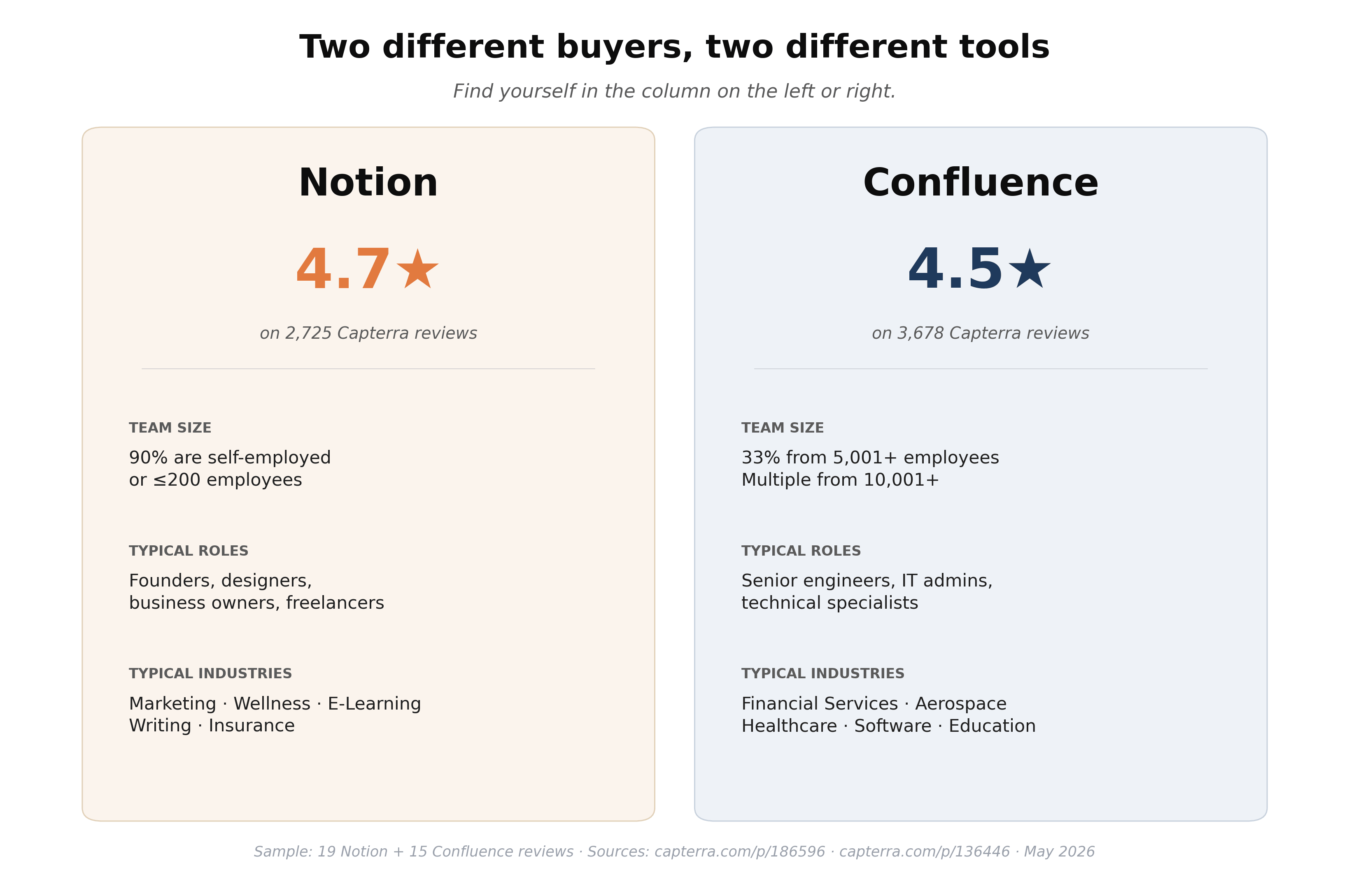
Two profiles emerge clearly when you read both products' reviews on Capterra side by side. Notion reviewers are 90% self-employed or at SMBs of 200 or fewer employees, working in marketing, wellness, education, writing, and similar SMB-friendly fields. Confluence reviewers skew enterprise — 33% from 5,001+ employee organizations, working in financial services, aerospace, healthcare, and software. The right pick mostly tracks the kind of company you work at, not the features.
Skip the feature matrix. Use these decision rules instead:
- Fewer than 10 people, no Jira → Choose Notion. Faster setup, more flexible, and the free plan covers most small-team KB needs without running into user limits.
- Already using Jira → Choose Confluence. The integration is native and the context-linking between issues and KB pages is genuinely useful. Running Notion alongside Jira creates duplication.
- Team of 20+ with formal KB governance needs — page owners, stale-content tracking, permission audits → Choose Confluence. Notion's governance features only appear at the $20/user/month Business tier. Confluence Premium at $10.44/user/month covers all of this.
- Building a KB primarily to feed an AI chatbot or AI receptionist → Either tool works, but Confluence's structured page tree produces more consistently formatted content that AI retrieval handles better.
- Cost is the primary driver for a paid plan → Confluence Standard at $5.42/user/month is the cheapest entry to an AI-capable knowledge base between the two.
Connecting Your Knowledge Base to Your AI Receptionist
Choosing the right KB tool is step one. Step two is deciding what your KB actually does when a customer asks a question.
A knowledge base stored in Notion or Confluence is only as useful as the system that can read and use it. According to a McKinsey Global Institute report, knowledge workers spend an average of 19% of their work week searching for and gathering information — and that number climbs when the KB isn't structured for retrieval. If your support team is manually copying answers from Confluence into live chats, the KB exists but the bottleneck hasn't moved.
AI receptionists address this gap by connecting directly to your knowledge base and using it to answer inbound questions automatically — across phone, email, and chat channels — without a human intermediary for routine queries.
Solvea accepts knowledge base content in document form: PDF, Word, Markdown, or plain text files exported from Notion or Confluence. You can also sync content from a URL. Once connected through Solvea's Settings → Knowledge Base section, your uploaded content becomes the source your AI agent uses to answer customer questions. Setup takes under three minutes for a basic KB.
The practical constraint: the quality of your KB is the ceiling for your AI's answer quality. A Notion or Confluence KB with vague policies, outdated pricing, or missing edge-case answers will produce an AI that gives vague, outdated answers. The right sequence is: build a structured, maintained KB first, then connect it to AI. The tool choice — Notion or Confluence — matters less than the quality of what's in it.
Your AI Receptionist, Live in Minutes.
Scale your front desk with an AI that never sleeps. Solvea handles unlimited multi-channel inquiries, books appointments into your calendar automatically, and ensures zero missed opportunities around the clock.
Frequently Asked Questions
Is Notion better than Confluence for small teams?
For teams under 15 people not already using Jira, Notion is generally easier to set up and maintain as a knowledge base. The block-based interface has a lower learning curve and the free plan covers solo and small-team use without hitting user limits the way Confluence's 10-user free plan does. Confluence's structural advantages — page hierarchy, governance, Rovo AI — become more valuable as team size and content volume grow.
Can I use Notion or Confluence as a knowledge base for my AI chatbot?
Yes. Both Notion and Confluence can serve as knowledge sources for AI tools, typically via file export (Markdown, PDF) or API access. The quality of the AI's output depends directly on how well-structured and up-to-date the source KB is — an AI chatbot trained on vague or contradictory documentation will give vague or contradictory answers.
How do I migrate from Notion to Confluence?
Notion allows export of content as Markdown or HTML. Confluence's import tool accepts HTML pages. The process works reasonably for flat text content, but loses Notion-specific features like database views, linked databases, and custom properties. Plan for manual cleanup of highly-structured Notion pages after import, especially any content using database or gallery views.
Is Confluence free for small teams?
Confluence's Free plan supports up to 10 users with 2GB of storage, unlimited pages and spaces, and core collaboration features. It's a functional starting point for teams under 10. Beyond 10 users, the Standard plan starts at $5.42/user/month (Confluence Pricing), which also includes Atlassian Rovo AI search and advanced permissions.
Does Solvea work with Notion and Confluence?
Solvea accepts knowledge base content as uploaded documents — PDF, Word, Markdown, or plain text — as well as via URL sync. You can export your Notion workspace or Confluence space and upload the files directly to Solvea's Knowledge Base section. Once connected, Solvea uses that content to answer customer questions automatically across phone, email, and live chat, and escalates to a human agent when the answer isn't in the KB. For teams without a dedicated content writer, the AI FAQ generator can spin up a starter FAQ in under five minutes.