Dialpad built its AI Receptionist as a feature inside its cloud phone system — not a standalone product. That design choice shapes everything about what it can do, who it serves best, and where it falls short.
For teams already running Dialpad as their business phone, the AI Receptionist adds smart call routing, natural-language understanding, and real-time transcription without switching tools. For a small business that just needs calls answered 24/7 without committing to a full UCaaS platform, the math looks different.
According to Salesforce's State of the Connected Customer, 80% of customers say the experience a company provides is as important as its products and services — and for many businesses, that experience starts the moment someone picks up the phone. This article breaks down what Dialpad AI Receptionist actually does, what it costs, and how it compares to standalone options.
TL;DR
Detail | |
What it is | AI-powered auto-attendant built into Dialpad's cloud phone system |
Best for | Teams already on Dialpad Business or Enterprise plans |
Channels | Phone only |
Pricing model | Bundled into Dialpad per-user plans |
Standalone option? | No — requires a Dialpad subscription |
SMB alternative | Solvea — $0/mo to start, phone + chat + email, no Dialpad required |
What Is the Dialpad AI Receptionist?
Dialpad AI Receptionist is a natural-language auto-attendant built into Dialpad's business phone platform. Unlike traditional IVR systems that require callers to press 1 for sales and 2 for support, it lets callers speak naturally — "I need to reschedule my appointment" — and routes the call based on what they actually said.
Core capabilities:
- Natural language call routing — understands spoken intent, not just touch-tone inputs
- Real-time call transcription — AI transcribes conversations as they happen
- Voicemail AI summaries — missed calls get auto-summarized for faster agent triage
- Knowledge base responses — answers common questions from a configured FAQ before transferring
- Live coaching triggers — flags keywords in active calls to prompt agent guidance
One important point: this is not a separate product. Dialpad AI Receptionist is bundled into certain Dialpad Business Communications plans. You're not buying an AI receptionist — you're buying Dialpad, and the receptionist features come with it.
How the Dialpad AI Receptionist Handles Calls
When a customer calls a Dialpad number, here's how the flow typically works:
- The AI greets the caller and listens for spoken intent
- Natural language processing maps the request to a department, team, or individual
- The system routes the call or provides a self-service answer from the configured knowledge base
- If no match is found, the call goes to a fallback queue or voicemail
- Missed calls are transcribed and summarized automatically
What Dialpad AI Receptionist Does Well
The real-time transcription is the strongest feature. Every call is captured automatically, which means managers can review conversations without listening to recordings, and agents can revisit missed details in text format.
The natural language routing is also a meaningful upgrade over touch-tone IVR. According to NICE inContact's CX research, reducing caller effort consistently ranks among the top drivers of customer satisfaction — and removing the "press 1 for billing" friction does exactly that.
Where Dialpad AI Receptionist Falls Short
Three gaps come up consistently in practice:
Phone only. The AI Receptionist handles inbound phone calls. Chat, email, and SMS require separate tools or integrations.
Ecosystem lock-in. The feature only works within Dialpad. Businesses on a different VoIP provider — or no VoIP at all — can't access the AI Receptionist without migrating their phone system first.
Per-user pricing. Dialpad charges per seat, which scales well for growing teams but adds up quickly for small operations where only two or three people actually need phone access.
Dialpad AI Receptionist Pricing
Dialpad doesn't sell its AI Receptionist separately. It's bundled into Dialpad Business Communications plans, which are priced per user per month.
At time of writing, plans typically start around $15–$27 per user per month (annual billing), with AI features available on higher-tier plans. Always verify current pricing at Dialpad's pricing page, as bundles change regularly.
For a 5-person team, that's roughly $75–$135/month at minimum — before adding any other tools. For a small business that primarily wants 24/7 call coverage and has no other use for a full cloud communications suite, that overhead is worth scrutinizing.
Dialpad AI Receptionist vs. Other AI Receptionist Options
Not all AI receptionists are built the same way. Here's how Dialpad compares across the main categories:
Dialpad AI Receptionist | Solvea | Traditional IVR | |
Primary use | AI routing inside UCaaS | Standalone AI receptionist | Touch-tone call routing |
Channels covered | Phone only | Phone, live chat, email | Phone only |
Requires existing system | Yes (Dialpad subscription) | No — fully standalone | Yes (PBX or VoIP) |
Natural language | Yes | Yes | No |
Pricing starts at | ~$15/user/mo (annual) | $0/mo | Varies by system |
Setup time | Hours to days | Under 3 minutes | Days to weeks |
Knowledge base answering | Yes | Yes | No |
Human handoff | To Dialpad agents | To any team via Inbox | To configured extension |
Who it's for | Dialpad customers | SMBs and multi-channel teams | Large enterprises with IT |
The real decision isn't about features in isolation — it's about whether you need a full phone system or just an AI that answers calls and handles customers across channels.
Solvea as an AI Receptionist Alternative for Teams Not on Dialpad
If you're not already a Dialpad customer, building your AI receptionist on top of a UCaaS platform is like renting a commercial kitchen because you need somewhere to make coffee. Solvea was built for teams that need the AI answering function without the surrounding phone infrastructure.
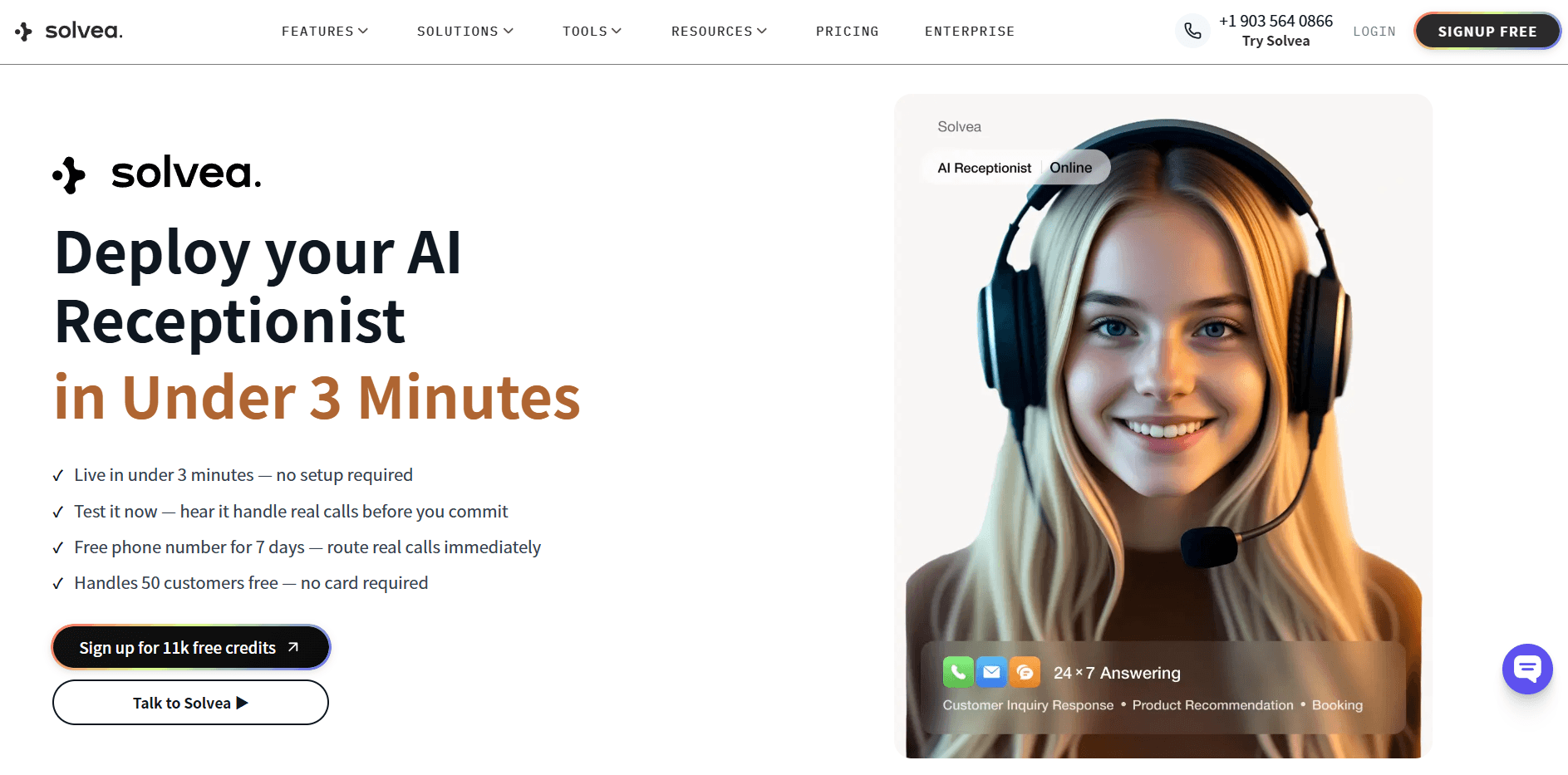
Solvea handles phone calls, live chat, and email from a single agent — trained on your knowledge base, connected to Shopify, HubSpot, Google Calendar, Zendesk, and Slack, and deployable in under three minutes without any code. It runs 24/7, handles multilingual conversations, and escalates to a human when needed via its Inbox.
Pricing starts at $0/month — 1,000 monthly credits, 3 agents, and a 7-day trial phone number included. The Basic plan is $30/month flat, no per-user fees.
For businesses already committed to Dialpad, the AI Receptionist is a logical add-on. For everyone else evaluating AI receptionists for the first time, a standalone tool is usually the faster, cheaper starting point.
Conclusion
Dialpad AI Receptionist is a capable tool for call routing and transcription — inside the Dialpad ecosystem. For teams already running Dialpad, enabling the AI Receptionist is a natural step: no new system to learn, no migration, and real improvements to how inbound calls get handled.
The limitation is structural. It's a feature inside a UCaaS platform, not an independent product. Businesses that want multi-channel coverage, are starting from scratch, or don't need a full cloud phone suite will find standalone AI receptionist tools a more practical and cost-effective starting point.
Your AI Receptionist, Live in Minutes.
Scale your front desk with an AI that never sleeps. Solvea handles unlimited multi-channel inquiries, books appointments into your calendar automatically, and ensures zero missed opportunities around the clock.
FAQ
Does Dialpad have an AI receptionist?
Yes. Dialpad includes an AI Receptionist in its Business Communications platform. It uses natural language processing to route calls, answer from a knowledge base, transcribe conversations in real time, and summarize voicemails. It is not sold as a standalone product — it comes bundled with certain Dialpad plans.
How much does Dialpad AI Receptionist cost?
The AI Receptionist is included in Dialpad's per-user plans, which start around $15–$27/user/month billed annually. There is no separate AI Receptionist purchase. Check Dialpad's site directly for current plan details, as bundles change frequently.
Can Dialpad AI Receptionist handle chat and email?
No. Dialpad AI Receptionist is designed for inbound phone calls. For live chat and email, you would need additional tools or a platform like Solvea that manages all three channels from a single AI agent.
What's the difference between Dialpad AI Receptionist and a traditional IVR?
Traditional IVR uses touch-tone input — callers press numbers to navigate a menu. Dialpad AI Receptionist uses natural language processing, so callers speak naturally and the system routes based on intent. It also adds real-time call transcription and knowledge base answering, which standard IVR systems cannot do.
Is there a free alternative to Dialpad AI Receptionist?
Solvea offers a free plan ($0/month) that includes 1,000 monthly credits, 3 agents, and a 7-day trial phone number. It covers phone, live chat, and email without requiring a Dialpad subscription or any existing phone system.