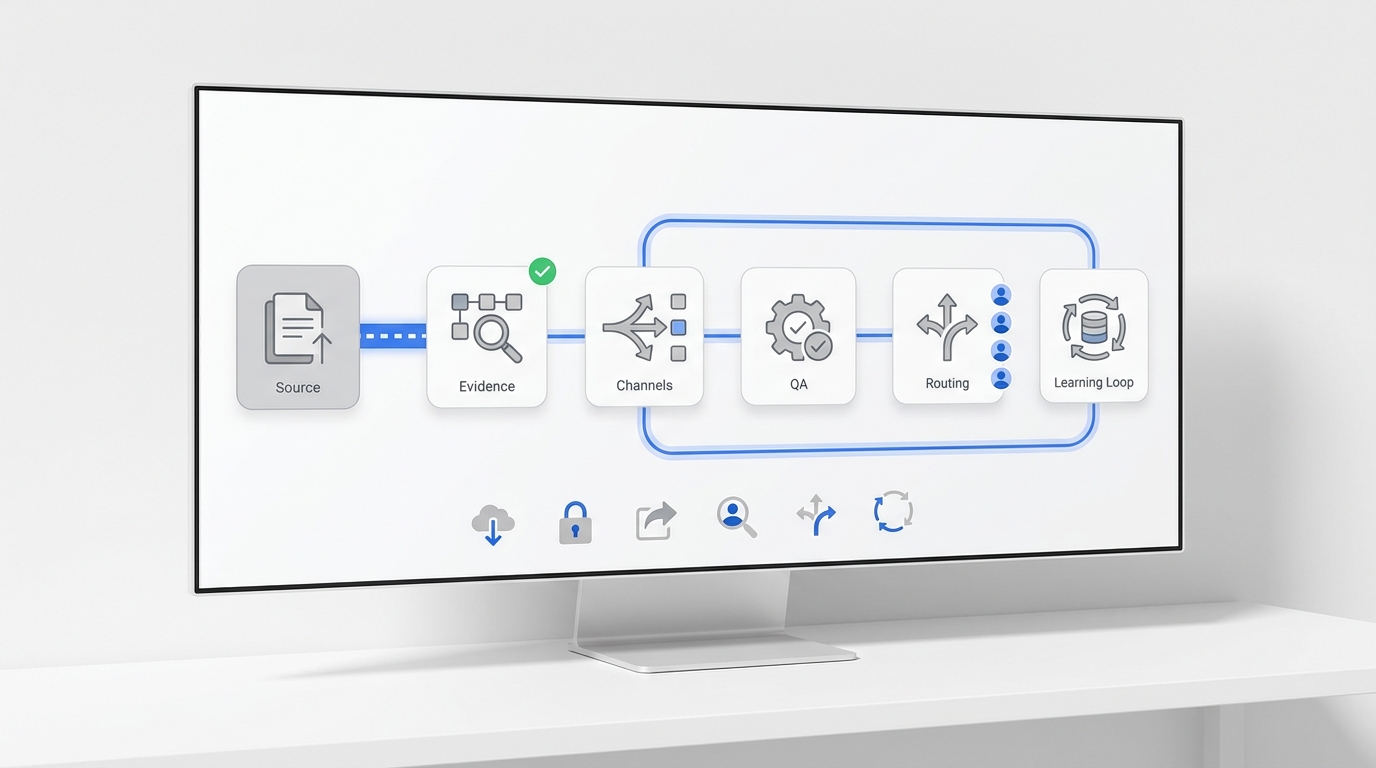
IVR was designed for a world where "automated" meant menus. An AI receptionist is designed for a world where "automated" means resolved. Those are two very different promises — and choosing the wrong one means callers spend 90 seconds navigating options before giving up, or your team keeps fielding the same questions because the system can't answer them.
Both handle inbound calls without a human on the line. That's where the similarity ends. The decision comes down to what you need the call to accomplish: route it to someone, or resolve it on the spot.
TL;DR
AI Receptionist | IVR | |
How it handles calls | Natural language conversation — callers speak normally | Pre-recorded menus, keypad input (Press 1 for…) |
What it can resolve | Answers questions, books appointments, takes messages, escalates | Routes calls, collects basic info |
Caller experience | Conversational, no menu navigation | Menu-driven, high abandonment when options don't fit |
Understands natural language | ✓ | ✗ |
Available 24/7 | ✓ | ✓ |
Setup time | Minutes (no code required) | Hours to days, often requires telephony team |
Starting cost | Free–$30/month | $50–$300+/month |
Who it's for | SMBs and service businesses wanting full call resolution | Large call centers with predictable, high-volume structured call types |
Call a utility company's IVR at 8 PM and you'll press through three menu levels before reaching a dead end. Call a business with an AI receptionist at 8 PM and you'll get your question answered, your appointment confirmed, or a clear message that someone will follow up — all in under two minutes.
That gap isn't about the underlying technology. It's about what each system was built to do. IVR routes. AI receptionists resolve. Knowing which one you need starts with understanding how each actually works.
What Is an IVR System?
IVR — Interactive Voice Response — is a phone system technology that greets callers with pre-recorded prompts and routes them based on keypad input or basic voice commands. "Press 1 for Sales. Press 2 for Support. Press 3 for Billing."
The underlying mechanism is simple: a call comes in, the IVR plays a menu, the caller responds with a digit or a recognized phrase ("yes," "no," "billing"), and the system routes the call accordingly. This works reliably when the caller's need matches one of the predefined paths.
Where IVR genuinely earns its place:
- High-volume call centers where the vast majority of callers fall into a handful of predictable categories
- Simple authentication workflows (enter your account number to confirm your identity)
- After-hours call capture when the goal is collecting a callback number, not resolving the request
- Routing to the right department in a large organization with dozens of distinct teams
- Basic status inquiries when the answer can be pre-recorded ("Our offices are open Monday through Friday…")
Where IVR breaks down:
The problems surface the moment a caller's need doesn't fit the menu. A customer calling to ask whether their specific insurance is accepted, whether you have an appointment available on a particular afternoon, or whether their order can be redirected to a different address — none of those map to a keypad option. The caller either presses 0 repeatedly until they reach a human, or hangs up.
There's also a maintenance cost that often goes unacknowledged. Every time your hours, team structure, or service offerings change, someone needs to re-record prompts, re-map routing logic, and re-test the system. For a fast-moving small business, that overhead is disproportionate.
What Is an AI Receptionist?
As a part of AI answering service, an AI receptionist is software that handles inbound calls using natural language understanding — the caller speaks normally, and the system understands intent, responds conversationally, and takes action.
The core difference from IVR isn't that it sounds more human. It's that it can actually do things. A well-configured AI receptionist can answer a question about your services, check appointment availability, confirm a booking, take a message with context, and route the call to the right person with a full summary — without the caller navigating a single menu.
What an AI receptionist handles in practice:
- FAQ resolution: business hours, pricing, location, policies — answered instantly, any time of day
- Appointment intake: collecting name, contact info, preferred time, and service type before booking or routing
- Lead qualification: asking the right questions to determine whether a caller is a new customer, an existing client, or a vendor — and responding accordingly
- After-hours coverage: handles the full call at 11 PM rather than just collecting a callback number that might sit in a queue until morning
- Smart escalation: transfers to a human agent with context when the request genuinely needs human judgment — billing disputes, complex complaints, urgent medical situations
Think of it this way: IVR asks callers to fit their needs into your menu structure. An AI receptionist meets callers where they are.
AI Receptionist vs IVR: How They Compare
How They Handle Incoming Calls
IVR operates on a decision tree. Every branch must be anticipated and programmed in advance. The system is exactly as capable as its menus — no more.
An AI receptionist operates on intent recognition. The caller says what they need, the system identifies the intent, accesses the relevant information or tool, and responds. It handles variation in phrasing ("I want to reschedule," "Can I move my appointment," "I need to change my booking time") as naturally as a front desk employee would.
This distinction matters most for businesses where callers have diverse, specific needs. A restaurant with three menu options and a reservation line is well-served by IVR. A medspa where callers ask about treatment eligibility, aftercare protocols, pricing for specific services, and wait times for particular providers needs something that can actually answer those questions.
Resolution Depth: What Each Can Actually Do
IVR | AI Receptionist | |
Answer a specific FAQ | ✗ (unless pre-recorded verbatim) | ✓ |
Book an appointment | ✗ | ✓ |
Take a detailed message | ✗ | ✓ |
Route to the right person | ✓ | ✓ |
Explain pricing for a specific service | ✗ | ✓ |
Confirm a return policy with conditions | ✗ | ✓ |
Handle a caller who goes off-script | ✗ | ✓ |
Escalate with context to a human | Basic transfer only | Full context handoff |
The practical consequence: IVR reduces call volume to your team by routing efficiently. An AI receptionist reduces call volume by resolving directly. For most small and mid-sized businesses, resolution is the goal — routing is just overhead.
Caller Experience
IVR caller frustration is well-documented and consistent. According to Zendesk's Customer Experience Trends Report, speed of resolution and effort required are the two factors that most directly determine customer satisfaction on phone calls. IVR scores poorly on both: it introduces mandatory wait steps before the caller even reaches the resolution layer, and it forces effort (navigating menus, re-entering information) even for simple requests.
The "press 0 to reach an operator" behavior — where callers skip the entire IVR system to reach a human — is a visible signal that the automated layer isn't adding value. When callers bypass the system, the IVR isn't reducing load on your team; it's just adding friction before the load arrives.
AI receptionists don't eliminate the possibility of frustration, but they remove the primary source of it: the mismatch between what the caller needs and what the menu offers. A caller who reaches a system that understands them, responds correctly, and resolves their question in two minutes doesn't need to press 0.
Setup and Maintenance
IVR implementation typically involves a telephony provider, recorded audio files (professional voiceover is standard), call routing logic programmed by a technical team, and ongoing updates every time your team structure, hours, or offerings change. Mid-market IVR deployments run from days to weeks.
AI receptionist setup, in the modern no-code generation, is measured in minutes. The core inputs are your business information, FAQs, and any connected tools (calendar, CRM, knowledge base). The system learns from this content rather than requiring explicit programming of every scenario. Updates happen through the knowledge base — change an answer there, and the AI's responses update automatically.
Maintenance overhead is also substantially lower. IVR requires re-recording and re-routing when anything changes. An AI receptionist requires updating a document.
Cost
IVR | AI Receptionist | |
Entry-level | $50–$150/month | Free–$30/month |
Mid-range | $150–$500/month | $30–$100/month |
Enterprise | Custom, often $1,000+/month | Custom |
Setup costs | Often $500–$5,000 (implementation) | $0 (self-serve) |
Maintenance | Ongoing telephony team time | Knowledge base updates |
IVR pricing frequently underestimates total cost. The per-minute or per-channel fees are visible; the implementation, ongoing maintenance, and staff time spent updating menus often aren't. AI receptionist pricing tends to be more all-in: a monthly plan covers minutes, channels, and updates.
Which One Is Right for Your Business?
Choose IVR if:
- You run a large call center with 50+ agents and highly predictable, structured call types
- Your callers' needs genuinely map to 3–5 fixed categories, and exceptions are rare
- You have a telephony team to implement and maintain the system
- Your primary goal is routing efficiency, not resolution depth
Choose an AI receptionist if:
- You're a small or mid-sized business where the phone is a primary revenue channel
- Callers ask a wide range of questions that don't fit a menu — service availability, pricing details, appointment eligibility, return policies
- You want calls handled and resolved outside business hours, not just routed to voicemail
- You don't have a technical team to build and maintain a call tree
- Your goal is fewer calls reaching your team, not just faster routing to your team
The case for replacing IVR with an AI receptionist:
Most small businesses implemented IVR because it was the only affordable automated option. That's no longer true. A modern AI receptionist starts at $0/month, takes minutes to configure, and resolves the calls that IVR would have dropped into a queue or lost to abandonment.
The question isn't whether IVR or AI is more sophisticated. It's whether routing or resolution serves your callers better — and for most businesses receiving under 500 calls a day, resolution wins.
How Solvea Replaces the IVR for Small and Mid-Sized Businesses
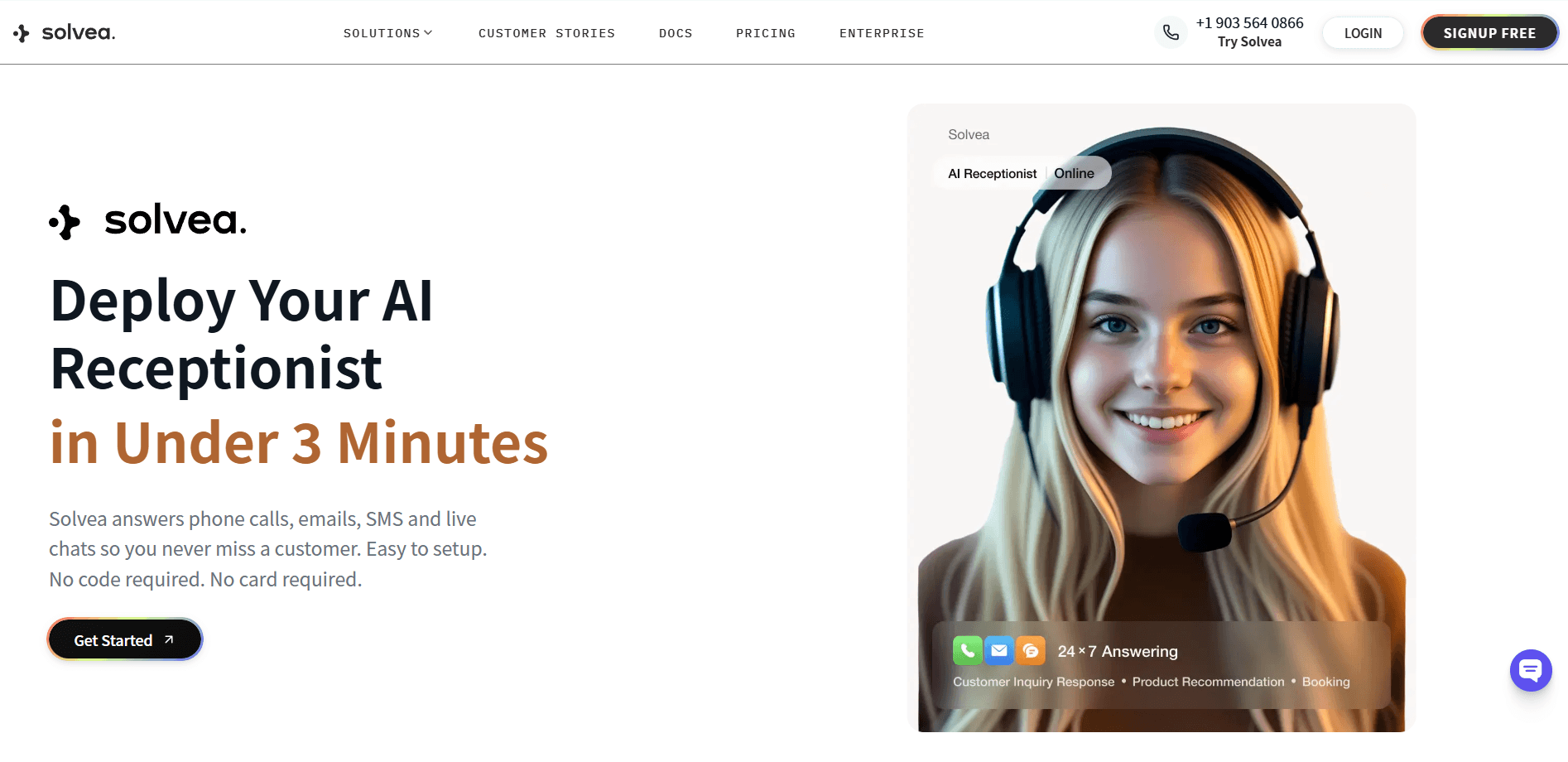
Solvea is built specifically for businesses that need call resolution, not call routing. It handles inbound phone calls, live chat, and email from a single platform — and resolves the majority of inquiries without a human in the loop.
The setup that would take a week with IVR takes three minutes with Solvea. You describe your business, upload your FAQ content or connect your knowledge base, and the AI is ready to answer calls, respond to chats, and handle emails in your voice, with your policies, 24/7.
Where an IVR would route a Friday evening call to voicemail, Solvea answers it, confirms the appointment, and sends a booking confirmation. Where an IVR would send a caller through three menu levels to ask about pricing, Solvea answers the specific pricing question in the first response.
For businesses that have outgrown voicemail but don't have the volume to justify enterprise IVR infrastructure, Solvea is the practical middle path: automated, conversational, and genuinely resolving — not just redirecting.
Your AI Receptionist, Live in Minutes.
Scale your front desk with an AI that never sleeps. Solvea handles unlimited multi-channel inquiries, books appointments into your calendar automatically, and ensures zero missed opportunities around the clock.
FAQ
Is IVR the same as an automated phone system?
IVR is one type of automated phone system — specifically one that uses pre-recorded menus and keypad input for call routing. Not all automated phone systems are IVR. AI receptionists are also automated, but they use natural language understanding instead of menus, which means callers speak naturally rather than pressing digits.
Can an AI receptionist fully replace an IVR?
For most small and mid-sized businesses, yes. An AI receptionist handles everything IVR does (routing, basic info, after-hours coverage) plus what IVR can't do (answer specific questions, book appointments, take detailed messages, resolve inquiries end-to-end). For large enterprises with complex telephony infrastructure and high compliance requirements, IVR may still serve as part of a layered system. Need a greeting that doesn't sound like 1998? Generate one instantly with this AI voicemail greeting generator.
How much does an IVR system cost compared to an AI receptionist?
IVR typically starts at $50–$150/month for basic plans, often with additional implementation and maintenance costs. AI receptionists like Solvea start at $0/month for a free tier and $30/month for a full-featured plan. IVR's true cost is often higher when implementation time and ongoing maintenance are included.
What happens when a caller's question doesn't fit the IVR menu?
In most IVR systems, the caller either presses 0 to reach an operator, stays on hold until transferred, or abandons the call. This is one of the most common failure modes of IVR-only setups — the system handles the calls it was designed for and loses the rest. An AI receptionist handles off-script requests by understanding intent and responding appropriately, rather than defaulting to a menu loop.
Does switching from IVR to an AI receptionist require technical expertise?
With modern no-code platforms, no. Setting up an AI receptionist typically involves describing your business, uploading a FAQ document or policy summary, and connecting any relevant tools like a calendar or CRM. The system configures itself from that content. Switching from IVR to an AI receptionist doesn't require a telephony team or programming — which is a significant practical difference for businesses without dedicated IT support.